Stumur93
Members
-
Joined
-
Last visited
-
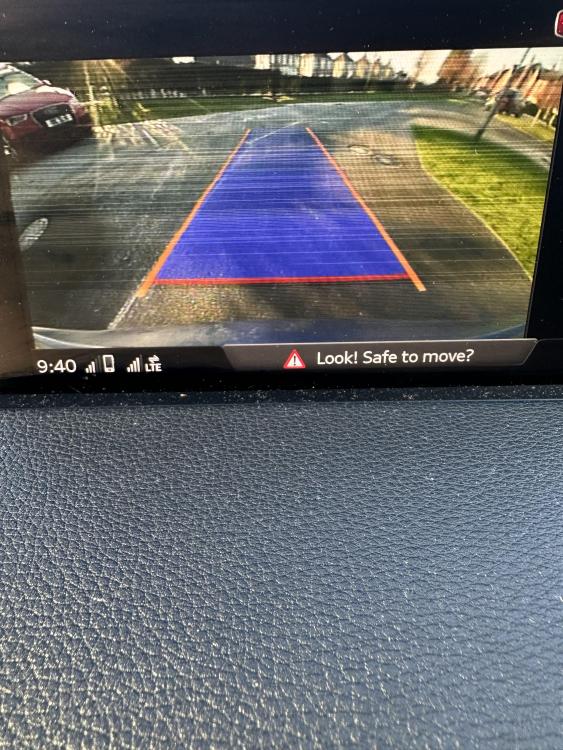
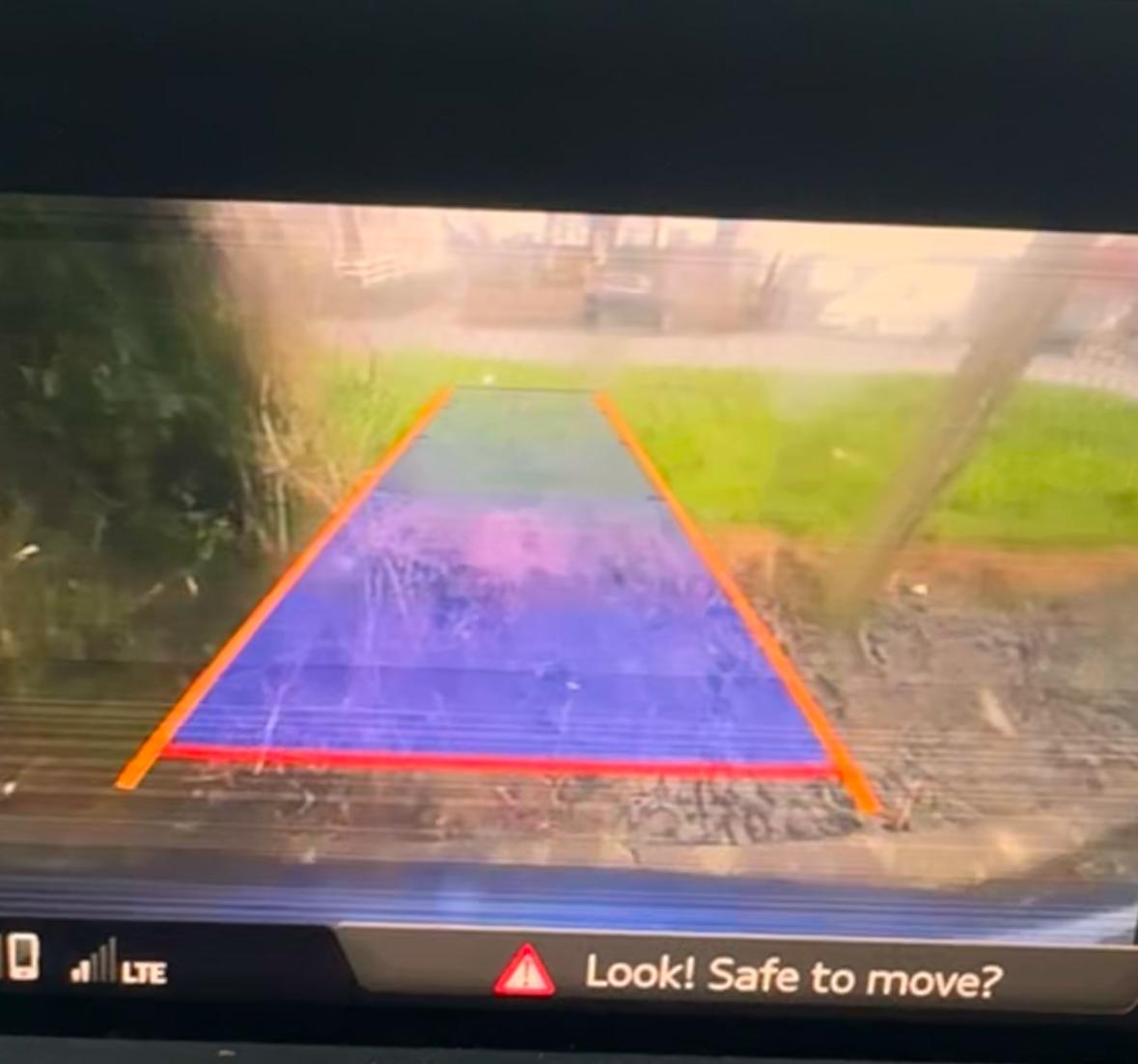
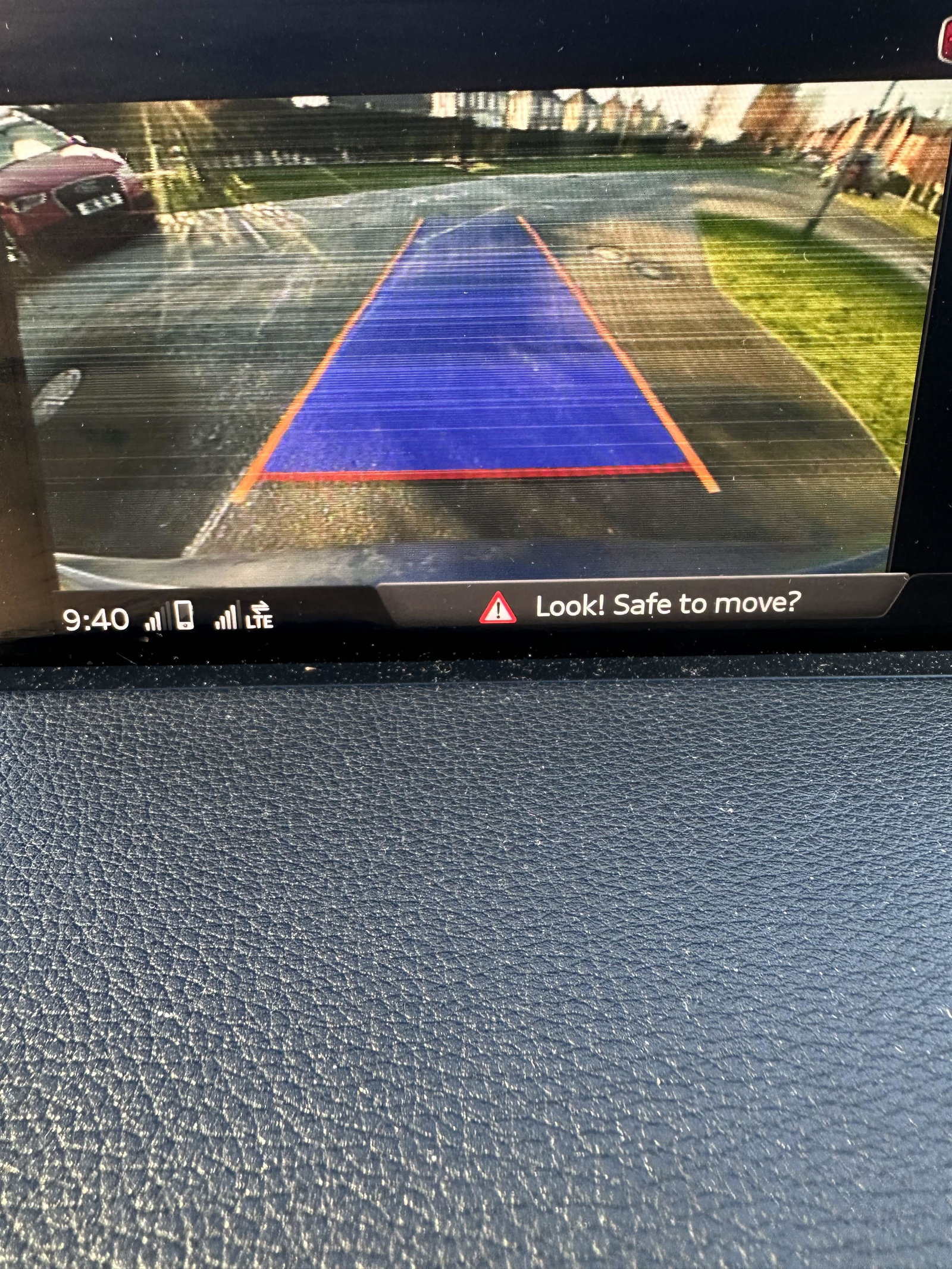
Could their be any possible connection from the reverse camera to the front fuse box location at passenger side? only noticed reverse camera flickering and a blocked sunroof drain causing damp passenger footwell on same day. Drains Should be now. But still a flickering reverse camera
-
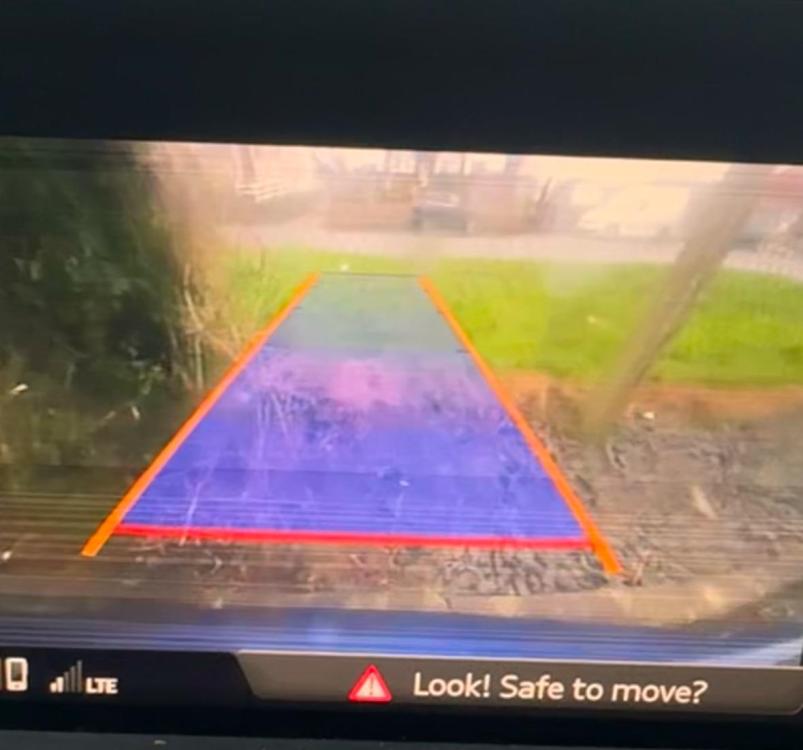
Anyone have any ideas or starting points on why the reverse camera has fainted line? 2016 Q7 4M
-
Did you ever fix?
-
Steering Wheel Help - 2016 Q7 4M Working perfect until yesterday. Fault - No functions working on steering wheel - Horn (when pressed background lights come on steering wheel but no noise), All Buttons when pressed do nothing I.e volume and left right selection, ok, view, back buttons and flappy pedals. No Error lights on dash at all. Video 1 - shows when pressed nothing is working. Video 2 - shows the background lights coming on buttons when pressing horn Note: Reverse Camera also showing these lines. Regards IMG_9117.mov IMG_9118.mov