Skip to content
View in the app

A better way to browse. Learn more.

Audi Owners Club (UK)

A full-screen app on your home screen with push notifications, badges and more.

To install this app on iOS and iPadOS
  1. Tap the Share icon in Safari
  2. Scroll the menu and tap Add to Home Screen.
  3. Tap Add in the top-right corner.
To install this app on Android
  1. Tap the 3-dot menu (⋮) in the top-right corner of the browser.
  2. Tap Add to Home screen or Install app.
  3. Confirm by tapping Install.

Kev-P

Established Member
  • Joined

  • Last visited

Everything posted by Kev-P

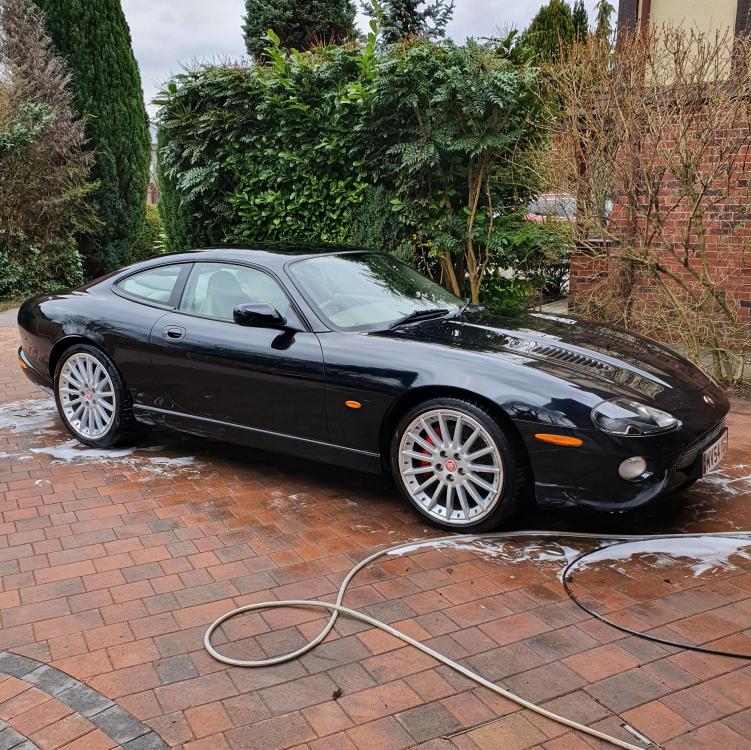
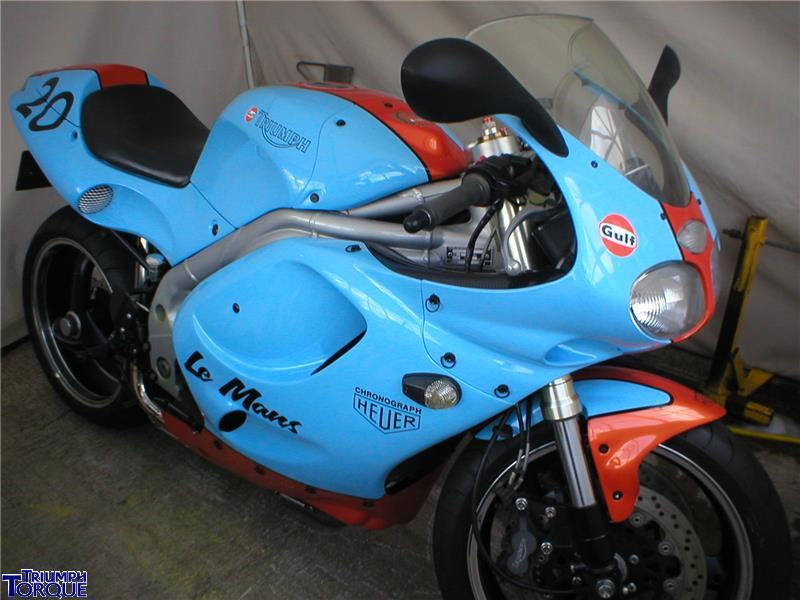
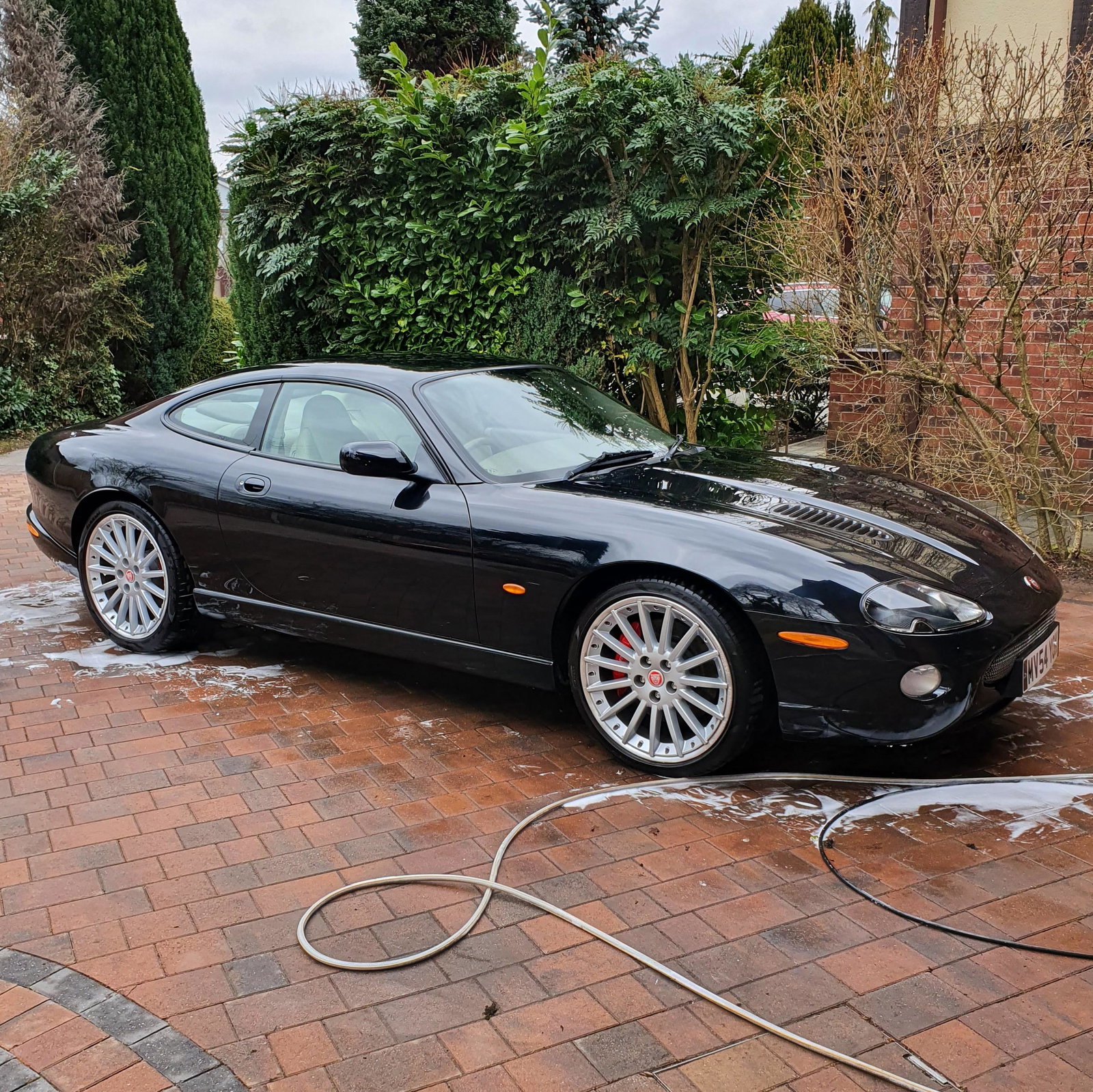
  1. Nothing been posted for a while so thought I'd add mine. As well as the Q7 for the daily drive. I have an XKR for occasional use And a Triumph Daytona T595
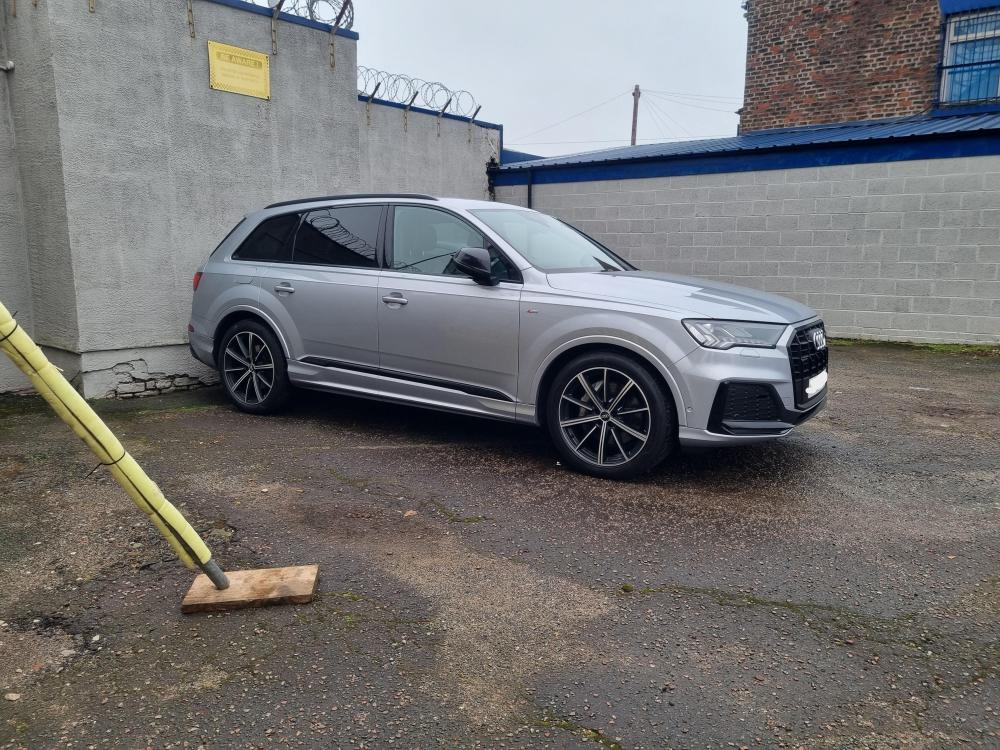
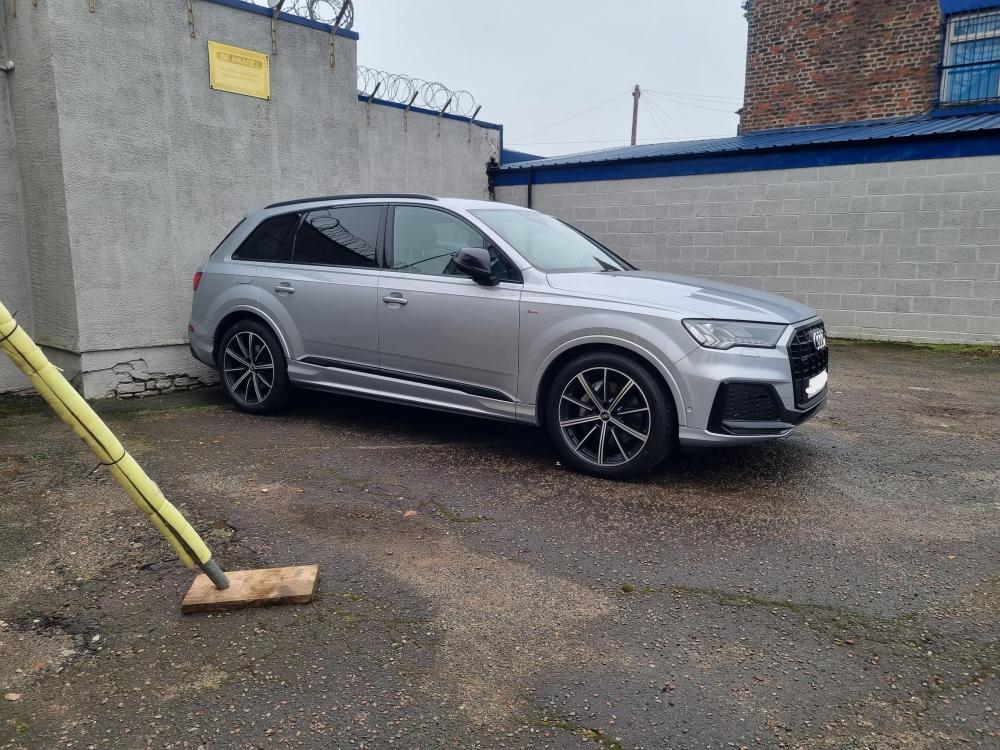
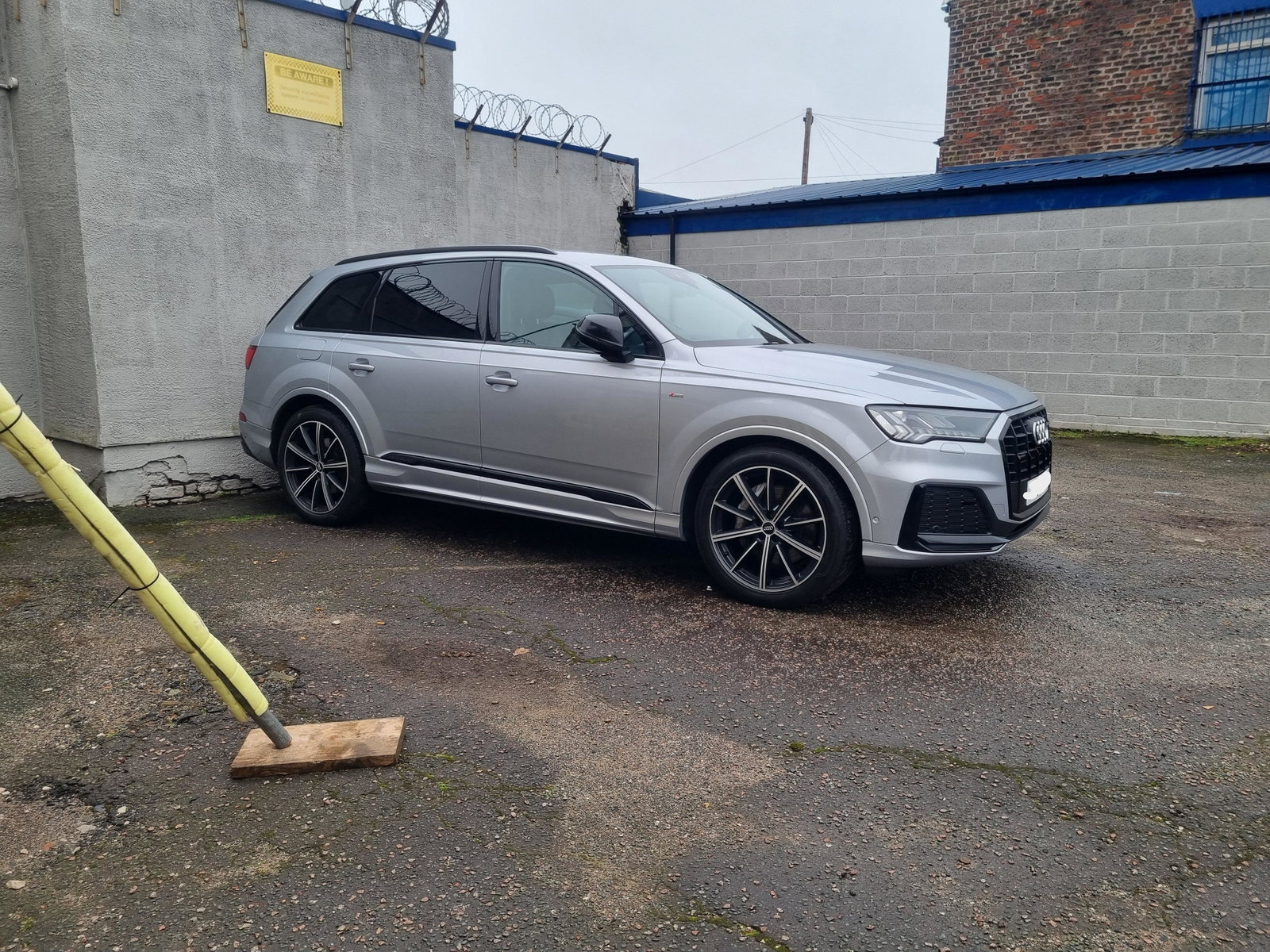
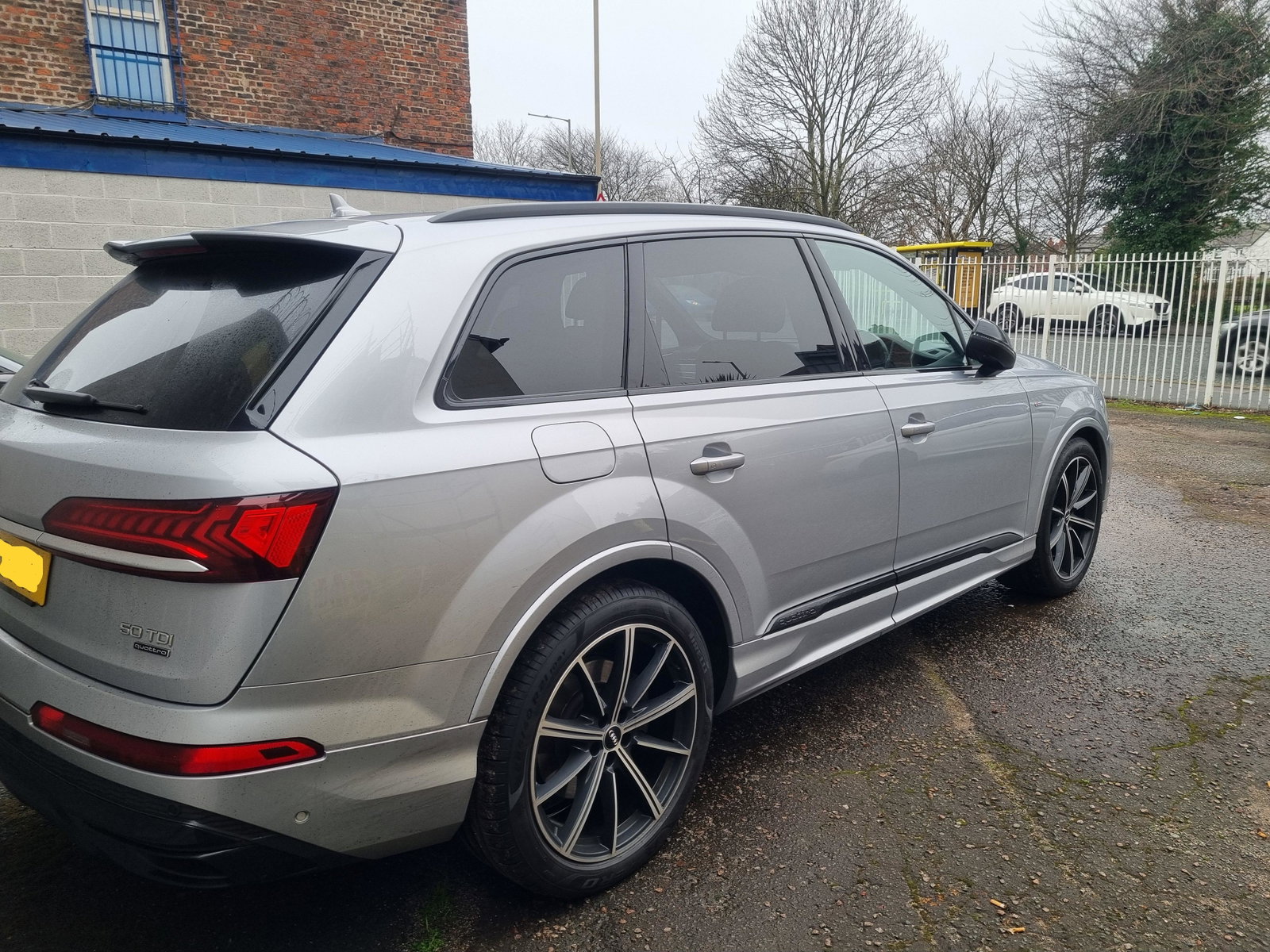
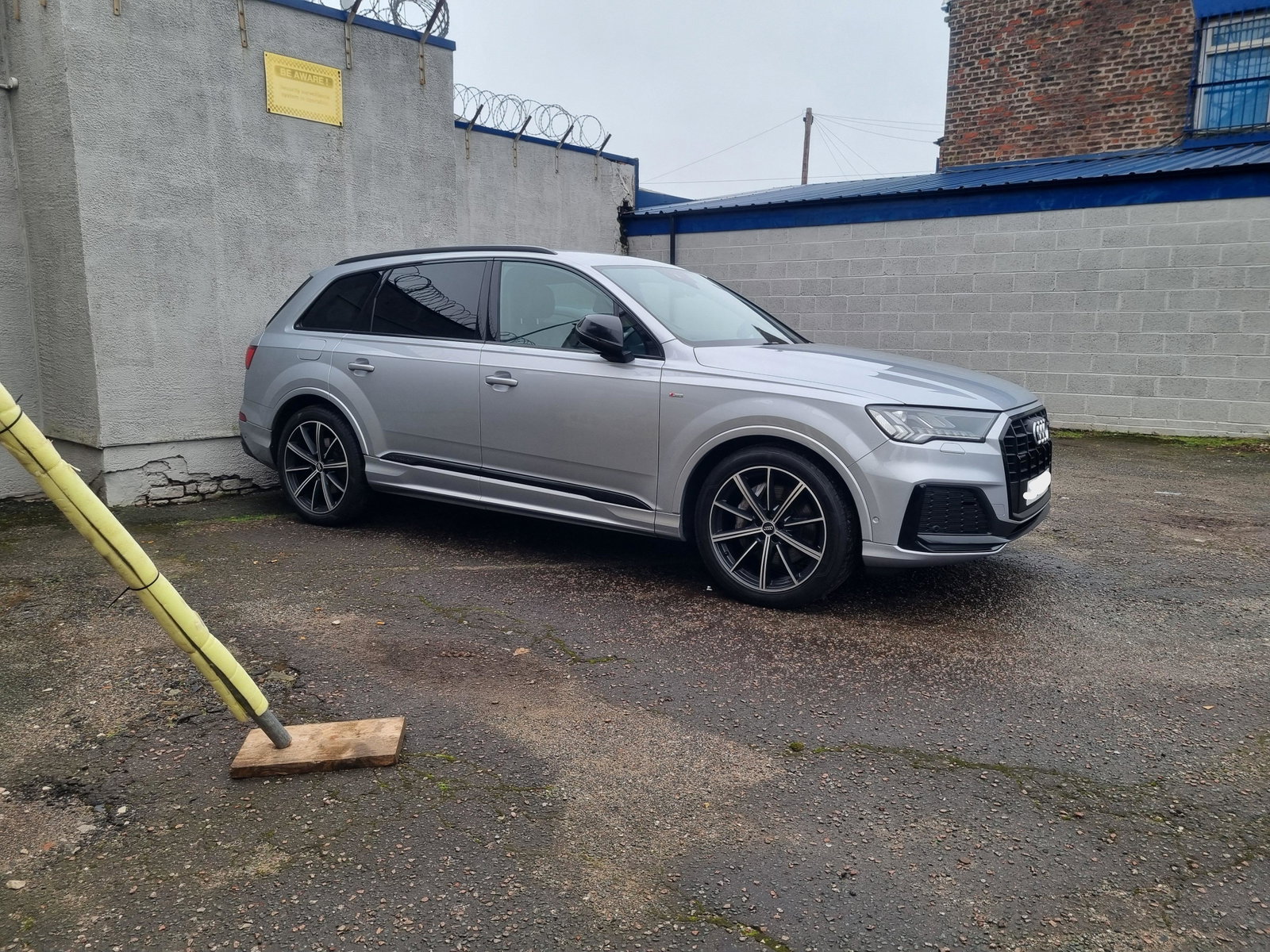
  2. Just a couple of my Q7, had this around 4 weeks. Absolutely awesome.
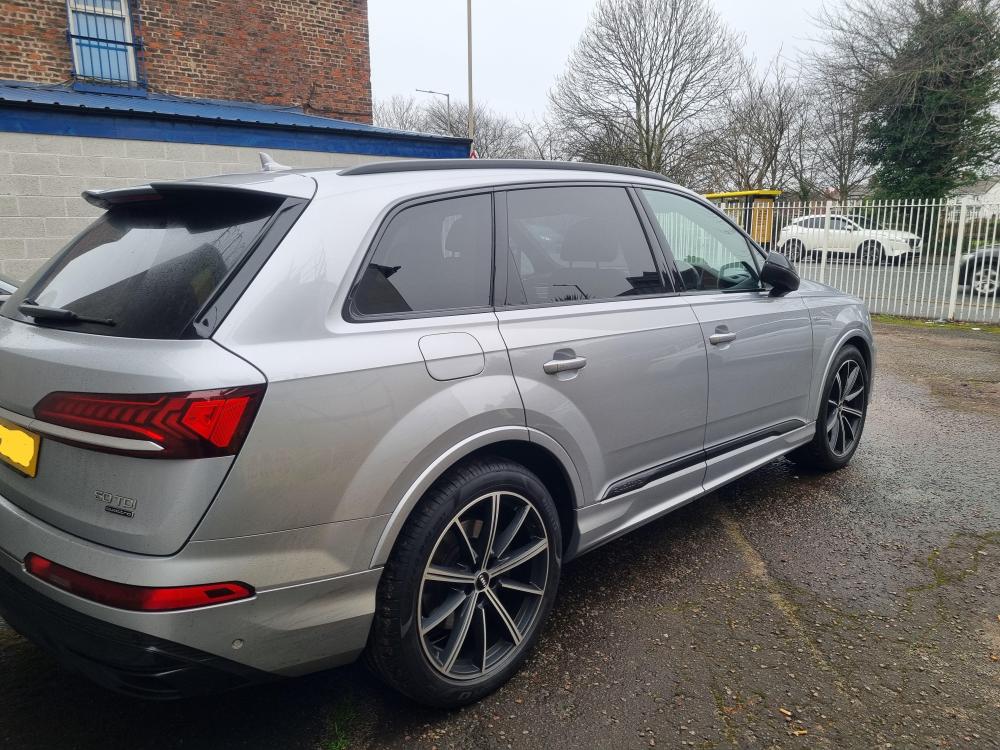
  3. I'm getting around 31mpg which I don't thinks too bad for such a big car. That's just normal driving, local roads, A roads etc..
  4. Just a quickie to introduce myself as a new member. My names Kev & I live in the Manchester area. Recently bought a 2020 Q7.

Background Picker
Customize Layout

Account

Navigation

Search

Search

Configure browser push notifications

Chrome (Android)
  1. Tap the lock icon next to the address bar.
  2. Tap Permissions → Notifications.
  3. Adjust your preference.
Chrome (Desktop)
  1. Click the padlock icon in the address bar.
  2. Select Site settings.
  3. Find Notifications and adjust your preference.