




Skip to content
View in the app

A better way to browse. Learn more.

Audi Owners Club (UK)

A full-screen app on your home screen with push notifications, badges and more.

To install this app on iOS and iPadOS
  1. Tap the Share icon in Safari
  2. Scroll the menu and tap Add to Home Screen.
  3. Tap Add in the top-right corner.
To install this app on Android
  1. Tap the 3-dot menu (⋮) in the top-right corner of the browser.
  2. Tap Add to Home screen or Install app.
  3. Confirm by tapping Install.

Michael1991

Members
  • Joined

  • Last visited

Everything posted by Michael1991

  1. That is so strange especially being a 2018, is it just a standard? Or s line?
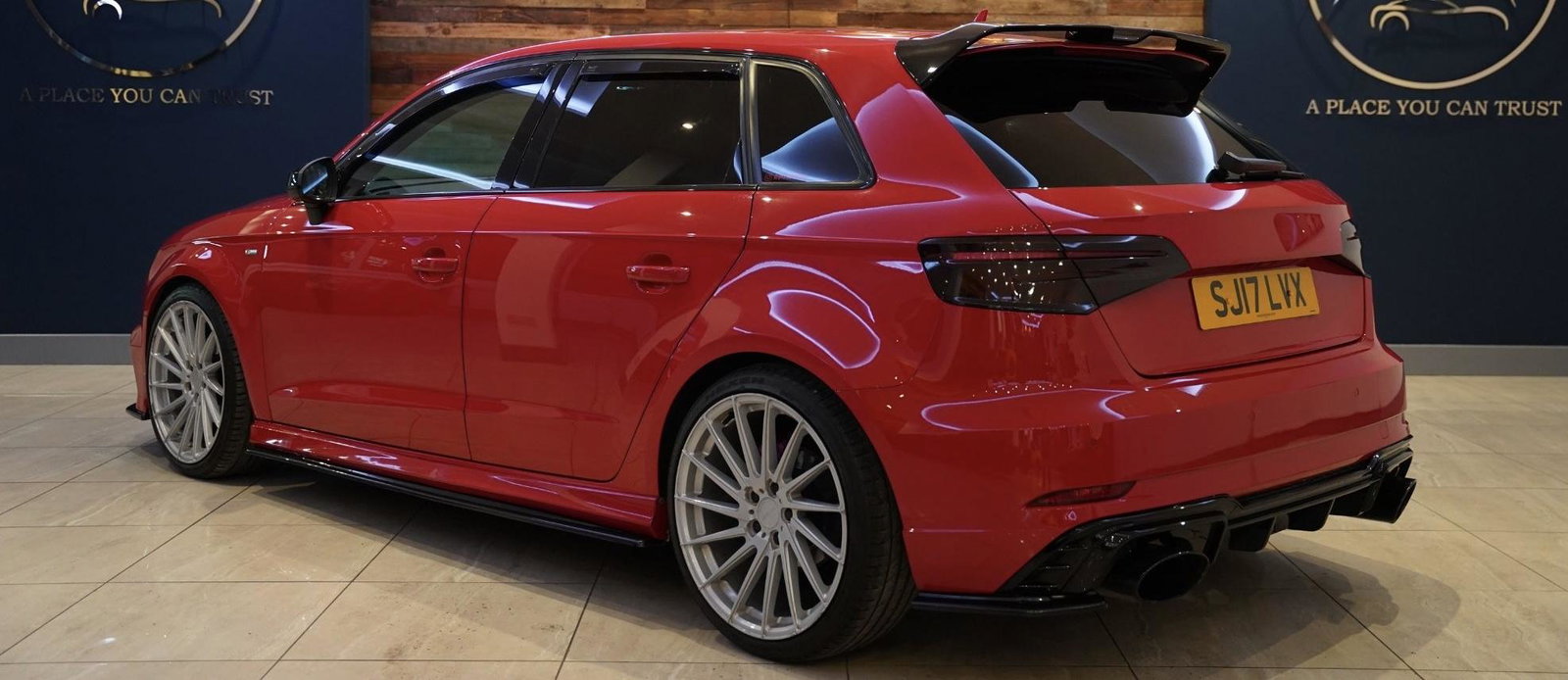
  2. I use my Audi a3 2017 with car play using usb 1?
  3. I have checked in the mmi in the vehicle under the central locking and there is no option to tick or untick the convenience locking but the car has them on all handles?
  4. Does anyone know if there is any meets in Newcastle area? Or anyone in here with an Audi in the Newcastle area?



Background Picker
Customize Layout

Account

Navigation

Search

Search

Configure browser push notifications

Chrome (Android)
  1. Tap the lock icon next to the address bar.
  2. Tap Permissions → Notifications.
  3. Adjust your preference.
Chrome (Desktop)
  1. Click the padlock icon in the address bar.
  2. Select Site settings.
  3. Find Notifications and adjust your preference.