Skip to content
View in the app

A better way to browse. Learn more.

Audi Owners Club (UK)

A full-screen app on your home screen with push notifications, badges and more.

To install this app on iOS and iPadOS
  1. Tap the Share icon in Safari
  2. Scroll the menu and tap Add to Home Screen.
  3. Tap Add in the top-right corner.
To install this app on Android
  1. Tap the 3-dot menu (⋮) in the top-right corner of the browser.
  2. Tap Add to Home screen or Install app.
  3. Confirm by tapping Install.

jasperthefat

Members
  • Joined

  • Last visited

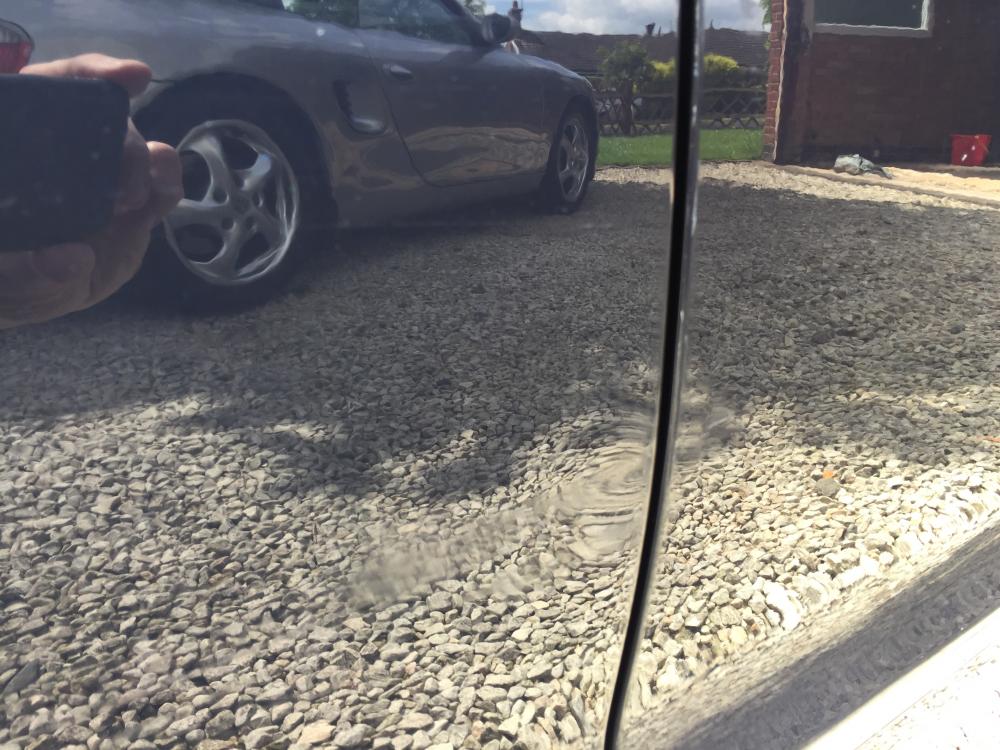
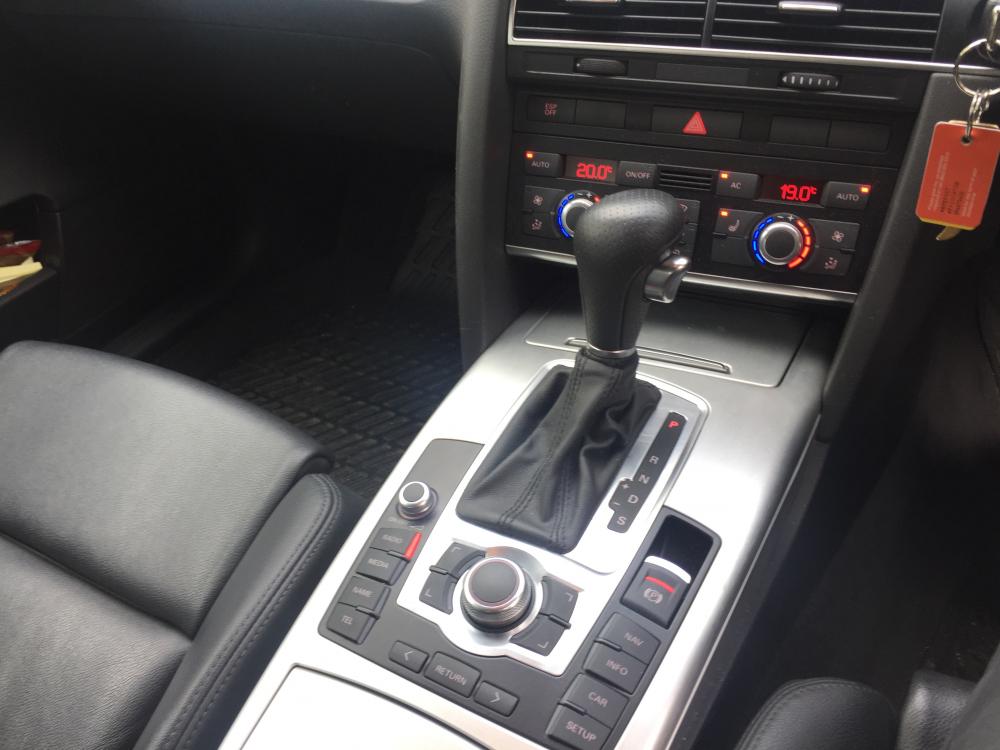
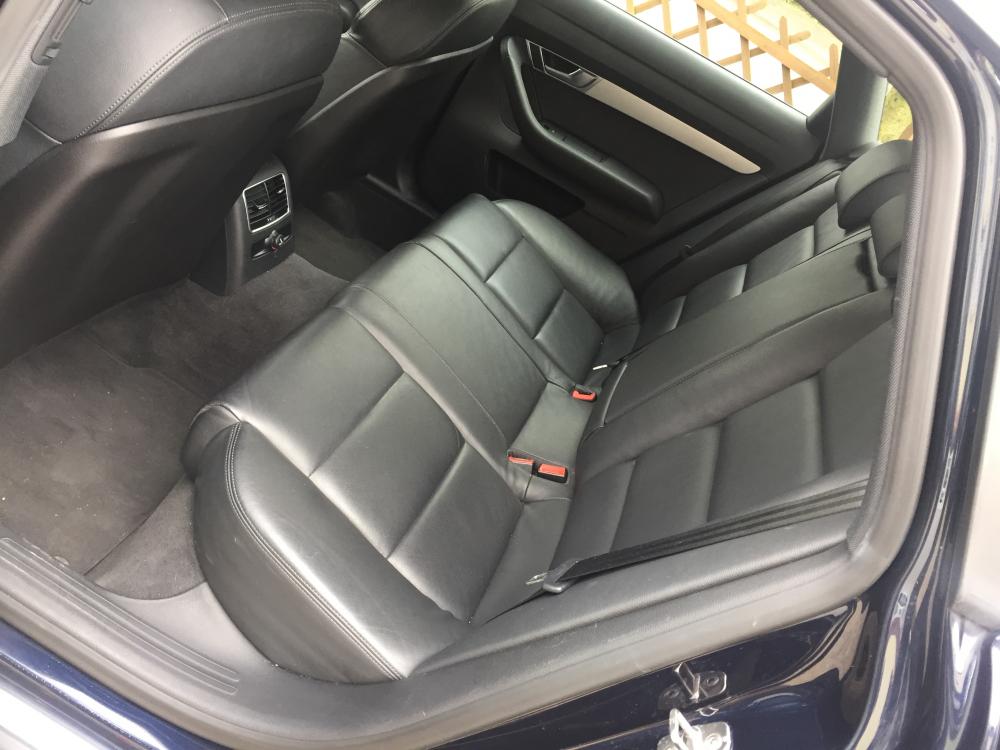
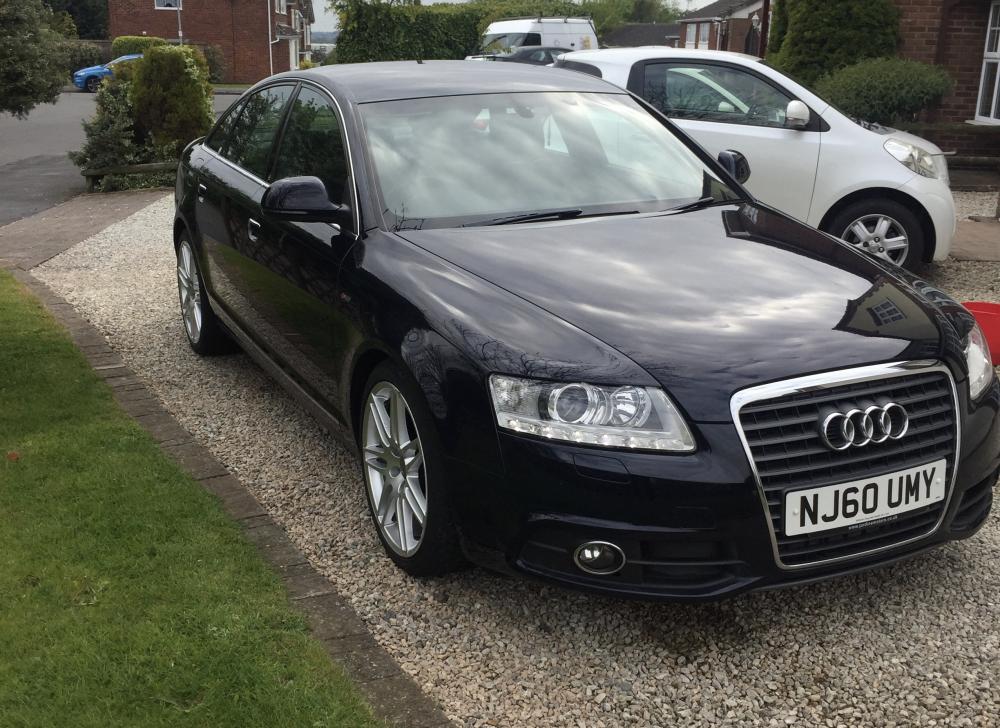
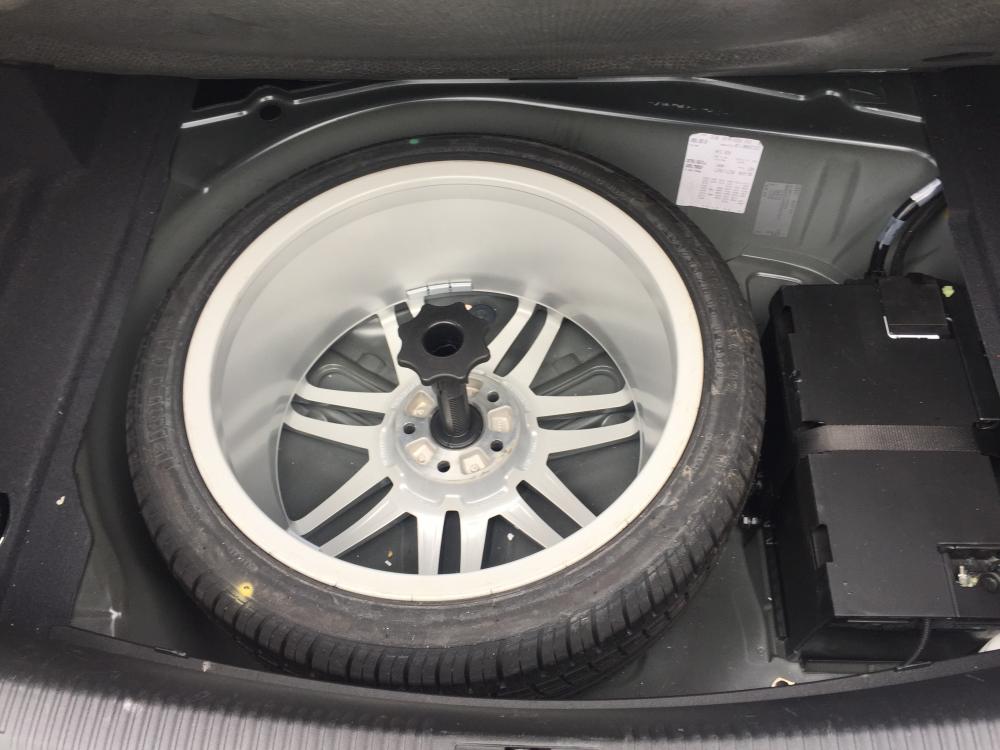
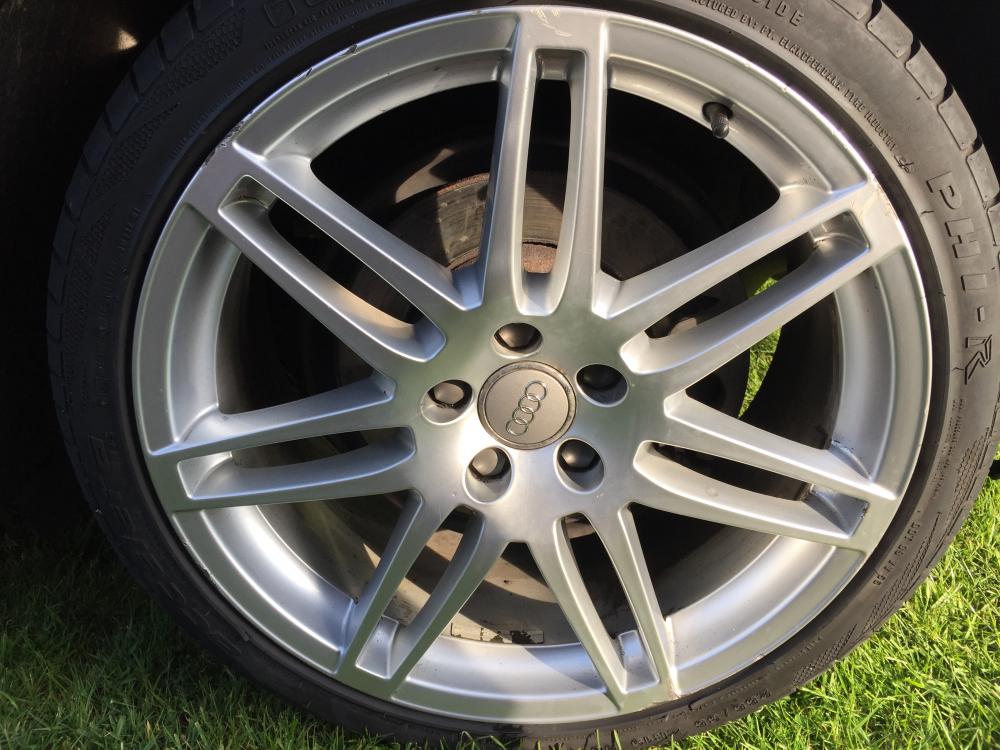
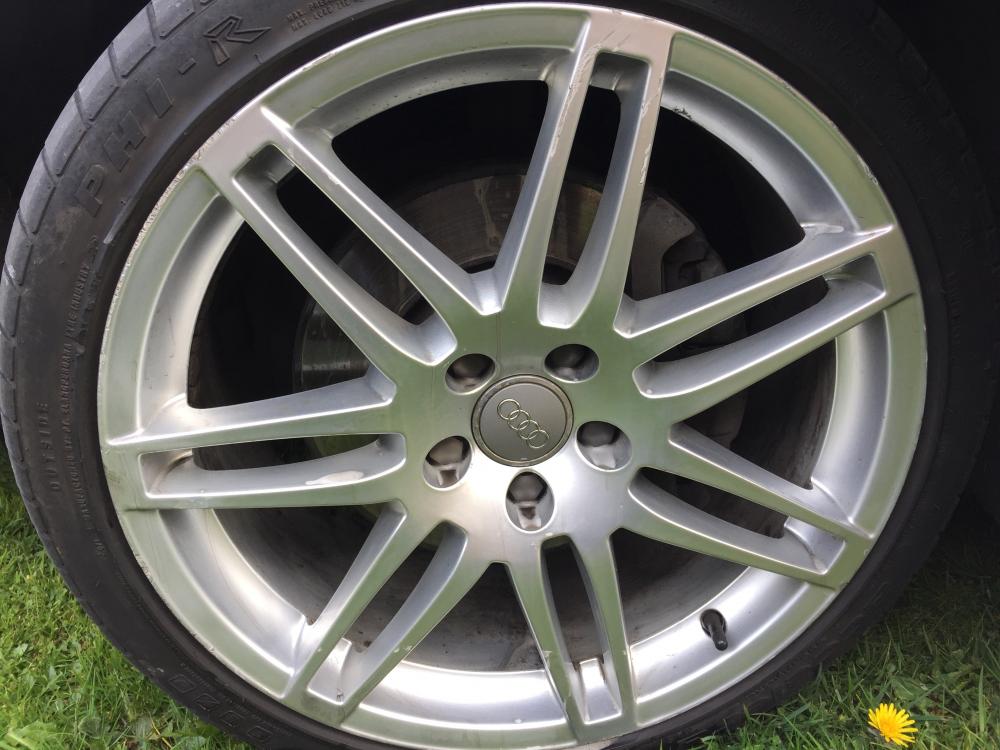
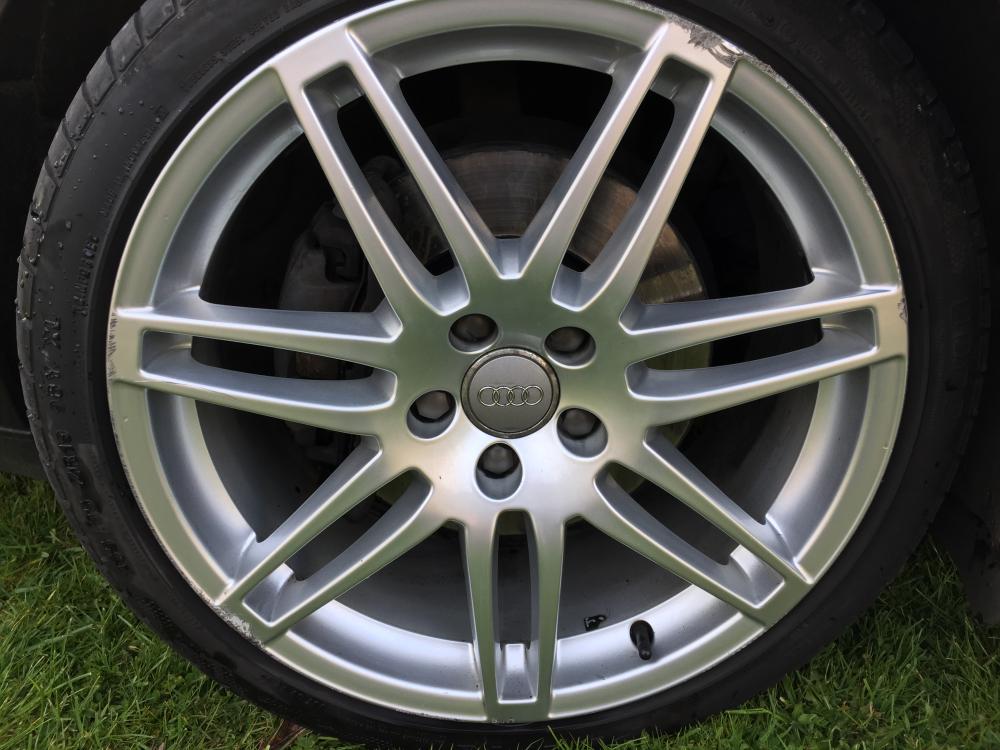
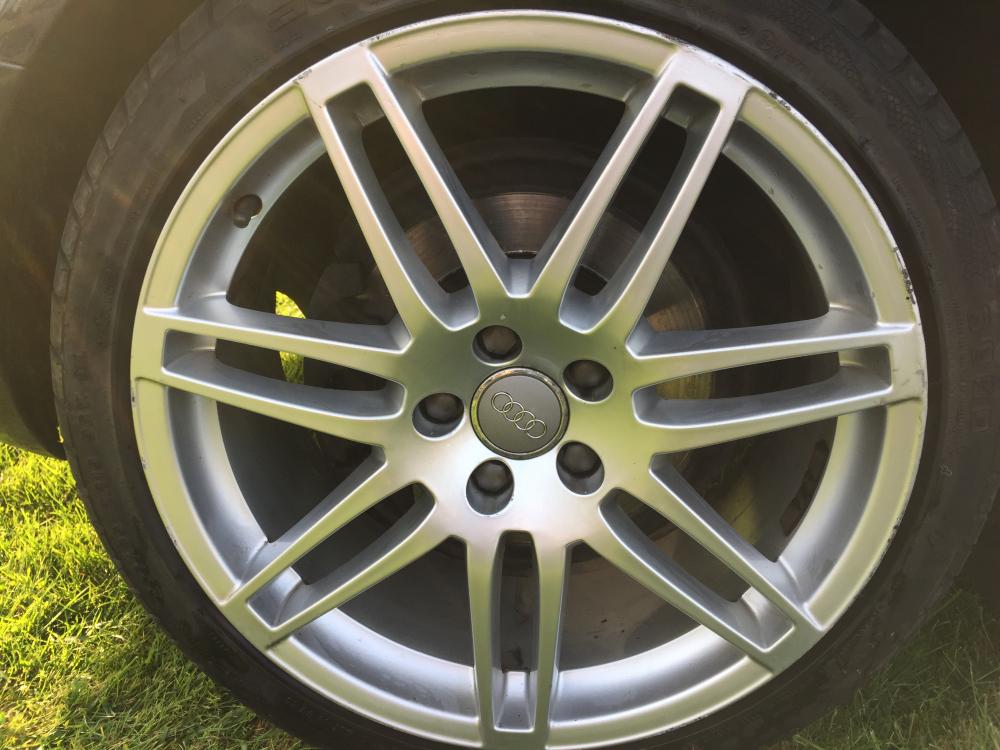
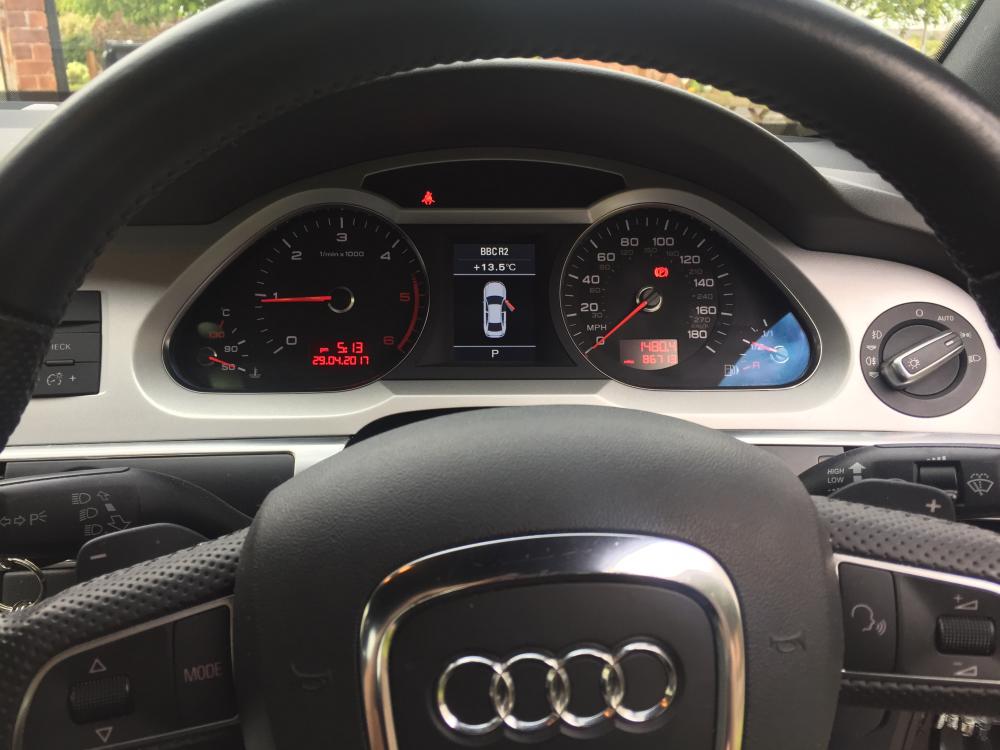
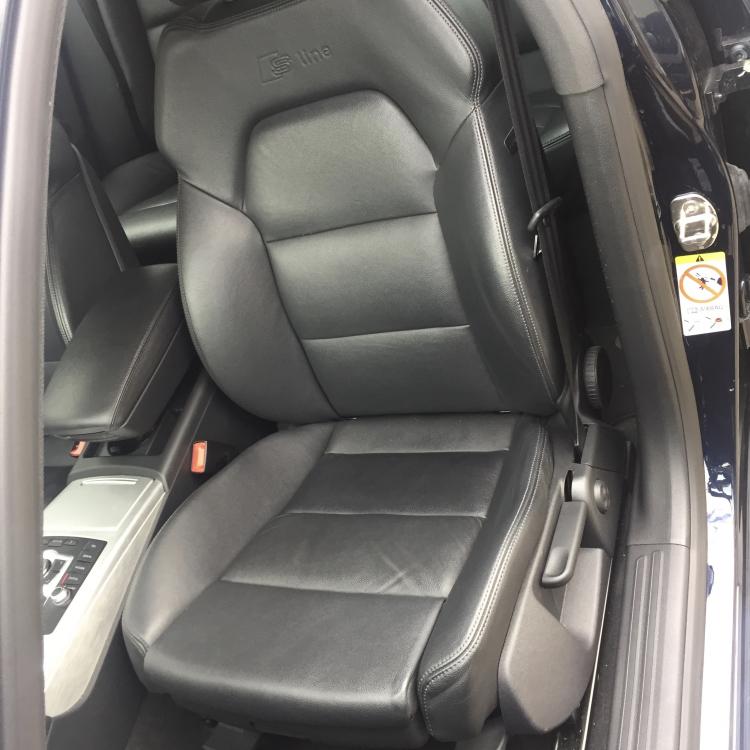
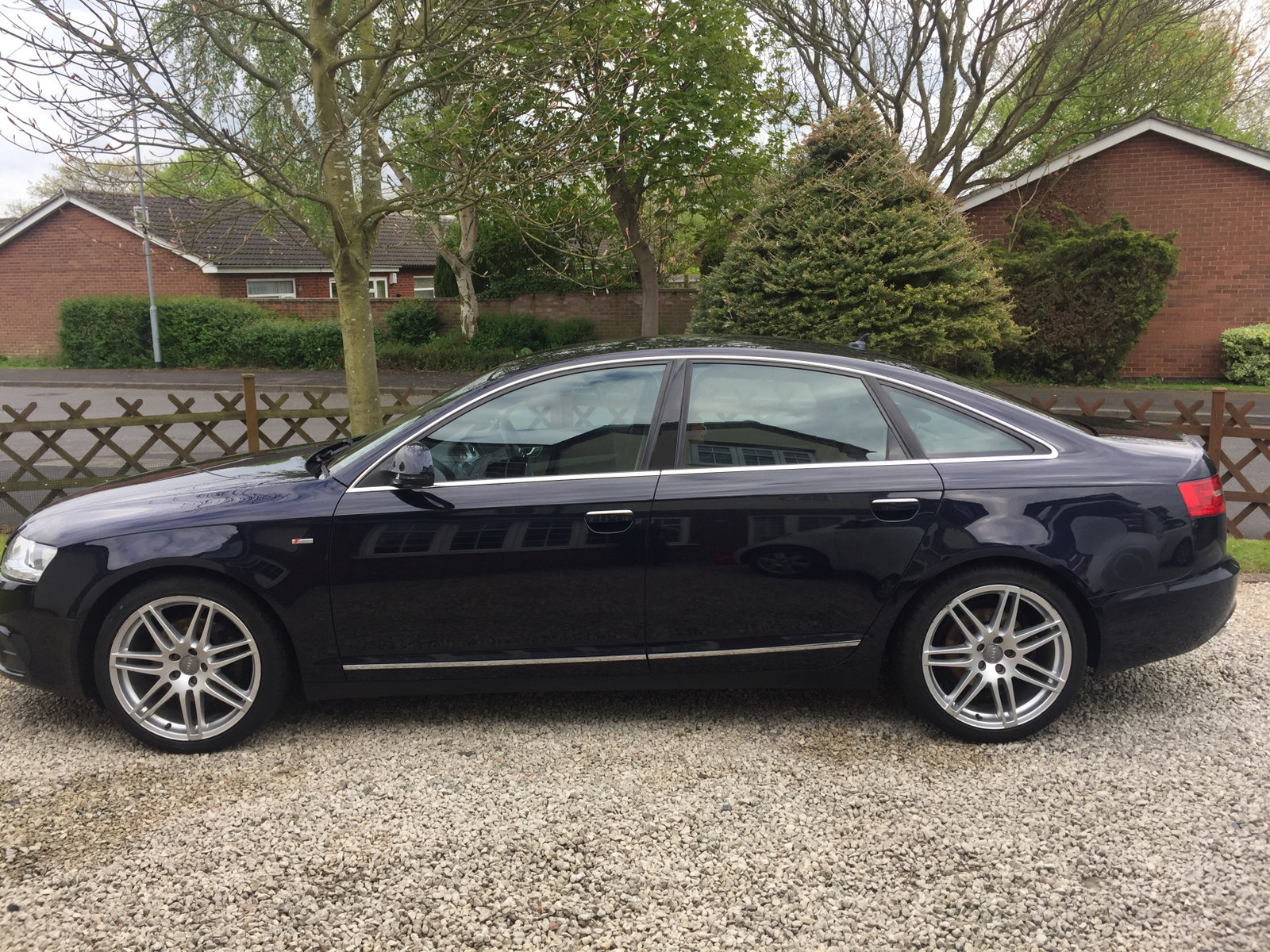
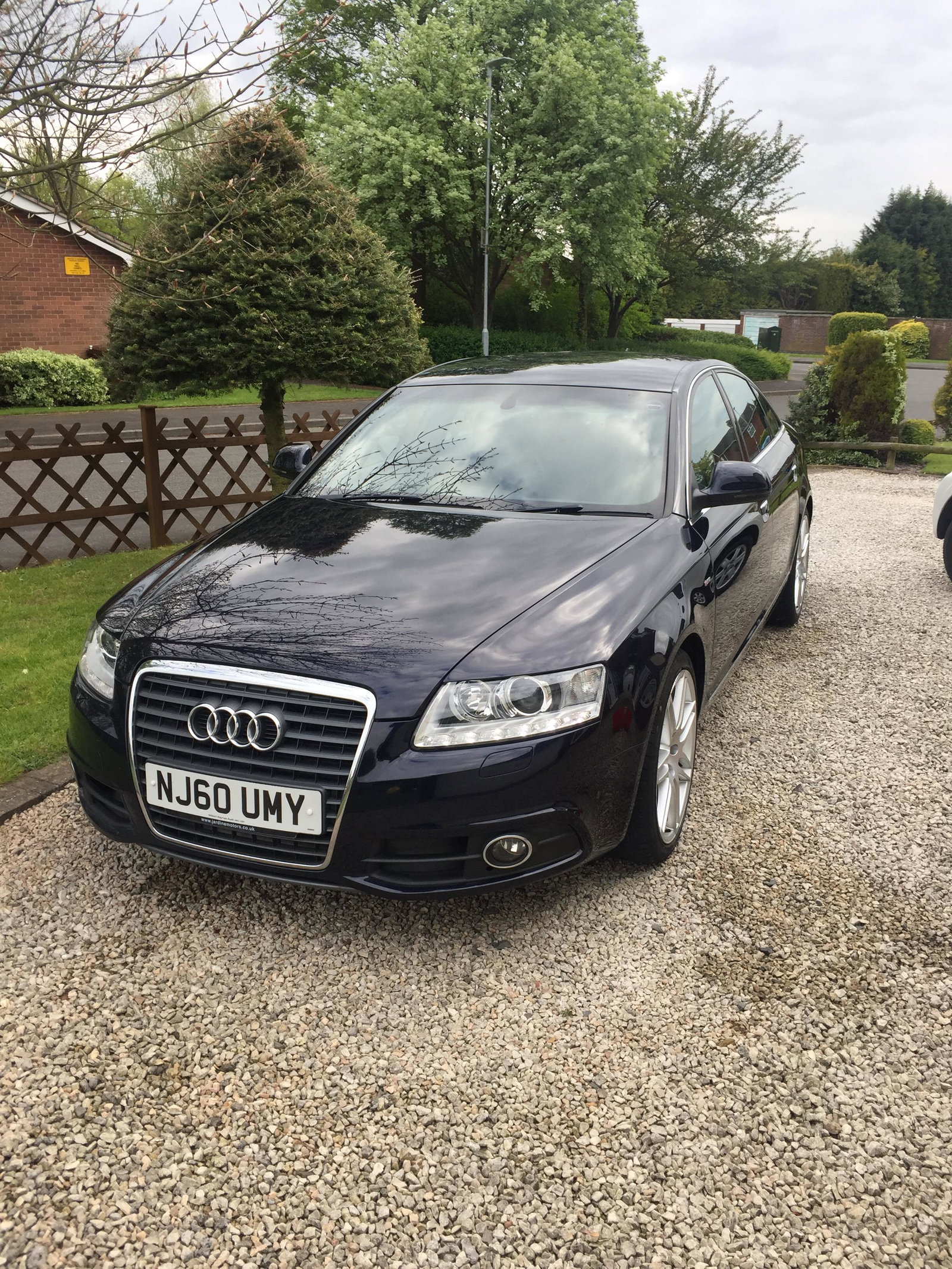
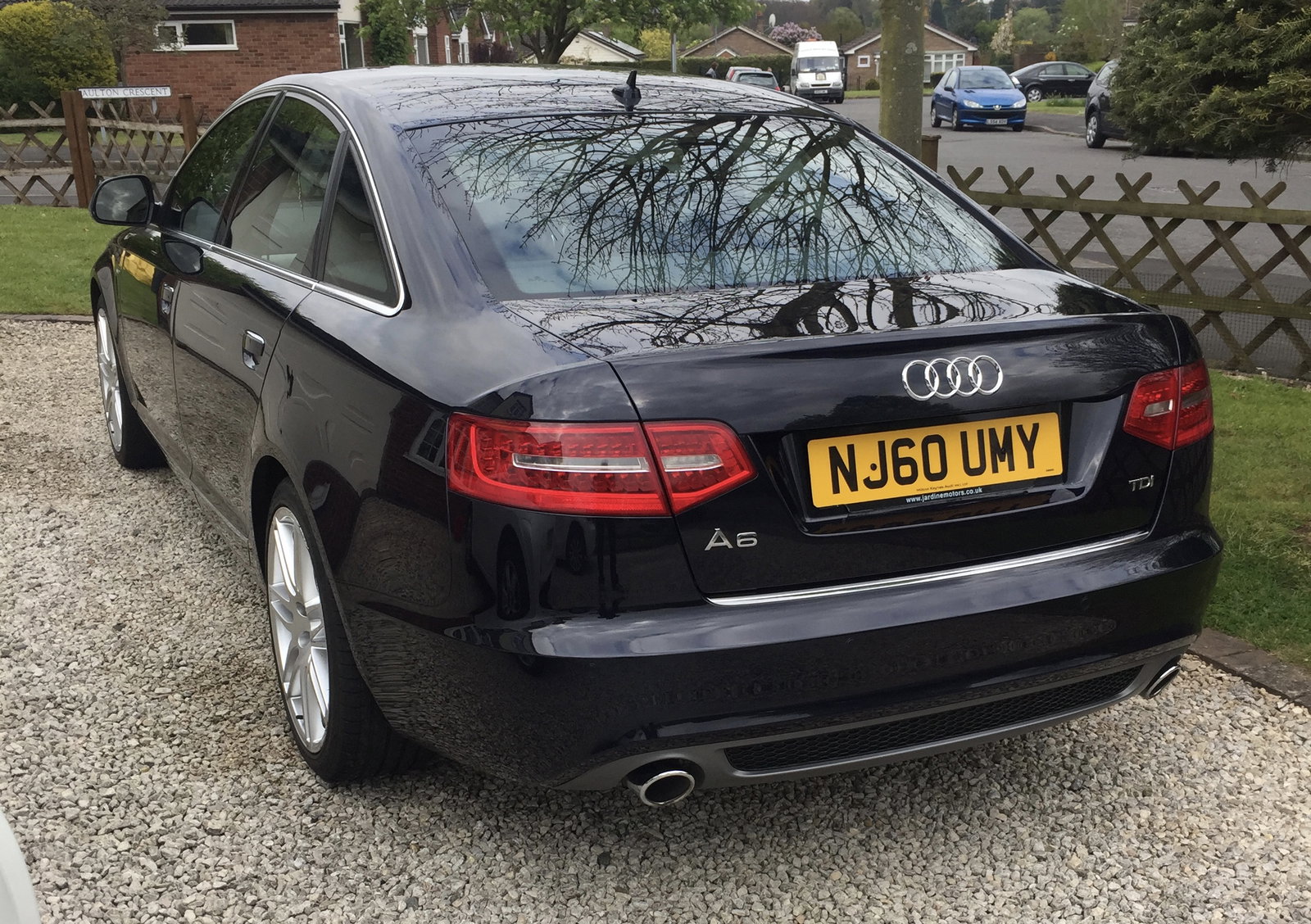
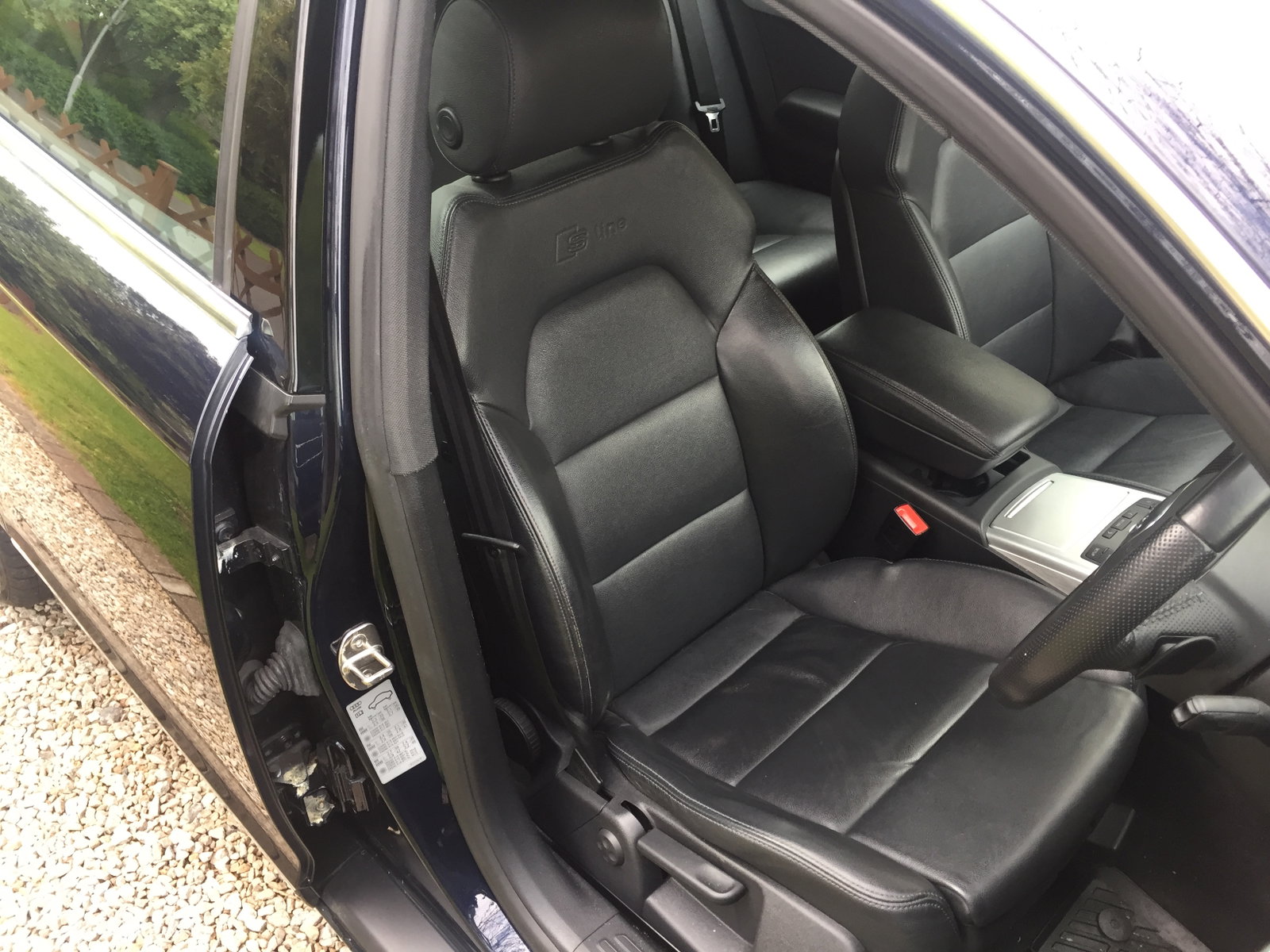
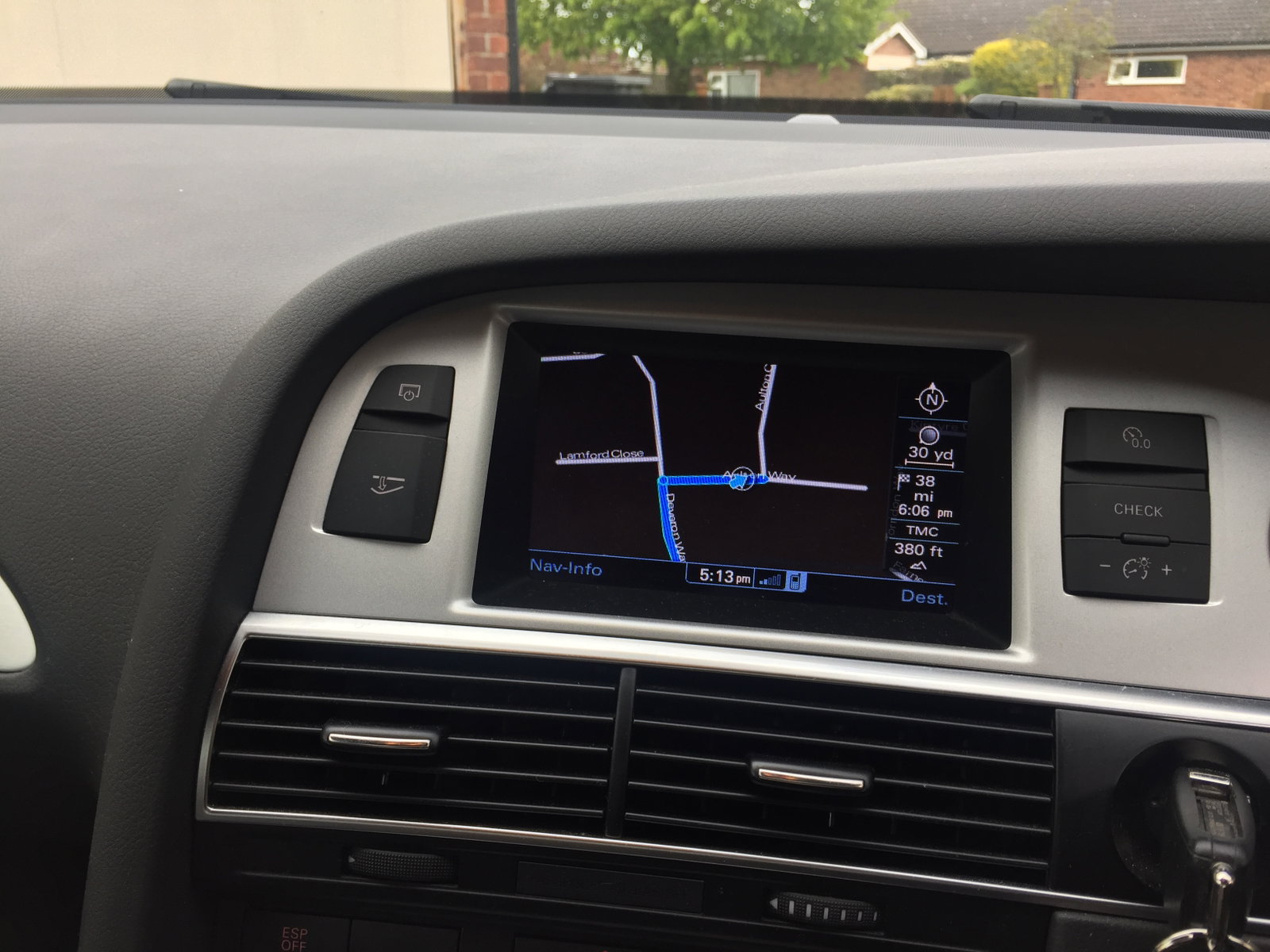
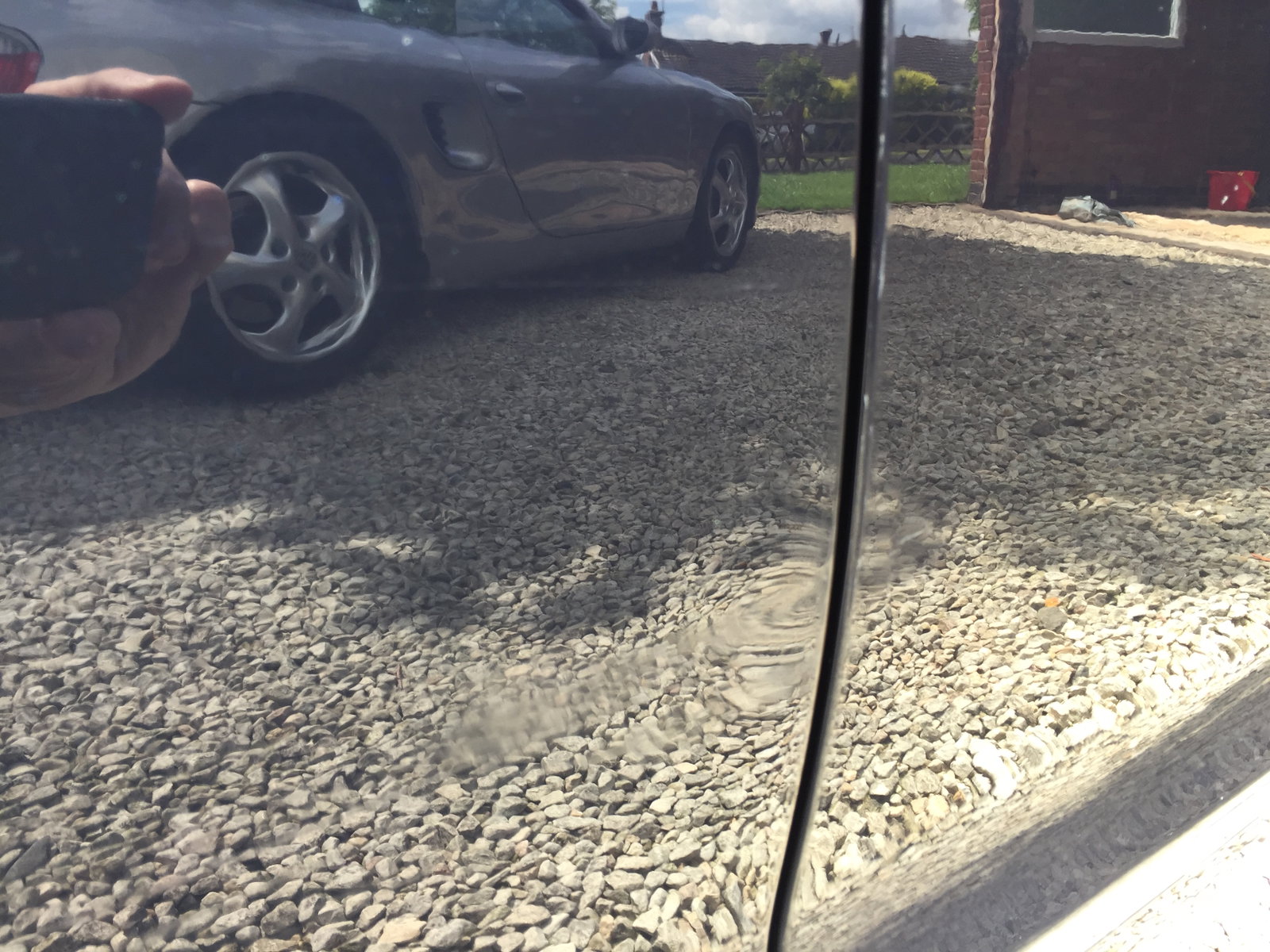
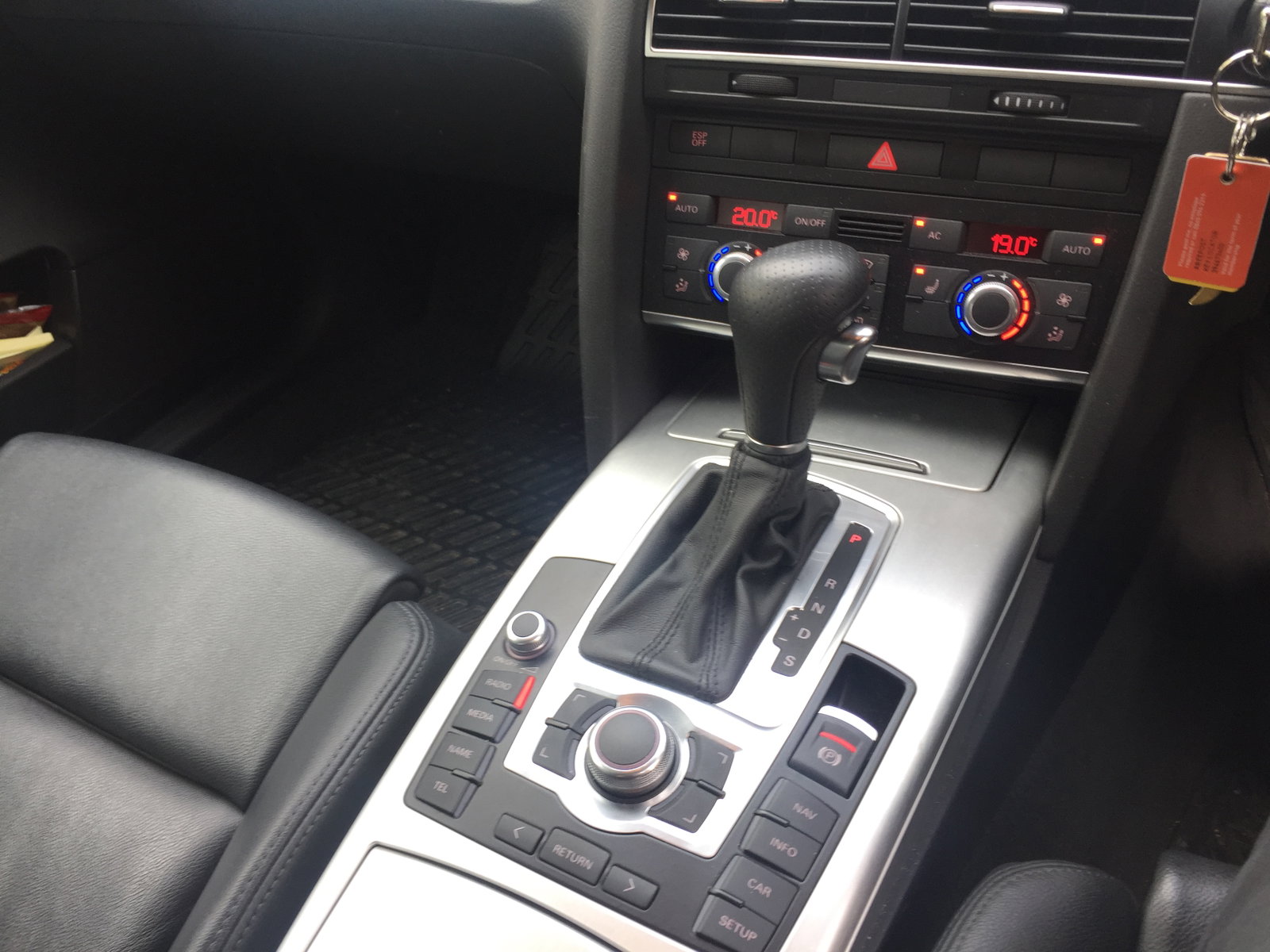
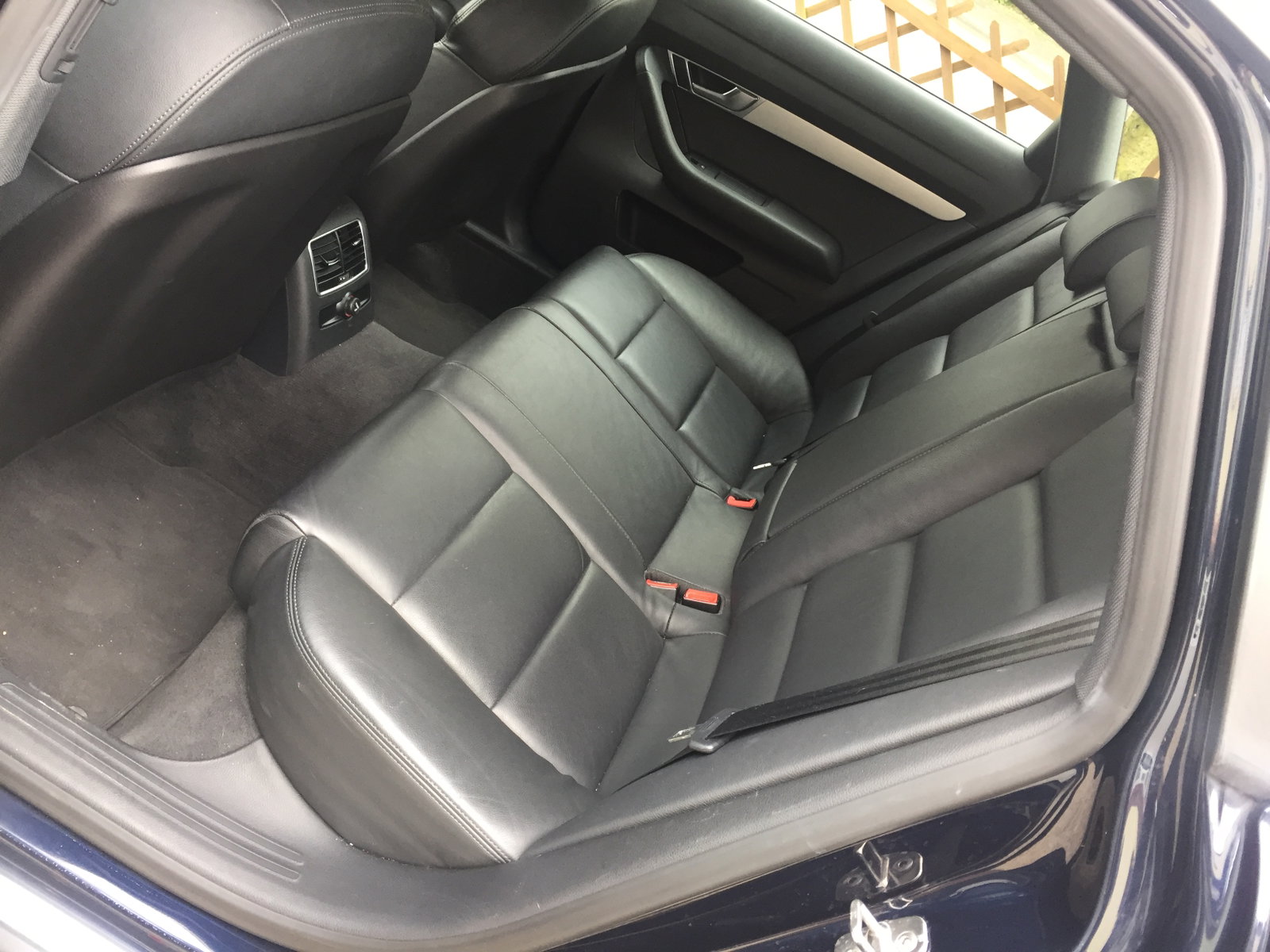
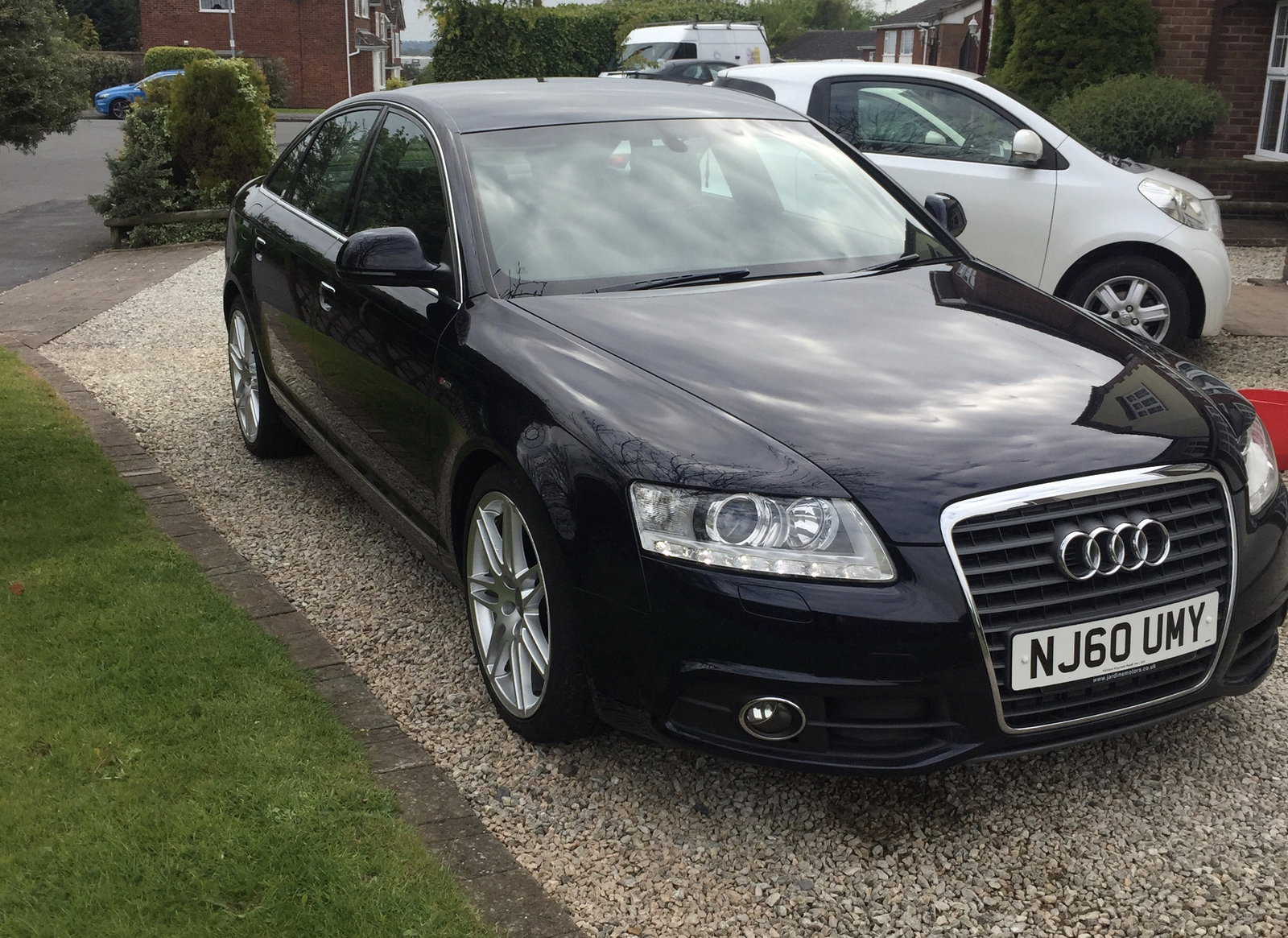
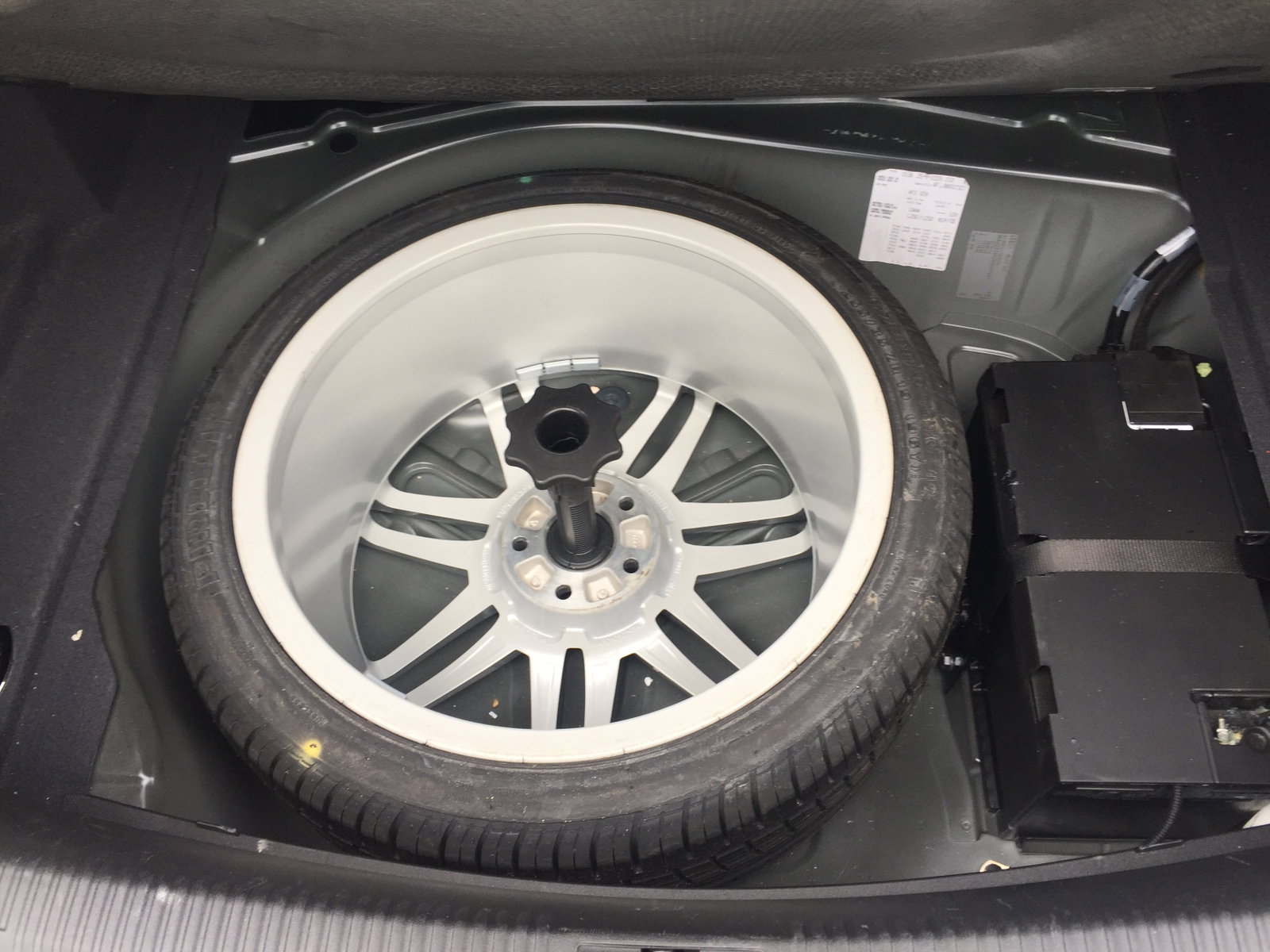
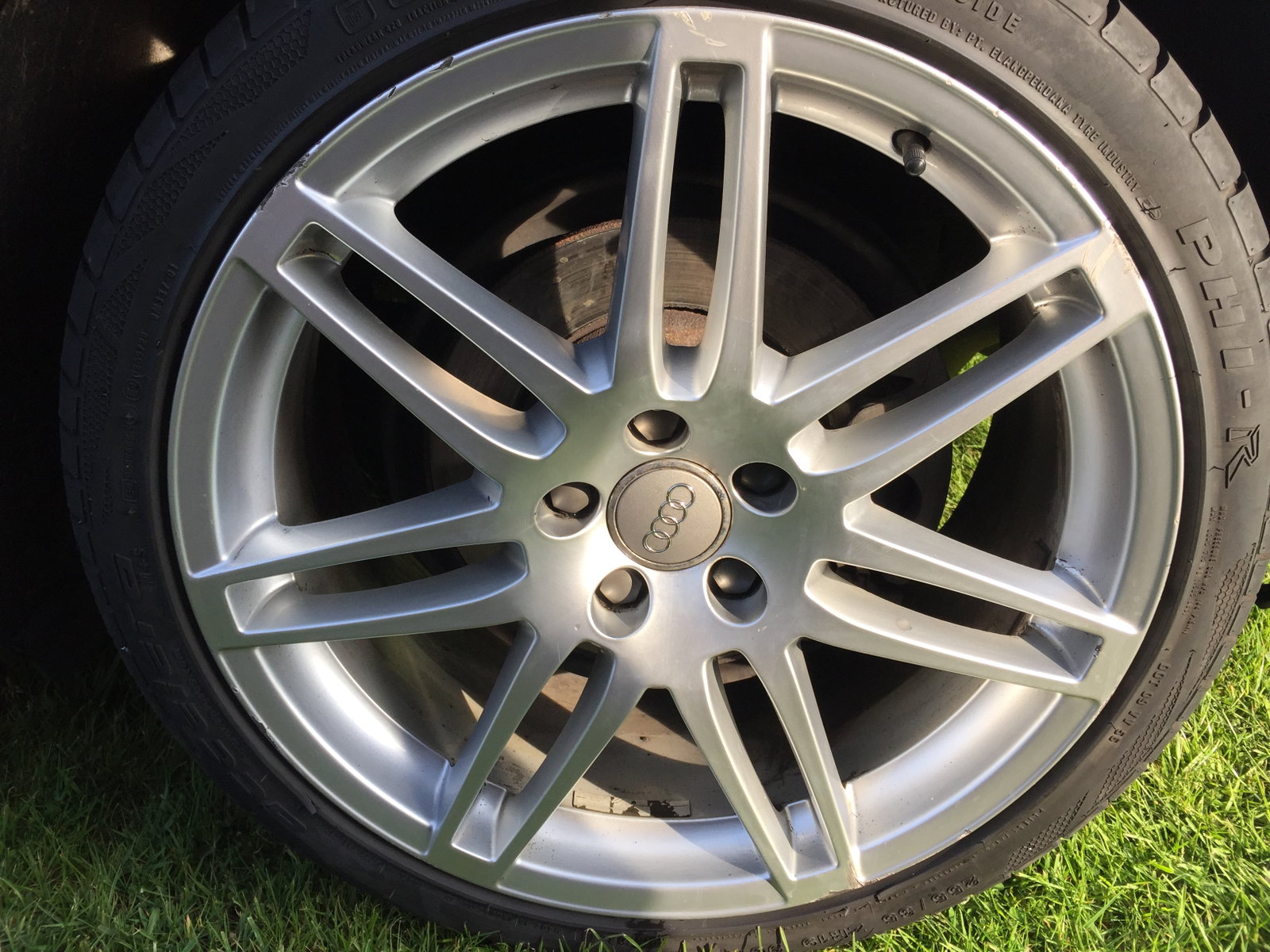
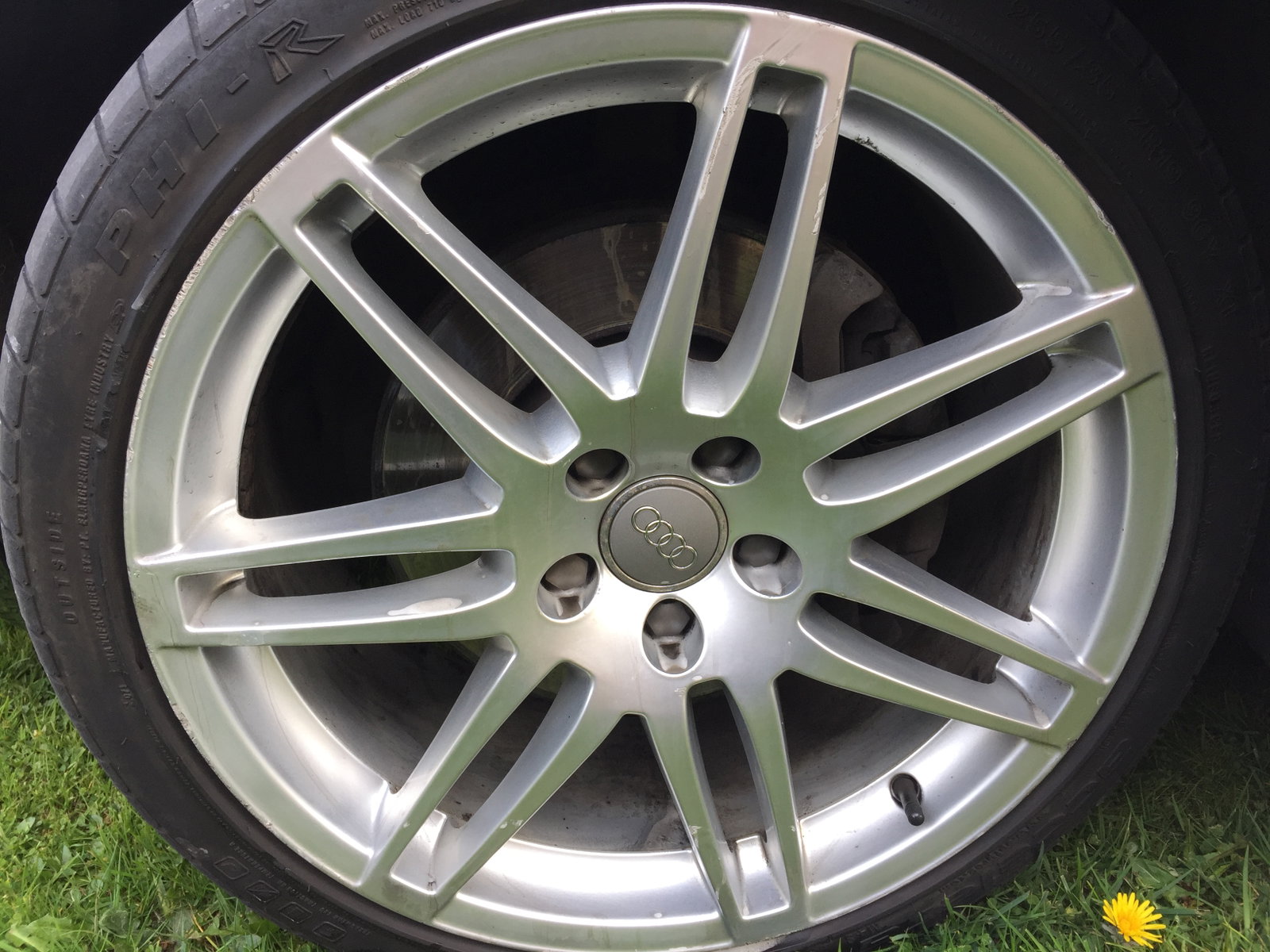
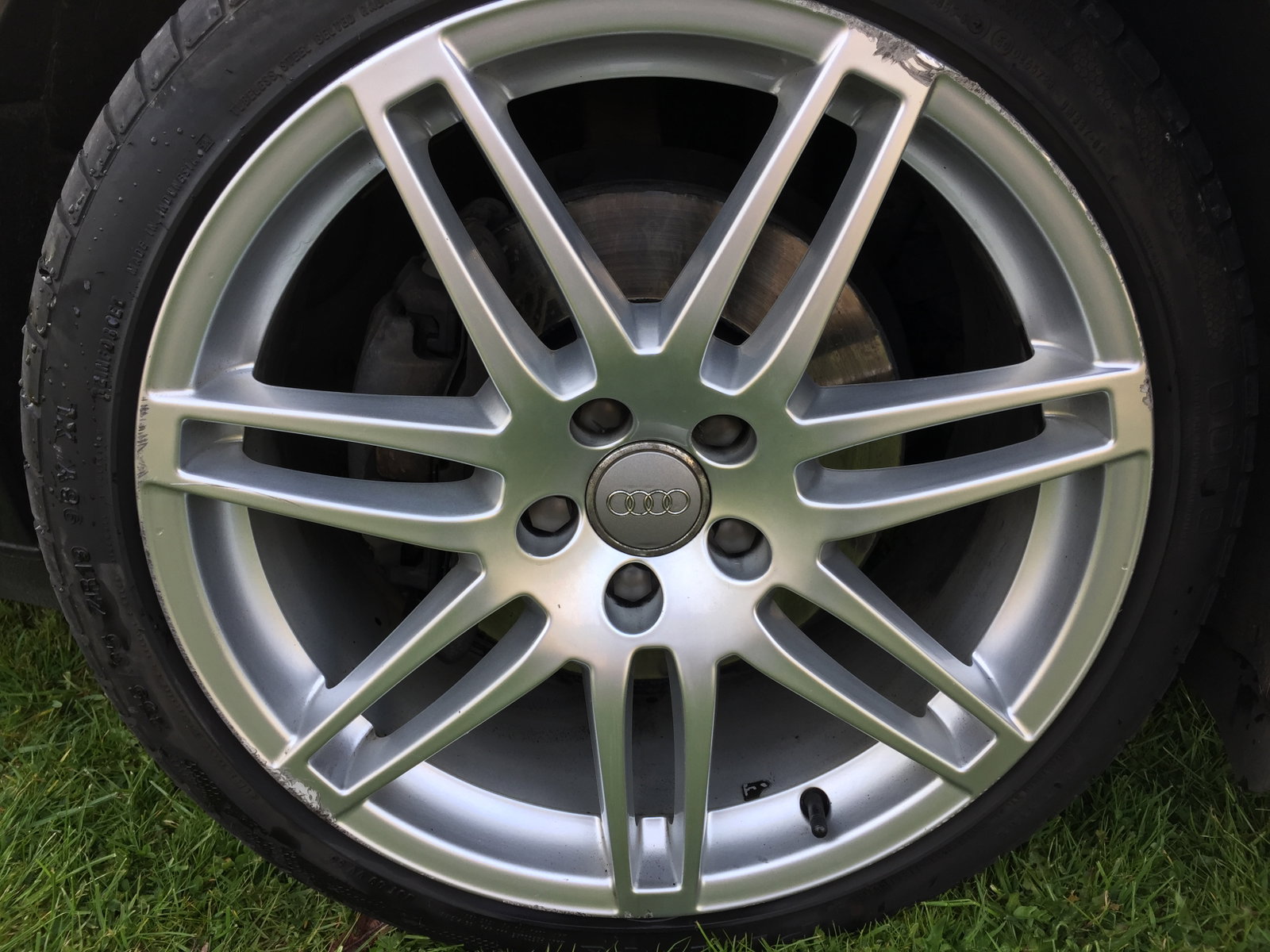
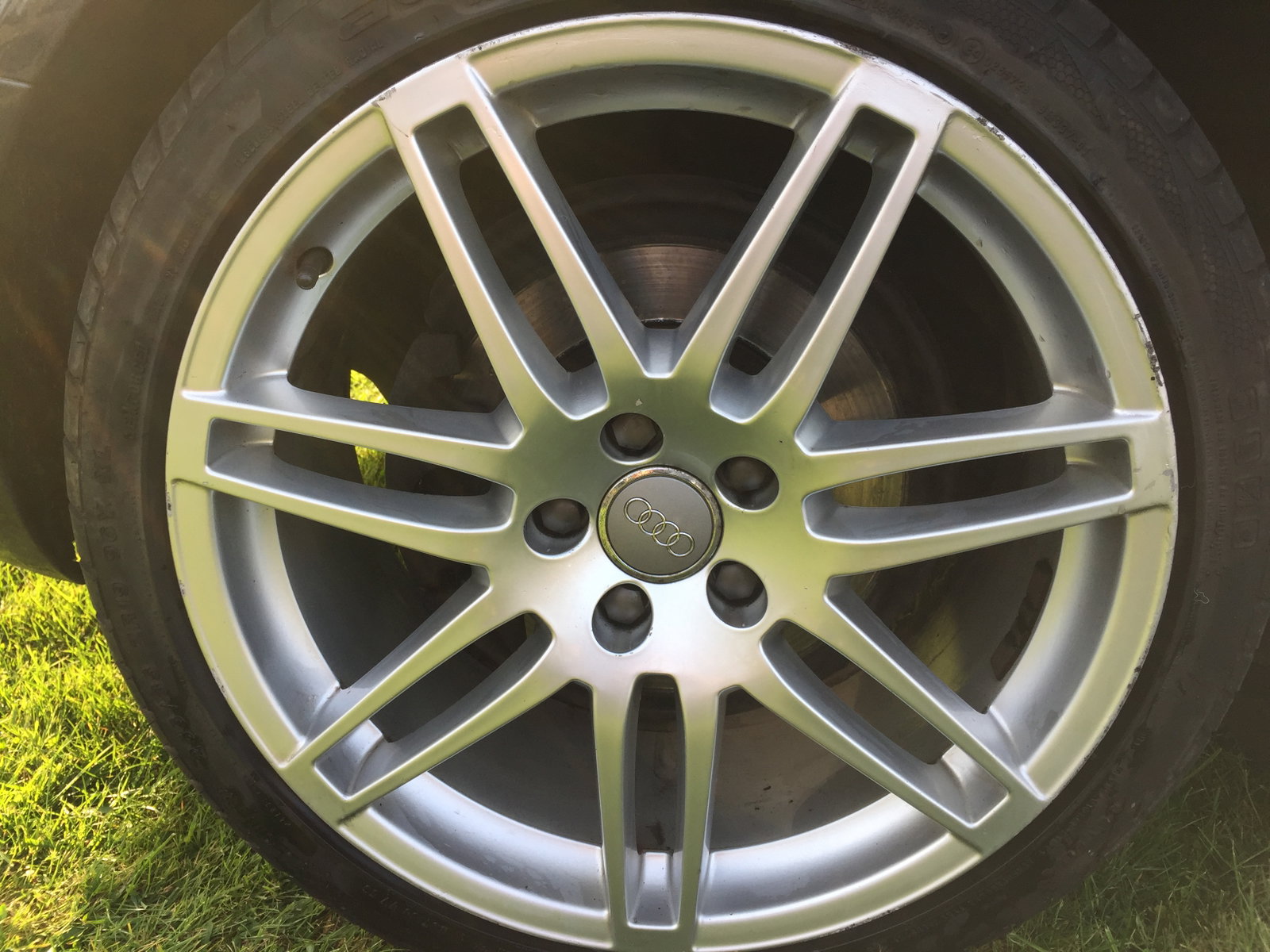
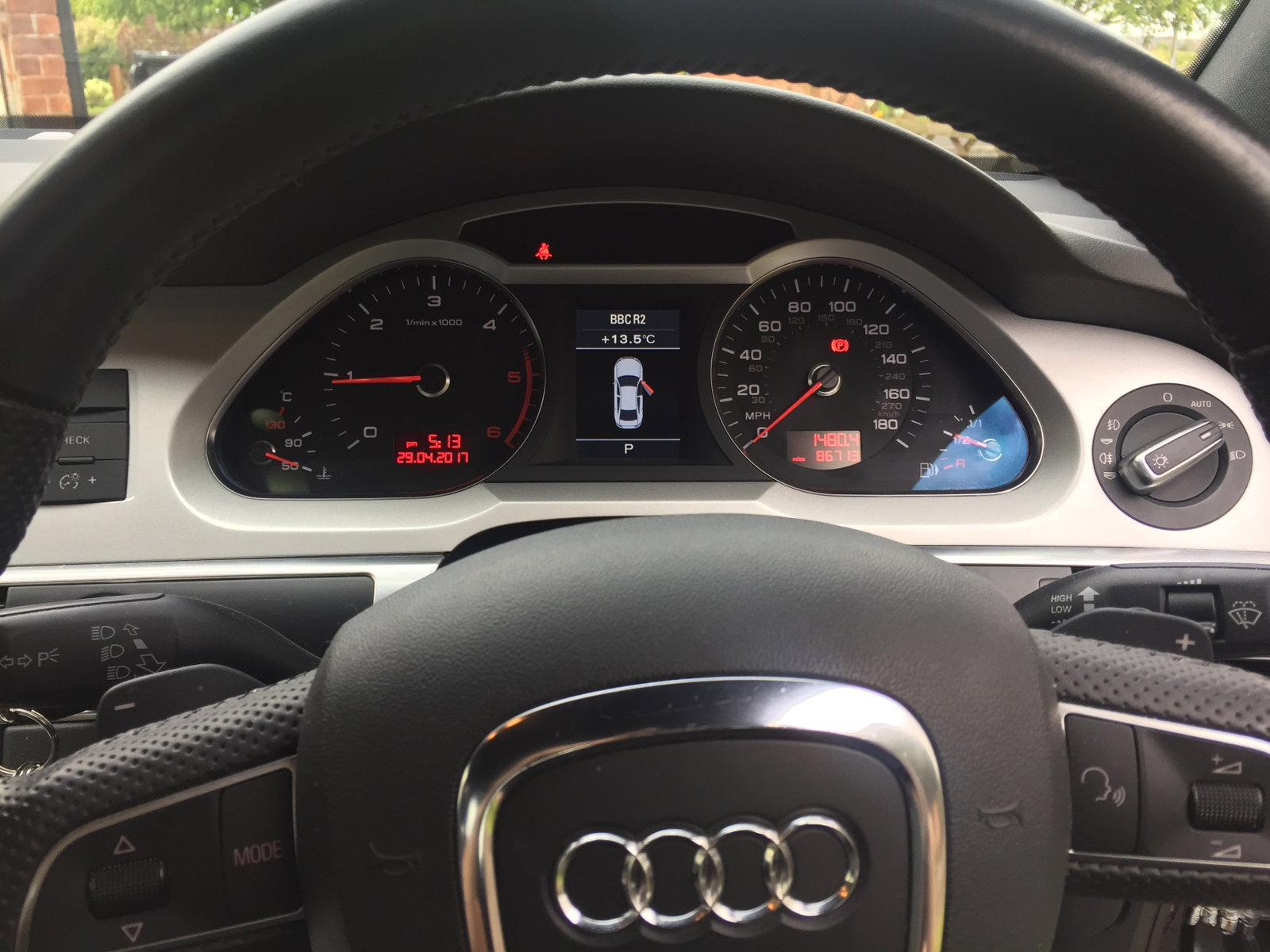
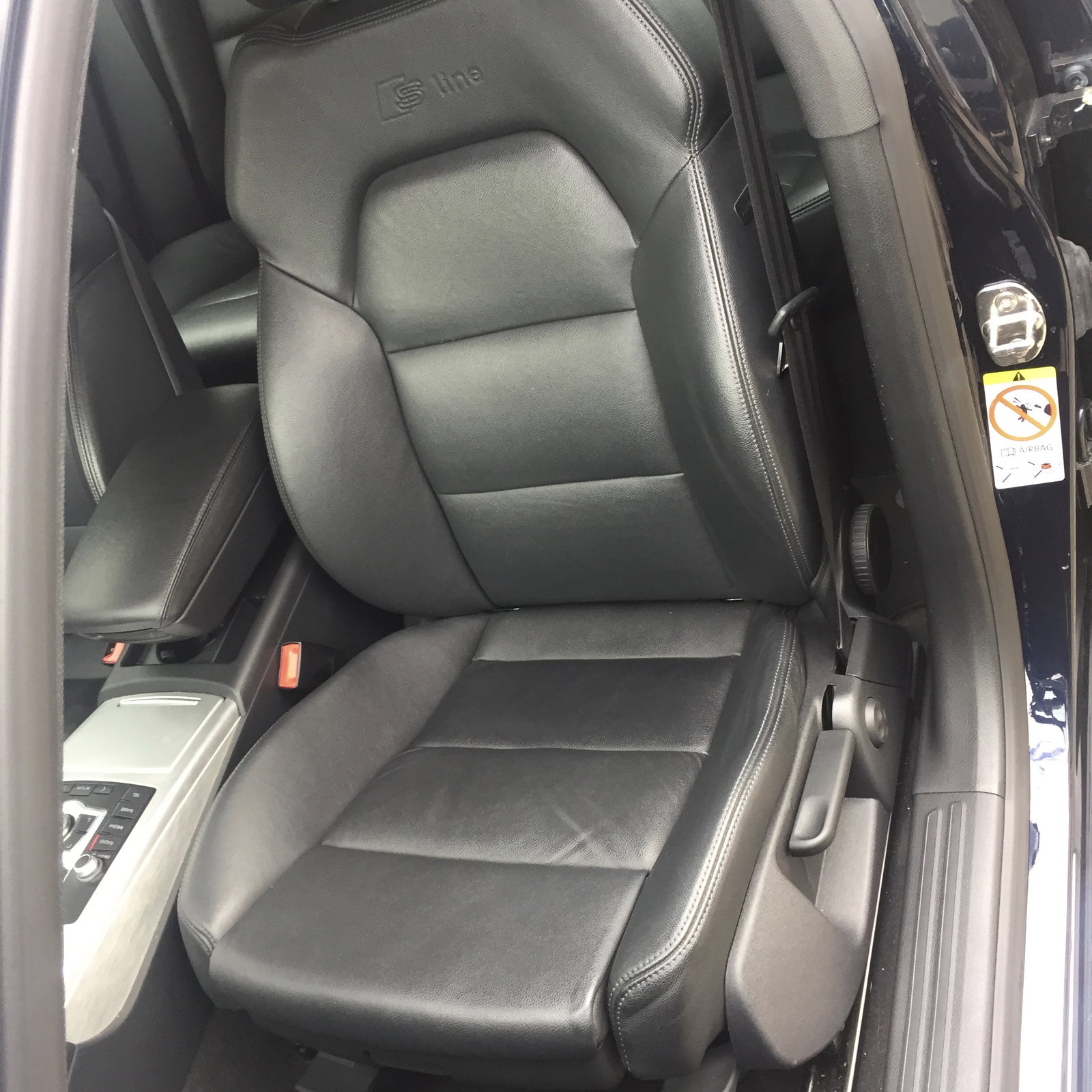
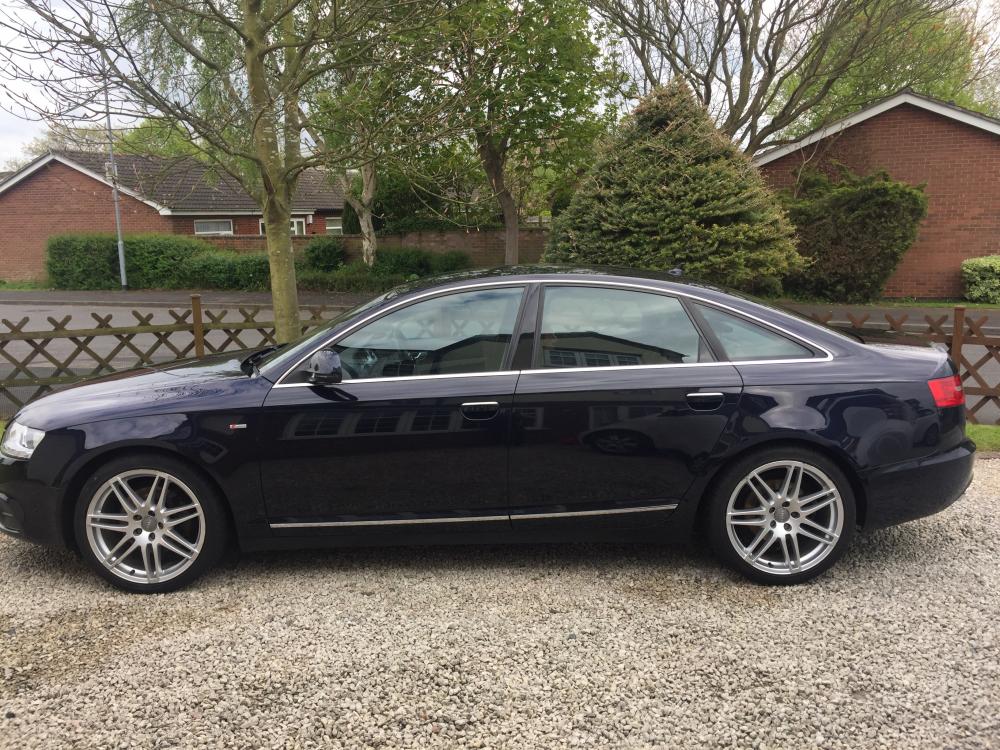
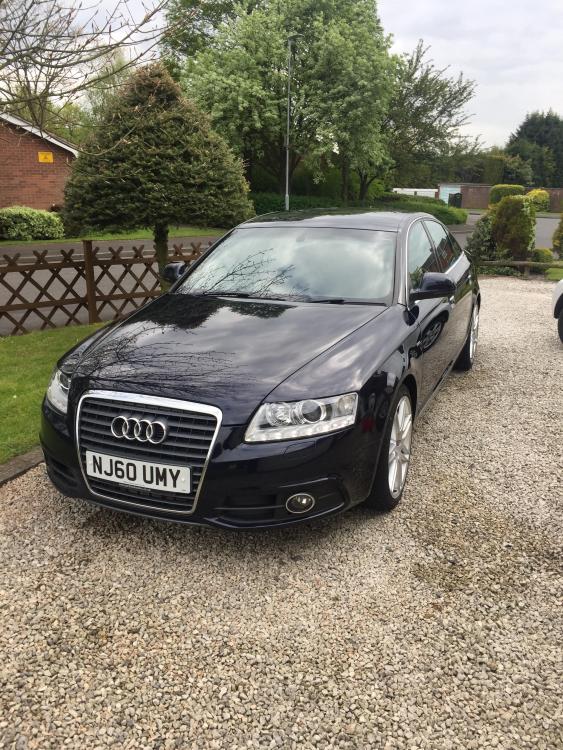
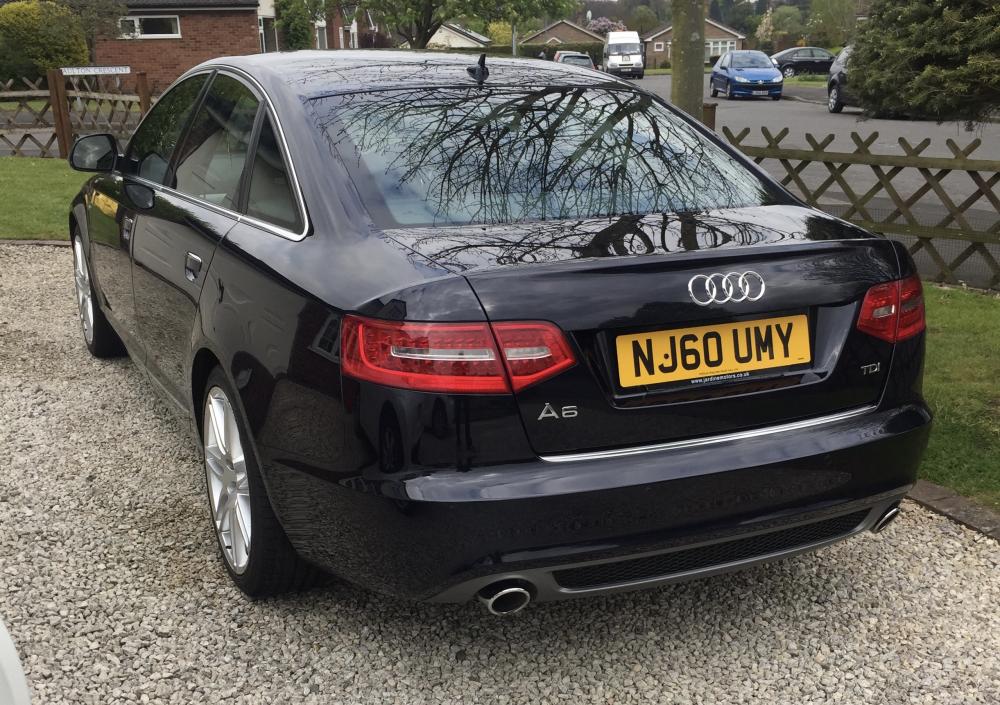
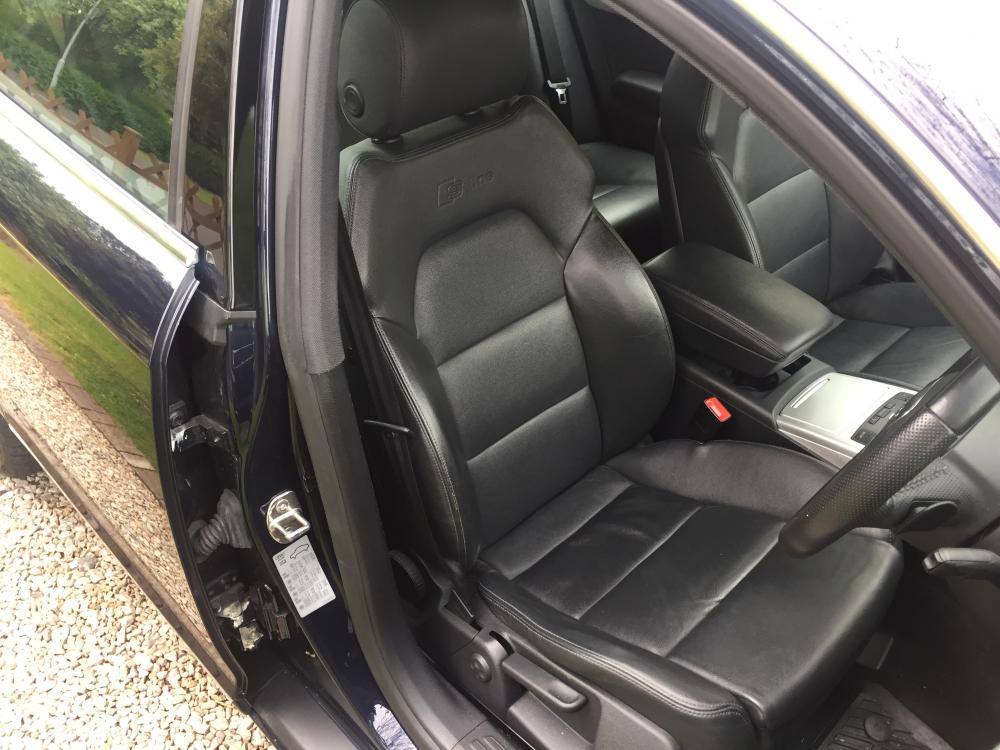
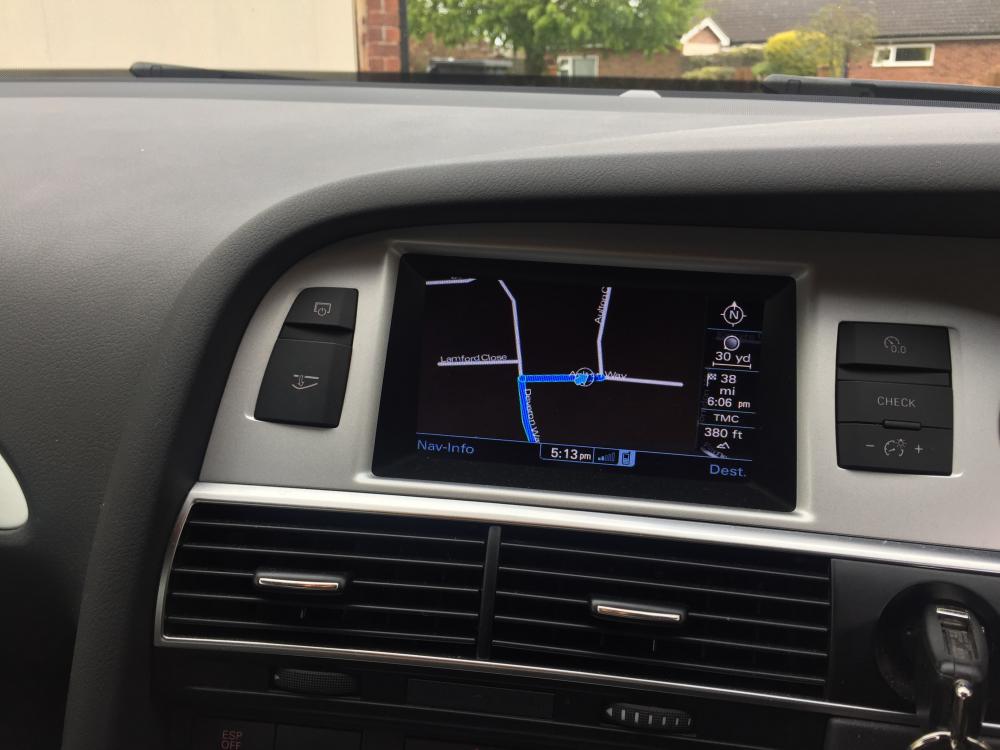
  1. Audi A6 S-LINE 2.O TDI Multitronic - 60 Reg - 2010 - Metallic Dark Blue - some stone chips to the front as expected with a car of this age. Also small scuff on drivers/rear door only noticeable when up close (see photo) . 19 inch alloys with 255/35 tyres - Recent front tyres - Recently serviced - Current Mileage 88,500 but this will increase - Black Milano Leather - Heated front seats - Full size spare - Sat Nav - DVD - 6 cd multi-changer - LED Daytime running lights - Xenon Headlights with power wash - LED rear lights - Full service history - only first two by Audi - MOT September 17 - Automatic with sports mode and seven speed paddle shift - If you'd like any other photo's let me know? - £8,295 -
Background Picker
Customize Layout

Account

Navigation

Search

Search

Configure browser push notifications

Chrome (Android)
  1. Tap the lock icon next to the address bar.
  2. Tap Permissions → Notifications.
  3. Adjust your preference.
Chrome (Desktop)
  1. Click the padlock icon in the address bar.
  2. Select Site settings.
  3. Find Notifications and adjust your preference.