TomAudzz
Members
-
Joined
-
Last visited
-
Thanks guys, I’ve only had the car 5 months and done barely any miles on it so think am gonna try and give it back to the company I bought it off because they’ve basically sold me a defected vehicle.
-
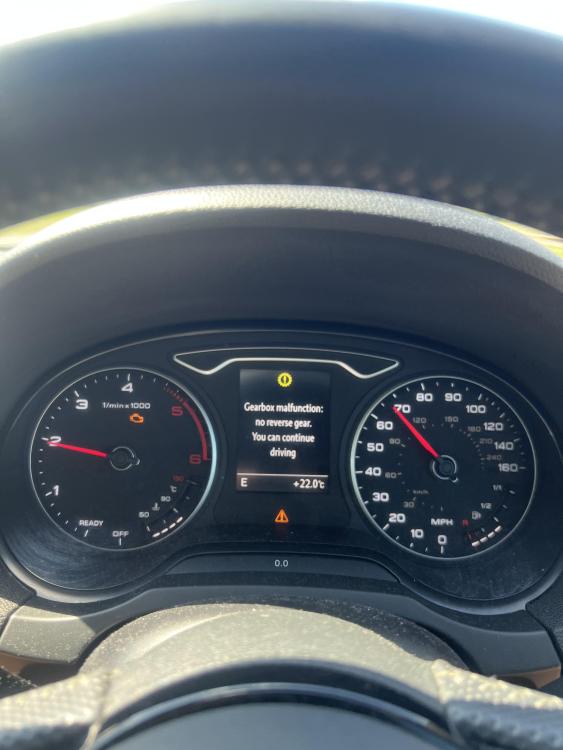
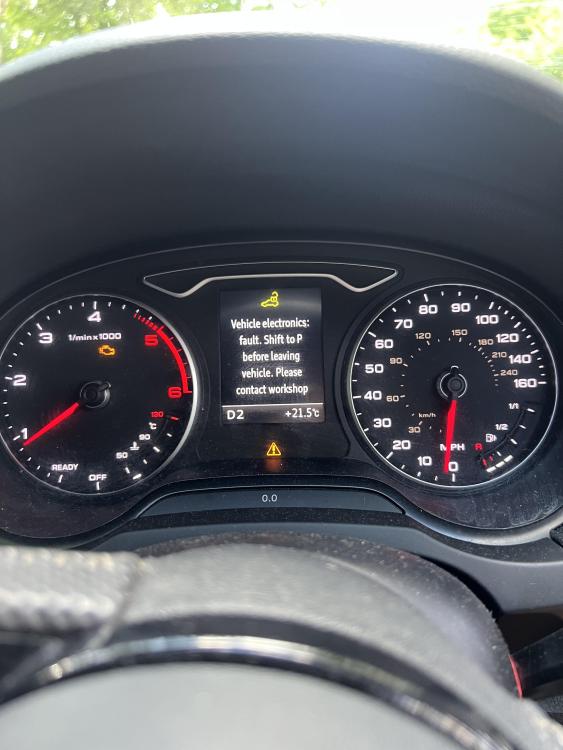
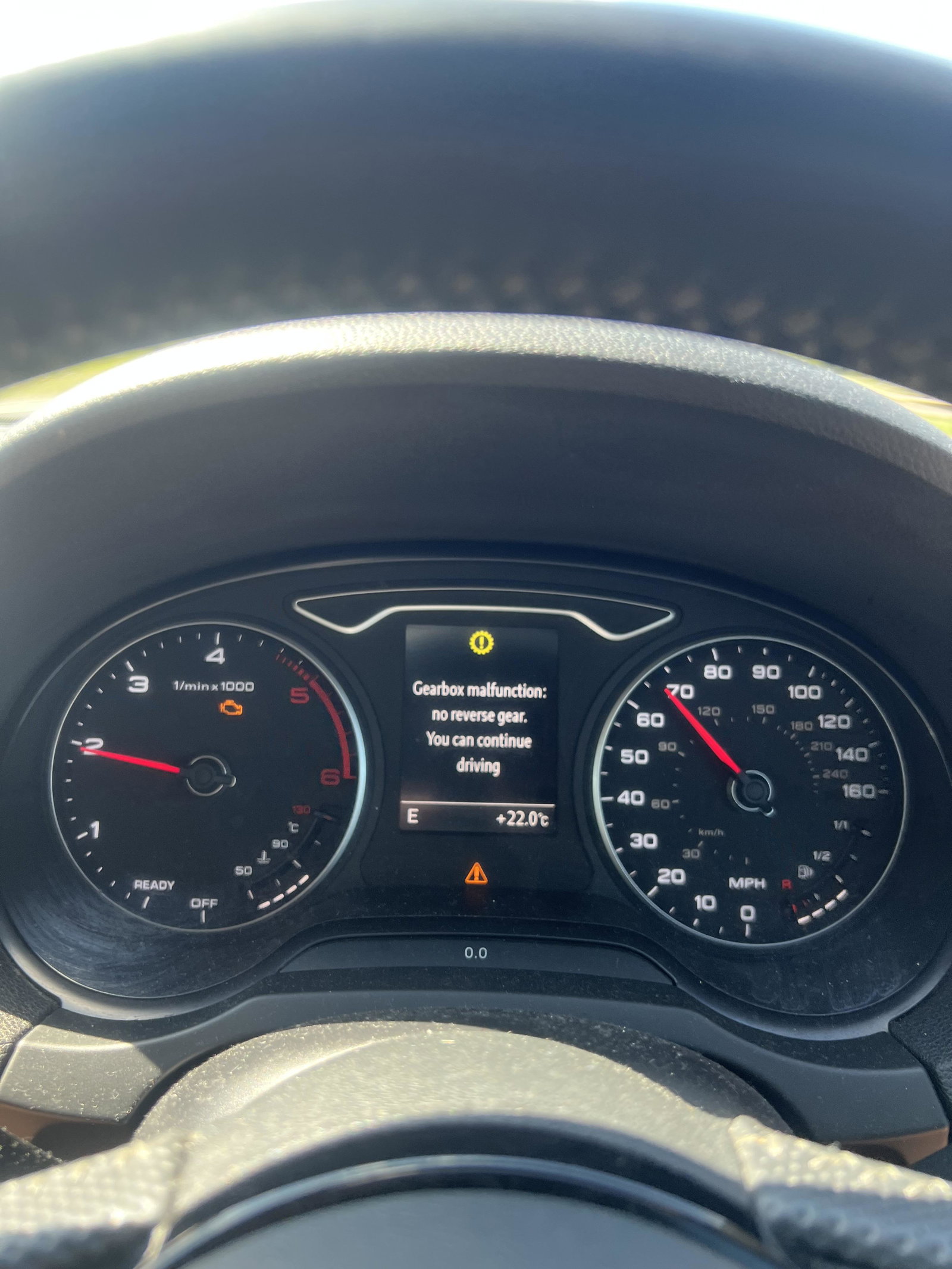
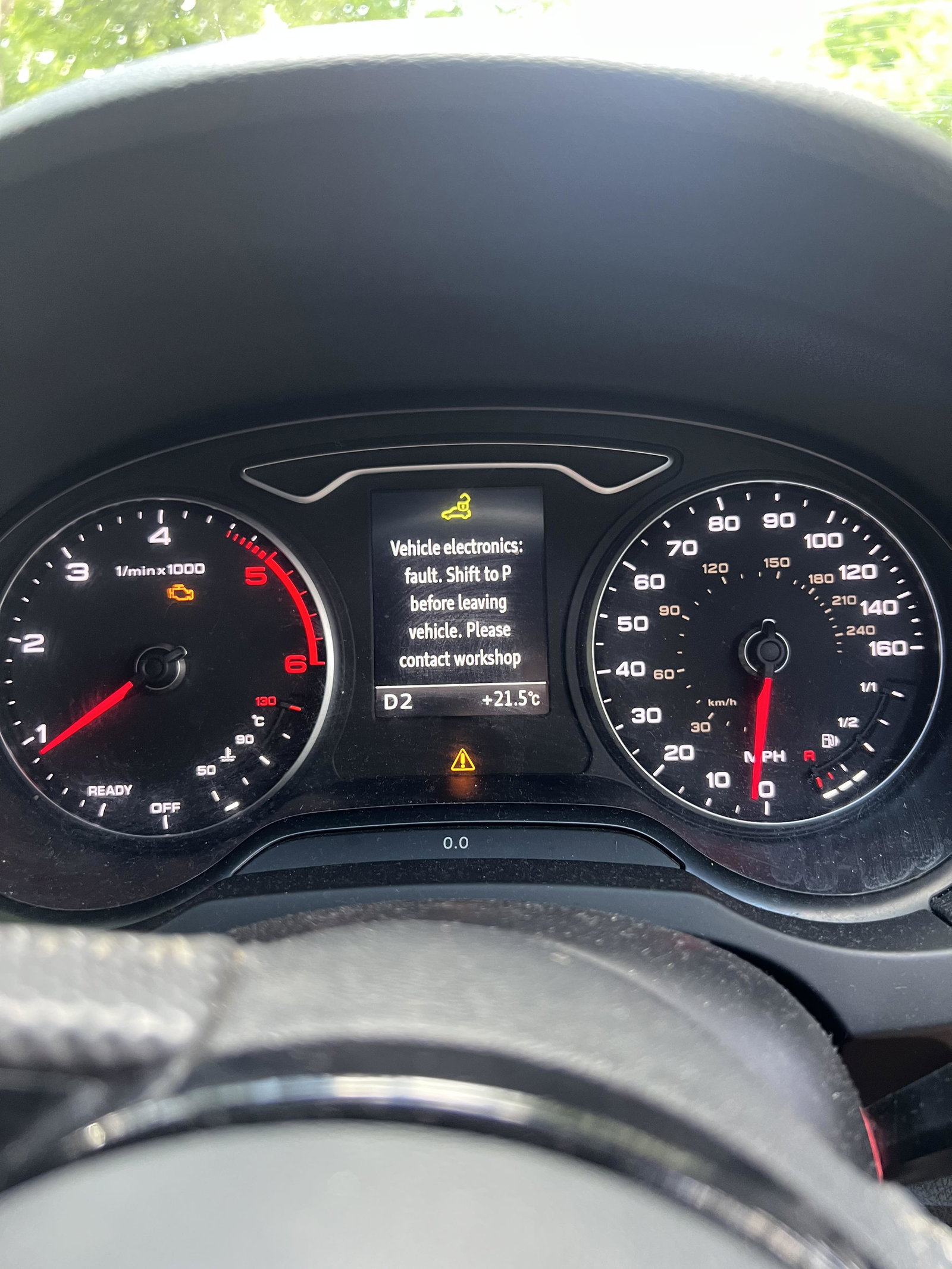
Audi A3 2017 with an automatic S tronic gear box. Sometimes when I get in the car it’ll throw up a fault saying I no longer have reverse gear and then also takes away 2nd 4th and 6th gear. This is an intermittent fault that sometimes just goes away with keying the car on and off but the engine management light stays on permanently. Then other times I’ll get in and start up and it’ll throw up a different fault code. All really confusing because I never know if the cars safe to drive. I took it to a garage to have the faults diagnosed but because the faults keep coming back then clearing by themselves it’s almost impossible to get them diagnosed because it’s always random. If anyone could point me in the right direction or has suffered from this issue themselves any information would be greatly appreciated. I’ll attach the faults in images below. As I said both of these faults are intermittent so they come on and off all the time but the engine management light is constantly on.