GiannisTz
Members
-
Joined
-
Last visited
Everything posted by GiannisTz
-
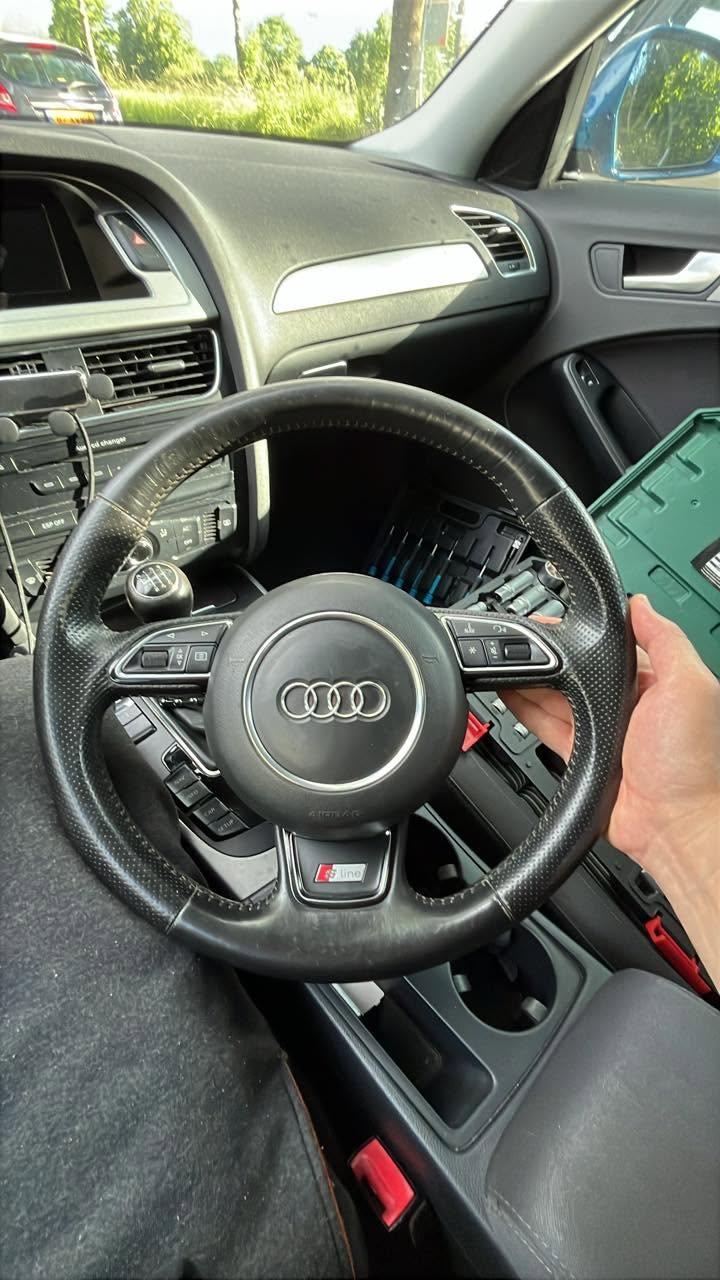
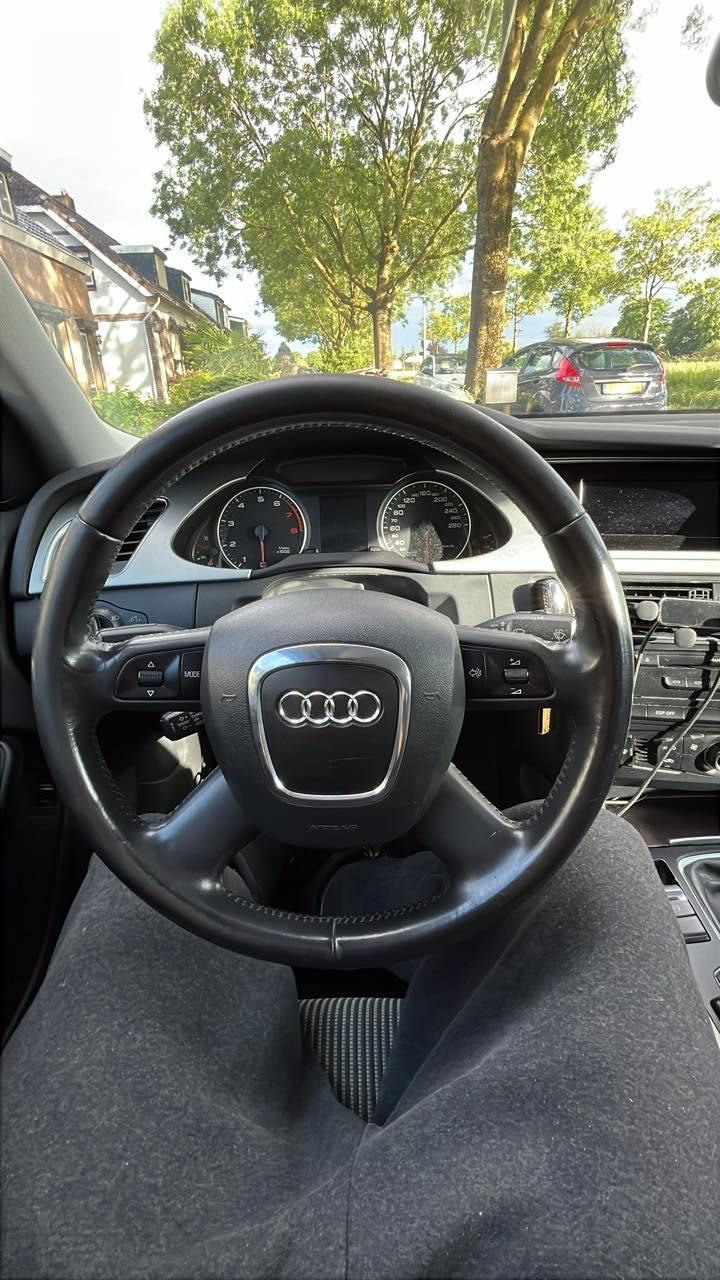
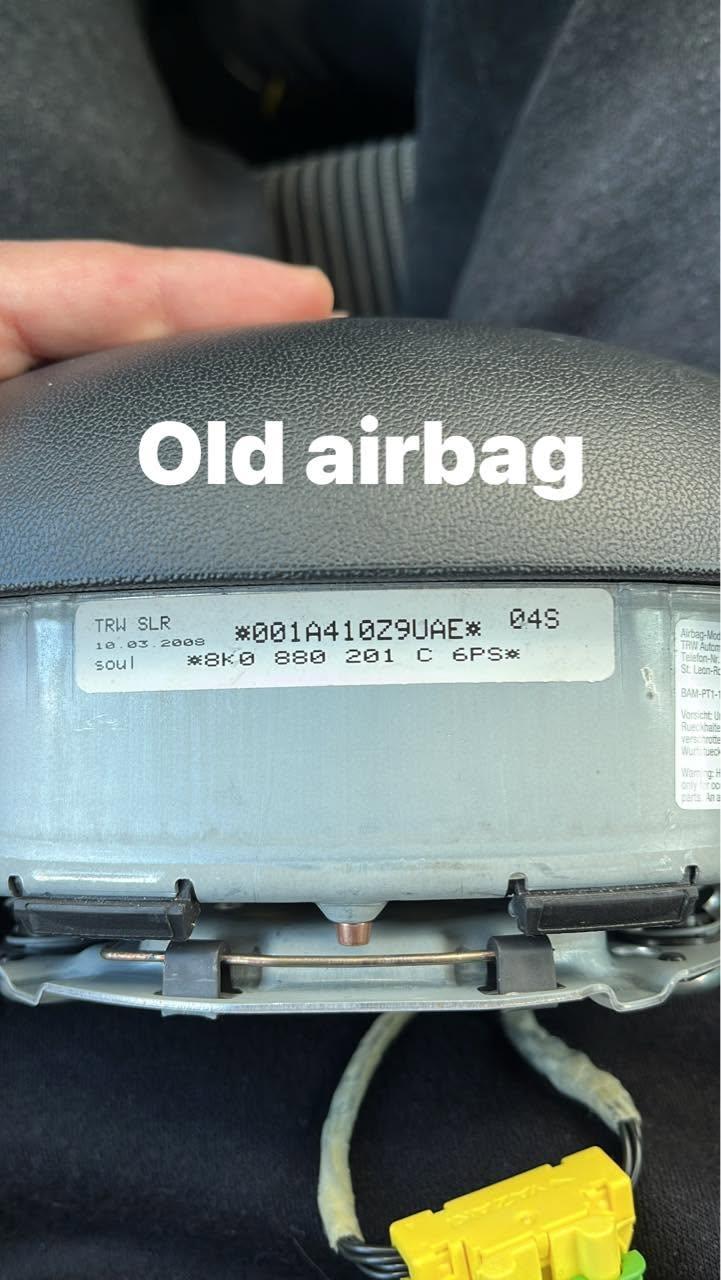
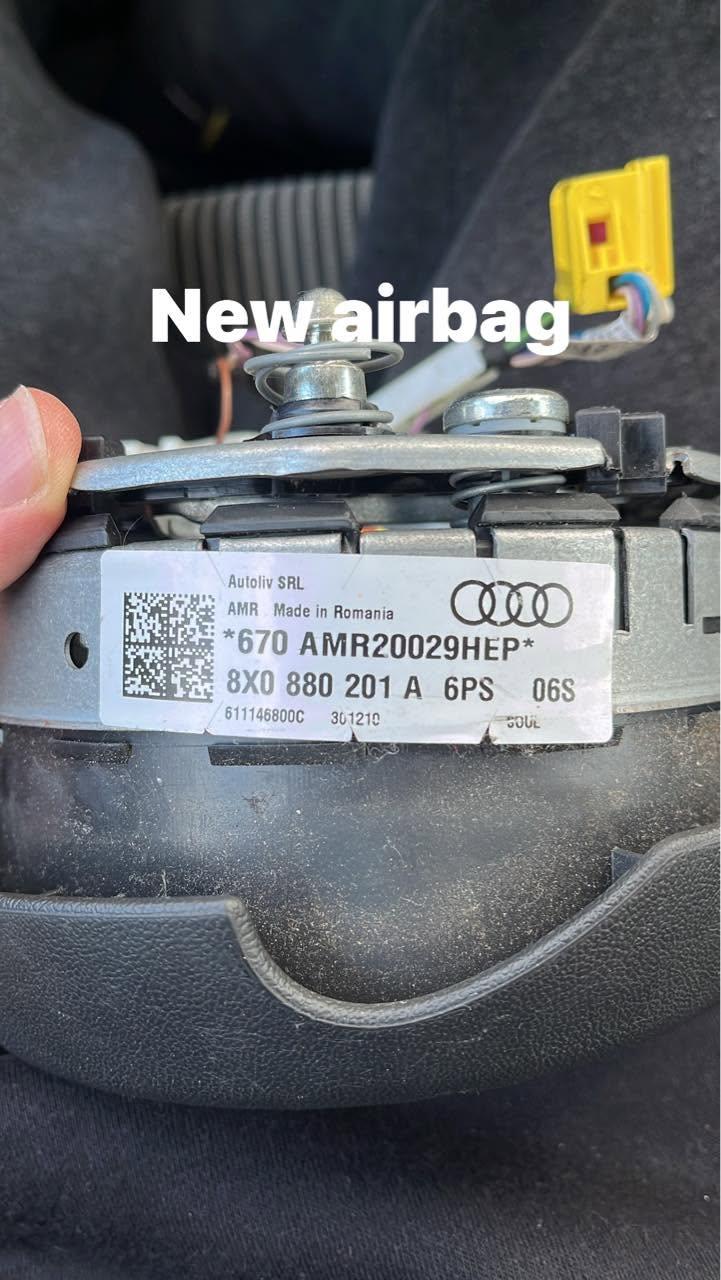
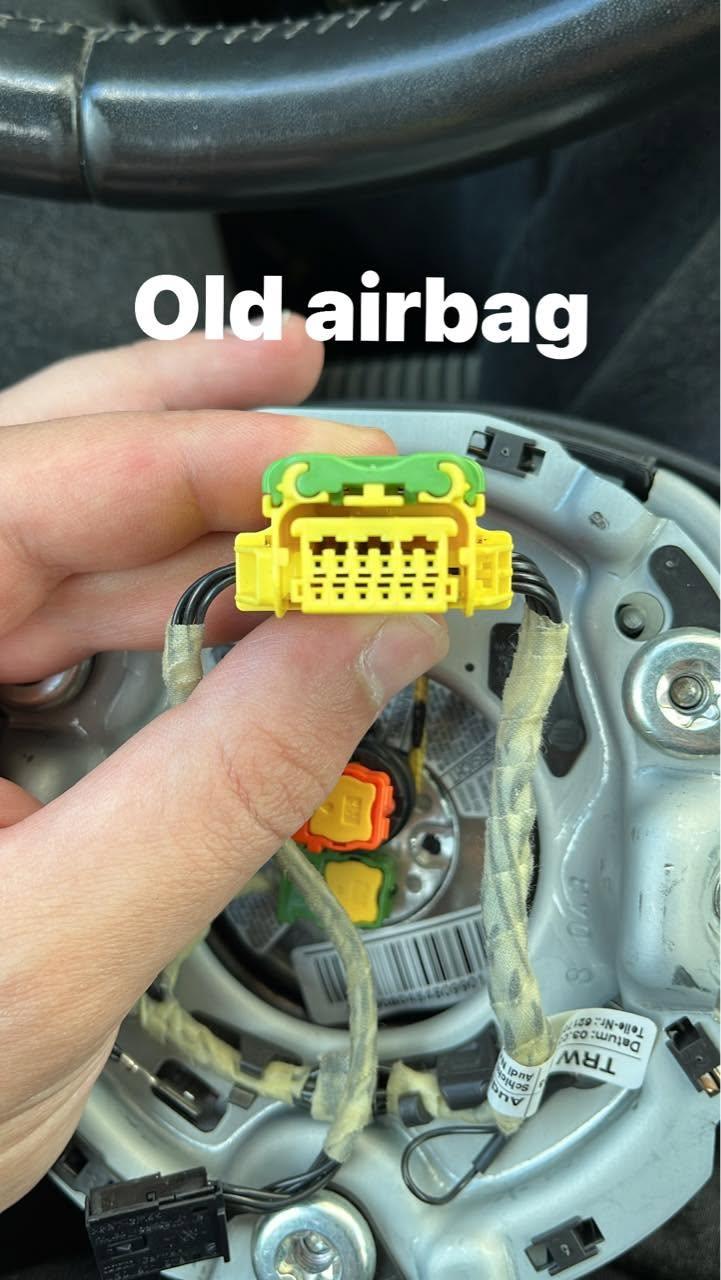
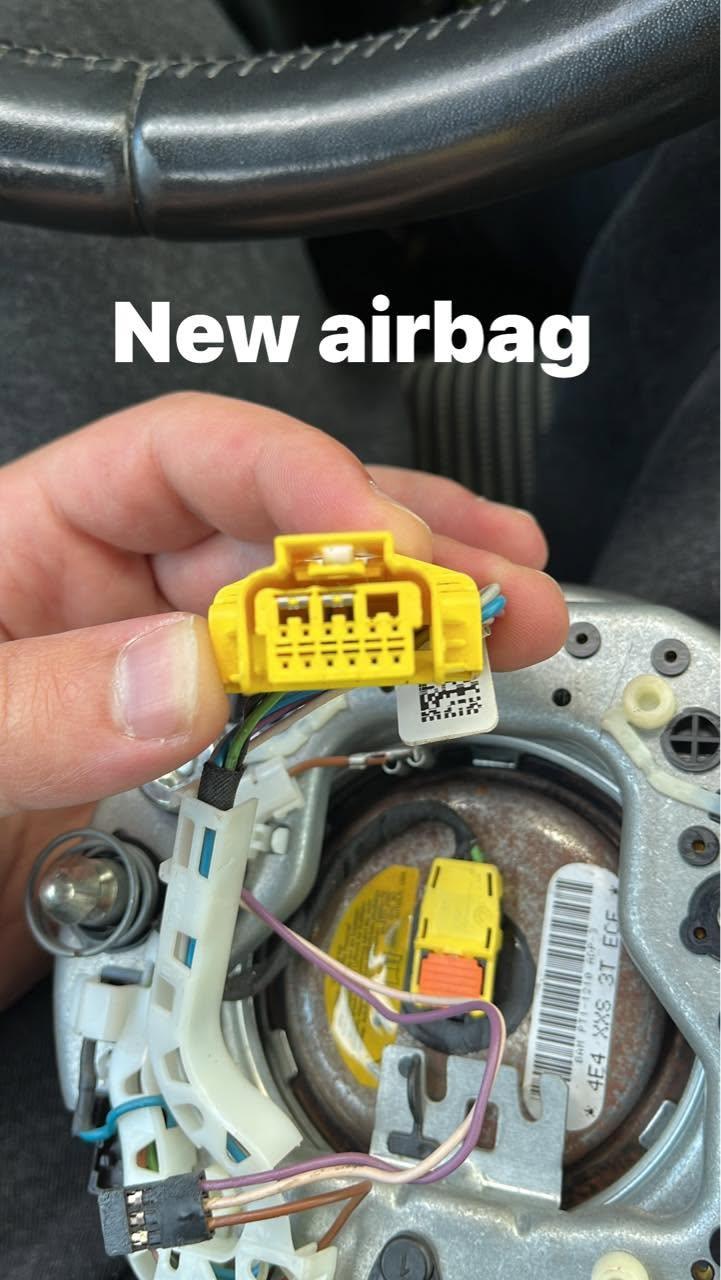
Hey I have a Audi A4 B8 and I want to change my steering wheel. I bought a new one online and it was suposed to work . Unfortunately It seems that the connectors are not the same and hence dont fit . From my knowledge and research the airbag code comes from a A1 . Some people told me that I just need to change the airbag not the whole wheel . Others told me i have to change both . Others told me that I might be able to rewire the harness . Could you give me some insight on this matter ? See images bellow for reference ! Please any help would be useful .
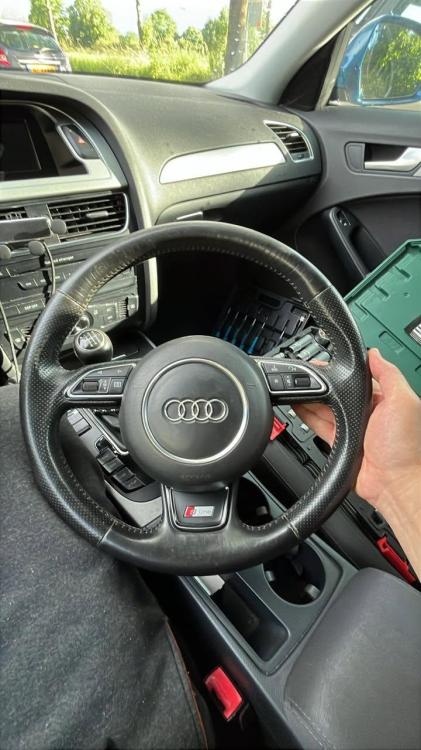
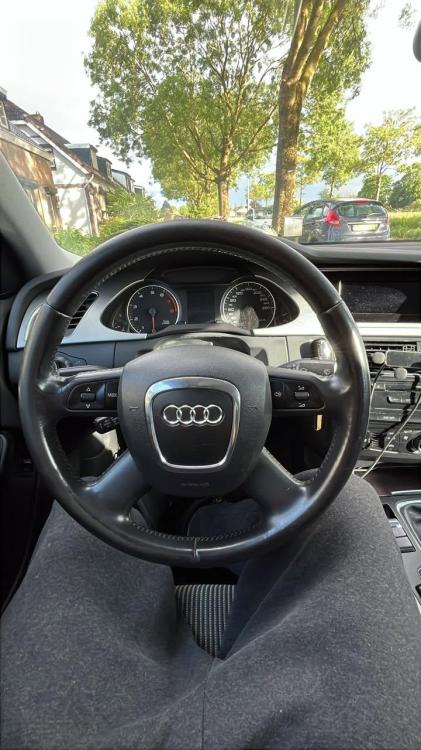
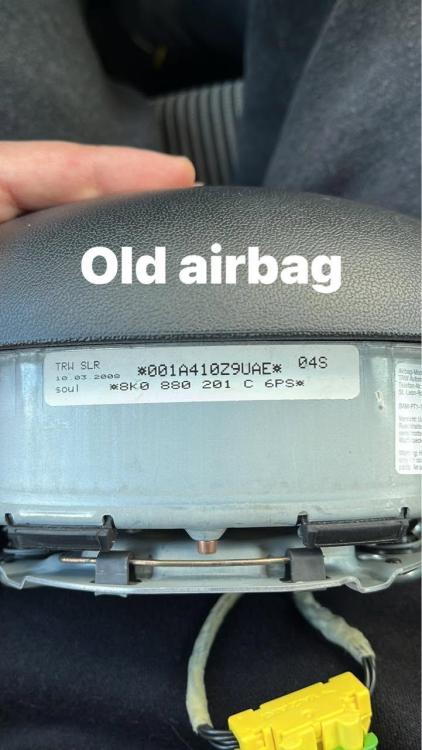
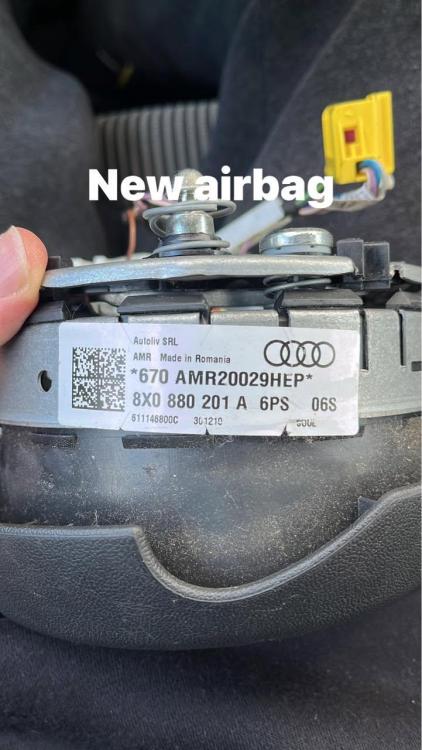
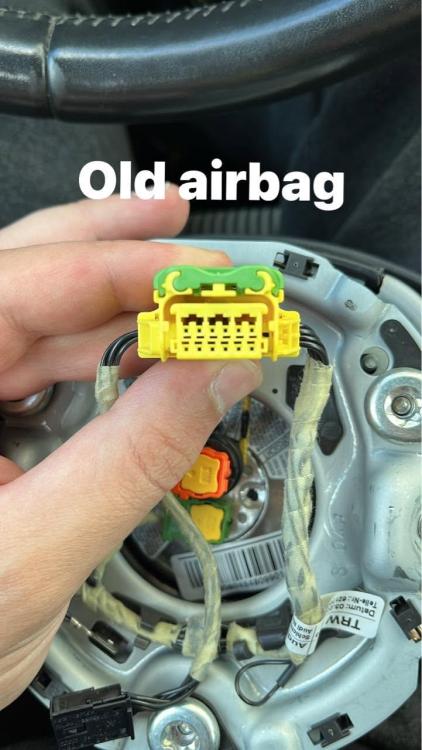
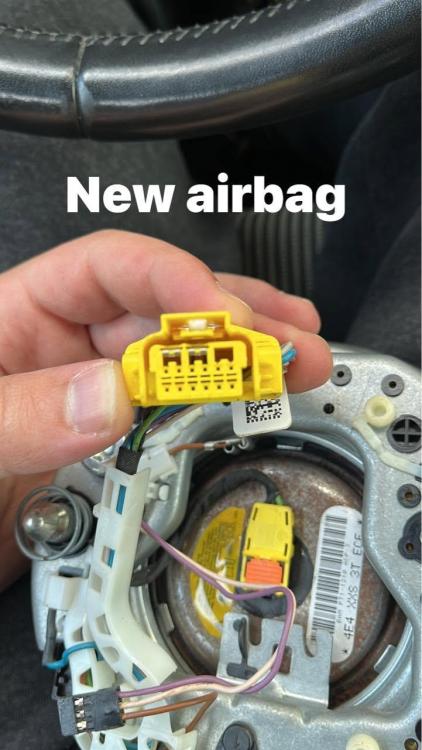
-
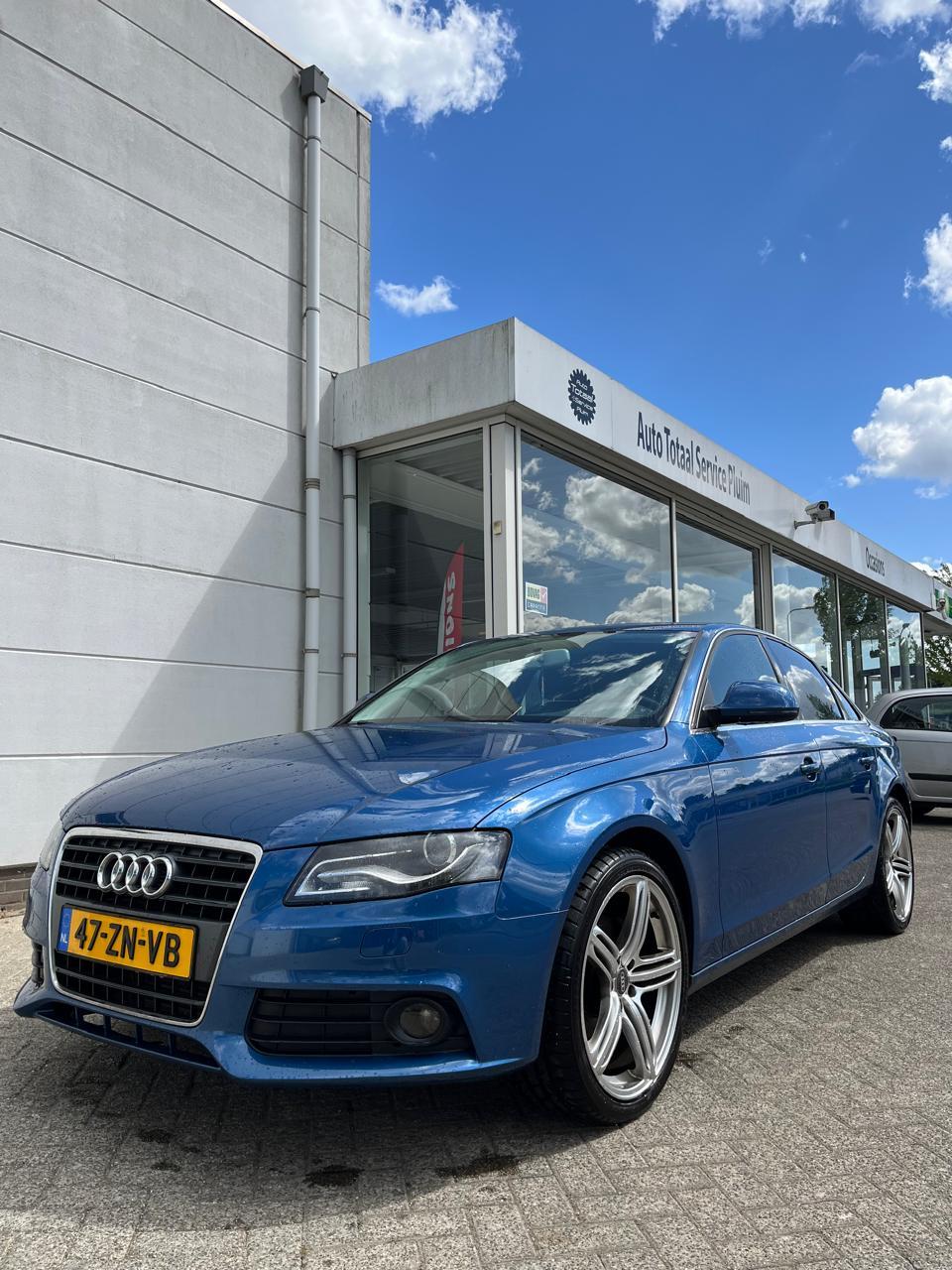
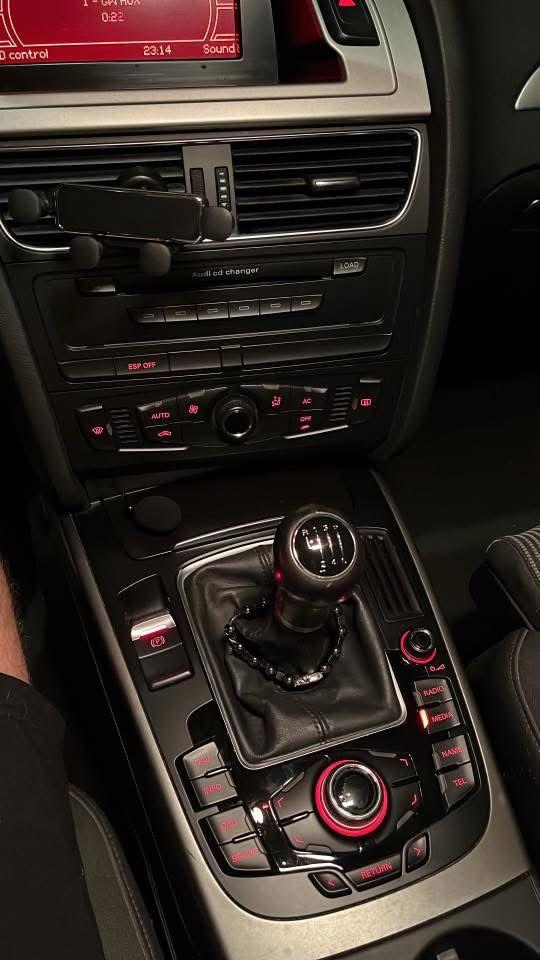
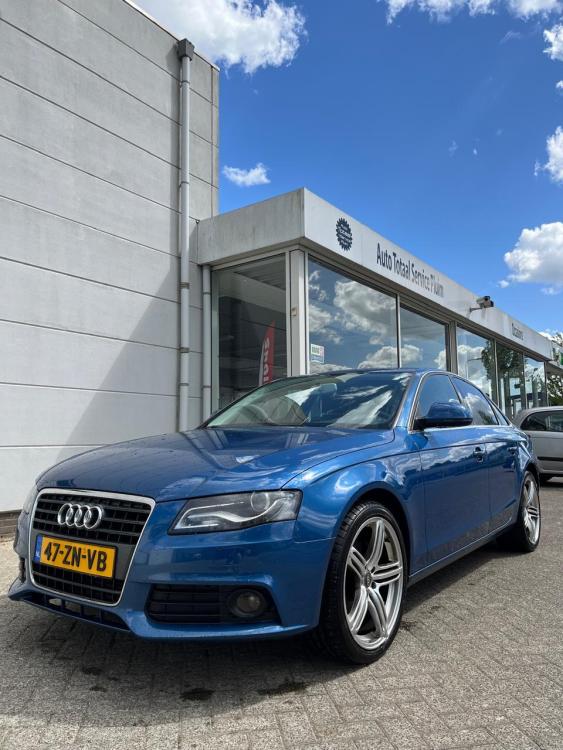
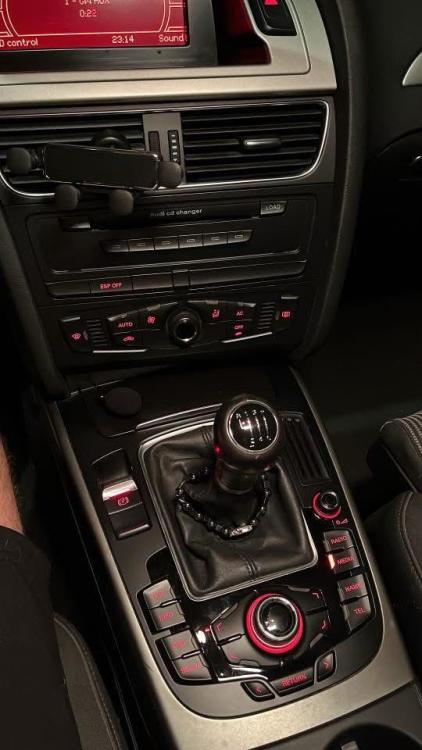
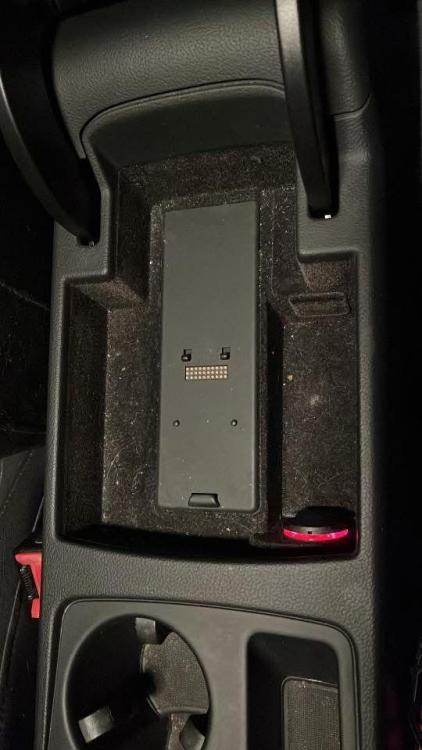
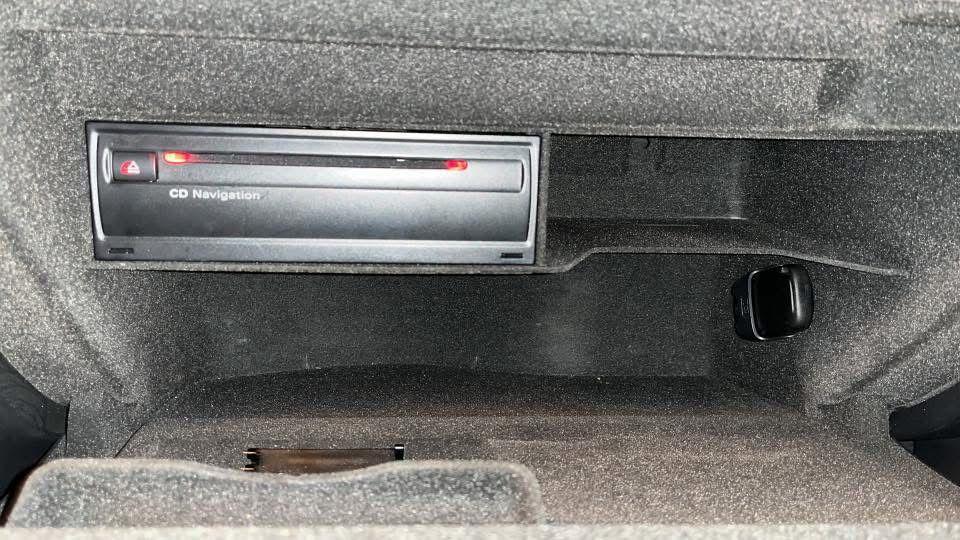
These is my configuration .
-
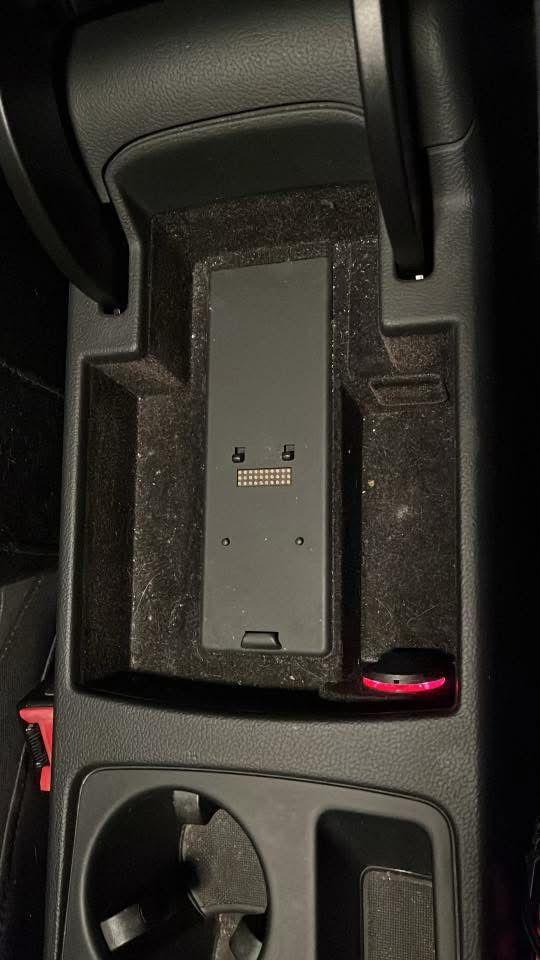
Hello everyone . I have a Audi A4 B8 2008 with the MMI 3GS configuration and also a navigation CD box in the glove box. I want to connect my phone someway to play my music there . I have bluetooth but I cant seem to find it in my phone when searching for it ( yes I went into the settings of bluetooth and tried adding new device) plus i heard that it works only for phone calls and not for music . Does anyone know of a way to connect it either via bluetooth or aux cable or sth ? Any help would be greatly appreciated !!