





Jotenhiem
Members
-
Joined
-
Last visited
Everything posted by Jotenhiem
-
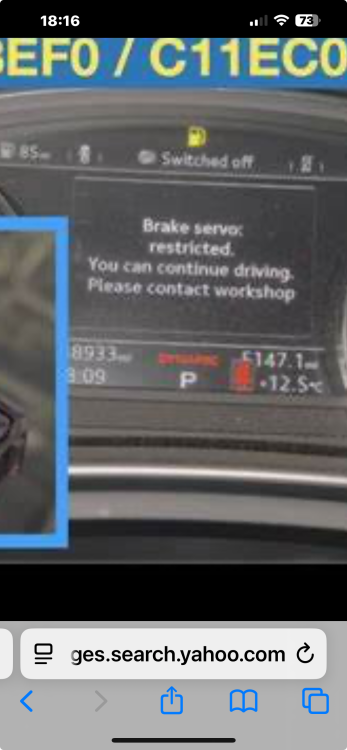
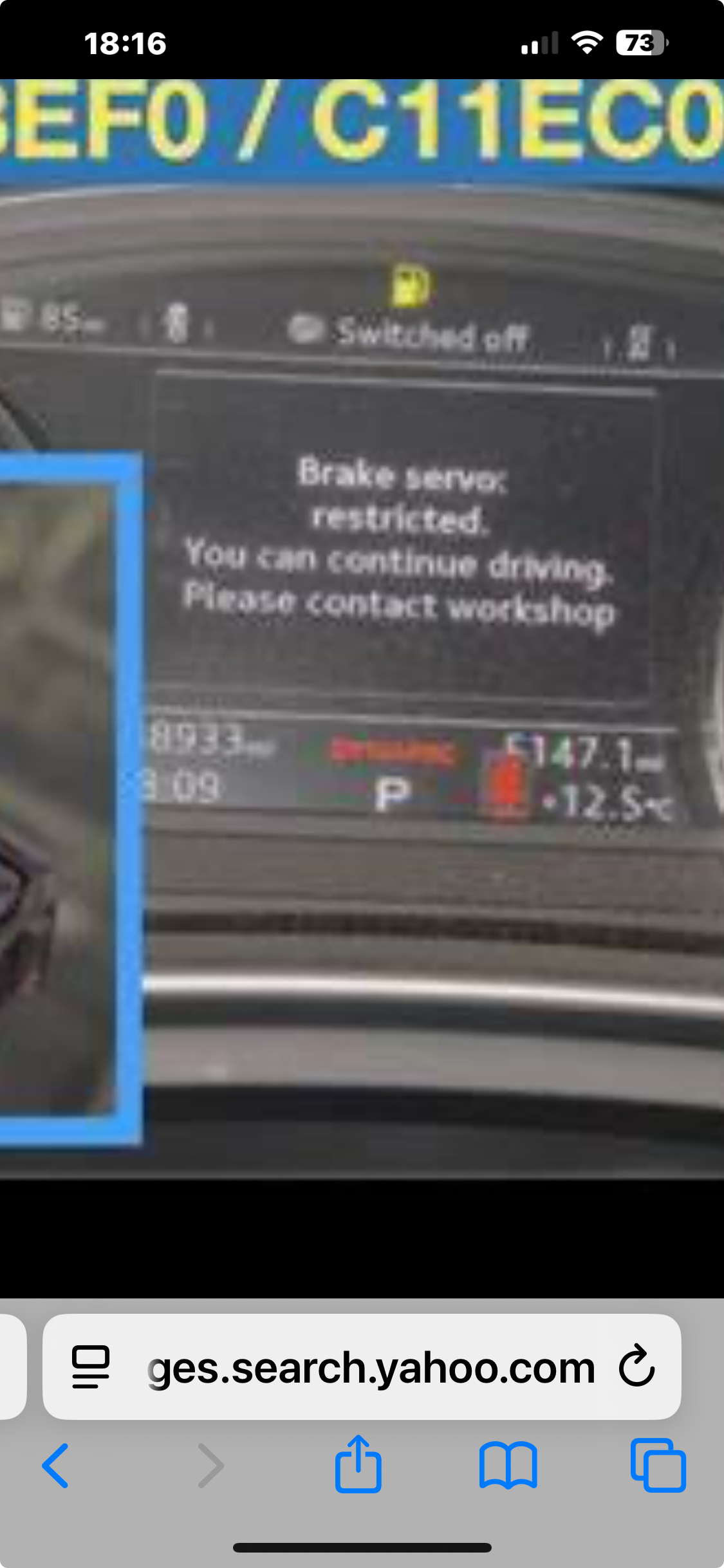
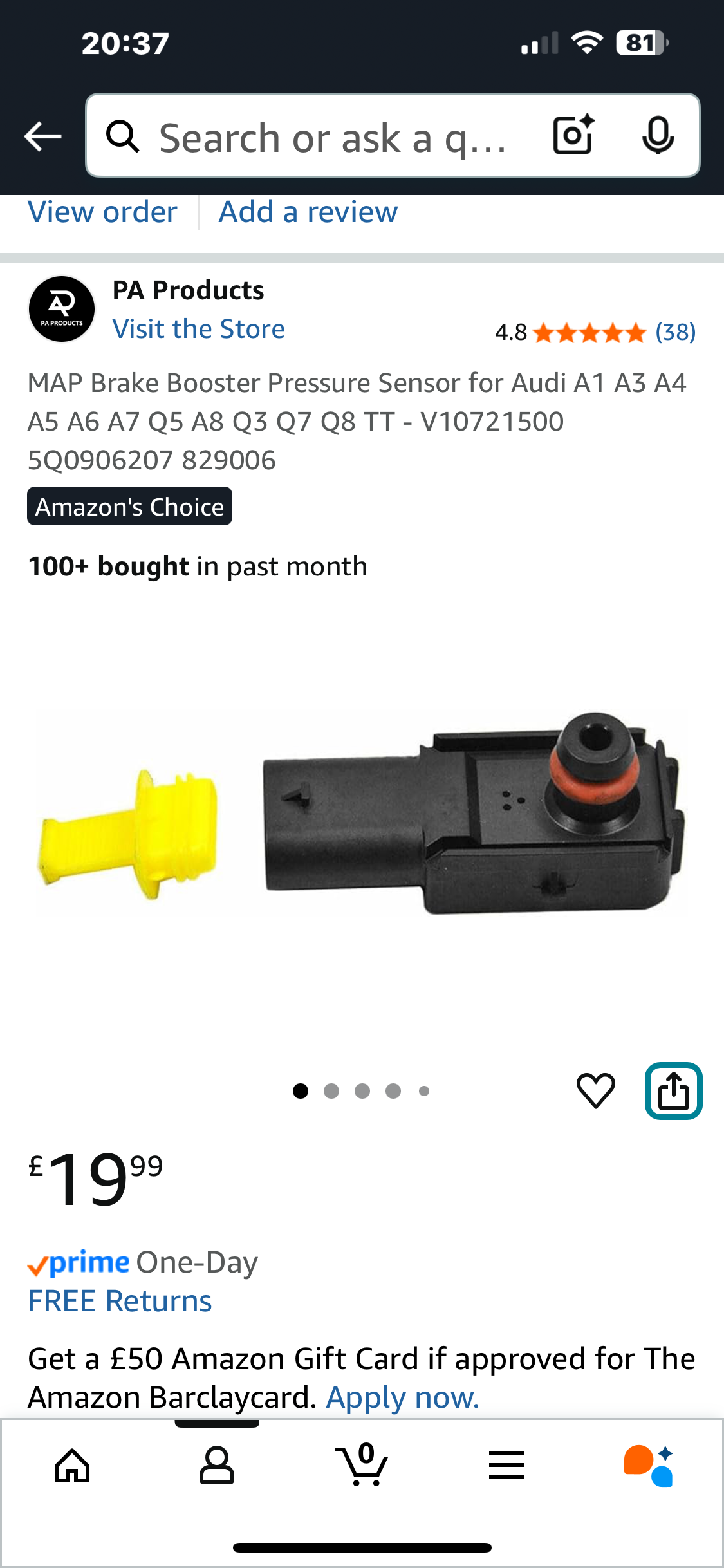
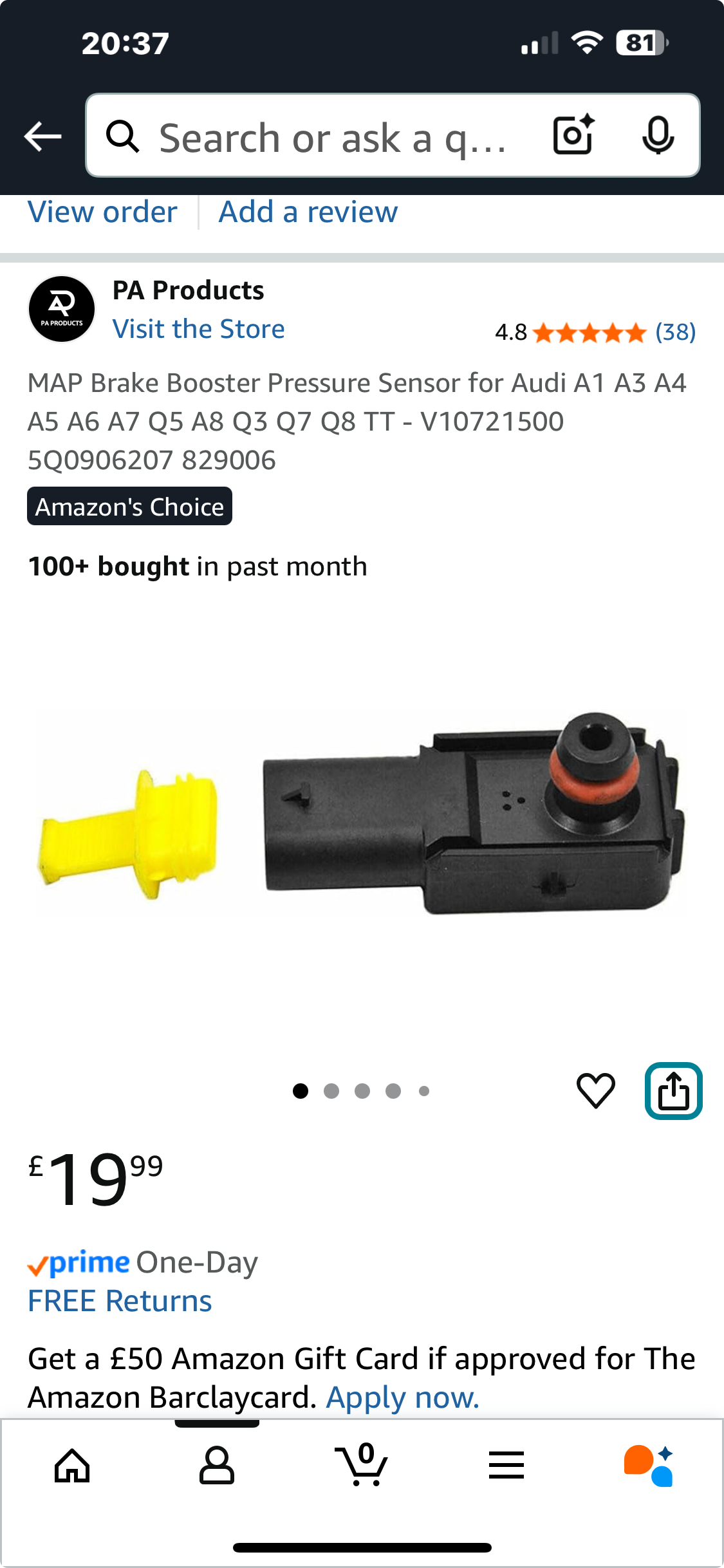
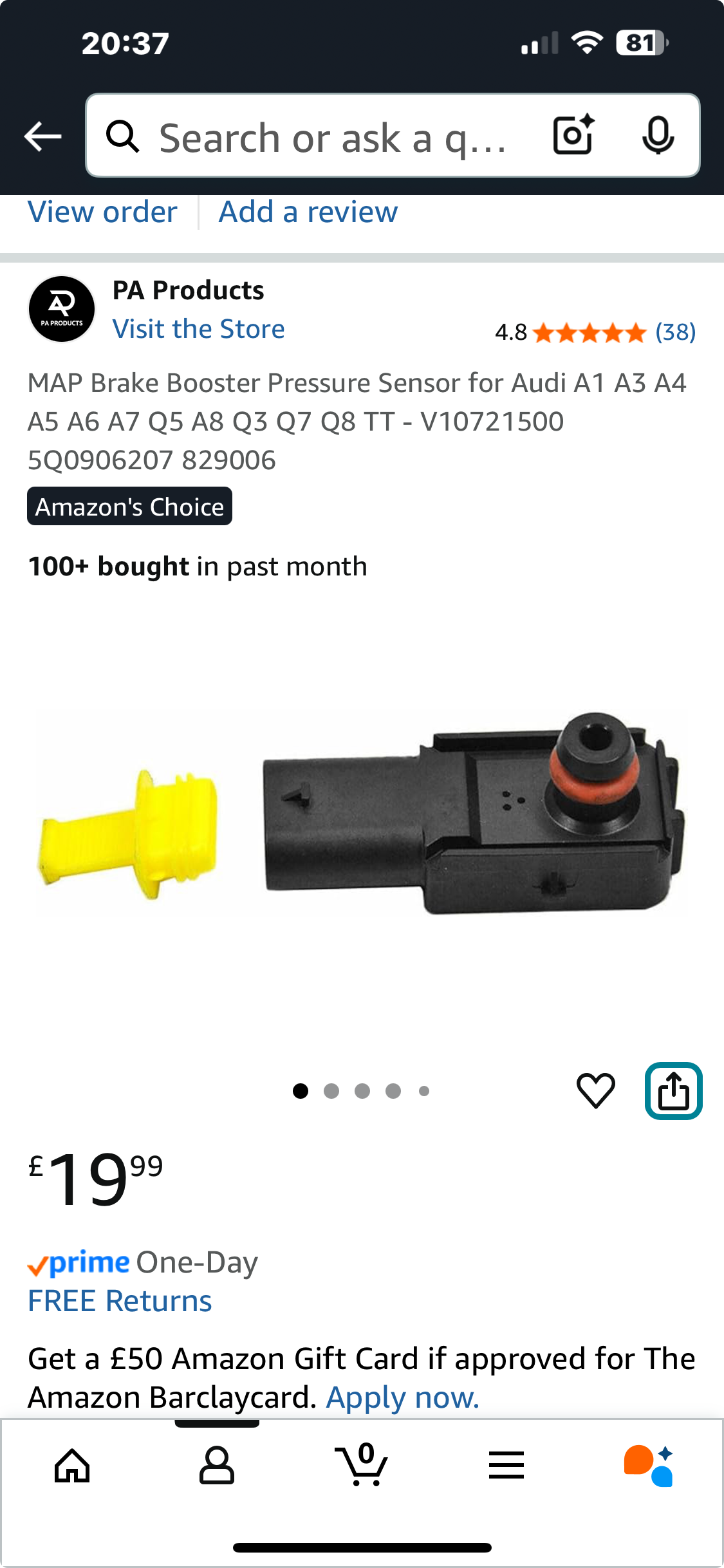
this warning came on my screen and went away but eventually there was too much play bad feeling when braking after looking the forum it was the brake pressure sensor I bought one from amazon and changed it myself using YouTube and it fixed but it only applies to the brake pressure sensor not any other braking issue!!!
-
That’s crazy
-
Sorry pal I am sure you can find it on YouTube at least you’ve an idea what the issue is!
-
Search you tubeWow cost me £21How much did it cost from Audi?I replaced the sensor and the fault disappeared you can watch on you tube how to replace it was a bit fiddly but took minutes. I have a q5 2019
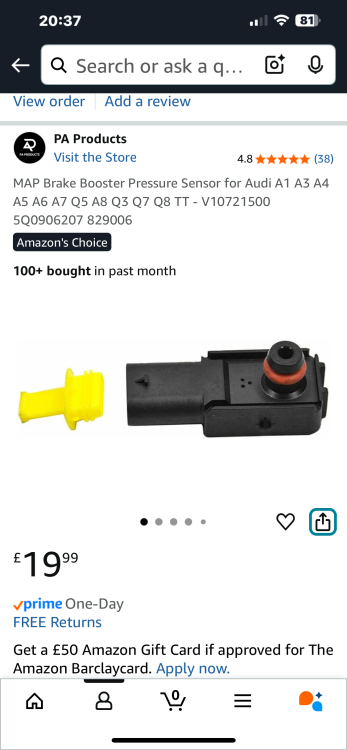 It’s ok bro I’ve changed it now and the brakes are working fine now no issues sinceThere were no warning lights it was a message on the dash saying Brake servo but it is ok to drive but contact dealer.I got mine from Amazon 20£I had the exact experience it started off with the message but it was was intermittent until the brakes started juddering. I joined the Audi club and seen the advice watched on you tube how to change the sensor and it worked no issues sinceRead the advice on the sensor bought one on Amazon replaced it after watching it on You Tube and it’s cured the issue


Account
Navigation
Search
Configure browser push notifications
Chrome (Android)
- Tap the lock icon next to the address bar.
- Tap Permissions → Notifications.
- Adjust your preference.
Chrome (Desktop)
- Click the padlock icon in the address bar.
- Select Site settings.
- Find Notifications and adjust your preference.
Safari (iOS 16.4+)
- Ensure the site is installed via Add to Home Screen.
- Open Settings App → Notifications.
- Find your app name and adjust your preference.
Safari (macOS)
- Go to Safari → Preferences.
- Click the Websites tab.
- Select Notifications in the sidebar.
- Find this website and adjust your preference.
Edge (Android)
- Tap the lock icon next to the address bar.
- Tap Permissions.
- Find Notifications and adjust your preference.
Edge (Desktop)
- Click the padlock icon in the address bar.
- Click Permissions for this site.
- Find Notifications and adjust your preference.
Firefox (Android)
- Go to Settings → Site permissions.
- Tap Notifications.
- Find this site in the list and adjust your preference.
Firefox (Desktop)
- Open Firefox Settings.
- Search for Notifications.
- Find this site in the list and adjust your preference.