




Skip to content
View in the app

A better way to browse. Learn more.

Audi Owners Club (UK)

A full-screen app on your home screen with push notifications, badges and more.

To install this app on iOS and iPadOS
  1. Tap the Share icon in Safari
  2. Scroll the menu and tap Add to Home Screen.
  3. Tap Add in the top-right corner.
To install this app on Android
  1. Tap the 3-dot menu (⋮) in the top-right corner of the browser.
  2. Tap Add to Home screen or Install app.
  3. Confirm by tapping Install.


Strawhatman

Members
  • Joined

  • Last visited

Everything posted by Strawhatman

  1. Will do, thank you.
  2. Hey I know its been a while but did you get a work around for this?
  3. Thank you guys, your comments were very informative. I will stick to filling with normal unleaded and maybe once in a while with V-Power.
  4. Will there be any benefits with Tescos premium or Shell v power?
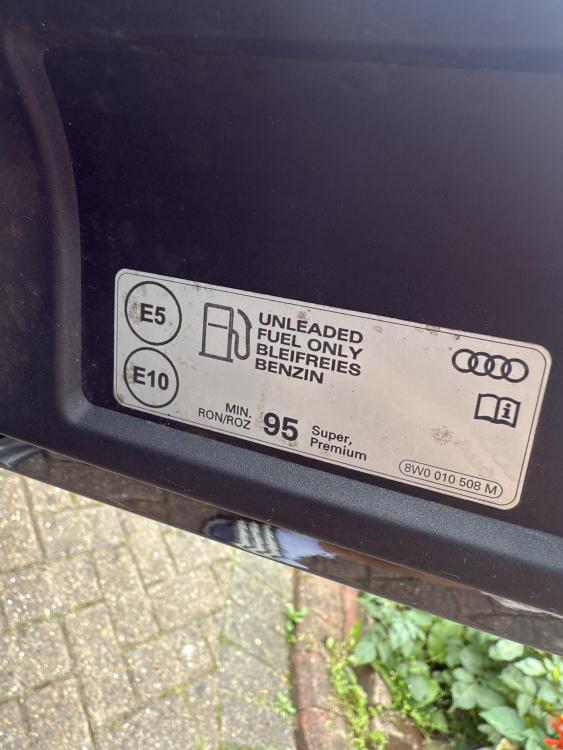
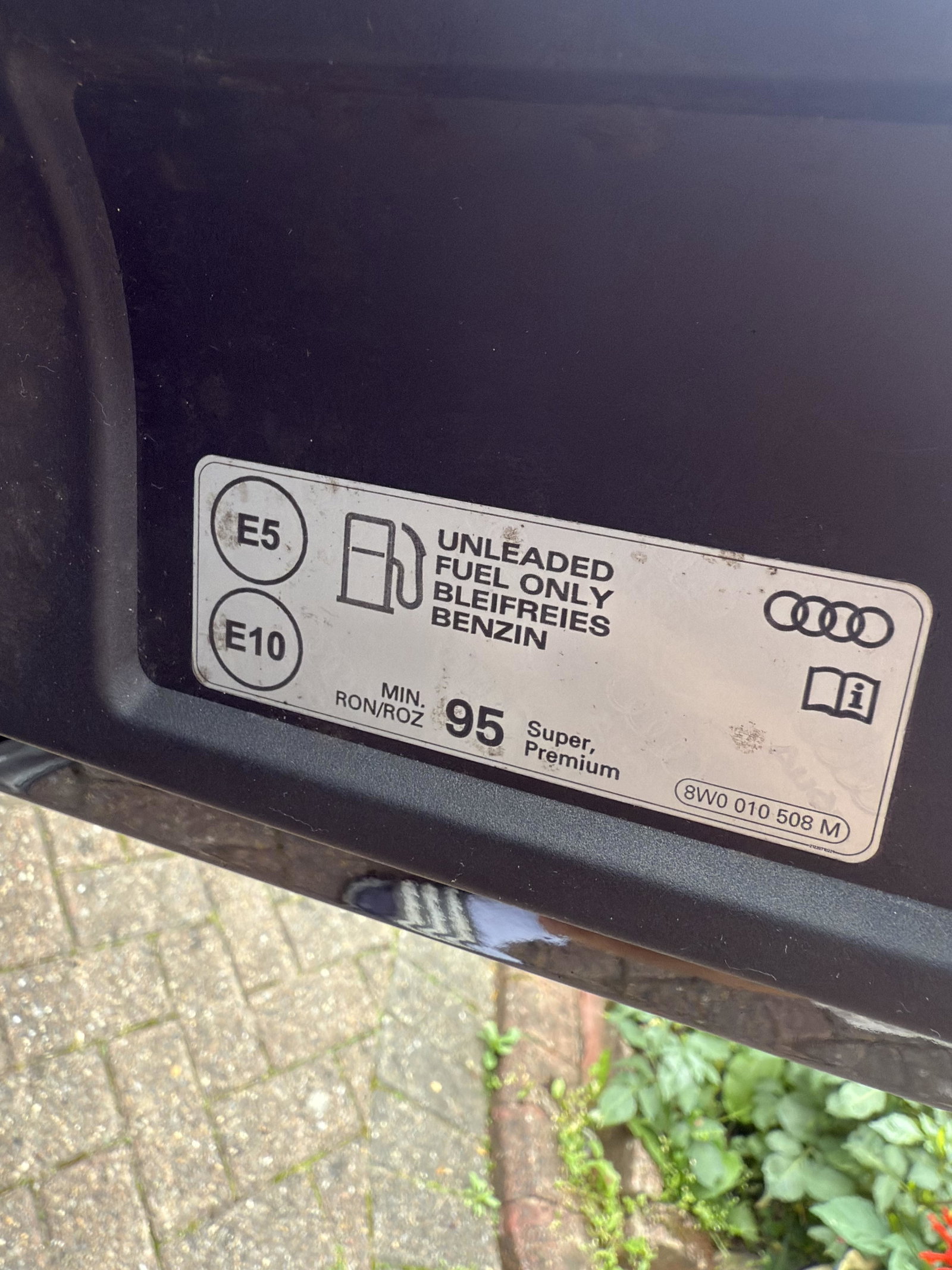
  5. Hello from UK, I hope everyone is well. I recently purchased 2022 35 TFSI part exchanging my 2009 1.8 Astra and the fuel flap on A3 label says E5 E10 min. RON/ROZ 95 Super, Premium. I was wondering which type is your go to and which brands?
  6. Hello, I am looking for A3 1.5 TFSI ED 1 or S Line with Bang & Olufsen 2020 onwards. Daytona Grey colour, budget is £20K thank you.


Background Picker
Customize Layout

Account

Navigation

Search

Search

Configure browser push notifications

Chrome (Android)
  1. Tap the lock icon next to the address bar.
  2. Tap Permissions → Notifications.
  3. Adjust your preference.
Chrome (Desktop)
  1. Click the padlock icon in the address bar.
  2. Select Site settings.
  3. Find Notifications and adjust your preference.