NDSQ5
Established Member
-
Joined
-
Last visited
-
This is why my Audi is now a Garage Queen during the winter. I went out and bought a 2019 Hyundai Sonata with 95k on the odometer for the winter. My beater with a heater. She’s got dents, dings, and scratches. But it cranks up, runs, and no lights. lol. And if someone door dings it, I don’t care. Hoping she will make it to 150k. That means it will make it about 6 years with me.
-
That makes sense. I know my 2021 Subaru Legacy XT had a temp sensor and would stay on til oil was up to temp. Owners manual stated not to get over 2000rpm until oil temp light went out for protection of turbo.
-
Which dipstick will fit this engine? Can anyone steer me to the right part #? @cliffcoggin@Stevey Y
-
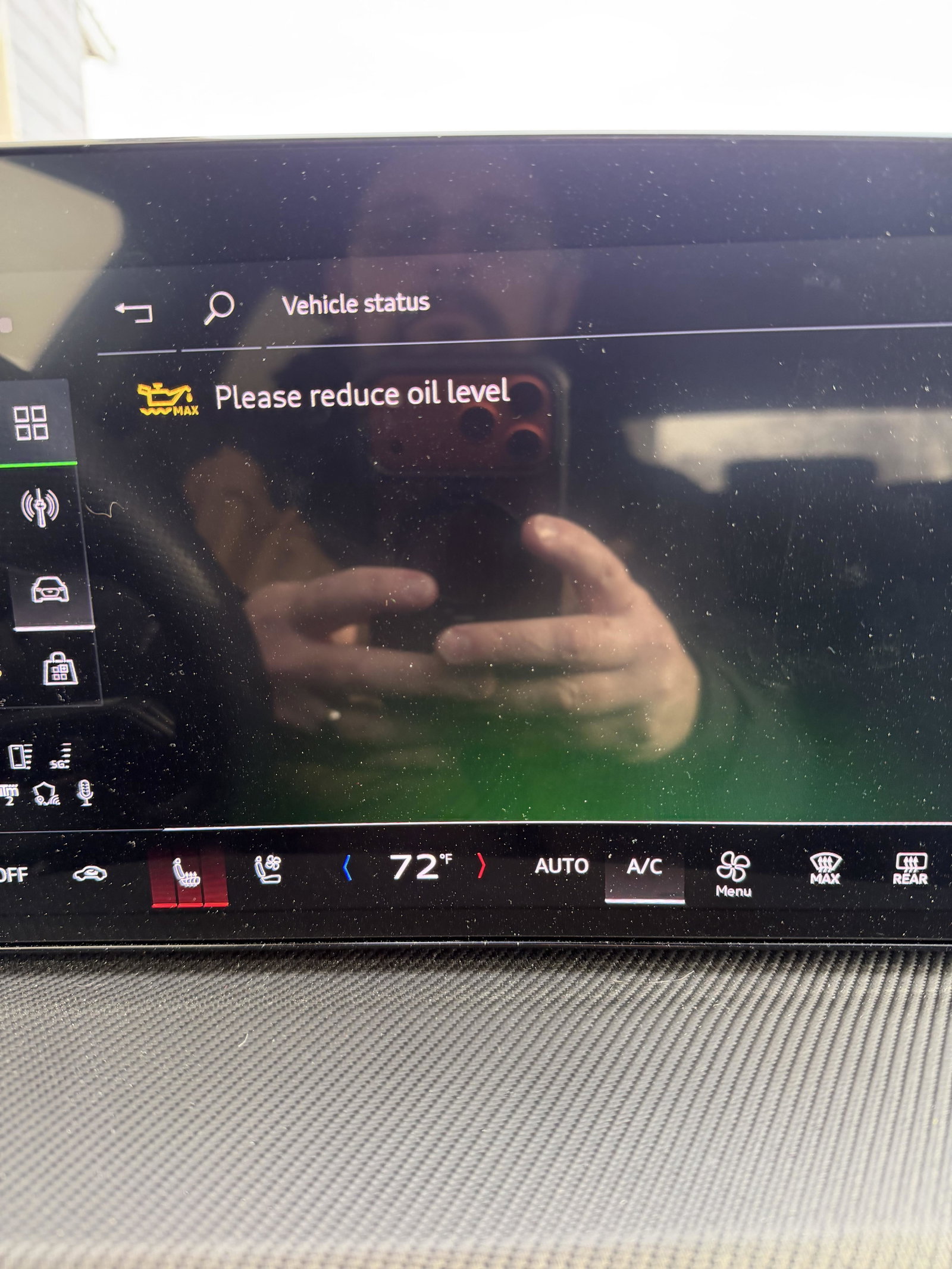
Get this guys. It’s been above 20 degrees this past week and a half. Same driving habits and no MMI message. Oil gets to temp quicker. It’s gotta be the temp sensor setting off this message. When I go in for my one year check, I am going to mention this and state that I want a new temp sensor. I mean Audi is aware of this issue. Why not put out a OTA update to fix it.
-
I look at it this way. That little MMI warning or whatever you wanna call it, is not a check engine light. The warning went away. I mean how many warnings have Audi owners seen that really don’t mean anything. If it was a CEL I would be more concerned. I drove a Chevrolet before this, you wanna see a POS with more CEL and problems than it’s worth. Buy a Chevrolet. I had a 2023 Chevrolet Colorado Trail Boss. Biggest POS I have ever owned.
-
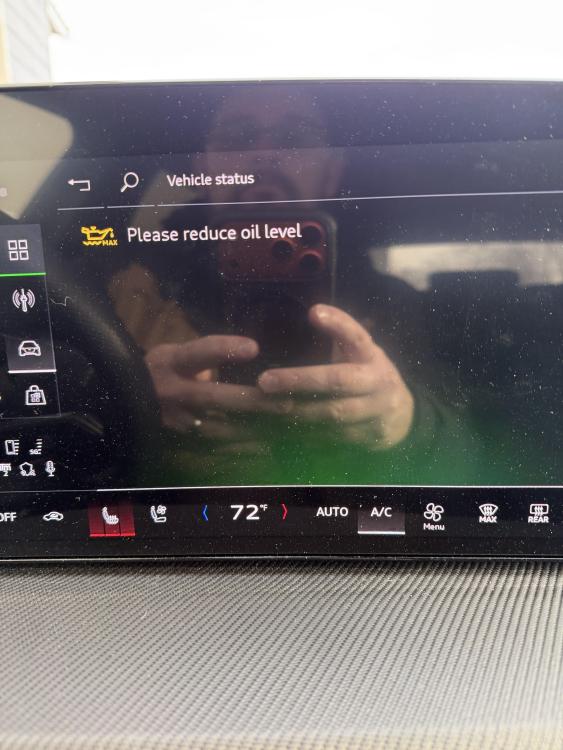
Just spoke with Master Tech at Audi (Valley Imports in Fargo ND). He stated that if I would have brought it there, they would have taken it out on the highway, got it up to temp, the message would have went away, and they would have returned the vehicle to me. They would not have removed any fluids and not conducted an oil change as there is no need. He sees it all the time, he stated it’s a temp sensor causing the message. Once the oil gets to temperature it goes out.
-
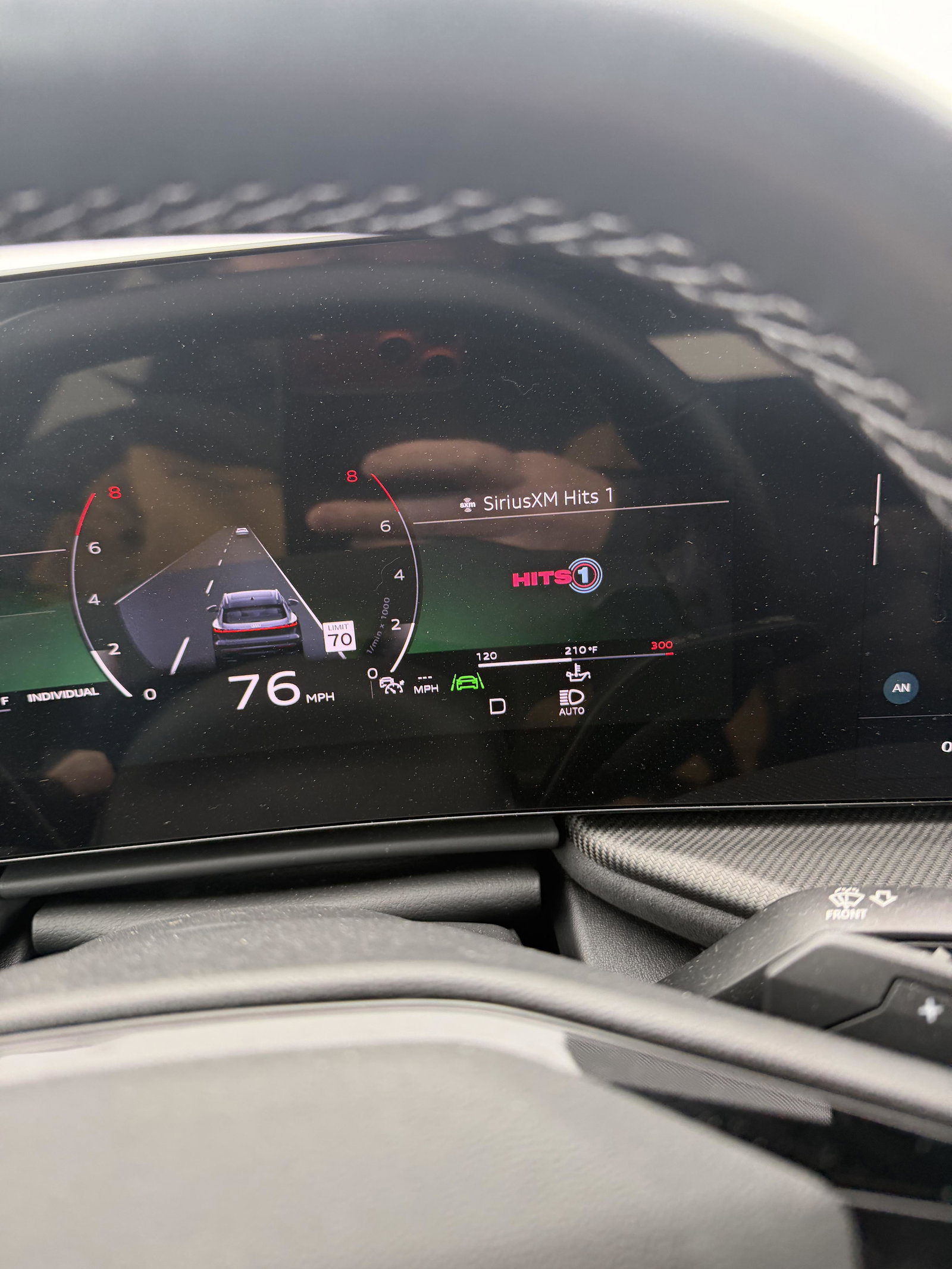
Well I took her out today, when I cranked her up, there was no warning. I still took her for a long drive to get her up to temp. Get the oil up to temp, etc.
-
@Stevey Y have you heard anything like this on the 2025’s. Could it be the cold.
-
It does not. Only the digital.
-
car has 2520 miles. Has not had its first oil change. Temp today was 1% Fahrenheit.
-
Doesn't look like there is going to be anything available anytime soon. Only firmware available aftermarket is 2025 Q3. Looks like its going to be a cold winter for me.
-
Mine seems to only do it when its extremely hot outside. I don't know if its just the tires being sticky or what. But thanks for the reply. I'm new to Audi's, still trying to learn all I can about these. I still love it so far. She's been getting washed weekly and getting a Graphene Spray Coating weekly to protect it until my ceramic coating in October.
-
Thank you, I actually got to read about it. https://www.popsci.com/technology/audi-turbo-geometry/
-
Did you get it taken care of?
-
I keep hearing about the turbo being electric on the SQ5, thats why there is no turbo lag. I am gonna have to look again. There is no information anywhere from any site giving info about this turbo setup. Any input? I did a search here and could not find anything. I tried turbo, electronic turbo. If there is something I can search to learn more, I will.