Skip to content
View in the app

A better way to browse. Learn more.

Audi Owners Club (UK)

A full-screen app on your home screen with push notifications, badges and more.

To install this app on iOS and iPadOS
  1. Tap the Share icon in Safari
  2. Scroll the menu and tap Add to Home Screen.
  3. Tap Add in the top-right corner.
To install this app on Android
  1. Tap the 3-dot menu (⋮) in the top-right corner of the browser.
  2. Tap Add to Home screen or Install app.
  3. Confirm by tapping Install.

Keith74

Members
  • Joined

  • Last visited

Everything posted by Keith74

  1. Keith74 replied to Keith74's topic in Audi Q5 Club
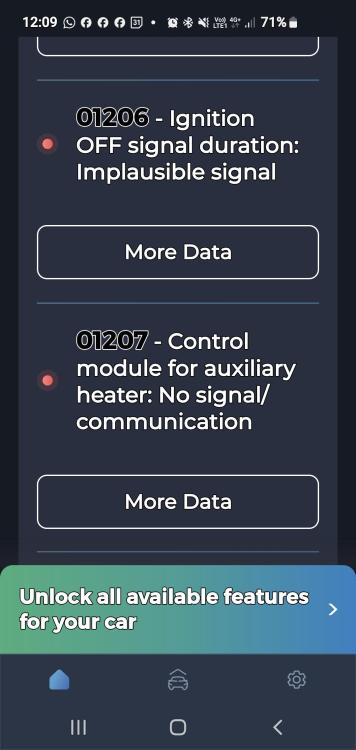
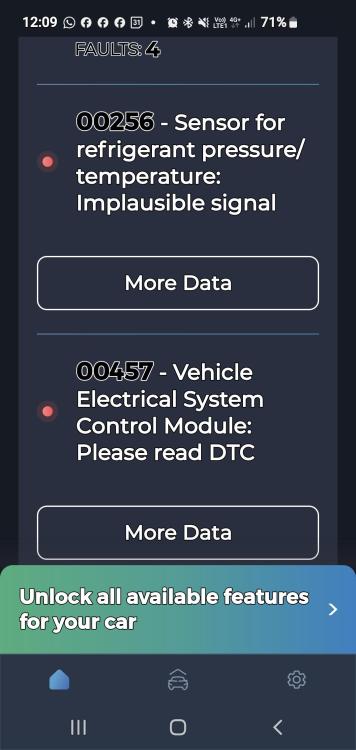
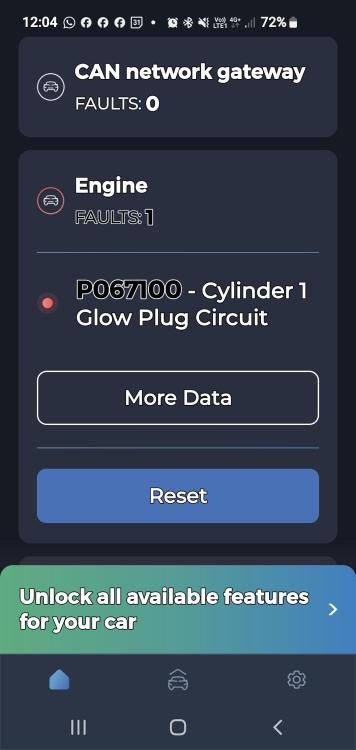
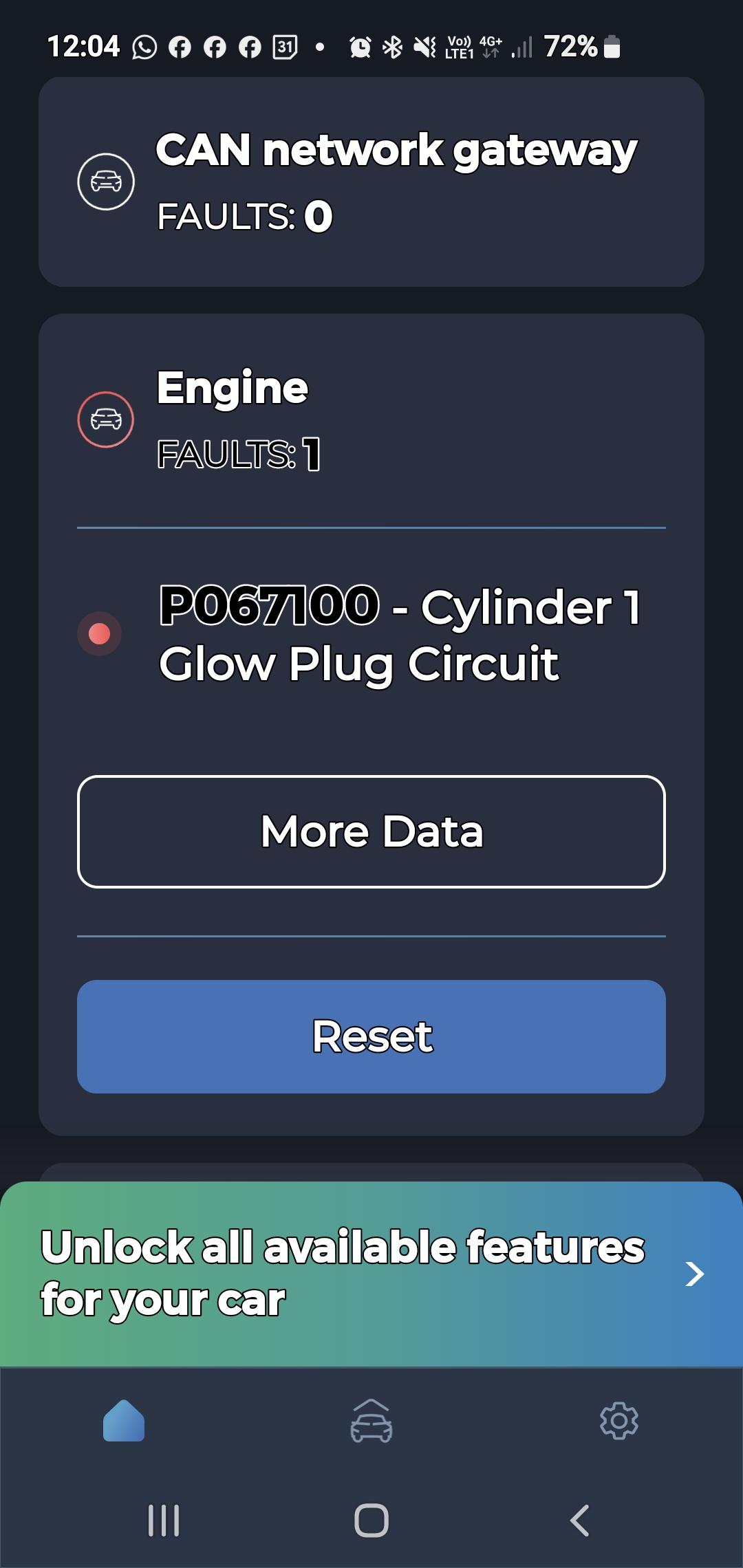
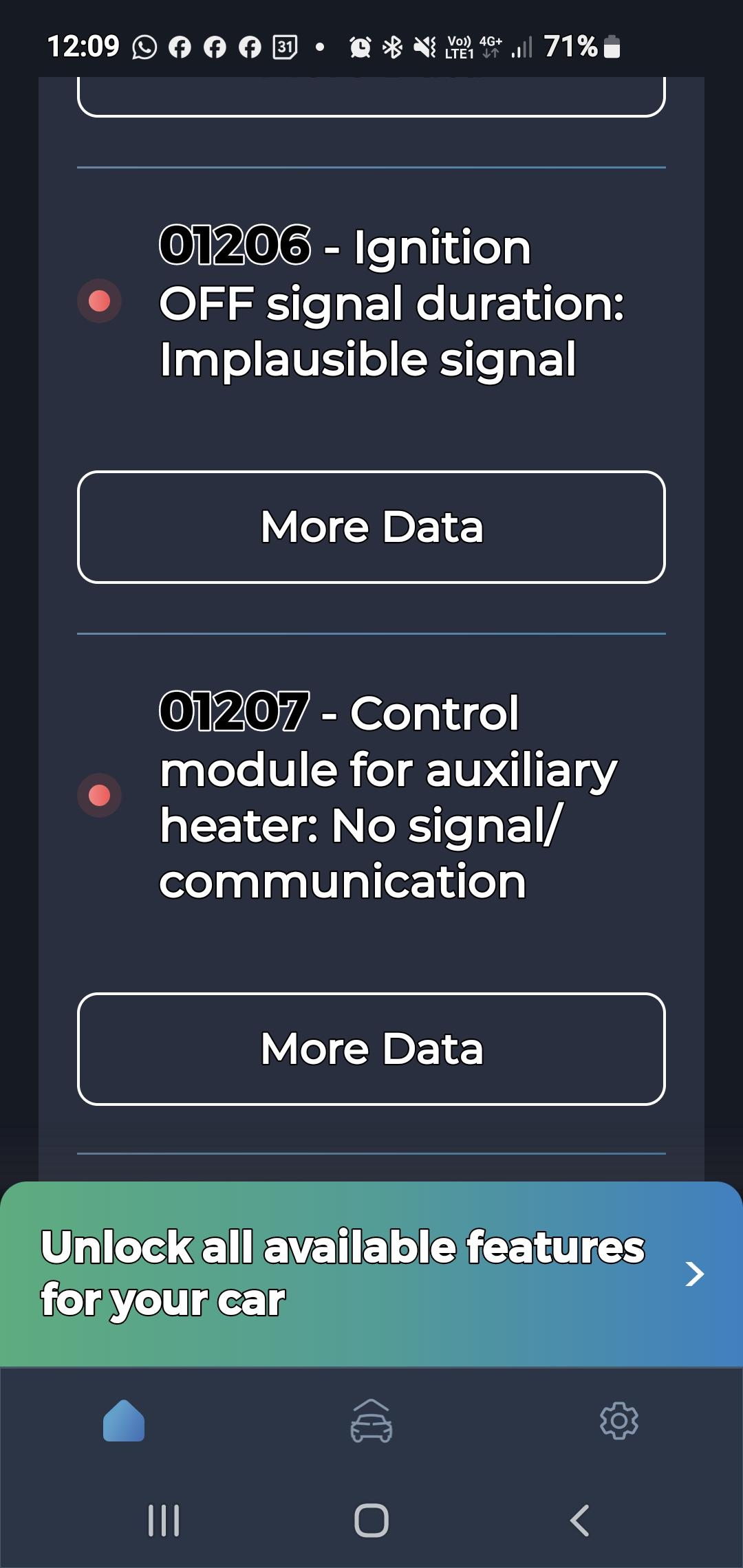
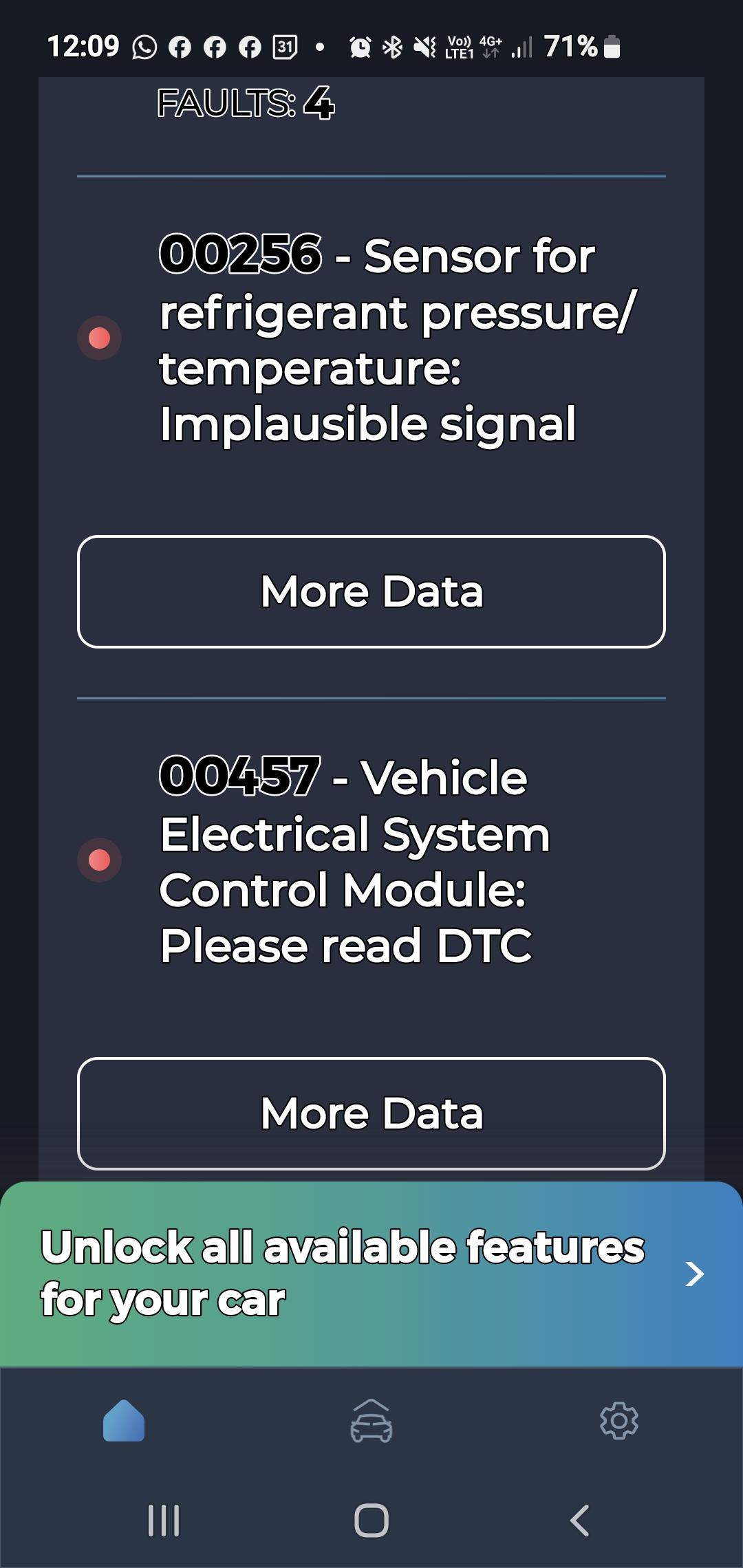
    Will do. I've done a basic scan with my carista and got a few codes but none that really point to anything specifically related although the 00457 code may??? Never had the glow plug code either but will look into that.
  2. Keith74 replied to Keith74's topic in Audi Q5 Club
    Will take and have it checked I think and report findings. Thanks
  3. Keith74 replied to Keith74's topic in Audi Q5 Club
    I've had the car nearly 3 years and never had a battery and has never failed to start even after being left a while tho I recall when plugging in my carista it showed voltage as 11.9v but went to 13+v when started.
  4. Keith74 replied to Keith74's topic in Audi Q5 Club
    Checked all 3 fuse boxes,either side of dash and the one in boot. Nothing points directly to cruise control and no blown fuses.
  5. Keith74 posted a topic in Audi Q5 Club
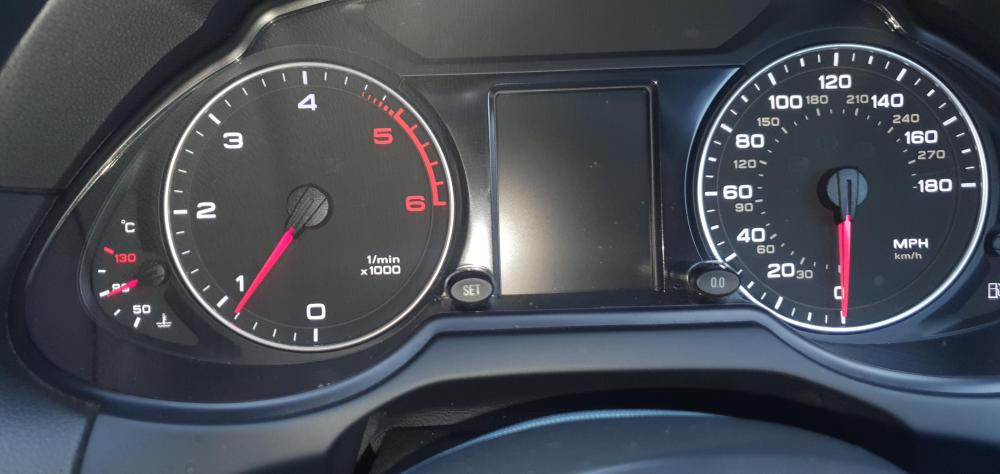
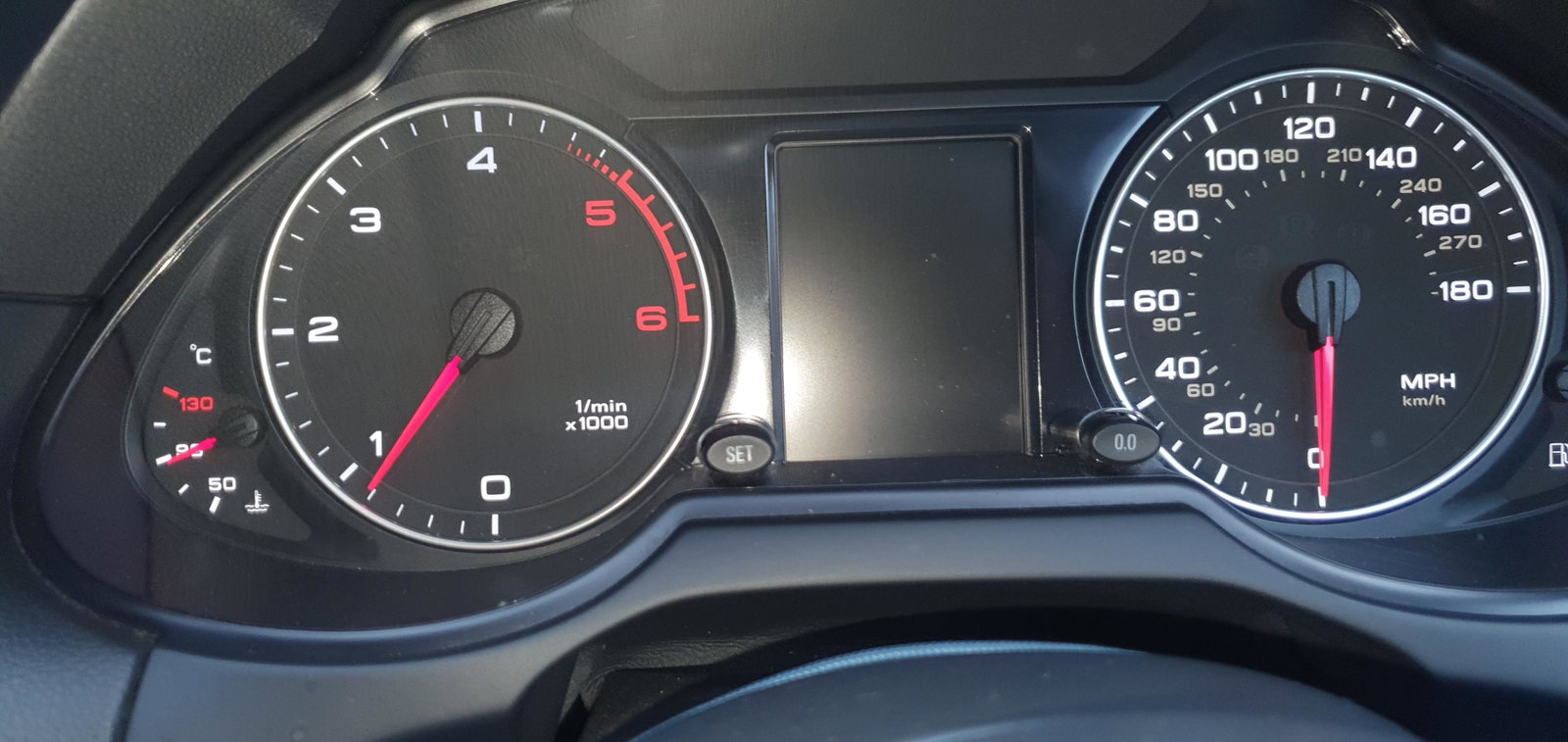
    Looking for advice. The square display between the dash clocks on my Q5 has gone blank...worked fine then didn't. I have also noticed the seat belt warning no longer sounds and the cruise control doesn't work. Anyone point me in right direction. Thanks.
Background Picker
Customize Layout

Account

Navigation

Search

Search

Configure browser push notifications

Chrome (Android)
  1. Tap the lock icon next to the address bar.
  2. Tap Permissions → Notifications.
  3. Adjust your preference.
Chrome (Desktop)
  1. Click the padlock icon in the address bar.
  2. Select Site settings.
  3. Find Notifications and adjust your preference.