




Skip to content
View in the app

A better way to browse. Learn more.

Audi Owners Club (UK)

A full-screen app on your home screen with push notifications, badges and more.

To install this app on iOS and iPadOS
  1. Tap the Share icon in Safari
  2. Scroll the menu and tap Add to Home Screen.
  3. Tap Add in the top-right corner.
To install this app on Android
  1. Tap the 3-dot menu (⋮) in the top-right corner of the browser.
  2. Tap Add to Home screen or Install app.
  3. Confirm by tapping Install.


mark7551

Members
  • Joined

  • Last visited

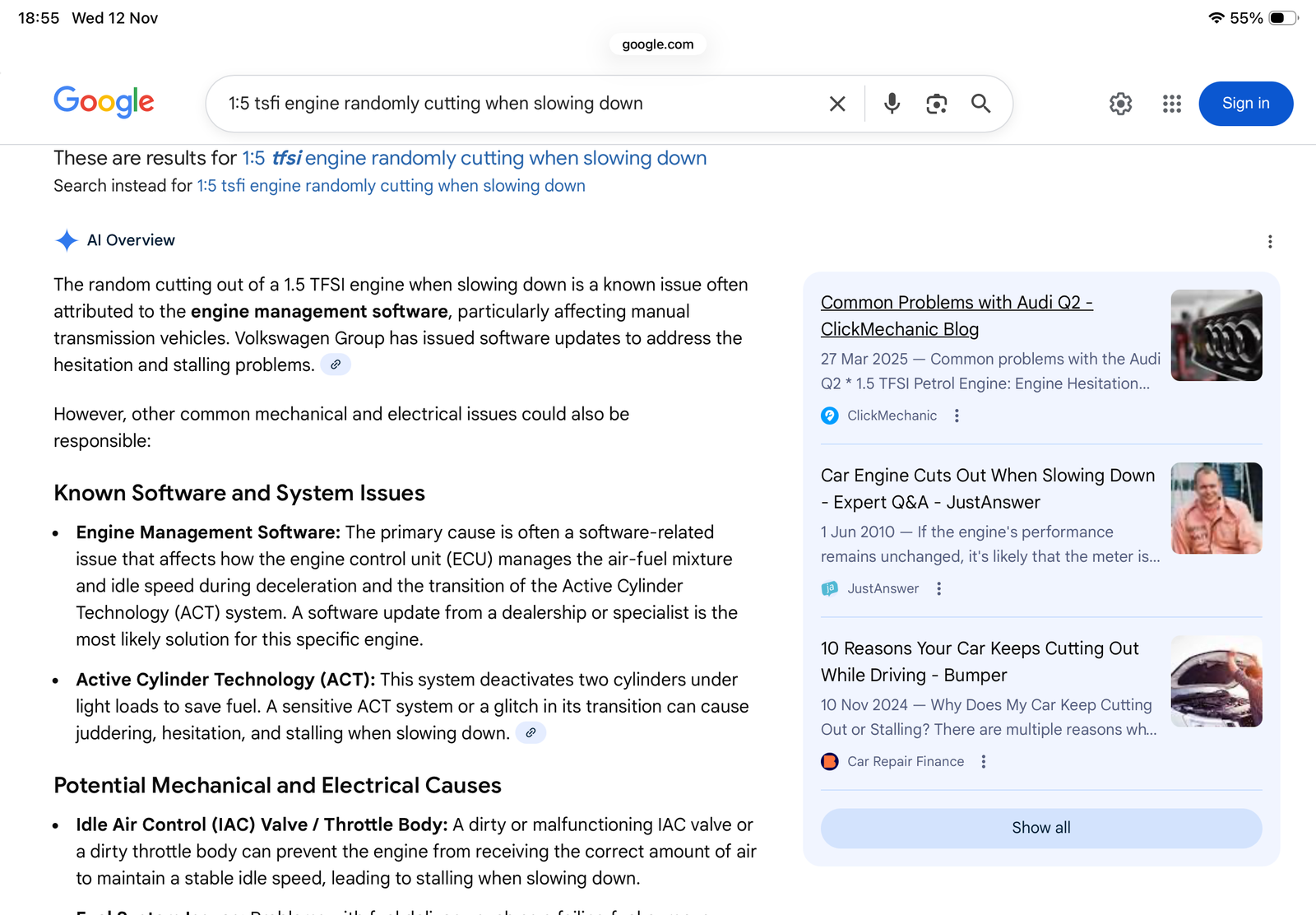
  1. Yes, but they say there isn’t one but just google 1:5 tsfi manual engine cutting out and up it pops.
  2. Got exactly the same reply from Poole Audi, they even deny that there is an update and refuse to do it. Just say bring it back in when it does it again, but as it is intermittent you can’t. Really f**king unhelpful.
  3. It’s not just Audi,it’s any car with this engine in the VAG GROUP.
  4. Got mine booked in under the roadside assist. The service adviser said they had about 4 complaints recently about this problem.
  5. Keep getting this happen on 25 reg Audi A3 1:5tsfi, tech said never heard of this but google says otherwise.



Background Picker
Customize Layout

Account

Navigation

Search

Search

Configure browser push notifications

Chrome (Android)
  1. Tap the lock icon next to the address bar.
  2. Tap Permissions → Notifications.
  3. Adjust your preference.
Chrome (Desktop)
  1. Click the padlock icon in the address bar.
  2. Select Site settings.
  3. Find Notifications and adjust your preference.