Disgruntled Driver
Established Member
-
Joined
-
Last visited
-
I've now contacted the BBC Watchdog program to see if they will take an interest in this issue.
-
My auto stop/start is now working normally after the garage charged the battery from 60% to 80% and I then fully charged it at home. I am going to drive the car with the start/stop active, and my wife is going to drive the car with it disengaged.
-
I spoke to an Audi specialist in Glasgow, who is not part of the main dealer network. They have not encountered this engine cutouts problem, and said that to investigate it, they would need to reproduce the phenomena and/or have fault codes associated with it. So pretty much the same as the main dealers are saying which unfortunately is no help whatsoever!
-
I'm currently trying to get in touch with an Audi specialist outside of the main dealer network to see if they have any insights into the engine cut out issue. I'll keep you all updated.
-
OK, car was in at the main dealer in Stirling today to have the engine cut outs investigated. Guess what? They couldn't reproduce the phenomina, and as there were no fault codes, there was nothing they could do. Shockeroonie!! I had also asked them to investigate why my auto stop/start seemed to have stopped working, and why the radio regularly got stuck in an "initialising" loop which made it unusable. They told me the battery was only 60% charged, and this was most likely why the auto stop/start had stopped working. They have charged the battery to 80% and said the auto start stop was now working. However on my drive from the garage to home, some 12 miles, it didn't operate once. And when I asked the service adviser, given how low my annual mileage is, and the fact that it mainly consists of short journeys, how often should I put the battery on charge at home? I was informed that there is no need to charge the battery at home. Err..surely the fact the battery was only at 60% and the auto stop/start wasn't working would fly in the face of that particular observation! Regarding the radio initialising doom loop, they told me that Audi are aware of the issue, and a software fix is expected next year. All owners who have reported this issue to a main dealer will be advised when the fix is available and called in to have it implemented. So that's where I am as of today. I have decided to ignore the advice about not needing to charge the battery at home, and I currently have it on charge with a CTEK-CT5 Stop/Start charger.
-
Are you talking about an update that addresses the engine cut outs?
-
Mine is going in on Thursday to have the engine cut outs investigated. If, as I suspect, they give me the same flannel that everyone else whose had this problem gets, and say that theres no fault, then if its not a fault, it must be happening by design. That being the case they will need to explain to me how, why and under what contitions is it ok for the car to switch the engine off requiring a manual restart.
-
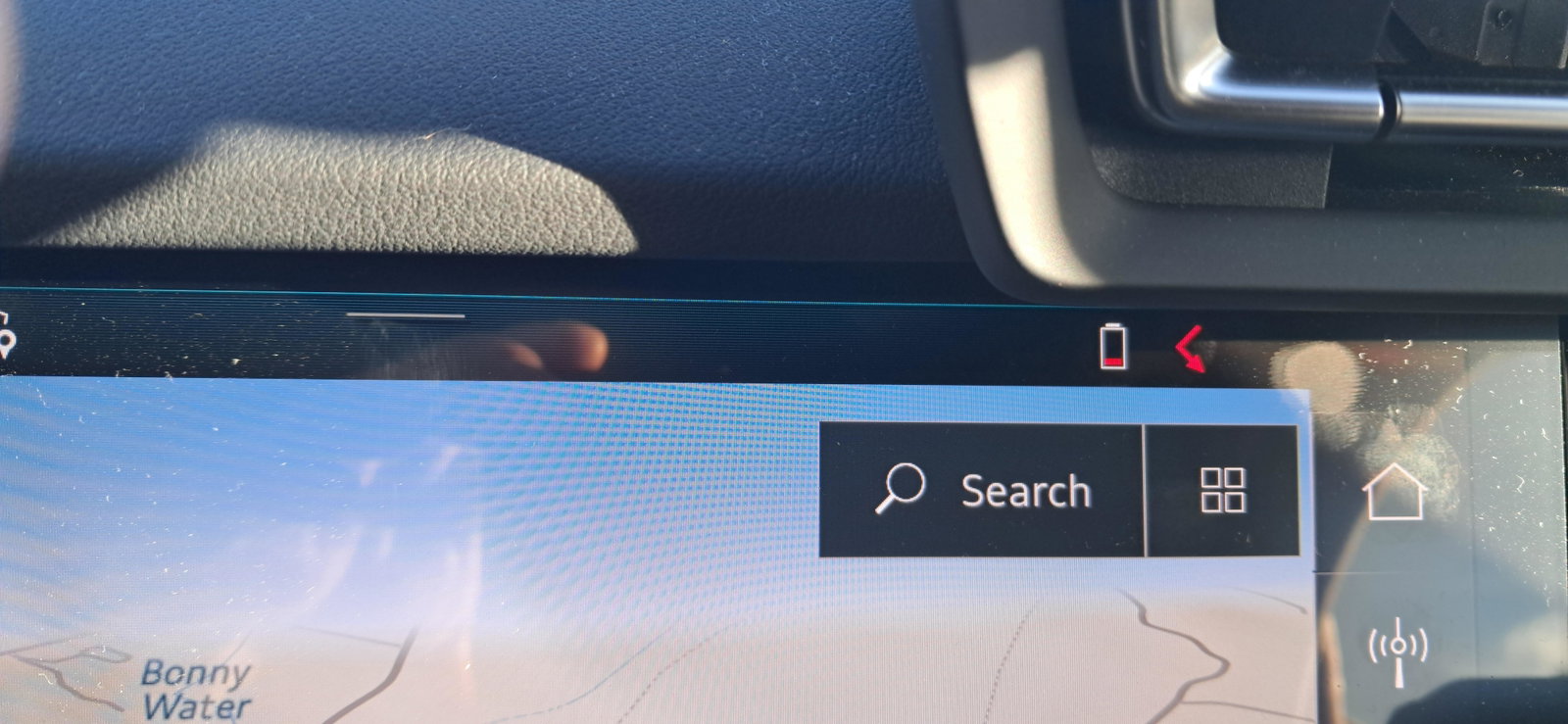
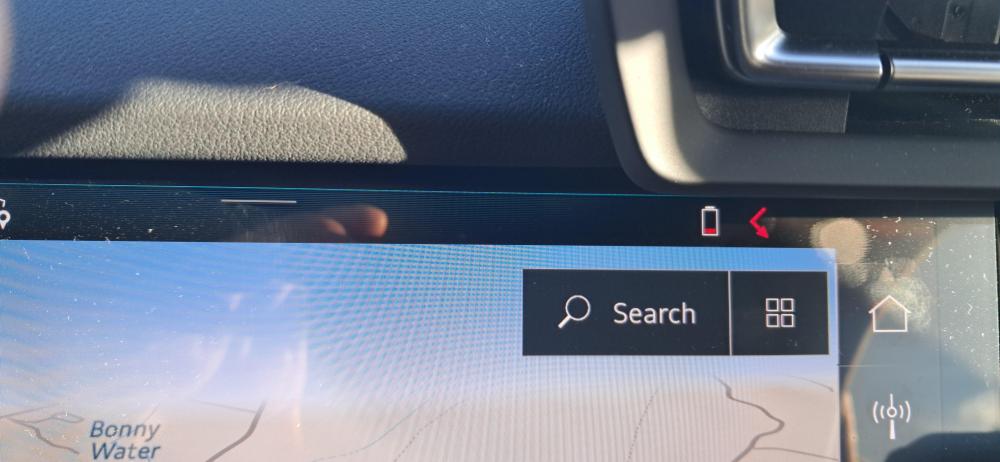
I found out that the red arrow in the above picture seemingly is a missed call notification. Who knew?!
-
No, I didn't think that would work. We've tried Efficiency, comfort, auto and dynamic...the cut outs happen in all modes
-
The longer I have this car, the more I detest it! I now have a situation where the radio is constantly initialising, so wont play. I also have a new red warning lamp/message? that has appeared in the top right of the mmi, which I cant find in the manual. Ive attached a picture of it, so if anyone has any ideas on what it is, please enlighten me. Its the 90degree bent arrow I'm referring to.
-
Right, I re checked the different voltages again just now, and the results are as follows: Standing Voltage with ignition off is 11.96v. The lowest voltage my rudimentary multi meter caught on cranking the engine was 10.47v, and the voltage measured with the car idling was 15.19v - which I think would indicate that the alternator at least appears ok. Regards John.
-
Hi Gareth, yes, I fully appreciate and accept what you are saying. However, if the measured voltages for free standing, starting drop off, and engine running are all LOWER than you would expect too see, I think it's fair to assume that there's something amiss that needs more detailed examination/testing, and should be highlighted when the car goes into the main dealer next week. Regards John.
-
It could be that it just needs charged, I'm going to check the voltages again tomorrow for ignition off voltage, starting voltage, and engine running voltage. I had another look at the app, and there was a 2025 maps update package which I have downloaded and will try to install tomorrow. Cheers John.
-
No, what I meant was that the lowest I saw the voltage drop to when my wife started the car was 10.9 - 11.0v. I'm sure the "running" voltage was higher than this, but i can't recall what it was. I'll have another check in the morning and update.
-
Following on from your comments,I had a look in th MyAudi app, but I couldnt find any updates under the "Warnings and Information" tab. Out of interest I put a multi-meter accross the battery terminals this morning and noted the the "No Load Voltage" was around the 12.0 - 12.1v area. I know that a no load voltage test on a battery is pretty much useless, but that seems a bit low. I then got my wife to start the car whilst I monitored the battery voltage, and it seemed to dip down to about 10.9 - 11.0v. Again I feel this might be a bit low?