




Skip to content
View in the app

A better way to browse. Learn more.

Audi Owners Club (UK)

A full-screen app on your home screen with push notifications, badges and more.

To install this app on iOS and iPadOS
  1. Tap the Share icon in Safari
  2. Scroll the menu and tap Add to Home Screen.
  3. Tap Add in the top-right corner.
To install this app on Android
  1. Tap the 3-dot menu (⋮) in the top-right corner of the browser.
  2. Tap Add to Home screen or Install app.
  3. Confirm by tapping Install.


DGA4

Members
  • Joined

  • Last visited

Everything posted by DGA4

  1. Sounds a good idea - thanks!
  2. Hi there, thanks. I completely forgot to mention in the original post that the brake (and all other) lights work as normal! It's not recurred so no action planned at the moment.
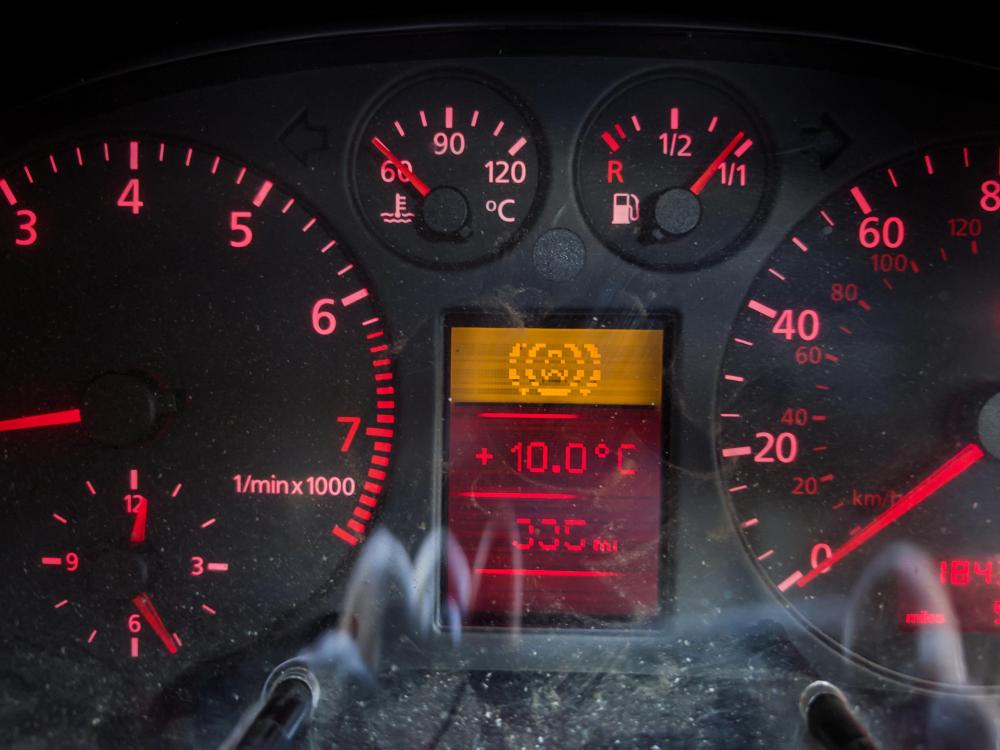
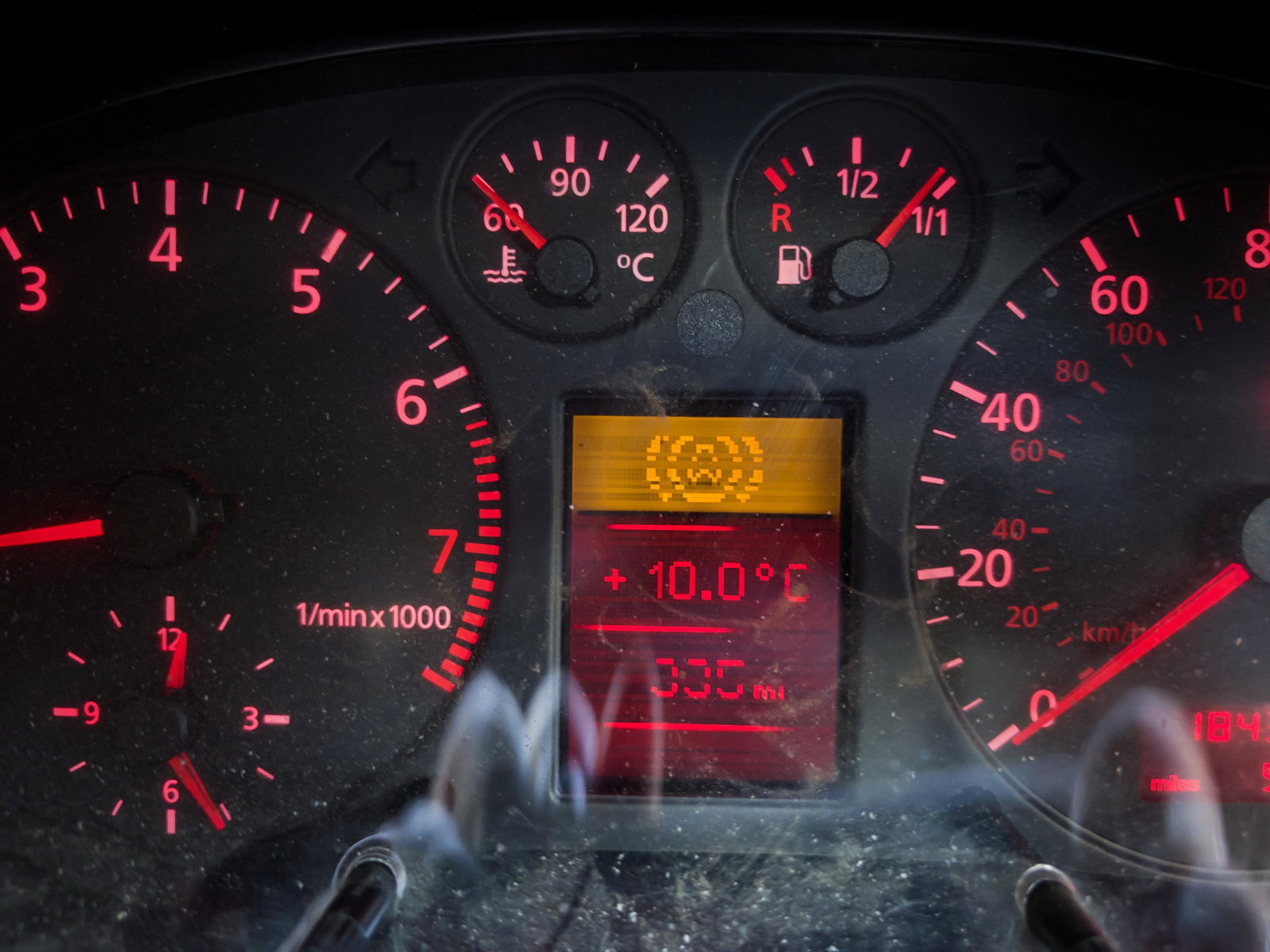
  3. Hi there, I have a 1999 b5 A4 Avant - 184,000miles. Engine and bodywork fine but parts wear out. I have just had a warning light come on which I cannot identify in the handbook, online or local garage (please see attached). No obvious issues with electrics, brakes and car handles normally. Does anyone know what it means? Many thanks, David


Background Picker
Customize Layout

Account

Navigation

Search

Search

Configure browser push notifications

Chrome (Android)
  1. Tap the lock icon next to the address bar.
  2. Tap Permissions → Notifications.
  3. Adjust your preference.
Chrome (Desktop)
  1. Click the padlock icon in the address bar.
  2. Select Site settings.
  3. Find Notifications and adjust your preference.