a3 G
Members
-
Joined
-
Last visited
Everything posted by a3 G
-
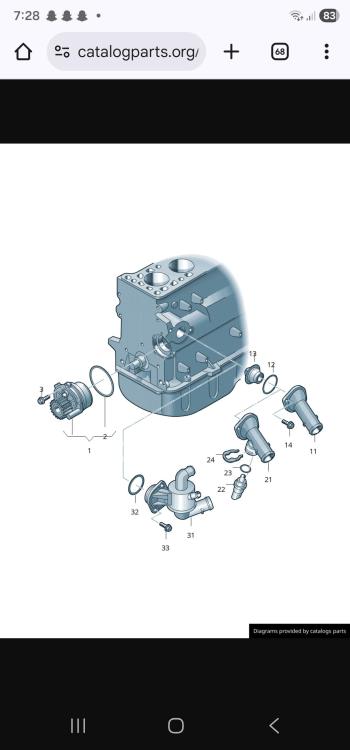
Cheers guys. Had a look on LLL parts and found this diagram of the thermostat (cheers Gareth). It only shows the one o ring so a little bit stumped there. What sort of sealer did you use on the old gasket? Just incase I have to do the same haha.
-
Thanks guys. Just picked up my new thermostat from the dealers. It has the big o ring on but I'm unsure where there's meant to be another one? Does anyone have a link or picture for the other gasket/o ring that is needed? Going to tackle it on the weekend. I think I'm going to remove the manifold and go that way so wish me luck lol. Cheers
-
Bit of an old thread but I am about to do the same job. I've just ordered a genuine thermostat from the dealer but unsure if I need this extra 'gasket' as they didn't seem to know. Is it just the big o ring that sits on the thermostat? Also, whats the best way to get into it? Is it and alternator out job or take off the manifold? Any help and tips appreciated. Cheers