Woodingdean
Established Member
-
Joined
-
Last visited
Everything posted by Woodingdean
-
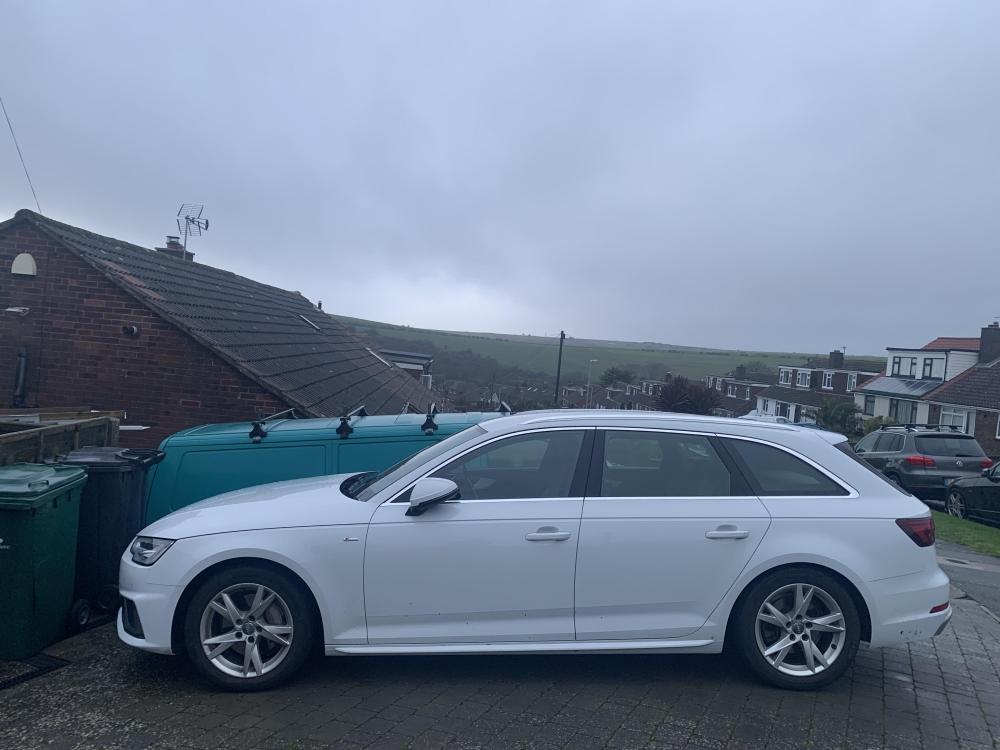
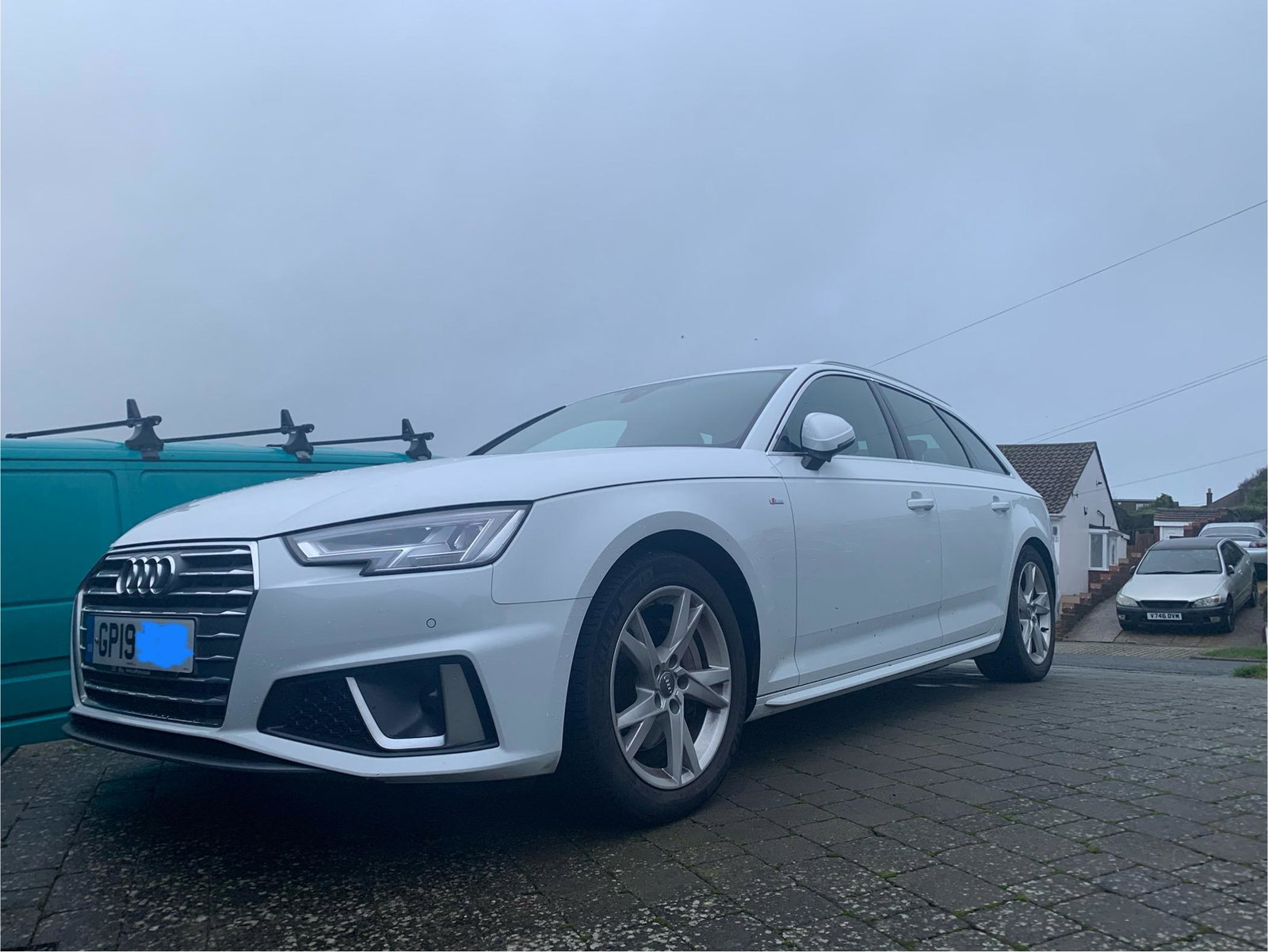
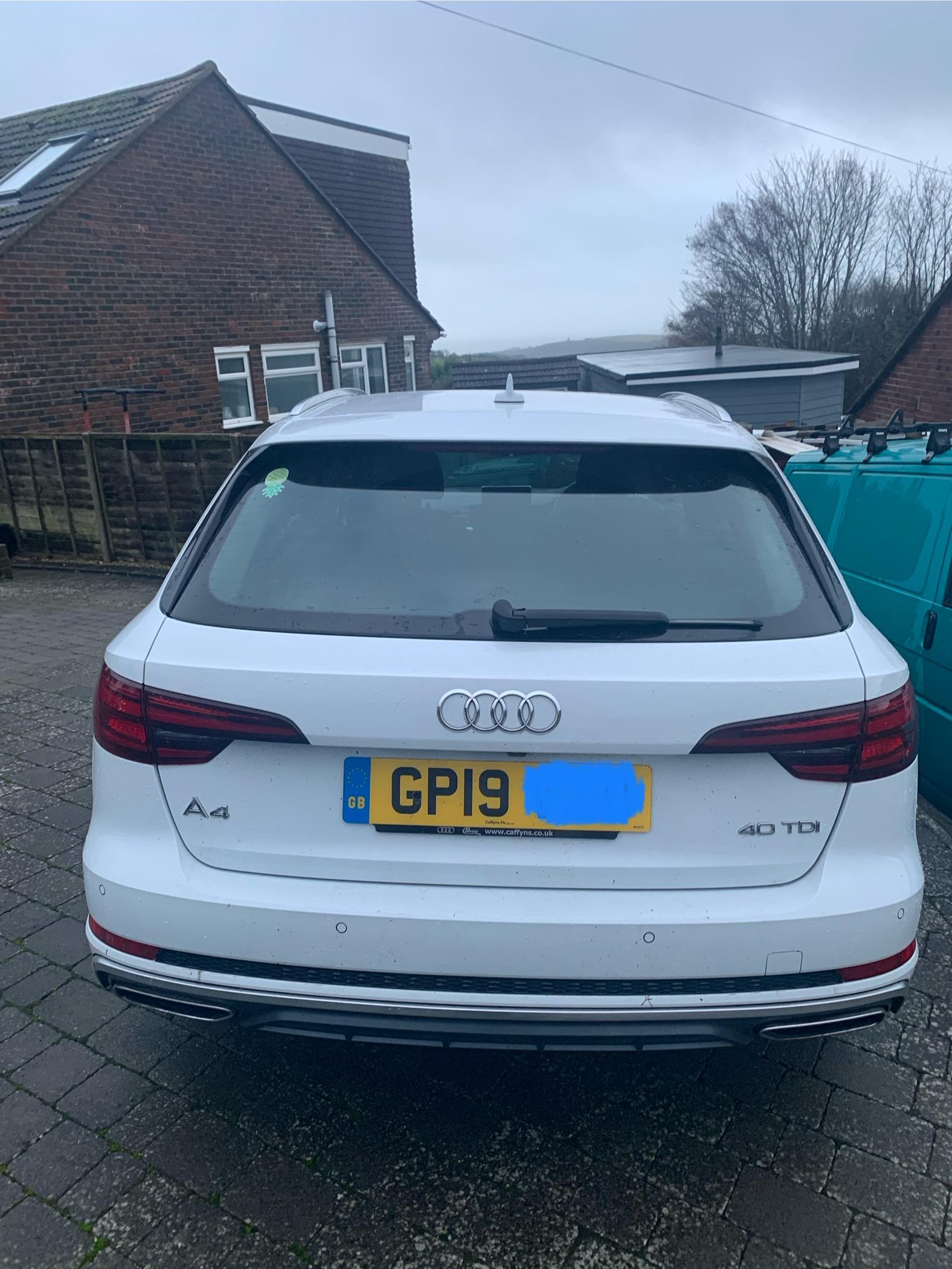
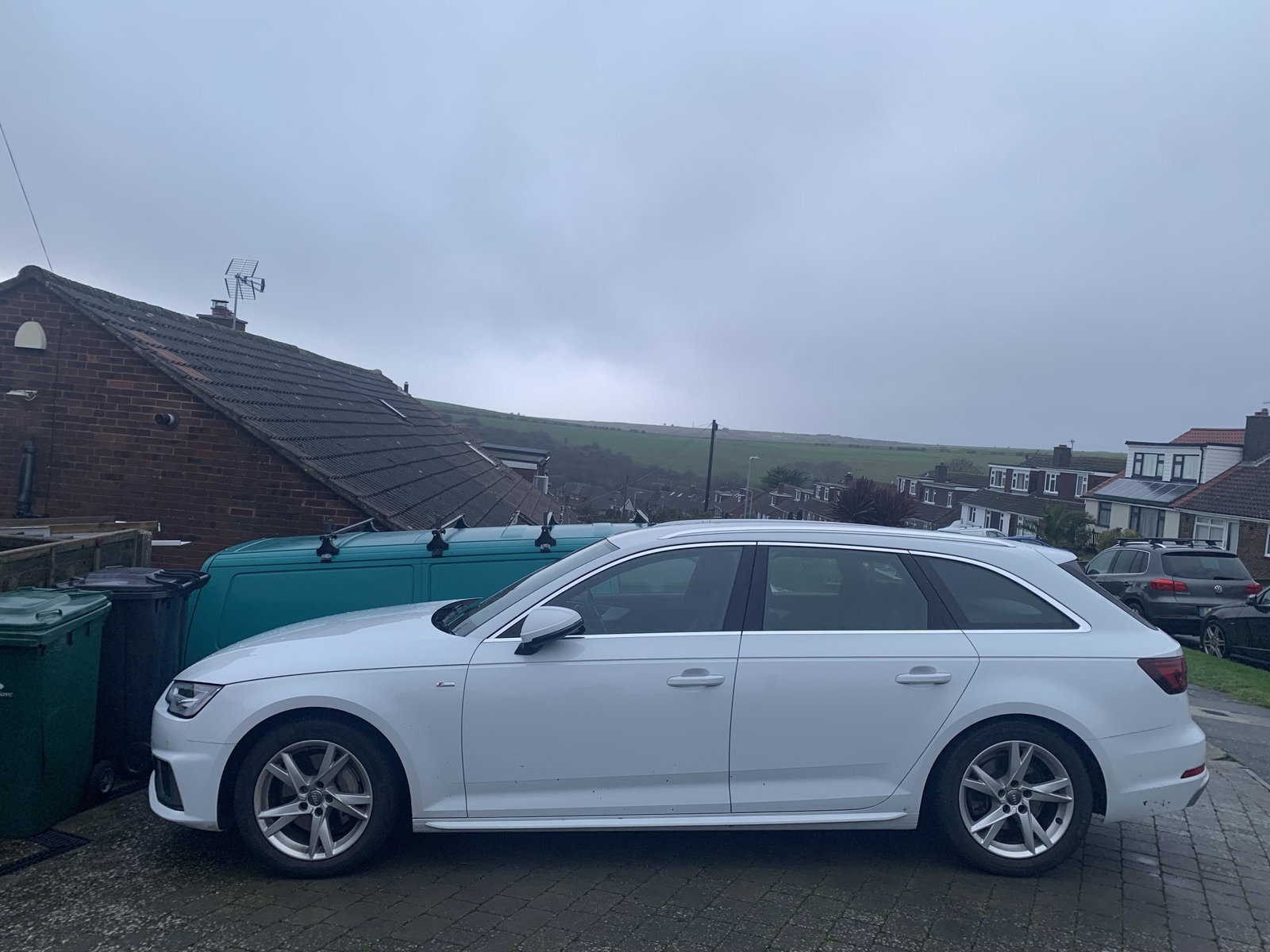
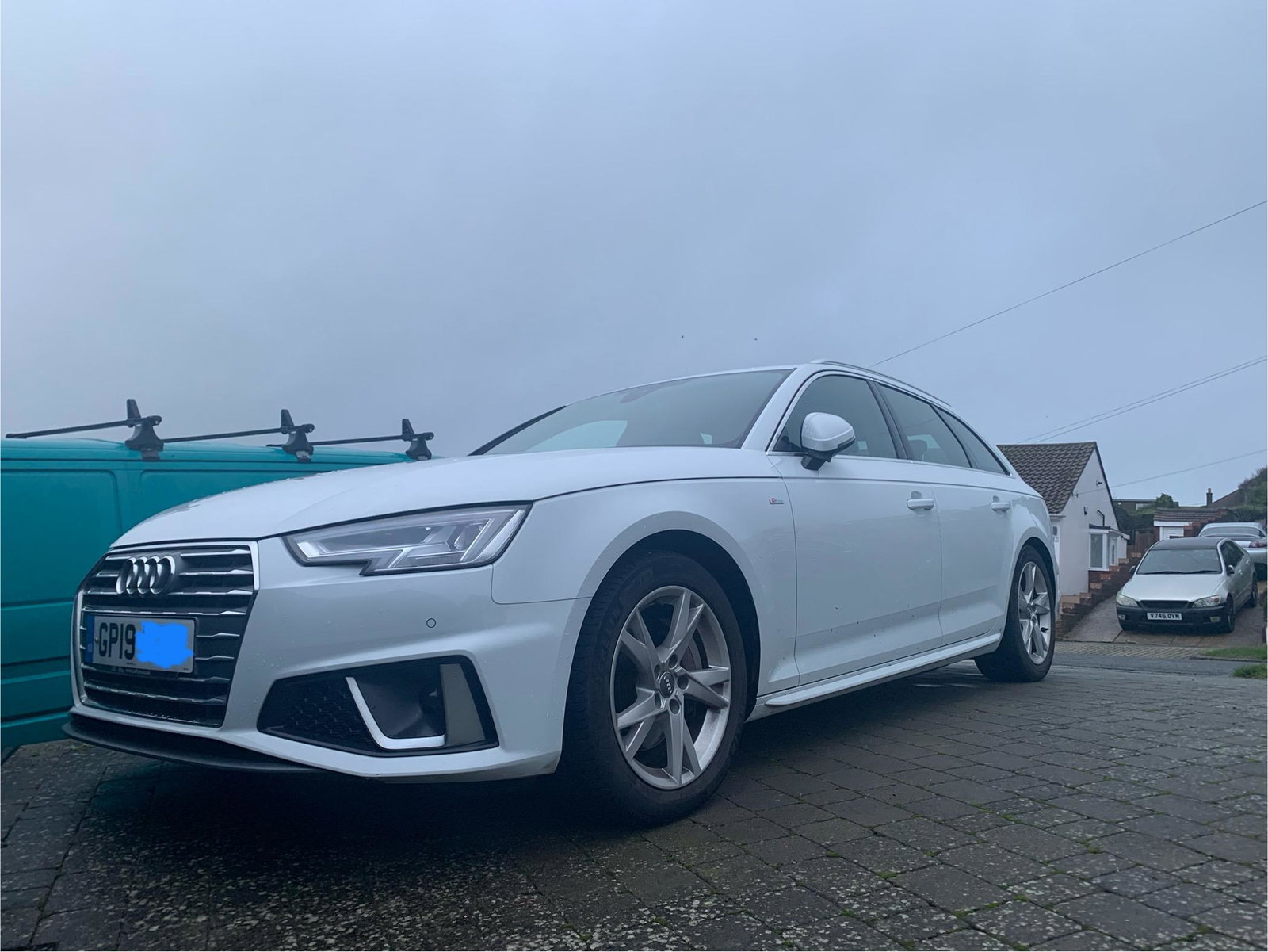
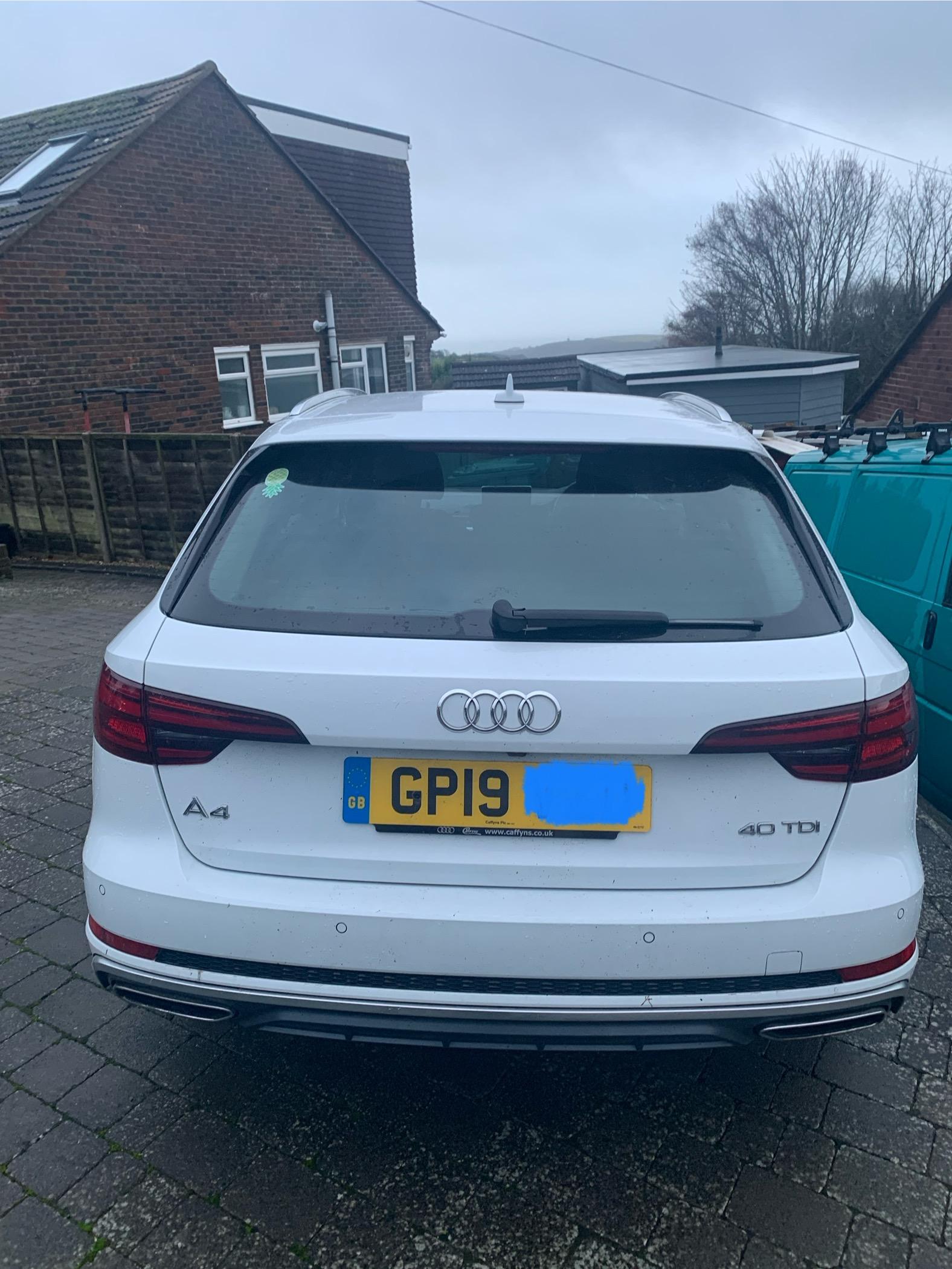
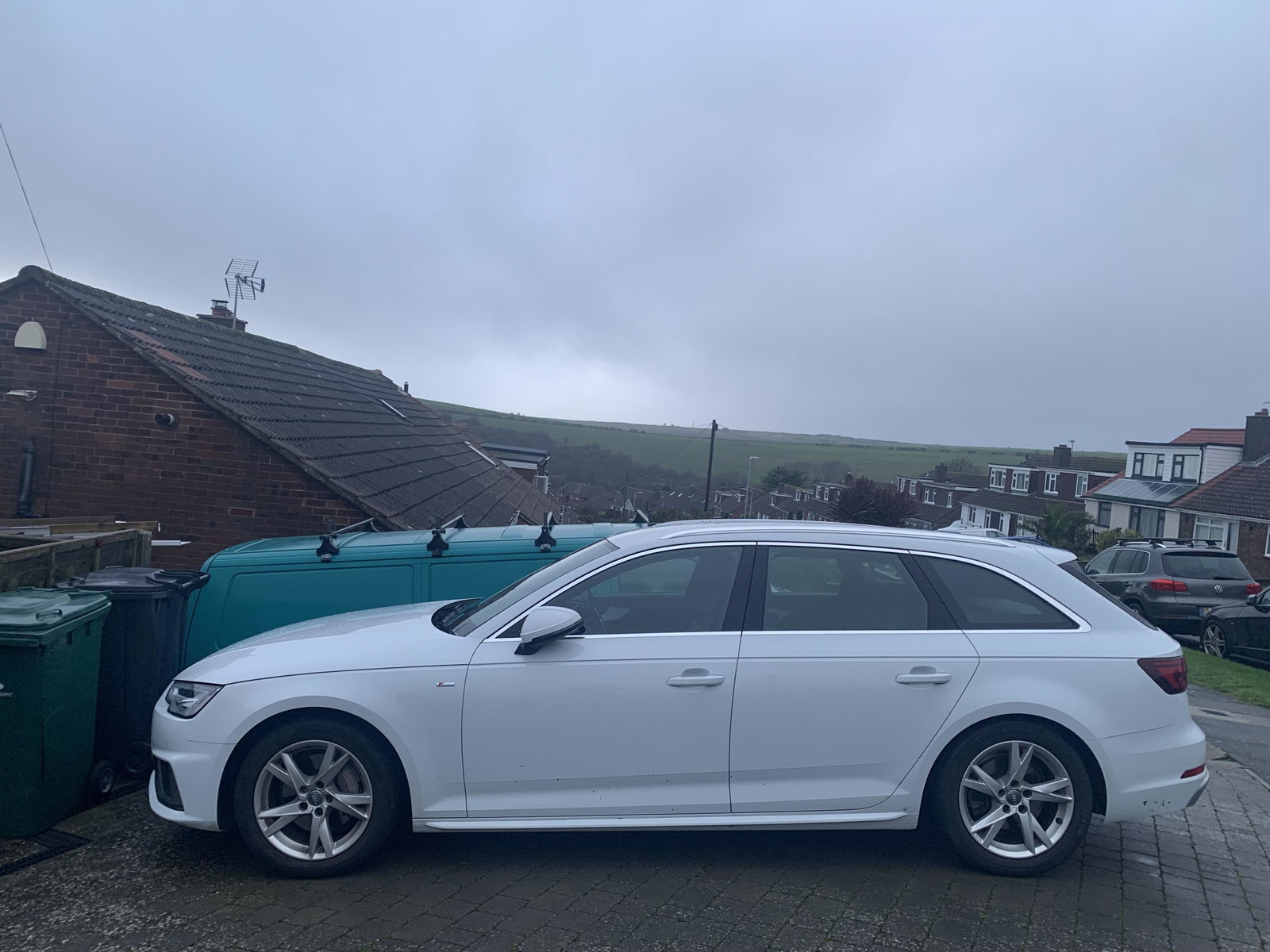
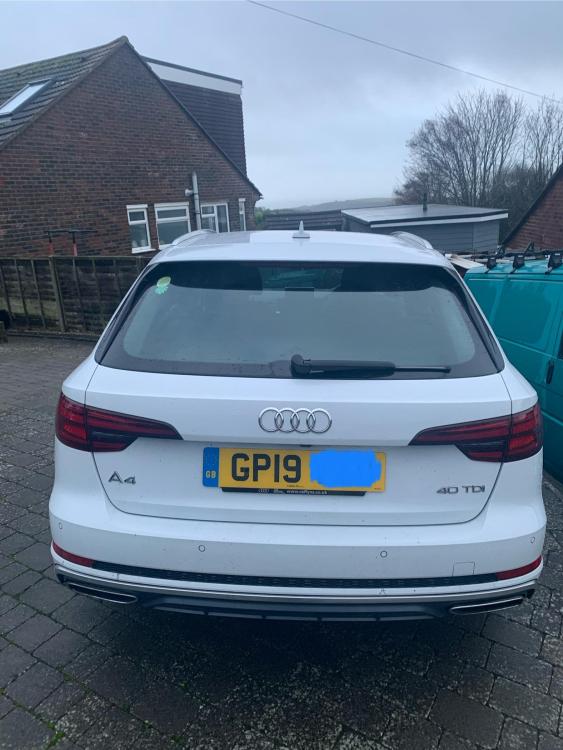
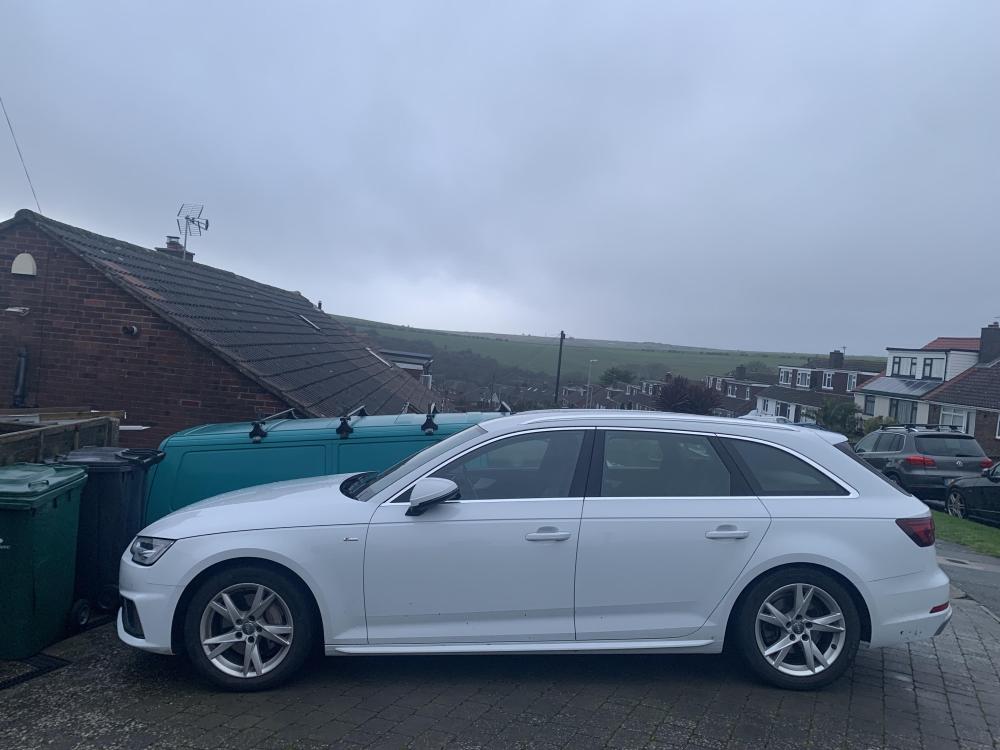
Hi all, had this one week, 23,000 miles. My very first Audi! Still getting used to it and working out the various features and tech. I think it might be a cross-over ‘facelift’ as it has the hexagonal exhausts and a central locking button next to the rear gate power closing button but no touch screen - still has the dial (which I think I’d prefer) but my question is - how do I get the satnav to talk to me?
-
Interesting. I’m planning a road trip October 2026, Brighton to the Folkestone Channel Tunnel, then Calais to Ghent for lunch, then an overnight stay in Cologne then on for a few days in Berlin.
-
We stayed at Versaille and got the train in to central Paris every day. Free parking at the station and much easier than trying to drive in.
-
Here we go…
-
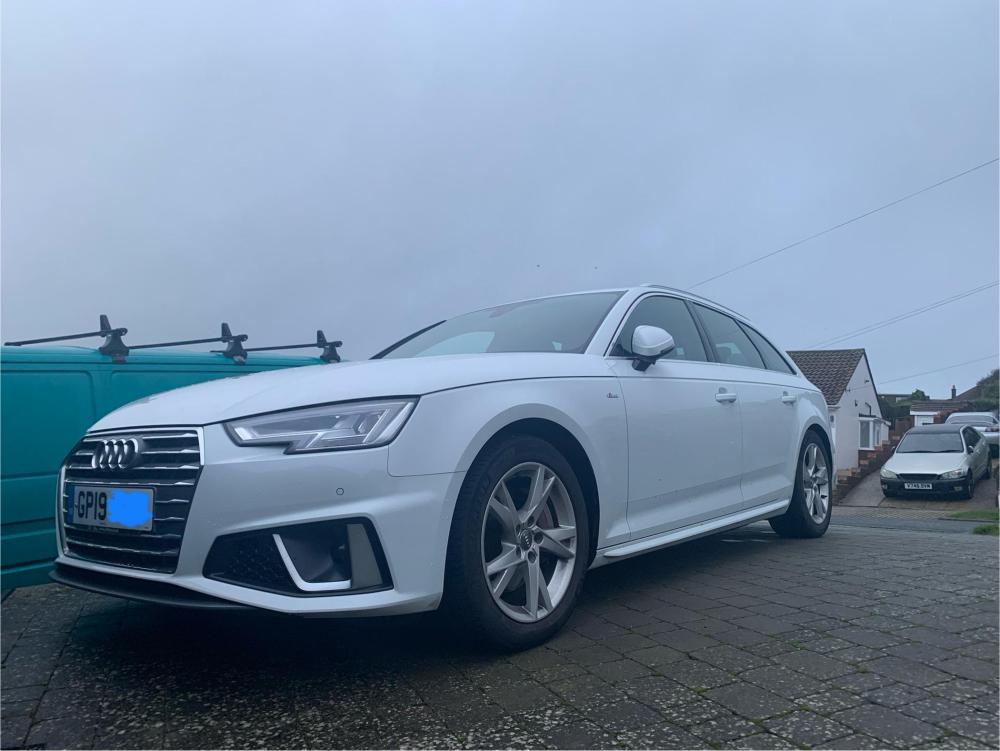
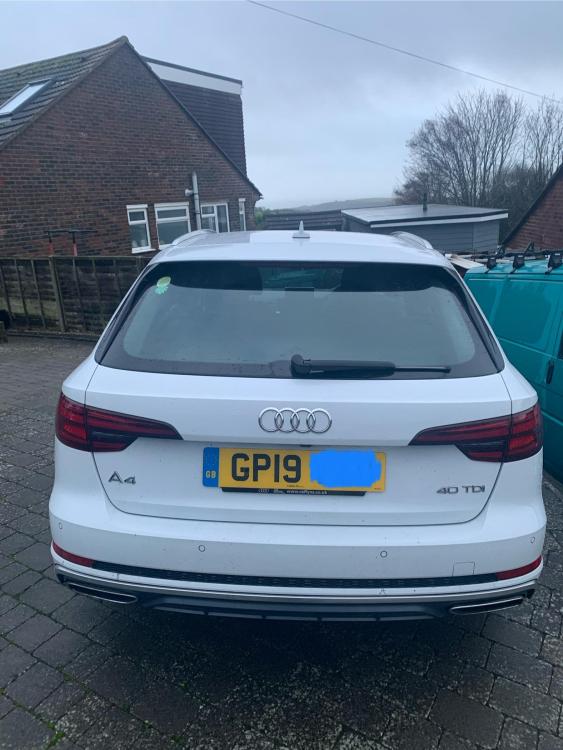
I’ve had this 2019 A4 Avant S-Line a week. I really like it but am keeping my 2013 VW Tiguan as well.