kyleh235
Members
-
Joined
-
Last visited
Everything posted by kyleh235
-
-
-
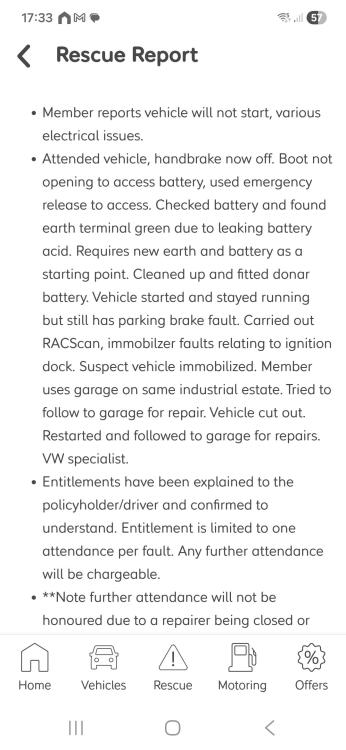
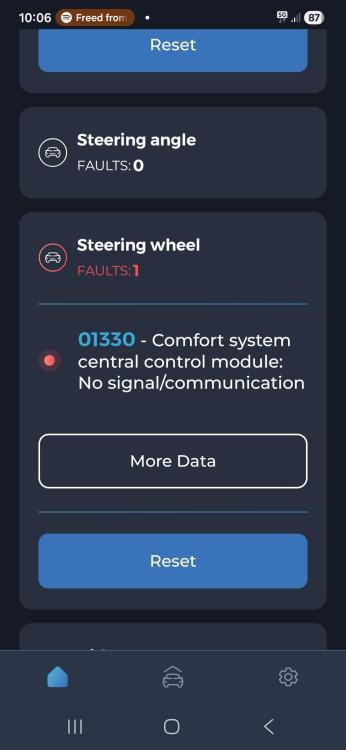
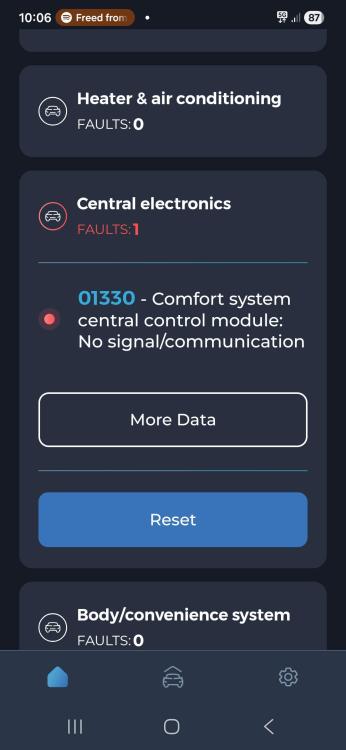
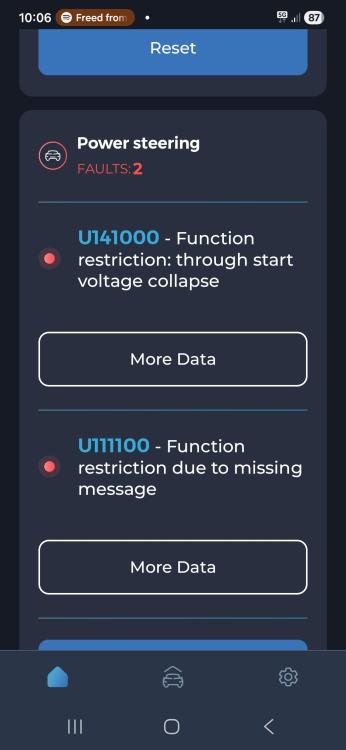
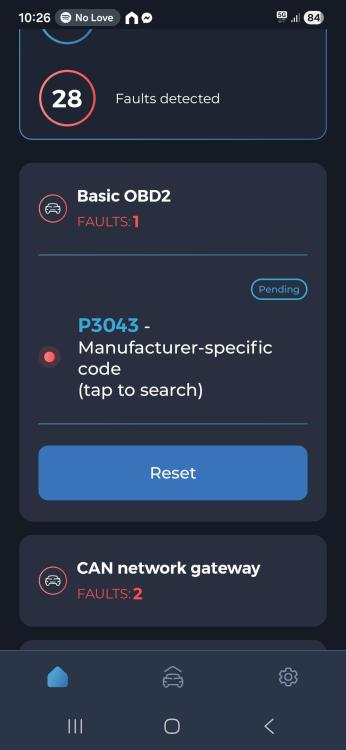
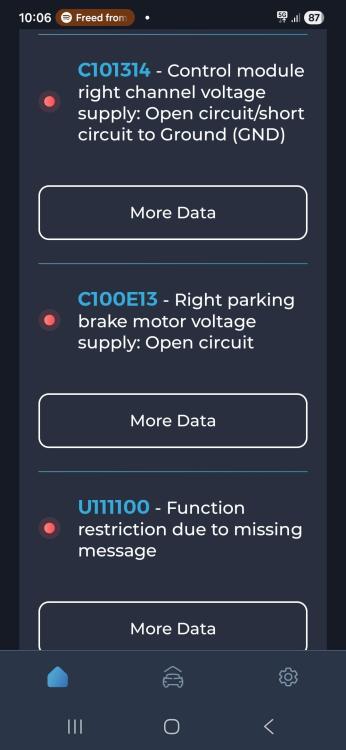
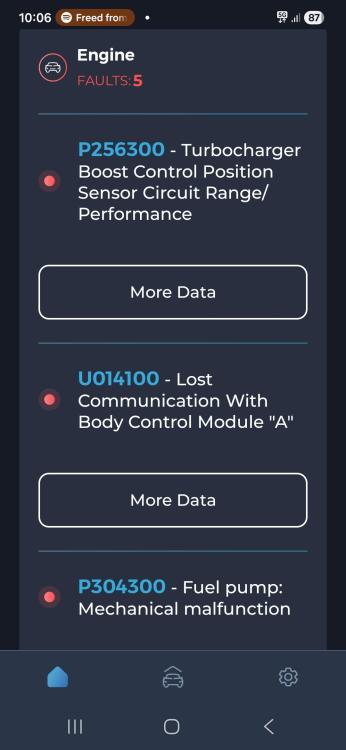
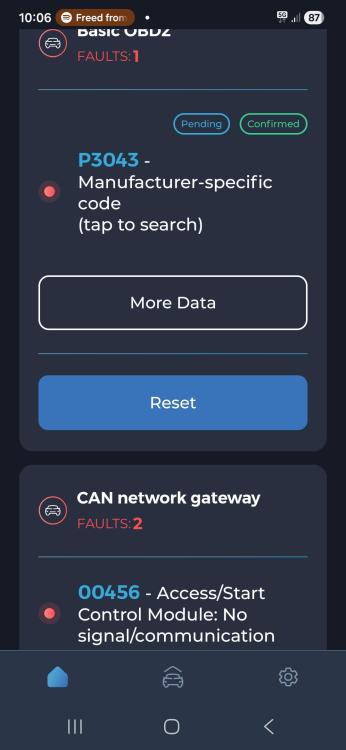
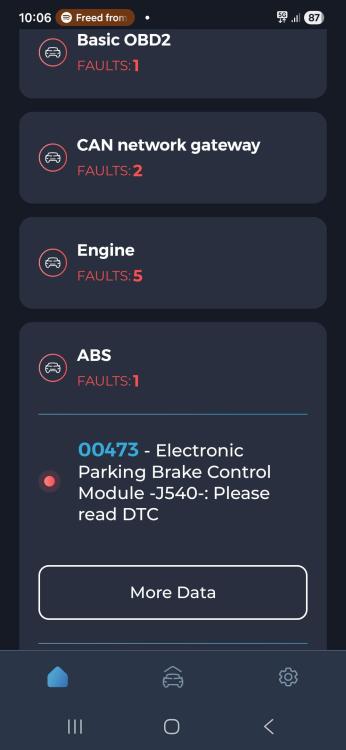
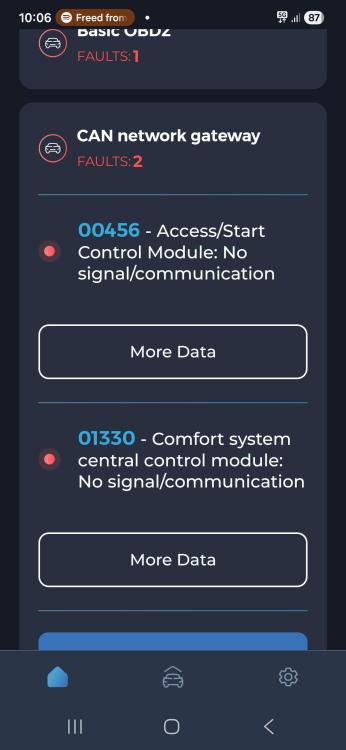
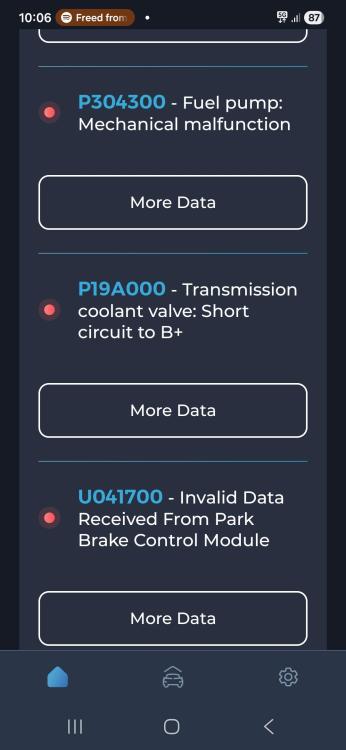
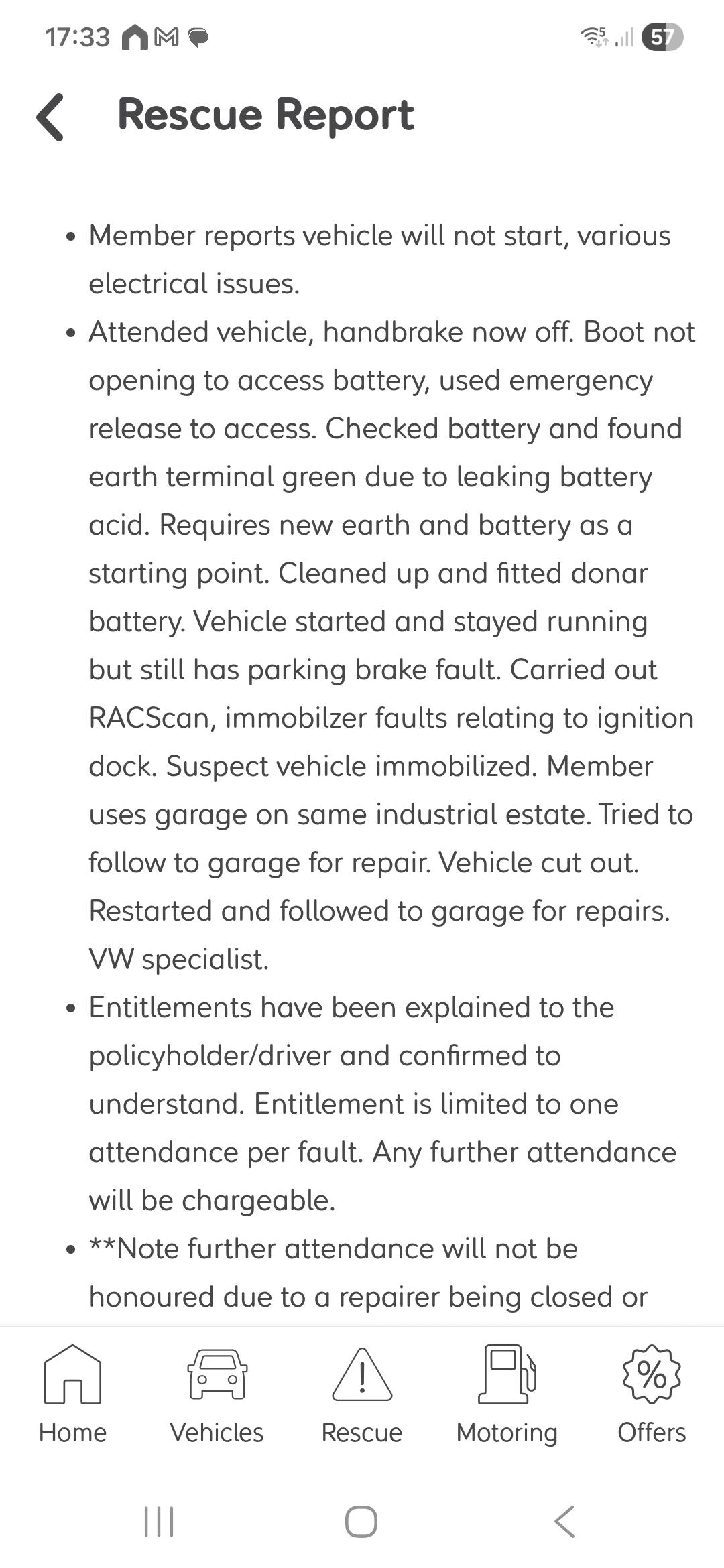
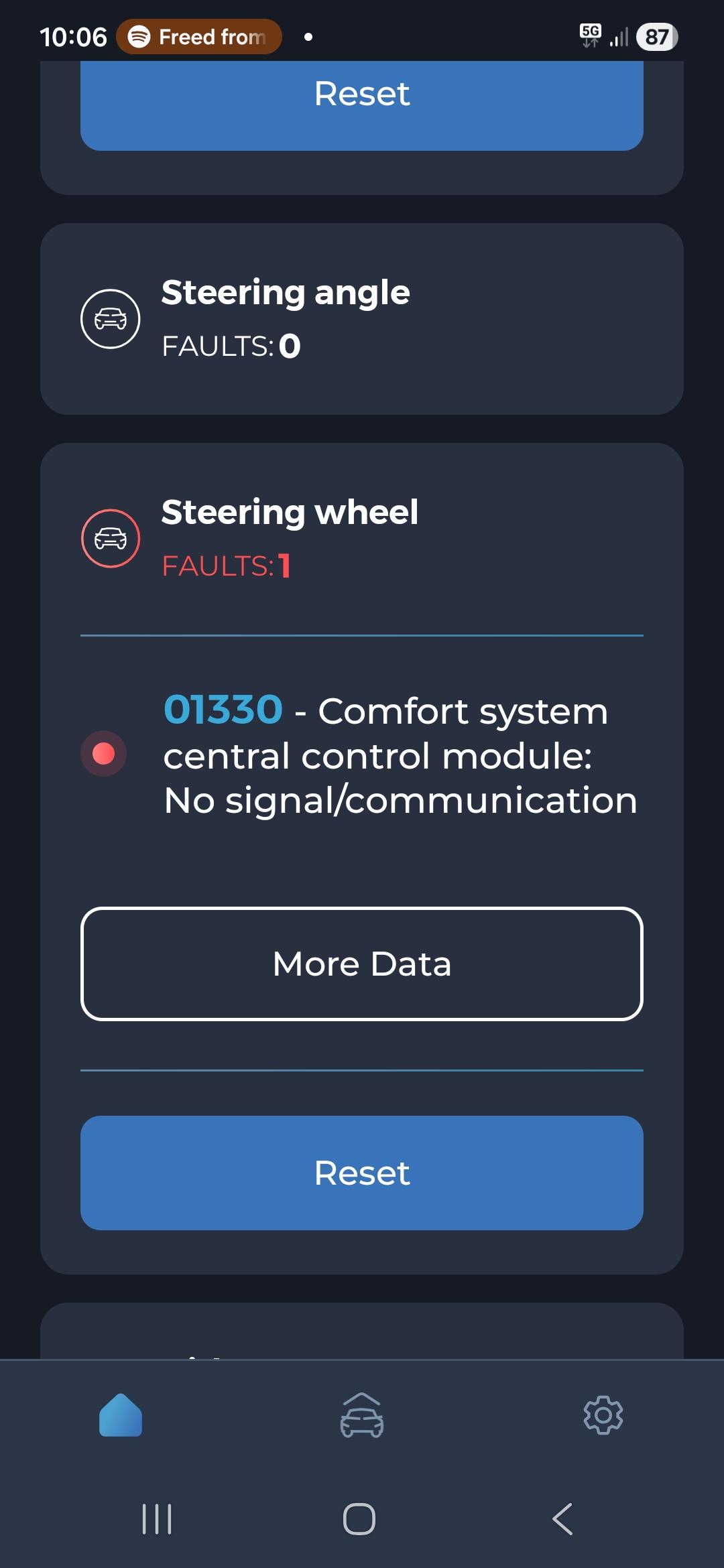
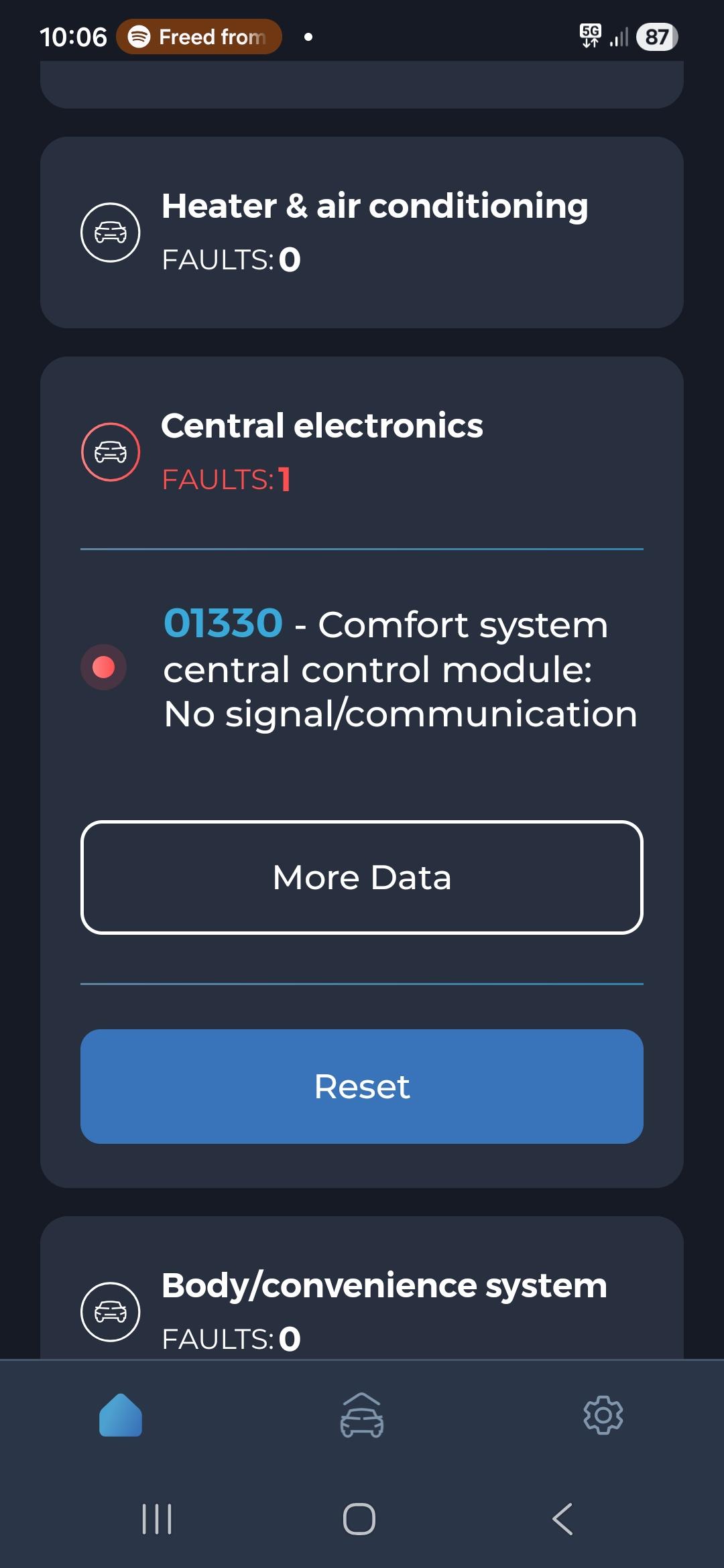
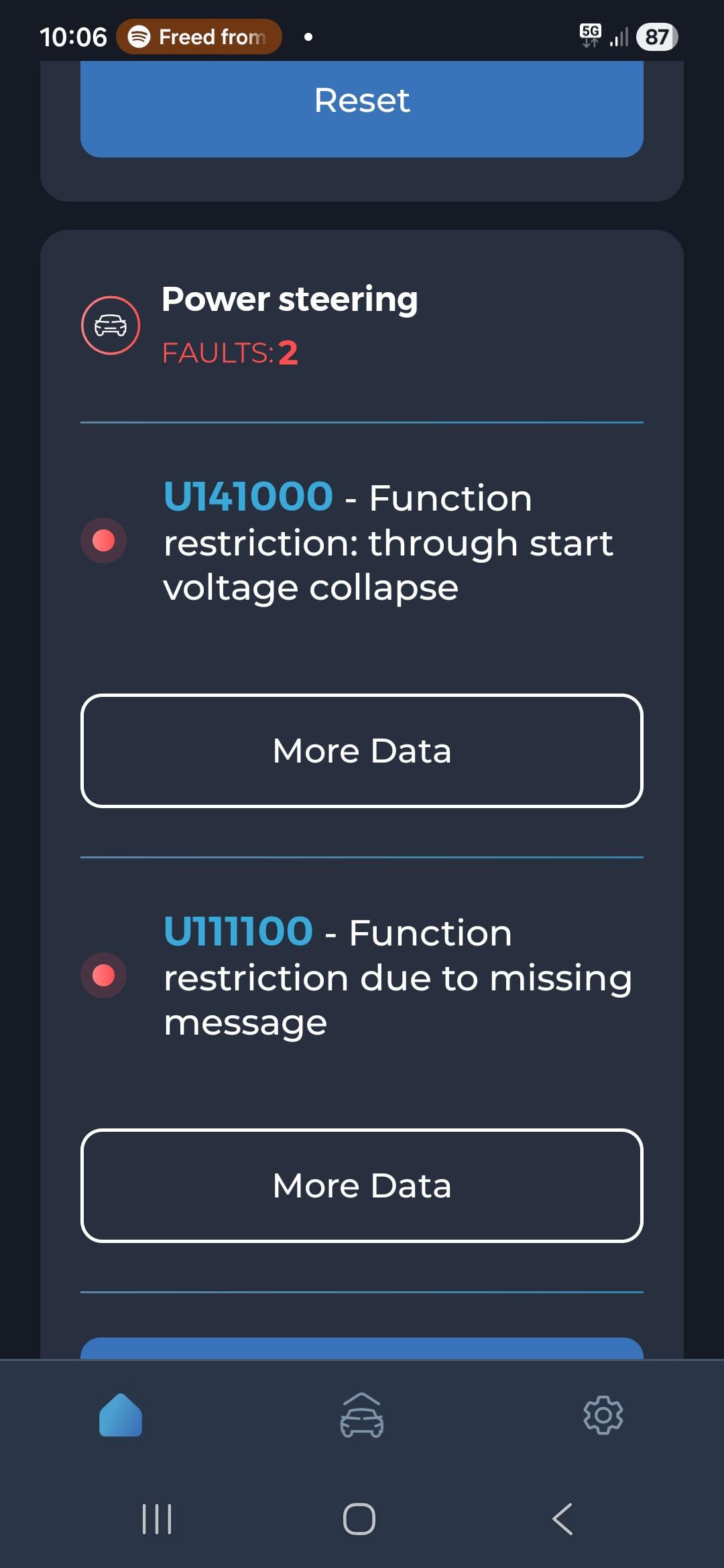
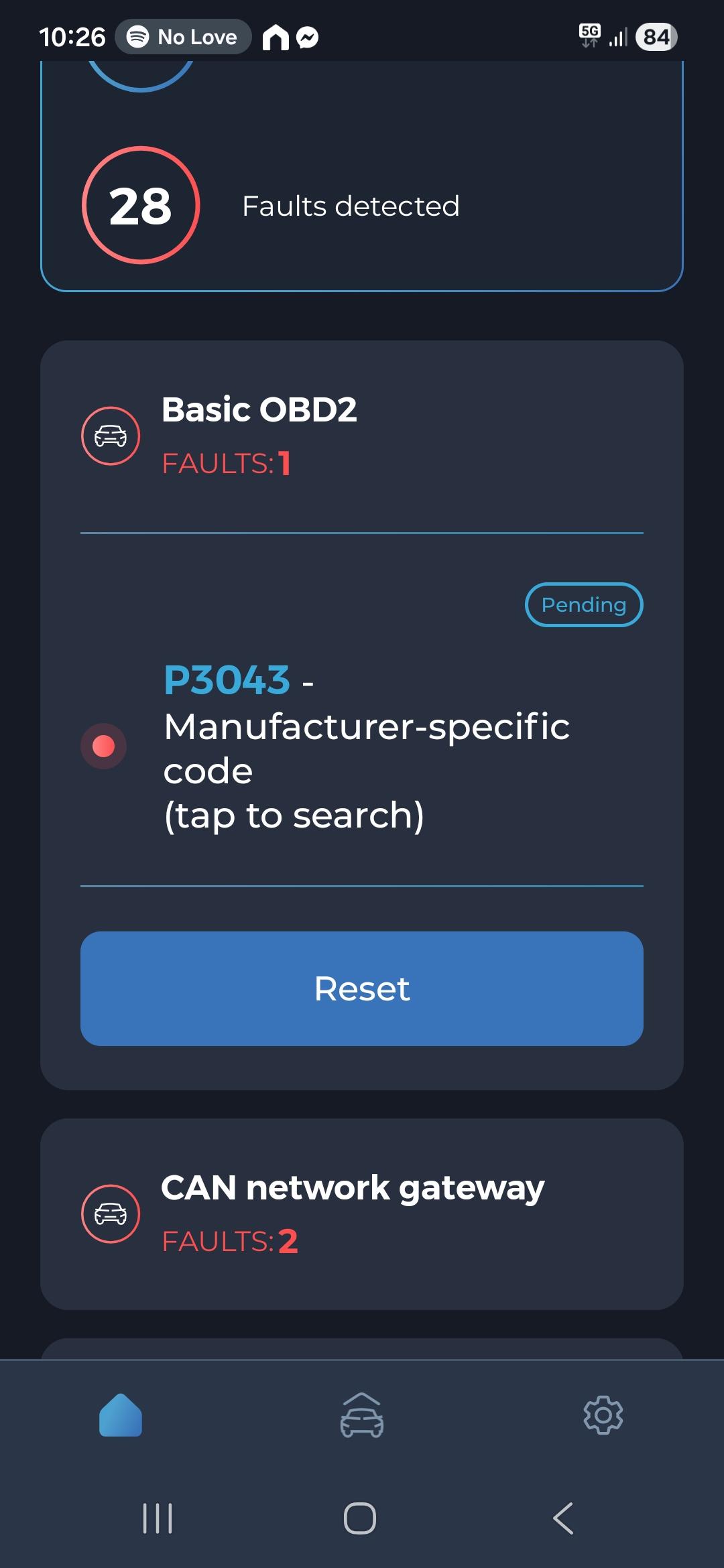
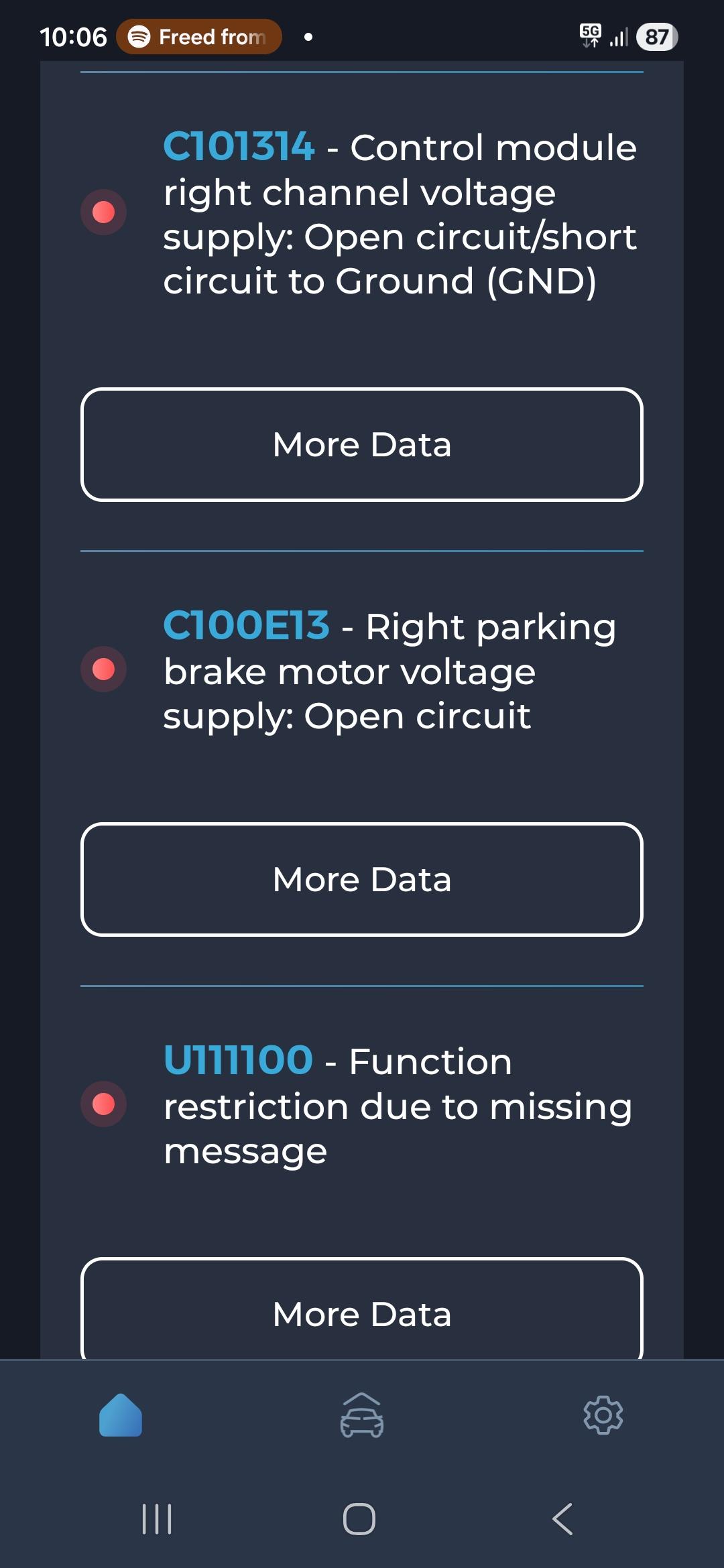
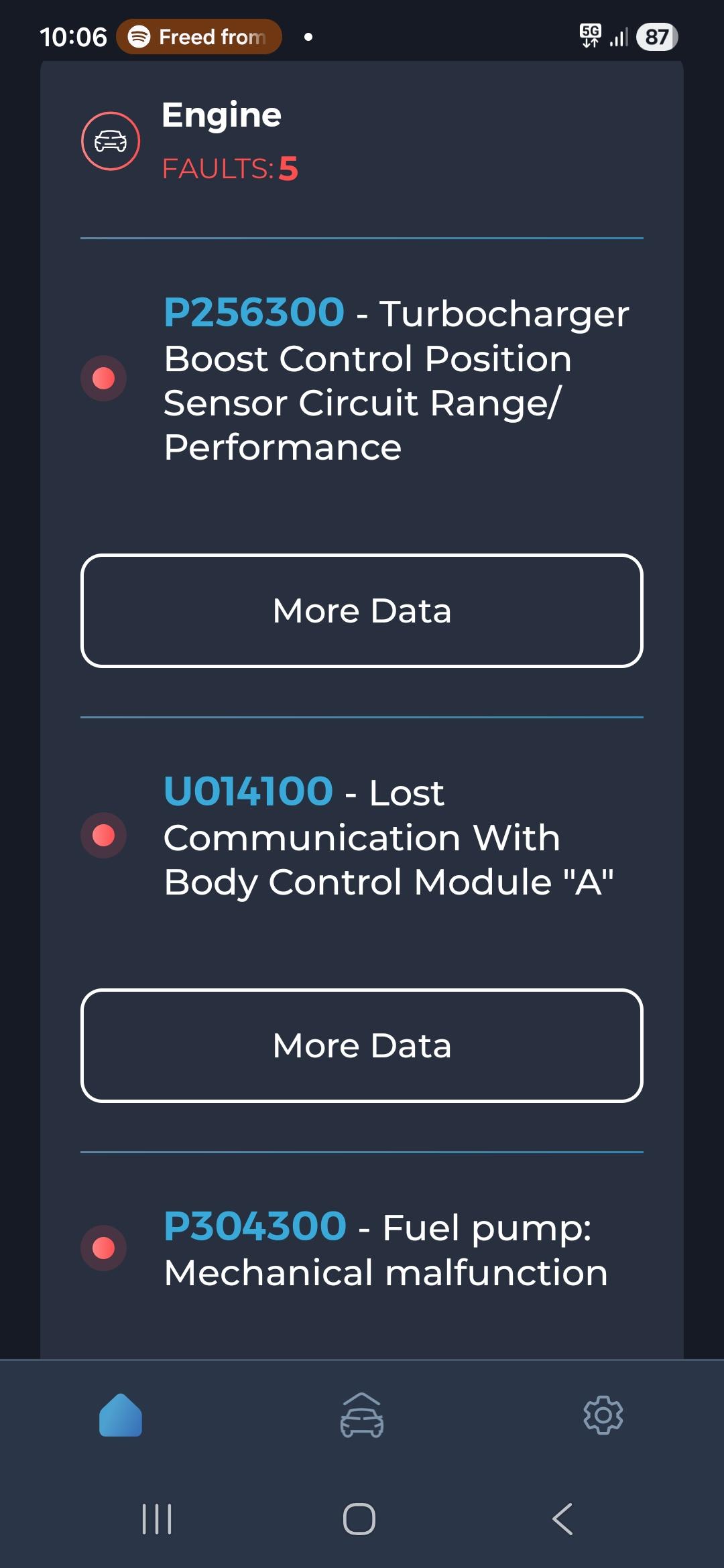
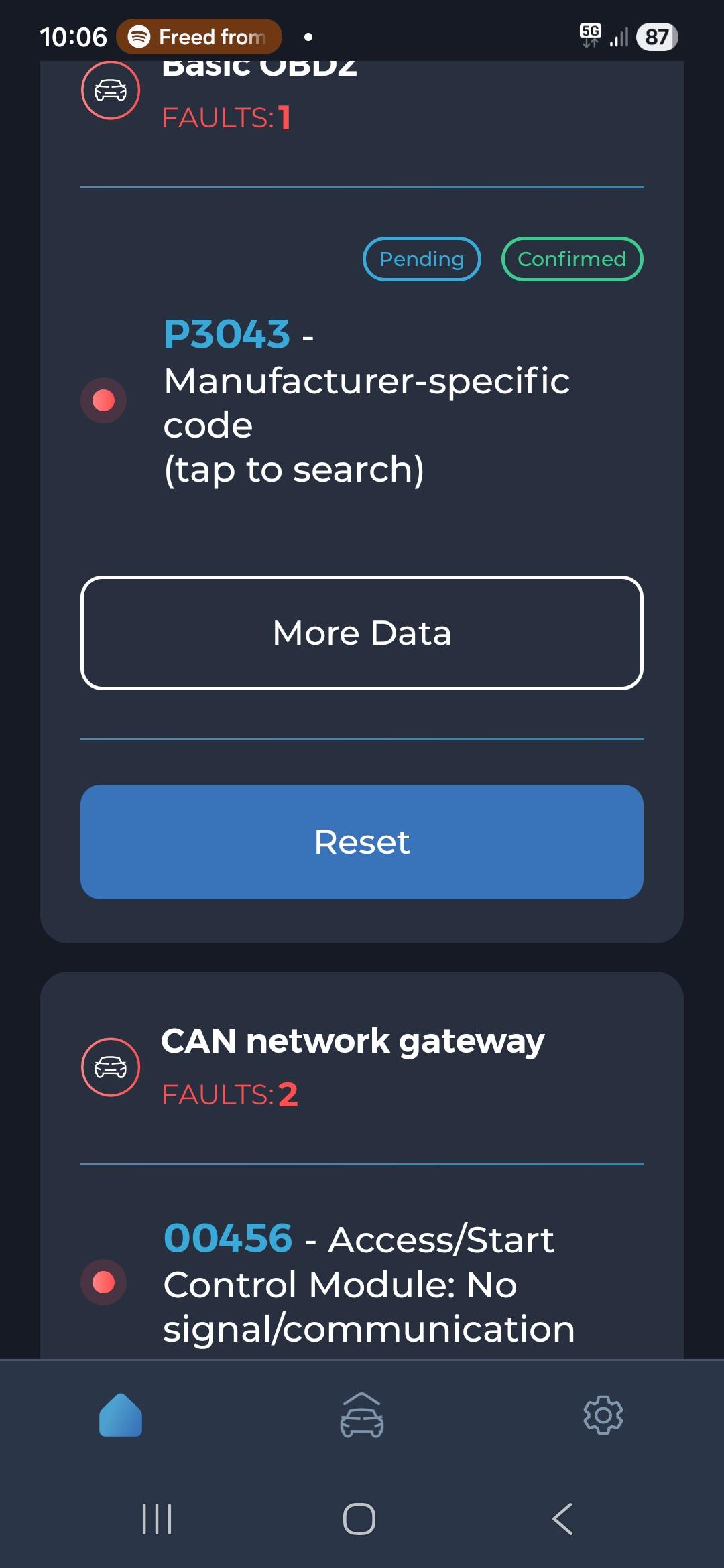
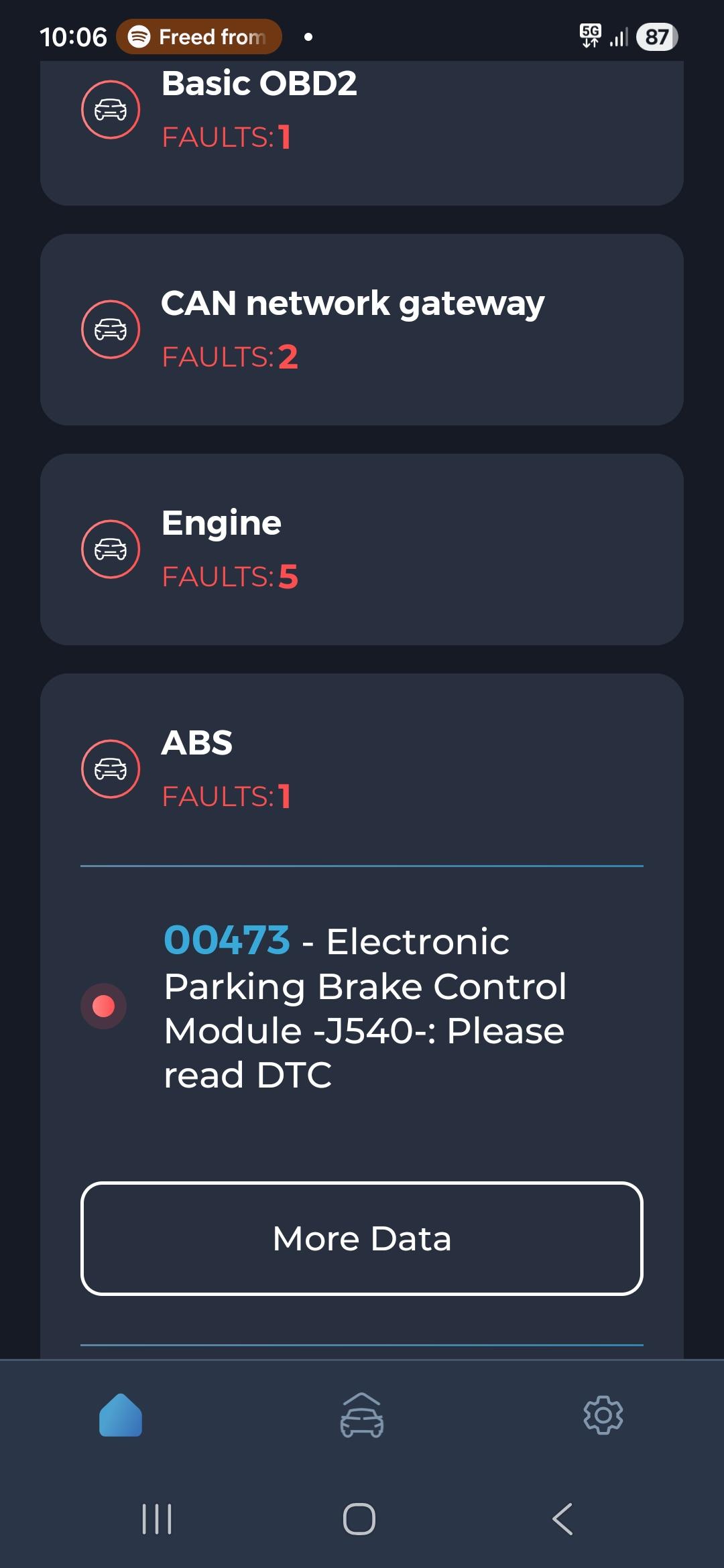
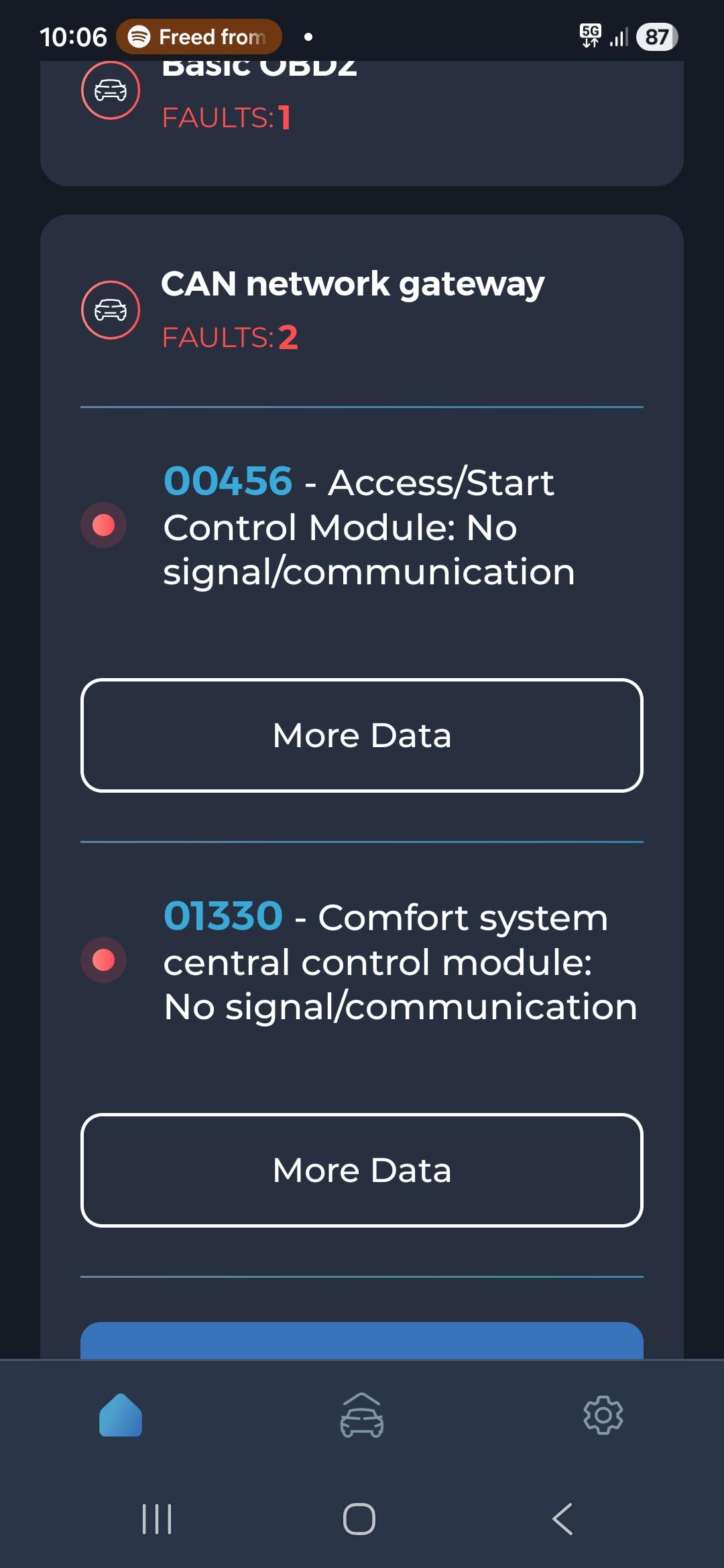
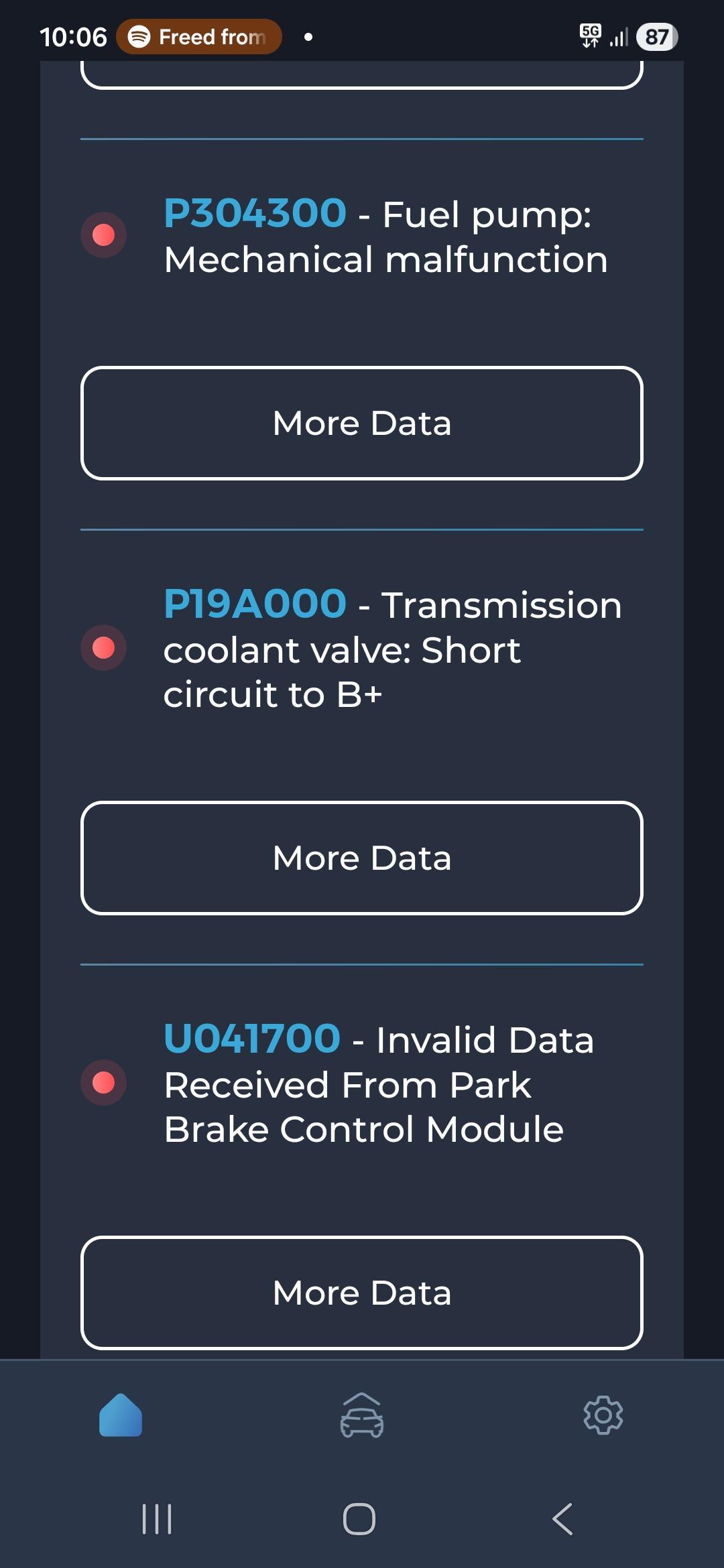
Hi, I have an audi a4 2012 B8.5 1.8TFSI. In November i drove to work parked pressed the electrical handbreak then my car shut off... tried to start up on my break ect nothing. left the car came back the next day i was able to start the car and it would shut off again. left for a few hours and tried again but managed to pull some codes off with a reader before the car died again (see attached) This was then recovered and went to a VW AUDI specialist He has been unable to Diagnose the issue - testing all fuses and i had him look at the parking brake (unpluging different sensors ect) there is power from the battery running through the car to the alternator and is charging (*BRAND NEW BATTERY) He is unable to plug in with his reader as it was intermitant when i had possesion of the car. He after 16 weeks tells me he cant do anything with it as he doesnt have the time to keep looking (he hasnt charged me) his best suspision is BODY CONTROL MODULE 2 Im trying to find a company that can test or clone the bcm 2 - but im unable to find a company that have the software to do so :/ im at a loss if anyone has any sudgestions or ideas im open to all Thanks Kyle 1000010330.mp4