Stephen Taylor
Members
-
Joined
-
Last visited
Everything posted by Stephen Taylor
-
Thanks Steve that is a great help. regards Steve
-
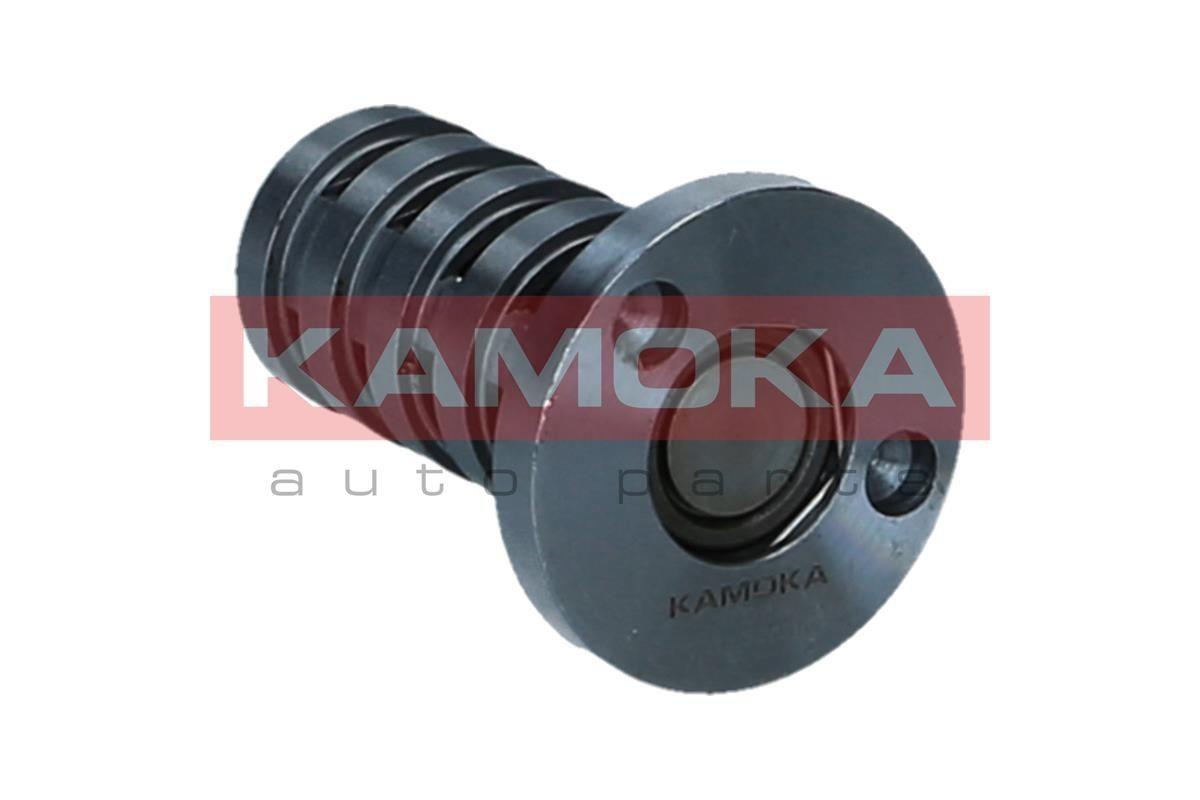
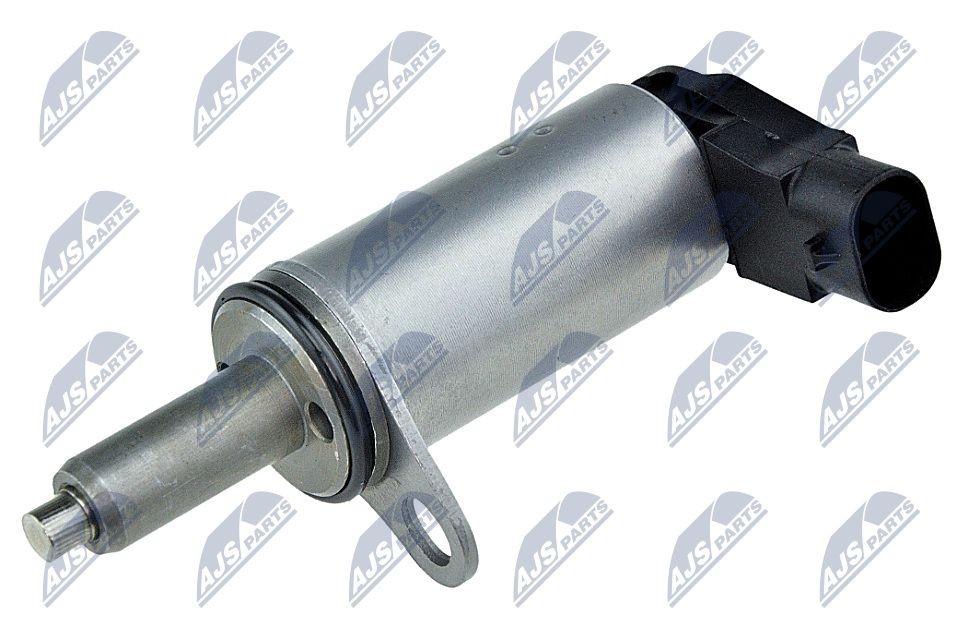
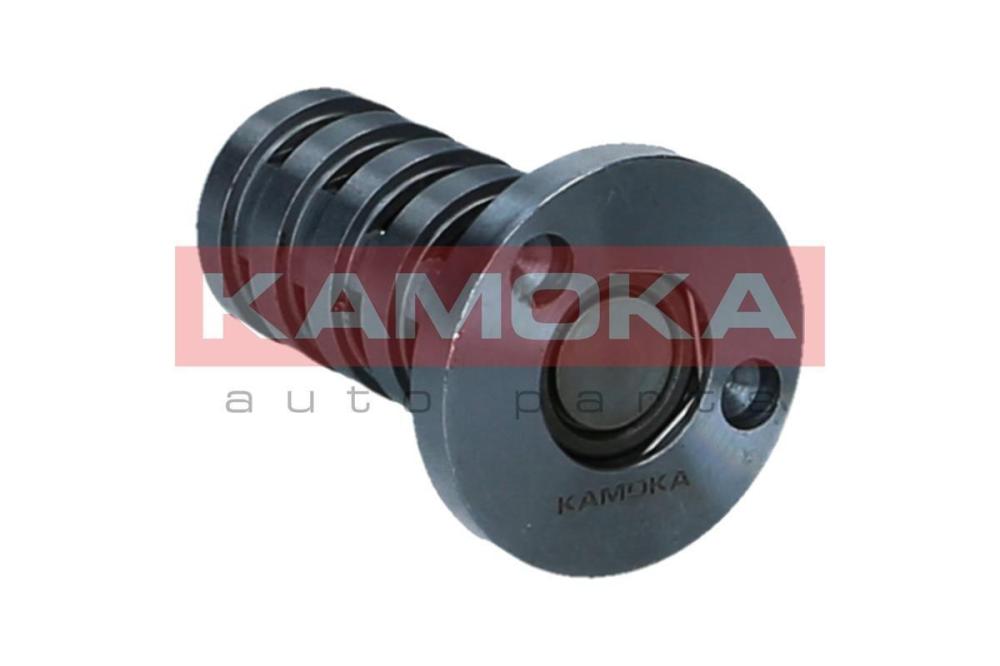
Hi Stevey Y I have gone on line and two items are coming up as vvt solenoid that is correct for the car as per attached not sure which one to order?
-
Hi Steve where is the vvt solenoid located I have tried to find it but no luck. thanks Steve
-
Hi Steve I have now taken the car out for a short run and the acceleration is very slow and the POO16 is coming on, any suggestions would be much appreciated. also oil change due is also showing.
-
Hi Steve Thanks for the reply, I think I have sorted out the problem (although not gone for a long drive yet) but it seems when I replaced the crankshaft sensor it was not seated correctly, I took it out and made sure it went back in square, so now it starts on the button and no warning light.
-
Hi Everyone just joined so my apologies if this is a silly question, I recently purchased a 2010 A5 2.0 TFSI convertible and I had a POO16 code come up, I replaced both the camshaft and crankshaft sensors and now it turns over but will not start! any suggestions would be greatly appreciated, also a strange thing happened whilst I was replacing the crankshaft sensor, all the windows went down ?