edA306
Members
-
Joined
-
Last visited
Everything posted by edA306
-
-
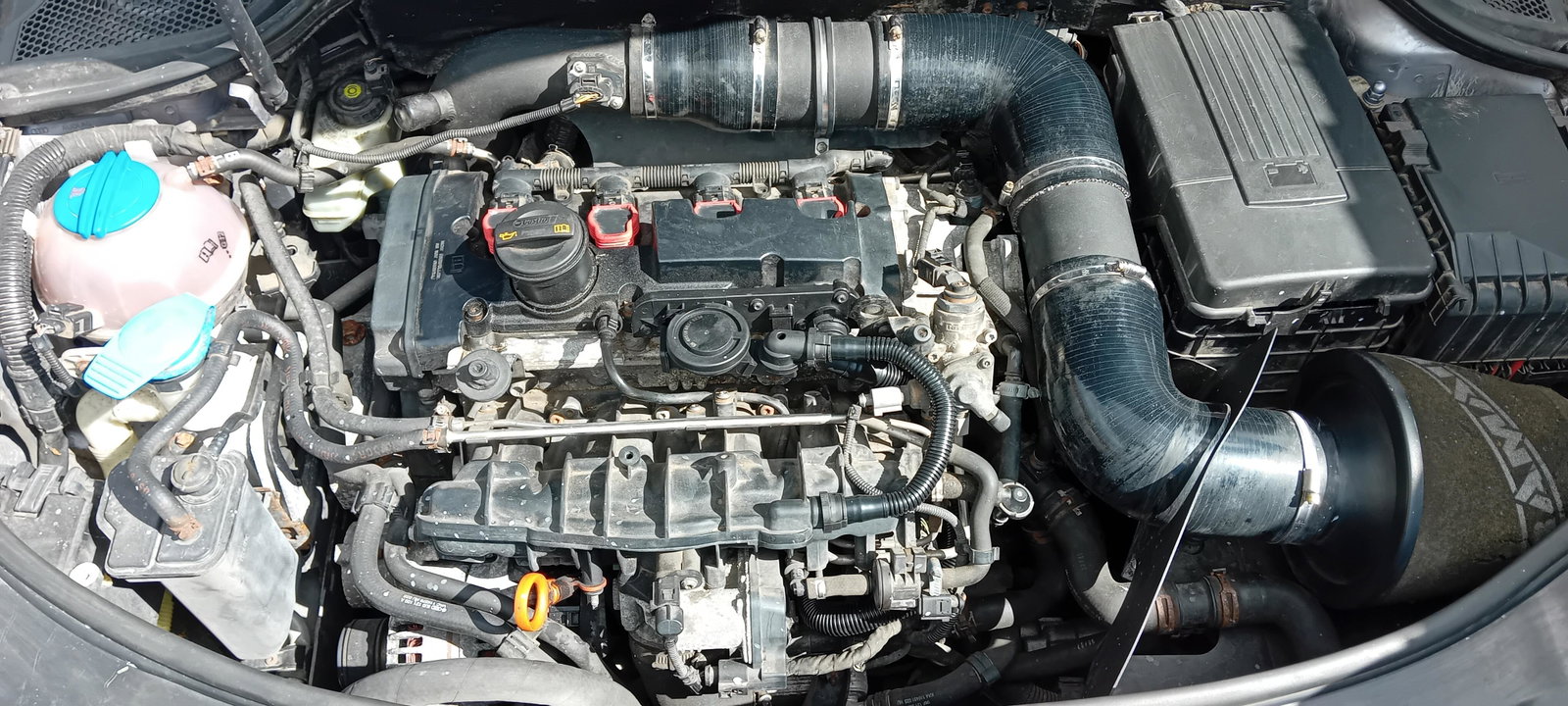
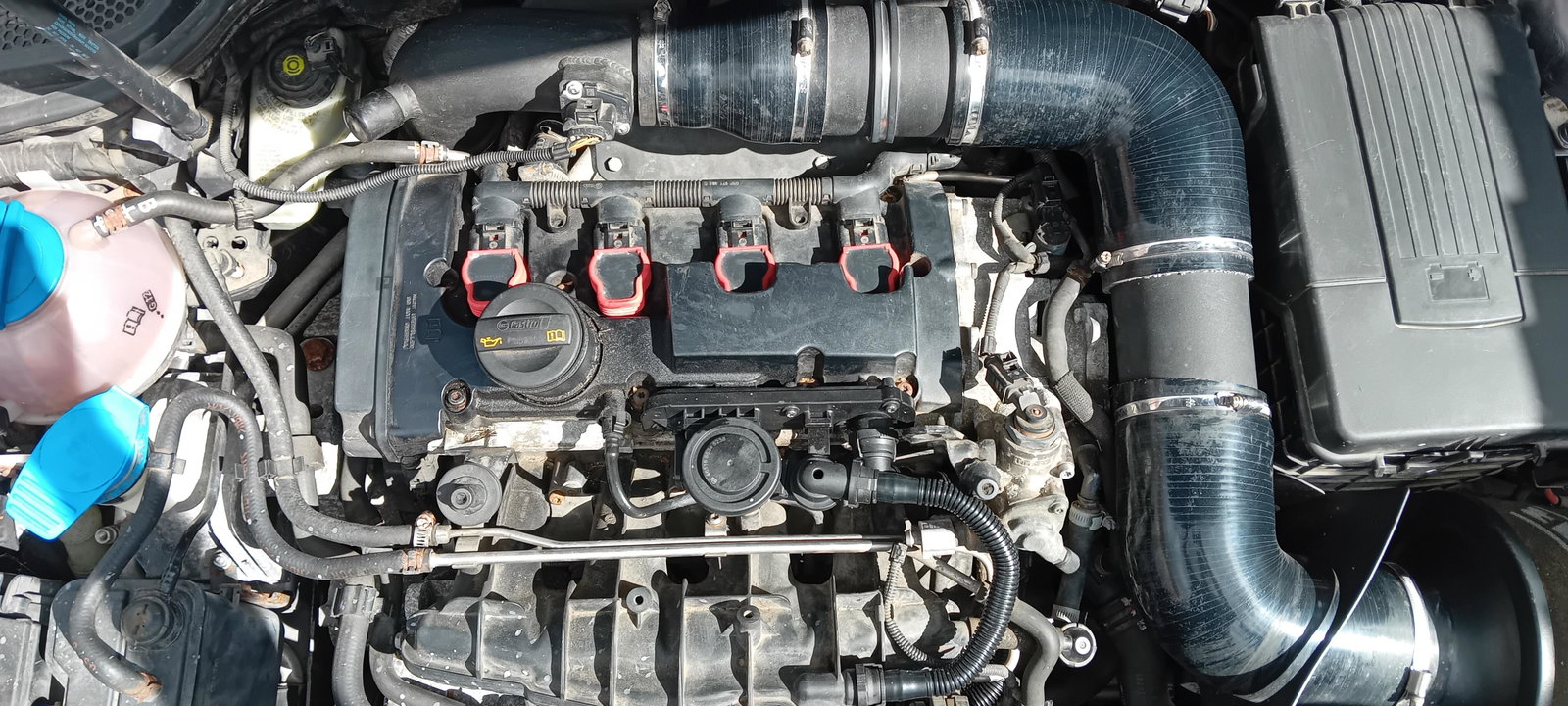
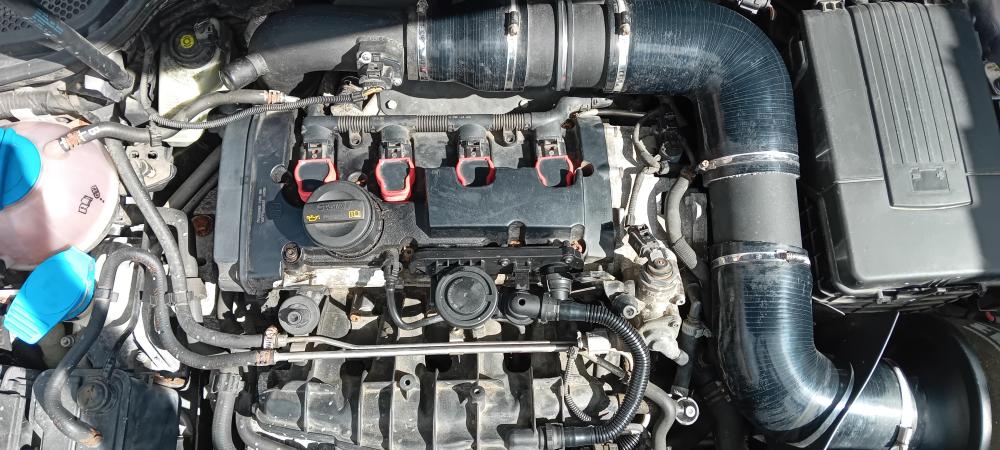
Hi Guys, Any ideas on where i can find the oil switch sensors on this engine i must be going blind
-
Cheers see what i can do over the weekend 🤞
-
Hi steve, Thanks for your knowledge very helpful. Am i right in thinking mine should have 2 switches blue and brown and sensor near filter/sump
-
Hi Steve, You seem very sure lol and sounds expensive. Is it worth trying new sensors 1st. Would there be other symptoms other than what i have noted that i should look out for.
-
Thanks for your help i will take a look and see what i find
-
Hi gareth Only done around 2,000 miles in last 10 months as it was not being used for at least 6 months in that time. I have had the car around 4 years and has passed mot etc every year with only having to replace halex on it. Just had my cluster re built. Any idea where the locations of the sensors are as i can take a look myself
-
Hi All, New to the forum but looking for some help. I have an Audi A3 2006 S Line 2.0L TFSI when driving the car after 20 to 30 mins my oil pressure warning comes on then goes off for 3 to 5 mins then comes back every so often i get puffs of white smoke from exhaust but not all the time. Any ideas what this can be. Oil levels are ok had oil and filter changed around 10 months ago.