




Skip to content
View in the app

A better way to browse. Learn more.

Audi Owners Club (UK)

A full-screen app on your home screen with push notifications, badges and more.

To install this app on iOS and iPadOS
  1. Tap the Share icon in Safari
  2. Scroll the menu and tap Add to Home Screen.
  3. Tap Add in the top-right corner.
To install this app on Android
  1. Tap the 3-dot menu (⋮) in the top-right corner of the browser.
  2. Tap Add to Home screen or Install app.
  3. Confirm by tapping Install.

Tim

Members
  • Joined

  • Last visited

Everything posted by Tim

  1. Cheers - been keeping an eye on eBay but haven't seen one that's the right generation yet. Will keep watching :)
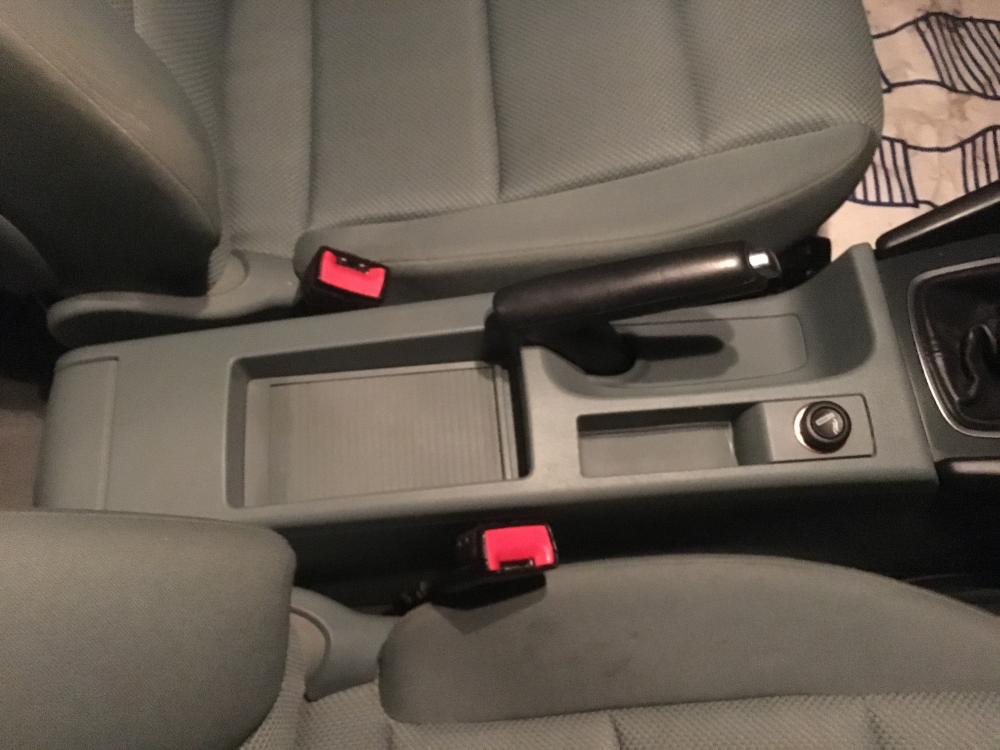
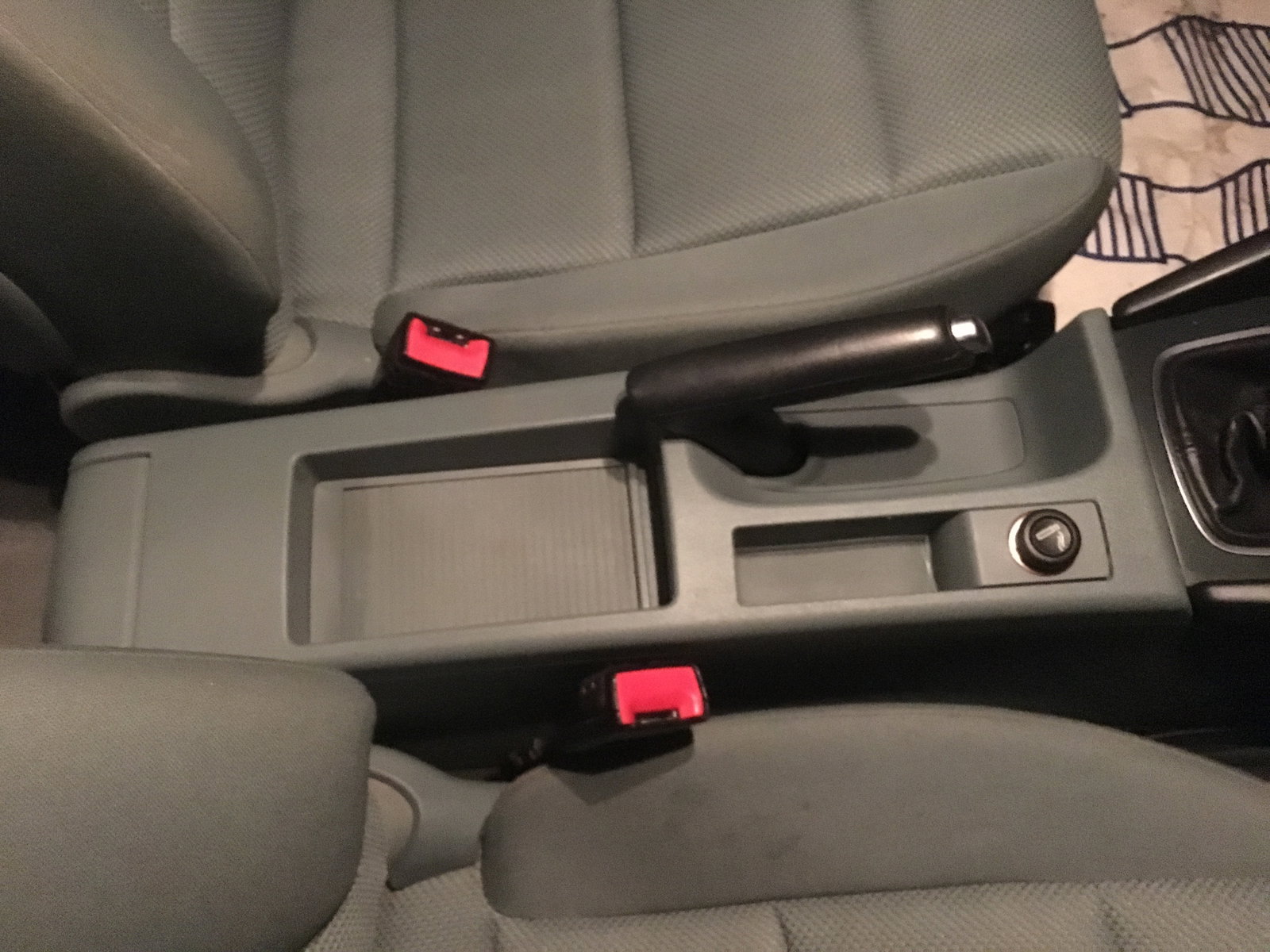
  2. Hi, new member here - just bought a 2008 (58) A3 1.9 TDIe sportback, which I'm guessing is MY2009. Would really like to swap out the interior centre console (between front seats / under handbrake) and glove box door for black versions rather than its current blue/grey.. Love the car but not so keen on the trim colour! Any advice on where to buy a black unit from, and any guides on fitting?? Thanks! Tim


Background Picker
Customize Layout

Account

Navigation

Search

Search

Configure browser push notifications

Chrome (Android)
  1. Tap the lock icon next to the address bar.
  2. Tap Permissions → Notifications.
  3. Adjust your preference.
Chrome (Desktop)
  1. Click the padlock icon in the address bar.
  2. Select Site settings.
  3. Find Notifications and adjust your preference.