Steve M
Members
-
Joined
-
Last visited
Everything posted by Steve M
-
Hi James, I went for the 1.6TDI I would definitely prefer to buy used but being OCD will need to be immaculate....😂😂 Too costly as checked with my local AUDI centre today. Round about £900 a corner!!
-
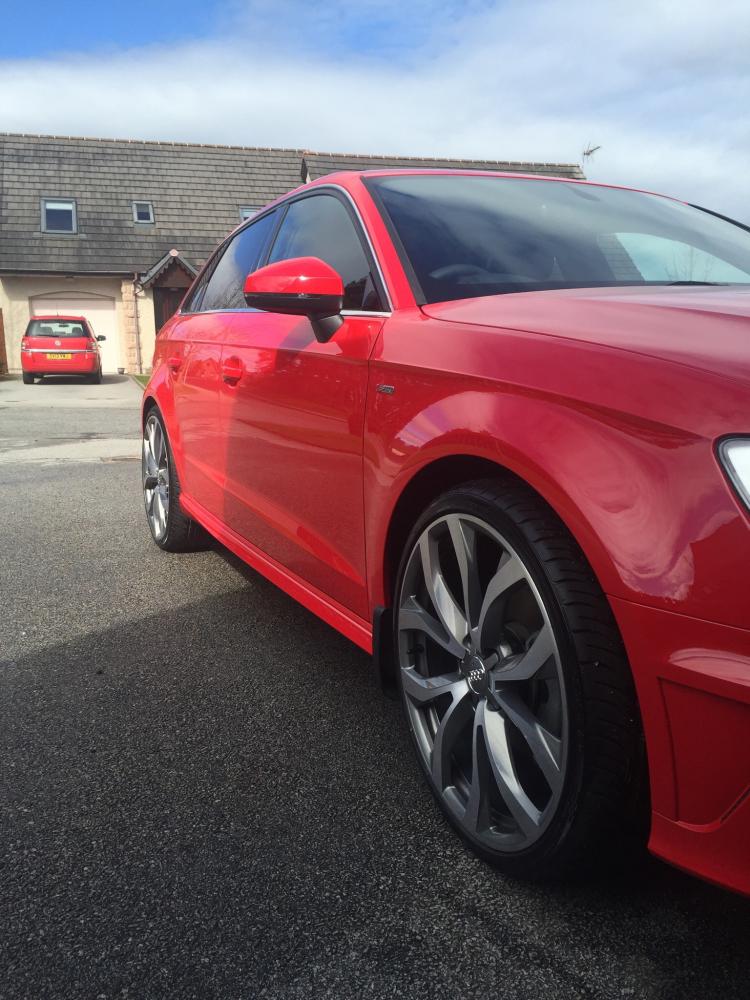
Hi Guys & Gals, Looking forward to hearing from other owners that love their FOUR RINGER as much as me! ❤️👍🏻 Picked up my A3 on the first March 16 plate and loving being back behind a great drivers car. I've had a A4 Sline Avant before but went down the 4x4 route in 2010 with another manufacturer, the again in 2013 with yet another different manufacturer! Wasn't going to make the same mistake for a third time... 😖😂😖 Now two weeks in and I'm thinking of changing the alloys to 19" instead of the 18" standard S-line supplied. I'm unsure what I could put on. Obviously I'd like to stick to original Audi OEM rims! I've seen a set of Le Mans that have been fully returned and looking like brand new. They are 8.5J, 43ET! Could anyone assist me with answering will they fit and what size tyres should/could I use? Thanks in advance for any help offered! Ps. If anyone's got some pics of their car with upgraded alloys on I'd love to see them! Cheers guys/gals.... Delighted to be back in the AUDI family.. ❤️😍👍🏻 Steve M...