waj786
Members
-
Joined
-
Last visited
Everything posted by waj786
-
Does anyone know the location of the thermostat on a quattro TFSI model?... After abit of homework it turns out the more common thermostat as per my initial post also doesn't fit the S3. All I can see for the S3 on ebay are stand alone thermostats without the housing..which I assume should fit mine since its a TFSI quattro..if that makes sense!?
-
I thought it was that but was told that is number part is not listed for any of the 2.0 TFSI models...
-
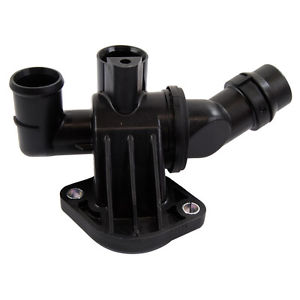
I've have recently brought an A3 2.0T FSI quattro and believe I may have a sticky thermostat as the temperature seems to drop to 1/4 from half way when driving at 50 mph plus at long periods. I initially brought a replacement complete thermostat housing (see below) However my mechanic has informed me this was incorrect as mine has around 5/6 outlets and the more "common" one I am seeing online only has 3. Can anyone advise on where to purchase the correct one?
-
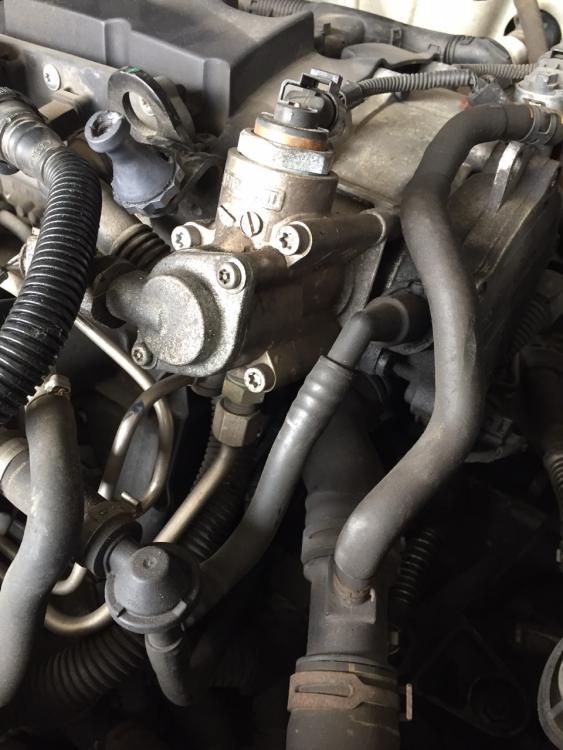
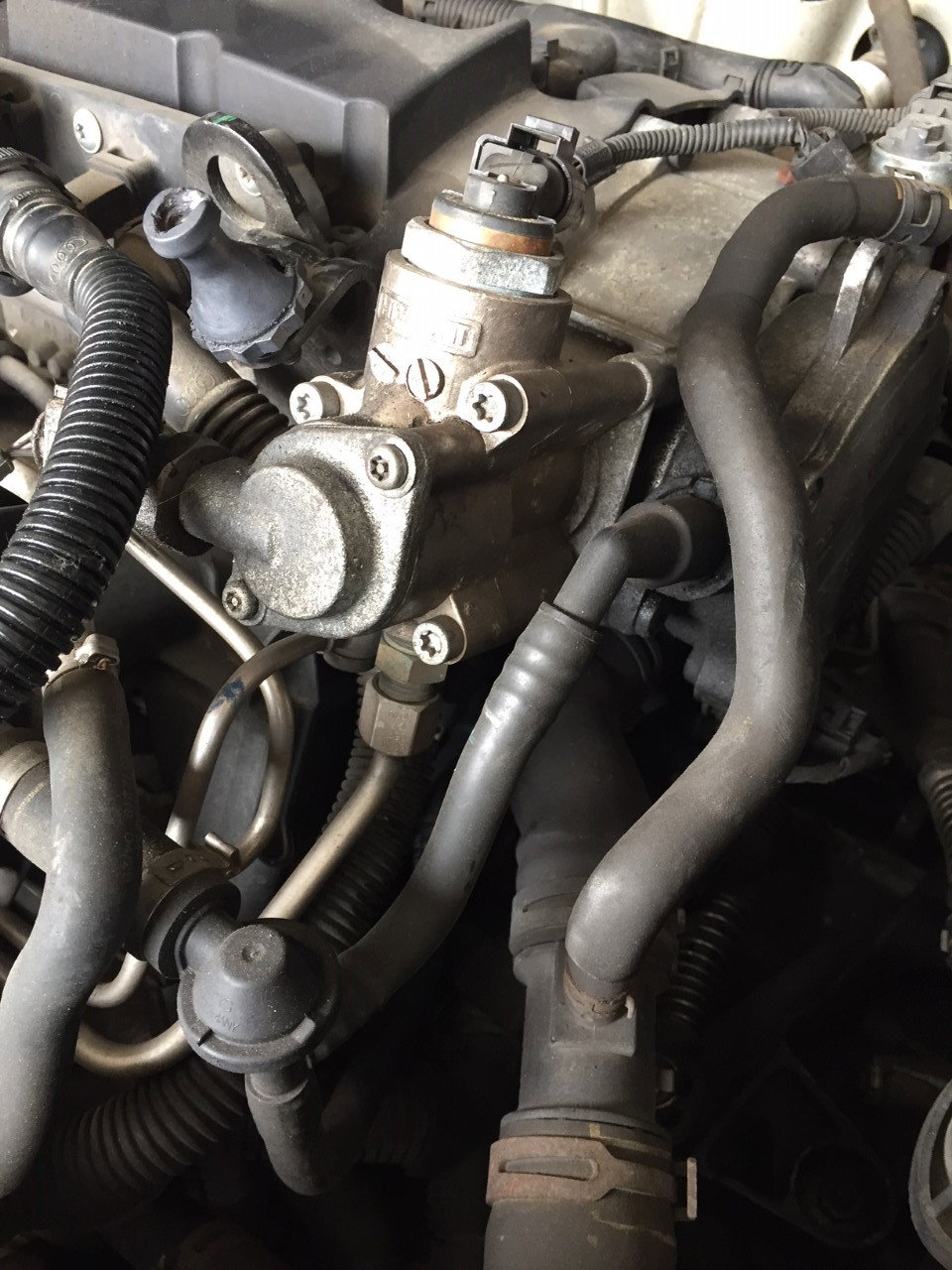
Hi All, I've brought an A3 2.0 TFSI on a 2005 and I'm looking to replace the Cam follower for the fuel pump for peace of mind. After looking at countless guides and videos I can one of the first steps is to bleed the fuel pump...However I don't see a bleed point on the one on my car...can anyone help? The first picture is my car ( no bleed point), the second is a generic picture of what most peoples fuel pumps look like with a bleed nipple.