razorbladeaid
Members
-
Joined
-
Last visited
Everything posted by razorbladeaid
-
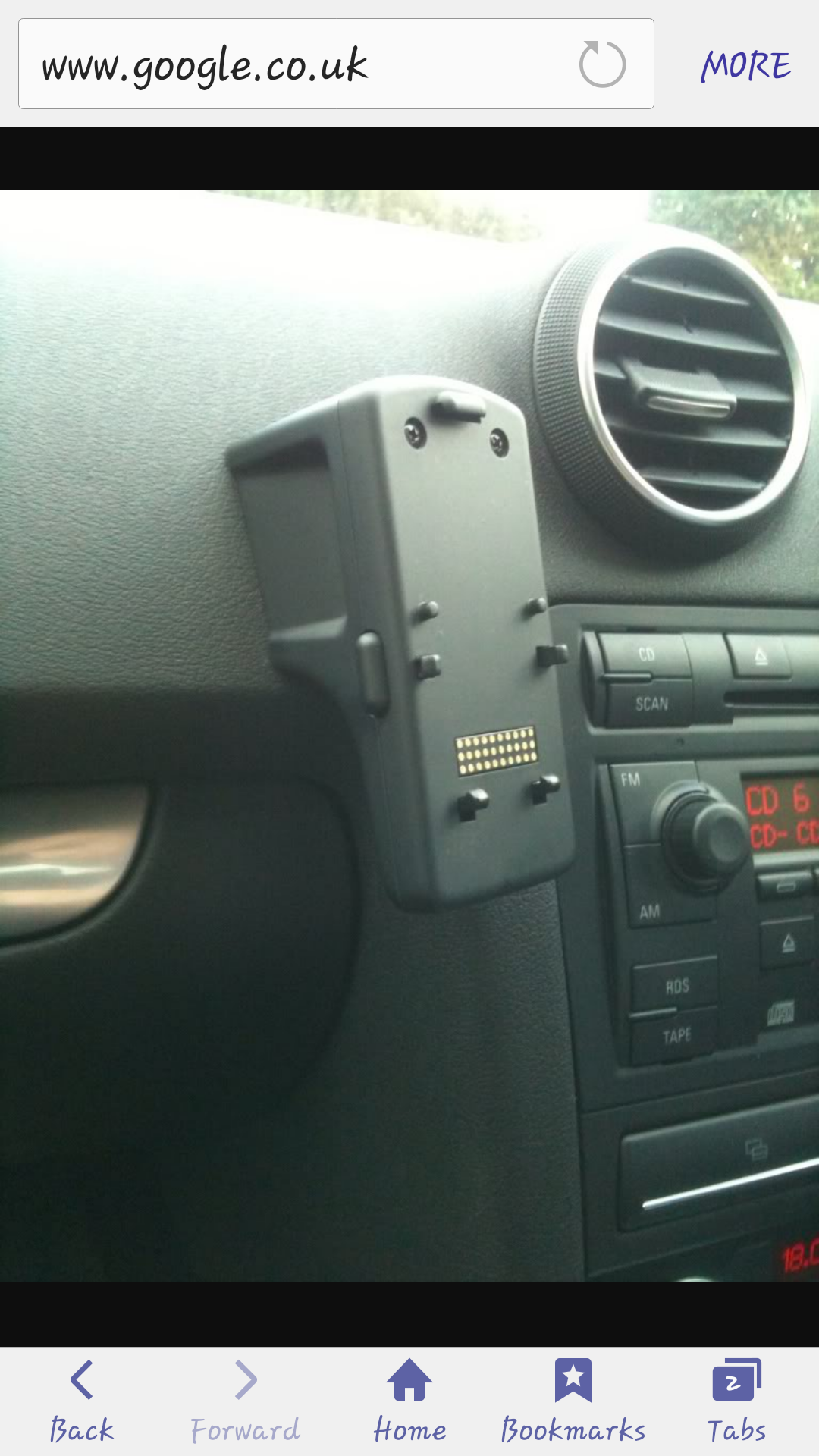
Ok thank you for the response. So do I just buy any cradle to attach to it or is there specific cradle attachments for this device that's installed.
-
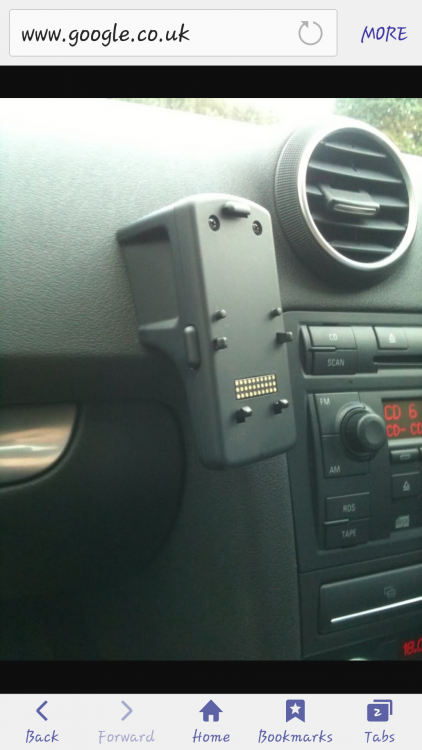
Hello people, Iv just brought an Audi a3 2.0 Tdi 170 bhp 2007 model. So far so good with this vehicle with 77000 on the clock. This is just a quick 2 part question which I'm confused about the a3. 1. What phone connect's to my phone cradle on the dash board. (Picture below) 2. When I put my foot down in 4th gear an upwards I get a fault on the dashboard an warning lights. The fault is ESP/ABS. Then the ESP an ABS lights will stay on along with the tyre pressure warning light. They are all amber lights. I am just curious If there are any common faults that people know about or any possibilities as to what the fault could be. Thanks for reading an hope I can get a answer.