Louie83
Members
-
Joined
-
Last visited
Everything posted by Louie83
-
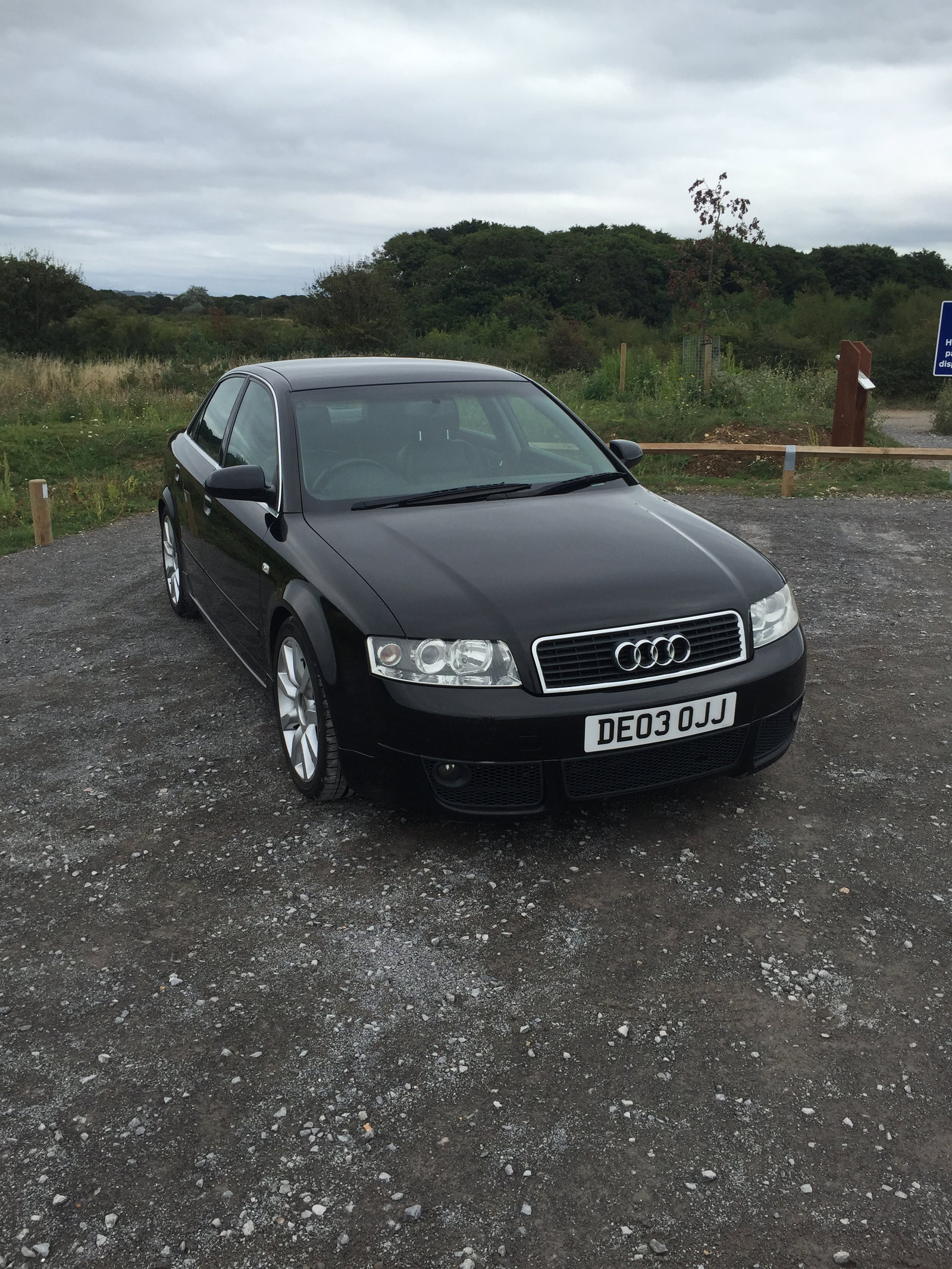
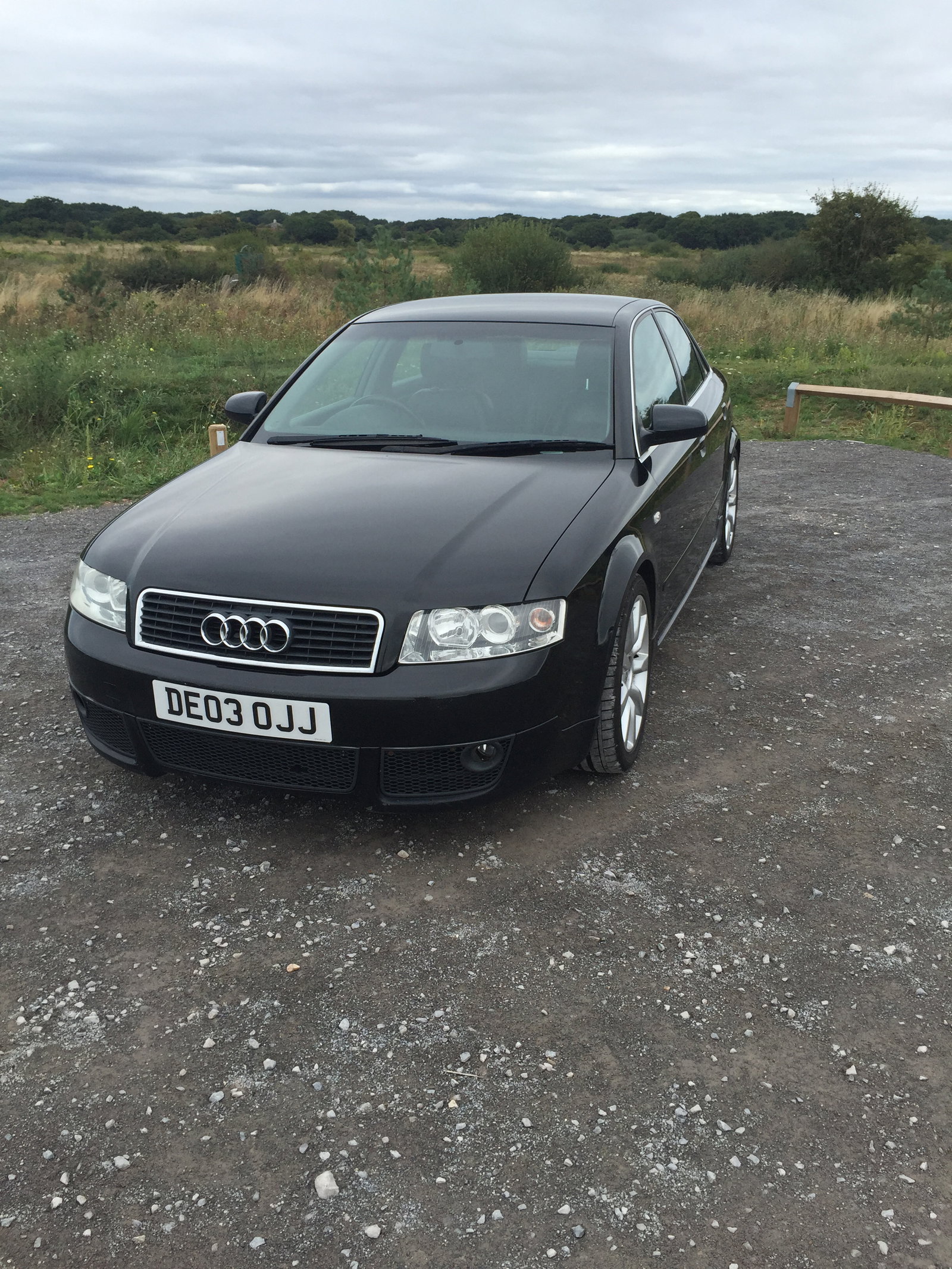
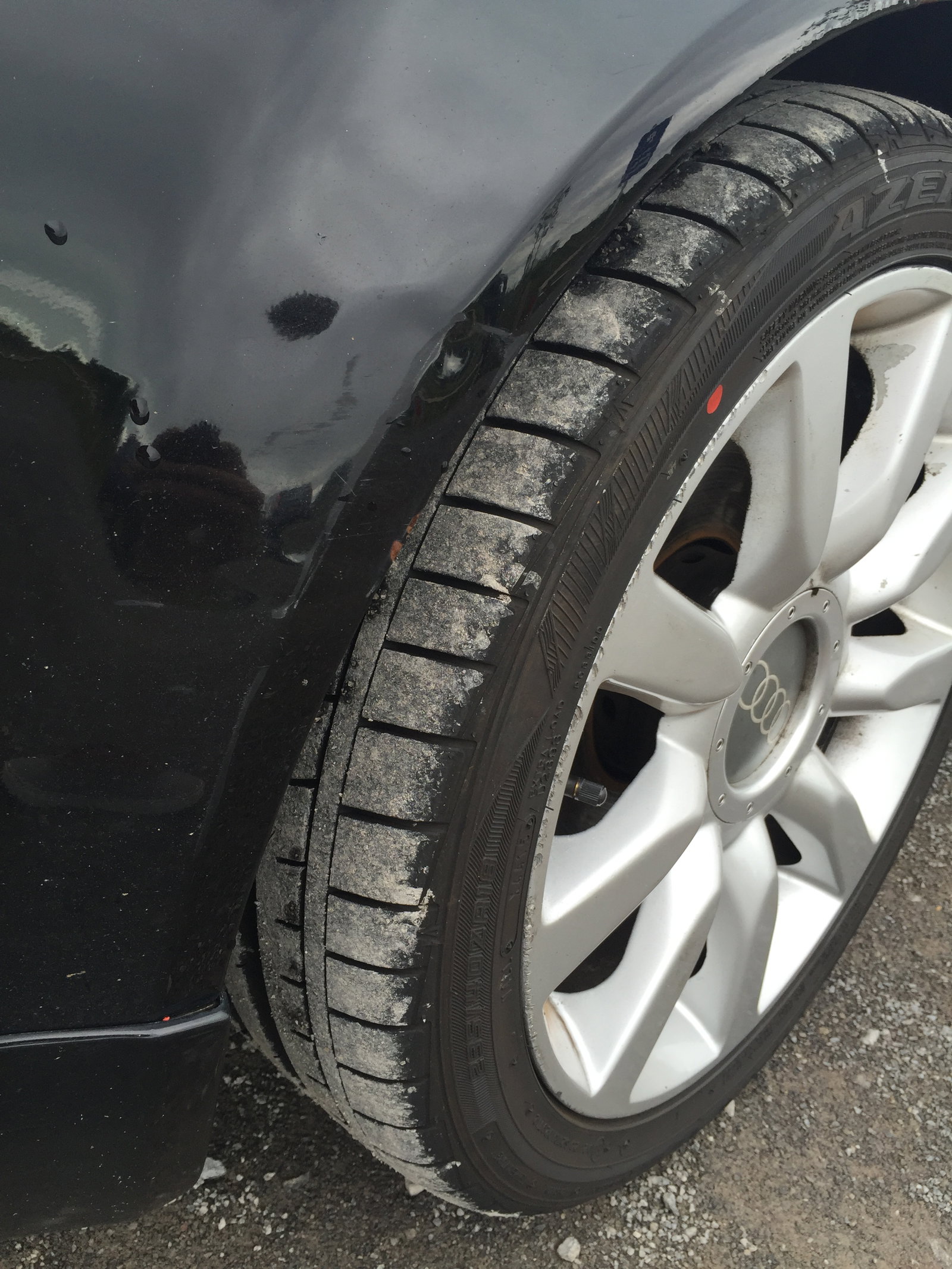
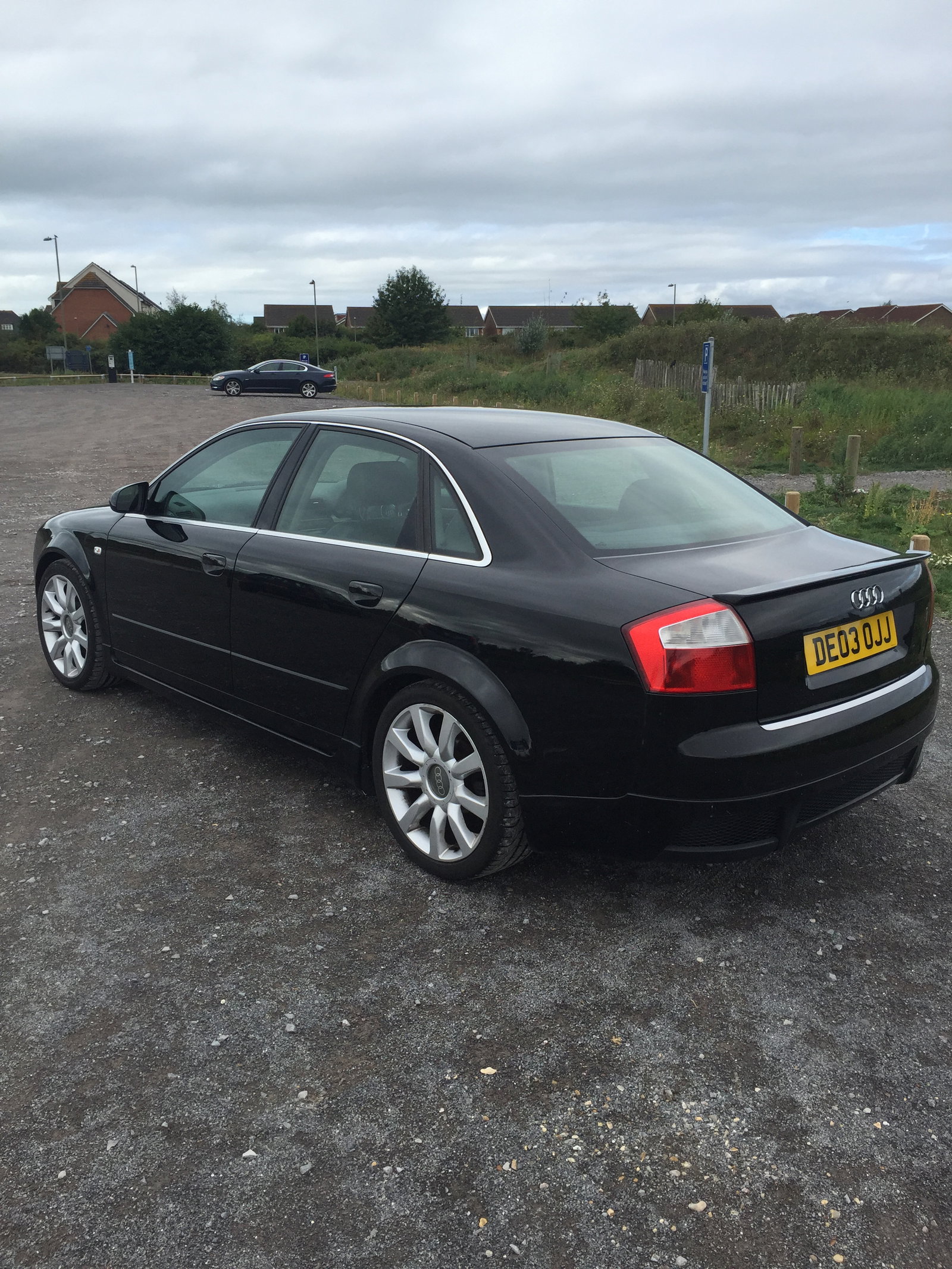
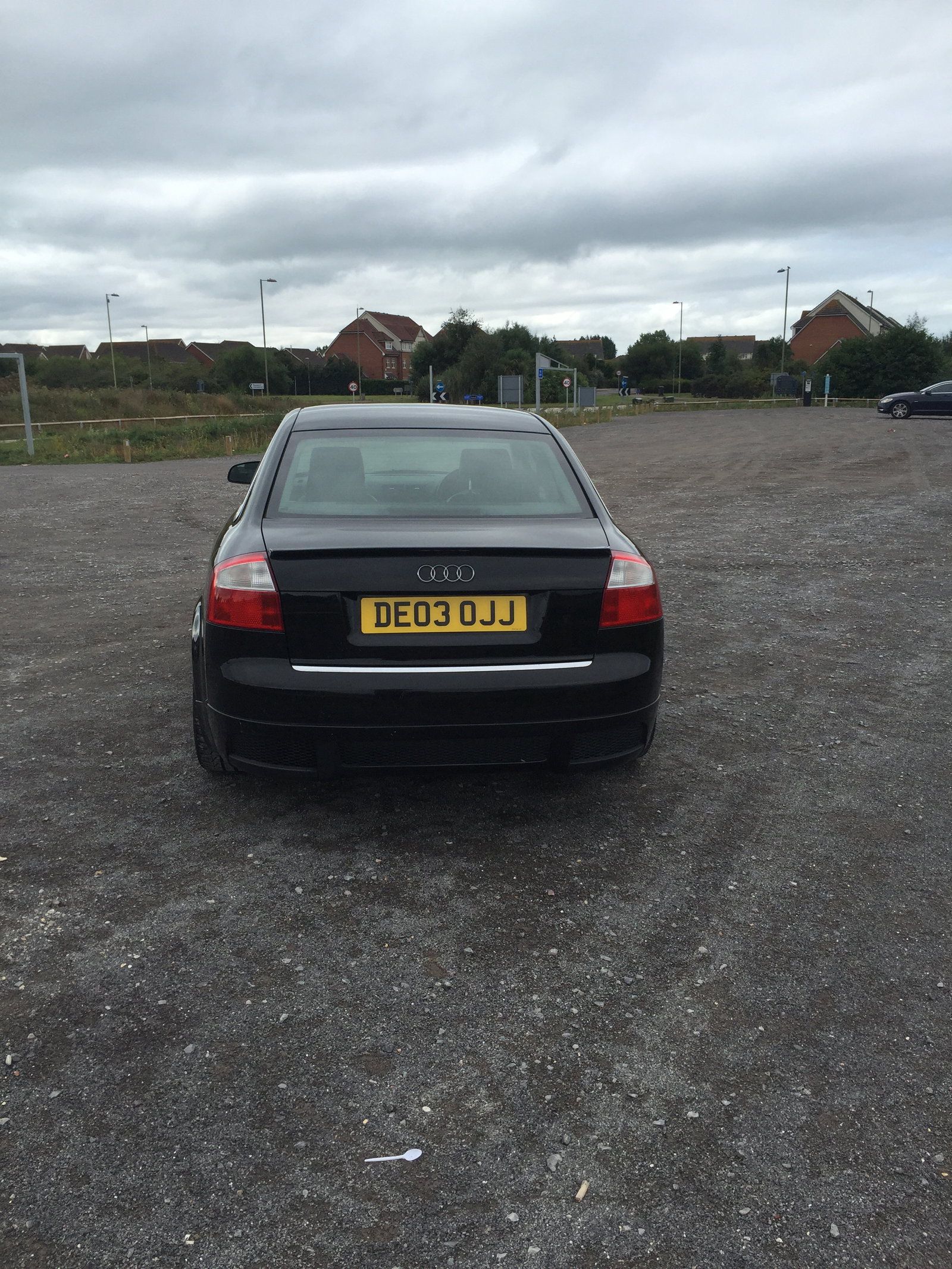
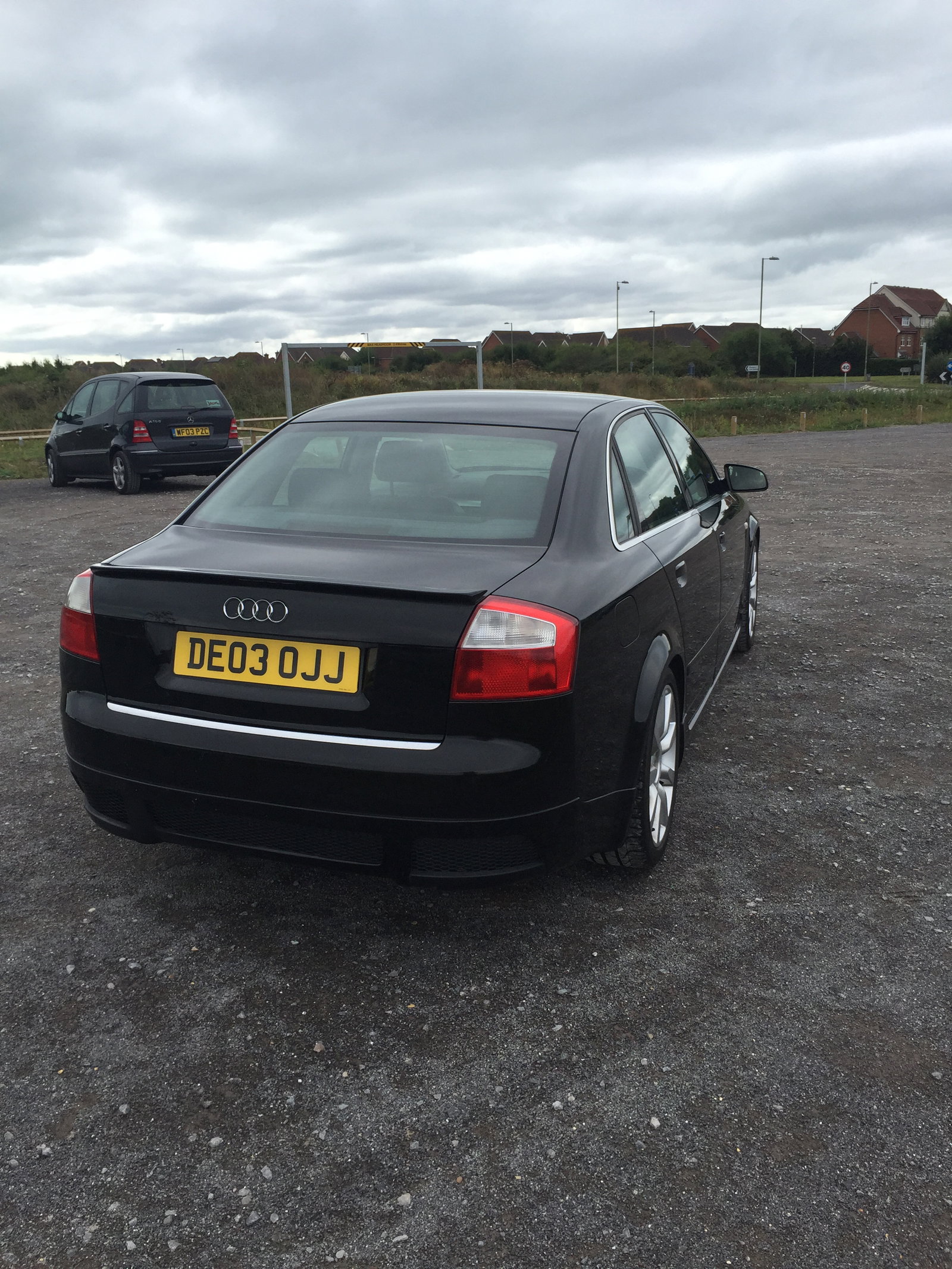
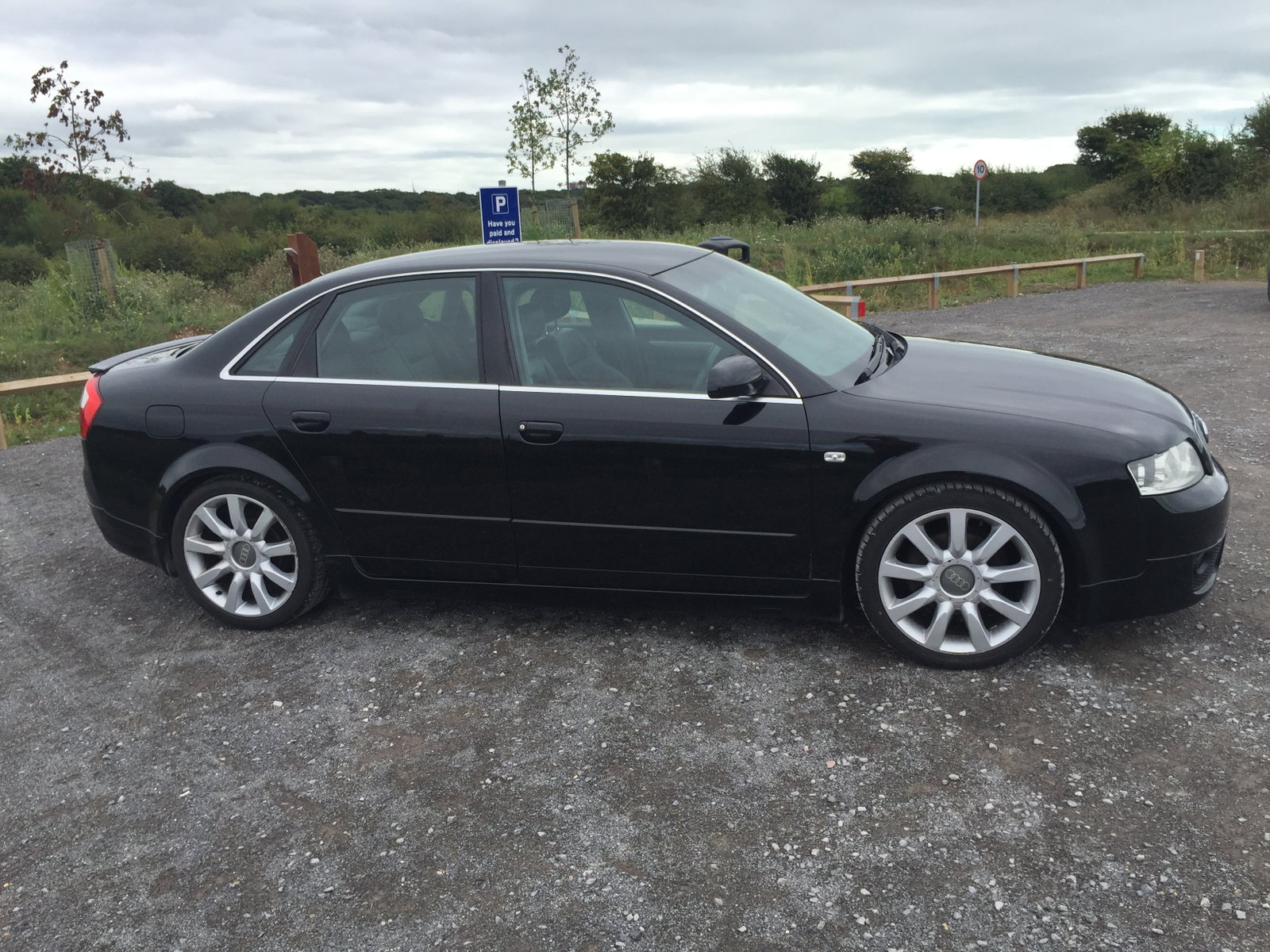
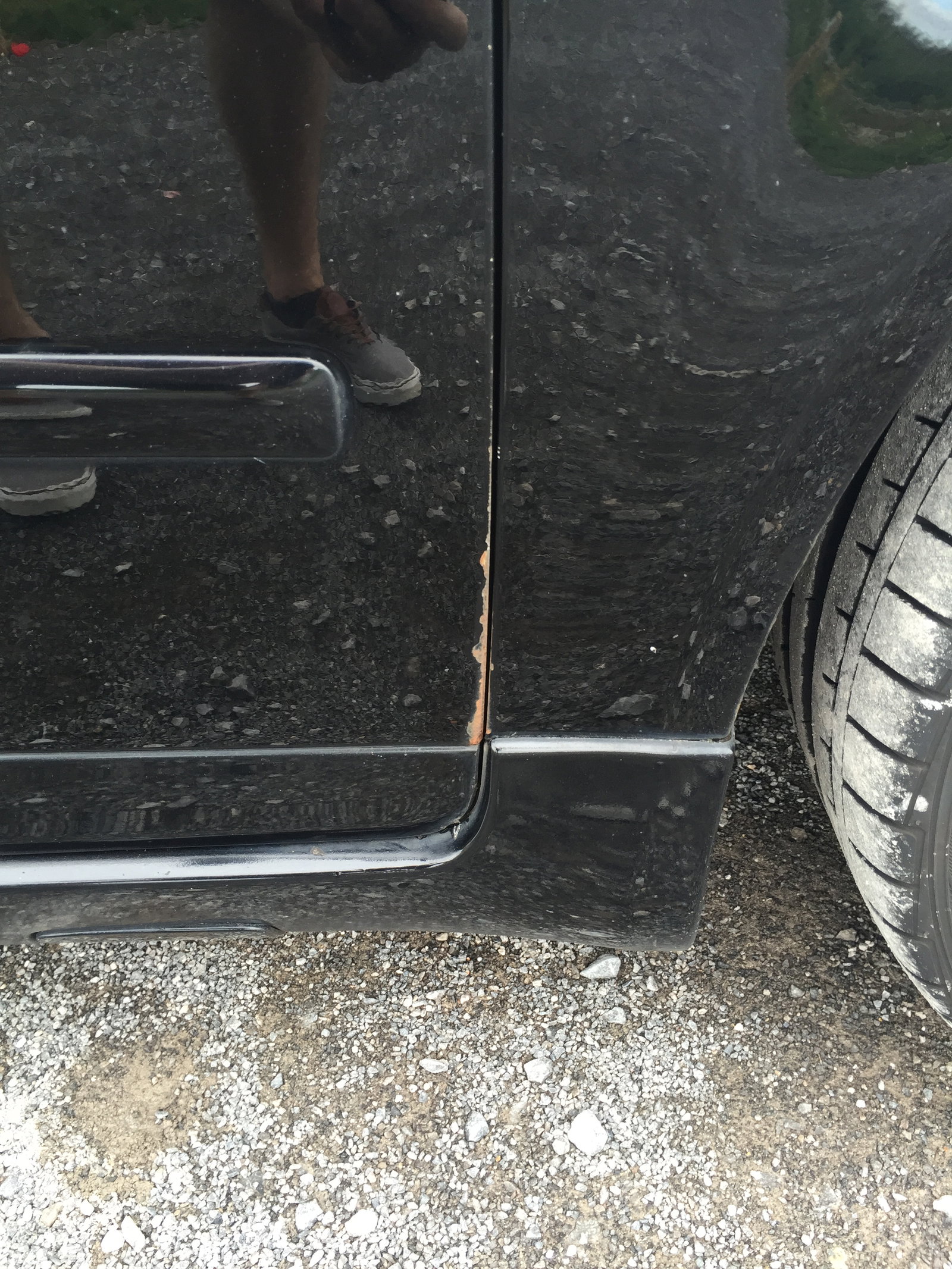
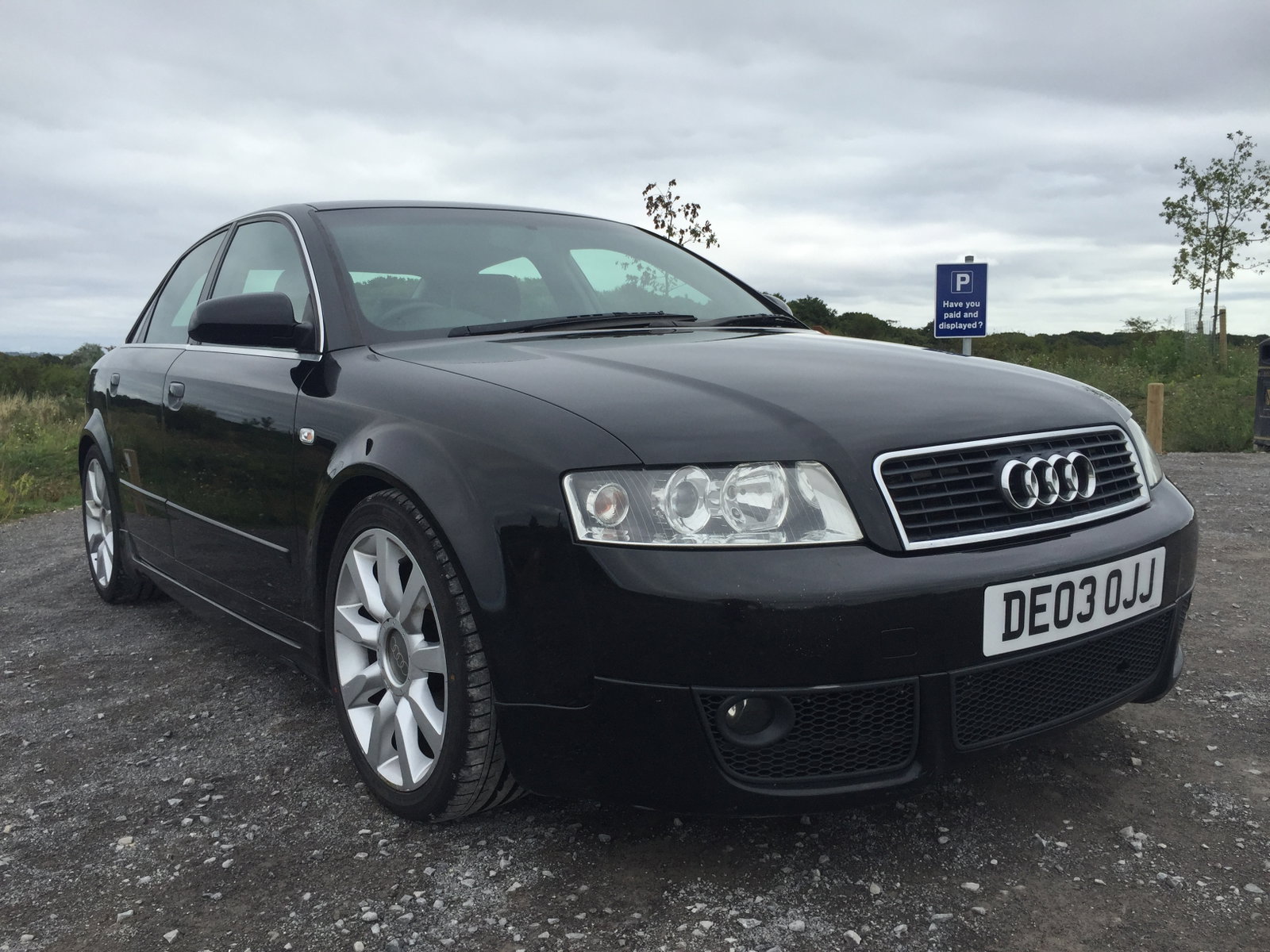
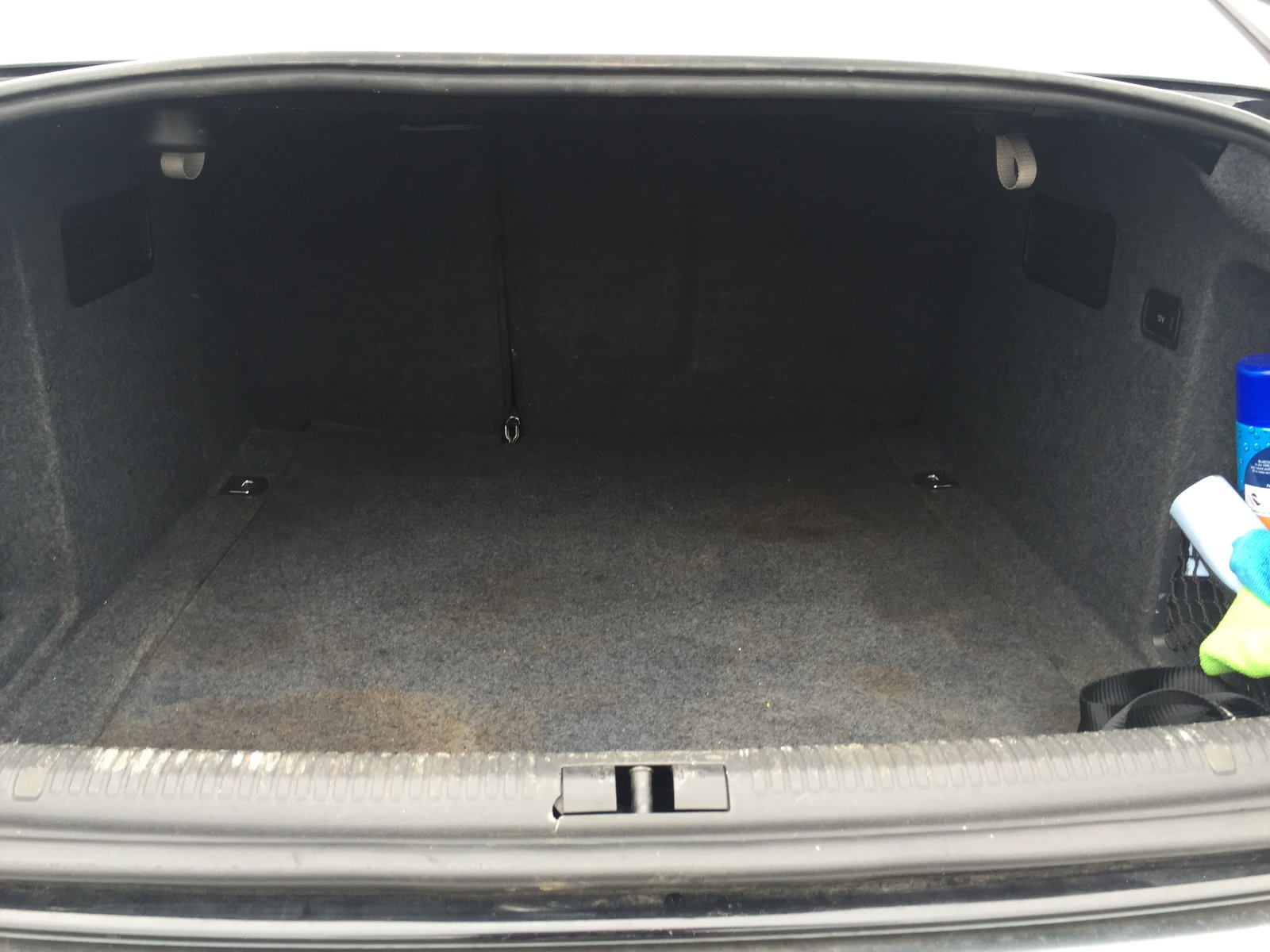
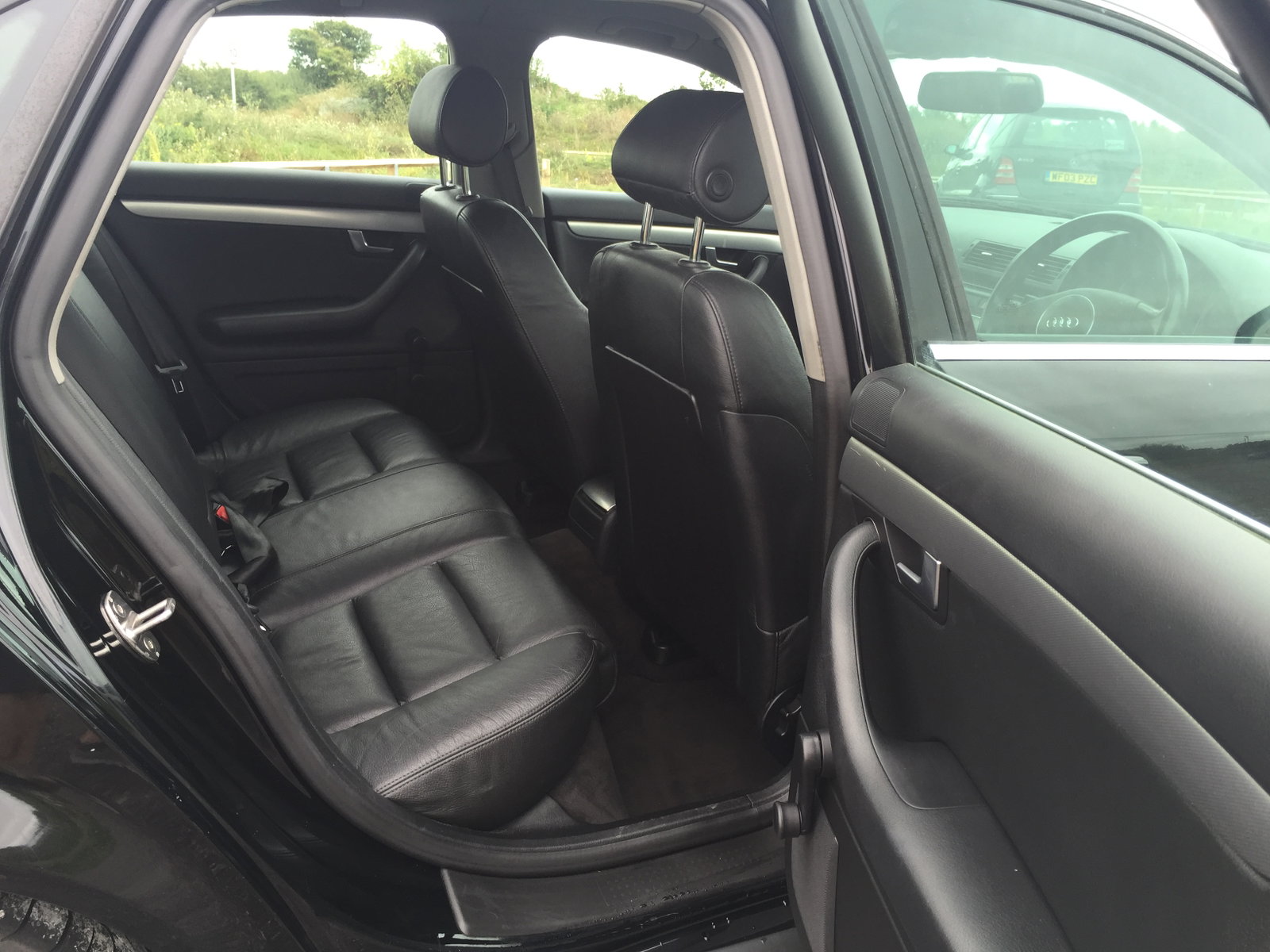
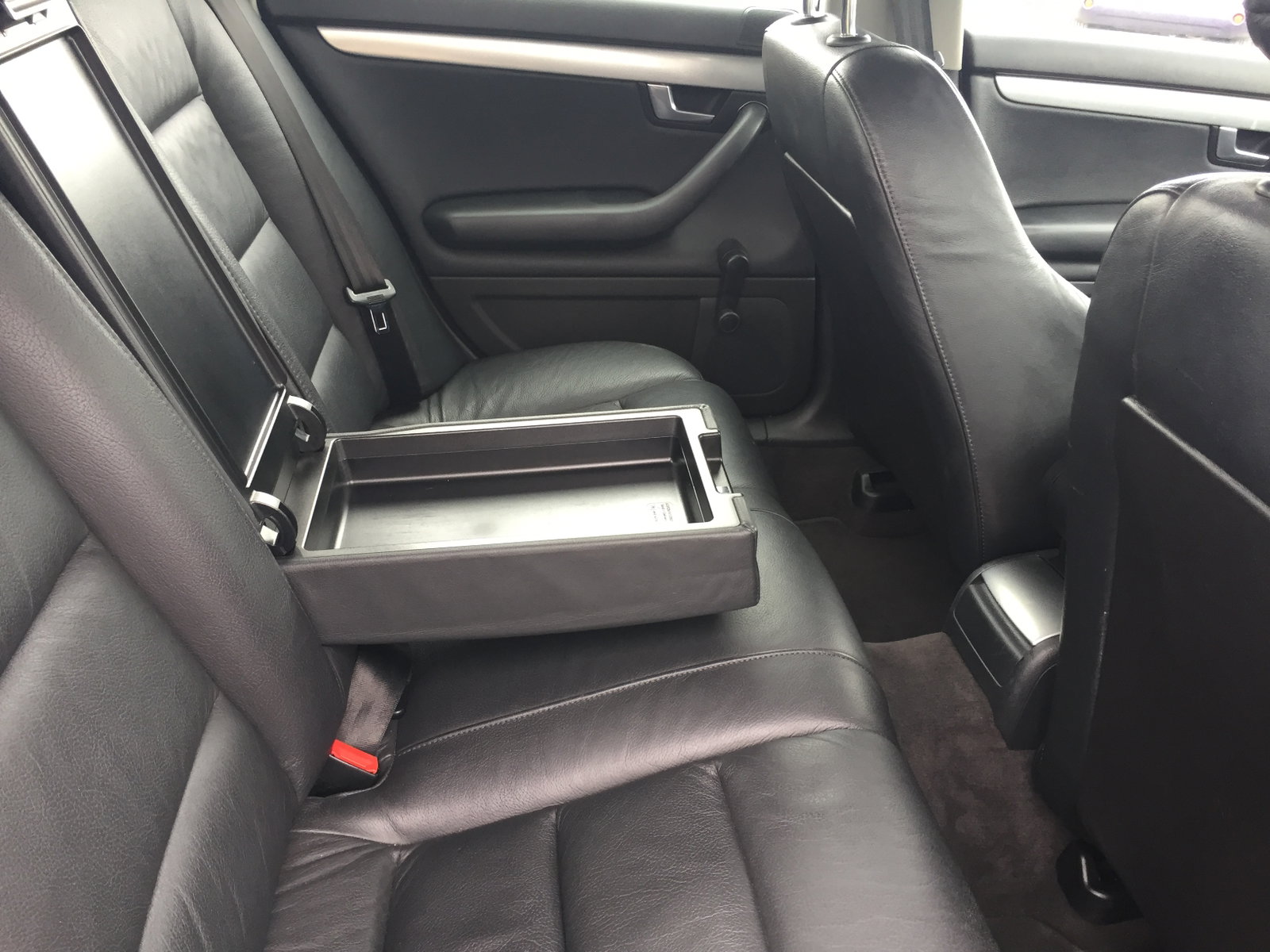
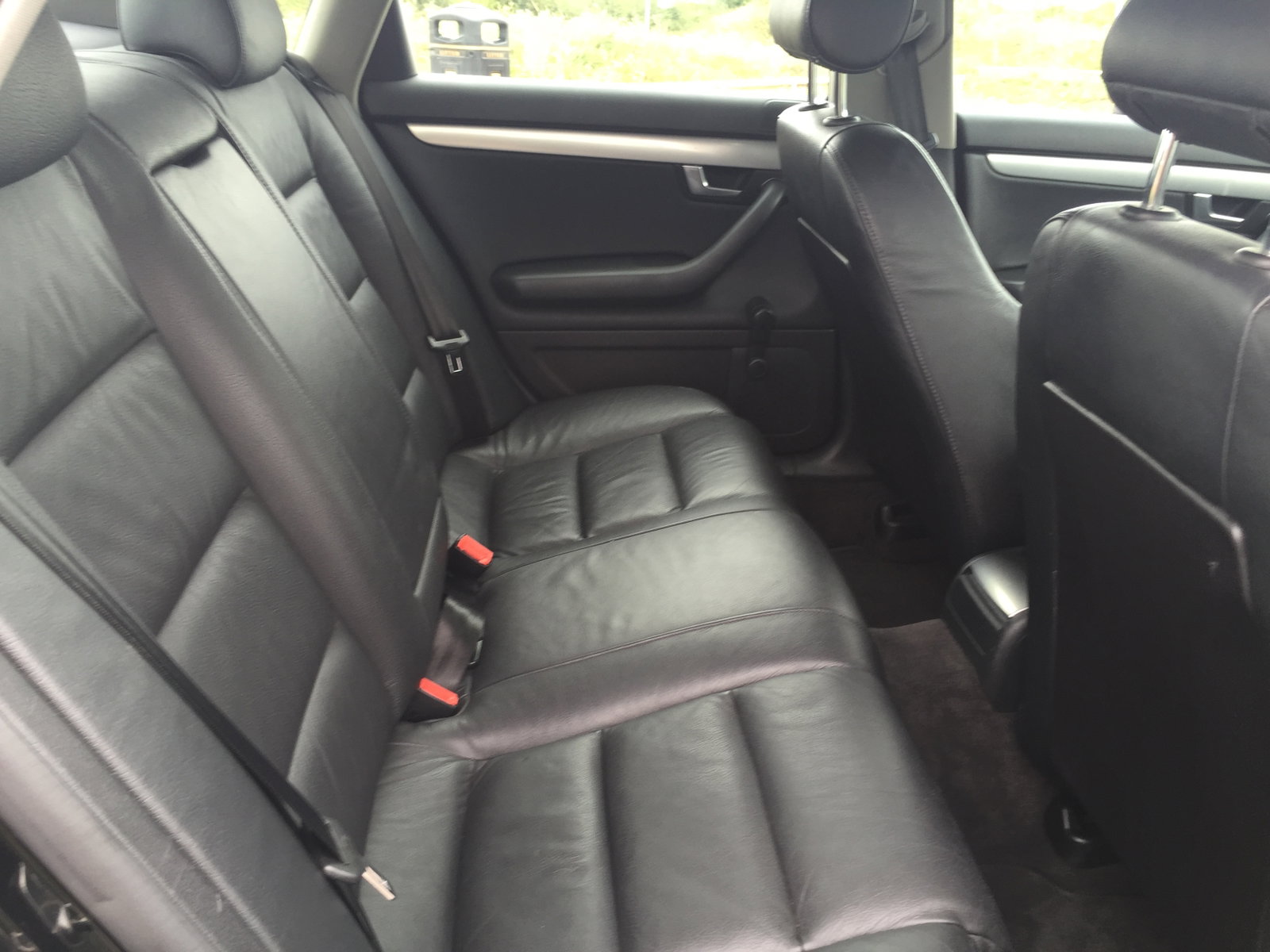
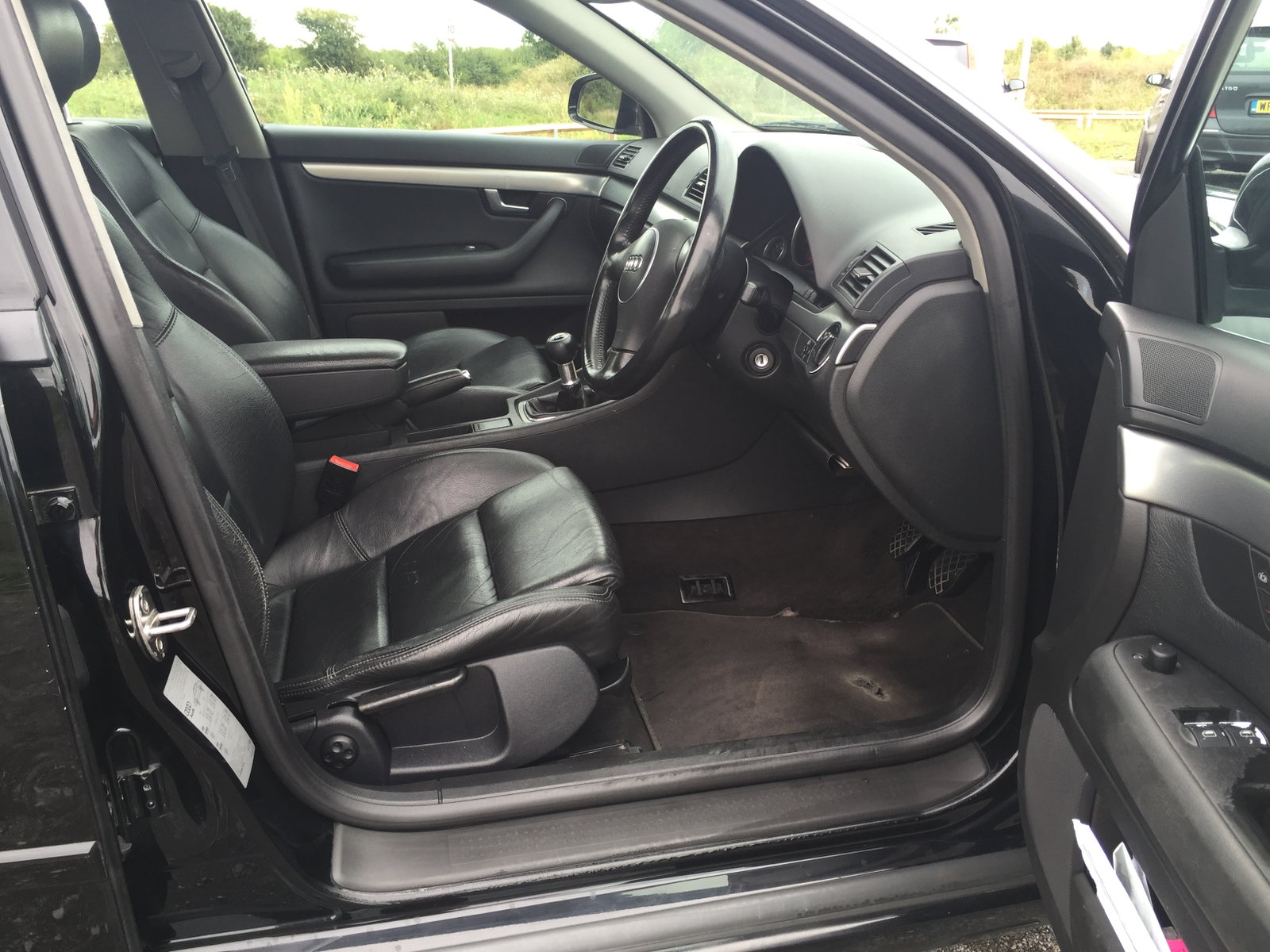
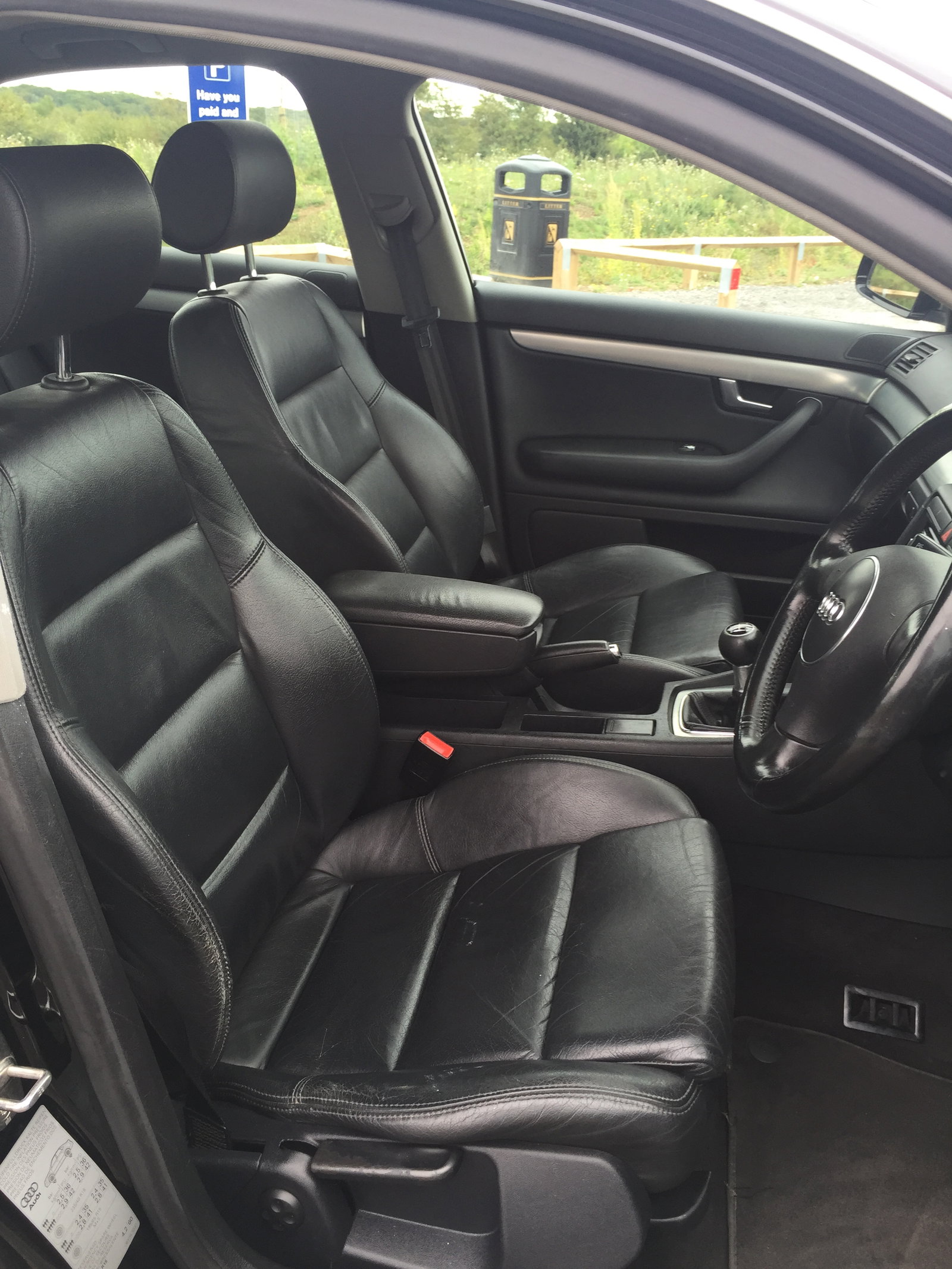
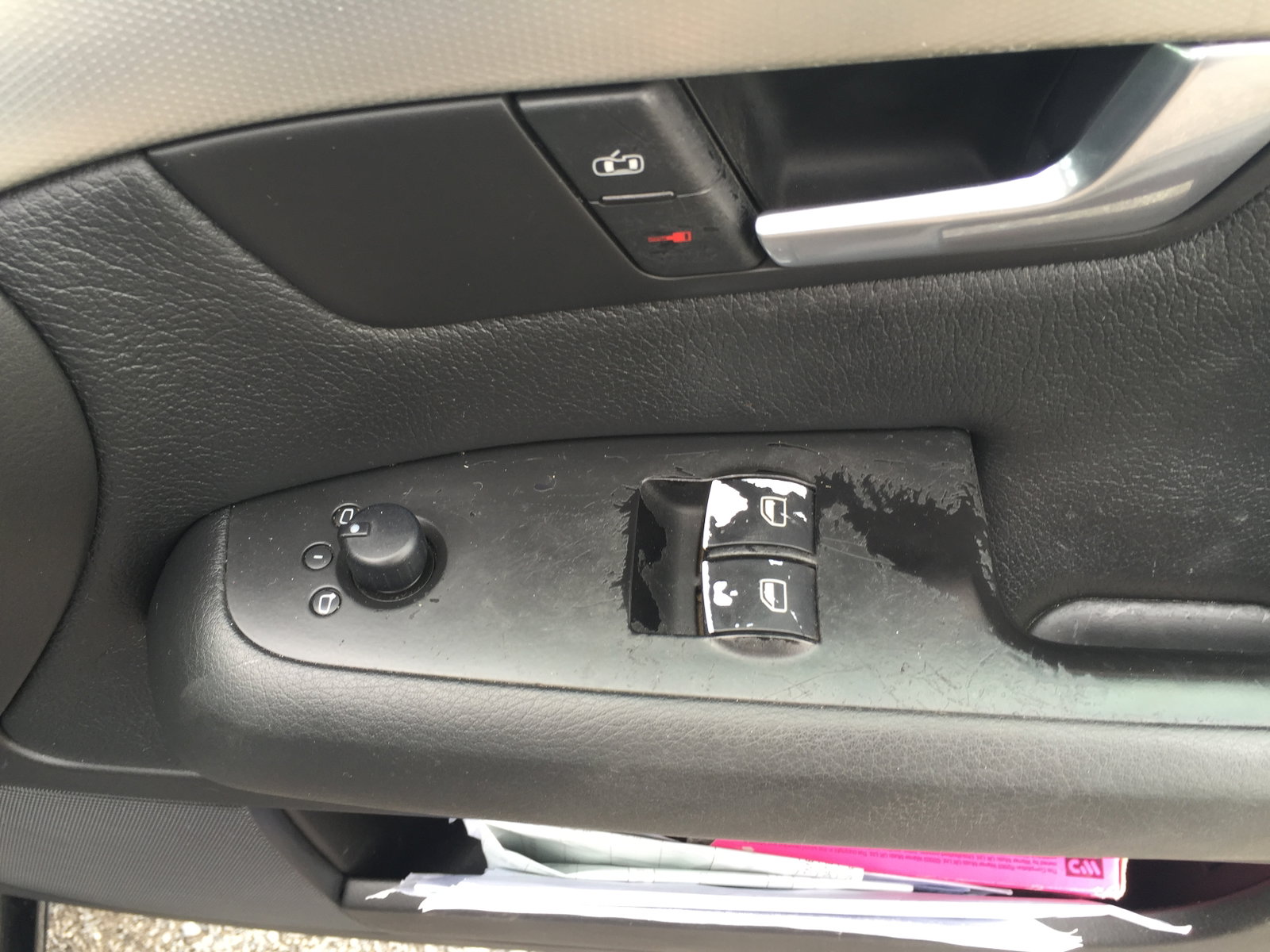
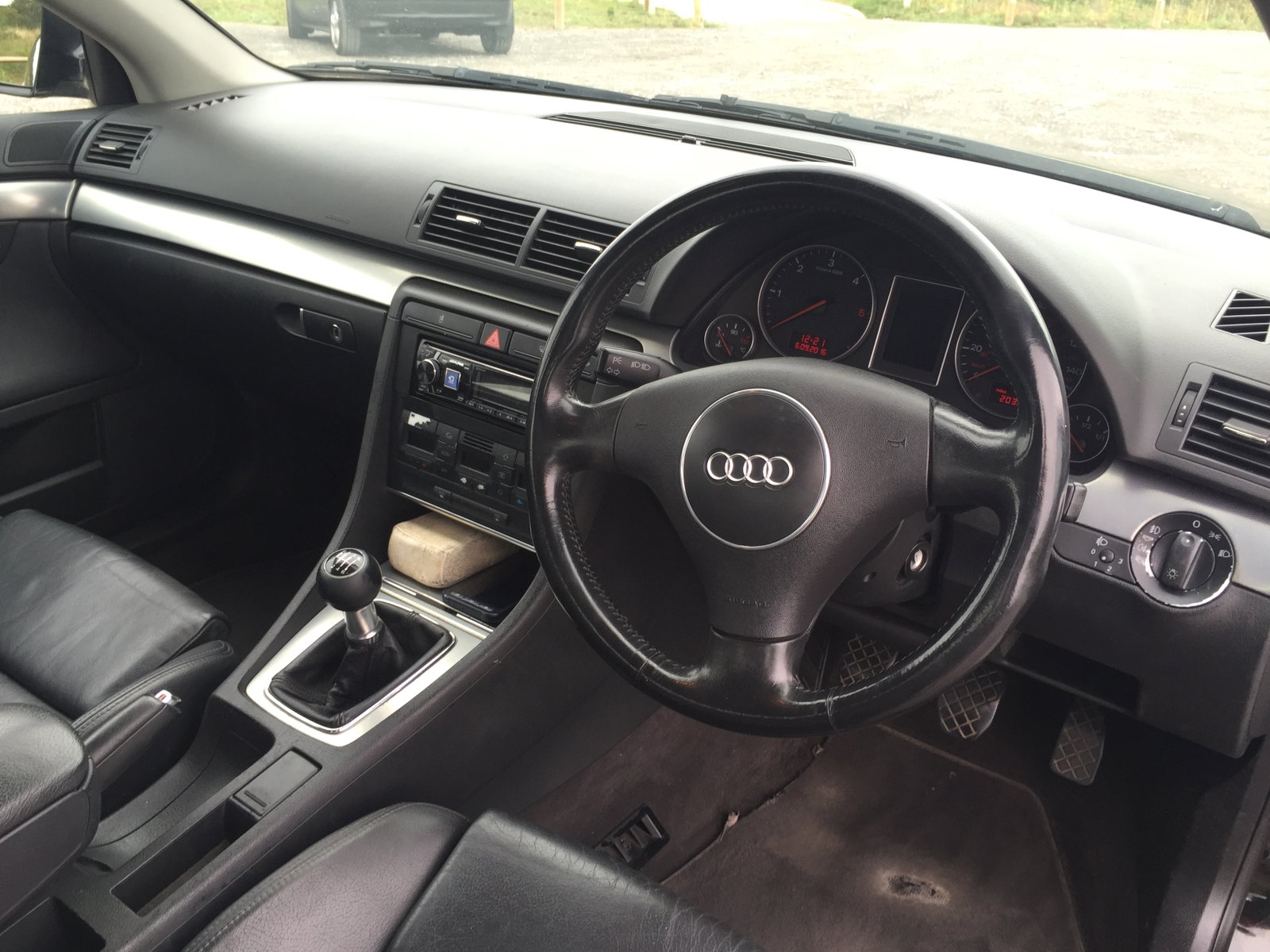
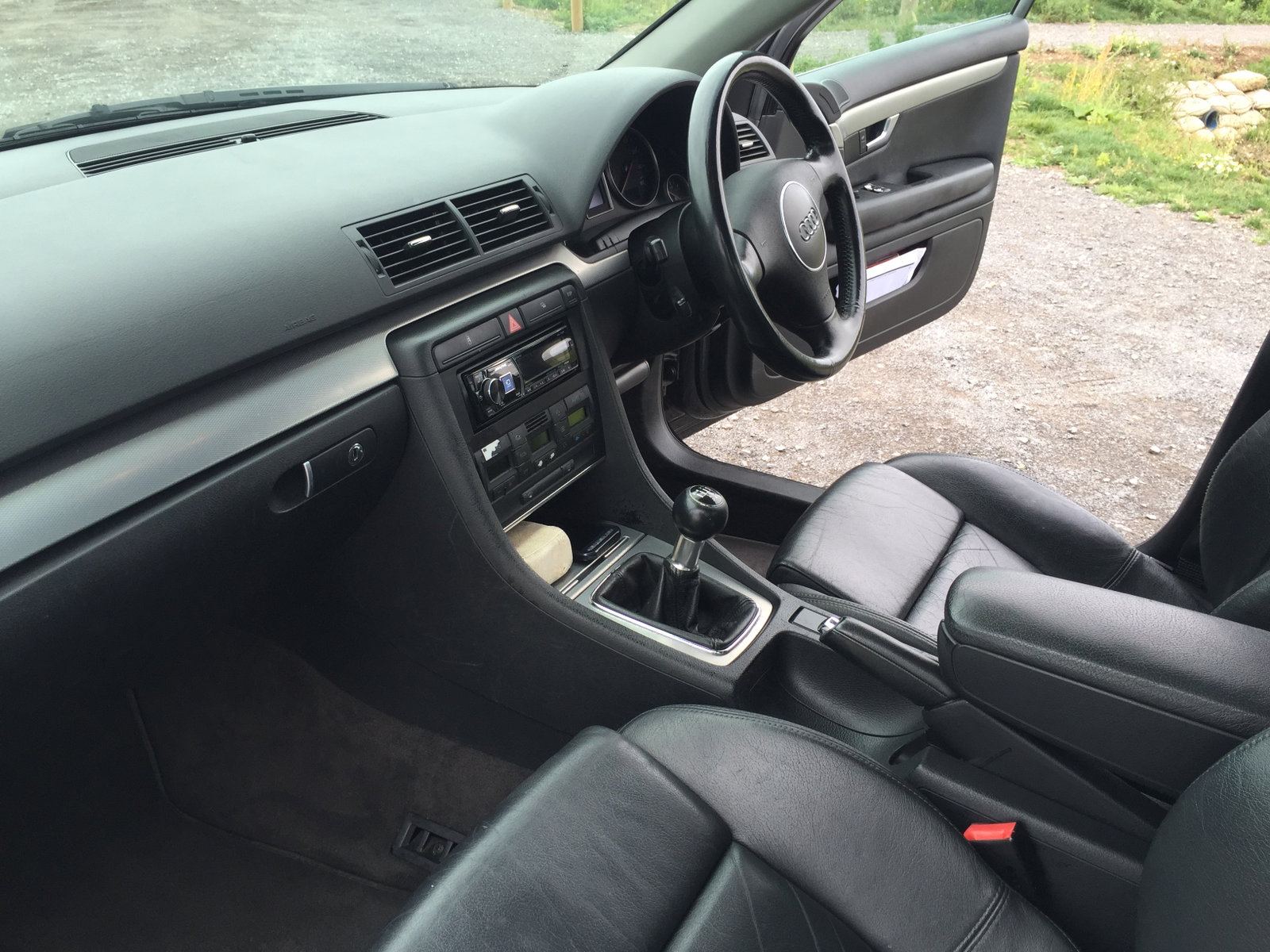
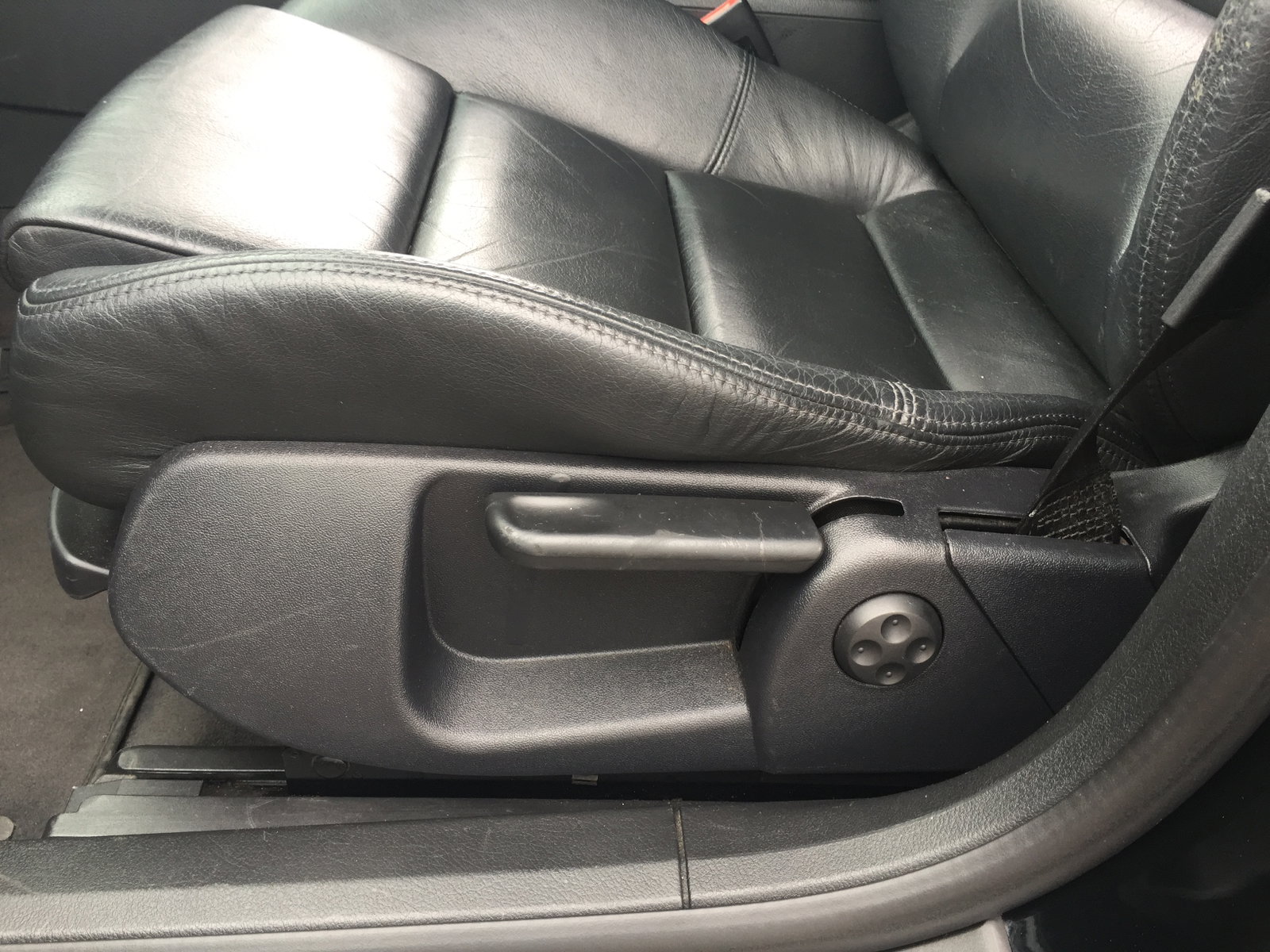
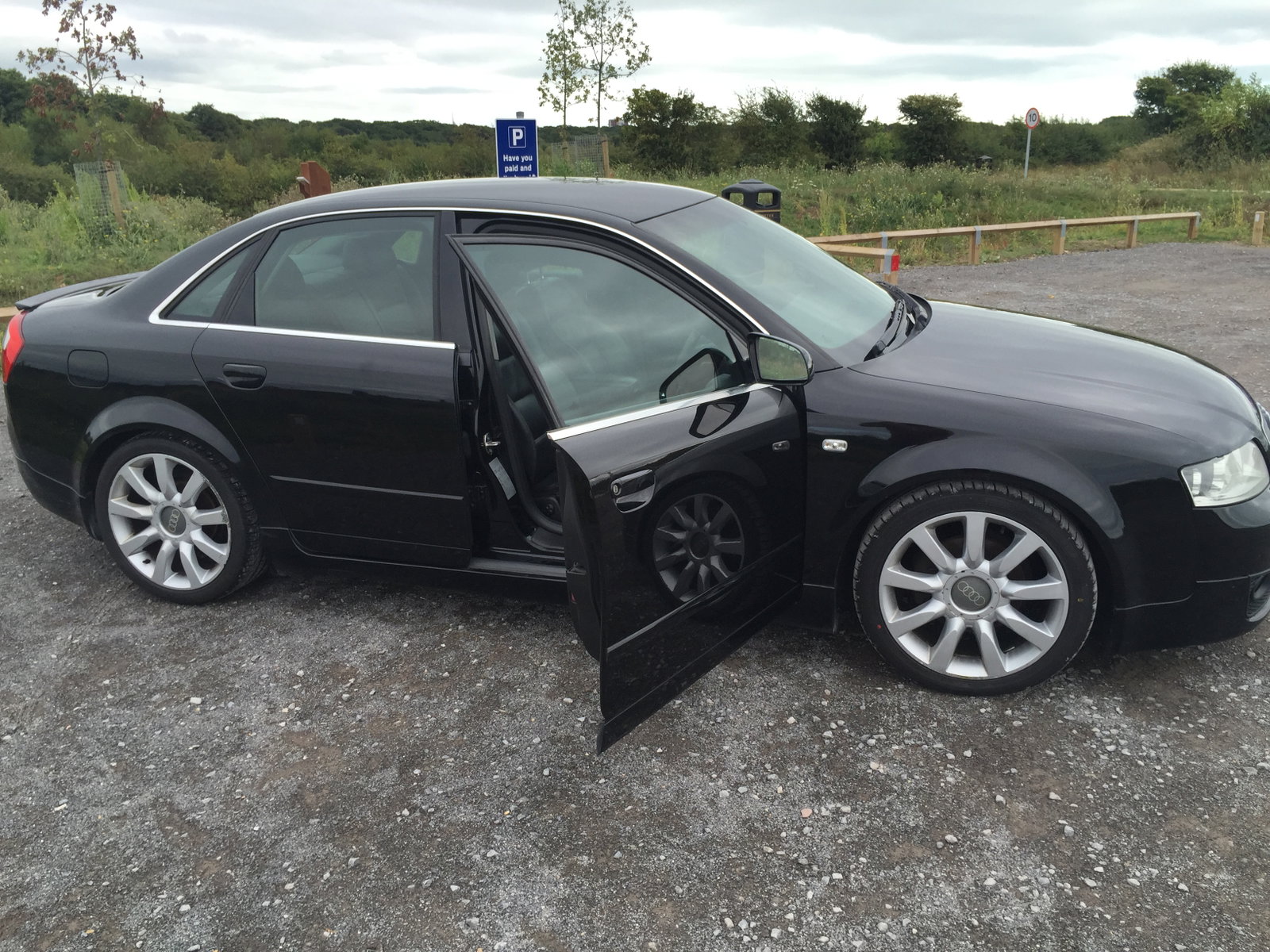
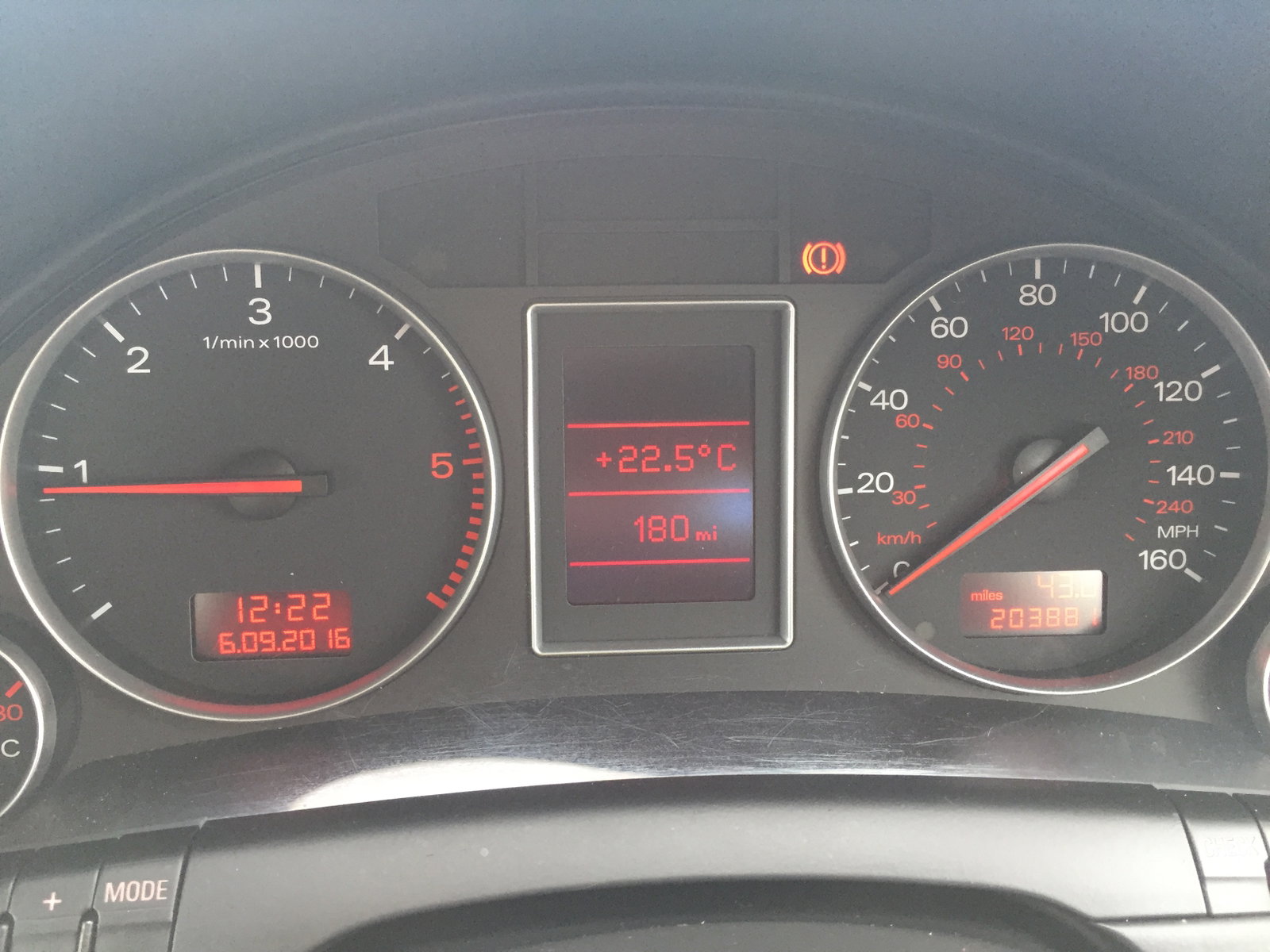
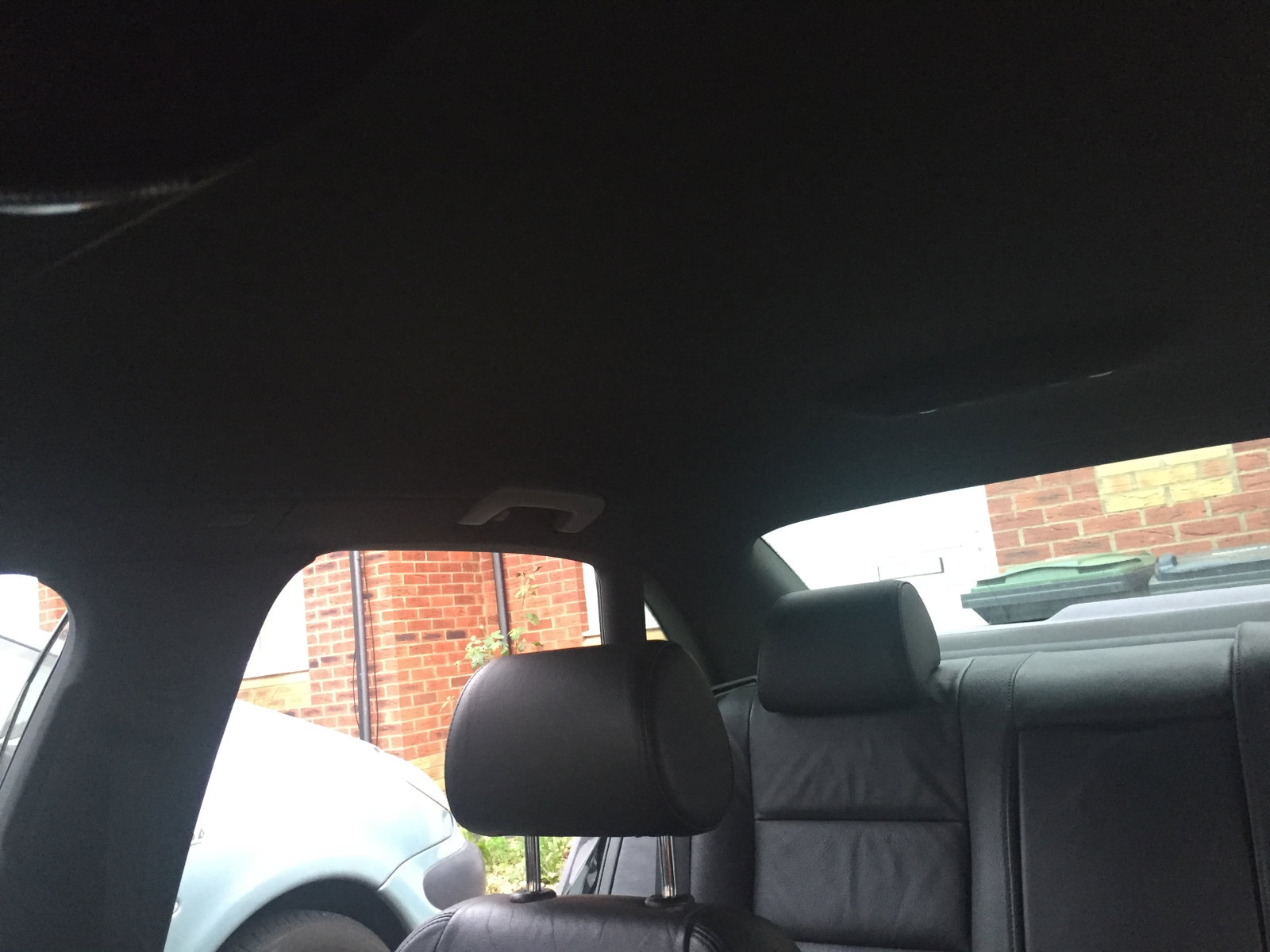
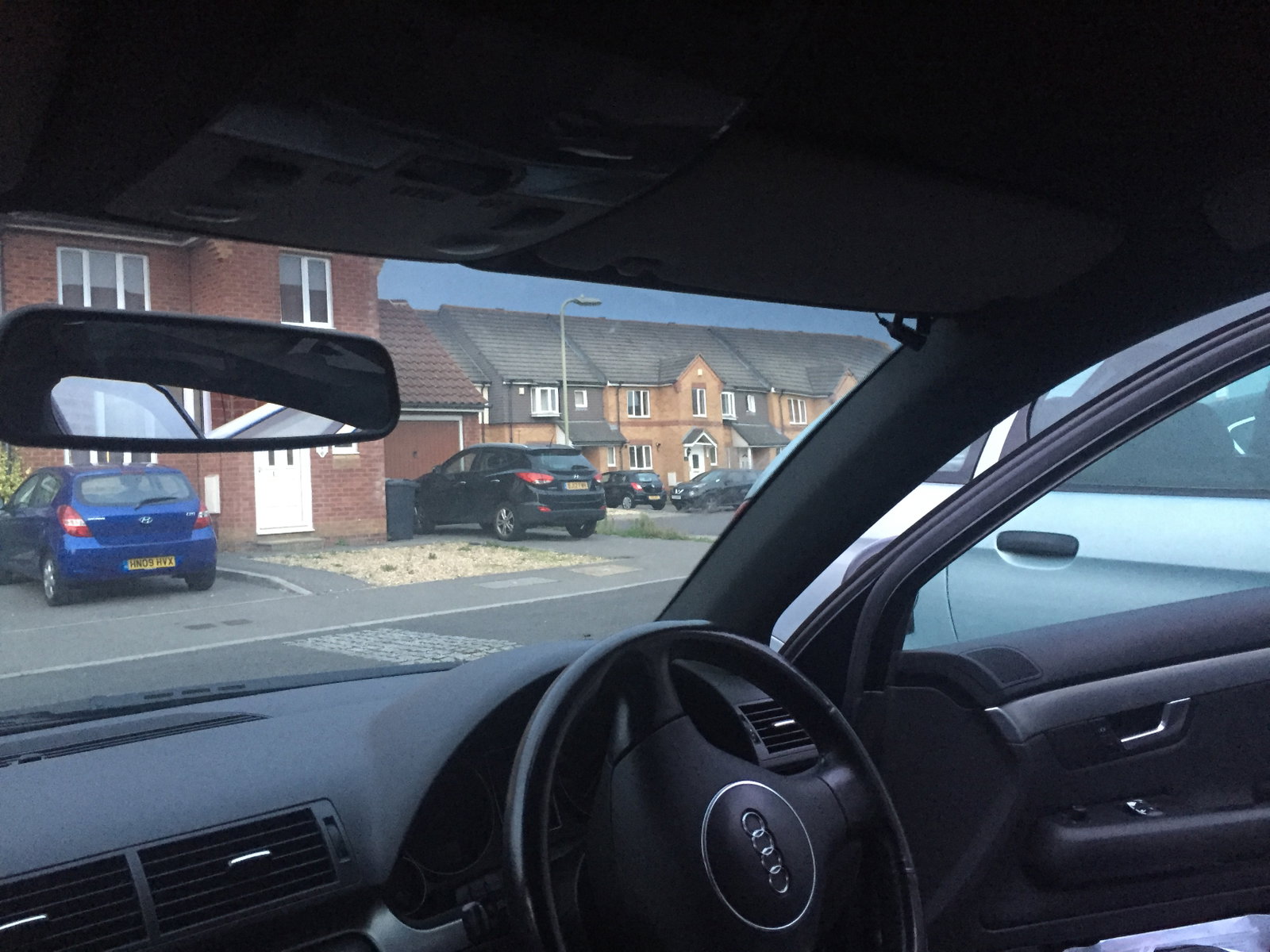
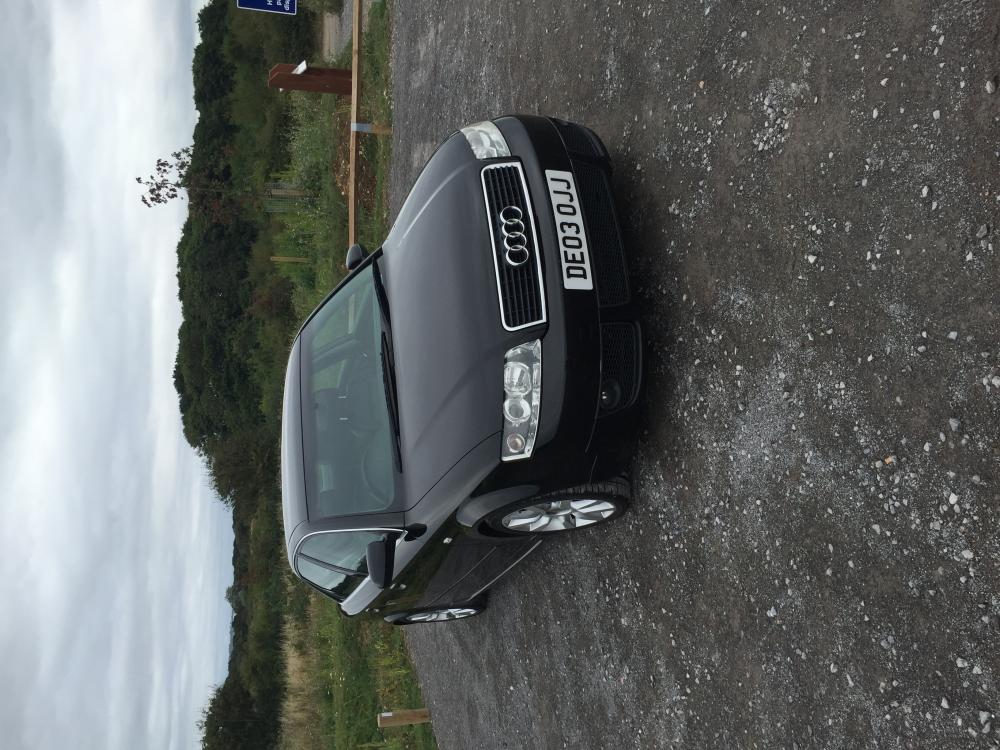
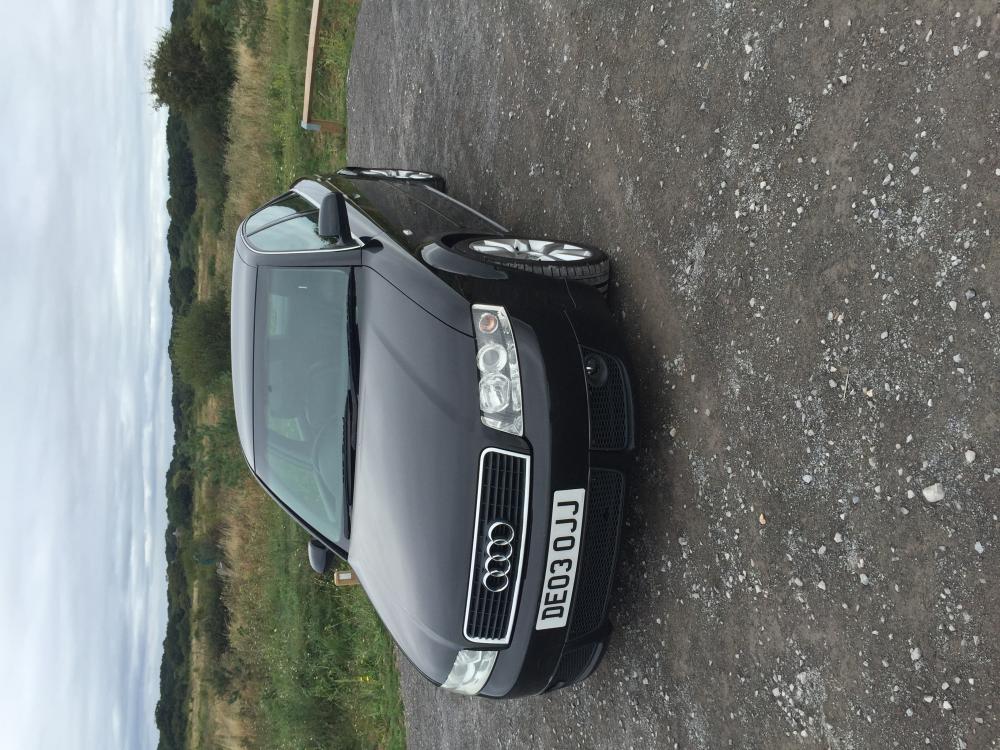
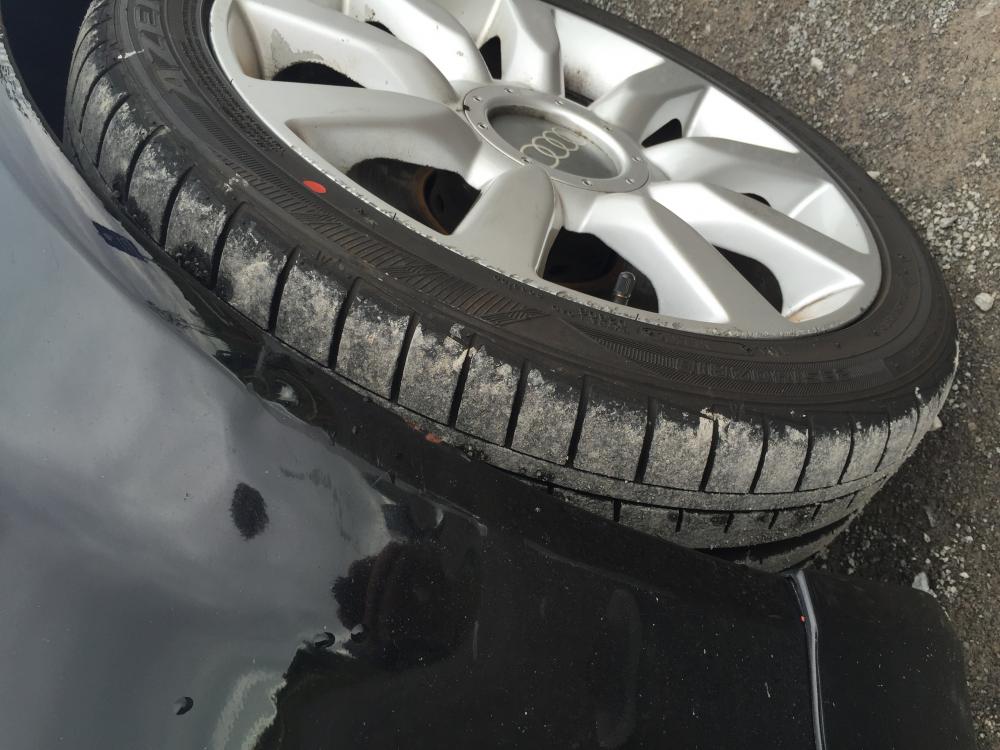
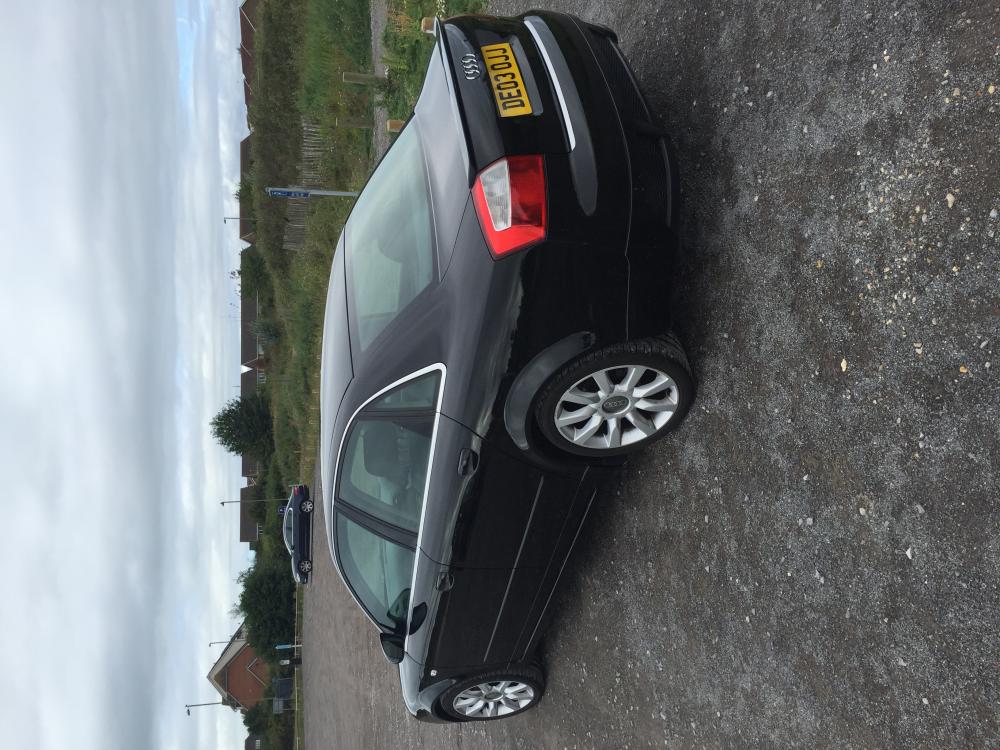
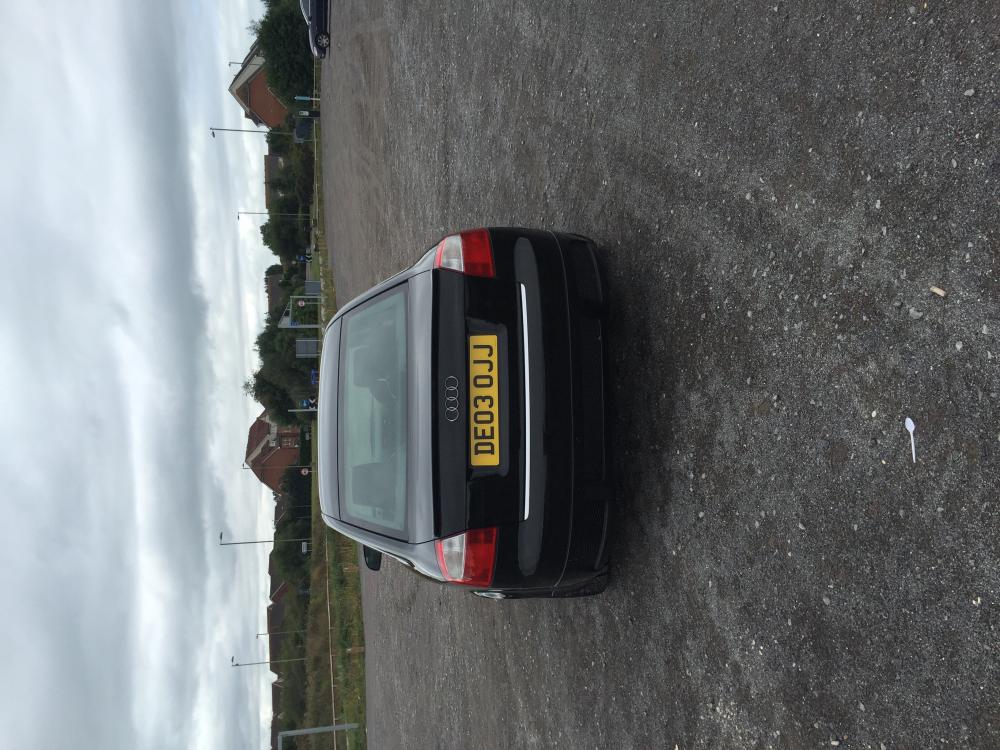
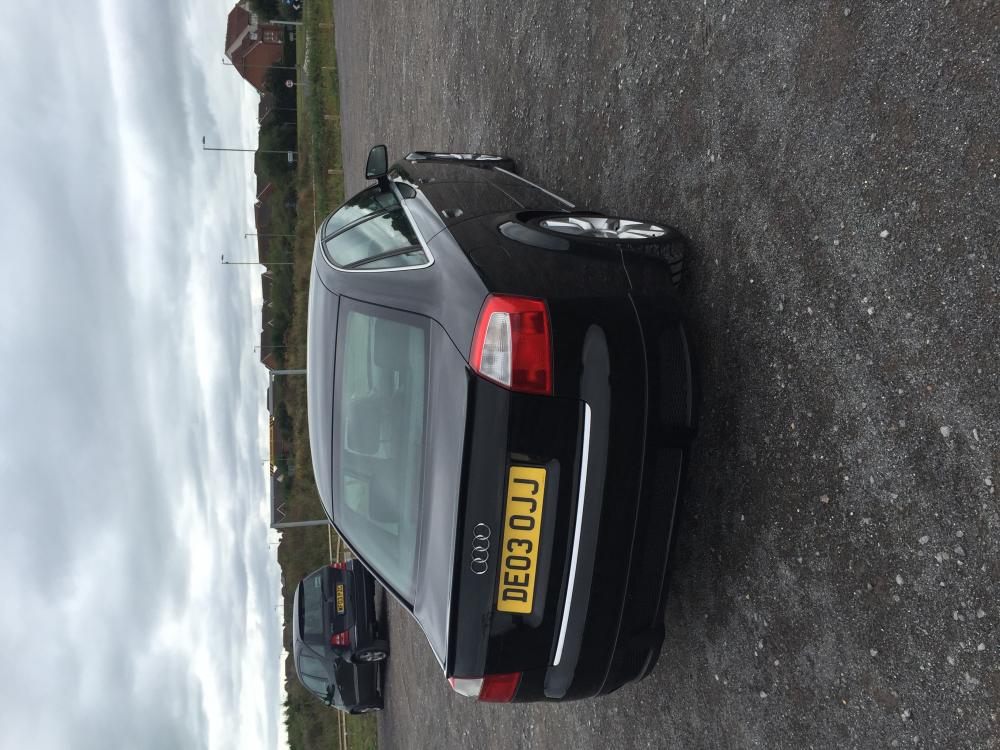
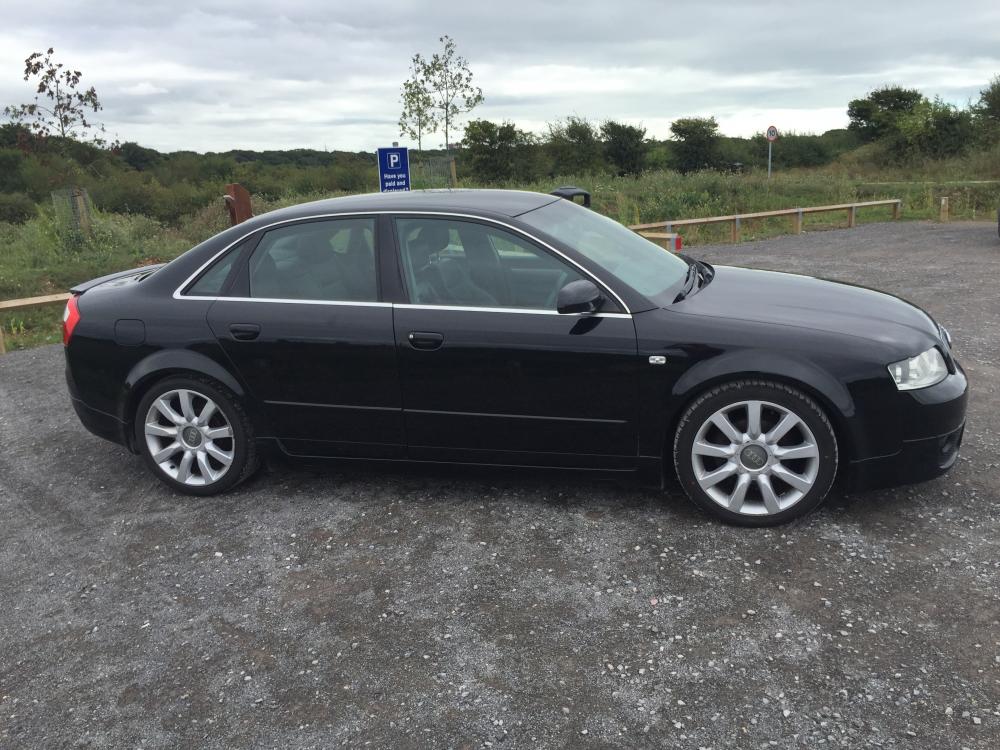
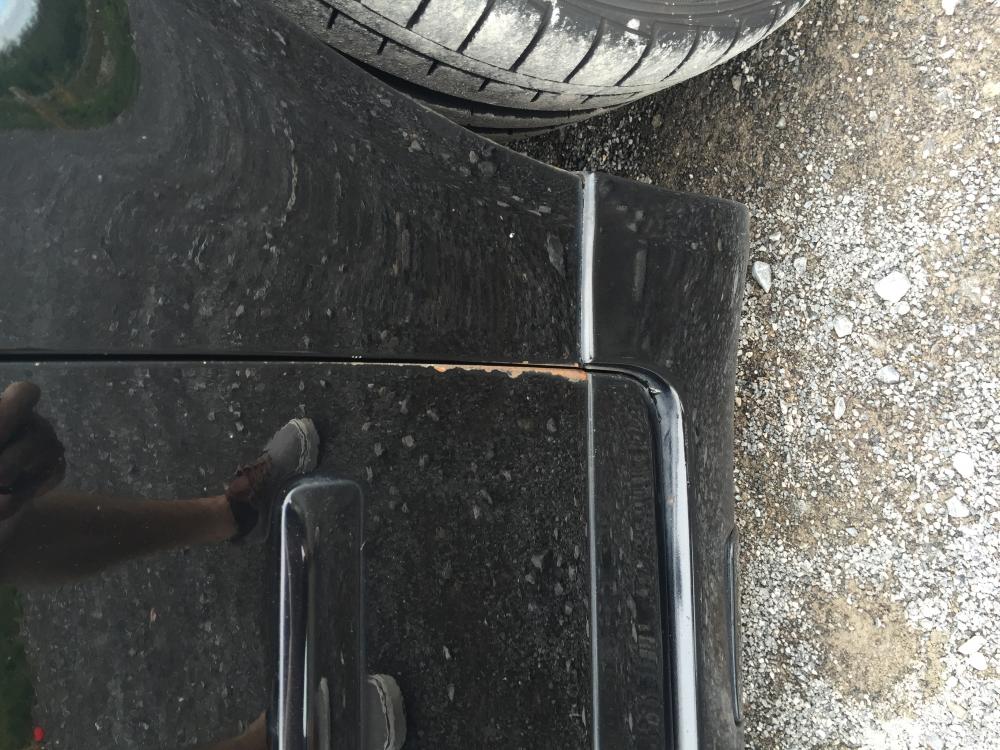
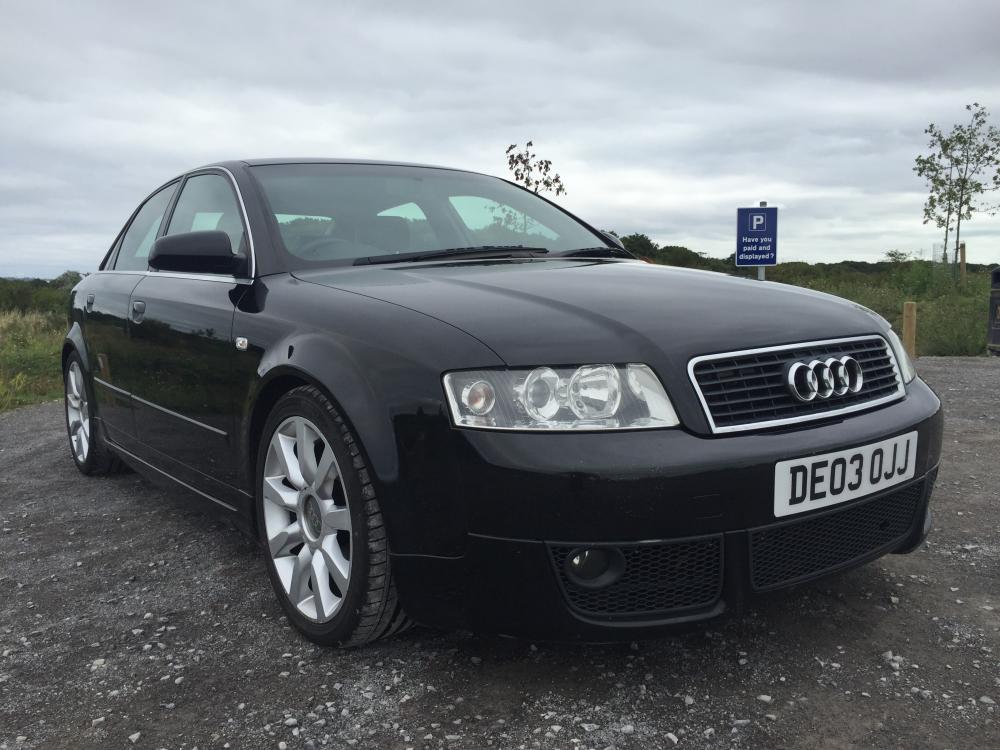
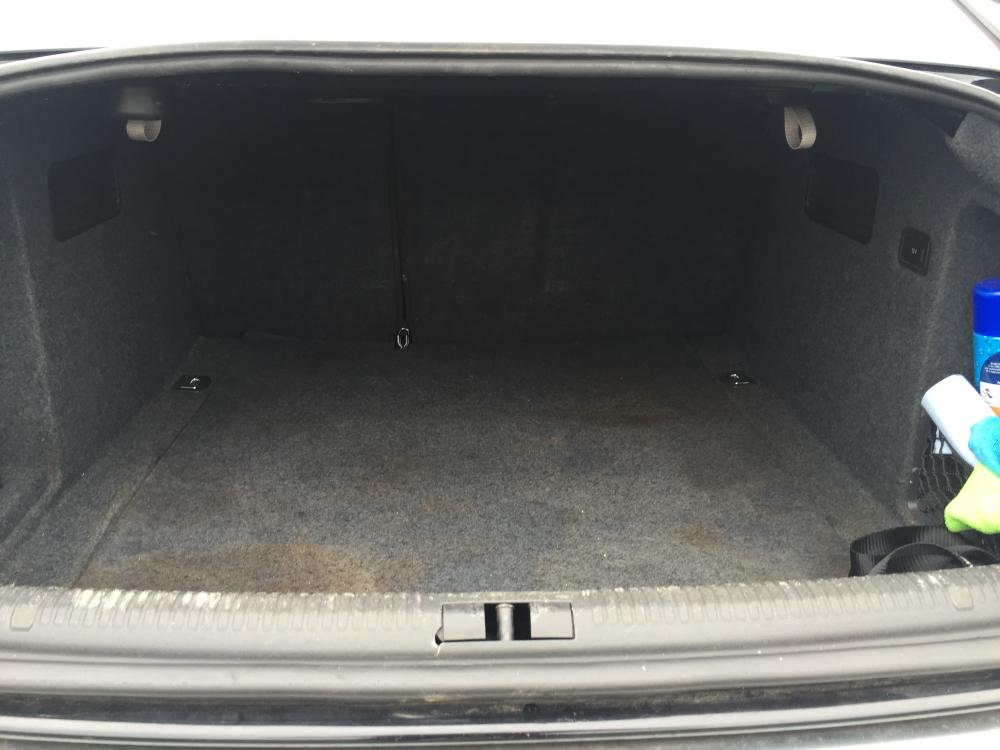
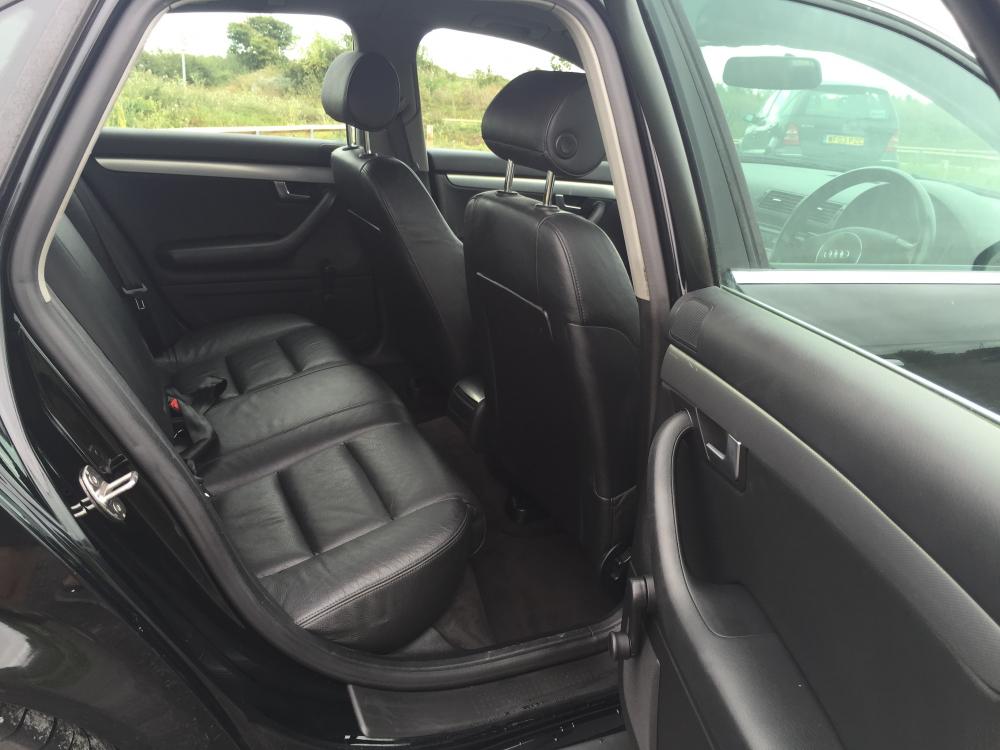
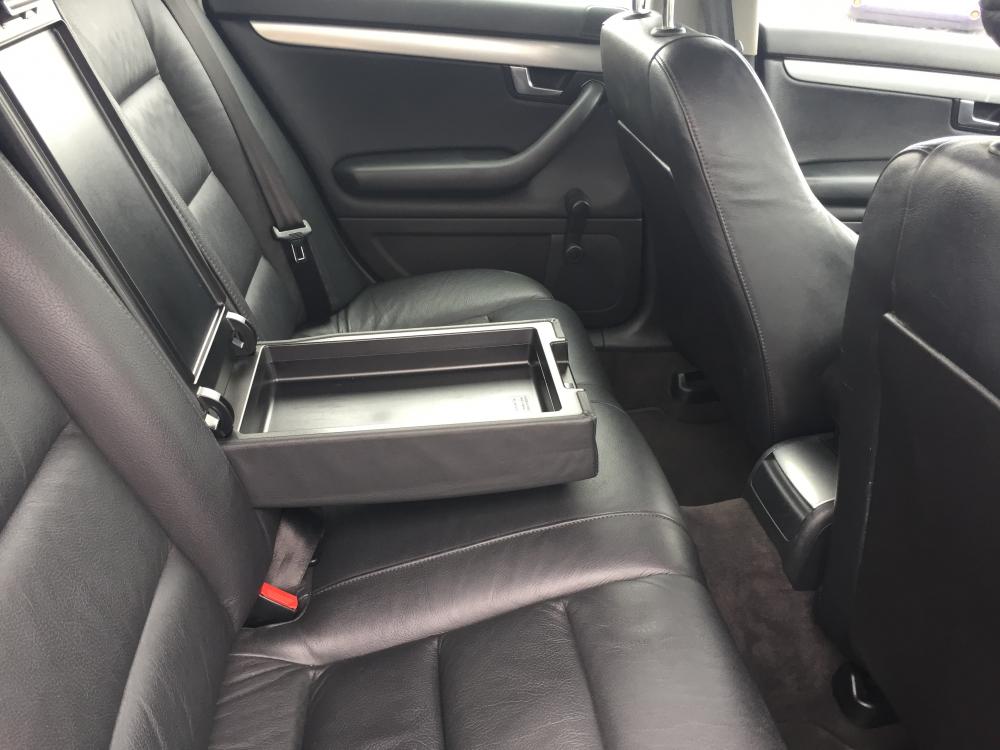
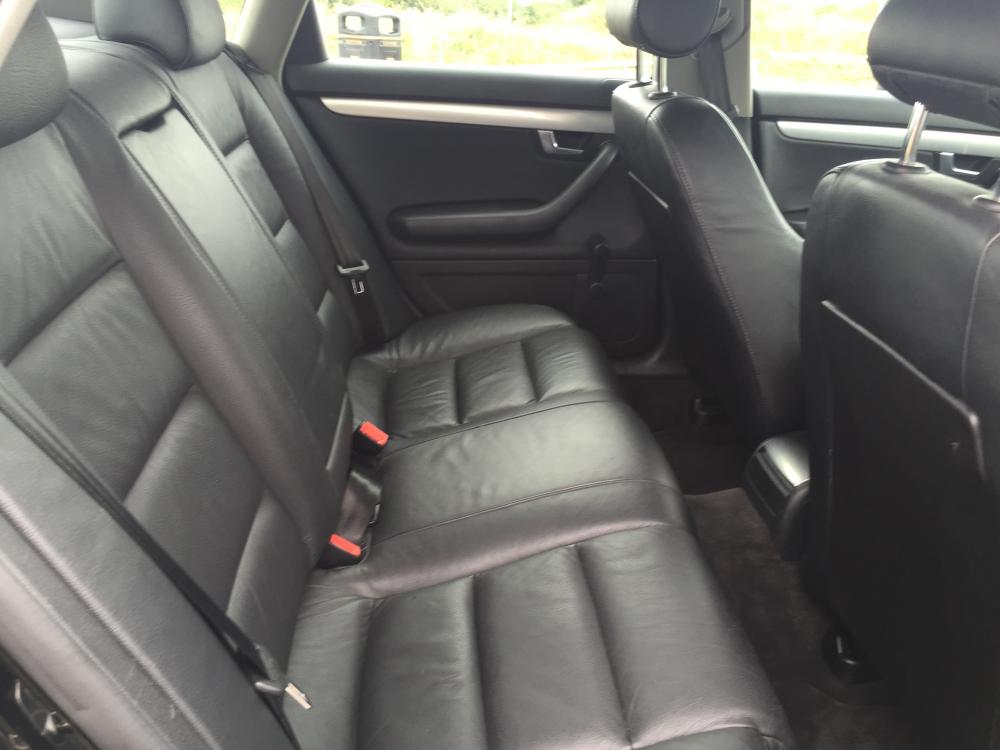
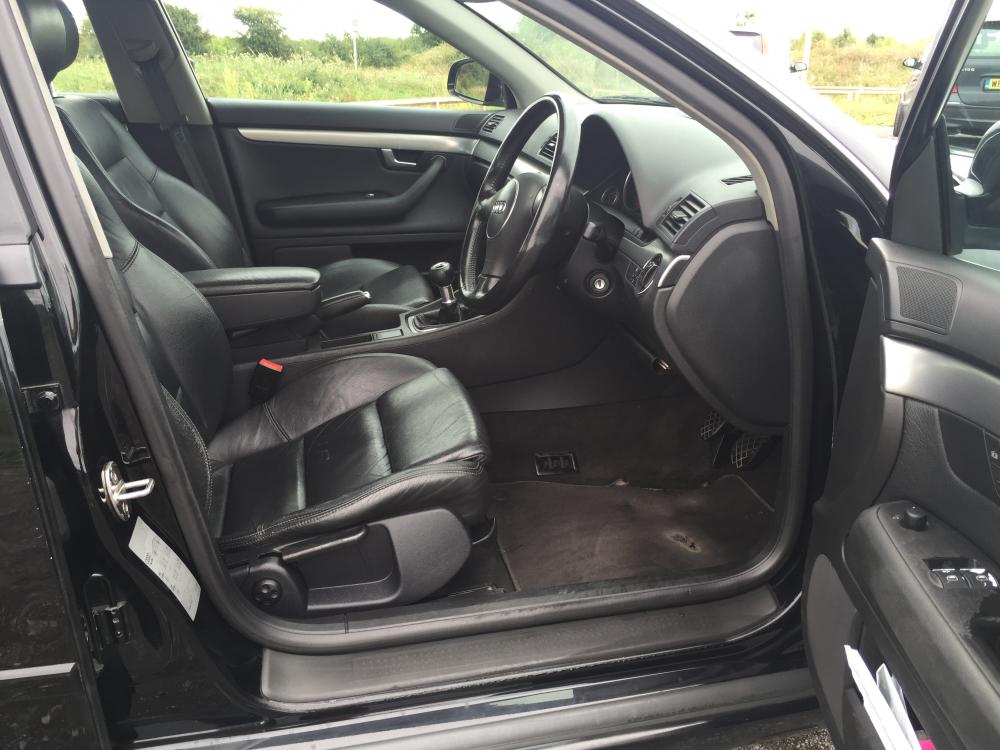
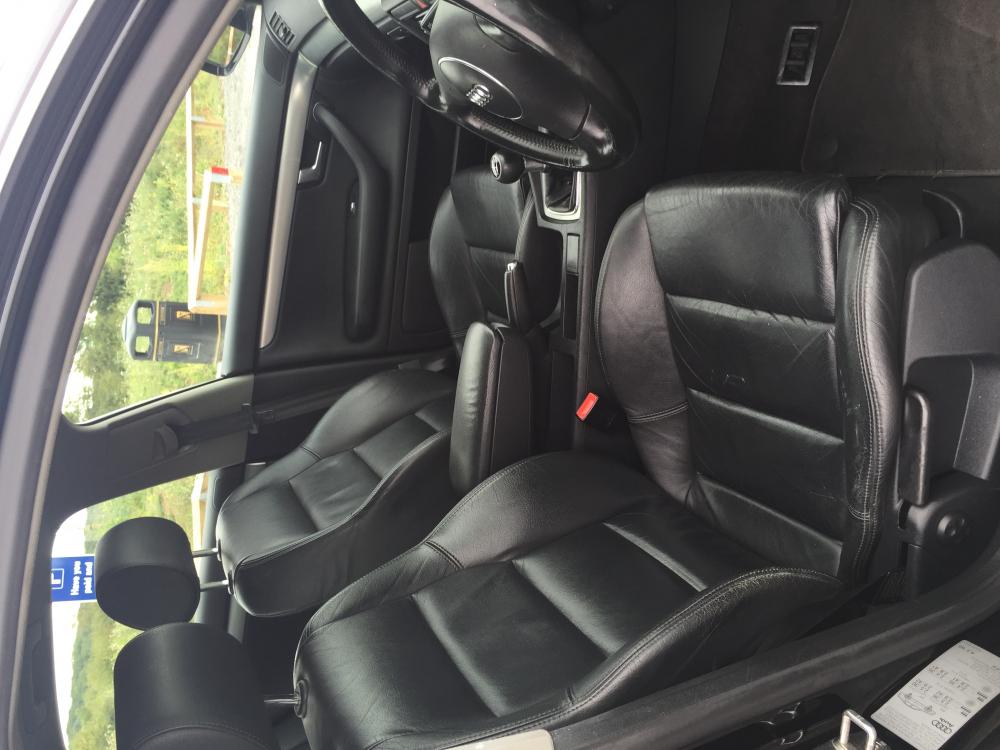
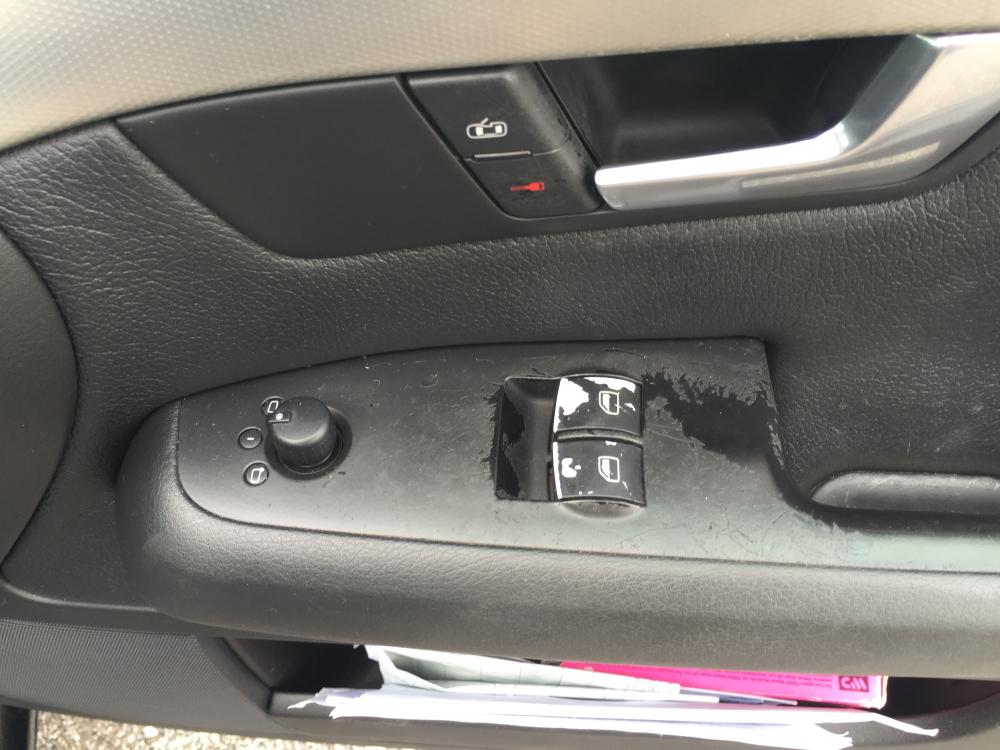
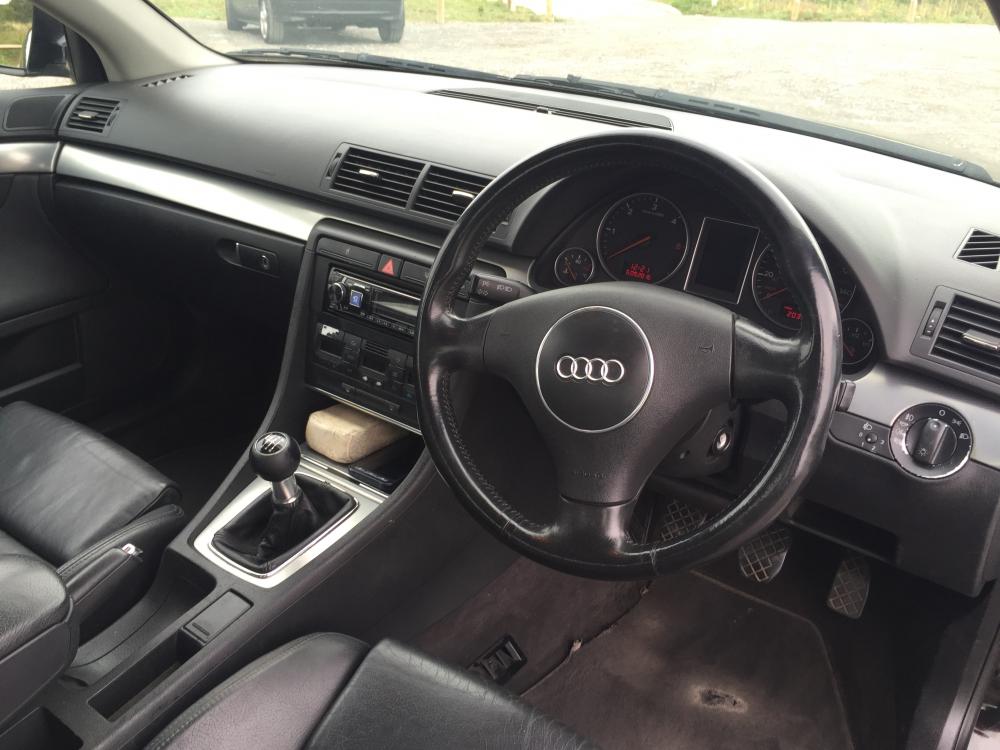
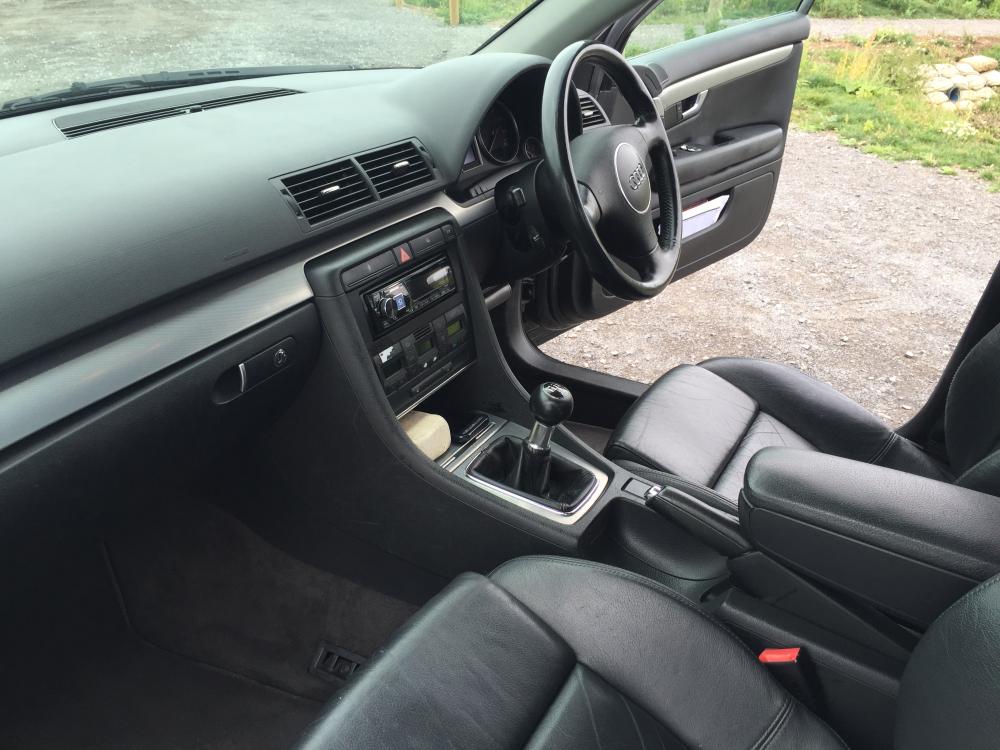
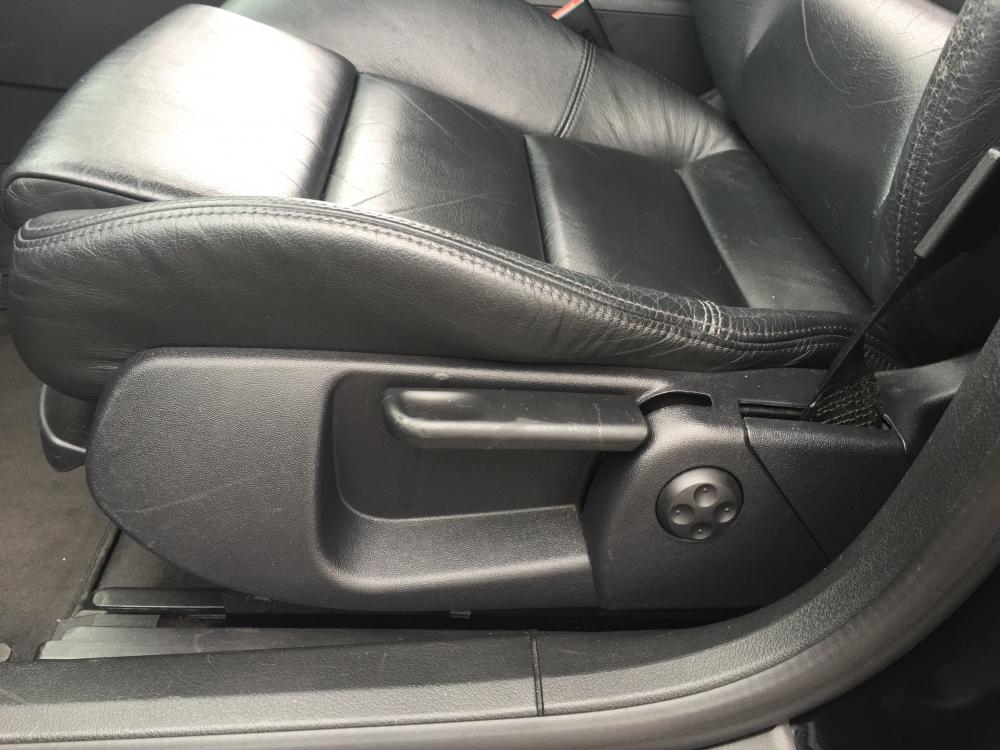
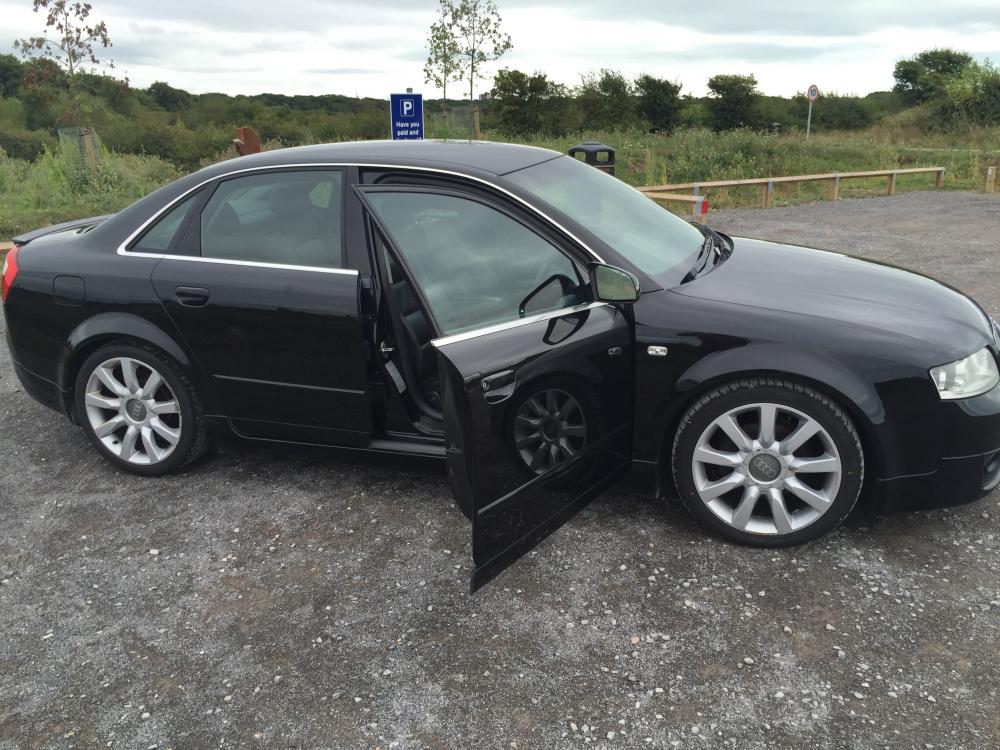
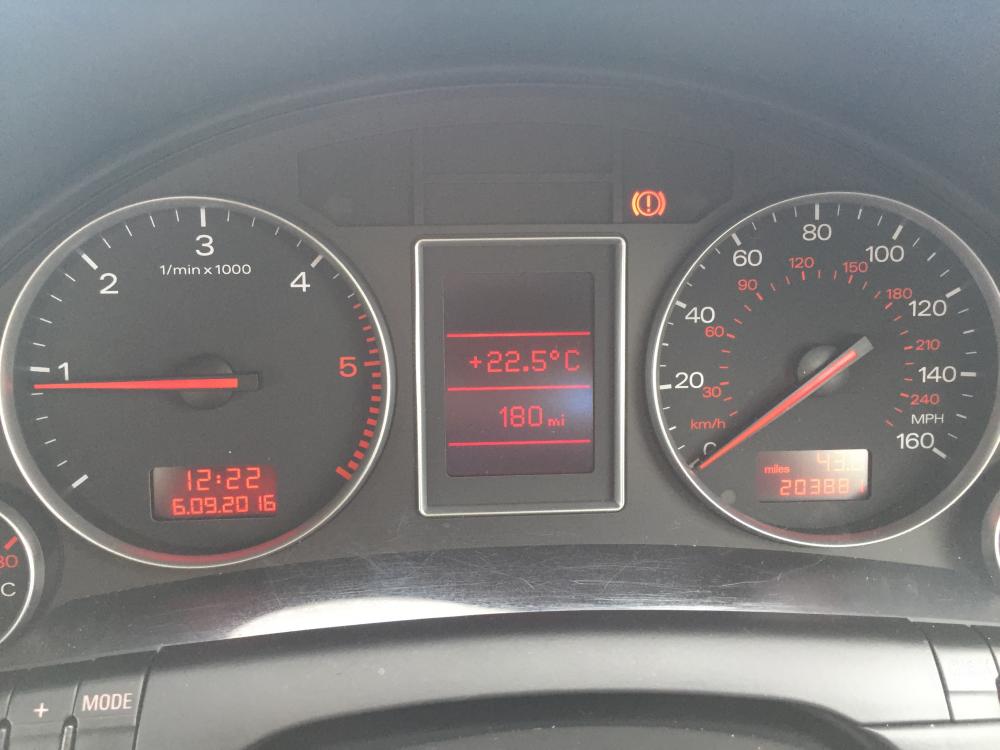
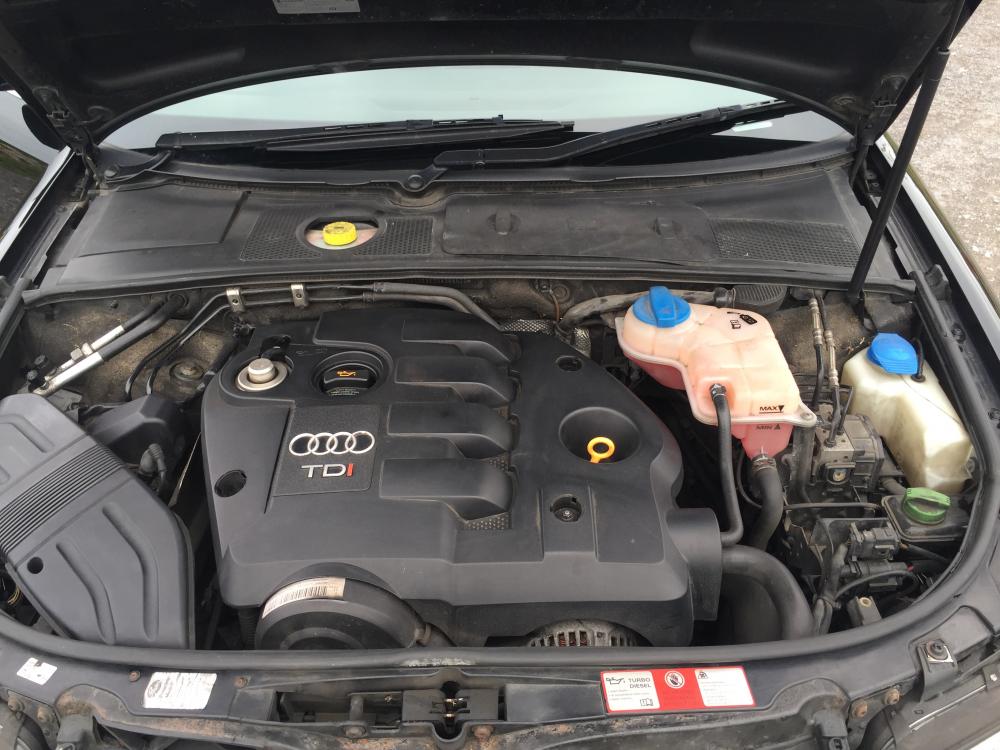
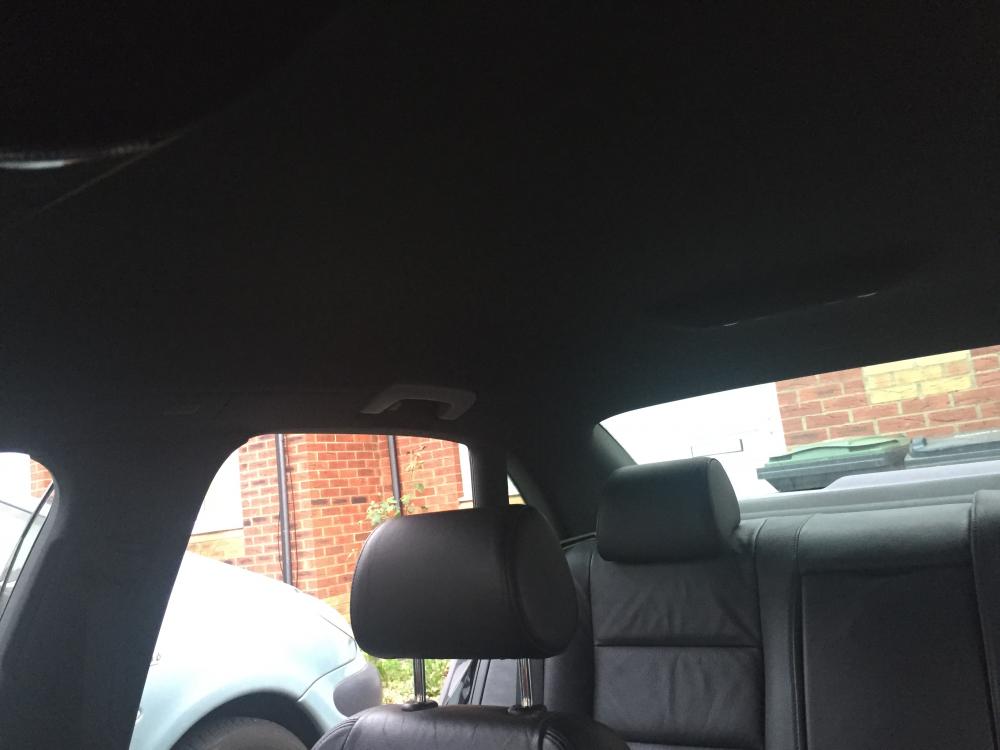
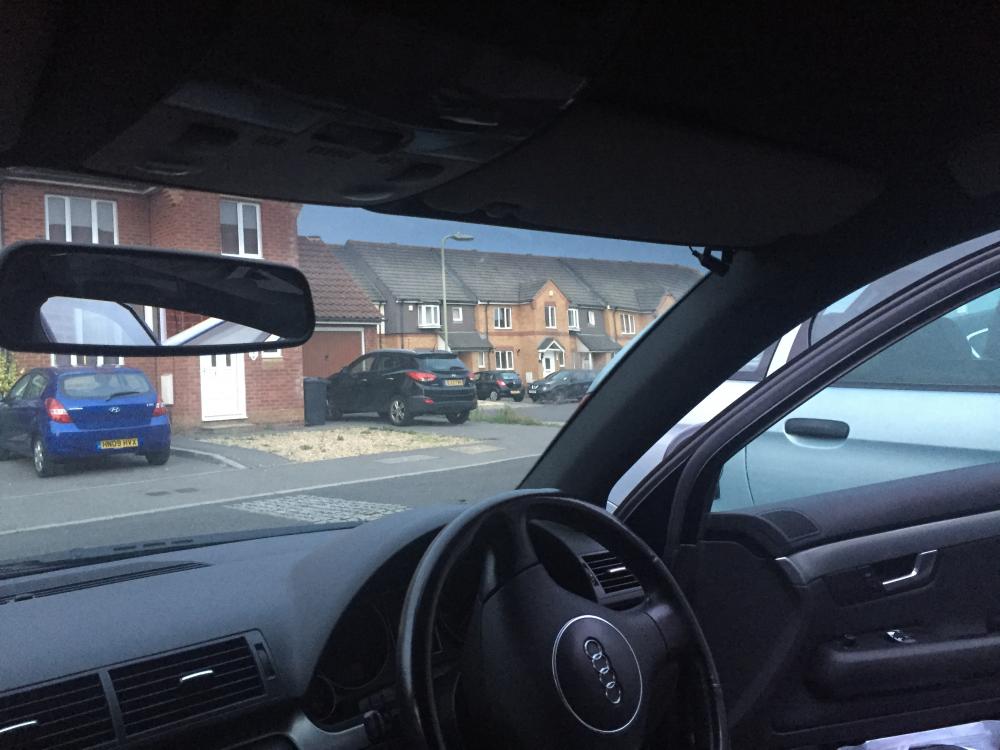
Hi all! After a few years of owning a beauty of an A4 I've decided it's time for a change so I am selling it. currently at 204000miles (a lot of motorway miles), last serviced in August (interim) with an MOT until 15 Dec 2016. Externally: black, GmBH sports body kit, alloys, spotlights, colour coded mirrors. Has a small line of surface rust on the drivers side door and a slight dent on the n/s front wing. Internally: Black leather seats front and rear, front seats with electrically adjustable lumbar support, black s-line headline and pillar trim, Alpine Multimedia played inc Bluetooth connectivity for calls and MP3 files, dual zone climate control, storage compartment in rear seat, front electric windows, leather steering sports steering wheel. Leather all in good condition; minor wear on buttons (as pictured) Two keys and service history until 2014; self serviced since then except for brake and tyre changes. All tyres have plenty of tread and are premium (Pirelli etc) front brakes upgraded to EBC greenstuff pads and premium discs. Open to offers in region of £2000 Any enquiries give me a shout!!
-
-
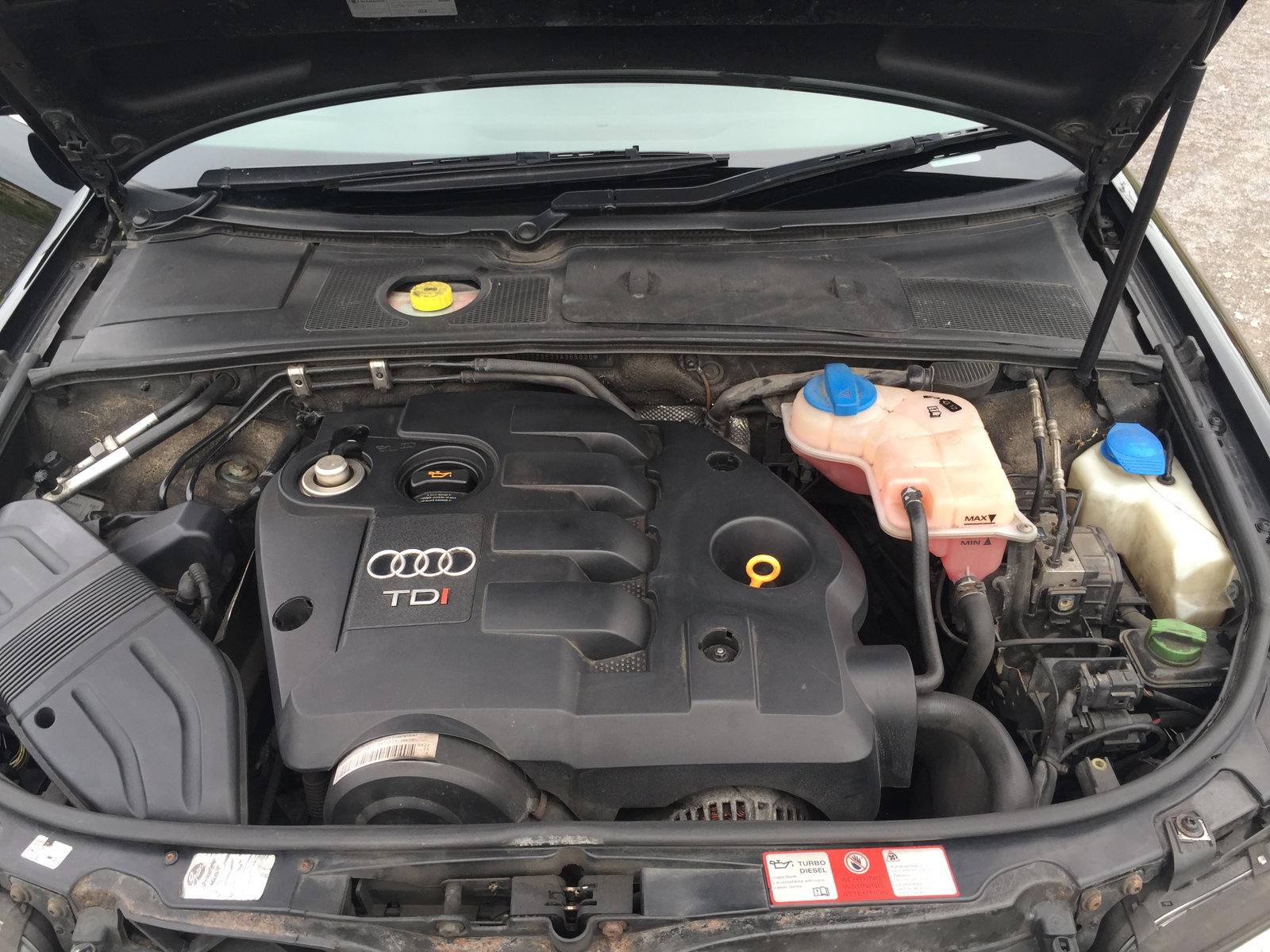
Hi there I have an Audi A4 (B6) 1.9TDI Sport (03) for sale. Its currently on 204000 and in good condition inside with only some minor external damage (small linear surface rust on lower side of drivers door and slight damaged to ns front wing panel and minor stone chips) is this something you'd be interested in?