Belmat
Members
-
Joined
-
Last visited
-
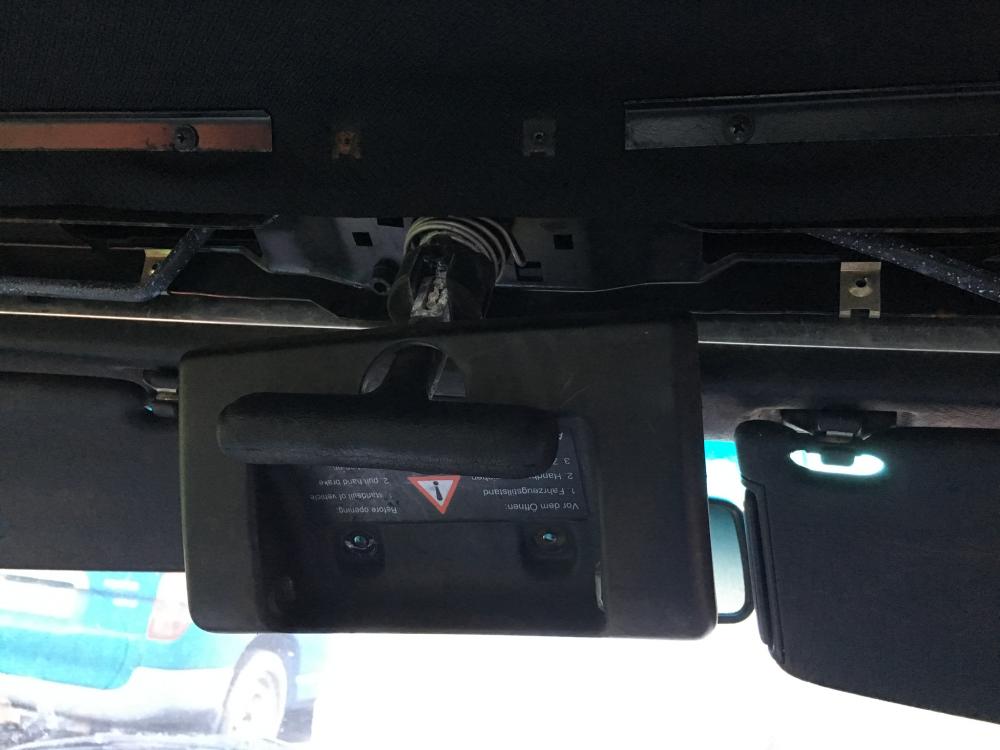
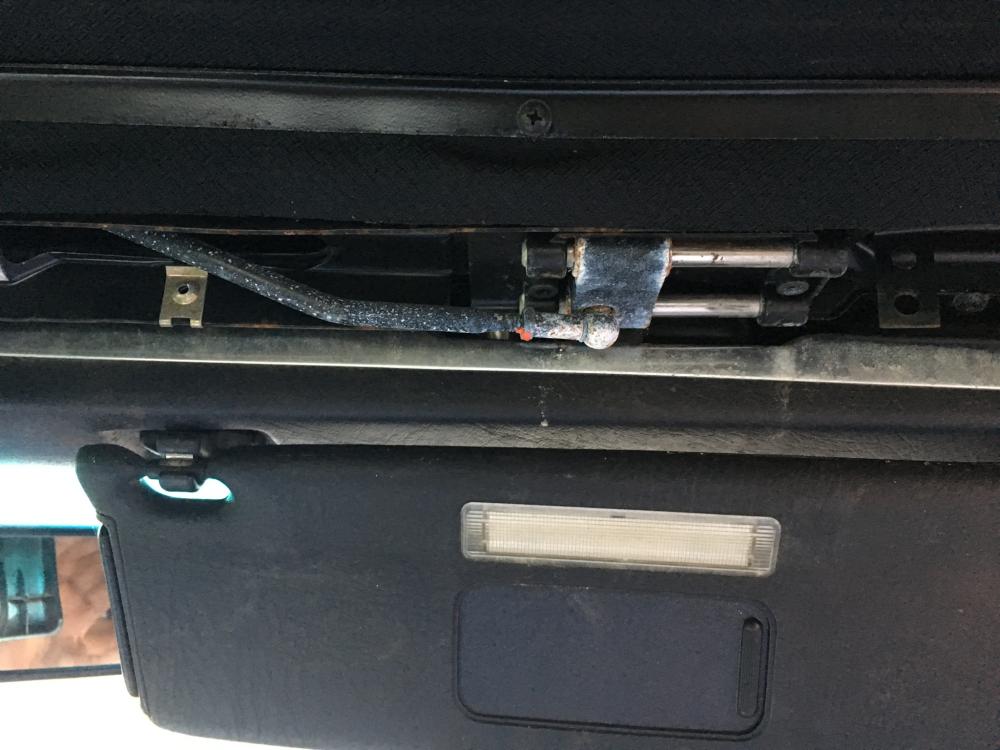
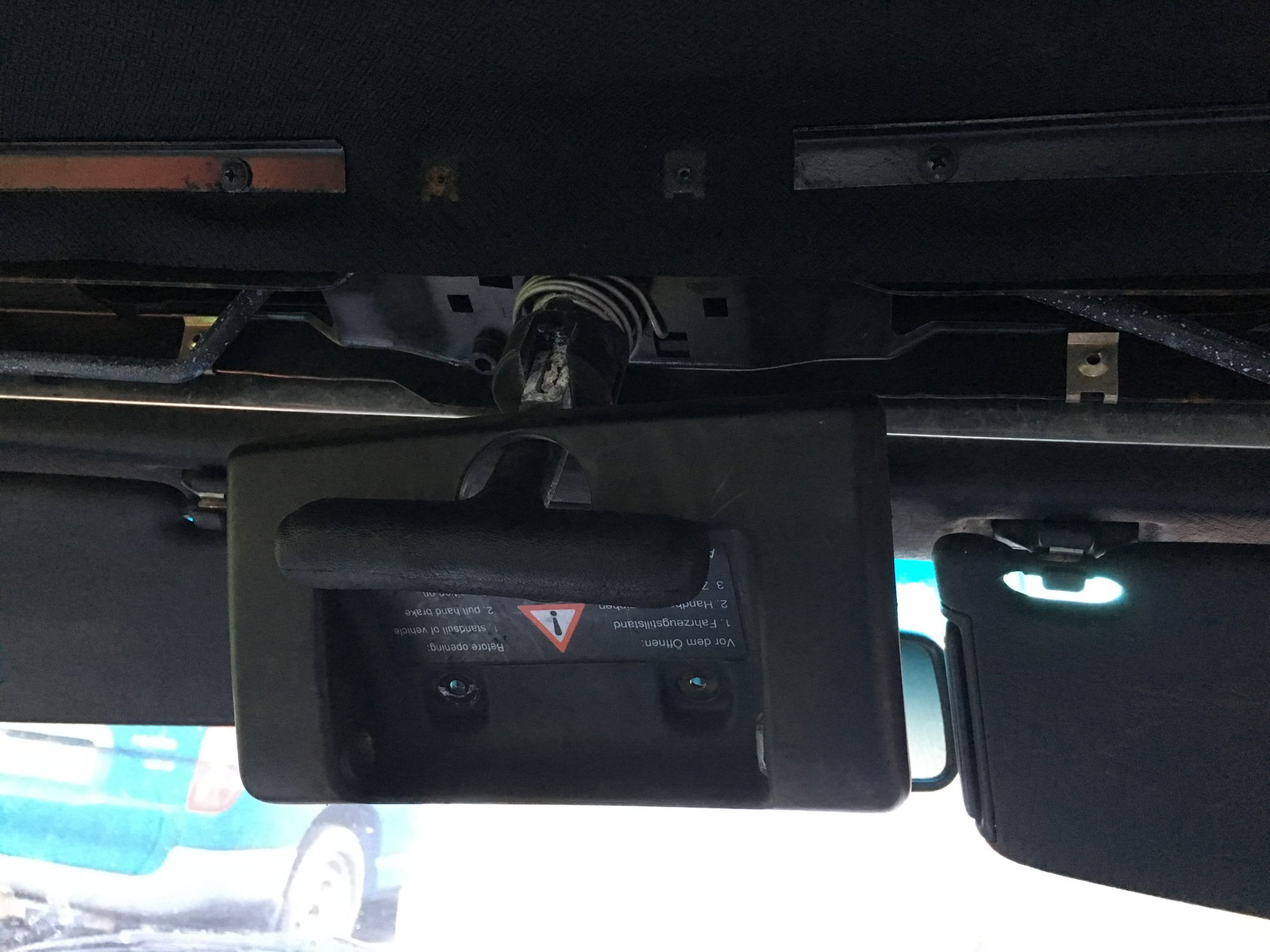
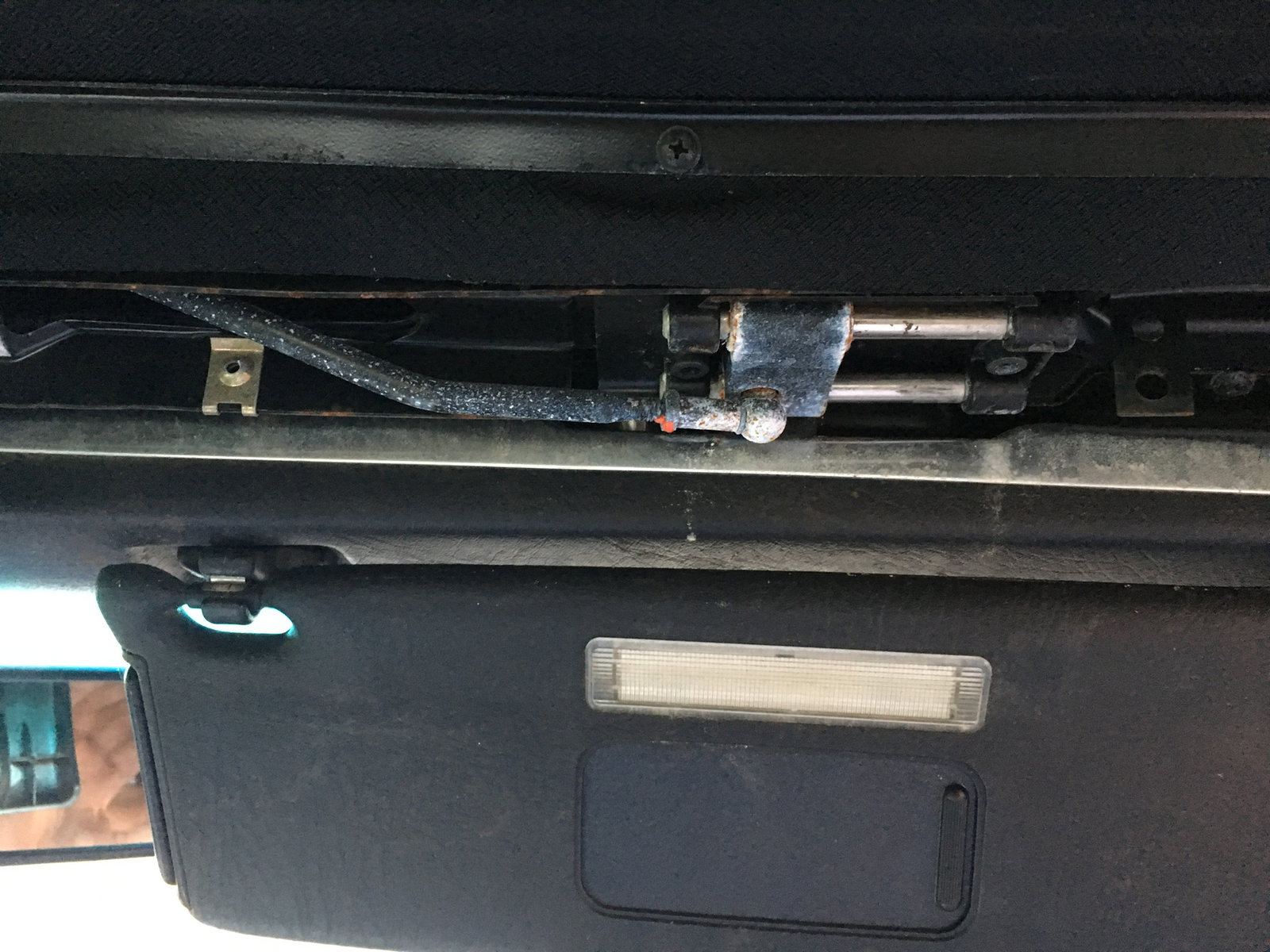
Ok times been tight So far I've changed the air filter 2 of the clips broke off that hold the box closed due to rust. I changed the spark plugs and HT leads, as one was split. chipping away still have the basics of servicing to do, gear box fluid and belts etc( mechanic for this). I soaked the links in oil but the mechanism still will not turn past half way. From reading online ppl talk about the boot lock mechanisms and the rear window needing to work. Others say it should manually open anyway but not great for the window seal to do this with it up. Does anyone know what the actual procedure for lowering the roof manually should be? Or have a systematic approach to checking the various components to allow for the roof to drop? M
-
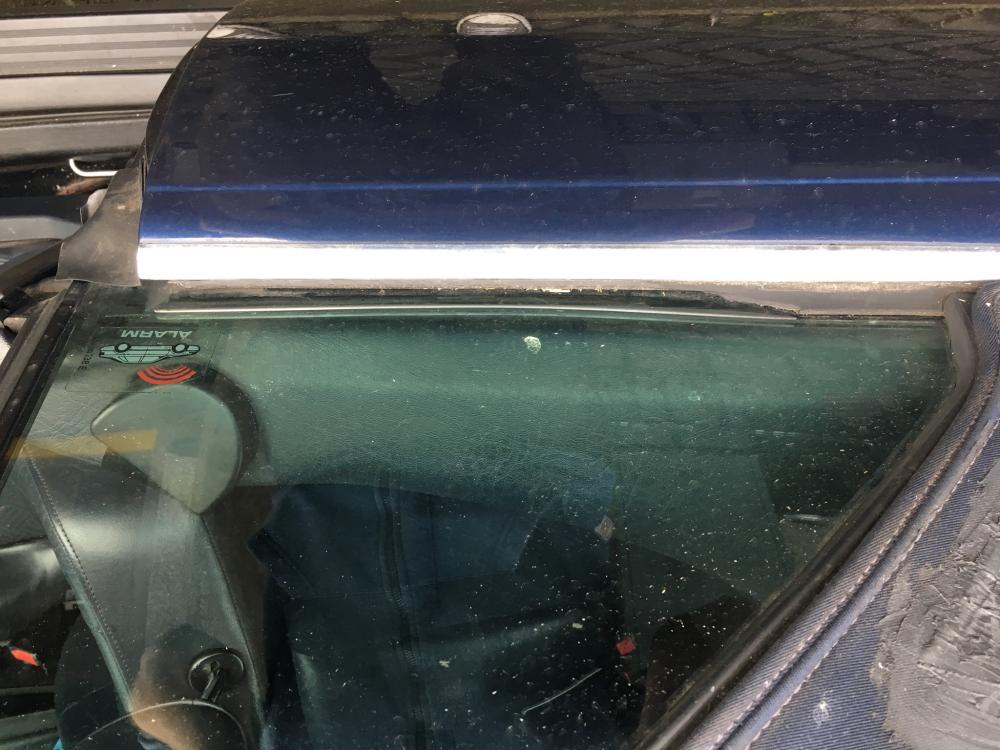
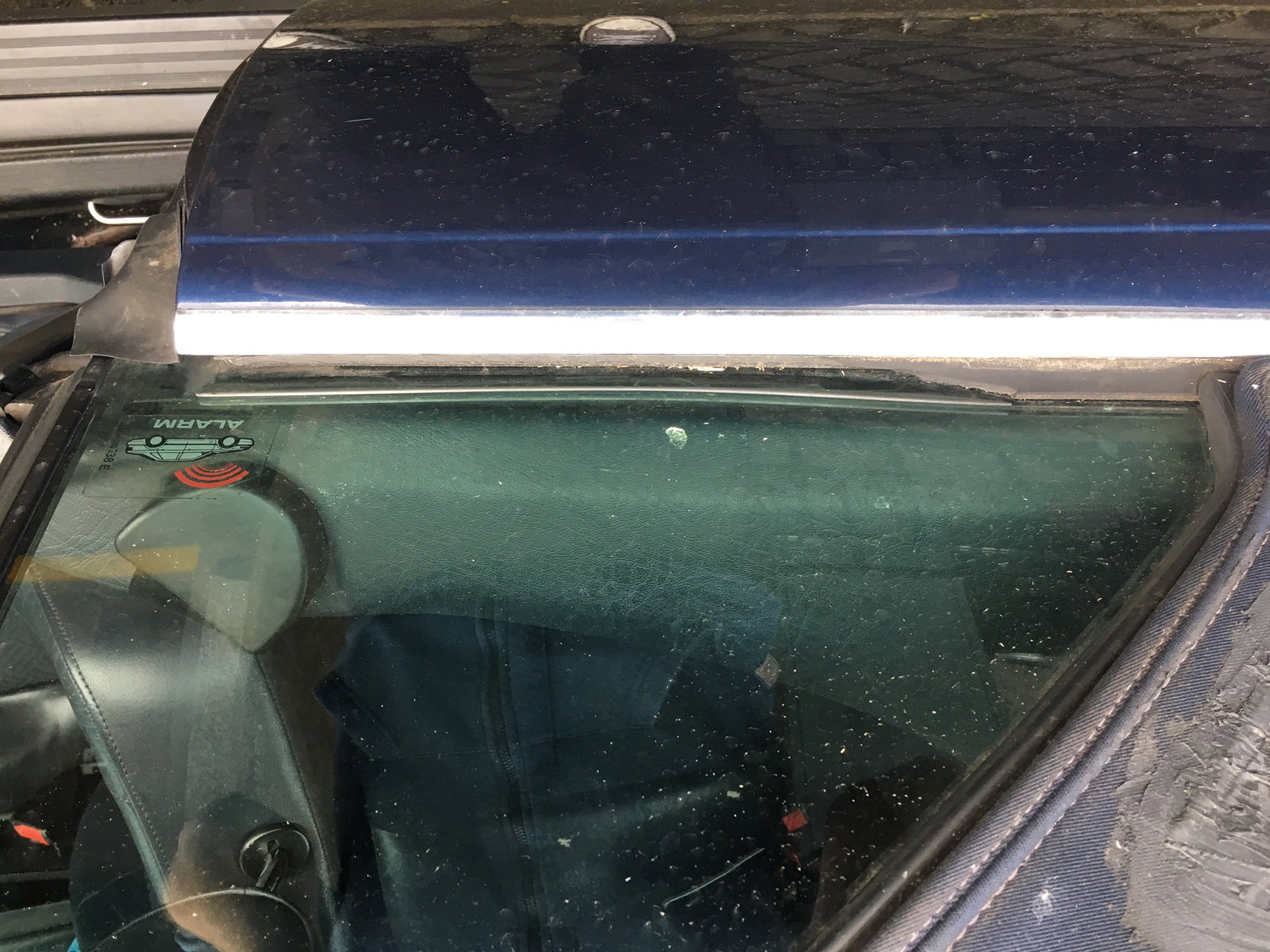
Bout ye, i bought a 96 Audi cab for a charity rally round Europe. £400 she cost me. Problem roof won't go down I've read so many different fixes and problems for the roof online. I don't care if it works auto just happy with manual if I can get it down and back up. So The back drivers window won't go down and the roof latch only twists halfway. The centre button and the rear window button won't do anything but rest of windows are fine. I have no owners manual and I'm not sure if I'm even trying to put it down correctly. As you can see by the photo someone has cut the rubber seal at the window before. Any help would be appreciated.