




Skip to content
View in the app

A better way to browse. Learn more.

Audi Owners Club (UK)

A full-screen app on your home screen with push notifications, badges and more.

To install this app on iOS and iPadOS
  1. Tap the Share icon in Safari
  2. Scroll the menu and tap Add to Home Screen.
  3. Tap Add in the top-right corner.
To install this app on Android
  1. Tap the 3-dot menu (⋮) in the top-right corner of the browser.
  2. Tap Add to Home screen or Install app.
  3. Confirm by tapping Install.

dumitrelable

Members
  • Joined

  • Last visited

  1. Yes I spoke with them and they told me that I couldn't do anything with a used one. I definitely need a new set kit for the car and they couldn't get me one because they don't have one for my version. I've called audi and I will be charged of £266 for the new set kit. Thank you for the help!
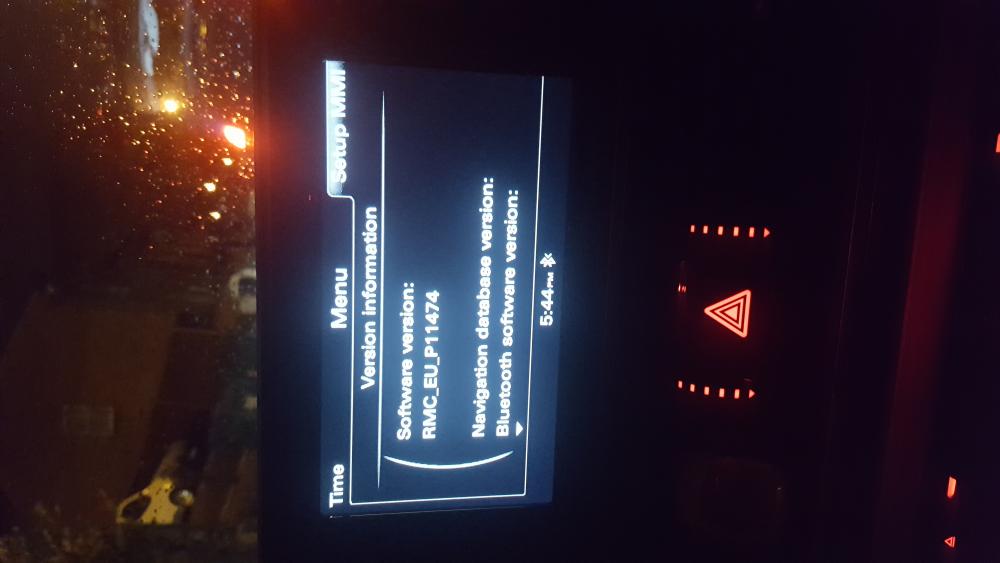
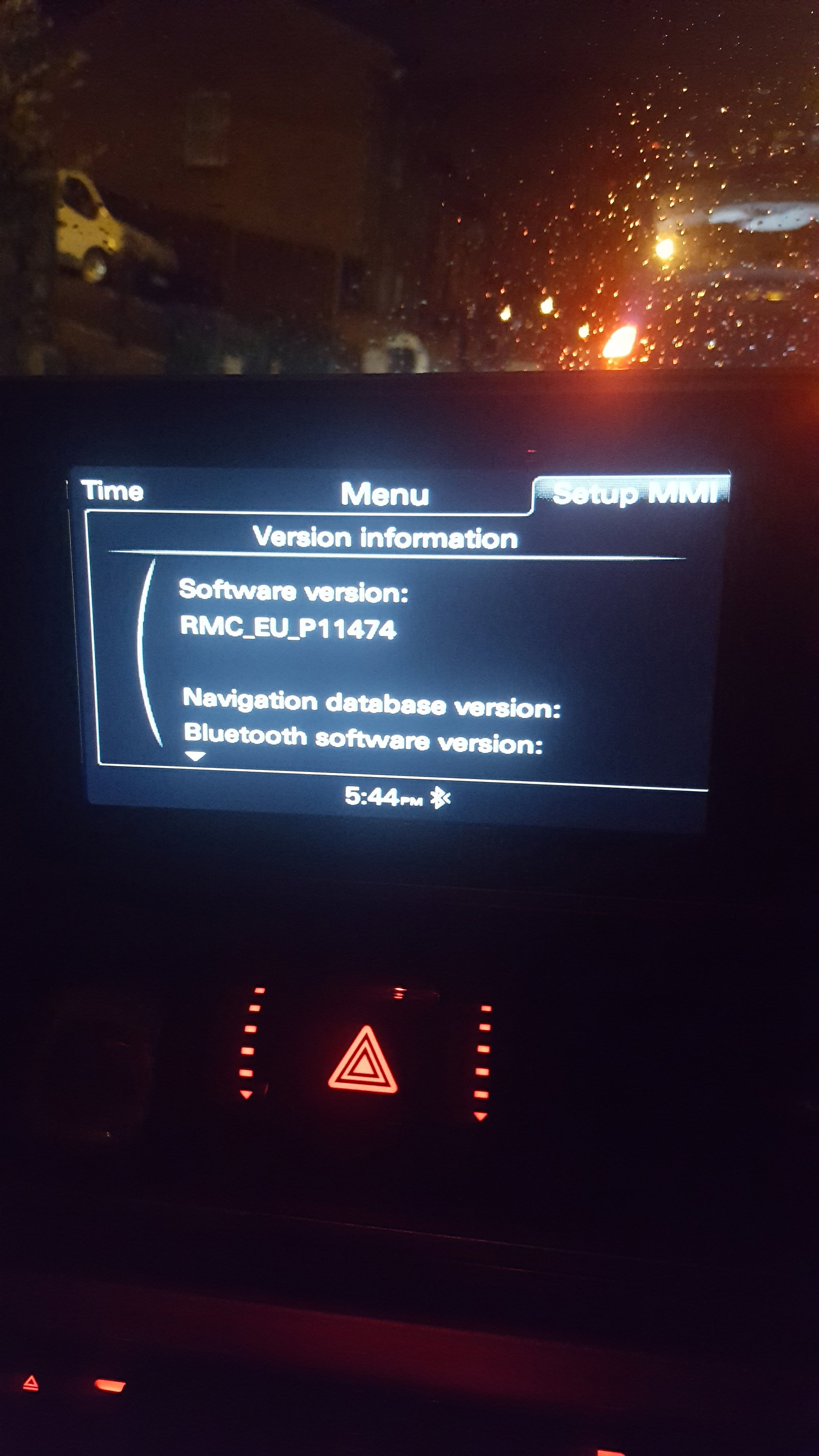
  2. Hi all, I'm new here and I need a bit of help if u dont mind. I recently got myself an audi a7 s line from 2012 and the sat nav doesn't work. I must mention that I didn't have an SD card for it but I've tried with a used one and it comes up the message "the navigation system is not enabled". 2 questions: 1. Do I need a new sd card for it with an activation code? 2. Can I get a used sd card and then to activate it through audi? Any help will do please. Thank you all!


Background Picker
Customize Layout

Account

Navigation

Search

Search

Configure browser push notifications

Chrome (Android)
  1. Tap the lock icon next to the address bar.
  2. Tap Permissions → Notifications.
  3. Adjust your preference.
Chrome (Desktop)
  1. Click the padlock icon in the address bar.
  2. Select Site settings.
  3. Find Notifications and adjust your preference.