




Skip to content
View in the app

A better way to browse. Learn more.

Audi Owners Club (UK)

A full-screen app on your home screen with push notifications, badges and more.

To install this app on iOS and iPadOS
  1. Tap the Share icon in Safari
  2. Scroll the menu and tap Add to Home Screen.
  3. Tap Add in the top-right corner.
To install this app on Android
  1. Tap the 3-dot menu (⋮) in the top-right corner of the browser.
  2. Tap Add to Home screen or Install app.
  3. Confirm by tapping Install.

JayRA

Members
  • Joined

  • Last visited

  1. Hi mate, are you sure they are OEM and not copy's (do they have part number on back of one of the spokes?) my tires are Pirelli, 5mm on back, 3-4mm front. All immaculate. Email me what kind of cash you'd be after and where you are 😊 [email protected], ---- changed for the obvious
  2. Yes mate I've done this in mine, the button can/should manually deploy and retract the spoiler
  3. You should be able to retract it by pressing and holding the button again
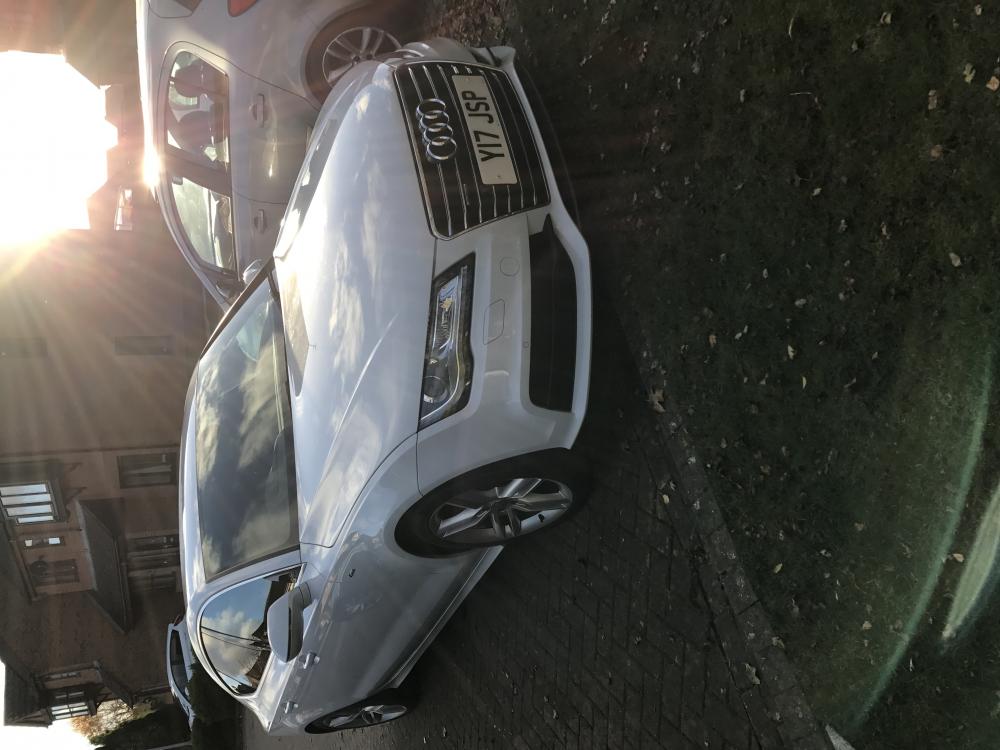
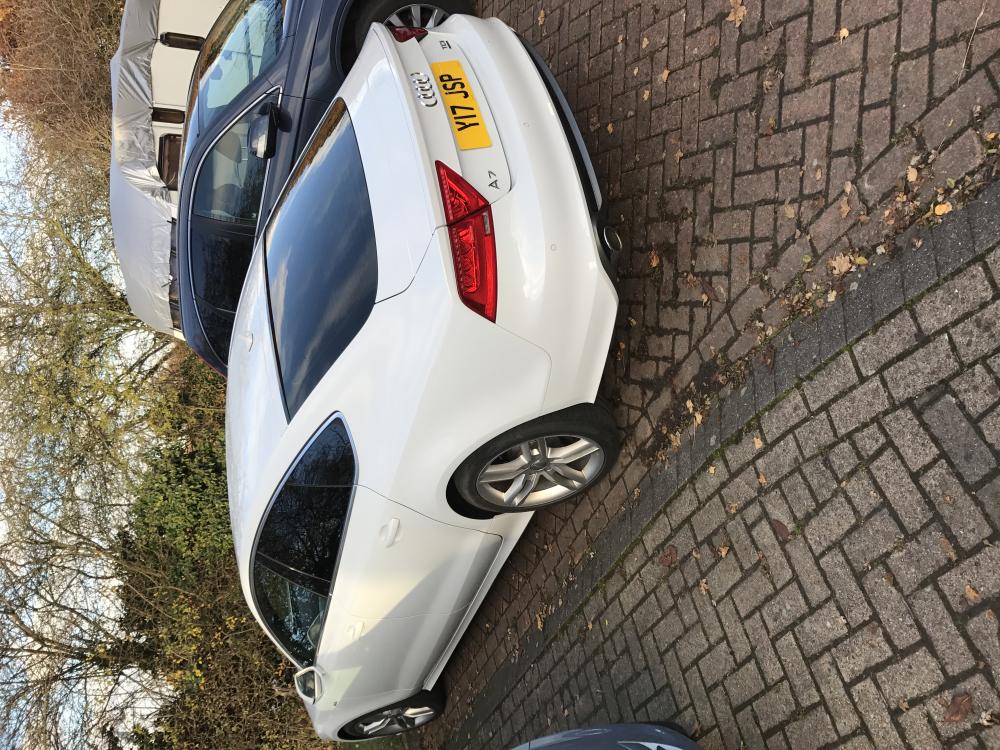
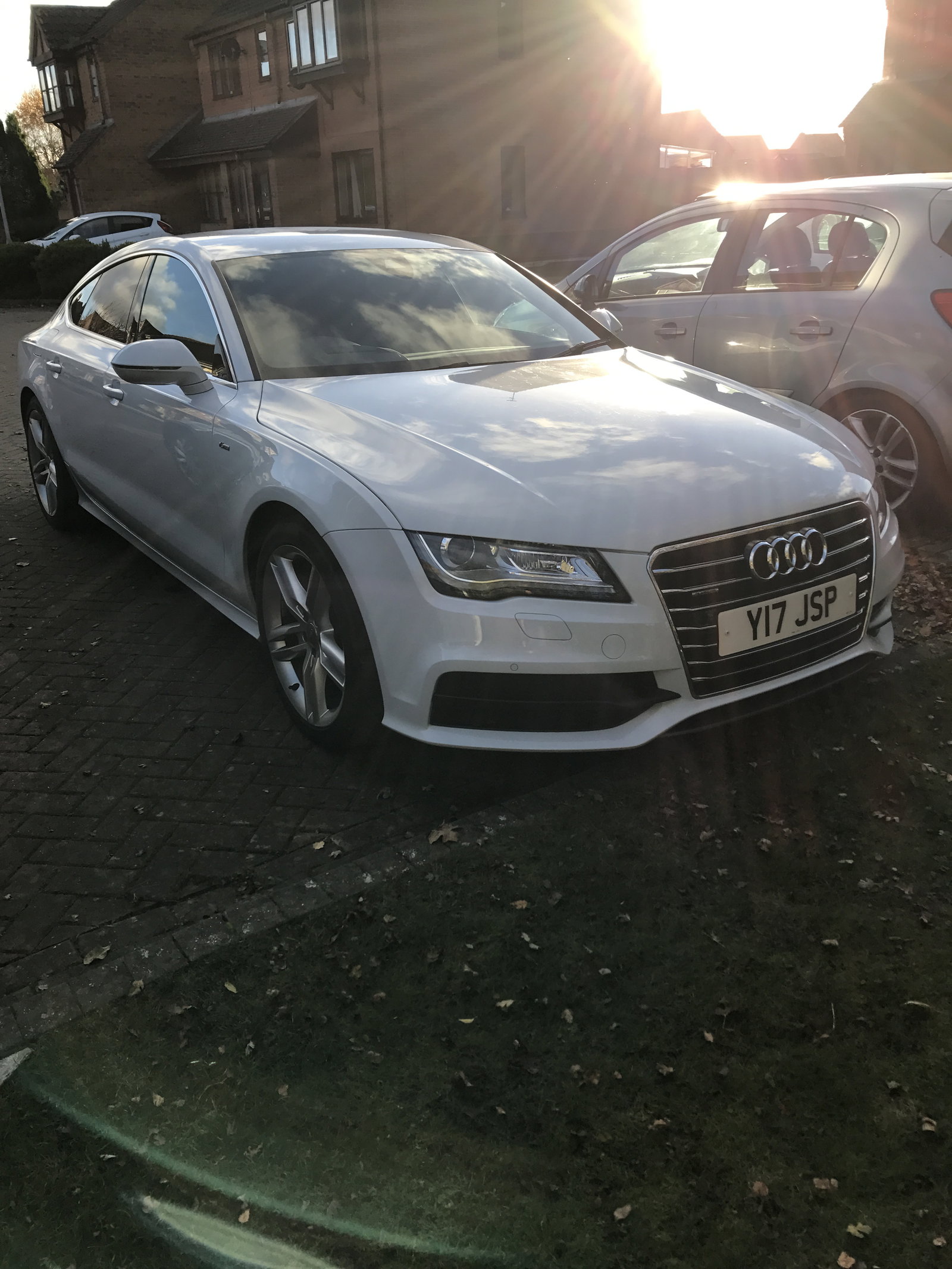
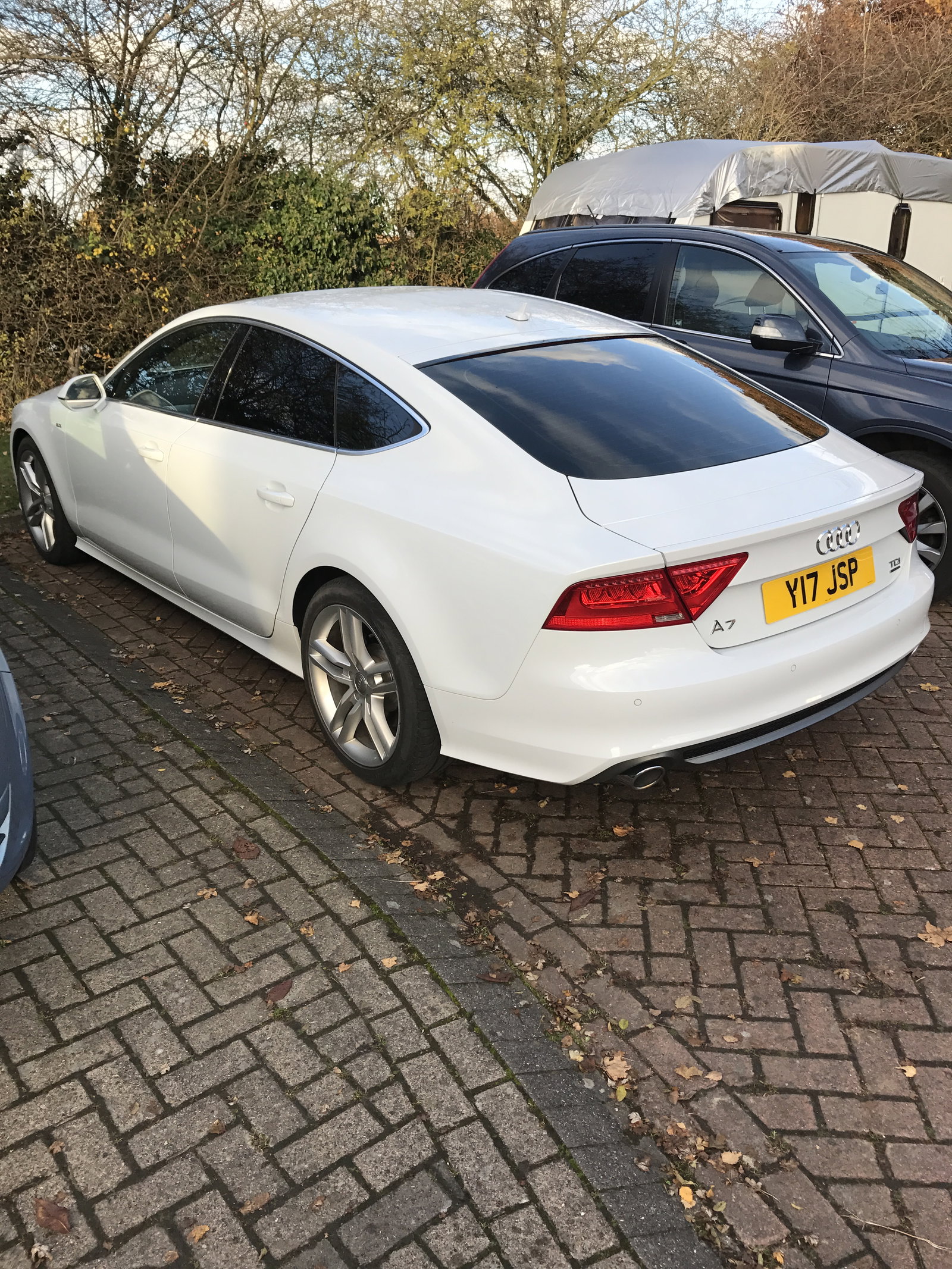
  4. Hi guys, had my 7 since June, wondering if anyone has 20's they would want to swop for my 19's (immaculate) plus cash. Long shot maybe but worth a try! It's a 2014 245ps Quattro btw 😊
Background Picker
Customize Layout

Account

Navigation

Search

Search

Configure browser push notifications

Chrome (Android)
  1. Tap the lock icon next to the address bar.
  2. Tap Permissions → Notifications.
  3. Adjust your preference.
Chrome (Desktop)
  1. Click the padlock icon in the address bar.
  2. Select Site settings.
  3. Find Notifications and adjust your preference.