AudiDaz
Members
-
Joined
-
Last visited
Everything posted by AudiDaz
-
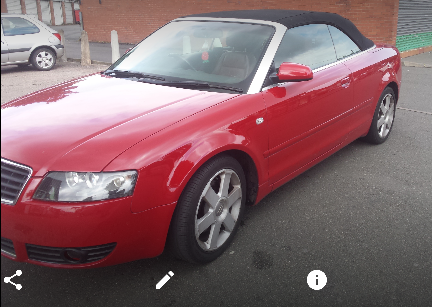
Hi Guys thank you for having me :) Have a bit of a problem on a 2003 A4 1.8T cabriolet i was wandering if you guys can help me, Problem started 3 months ago with the key fob not unlocking doors so did the usual thing of getting a new battery and tried to reprogram the fob ..with no joy the alarm would go off at random as well so i thought okay maybe the battery has a cell problem and promptly changed that too, all was well for 2 days then i woke up one morning to flashing indicators :( .. anyways i though it was just a random thing as it didn't happen all the time .. so i am in the garage giving it a clean and tried to drop the roof i had a flashing amber light on the dash with a pic of the roof.. today the window on the drivers side dropped down 3" on its own (Powered down not a regulator problem) .. so i tried to roll it back up and guess what none of the windows work and when i open the drivers door the passenger side shows on the dashboard.. parking sensors stopped working .. also i have no cabin lights also boot latch wont work either have to use key to open it i would really would like to know where to even start a little guidance would be appreciated Thank you in advance Daz