Nigen
Members
-
Joined
-
Last visited
-
Hi Has anyone managed to set your indicators to 'sweeping' mode? If so, how?
-
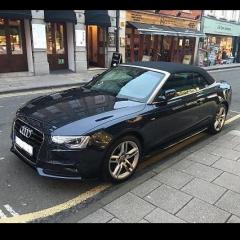
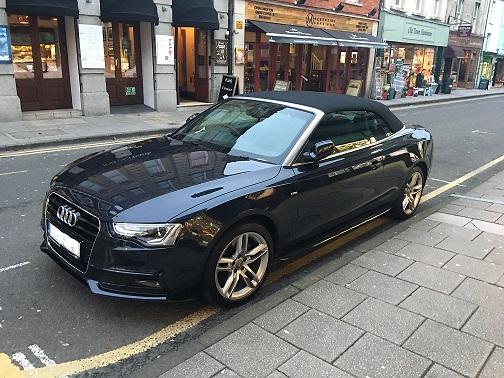
Hi All I'm a new Audi owner for the second time around. I bought an A5 Cabrio in November. I have posted on the A5 forum too. After the very bad experience with Audi the first time back in 2005, I vowed never to buy another. I had originally intended to buy a Merc E-class Convertible and test-drove a couple of them, before a friend I play football with, who works at my local Audi dealer, persuaded me to try the A5 Cabrio they had in stock as a demo and they wanted rid of it. As soon as I sat in it I knew I had to have it, so here I am!
-
Nigen changed their profile photo
-
Morning all! Just joined the forum today. I bought my 2016 model A5 S-line Cabrio in November and I must say that so far I am 95% delighted with it. It was an ex-demo model, so I didn't spec it myself. Only ONE gripe - no glovebox light! What is this all about? All my other vehicles have had glovebox lights as standard, but on my A5 its a 'different lighting pack' apparently. Other than that it's fully loaded - unbelievable! My A5 is still in warranty but this is not covered and I have been advised that it would be expensive to get retro-fitted. I am also uneasy about getting any work done outside Audi in case I invalidate my warranty. Does anyone have any advice? (Yes, I have placed a torch in the vehicle!!!)