DanS3
Members
-
Joined
-
Last visited
-
-
Dreading asking this question, but... So I've recently taken ownership of a 2002 S3 and just noticed that the driver side interior pillar trim is a bit worse for wear. It looks like the previous lady owner had long fingernails and a bit of a nervous twitch in traffic cause it looks like she's either been digging at it or chewing on it. Anyway - the dreaded question. How much of a mission is it to replace it? Looks like replacement trim is easy to find but I dread getting it on. No airbag in there, right? No airbag tag that I can see but just want to confirm. Cheers lads!
-
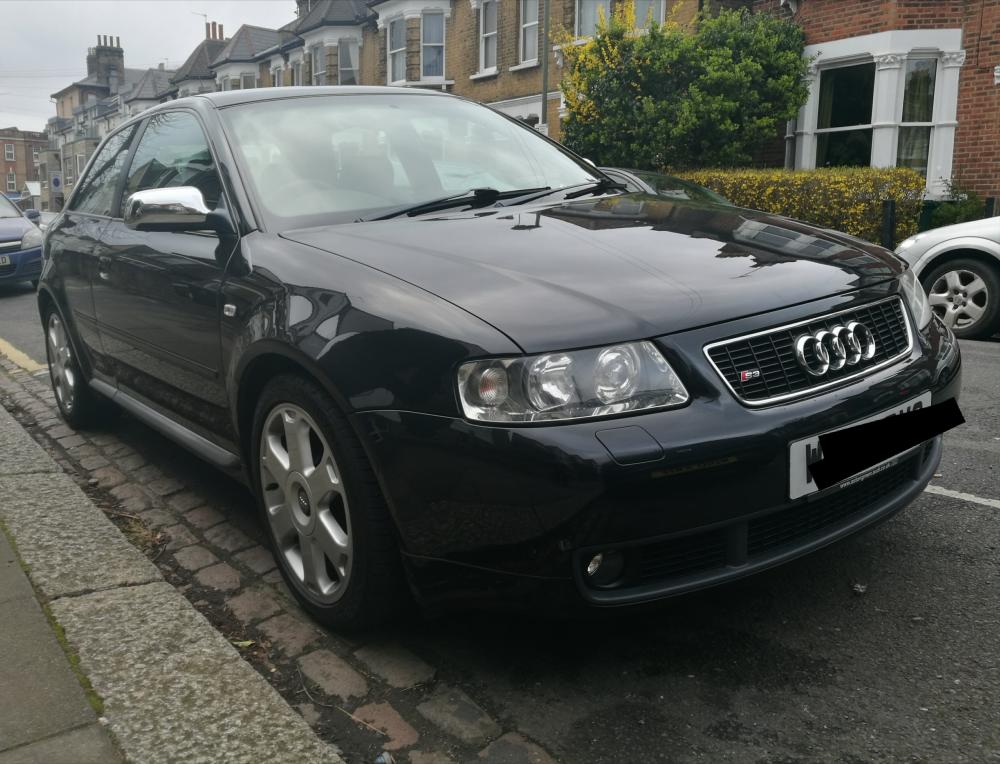
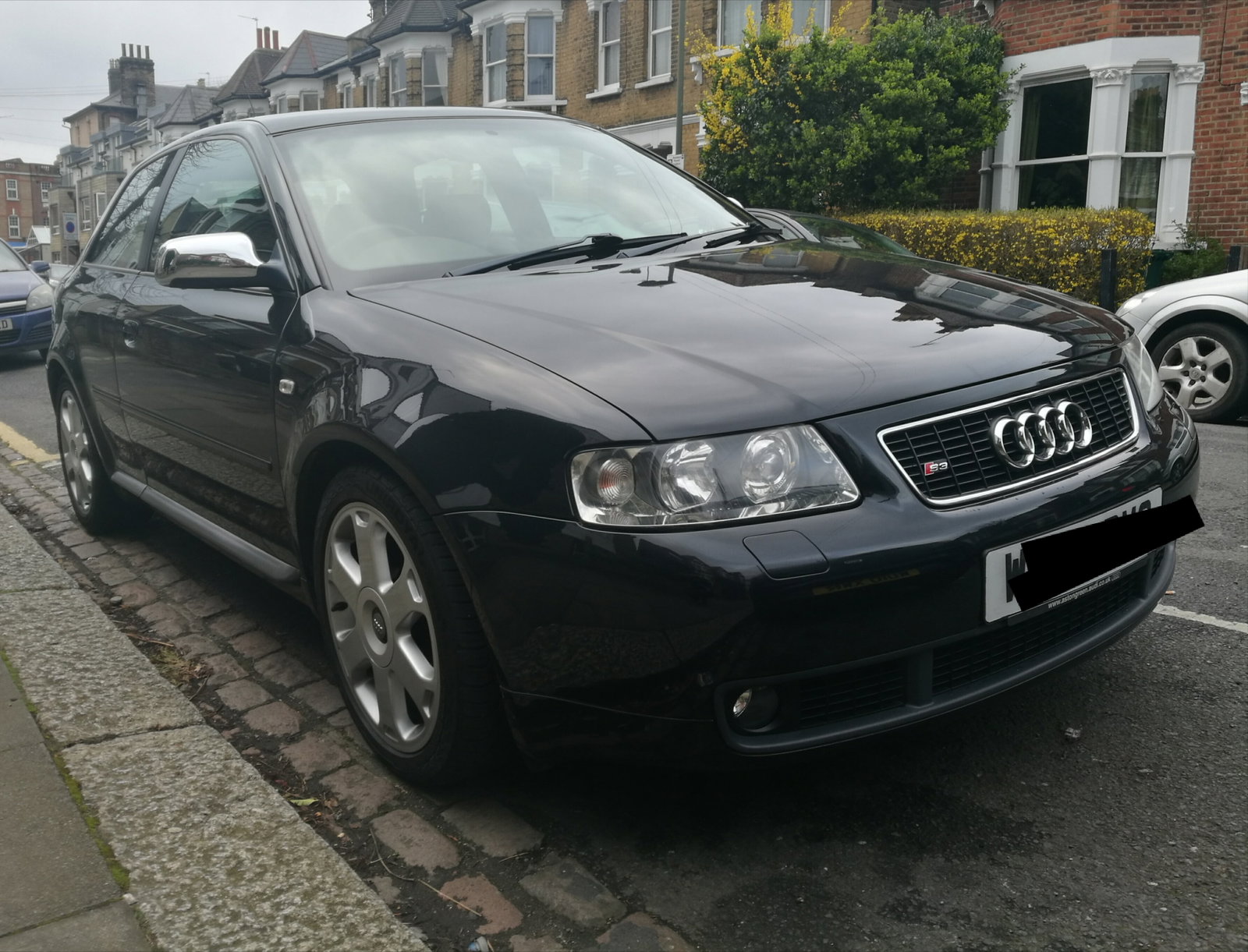
Hi all! New proud owner of a 2002 Audi S3 here so thought I'd just say hello. Picked her up yesterday and had a brilliant 50 mile drive to open her up and see what she can do. Have to say I'm really impressed so far. Engine is superb, interior is just a brilliant place to be and she handled superbly in the wet. I've loved these cars ever since they first came out. There's just something about the styling that makes them look menacing on the road - one of my favourite hot hatch shapes! Took a while to find the right car (although this one doesn't have the heated leather, sadly) but now I couldn't be happier. Hope everyone is having a great weekend! Dan