Skip to content
View in the app

A better way to browse. Learn more.

Audi Owners Club (UK)

A full-screen app on your home screen with push notifications, badges and more.

To install this app on iOS and iPadOS
  1. Tap the Share icon in Safari
  2. Scroll the menu and tap Add to Home Screen.
  3. Tap Add in the top-right corner.
To install this app on Android
  1. Tap the 3-dot menu (โ‹ฎ) in the top-right corner of the browser.
  2. Tap Add to Home screen or Install app.
  3. Confirm by tapping Install.

OnrA3

Members
  • Joined

  • Last visited

Everything posted by OnrA3

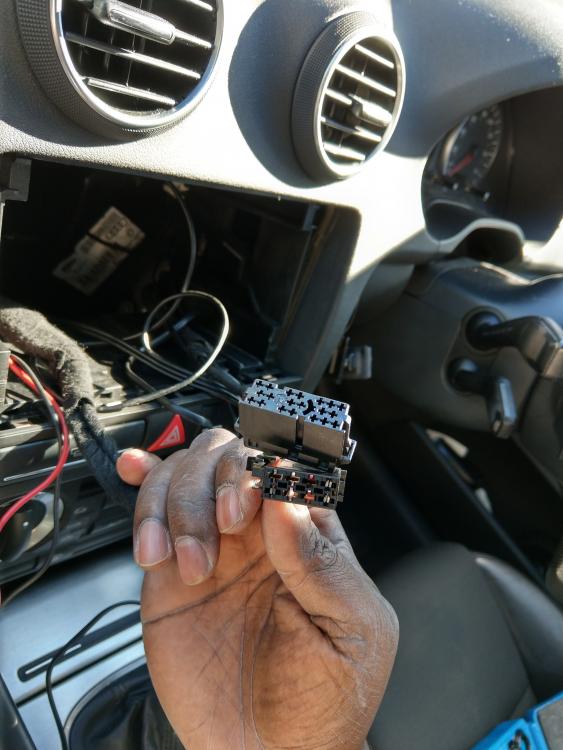
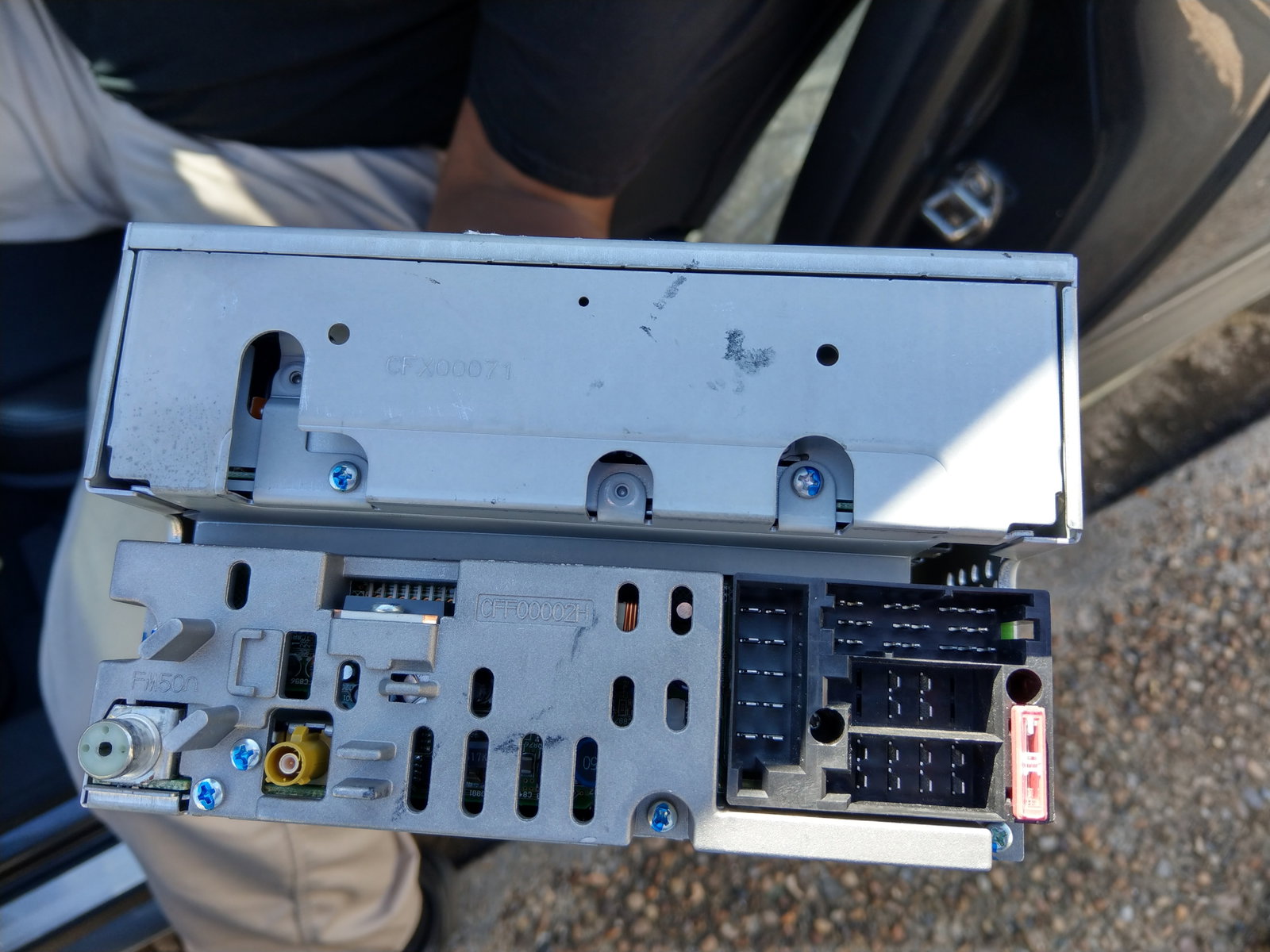
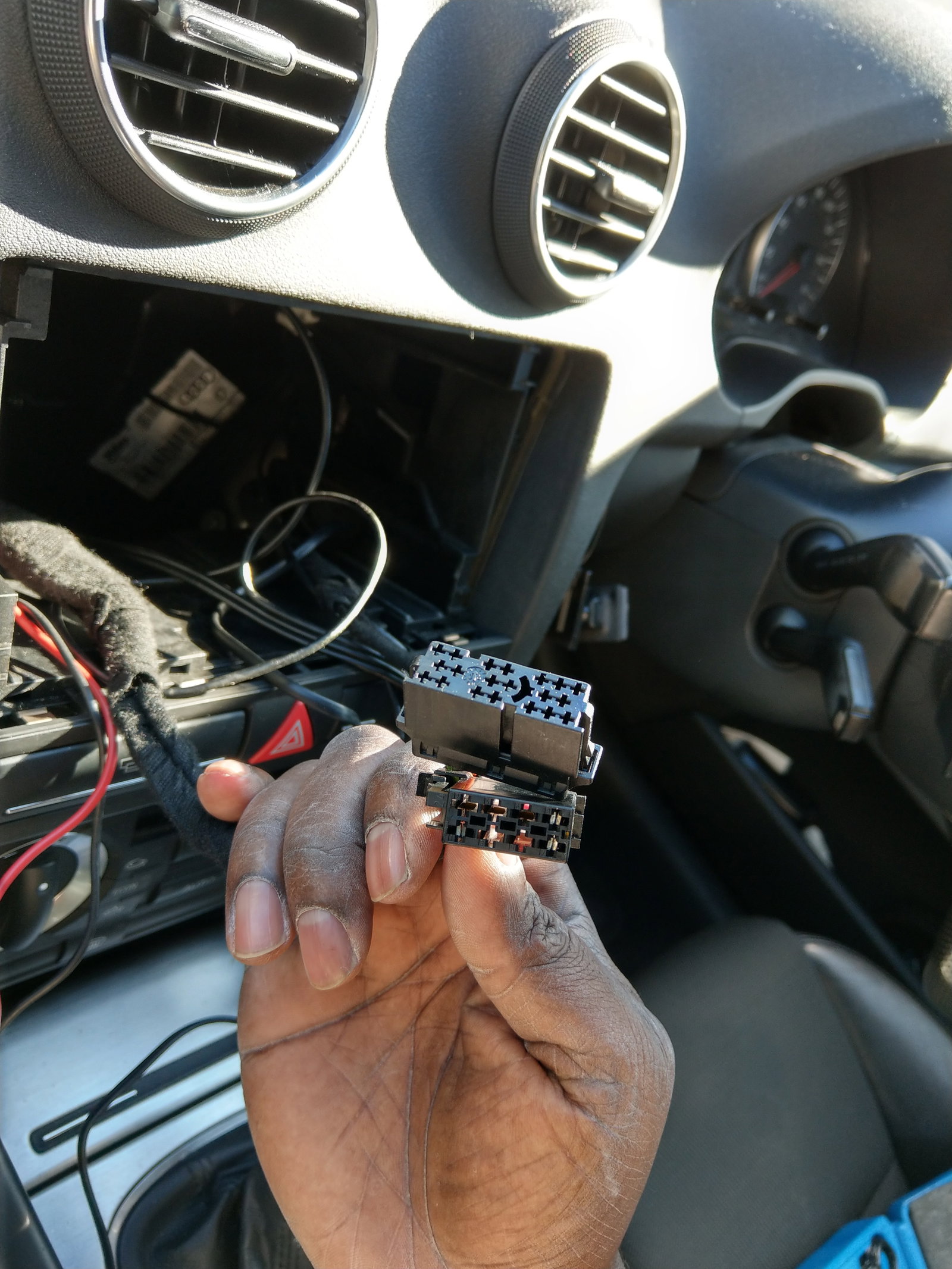
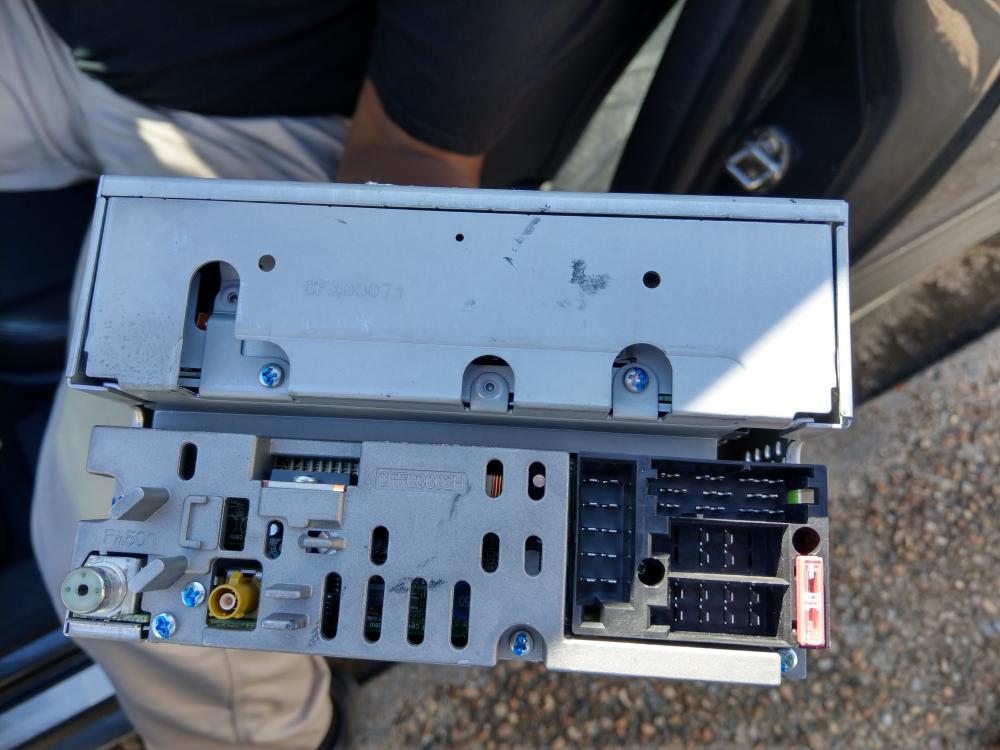
  1. Hello all, I've recently bought a Sat Nav head unit which had the quad lock connection. I was told buy the previous owner that the car had a Sat nav in it before but was removed. My question is, were the head units produced with Iso connectors or were they only produced with the quad lock? The unit in the pic is my symphony not the sat nav. Thanks in advance
  2. OnrA3 replied to OnrA3's topic in Audi A3 (8P) Forum
    Thanks for the info mate, I'll look into it further from here. Much appreciated ๐Ÿ‘๐Ÿพ
  3. Hello guys, I have 2 A3's and would like to move the heated seats from one to the other. Has anyone ever done this before? If so, how hard was it to complete? Thanks in advance ๐Ÿ‘๐Ÿพ๐Ÿ‘๐Ÿพ๐Ÿ‘๐Ÿพ
  4. Following


Background Picker
Customize Layout

Account

Navigation

Search

Search

Configure browser push notifications

Chrome (Android)
  1. Tap the lock icon next to the address bar.
  2. Tap Permissions โ†’ Notifications.
  3. Adjust your preference.
Chrome (Desktop)
  1. Click the padlock icon in the address bar.
  2. Select Site settings.
  3. Find Notifications and adjust your preference.