JaggyM
Members
-
Joined
-
Last visited
Everything posted by JaggyM
-
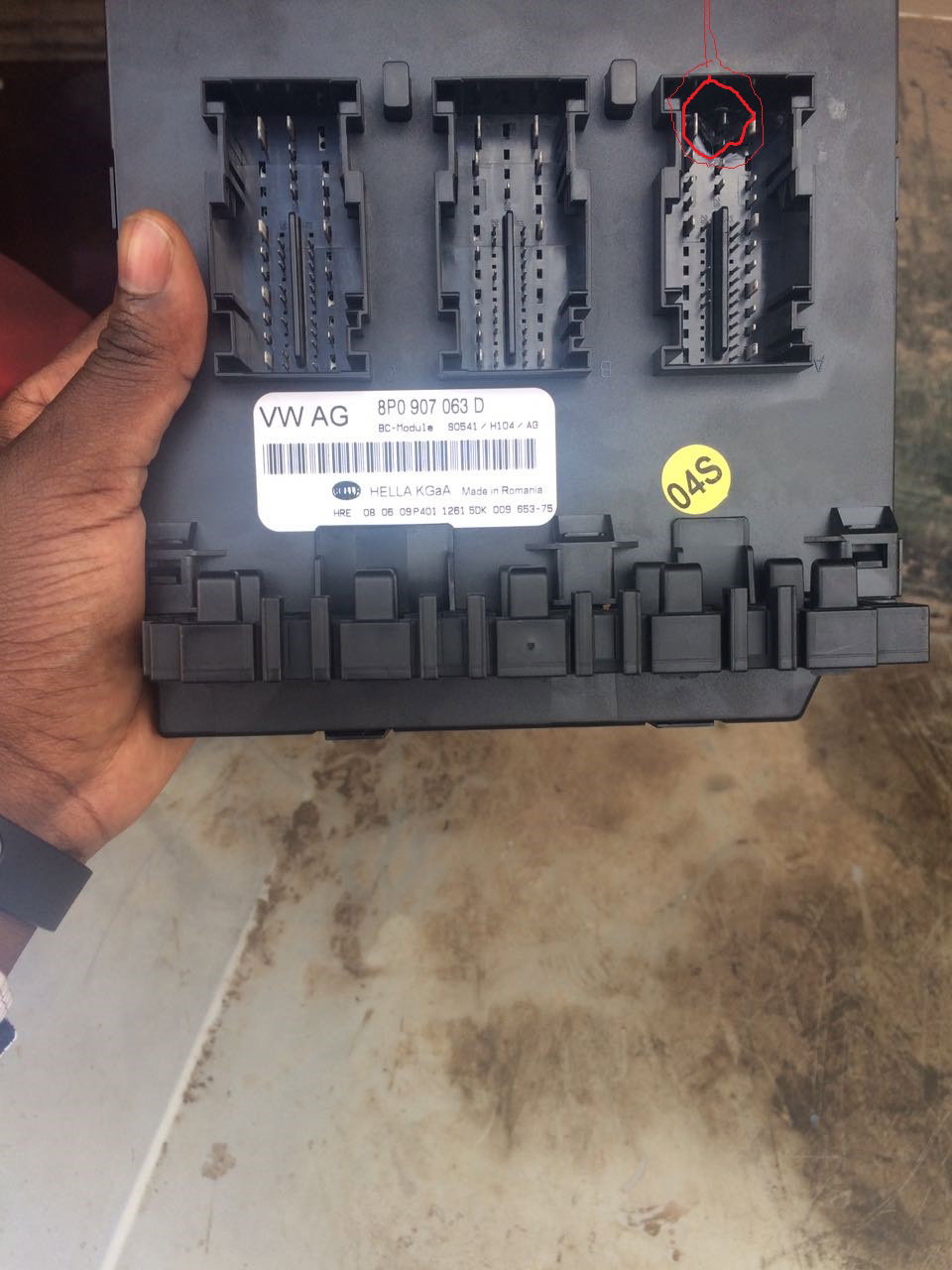
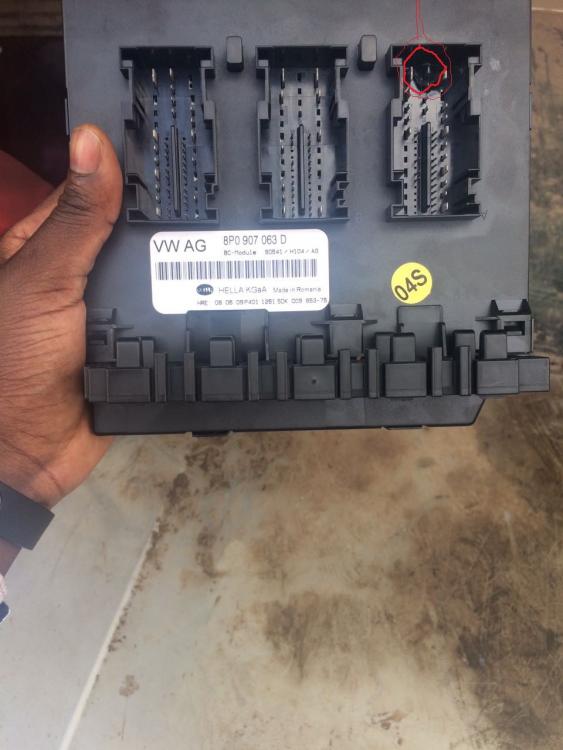
Thank you Trevor and Brad. Your comments alone are enough to lift my spirits... been bashing my head against the wall the better part of the day. Trevor, would you mind pointing out the locations where I can find the earthing points on my A3 8P 2009 model? The battery connections are bone dry. I suspect the mech removed the positive terminal effectively roasting the BCM unit when reconnecting it. The affected terminal is circled on the attached picture. Are you able to highlight what electronic functionalities are handled by the terminal?
-
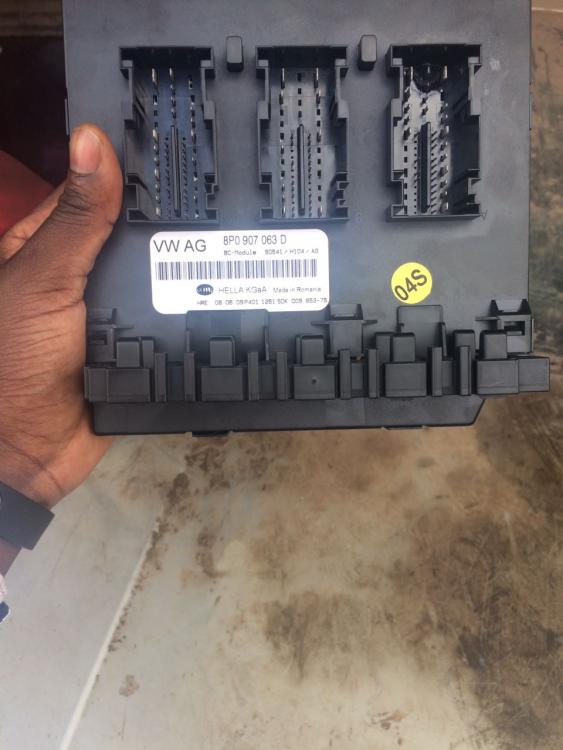
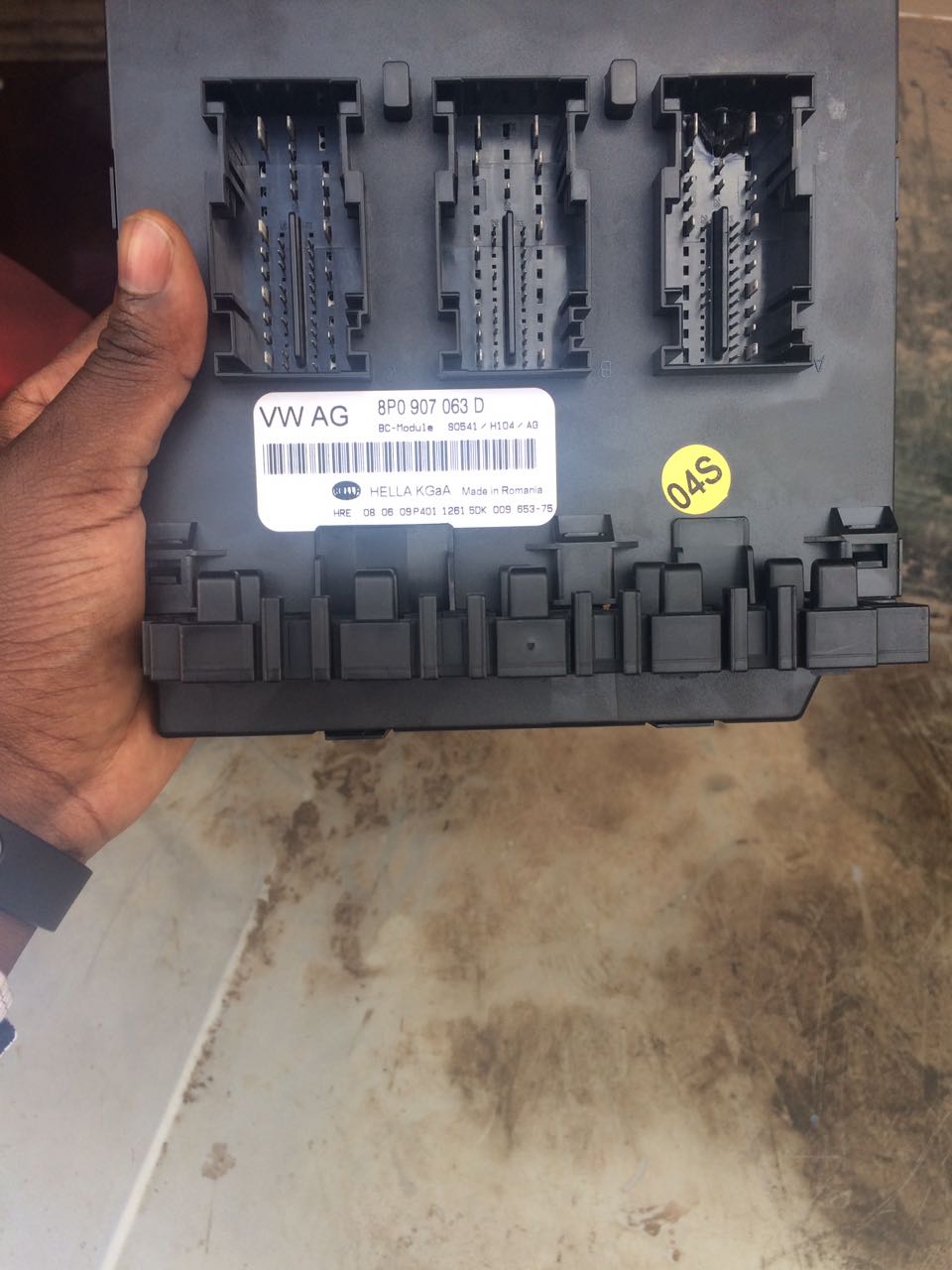
Hi Everyone, Am new at this, apologies if I break any protocols! I need your help; I have a mechanical issue with my Audi A3 2009 hatchback. Issue manifested itself by having light failure warning on the car and hazard lights turning themselves on when the engine is switched off. I took it to the garage who 'cold rebooted' the vehicle by removing one of the battery terminal. This caused BCM Onboard supply unit, Part No: 8P0907063D to blow on one of the input sockets. I am currently seeking a replacement but my question is; what would have caused the motherboard to blow? I am afraid of replacing it and the same scenario happening. Any advice will be highly appreciated. Regards, Martin