Skip to content
View in the app

A better way to browse. Learn more.

Audi Owners Club (UK)

A full-screen app on your home screen with push notifications, badges and more.

To install this app on iOS and iPadOS
  1. Tap the Share icon in Safari
  2. Scroll the menu and tap Add to Home Screen.
  3. Tap Add in the top-right corner.
To install this app on Android
  1. Tap the 3-dot menu (⋮) in the top-right corner of the browser.
  2. Tap Add to Home screen or Install app.
  3. Confirm by tapping Install.


Lee B

Members
  • Joined

  • Last visited

Everything posted by Lee B

  1. Your welcome I have been using it since sept in mine works a treat
  2. does the car have AMI? if yes I got one of these https://www.amazon.co.uk/gp/product/B00R2HZ1XU/ref=oh_aui_detailpage_o01_s00?ie=UTF8&psc=1
  3. Afternoon all, can anyone tell me if it at all possible to update the Audi Music Interface (AMI) or even the Audi Concert Radio
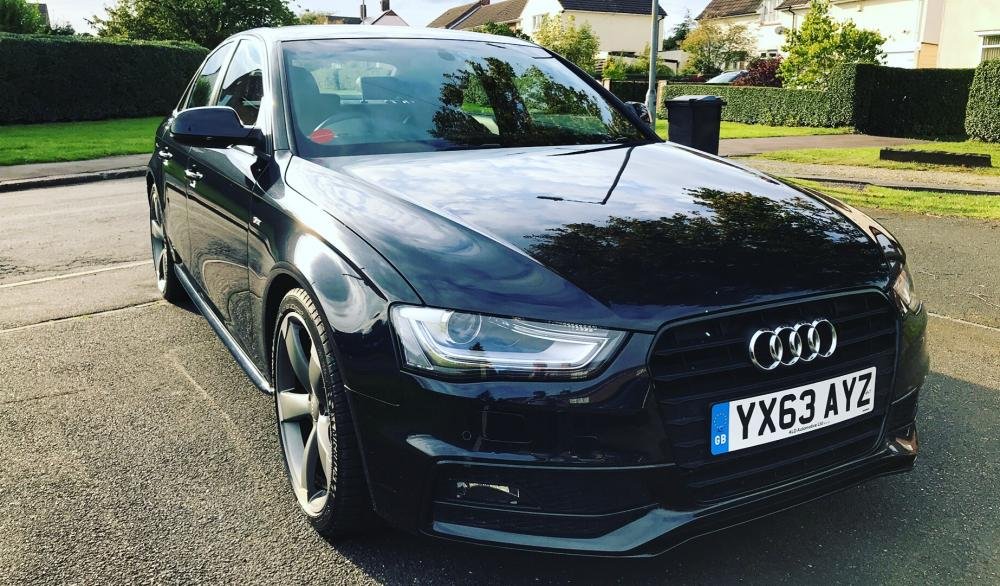
  4. Hey all ... just got this A4 177 black edition .. after clay and wax 😊
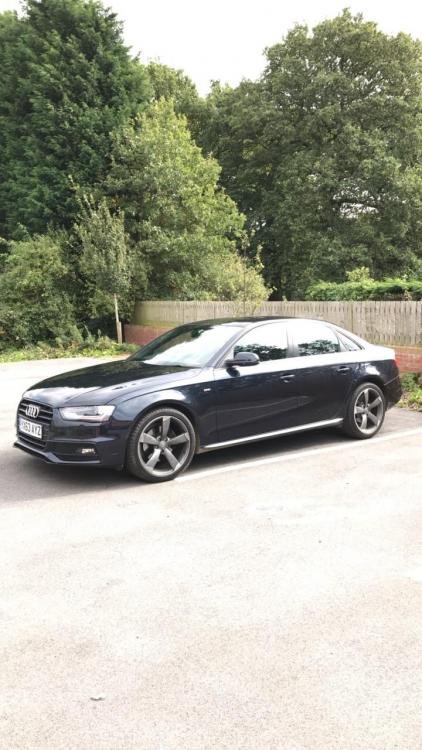
  5. Hi all, I'm trying to find out which exact cable I require for a 2013 A4 S line Black edition AMI input, I have tried my friends spare cable but this was the yellow marked one for MMI I think, I have tried a cable from amazon but it does not charge the phone .. Thanks in advance


Background Picker
Customize Layout

Account

Navigation

Search

Search

Configure browser push notifications

Chrome (Android)
  1. Tap the lock icon next to the address bar.
  2. Tap Permissions → Notifications.
  3. Adjust your preference.
Chrome (Desktop)
  1. Click the padlock icon in the address bar.
  2. Select Site settings.
  3. Find Notifications and adjust your preference.