




Skip to content
View in the app

A better way to browse. Learn more.

Audi Owners Club (UK)

A full-screen app on your home screen with push notifications, badges and more.

To install this app on iOS and iPadOS
  1. Tap the Share icon in Safari
  2. Scroll the menu and tap Add to Home Screen.
  3. Tap Add in the top-right corner.
To install this app on Android
  1. Tap the 3-dot menu (⋮) in the top-right corner of the browser.
  2. Tap Add to Home screen or Install app.
  3. Confirm by tapping Install.


McAudi

Members
  • Joined

  • Last visited

  1. Hi, Was wondering what MPG everyone was getting? I have the A4 2.0 TFSI Quattro Black Edition and getting an average of around 30-32mpg. Does that sound about right ?
  2. for PC I'm usually on Starcraft 2. I'm thinking of getting PUBG. I'm mostly on PS4 these days on FIFA, BF1 or Rocket League.
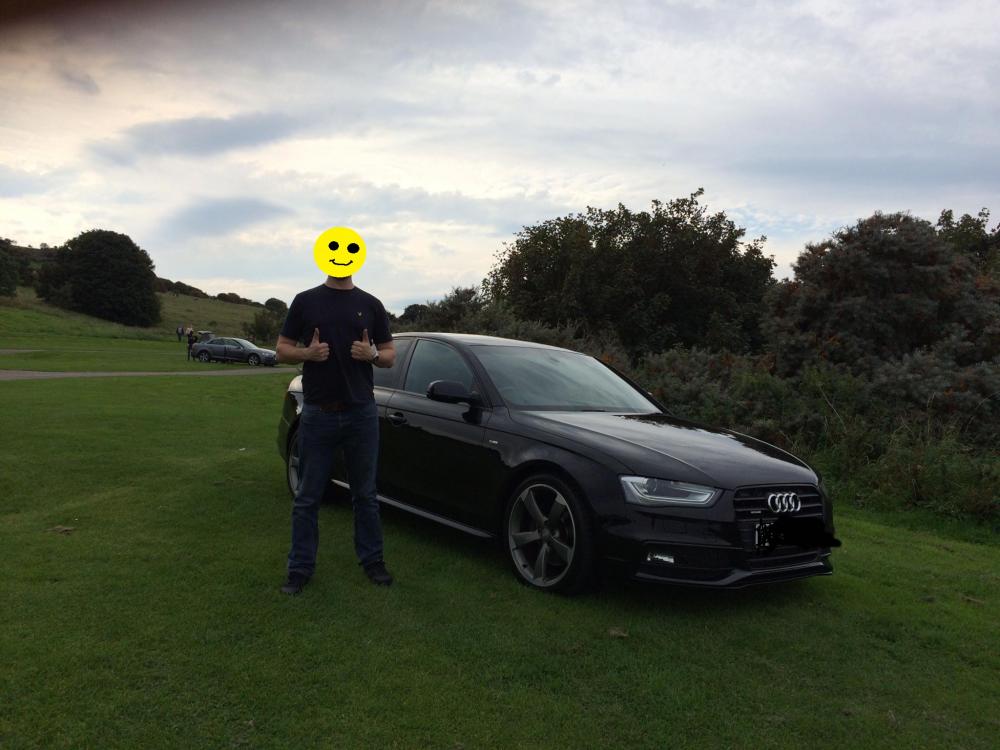
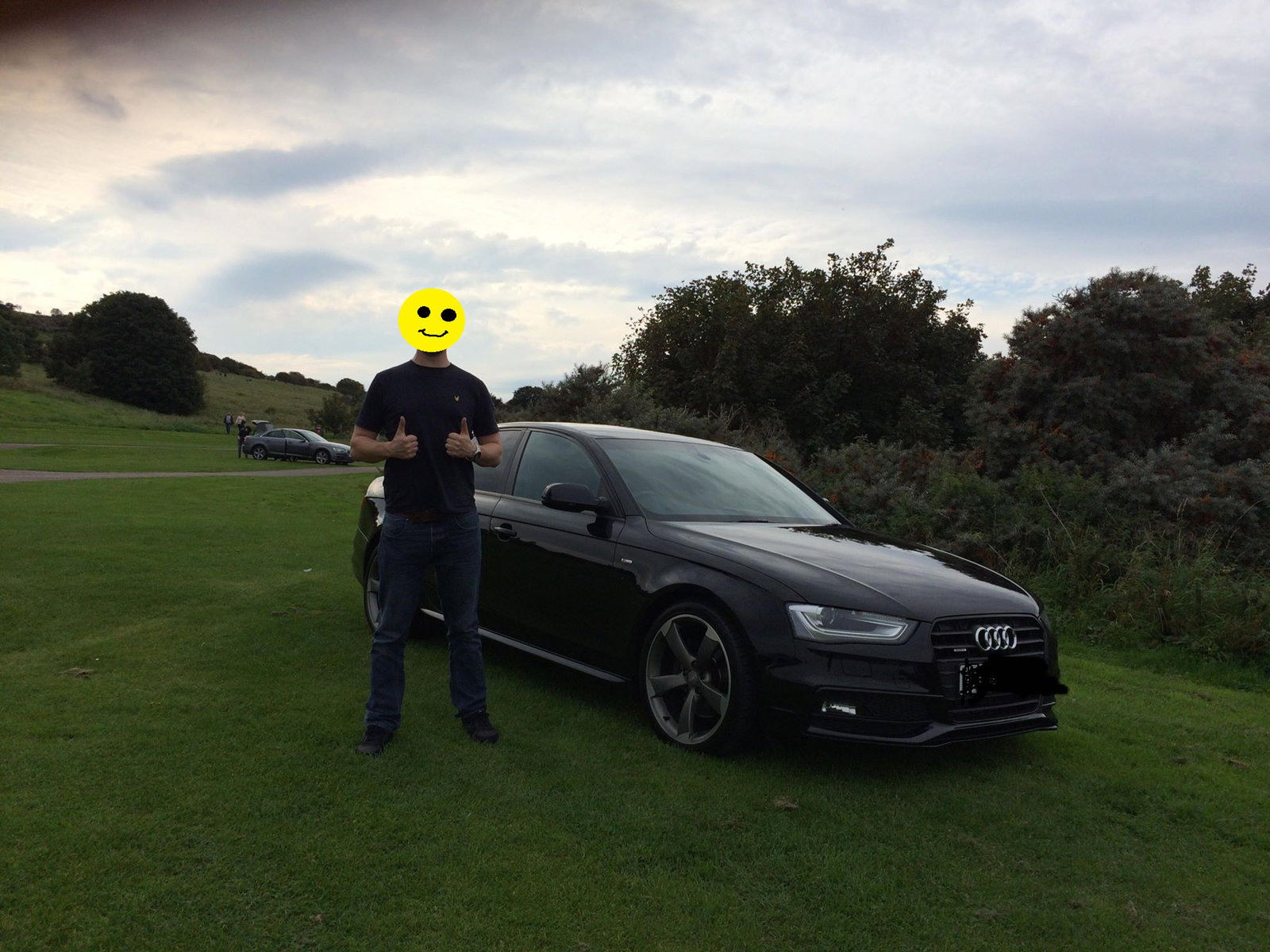
  3. Hi, Just bought a 2012 A4 Quattro S-Line Black Edition and I love it ! (as you can see from my smiley face in the picture) It is a 2.0ltr petrol TFSI. My last car was a Vauxhall Astra Diesel and what a difference this is, well worth the money. It has the automatic gearbox, which I would have preferred manual but cant be too fussy when buying a used car. Wee question, is there any way to use spotify on my phone while connected to the bluetooth ? I have seen there is a dongle which plug into the MMI port, but would that interfere with using the calls etc?


Background Picker
Customize Layout

Account

Navigation

Search

Search

Configure browser push notifications

Chrome (Android)
  1. Tap the lock icon next to the address bar.
  2. Tap Permissions → Notifications.
  3. Adjust your preference.
Chrome (Desktop)
  1. Click the padlock icon in the address bar.
  2. Select Site settings.
  3. Find Notifications and adjust your preference.