Skip to content
View in the app

A better way to browse. Learn more.

Audi Owners Club (UK)

A full-screen app on your home screen with push notifications, badges and more.

To install this app on iOS and iPadOS
  1. Tap the Share icon in Safari
  2. Scroll the menu and tap Add to Home Screen.
  3. Tap Add in the top-right corner.
To install this app on Android
  1. Tap the 3-dot menu (⋮) in the top-right corner of the browser.
  2. Tap Add to Home screen or Install app.
  3. Confirm by tapping Install.

T3RRY

Members
  • Joined

  • Last visited

Everything posted by T3RRY

  1. Thanks for the welcome Trevor Still trying to get through some of these forums topics! Also keep pressing different buttons on the MMI trying to get used to it ! ! ! Hope to have most of it sussed by weekend
  2. It is CD multichanger and SatNav side by side in the glove box The red light is on the SatNav but nothing on the CD changer It is the MMI basic I think No SatNav disc yet It is the red screen MMI unit
  3. Thanks guys for the welcome and the advice The radio and MMI are all working fine just cant load the cd unit. Tha Sat Nav next to it is lit up but no light on the CD? I have been going through the forums looking at relevent posts Some really good advice and you lads know your stuff! This VCDS scan sounds the way to go. I was going to book it in for a diagnostic at an independent they want £50 ? Is this the same thing? Regards T3RRY
  4. Hi, just joined so thought I would introduce myself! First Audi and so far I am pretty pleased with it. The CD multi changer is not lighting up? Its in the glovebox (2007) model? Is there a specific fuse for this? Regards T3rry
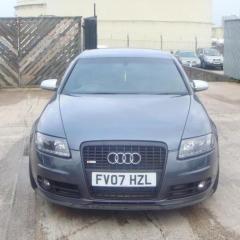
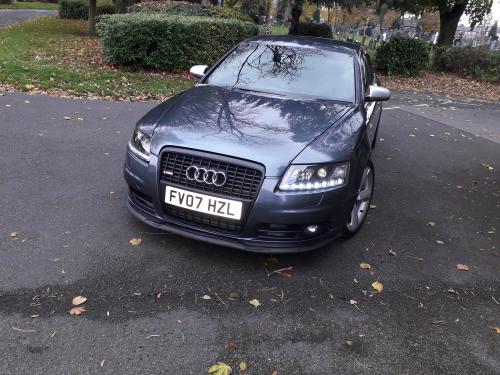
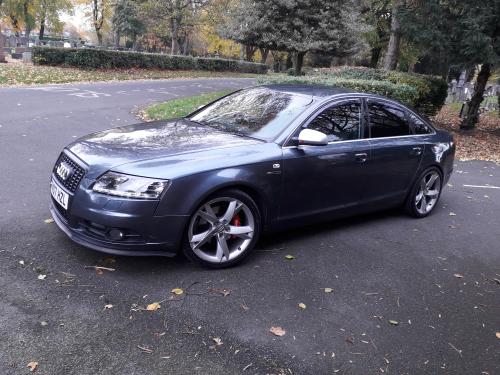
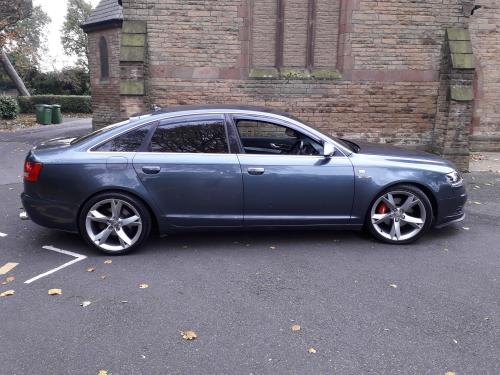
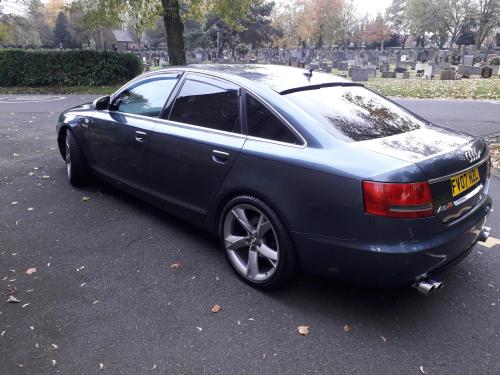
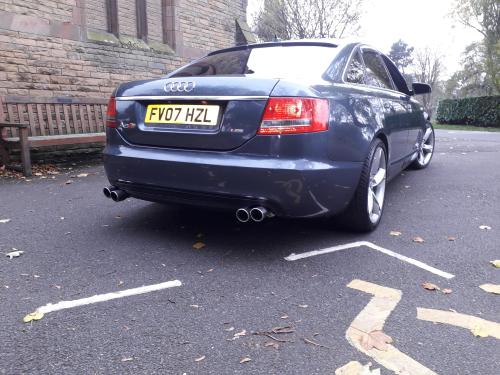
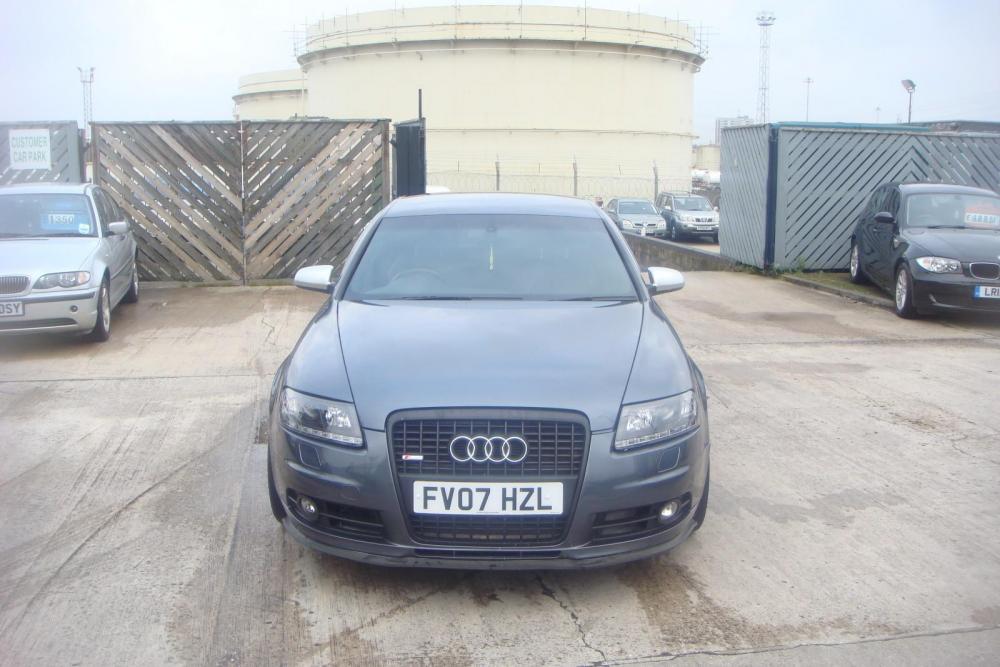
  5. Images added to a gallery album owned by T3RRY in A6 Photos
    S-Line (1).zipS-Line (1).zip


Background Picker
Customize Layout

Account

Navigation

Search

Search

Configure browser push notifications

Chrome (Android)
  1. Tap the lock icon next to the address bar.
  2. Tap Permissions → Notifications.
  3. Adjust your preference.
Chrome (Desktop)
  1. Click the padlock icon in the address bar.
  2. Select Site settings.
  3. Find Notifications and adjust your preference.