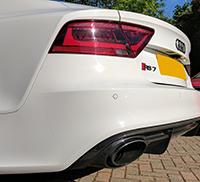
*Albino*Batman*
Members
-
Joined
-
Last visited
Everything posted by *Albino*Batman*
-
when is said show, and where? might come down
-
Nice pal. Good colour way You will suddenly notice loads of other Audi's on the roads and then smile to yourself that you have e a little red badge. My first Audi too. Never gave them a 2nd look before I drove an rs7. Took me 1 drive to go and buy one. I think it's down to the little red square.😀
-
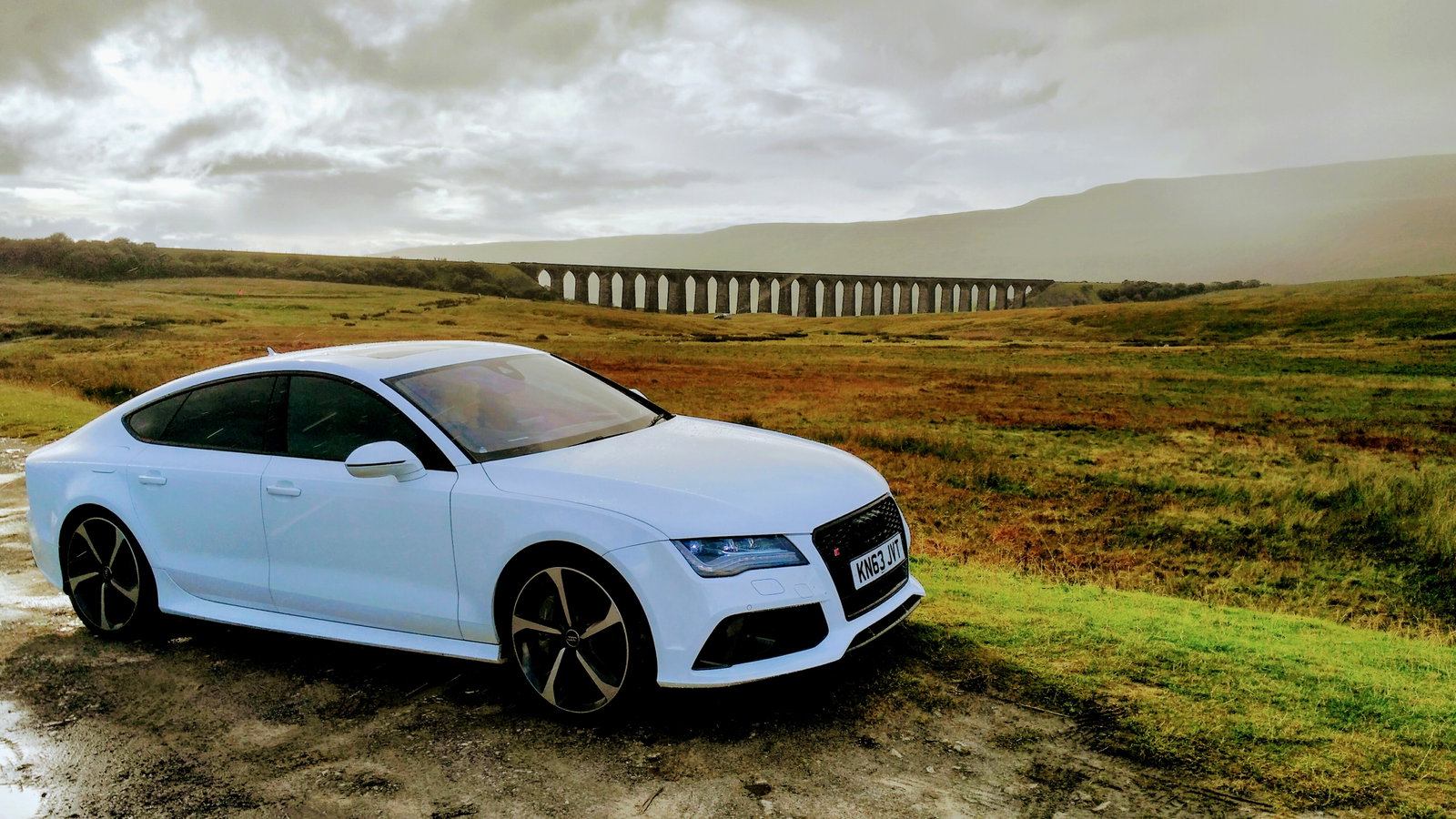
Think the photo was this one....
-
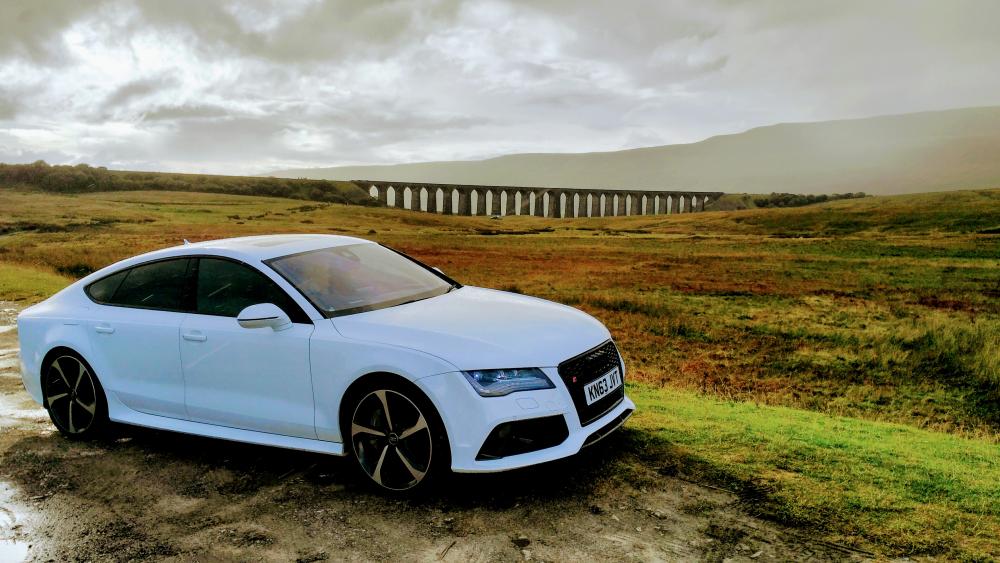
Ribblehead viaduct near Hawes in yorkshire
-
Odd. I can see it!
-
Unusually avoid Blackpool at all costs to be honest. I live in Poulton. But you are right. It's full of pissheads in the summer and dead in the winter.
-
-
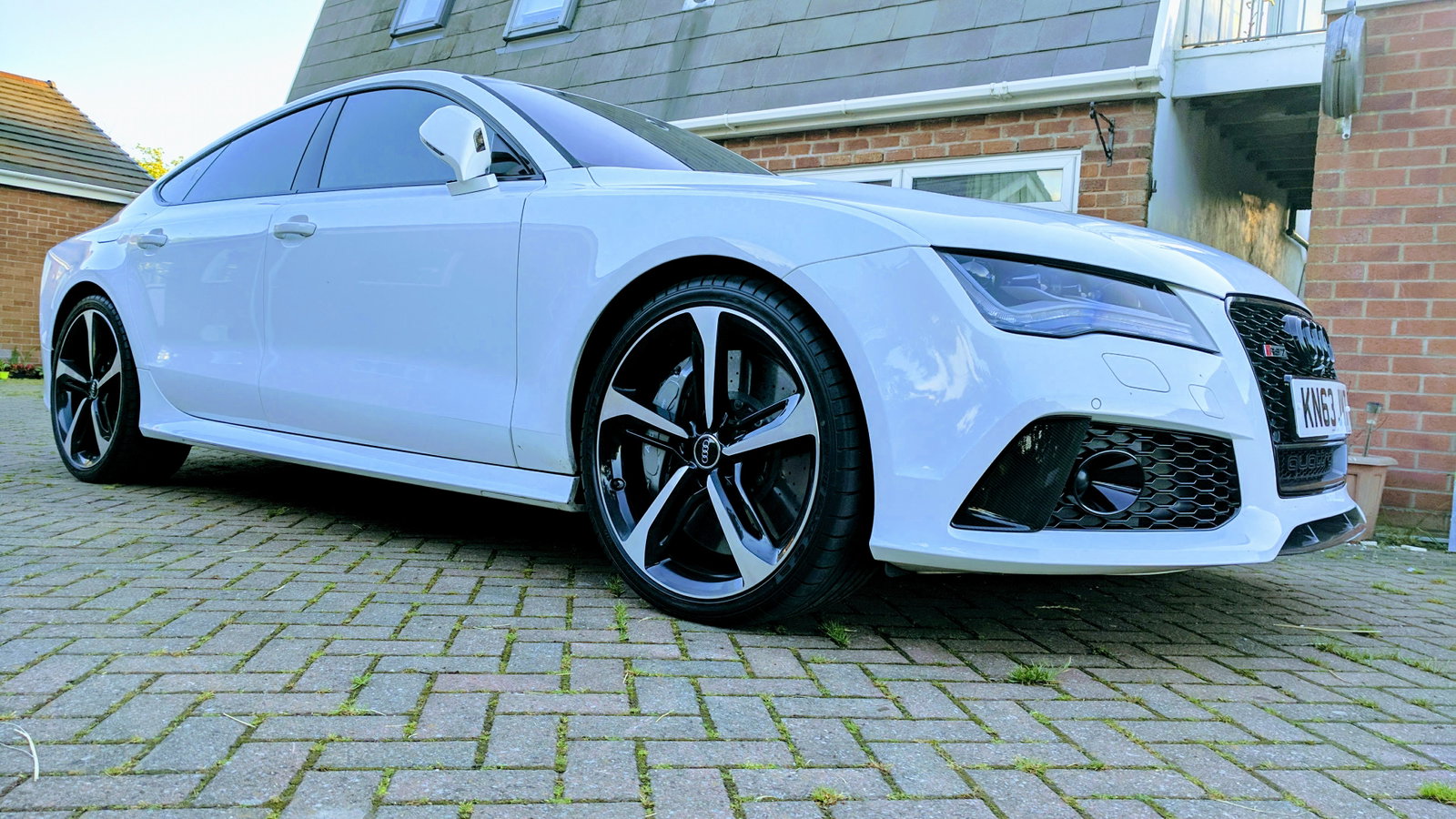
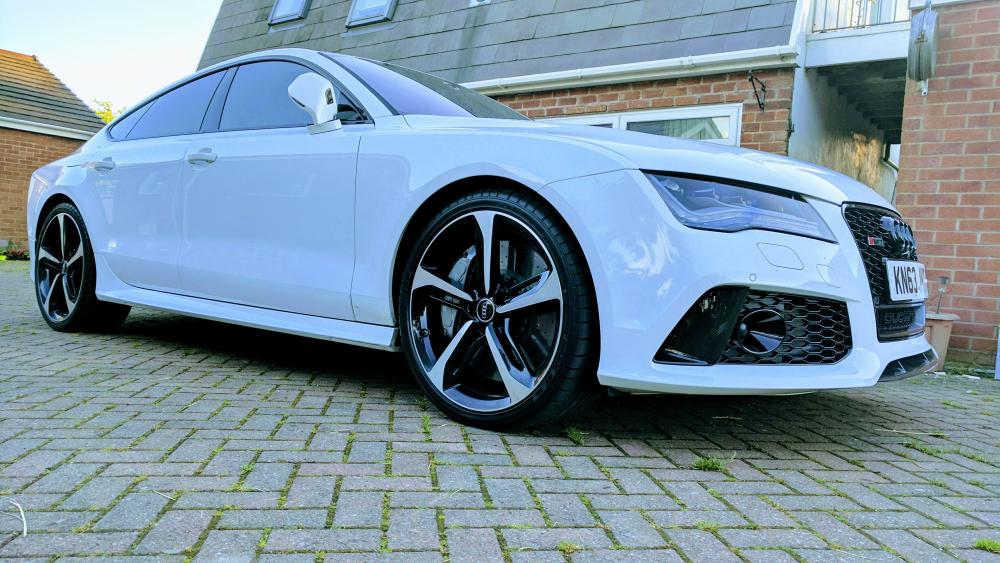
Hi All. Im new on this forum. Used to go on SXOC and Skyline Owners but now getting old and have gone all vorsprung durch technik! would be interested in doing any Audi meets in the North West as i used to do a few when i was younger and they were always a laugh to meet like minded people. Currently driving 2014 White RS7. Love my motor. Only had it 4 months so still exciting every time i drive it. Had a few tweeks though. next dyno i have booked is 1st November so will see power graphs then but hoping for 650bhp+ anyways, here is a pic of my baby...
-
Here is my car...