Glock
Members
-
Joined
-
Last visited
-
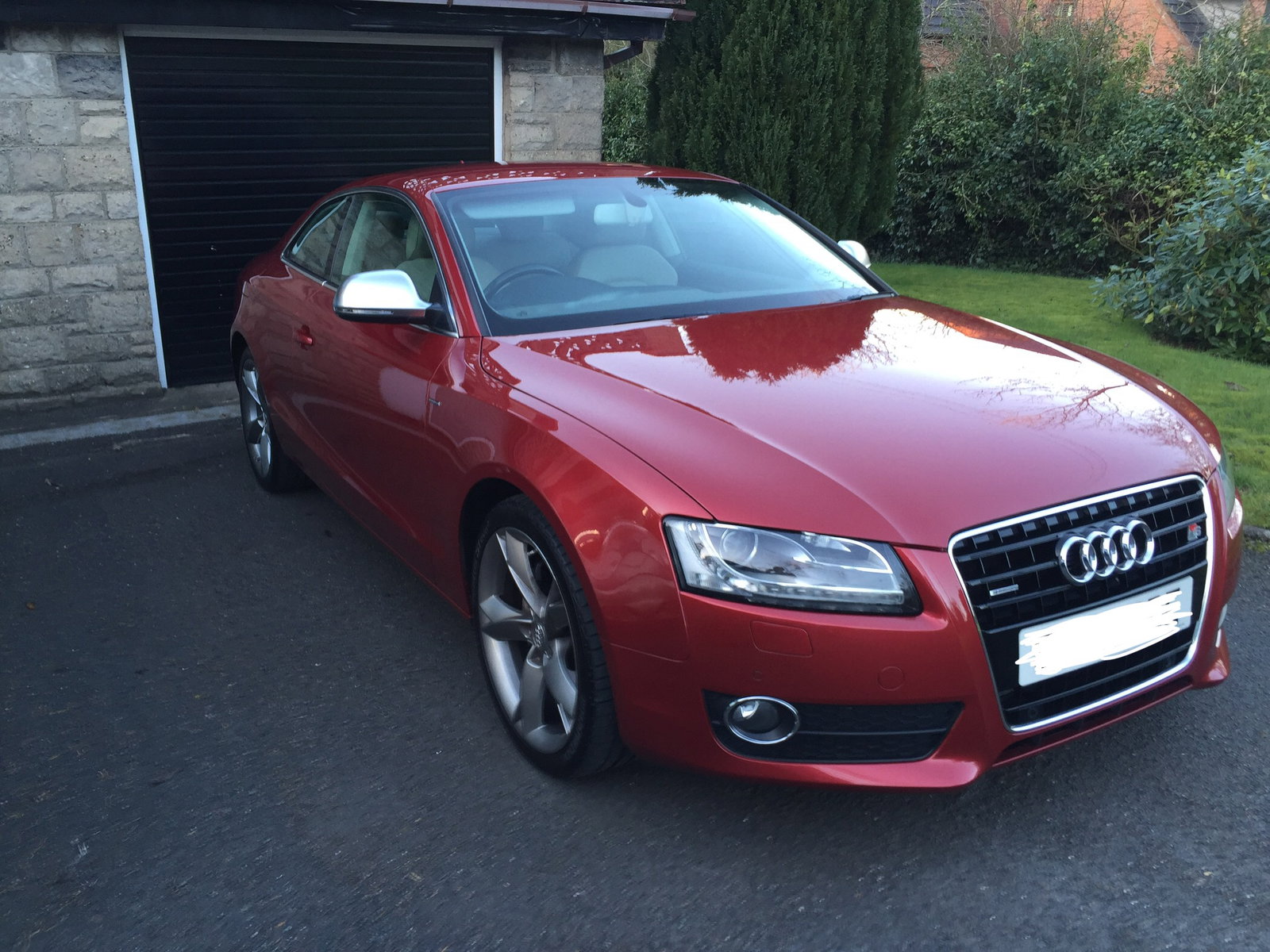
Hi Matty I currently own a 2008 A5 3.2fsi Quattro. I’ve had it a few years and the only thing I’d watch for is the electric window motors / regulators. Just replaced one of mine. Don’t expect great economy, but I’m sure you know this!! Even eco mode is sharp! Stick her into S and make sure your head is in contact with the headrest!! What I like is that it’s real power, none of the electronic trickery or turbos! Tyre wear isn’t too bad as long as you don’t skimp on decent brands! Michellin or Yokos! Pros Fast in all conditions. Reliable. Great looking. Snow and bad weather suitable with Quattro. Cons Poor economy (who cares!) High tax UK. Window regulators can be prone to brake. Put it this way I have no plan to get rid of mine and love it! I’m also an ex-suspersport racer and this is the first car that’s close to the thrill of a super bike!
-
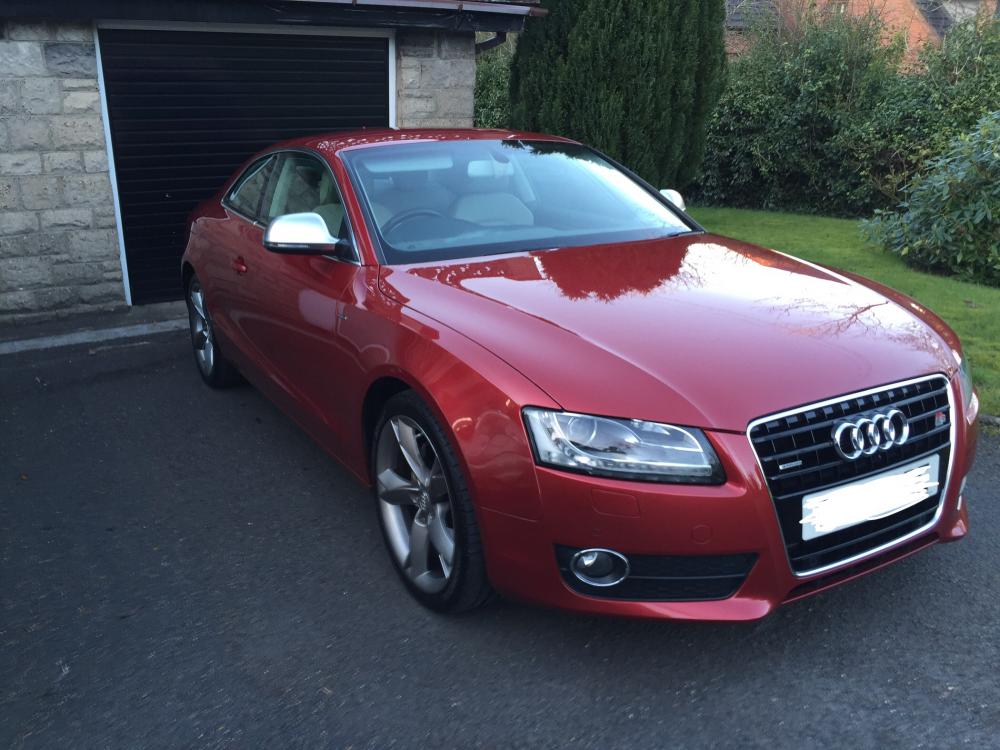
Hi guys I have a 2008 Audi A5 3.2FSI Quattro. I have to say it’s pretty much bomb proof! However a common fault is the Slovakian made window regs!! My Passenger reg went and I got it replaced! I tried everything to get it to slide partially down when I open and close it! It seemed to have a mind of its own!! The only advice I found online was to hold down and then hold up! Didn’t work at all! The FIX - Dissconnect the battery and it reset the memory and now works as designed!!!