Skip to content
View in the app

A better way to browse. Learn more.

Audi Owners Club (UK)

A full-screen app on your home screen with push notifications, badges and more.

To install this app on iOS and iPadOS
  1. Tap the Share icon in Safari
  2. Scroll the menu and tap Add to Home Screen.
  3. Tap Add in the top-right corner.
To install this app on Android
  1. Tap the 3-dot menu (⋮) in the top-right corner of the browser.
  2. Tap Add to Home screen or Install app.
  3. Confirm by tapping Install.

Scotteh

Members
  • Joined

  • Last visited

Everything posted by Scotteh

  1. Thats the beauty of an ssd lol. Bf4 is a killer for the loading aswell
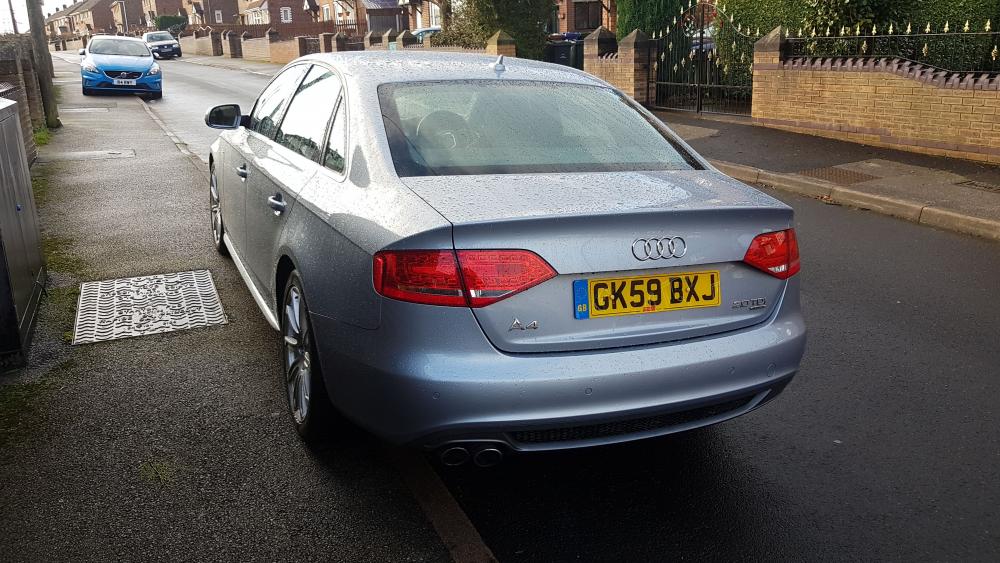
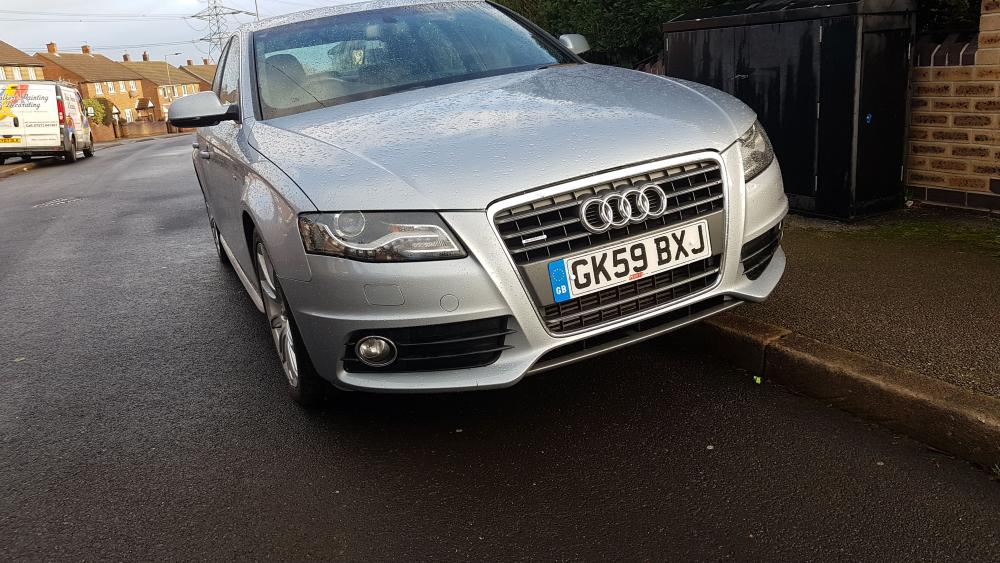
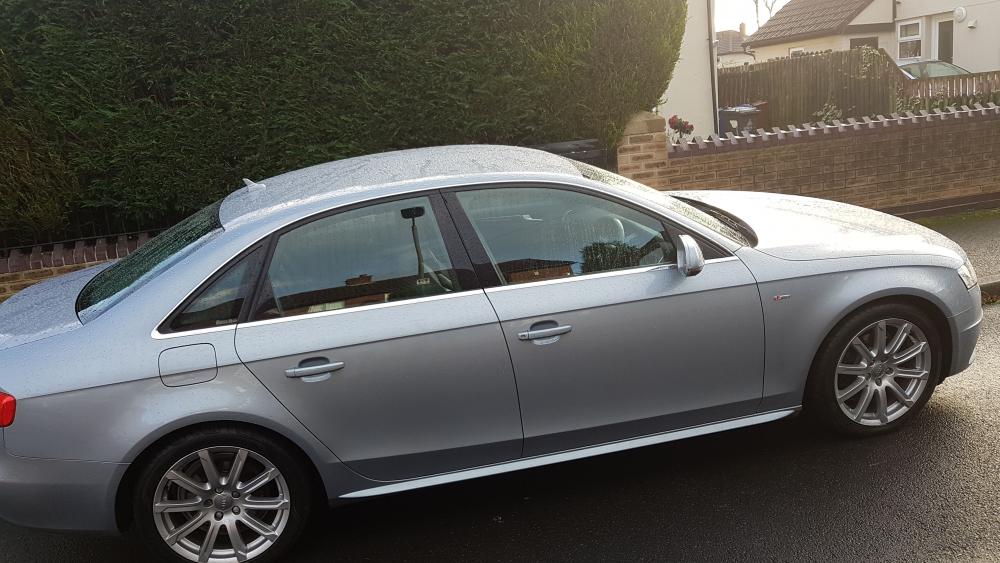
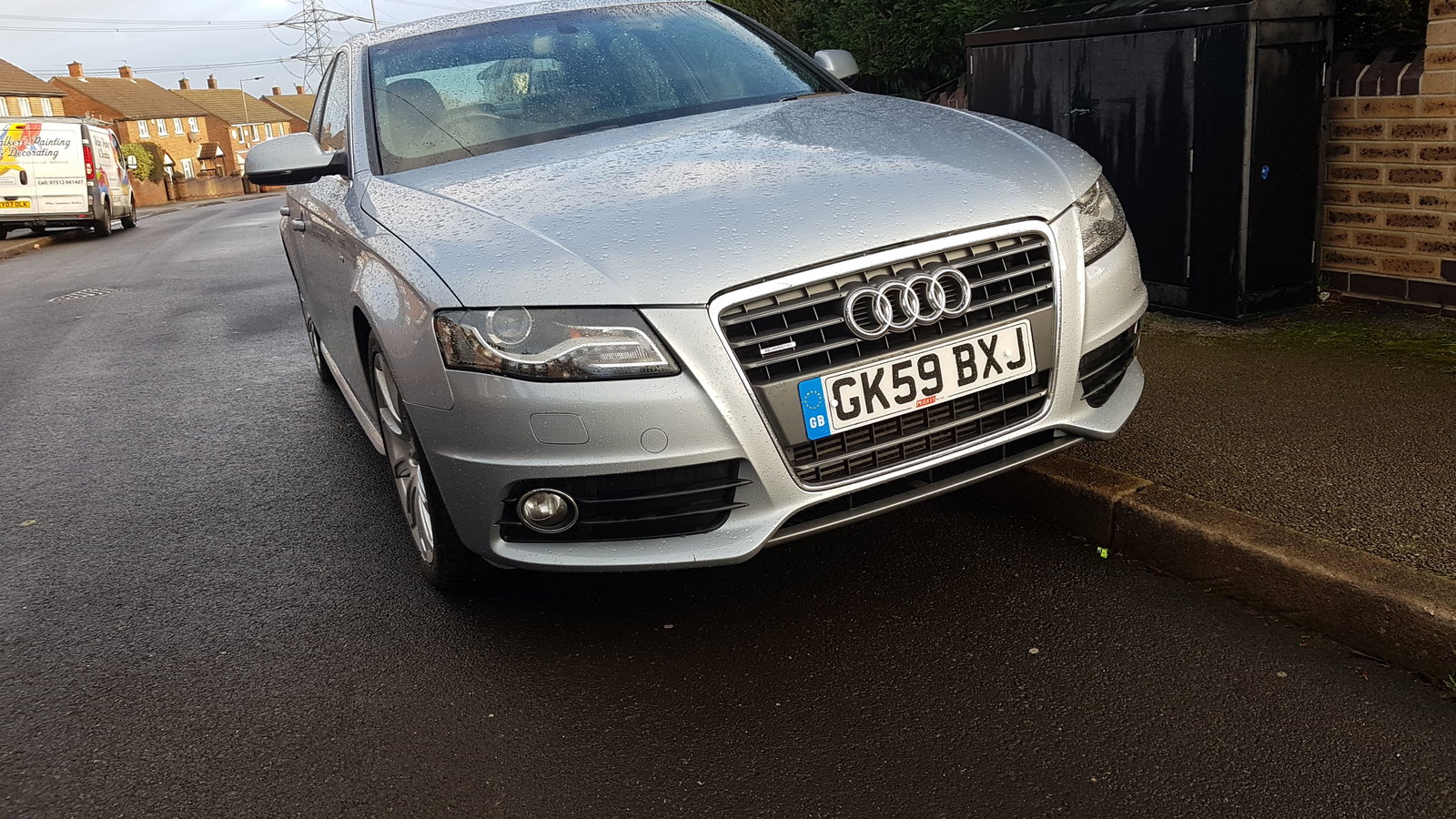
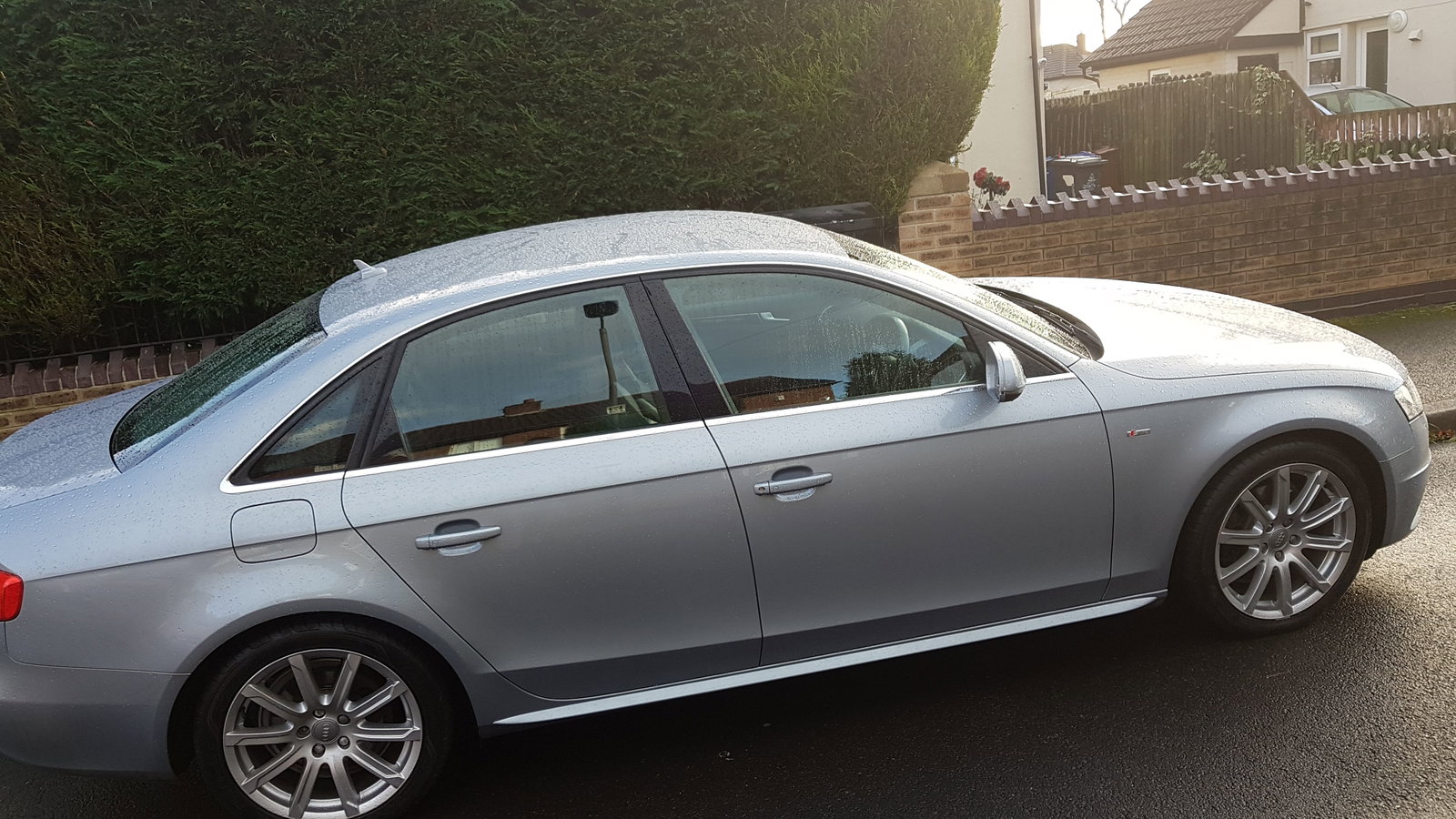
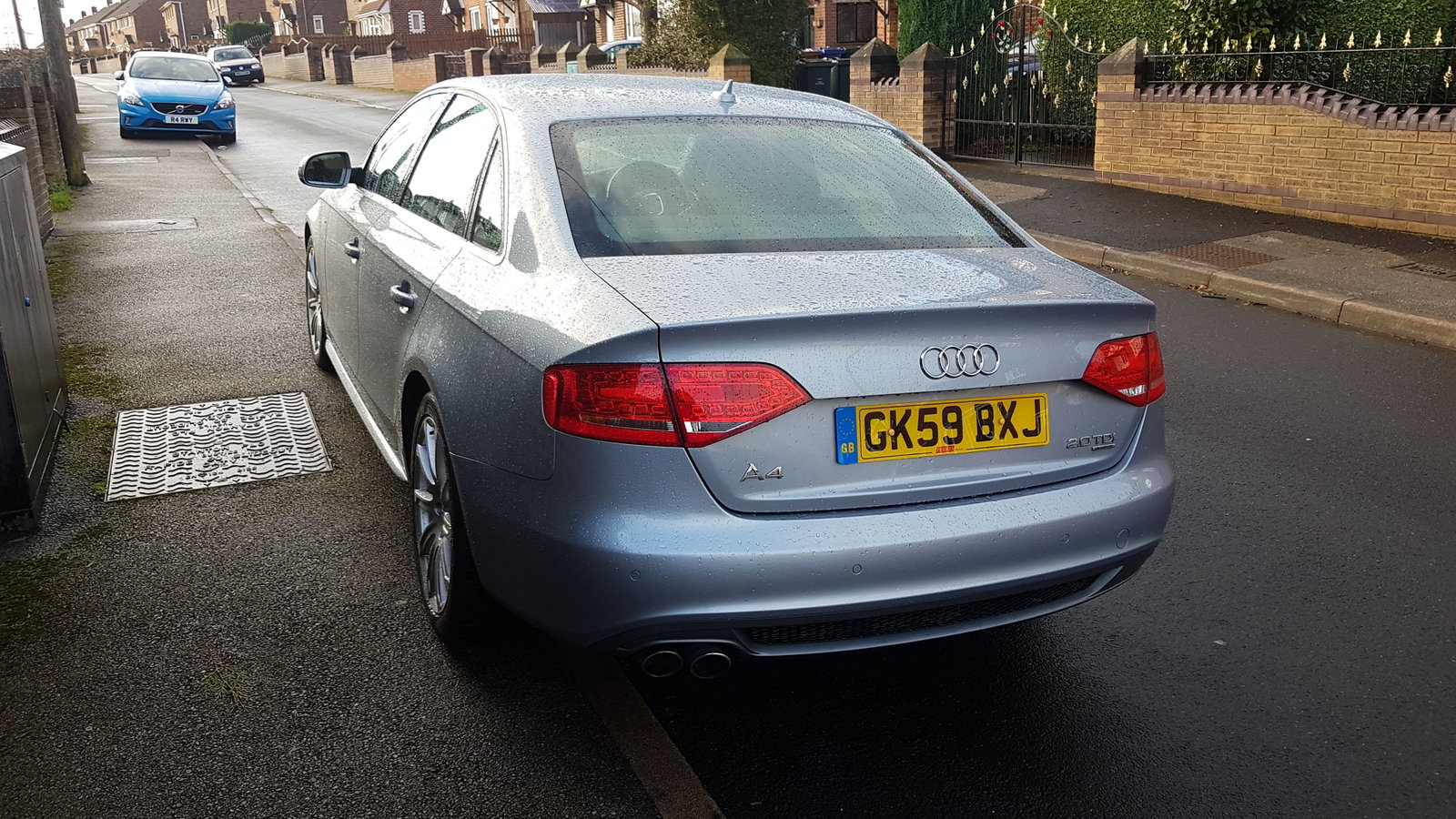
  2. Sorry guys forgot to post some pics of my a4 . Well.. here she is Nice motor buddy
  3. Just need to find someone to dye it for me lol
  4. Yeah shes a beauty . Just a little bit of leather wear on the inside of the drivers seat apart from that everything is spotless and the Bang and oulfsen stereo is well amazing lol compared to my insignia one ahah
  5. My profile name is scotteh i guess u wouldnt have guessed really aha
  6. Sorry guys forgot to post some pics of my a4 . Well.. here she is
  7. I play cs 1.6/cz/css/csgo bf3/4 i have pubg mainly fps games tbh
  8. Just thought I'd say hello to everyone and just give a brief introduction. So here it gos I'm Scott I'm from Barnsley in south Yorkshire and have just bought my 1st Audi s line Quattro 170 diesel. I' looking forward to joining in some conversations and threads.

Background Picker
Customize Layout

Account

Navigation

Search

Search

Configure browser push notifications

Chrome (Android)
  1. Tap the lock icon next to the address bar.
  2. Tap Permissions → Notifications.
  3. Adjust your preference.
Chrome (Desktop)
  1. Click the padlock icon in the address bar.
  2. Select Site settings.
  3. Find Notifications and adjust your preference.