


Leaderboard
-
Jim-A3-1.9TDi-2007
Members1Points14Posts -
dtoru
Members1Points11Posts -
Dodger
Members1Points2Posts


Popular Content
Showing content with the highest reputation on 06/27/2016 in all areas
-
1 pointHi Trevor, thanks for the advice, it was a loose bulb. All sorted out now jonathan1 point
-
1 pointhad it a month or so and love it and finally got some pics so here they are. My 2007 3.0 TDI Quattro Lemans
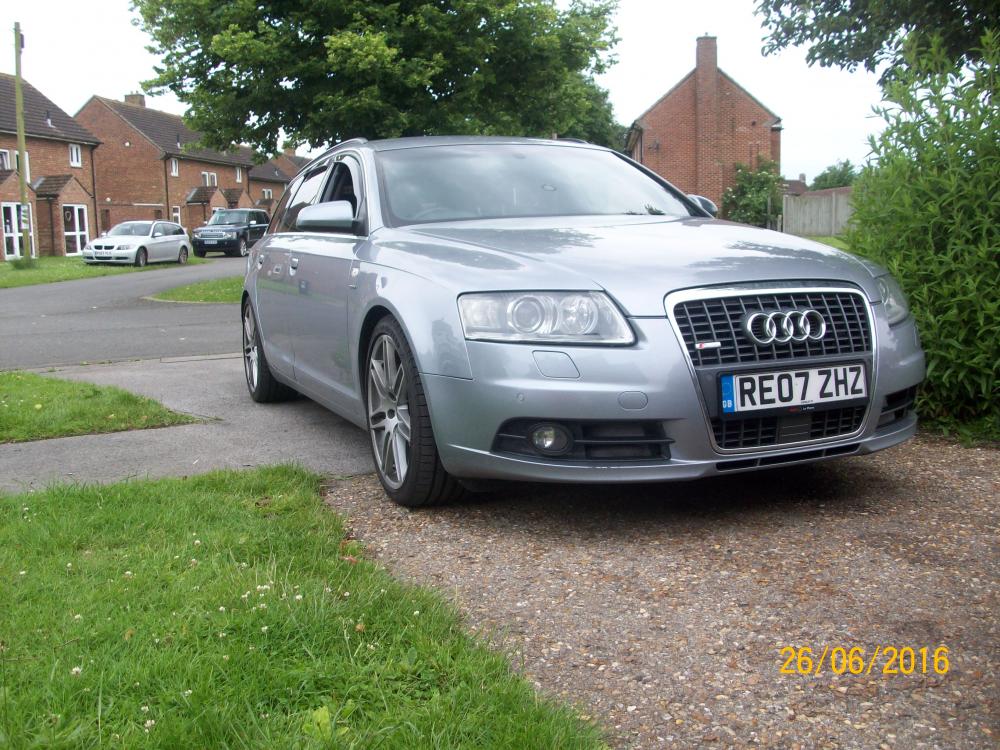
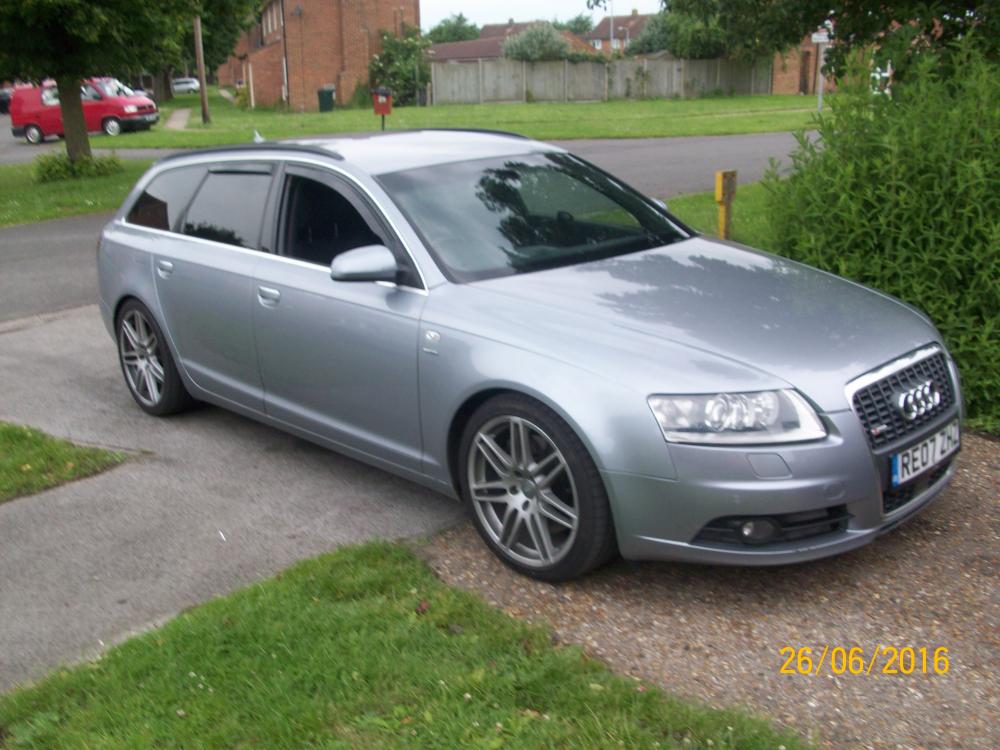
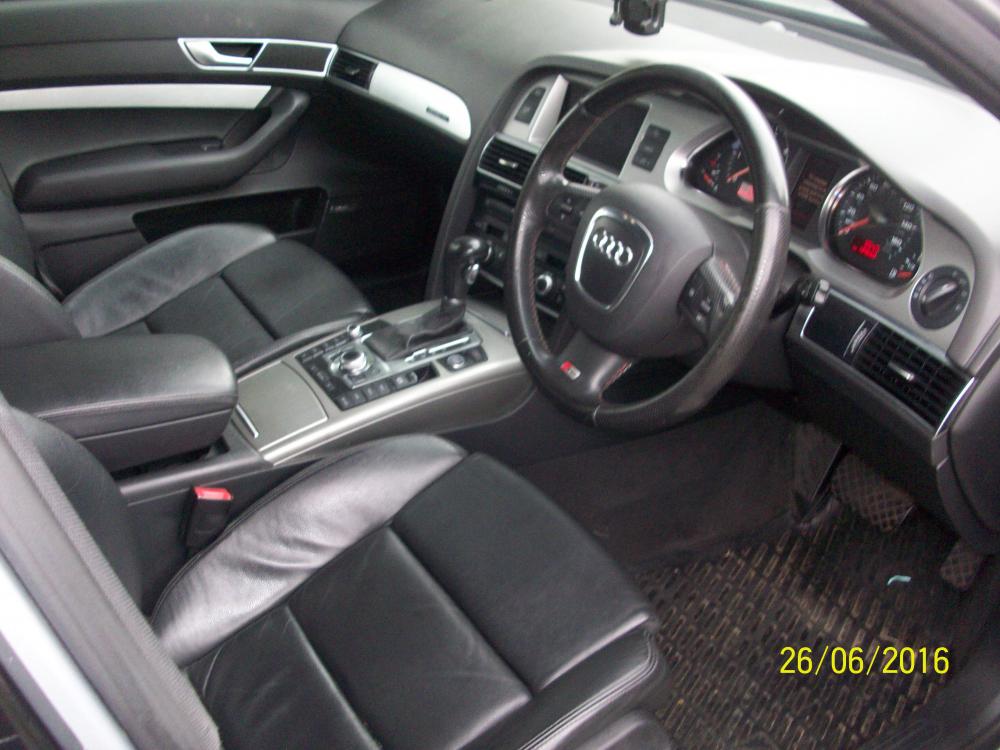
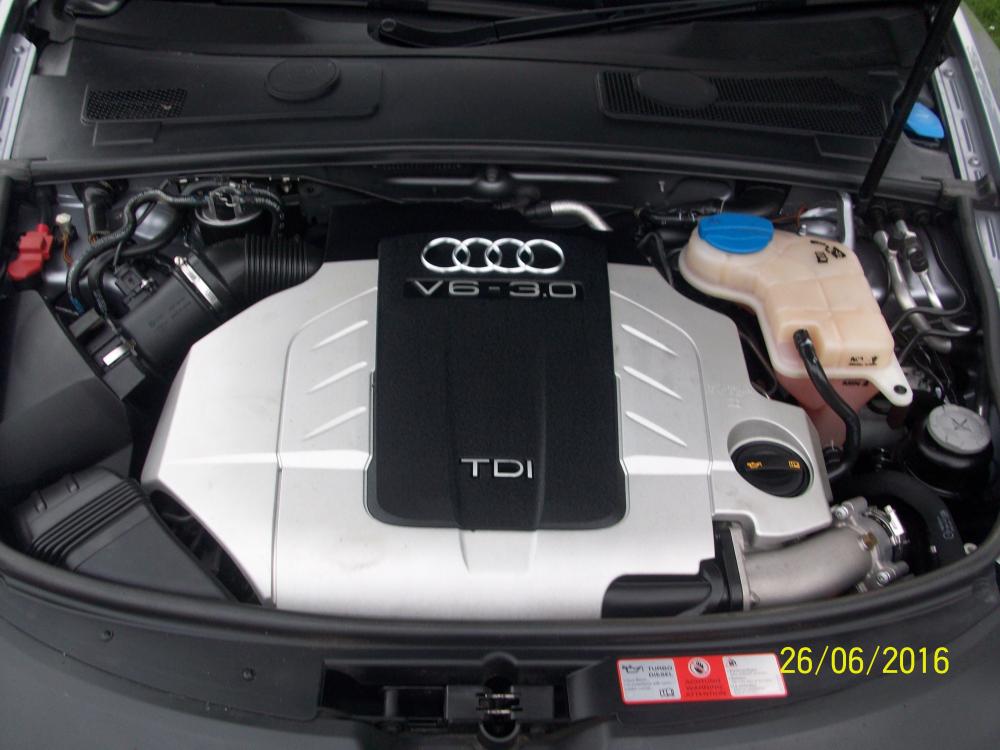 1 point
 -
1 pointJames I wanted to give you and other members an important heads-up. Our blown engine was very probably caused by diesel fuel in the engine oil sump. BXE engine owners have just accepted the problem as a defective engine or long oil change intervals (20k miles) but no manufacturer would expose themselves to this without being well within the risk, and modern oils don't deteriorate as they used to. The diesel fuel is forced past the piston rings into the sump during extended DPF (Diesel Particulate Filter) regen cycles, diluting the oil. This causes loss of lubrication at the big-end bearings, which in turn causes either big-end wear and knocking, or the big-end to seize and break the conrod, which is what happened to ours. Thousands of diesel cars are damaged in this way every year particularly ones doing short journeys and low speeds so the regen cycles don't complete and restart ad infinitum. The problem can be detected by the oil level in the sump rising. So the level must be checked weekly at least. There's a lot of evidence and warnings on the web, including from the AA, so you can find it easily. Please pass on this info and warning to other members, if even one engine is saved it will be excellent. Many thanks for your kind response to a newbie, I wanted to return the favour. Best regards, Jim1 point


