


Leaderboard
-

AOC Admin
Administrators2Points3,807Posts -

Steve Q
Moderators2Points15,243Posts -
Jake Flach
Members2Points7Posts -
WPAWS
Established Member1Points1,717Posts





Popular Content
Showing content with the highest reputation on 03/15/2018 in Posts
-
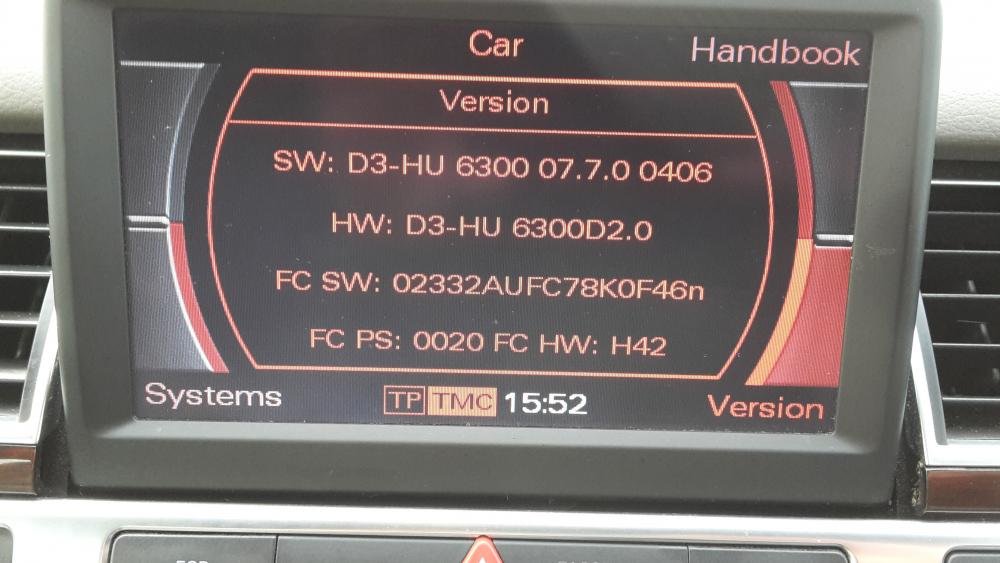
2 points1 pointDefinitely Trevor! I think my next road trip will be to Normandy to the museum's and key WW2 sites in France.1 point1 pointThanks for the replies. I have spoken to uknavigation on E-bay. After sending a photo of the 'version page' they said they have the correct disc for me. Only cost £7.99 and if it doesn't work I can get a refund :-) I did try and find an original disc, but not wanting to spend £65 on something that may not work. Hopefully this new disc will sort my problem out, will keep you informed.
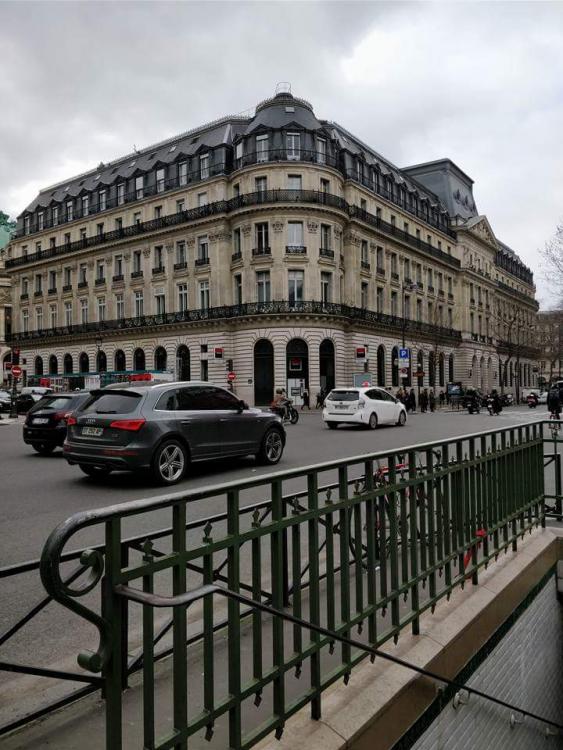
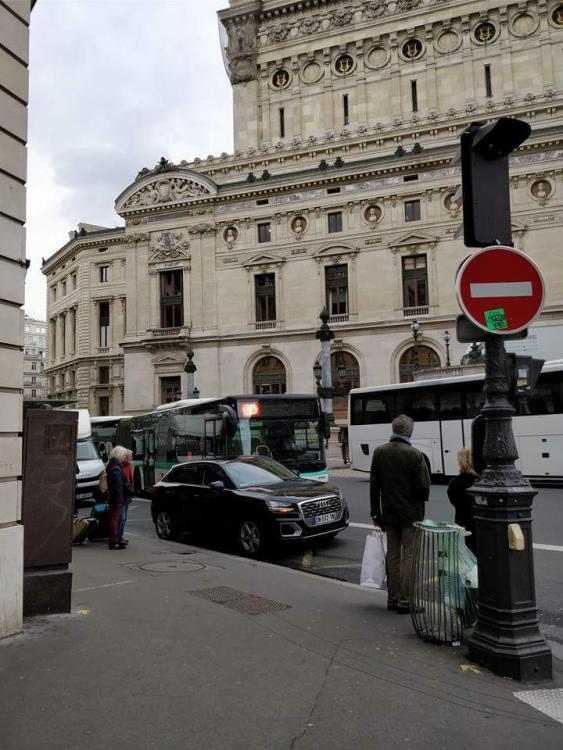
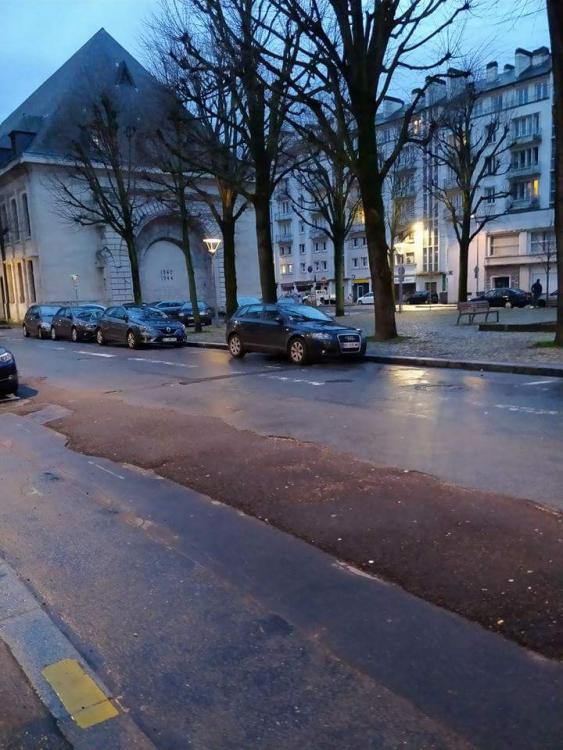
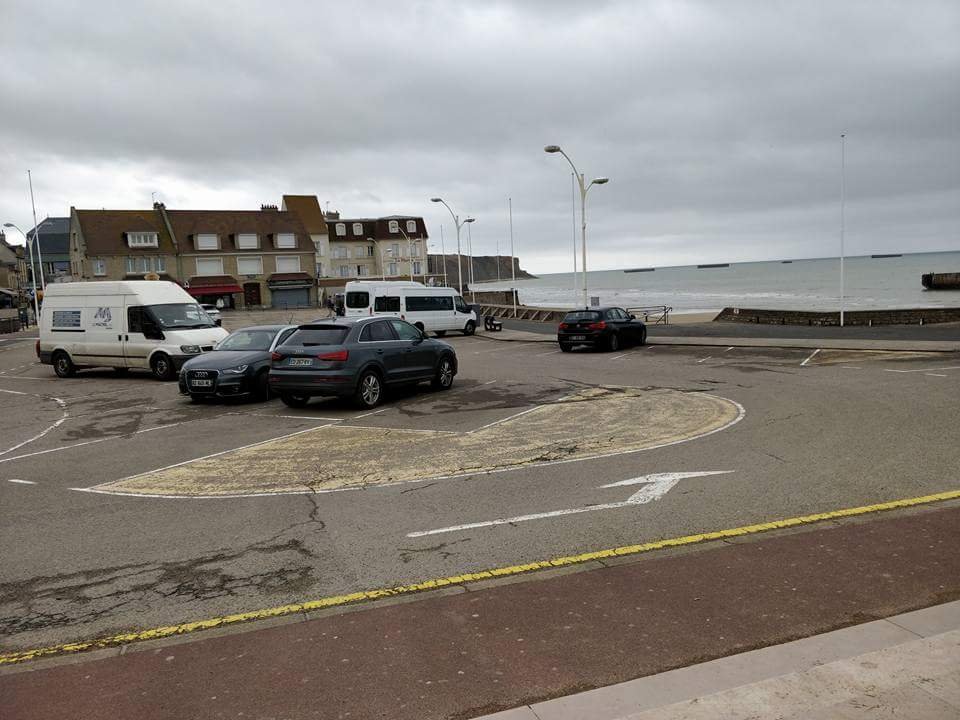
 1 point1 pointHere's some Audi's I saw whilst in France. Pics taken in Paris, honfleur, Rouen and Normandy. Cheers Steve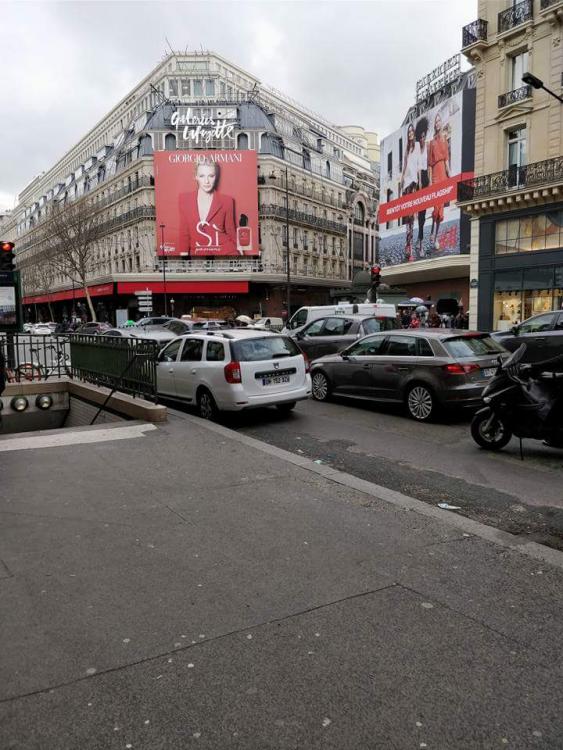
 1 pointCannot be fairer than that. Happy to follow these rules, wouldn't think about joining a Forum that didn't follow these type of rules.1 point


