


Leaderboard


Popular Content
Showing content with the highest reputation on 10/17/2019 in all areas
-
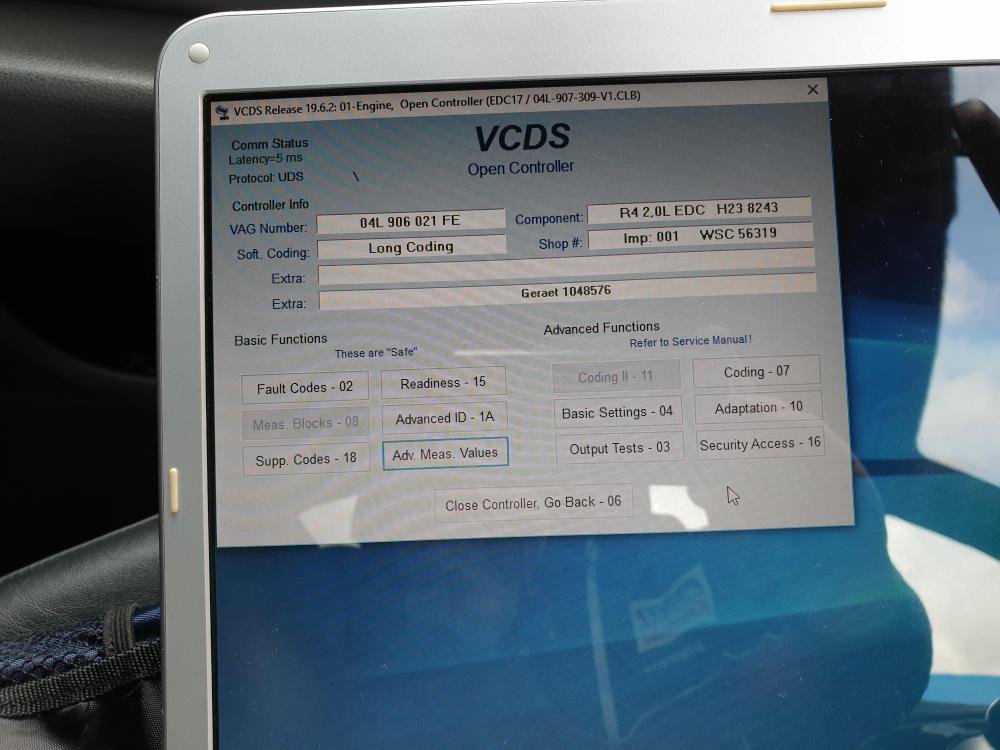
1 pointUPDATE. Just a bit of info. These sensors seem to be a common problem, if your getting this same fault code then I'd look at these first. I'm sure it was just the one sensor that was faulty but I replaced both just to save any hassle in future. (Not saying this is going to be the cause on all occasions but it's certainly the cheaper option) I got both genuine VWAG sensors for £65 on Ebay 🙂 compared with Audi wanted £72 each. Also managed to get the adaption done in VCDS by going in to Engine then Basic Settings and there's a drop down menu in there. Hope this helps anyone with same problem.
 1 point
 -
1 pointAs Magnet has mentioned, I wonder if the fuel level sensor and/or the computerised readout is compromised and out of calibration and therefore the fuel 'used' is not entirely accurate?1 point
-
1 pointHi Rob....welcome to the Club Long term Audi addict then....you know there's no cure 🙂 Good to have you onboard Cheers, Trevor1 point
