Leaderboard
-
sammk6
Members1Points1Posts -
Mightyg117
Members1Points1Posts

Popular Content
Showing content with the highest reputation on 02/16/2020 in all areas
-
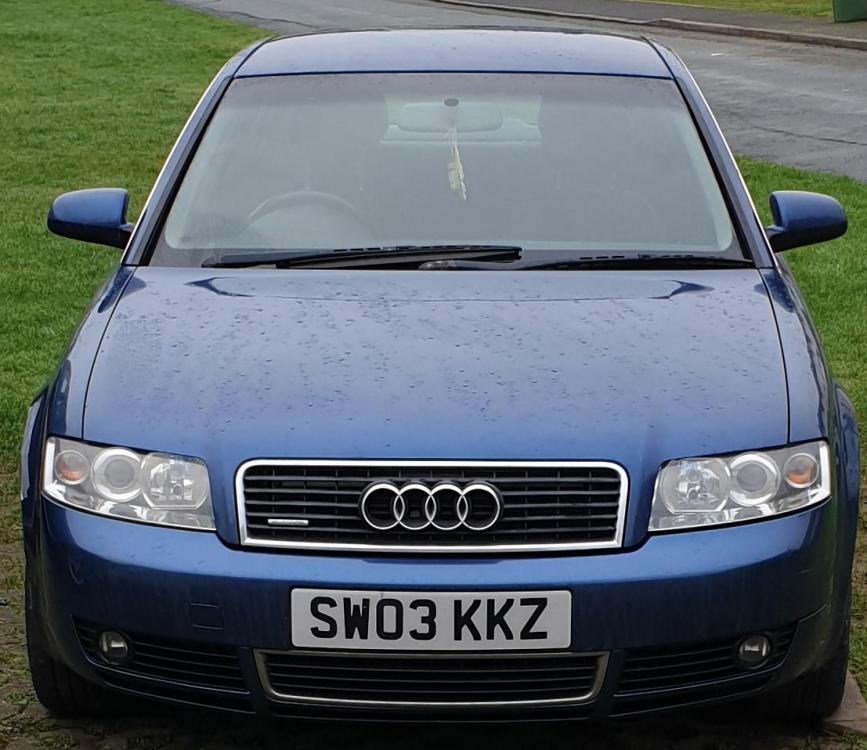
1 pointHi All I have been an Audi owner since 2011 and have just traded my first A4 (3.0 SE 2003) for a newer A4 (3.2 SE 2008). I dont know why I had not looked for a forum like this before. I have a feeling that I will be picking brains in here quite alot. Thanks
 1 point
 -
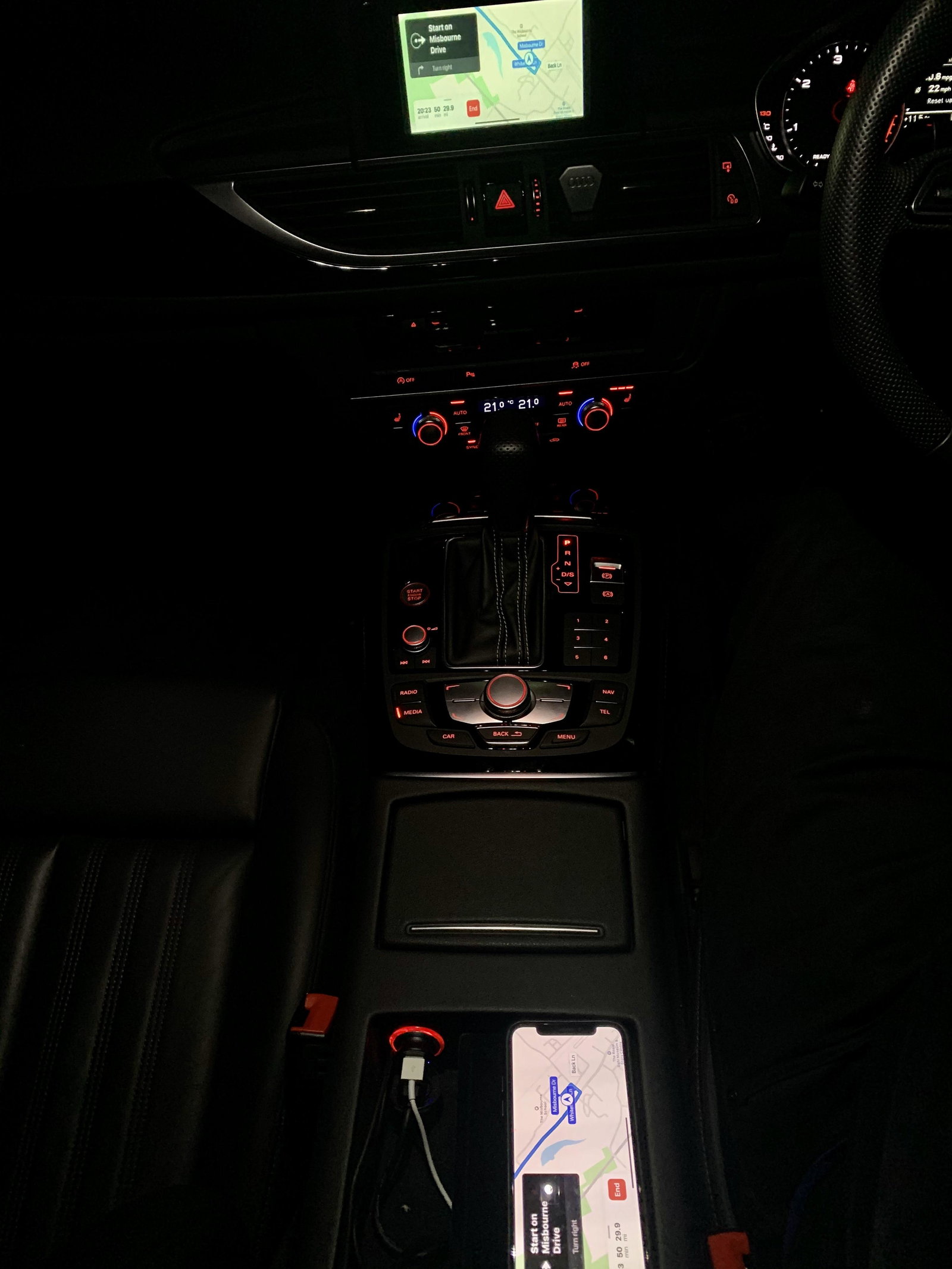
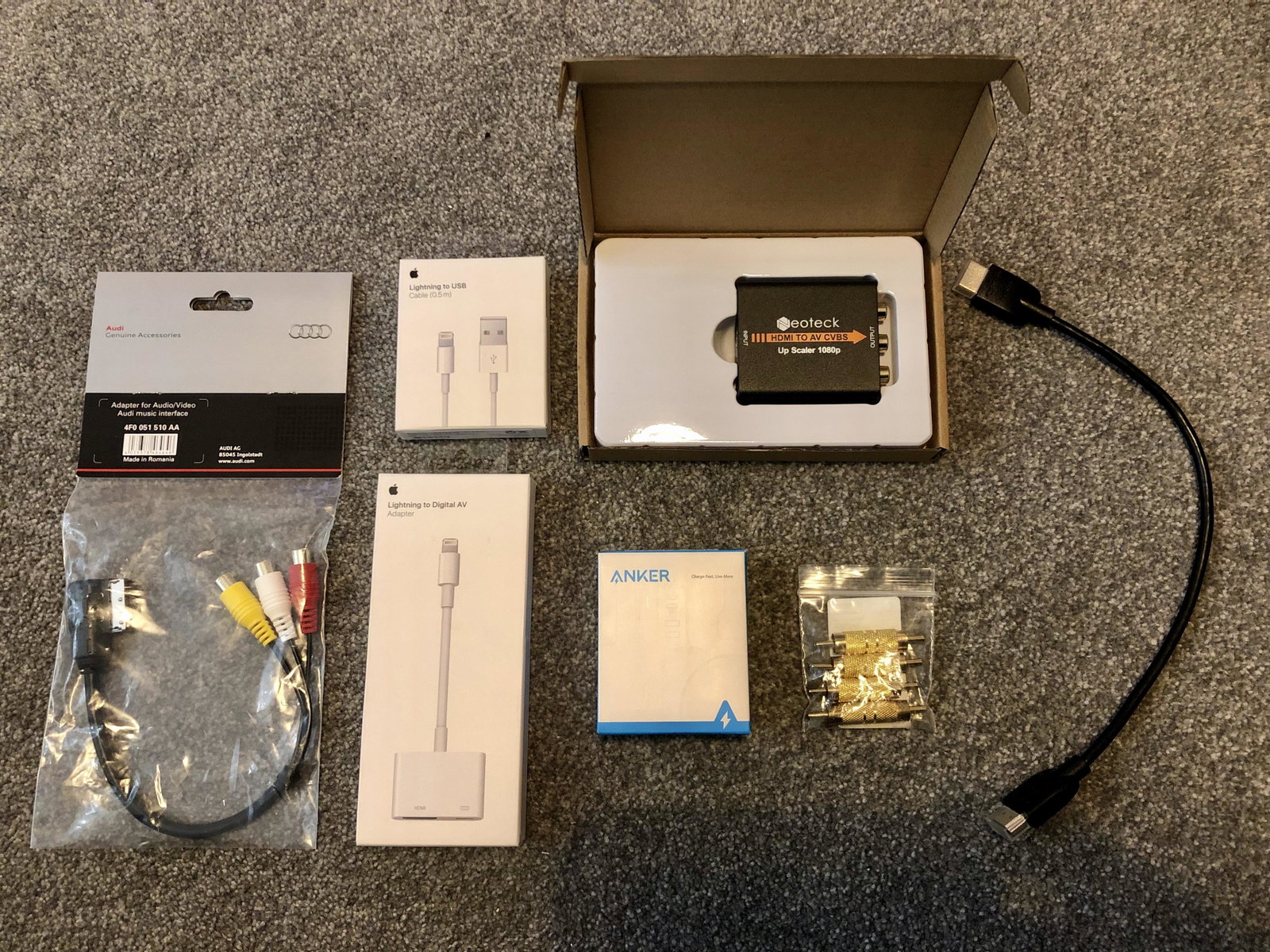
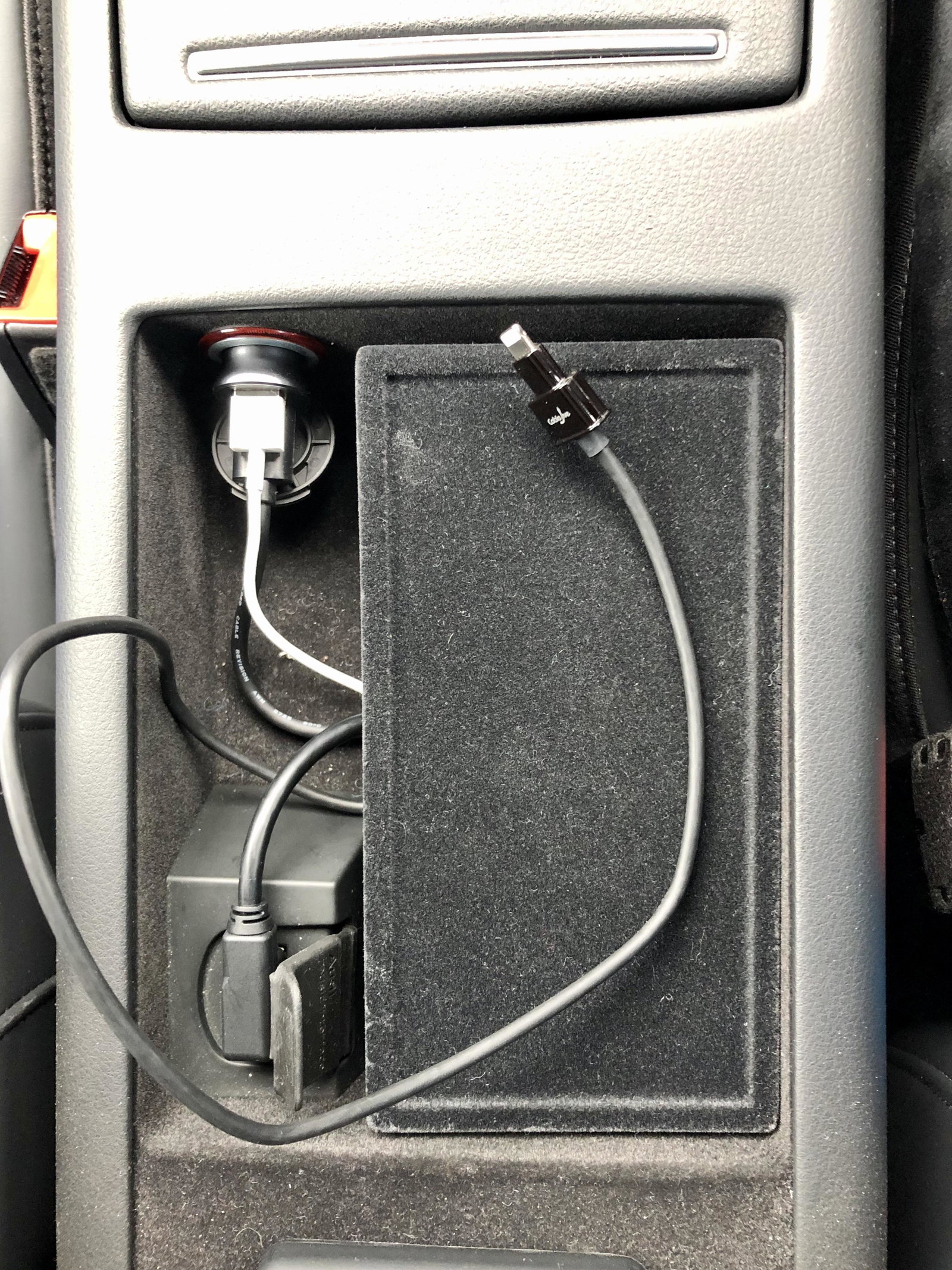
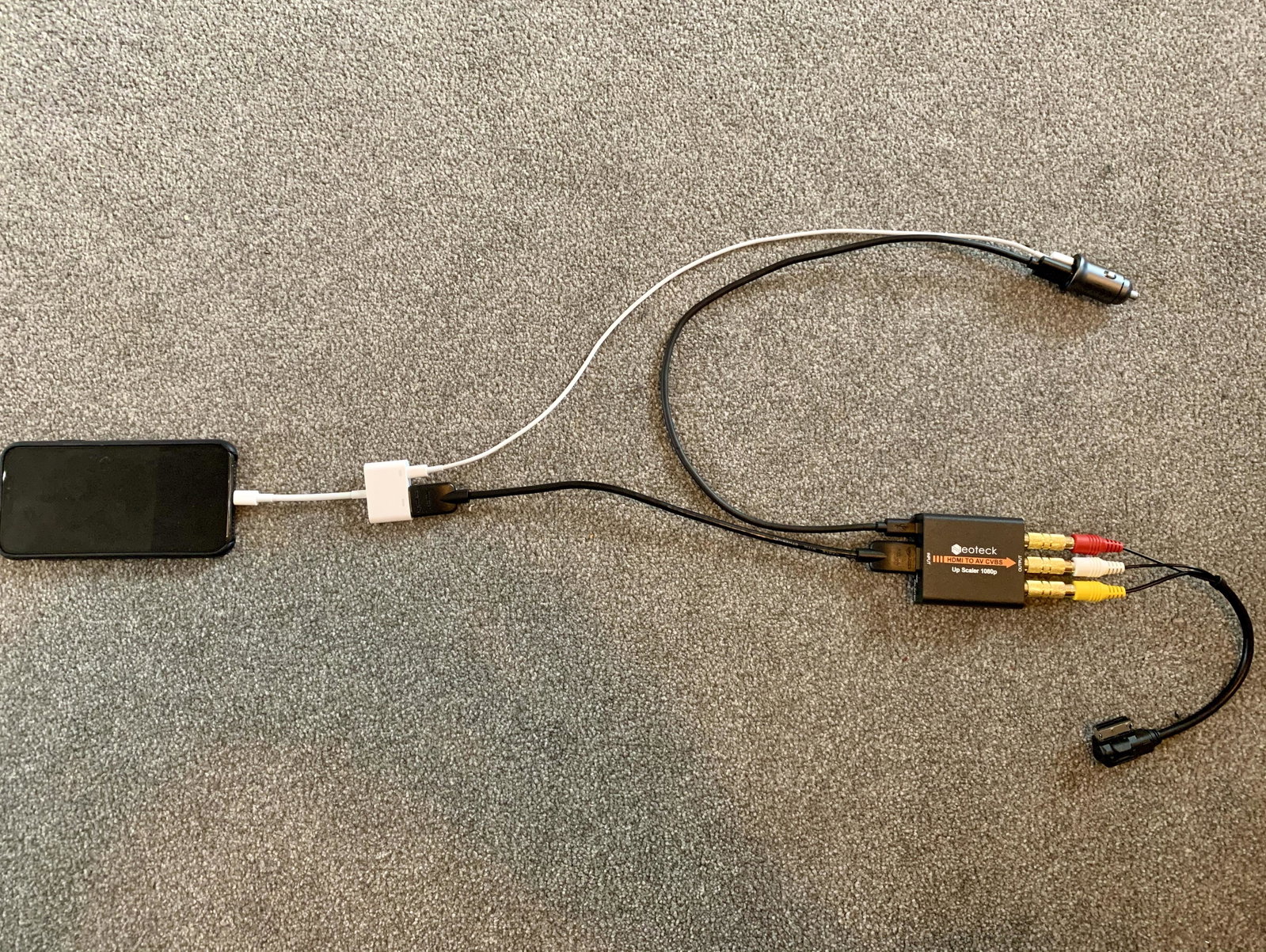
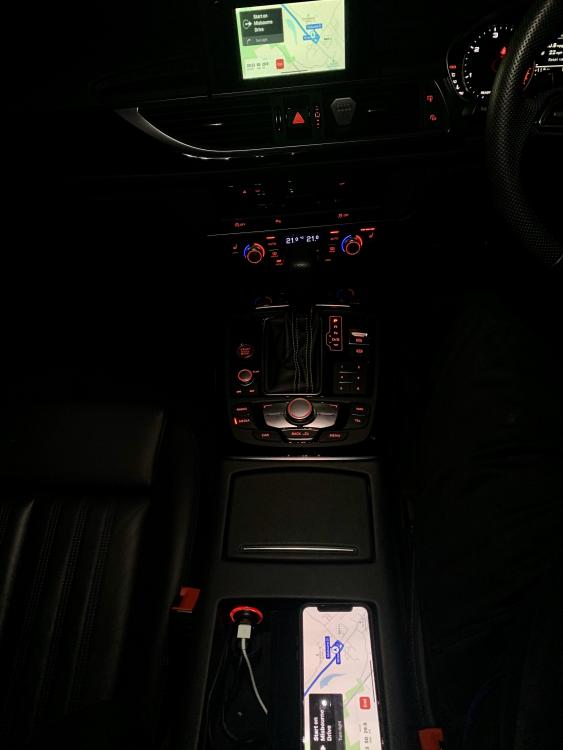
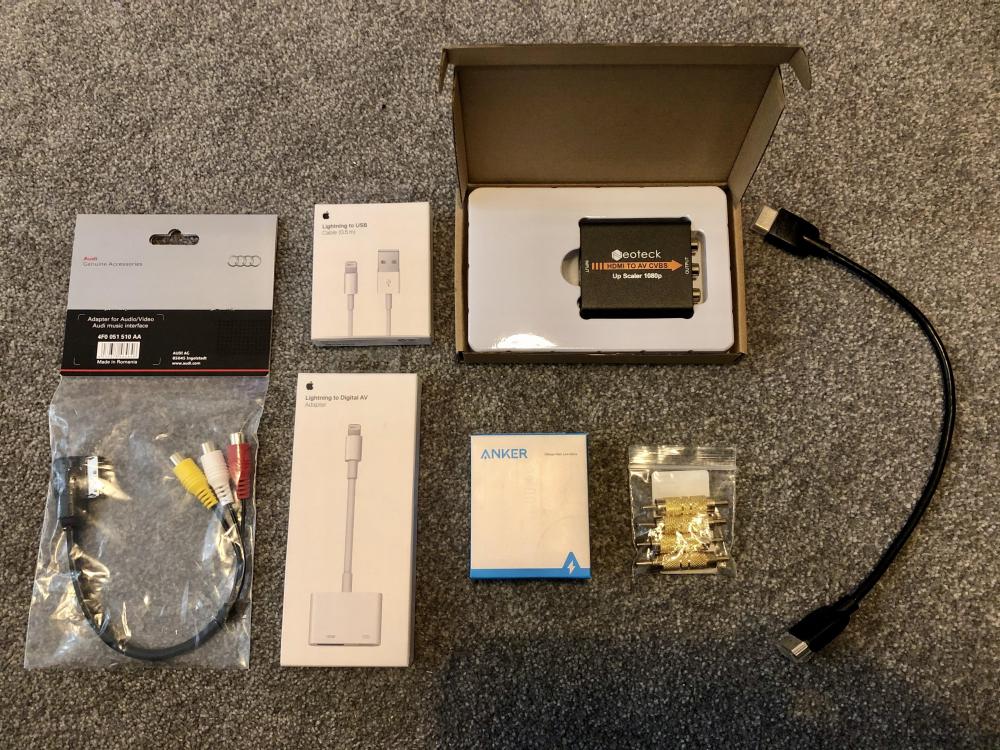
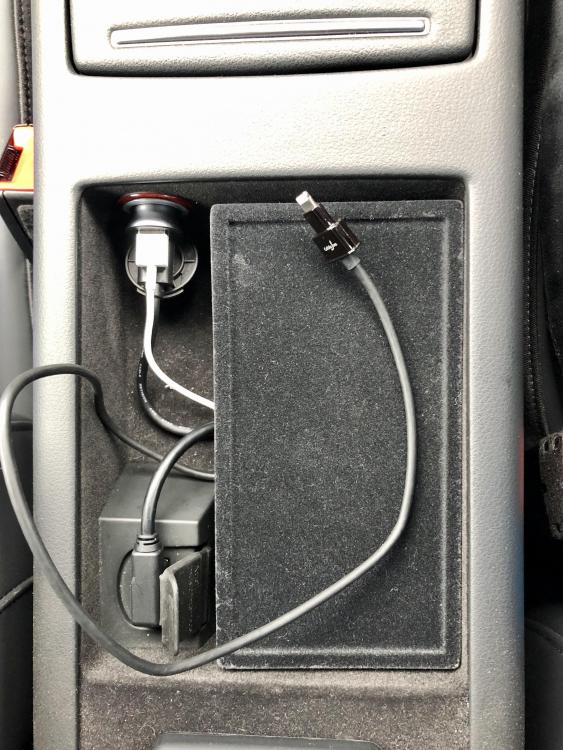
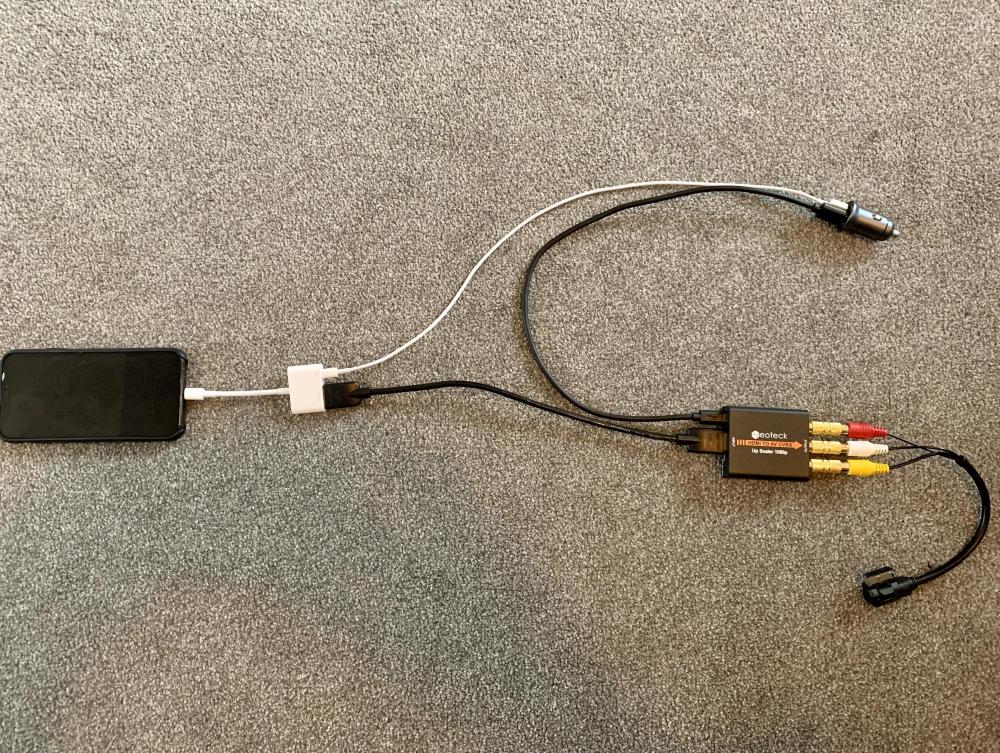
Hi, Sorry I know this thread is a few months old but thought this may help people in the same situation with the RMC system. I was in the exact same situation and considering an aftermarket apple CarPlay box but it means a fair bit of bodging wires. So with quite a few expensive adapters you can do this without cutting anything or taking your stereo out. Hopefully the pictures below explain them selves pretty well. Always buy original Audi RCA MMI cable as the cheap £10 eBay/amazon ones will not work. The same goes for the Apple AV adapter. I think in total including dual USB adapter I spent just over £100 on cables as i also ended up using a lightning extention cable from the phone to the AV adapter as it was too short. Plus you will need Video in Motion enabled with a Kufatec dongle which is around £80 so all in just under £200 so its perfectly possible just not cheap. Considering the alternatives and functionality its pretty good, I can now use google maps, apple maps, waze and stream Spotify without any issues at all. I use the volume as normal on the steering wheel and my watch or 'siri' to control what's going on the screen to pretty good effect. Only downside is the iPhone 6 plus, 7 plus and 8 plus are the only ones that will force stay in landscape mode including the menu the all others and iPhone X onwards only does landscape in supported apps for some reason. Let me know if anyone has any questions.
 1 point