Leaderboard


Popular Content
Showing content with the highest reputation on 04/24/2021 in all areas
-
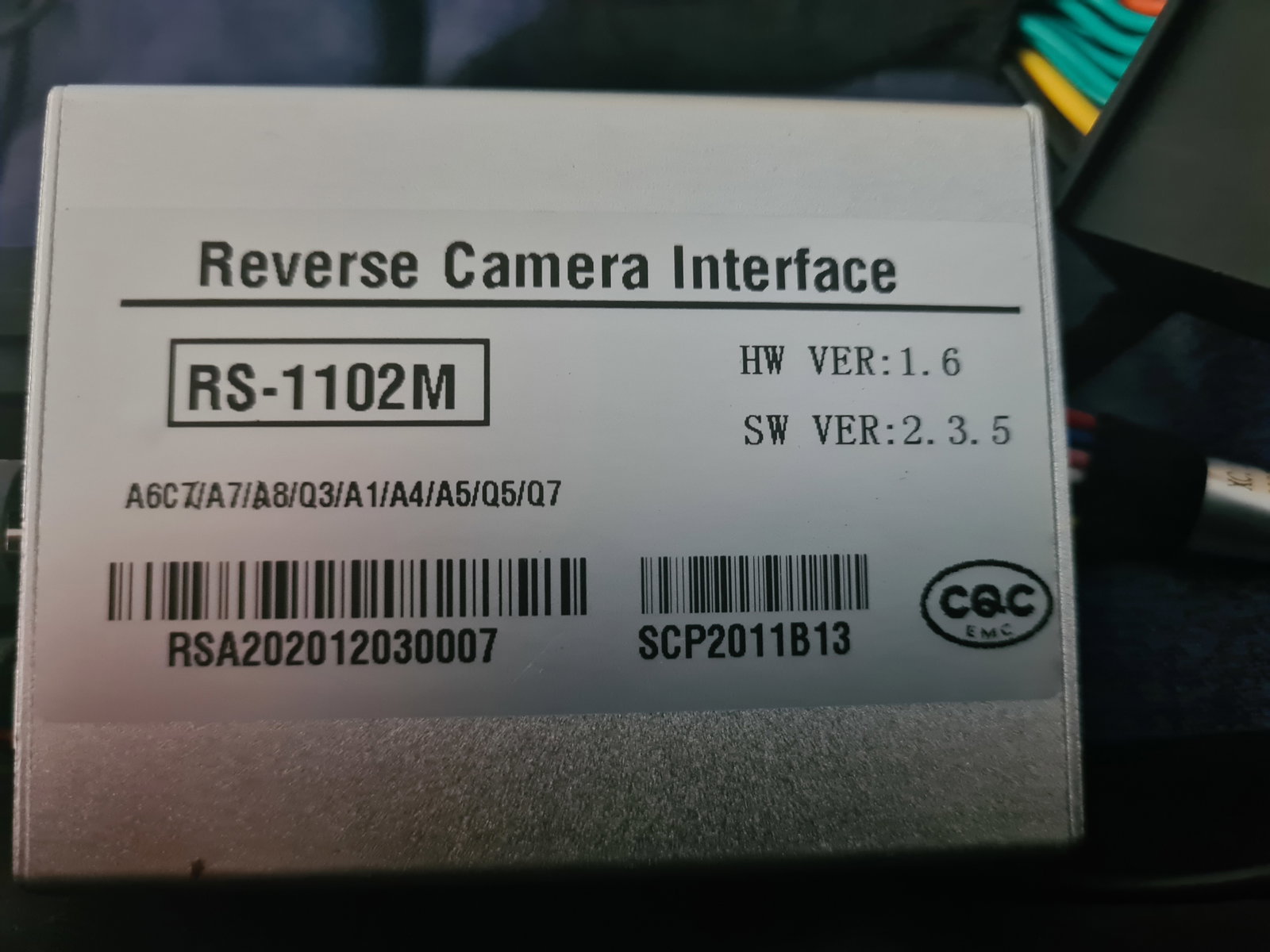
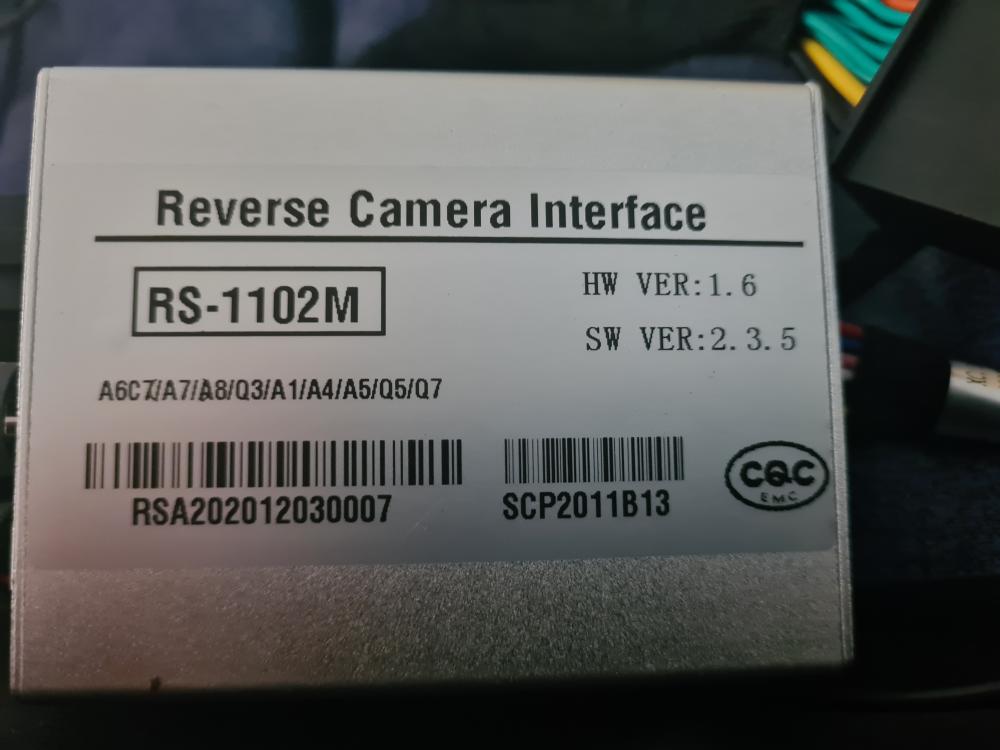
I bought this reverse camera kit for my A6 but the installation instructions were very poor. Has anyone a link for instructions or a video link.
 1 point
 -
1 pointHi all, I have a 2006 A6 Avant - it has bluetooth functionality (if your aerial is a shark fin then I believe generally you will have bluetooth). But this will only allow you to connect your phone to make calls, however, not play music. With mine, I had a 6 CD changer in the glove box. I downloaded the updates for the MMI online, and updated the MMI system. I then replaced the cd changer with an AUDI AMI unit from eBay, (part no. 4E0 035 785 B). This literally took 5 minutes. Once this is done you can select Audi Multimedia Interface when you press the 'Media' or 'CD/TV' button. I then bought a Tune2Air 2000 bluetooth device from ebay. With an Audi AMI ipod cable, this plugs directly into the AMI unit. You then connect to this receiver via bluetooth, and it streams the music from your phone/ipod/whatever (iTunes, Spotify etc) through the stereo. Tracklisting will appear on the MMI screen for most devices, and tracks can be skipped with the < and > buttons. All works perfectly, probably cost me about £500 to buy the bits I needed. I essentially followed this guide...https://a6retrofit.com/ami-retrofit-audi-music-interface/ you will see you can keep the CD changer installed if you wanted to, but I can put any CDs I want onto an iPod, and together with Spotify on my phone I didn't really see the need for it anymore. I can therefore simultaneously have my Samsung phone connected to the car to make calls, and the Tune2Air to stream music through the stereo. They work together nicely, with phone calls interrupting the playback etc as it should.1 point