Skip to content
View in the app

A better way to browse. Learn more.

Audi Owners Club (UK)

A full-screen app on your home screen with push notifications, badges and more.

To install this app on iOS and iPadOS
  1. Tap the Share icon in Safari
  2. Scroll the menu and tap Add to Home Screen.
  3. Tap Add in the top-right corner.
To install this app on Android
  1. Tap the 3-dot menu (⋮) in the top-right corner of the browser.
  2. Tap Add to Home screen or Install app.
  3. Confirm by tapping Install.


Leaderboard

Popular Content

Showing content with the highest reputation on 10/19/2023 in all areas

  1. Yes. The initial AA Roadside assistance tested the battery and alternator and all was OK. The vehicle was transported to my local Audi Garage and diagnostics were ran. It was determined that a software update was required for the generator system. Unfortunately the effectiveness of this fix will not be known until I have driven the vehicle repeatedly and covered a few hundred miles. I now have the car back and will be somewhat nervously monitoring for any warning "pings".
  2. 1 point
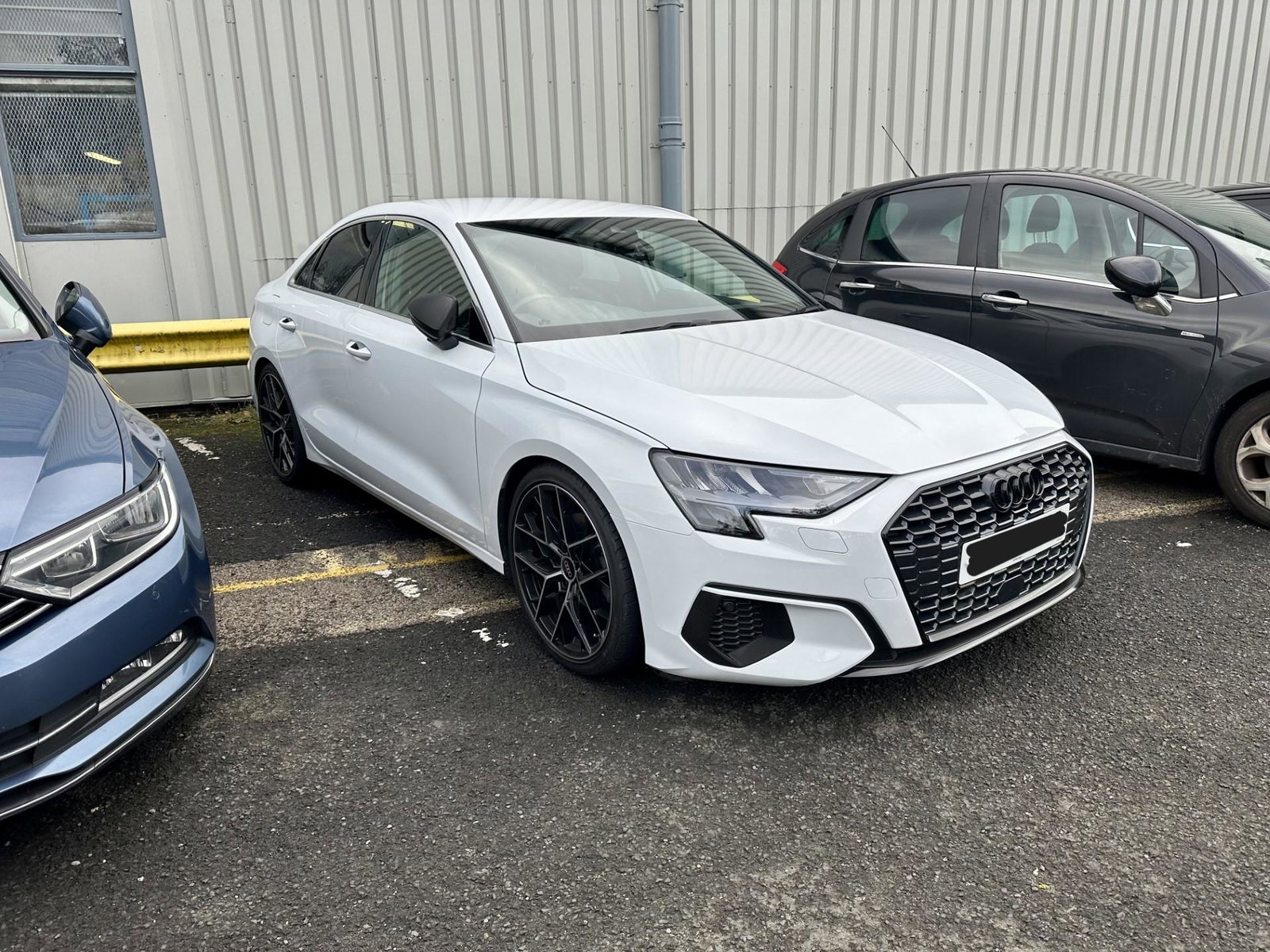
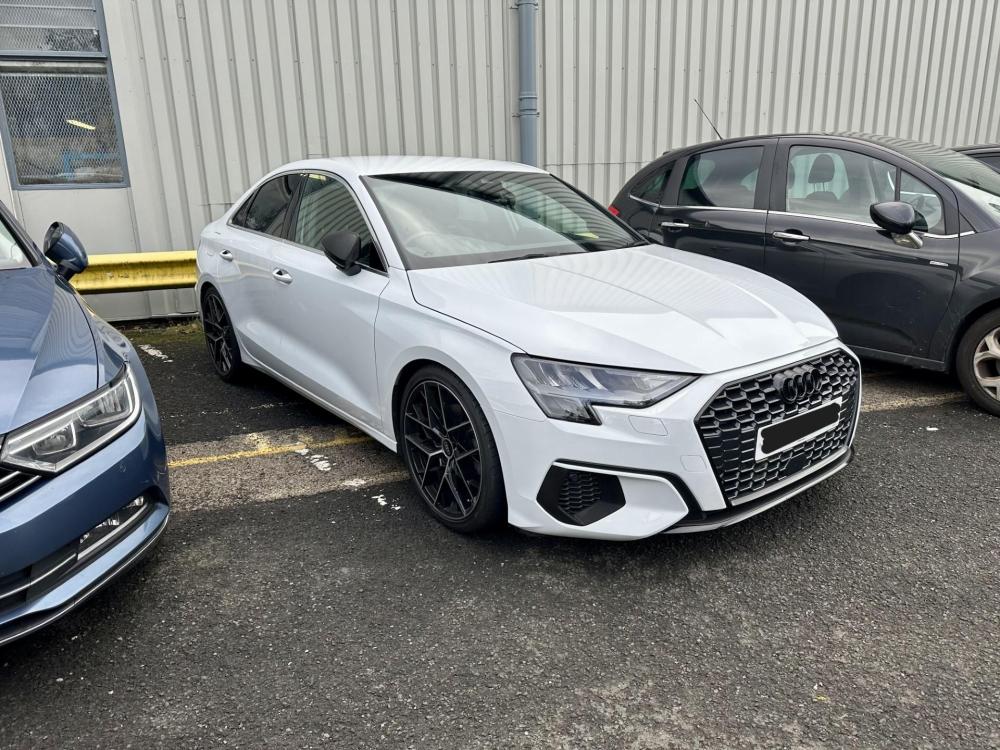
    Hi, I've started the de-chrome process. Had the front and rear Audi badges replaced with black ones and had the front chrome/silver parts wrapped as suggested. It does look so much better!


Background Picker
Customize Layout

Account

Navigation

Search

Search

Configure browser push notifications

Chrome (Android)
  1. Tap the lock icon next to the address bar.
  2. Tap Permissions → Notifications.
  3. Adjust your preference.
Chrome (Desktop)
  1. Click the padlock icon in the address bar.
  2. Select Site settings.
  3. Find Notifications and adjust your preference.