Leaderboard
-
Sebastian1985
Members1Points14Posts -
Andrew_Victoria
Members1Points12Posts -
JK_ie
Members1Points2Posts



Popular Content
Showing content with the highest reputation on 12/27/2023 in all areas
-
Got rid of the fuse, the error message's gone now. 🙂1 point
-
Morning all, I am now looking to clear her out of my drive. Offers around £500 Ono collection via trailer or tow. I’m In West Sussex. its a real shame as she’s in such good condition inside and out. Thanks Andrew1 point
-
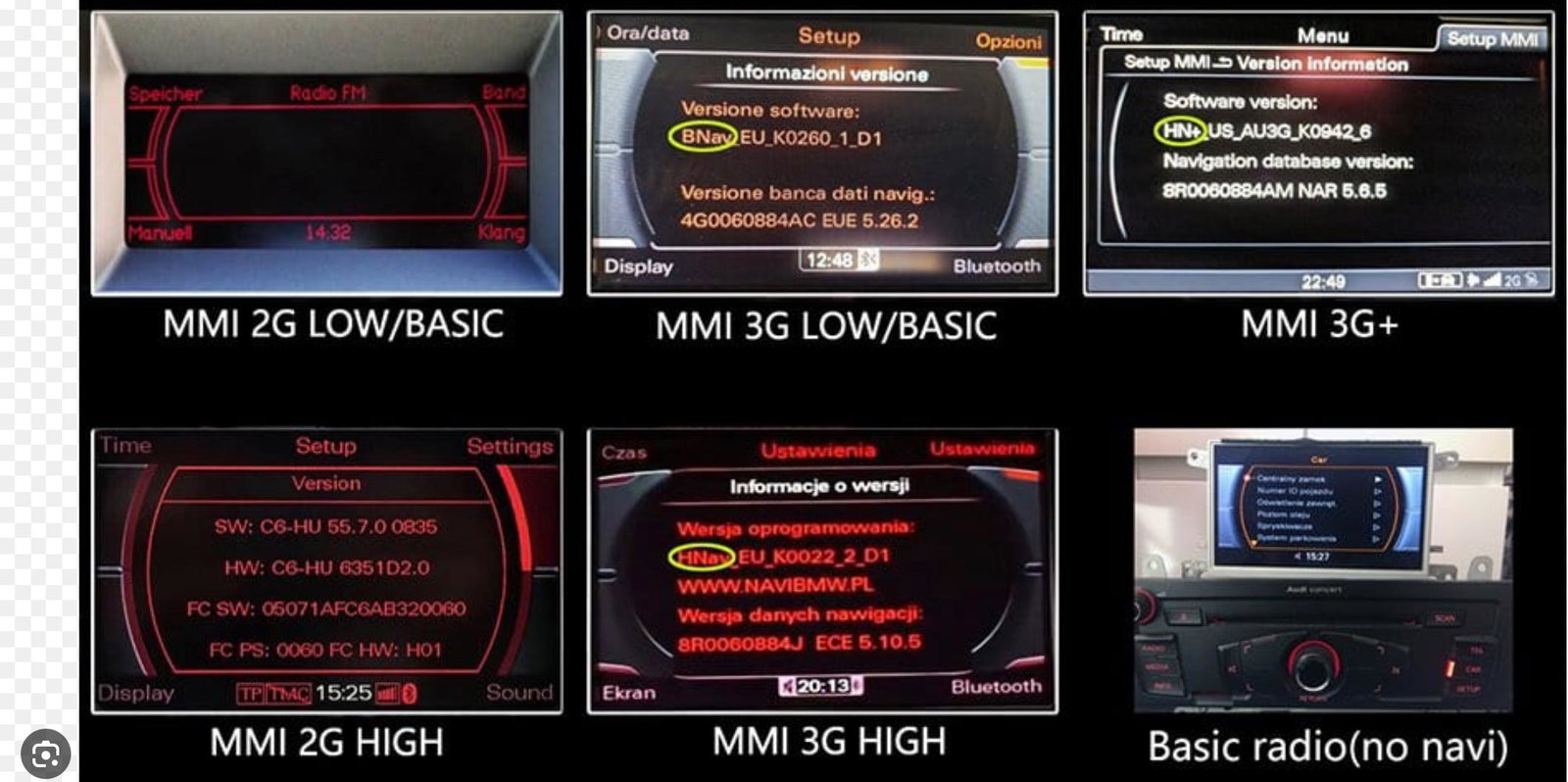
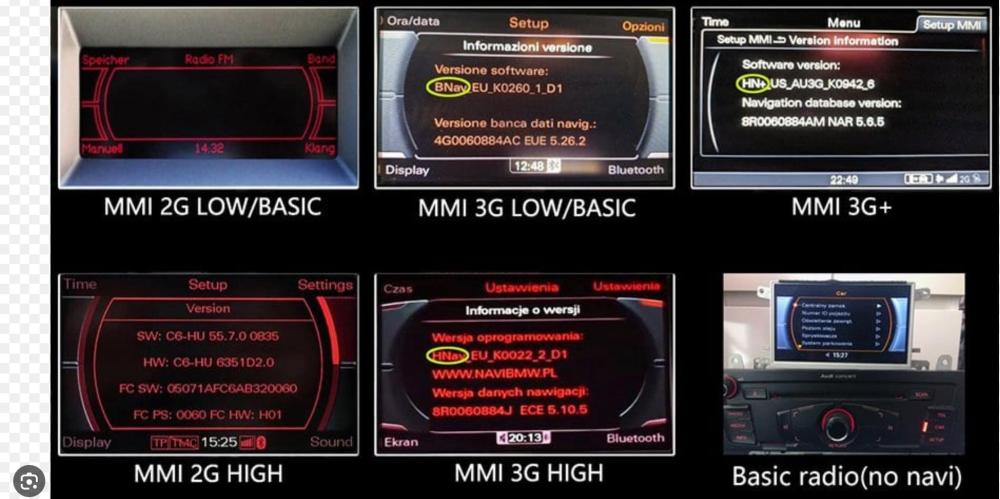
Hi Mark, not an expert and not sure how much help can I be of, i went through this a few months back and found a useful picture detailing all types of mmi, from what i can see, you have the same as mine 3g low,(is not that bad) colours on the screen compared to my previous Audi. 😉 i tried to update my software and watched a few videos, followed the steps, downloaded the upgrade on a memory card and could not start it(needs pressing a few buttons at same time etc)I remember so I gave up at some point as my maps are a bit outdated but they work(compared to yours) also not really trusting the car gps when we have phones with more accuracy and different routes etc, once I am done with my lights project, I will give it a go and try installing the software again and if I can make it work i send you the how to and all links sorry for not having a solution asap.
 1 point