




Skip to content
View in the app

A better way to browse. Learn more.

Audi Owners Club (UK)

A full-screen app on your home screen with push notifications, badges and more.

To install this app on iOS and iPadOS
  1. Tap the Share icon in Safari
  2. Scroll the menu and tap Add to Home Screen.
  3. Tap Add in the top-right corner.
To install this app on Android
  1. Tap the 3-dot menu (⋮) in the top-right corner of the browser.
  2. Tap Add to Home screen or Install app.
  3. Confirm by tapping Install.


PhilA3

Members
  • Joined

  • Last visited

Everything posted by PhilA3

  1. Nice colour & a good deep shine to the paint......
  2. PhilA3 replied to Gurds's topic in Audi A3 (8V) Forum
    Your avatar says your car is a diesel.......... You will get a sound like the cooling fan whirring when the DPF is doing a regen. Had that with all my diesels........
  3. One article I read said 80% of all A3's sold were the five door sportback, another said they sell "ten times more 5 door than 3 door"......... I think i've read something similar for the VW Polo & Golf which I think I've read the 3 door versions of those are being scrapped as well....
  4. Agree. I would walk away from a car that has not had an oil change (or at least any evidence of such) in 2.5 years. Keep looking, cars come up for sale all the time. You are making a substantial investment and want it to be perfect.
  5. PhilA3 commented on Nigel Hill's gallery image in TT Photos
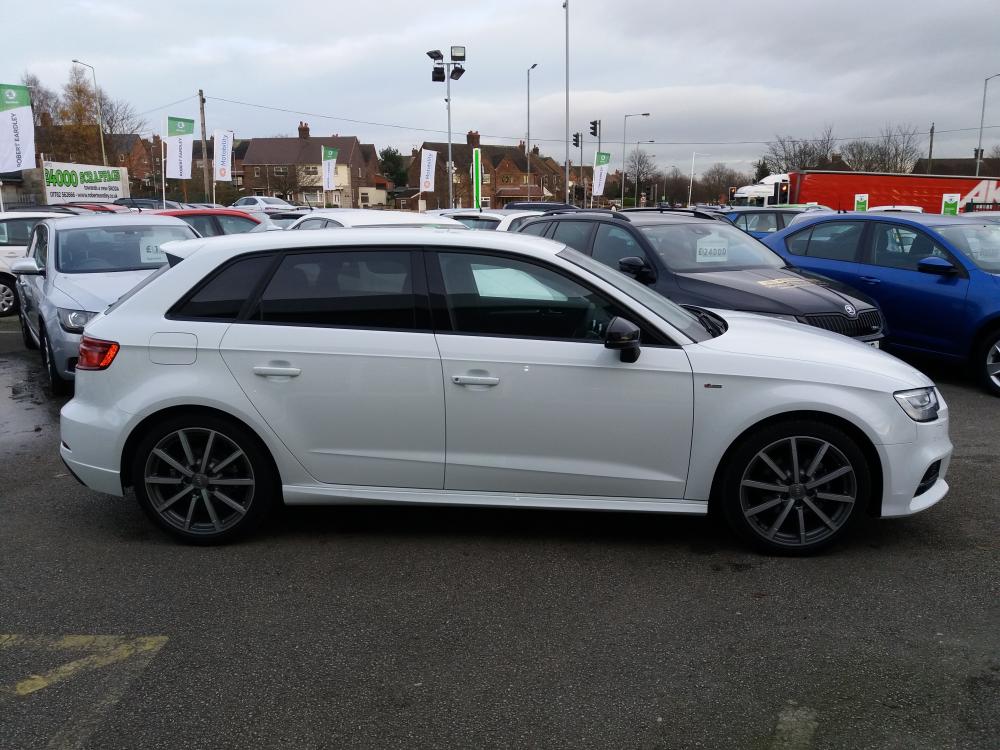
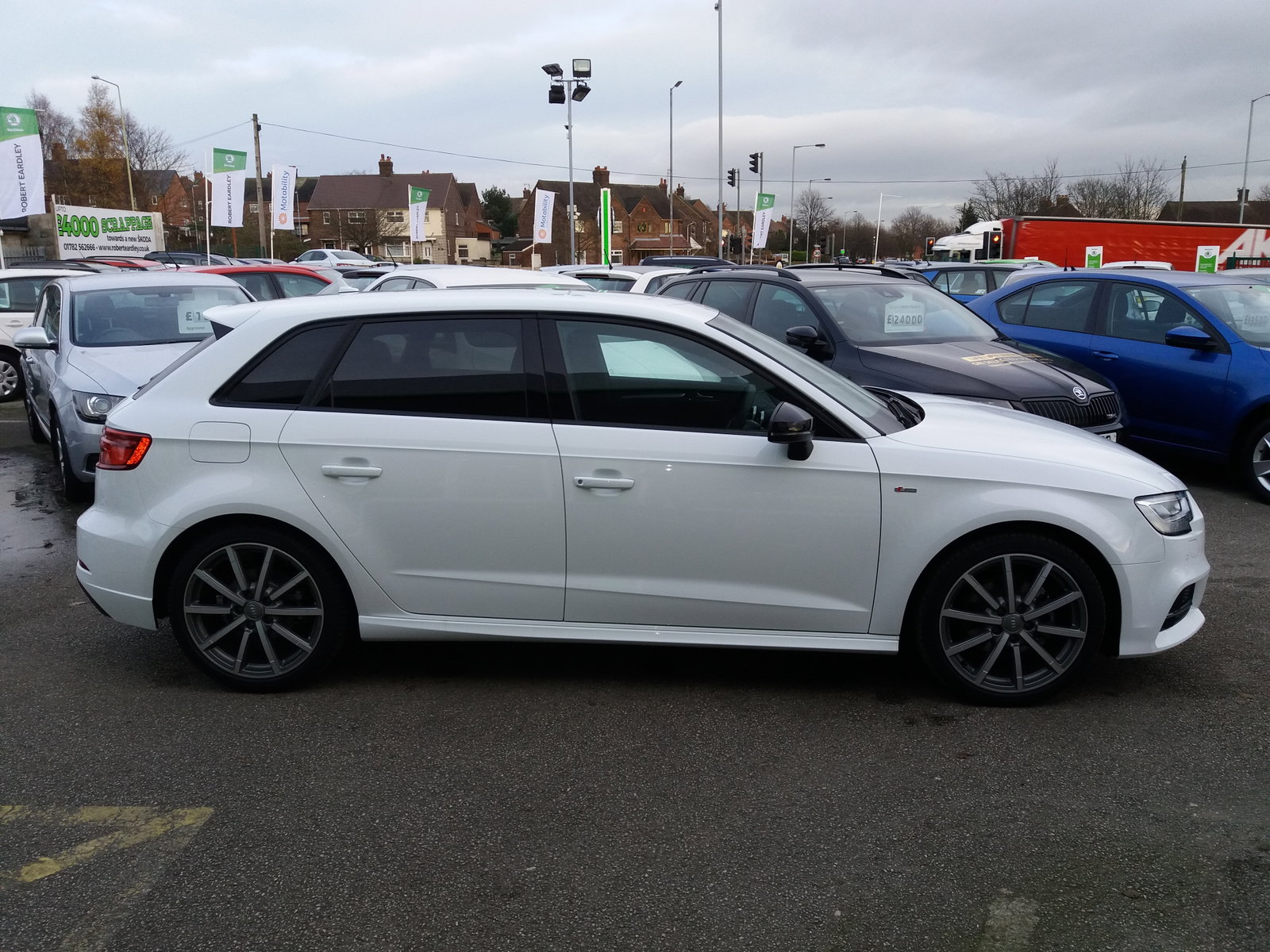
  6. Hello all..... Just found this forum on a google search and it looks great..... Just bought the OH an A3 and looking forward to reading the forum in some detail.... We've had a few VAG products, a Seat Ibiza, a VW Bora 1.9 TDi SE a Passat Estate 2.0 TDi SE, an Audi TT, a Golf GTD, a Polo GTi and now this A3..... Hopefully photo attached....


Background Picker
Customize Layout

Account

Navigation

Search

Search

Configure browser push notifications

Chrome (Android)
  1. Tap the lock icon next to the address bar.
  2. Tap Permissions → Notifications.
  3. Adjust your preference.
Chrome (Desktop)
  1. Click the padlock icon in the address bar.
  2. Select Site settings.
  3. Find Notifications and adjust your preference.