steve dorward
Members
-
Joined
-
Last visited
-
Gareth, no private sale. observing the rules of the forum. steve
-
steve dorward joined the community
-
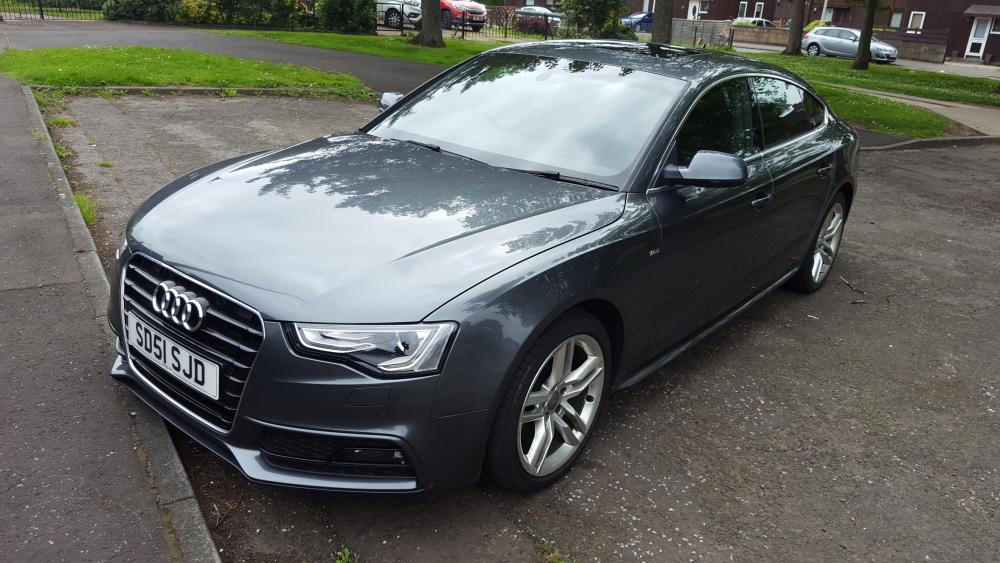
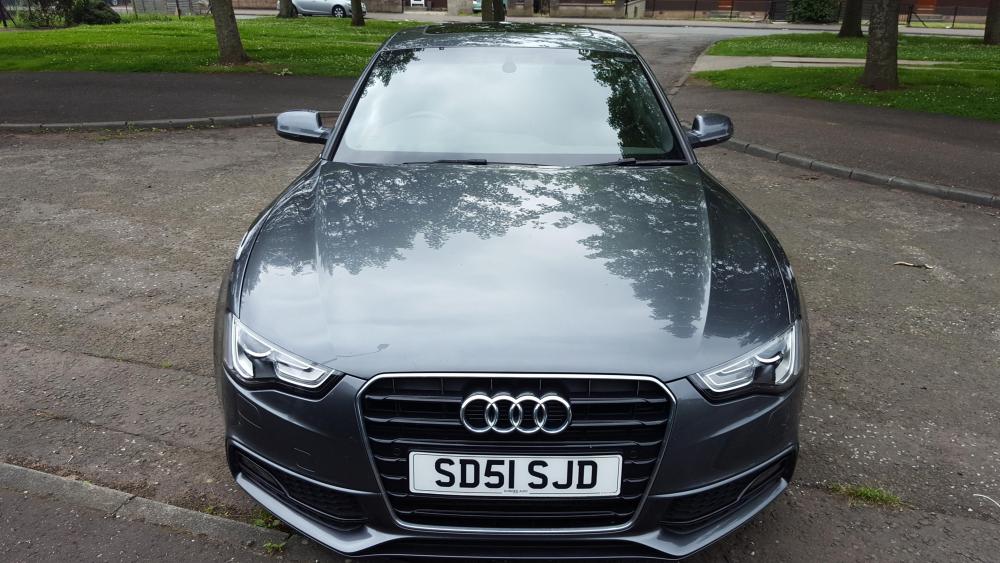
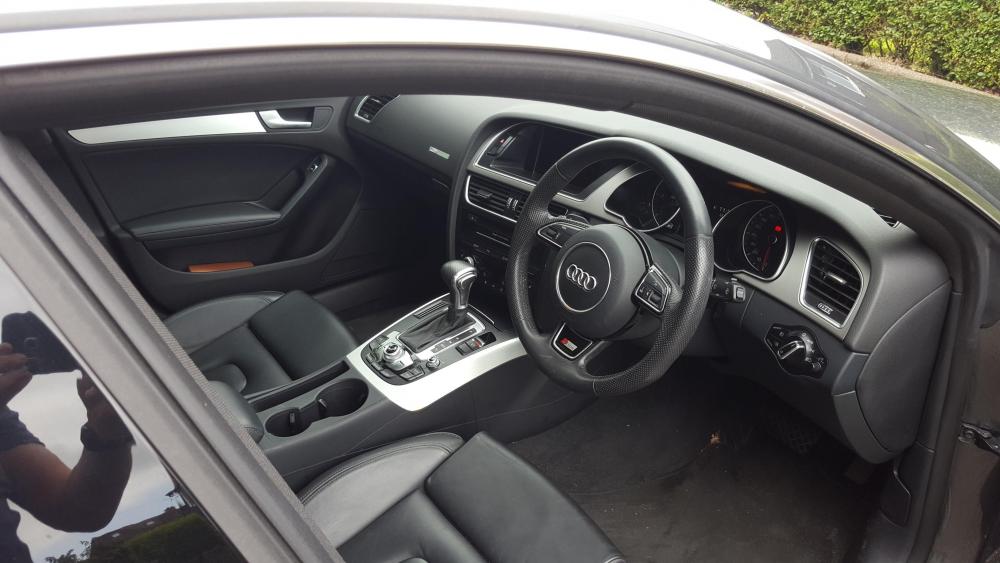
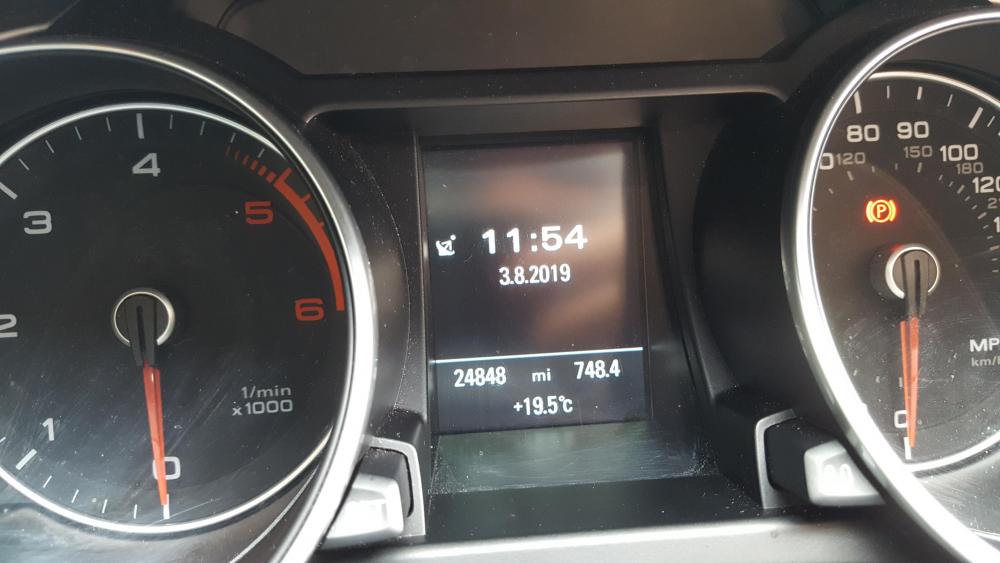
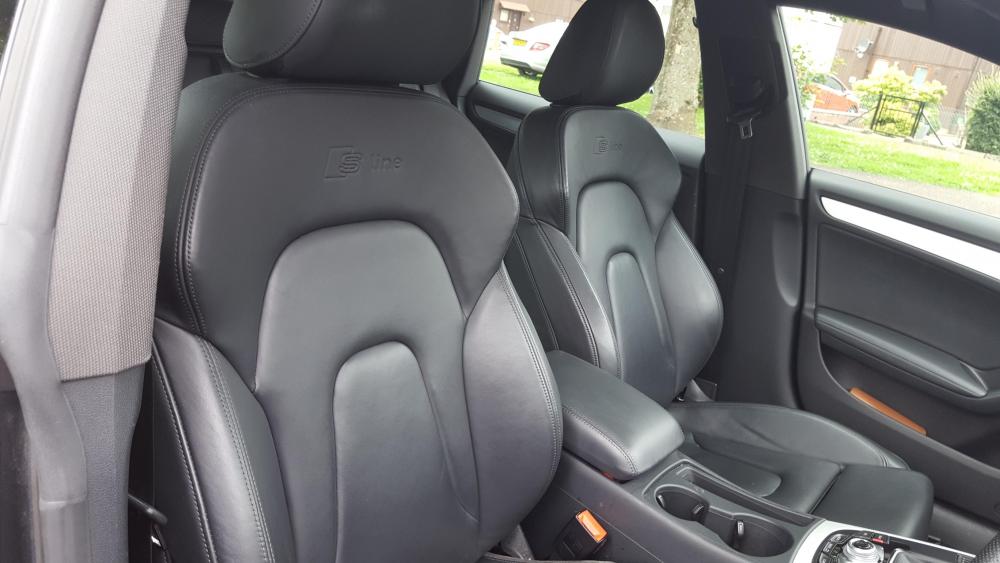
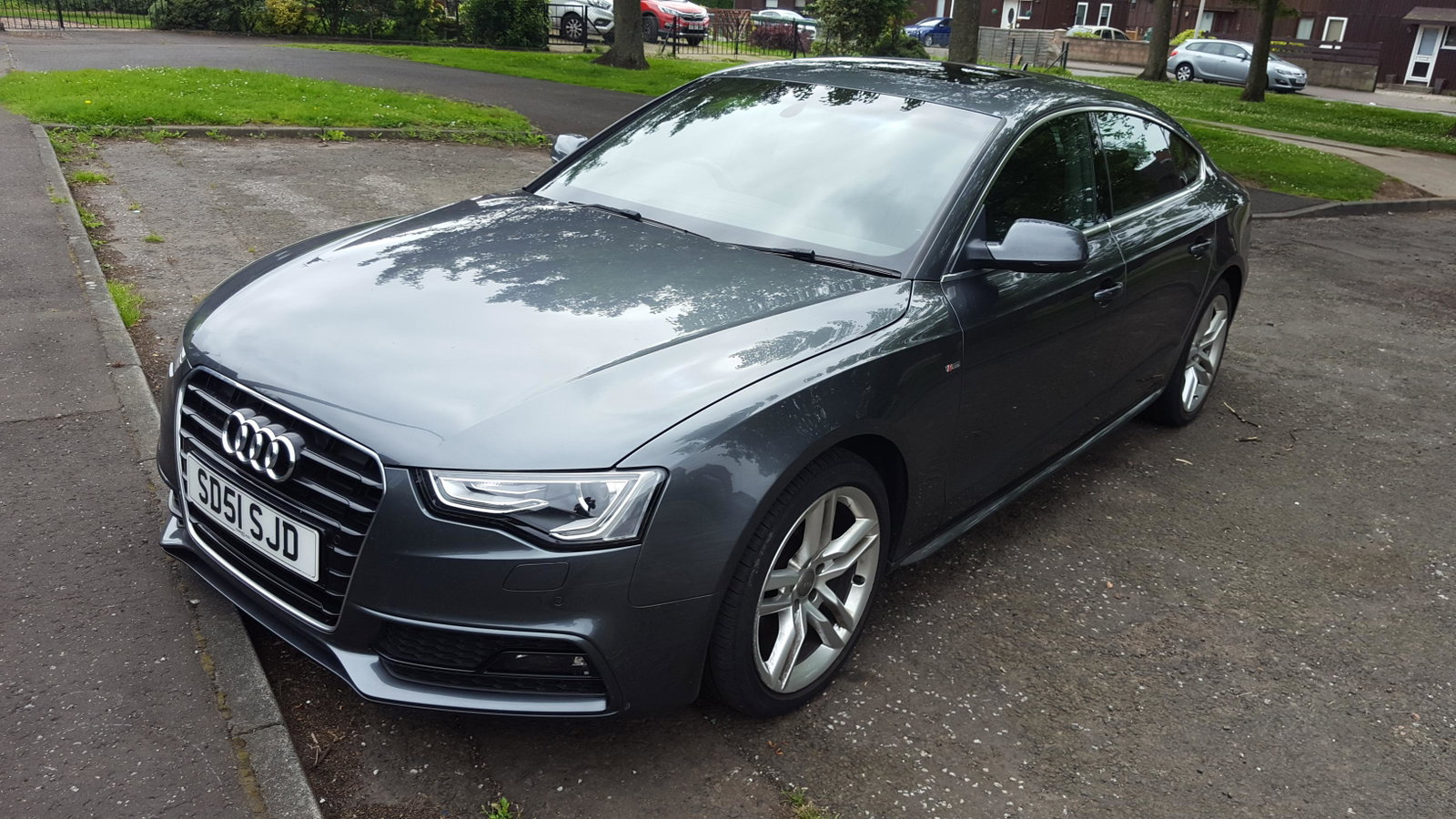
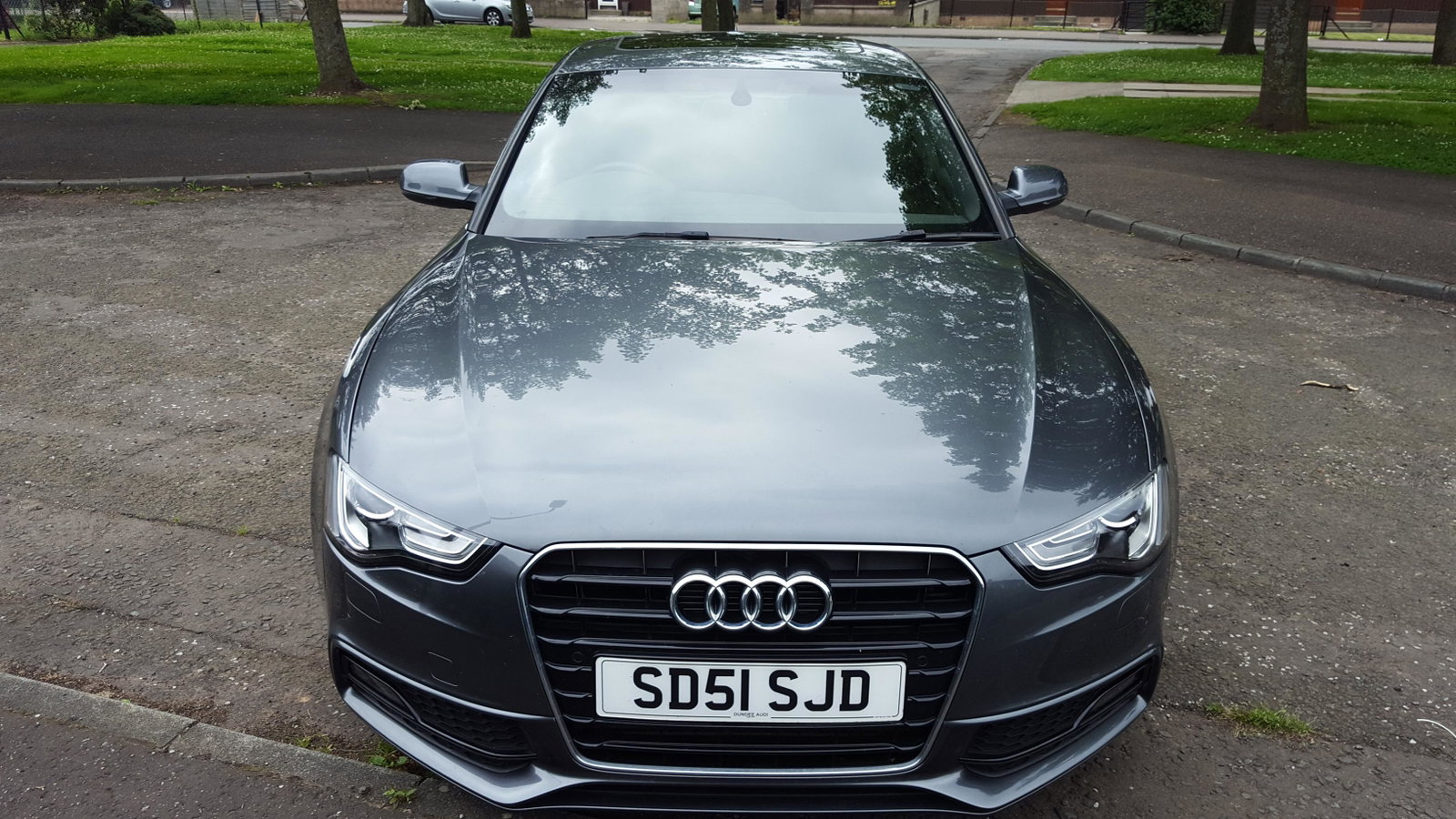
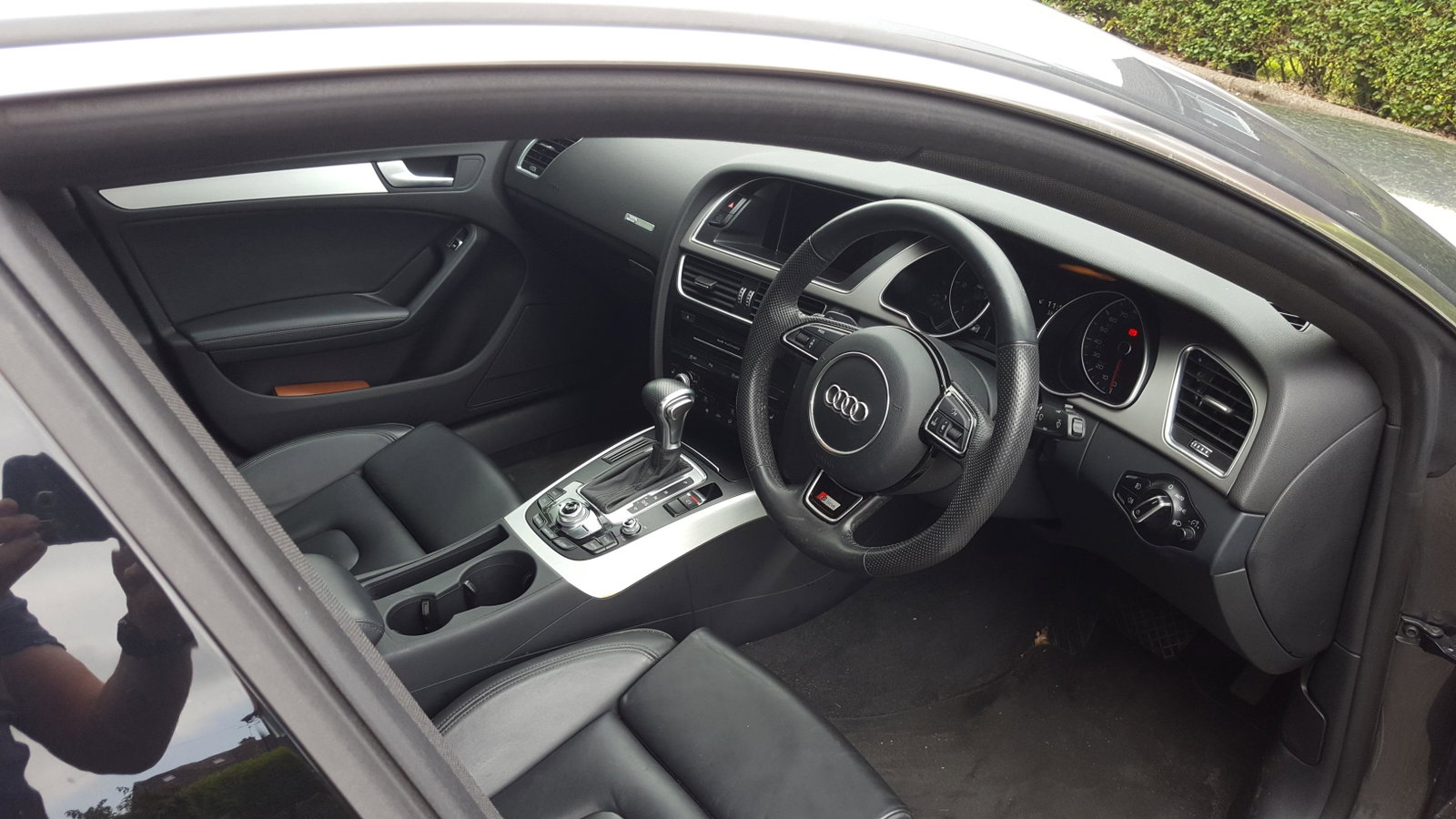
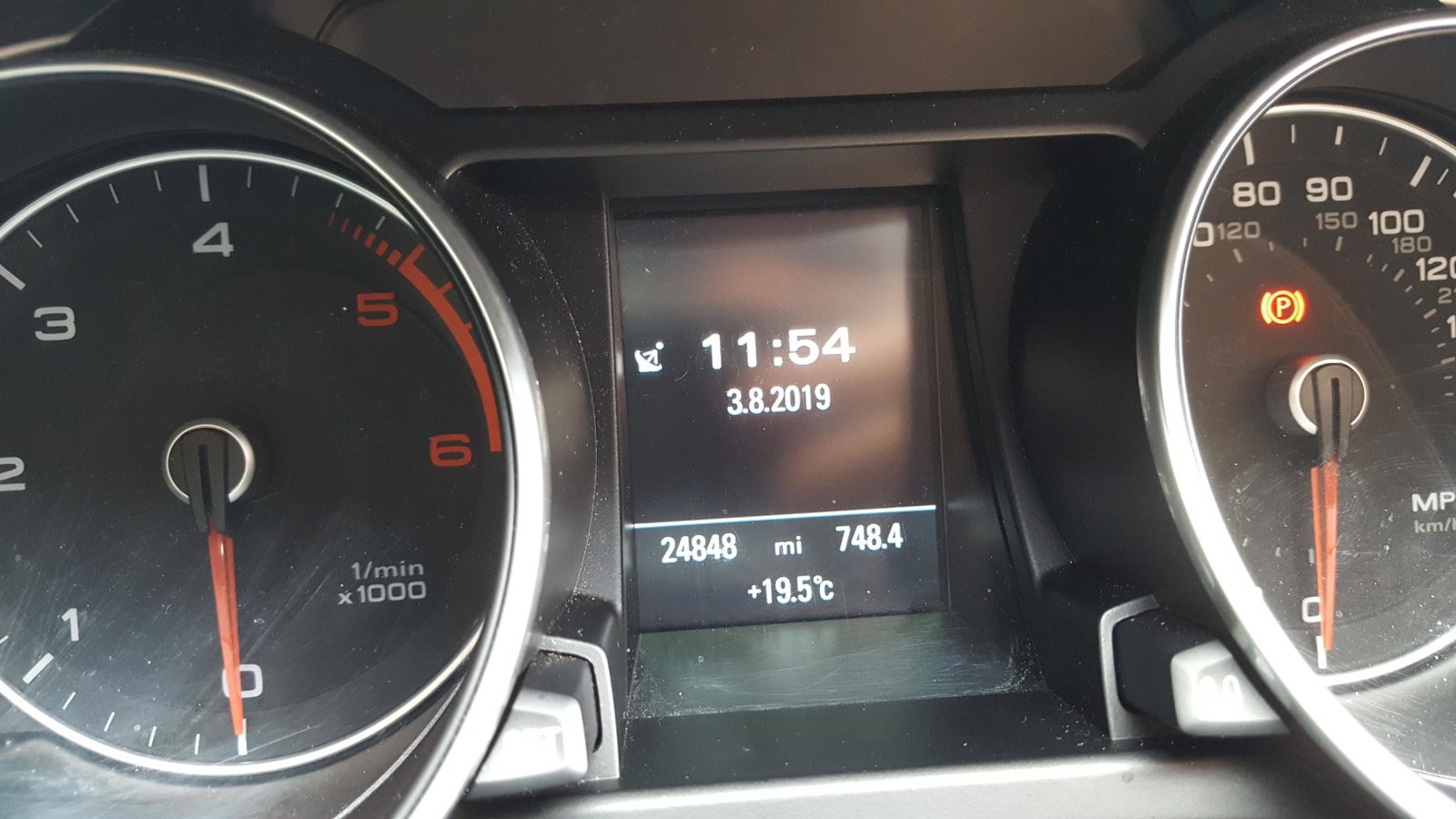
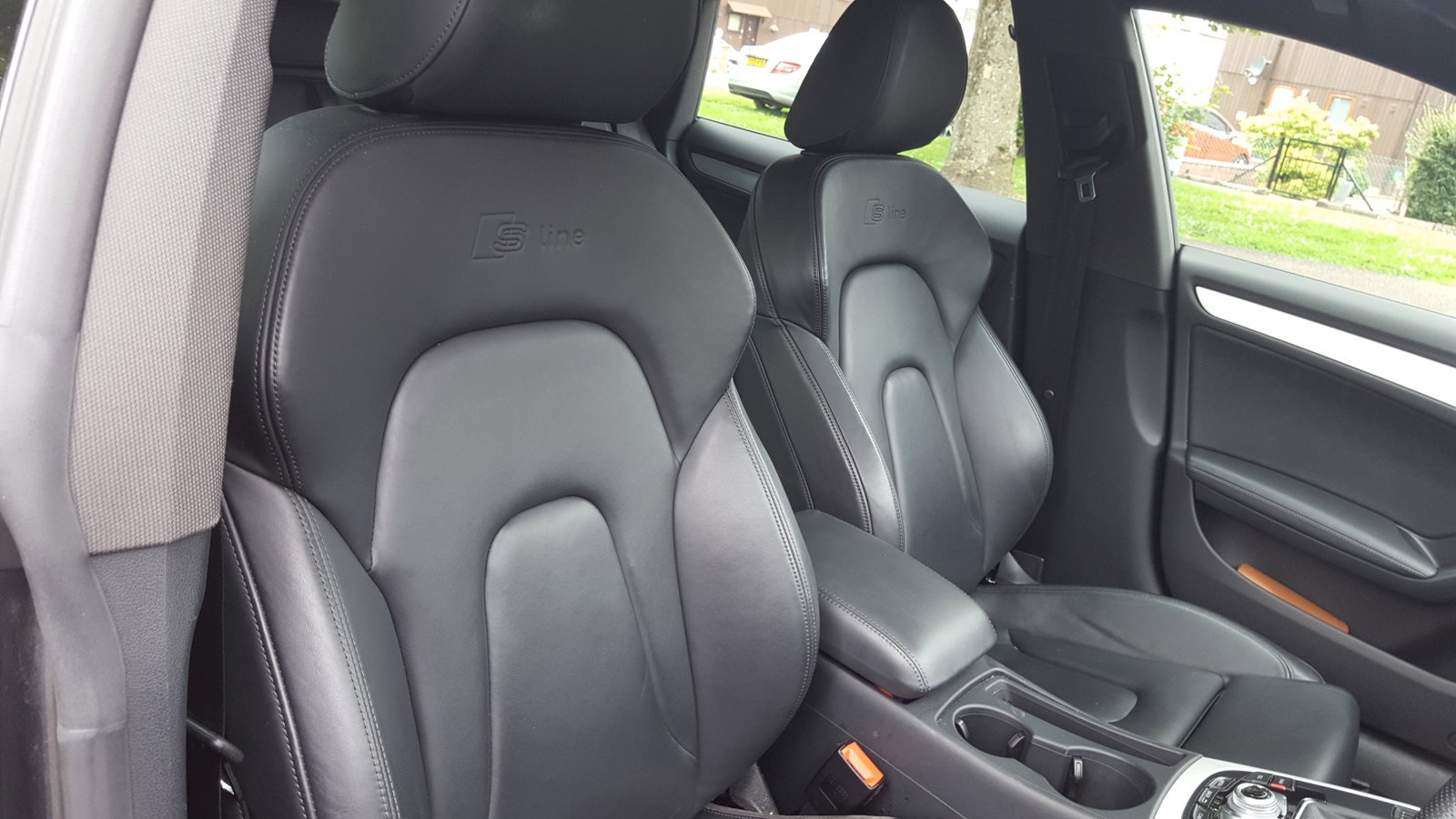
SUPPLIED WITH SERVICE HISTORY (LAST SERVICED MARCH 2019) MOT EXPIRY SEPT 2020. Video link https://youtu.be/bs87Q9HLRZo MULTITRONIC AUTOMATIC GEARBOX WITH STEERING WHEEL PADDLES, SAT NAV SYSTEM - HEATED SEATS - PARKING SENSORS - DUAL CLIMATE CONTROL - A/C - STOP/START TECHNOLOGY - ELECTRIC WINDOWS & MIRRORS - 18" ALLOY WHEELS - BLUETOOTH TELEPHONE & MEDIA SYSTEM, FULL BLACK LEATHER, PARKING SENSORS & CAMERA, XENON HEADLIGHTS, HEATED FRONT SPORTS SEATS, CLIMATE CONTROL, This fantastic Audi A5 is finished in metallic grey with a full leather black interior. It comes with Audi service records. It comes fully inspected & with a long mot. The 2.0L engine gives a 187bhp and is capable of returning a more than respectable 58+mpg on longer journeys. The auto gearbox in this A5 is delightfully smooth and ensures an effortlessly enjoyable driving experience. Great performance meet great looks with this coupe. The S-Line is an excellent trim level with a big bundle of features including; sat nav, media screen, heated seats, parking sensors, dual climate control, a/c, stop/start tech, electric windows & mirrors, 18" alloy wheels and so much more! If you are looking for a high spec, luxury coupe with head turning looks from a prestige brand - your search stops here! 20190803_122921.mp4