Supersir
Members
-
Joined
-
Last visited
-
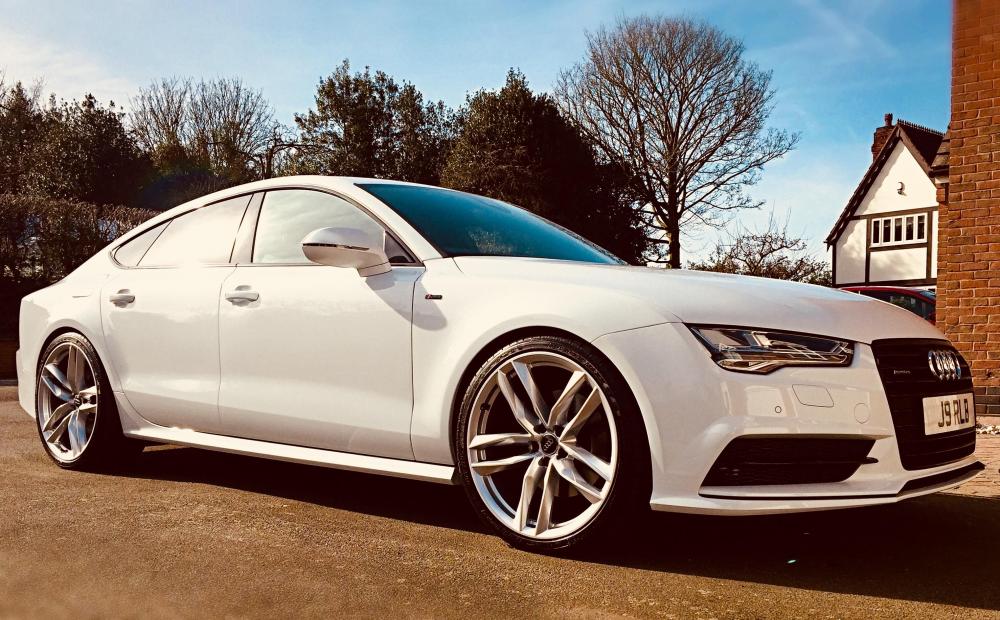
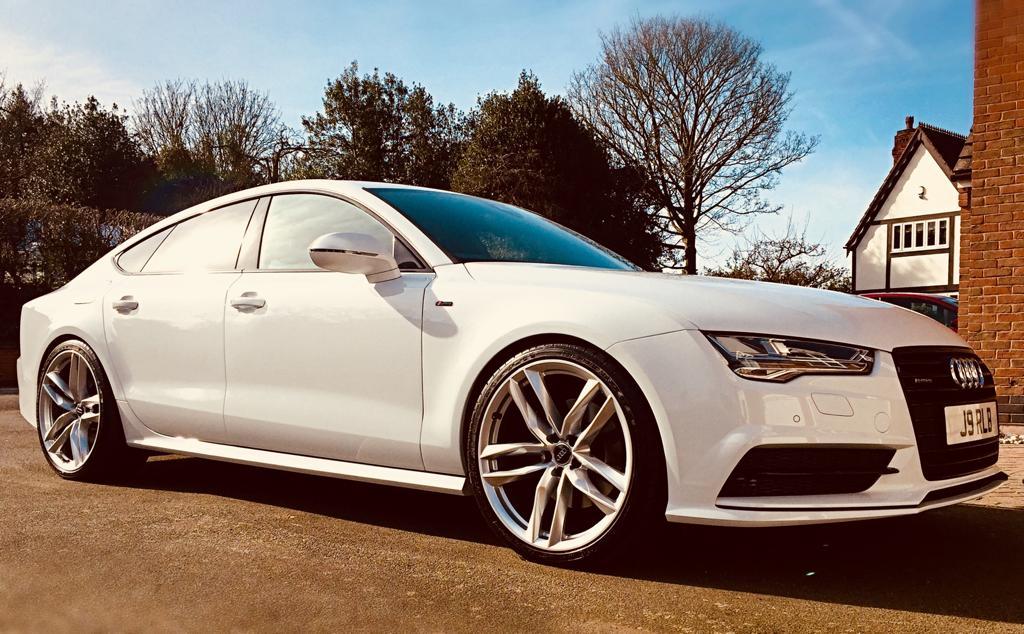
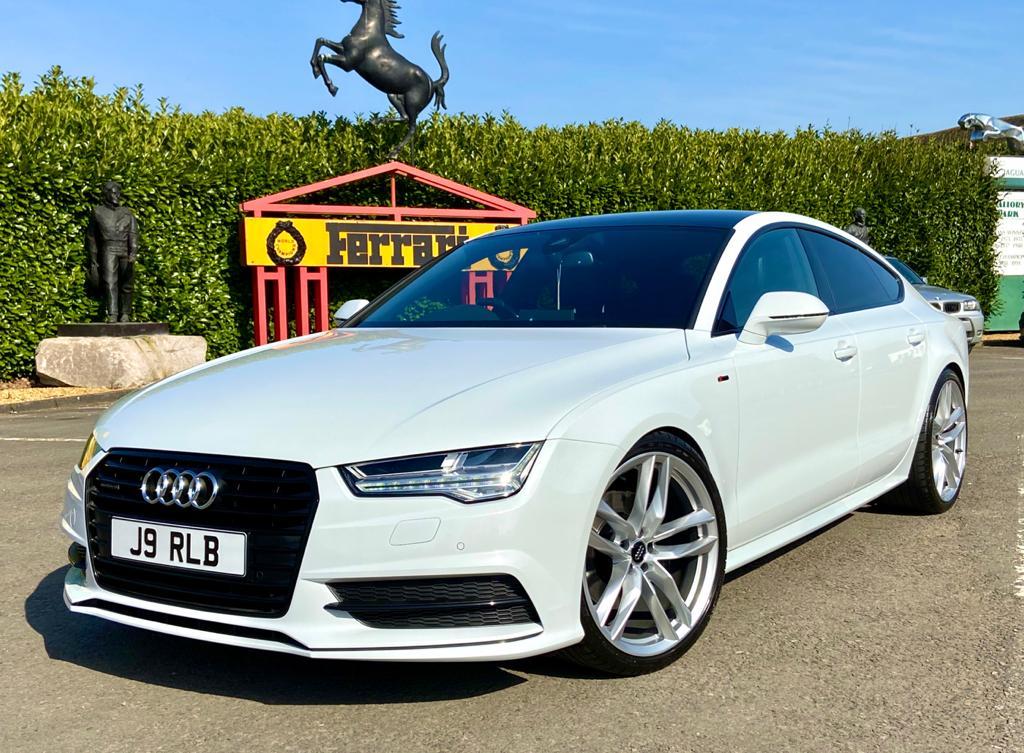
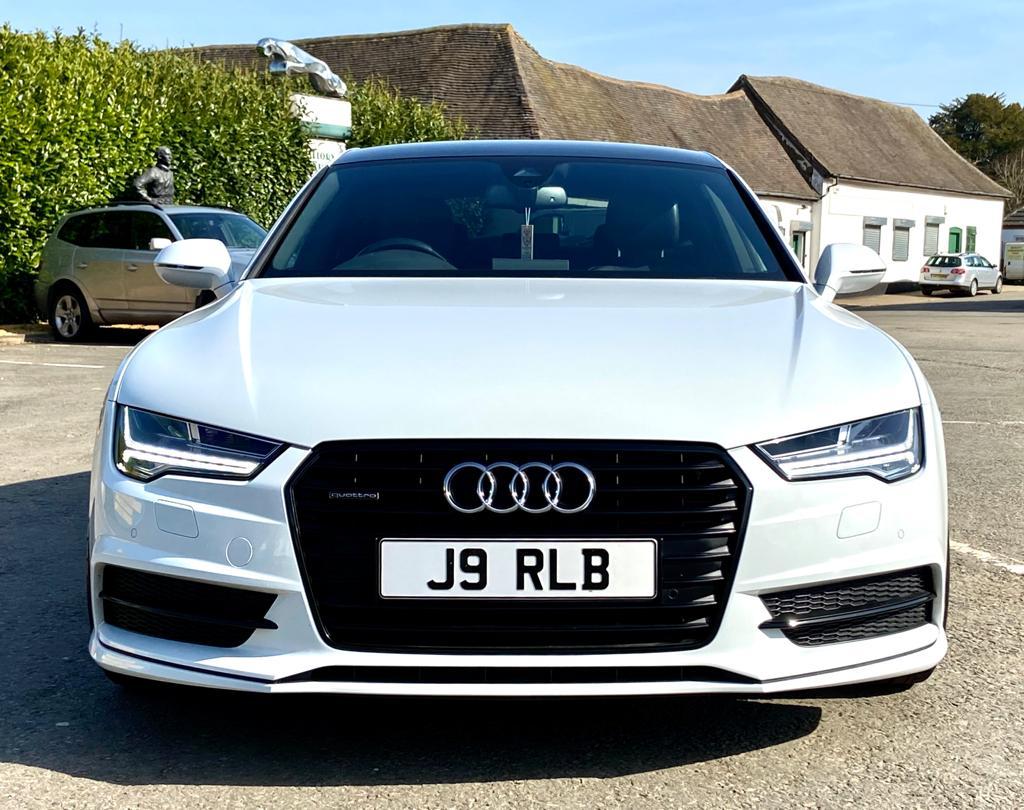
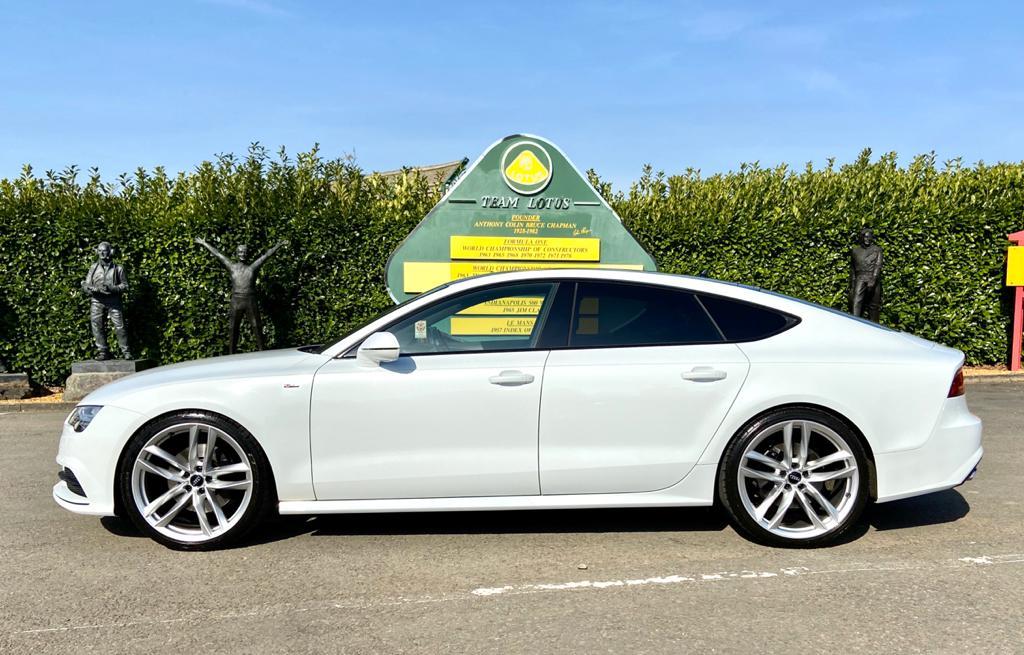
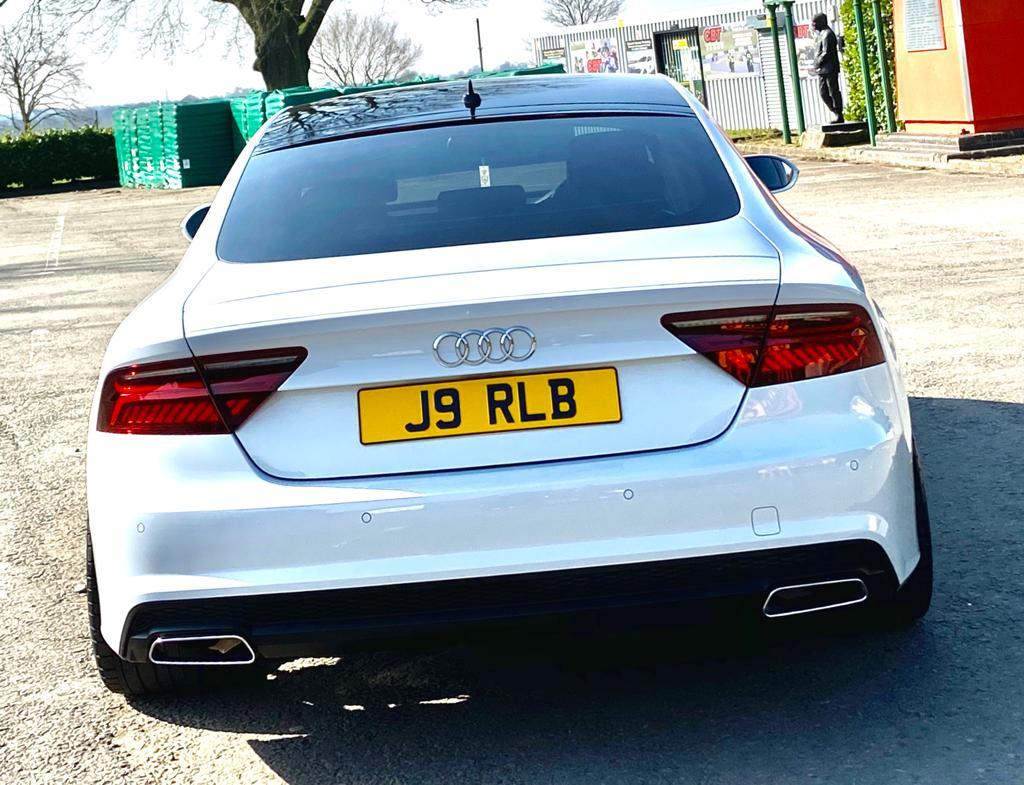
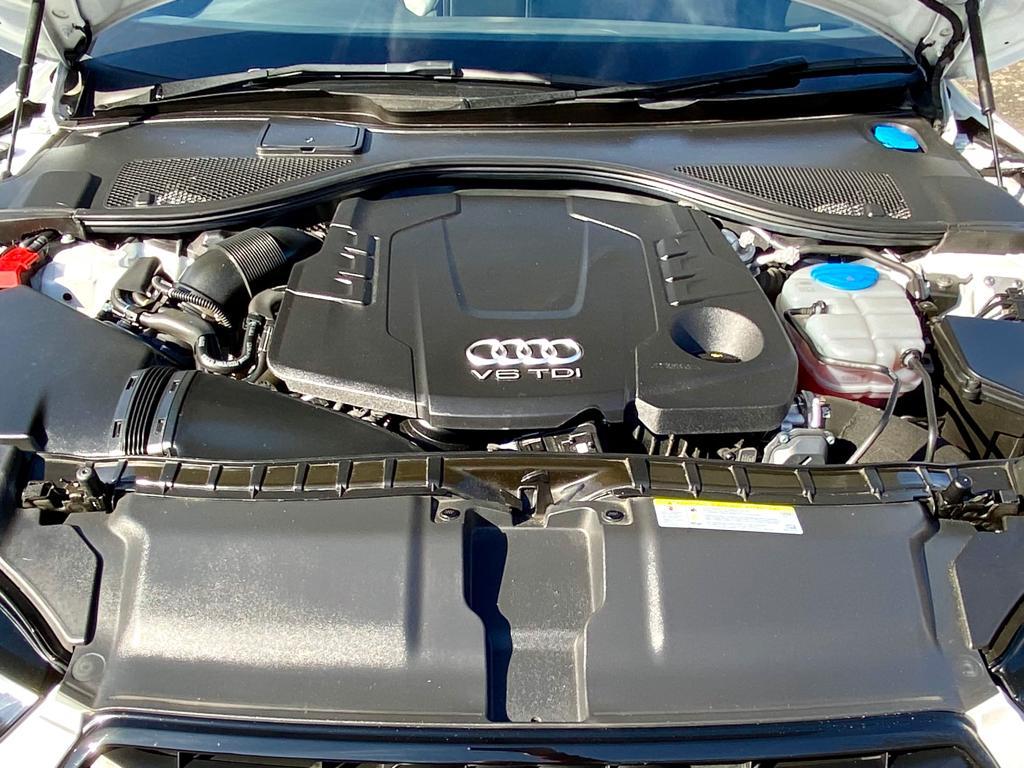
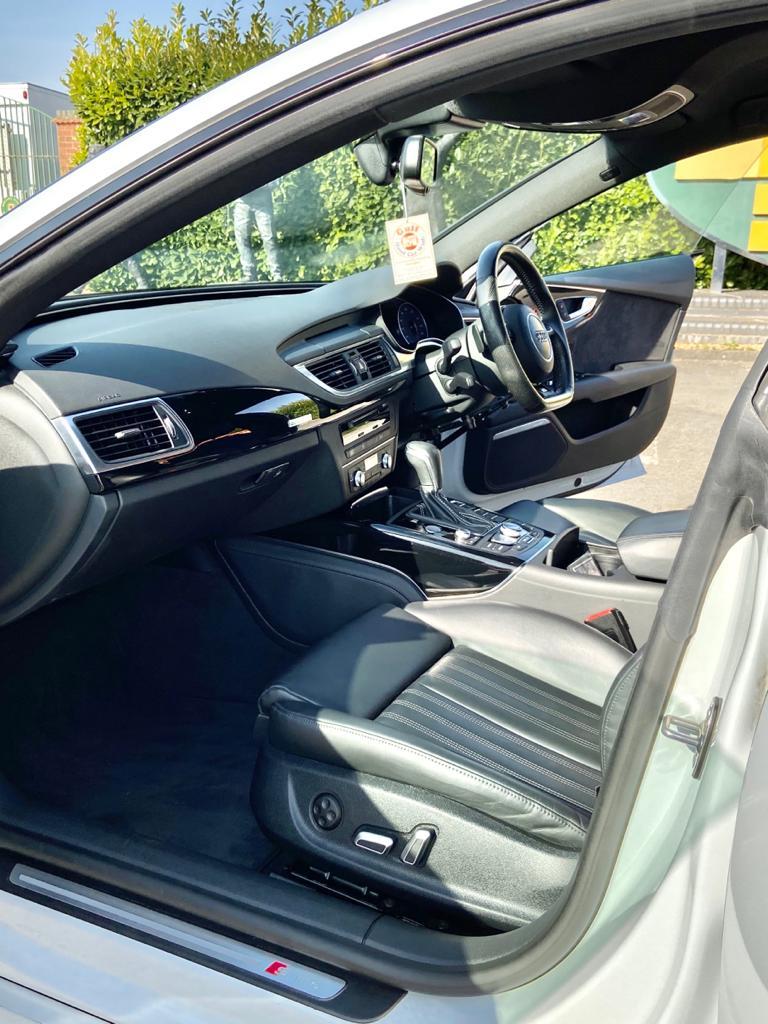
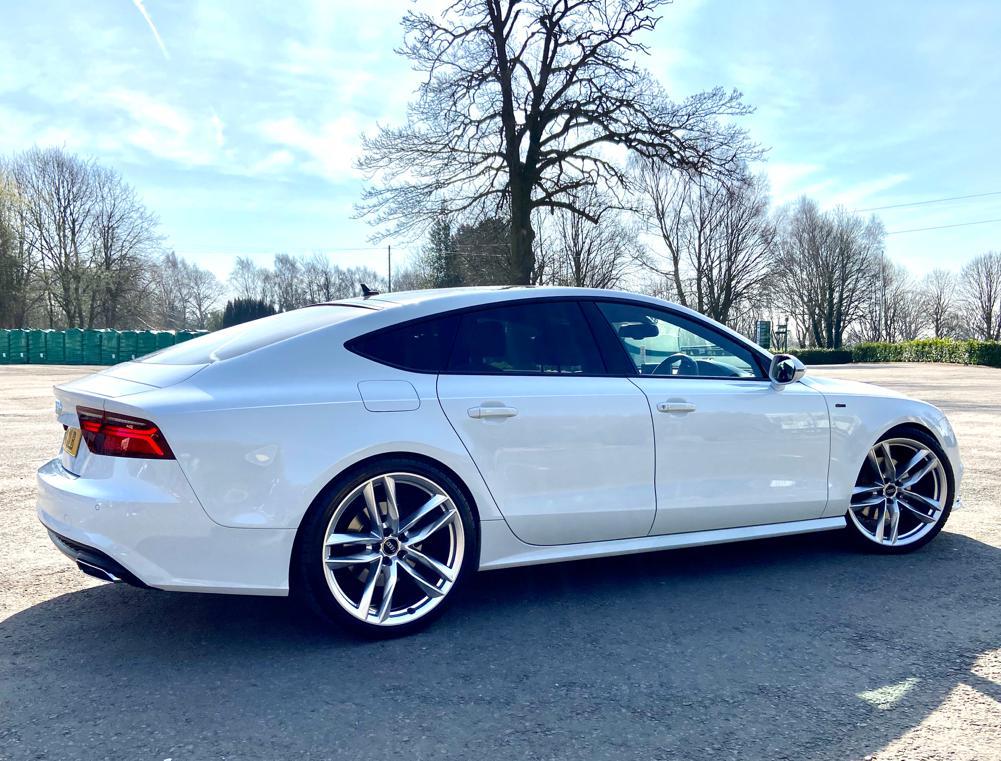
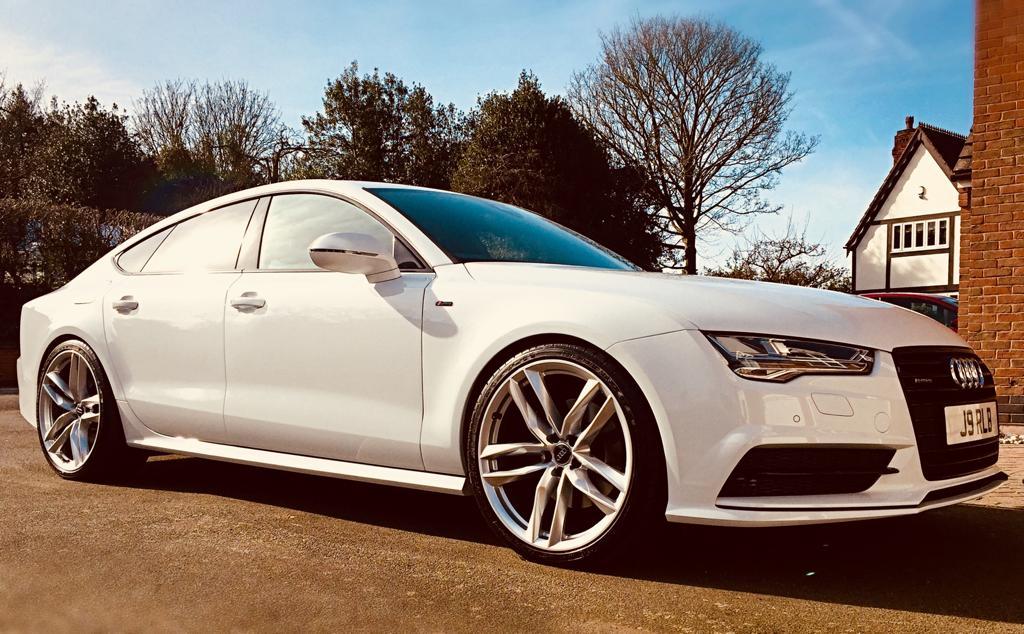
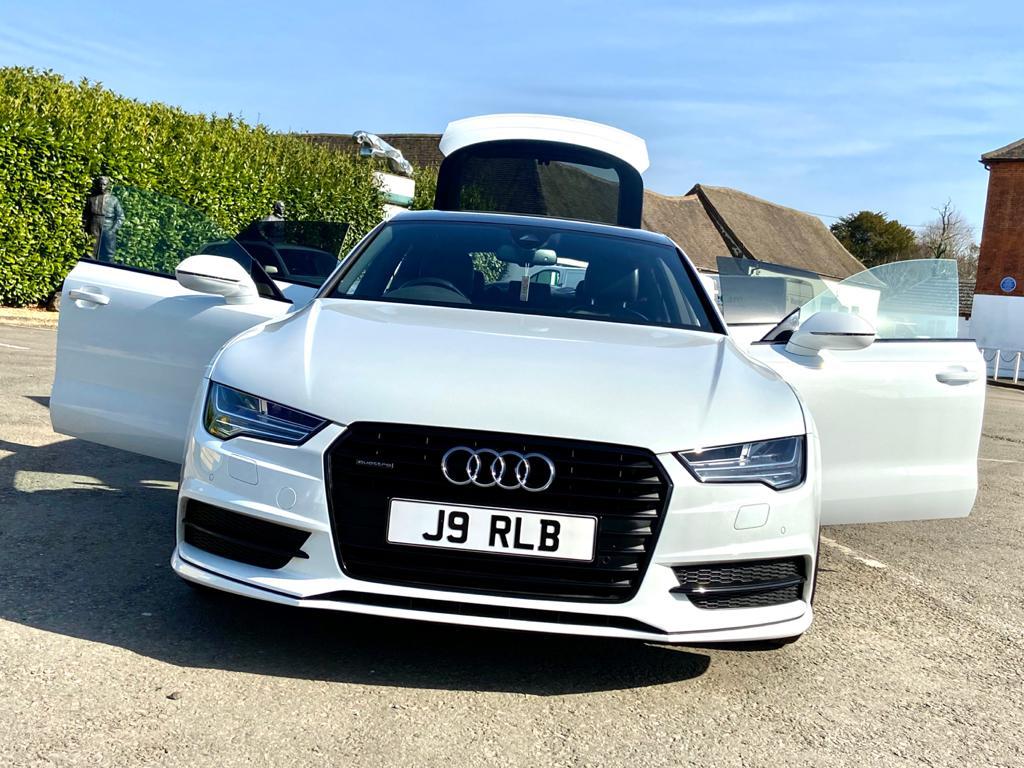
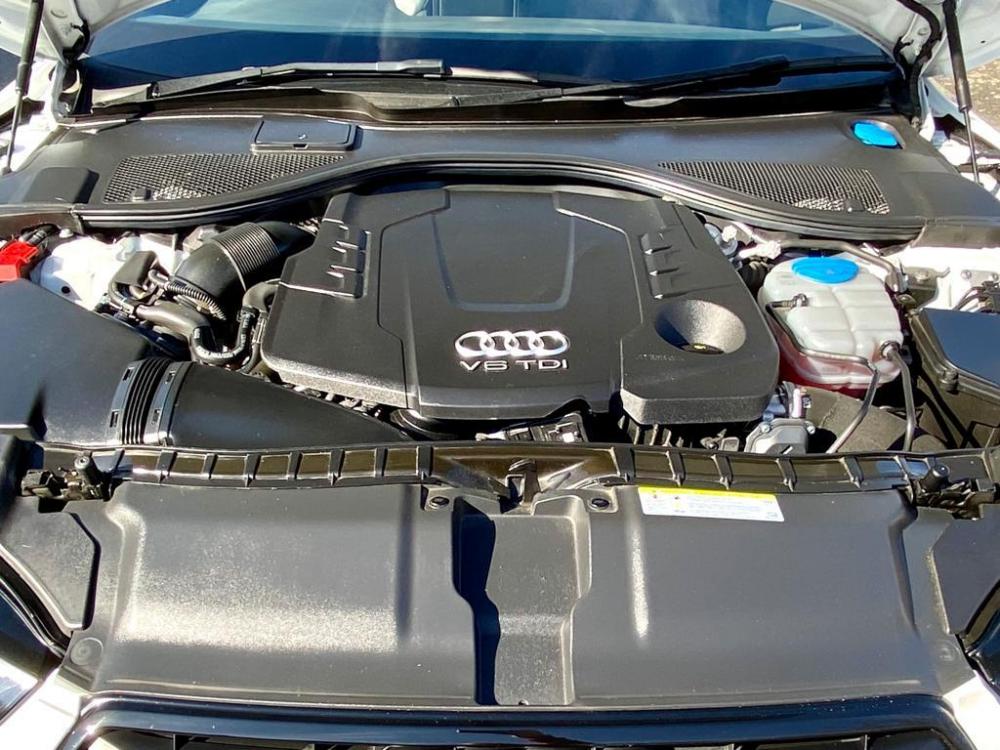
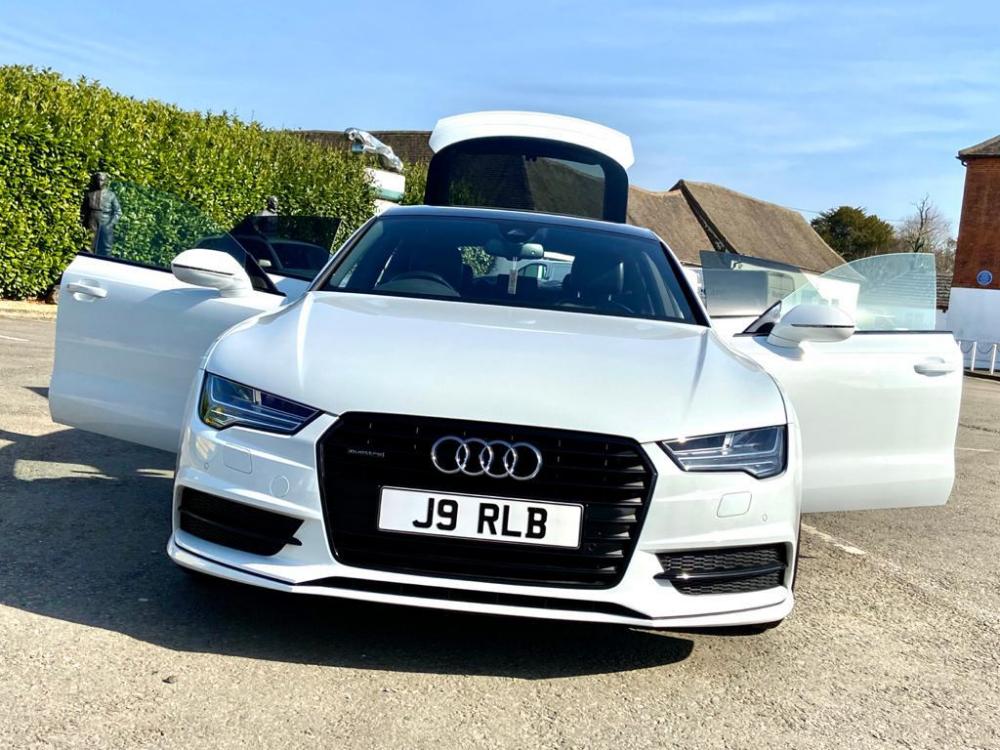
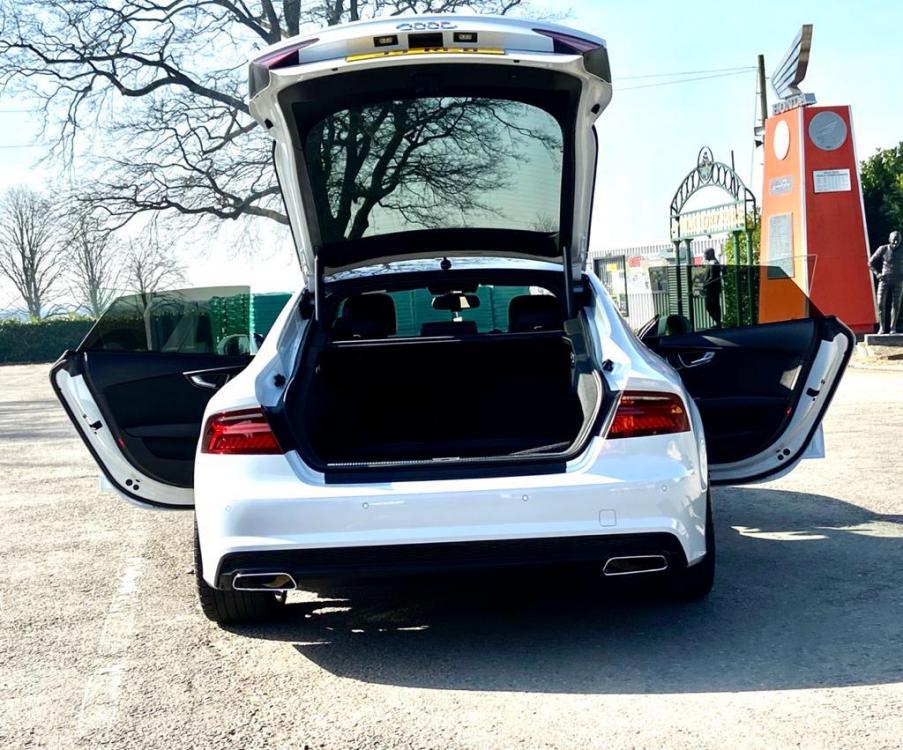
2017 Audi A7 3.0 TDI V6 Black Edition Guest-only advertisement. Register or Log In now! My IMMACULATE 2017 Audi A7 3.0 TDI V6 Black Edition (see link/s below) PART EXCHANGE & FINANCE both available Details >> HERE https://www.autotrader.co.uk/classified/advert/202004249049130?year-from=2017&onesearchad=Used&sort=price-asc&make=AUDI&radius=1500&postcode=le97qe&aggregatedTrim=Black+Edition&price-to=30000&maximum-mileage=30000&price-from=15000&model=A7&advertising-location=at_cars&page=1&fbclid=IwAR2mrx2LvZRzkiKQGa0t5U9Xo_6Z0yunE8WePi52kf0MU0Fxw0OHIJS_fEU
-
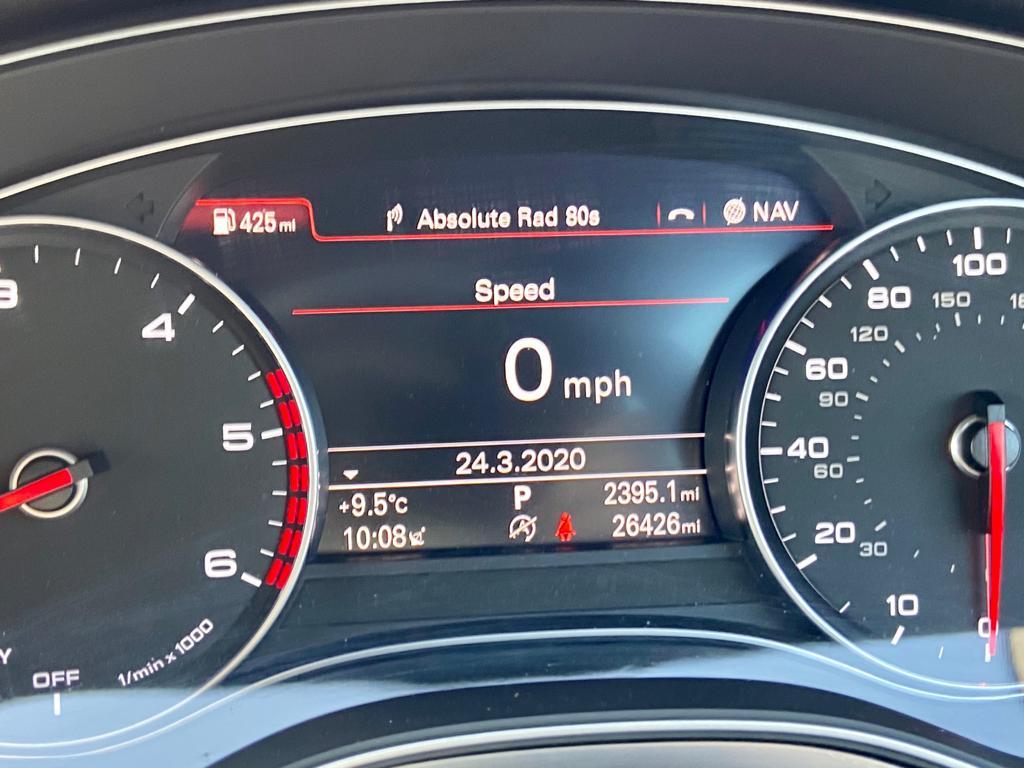
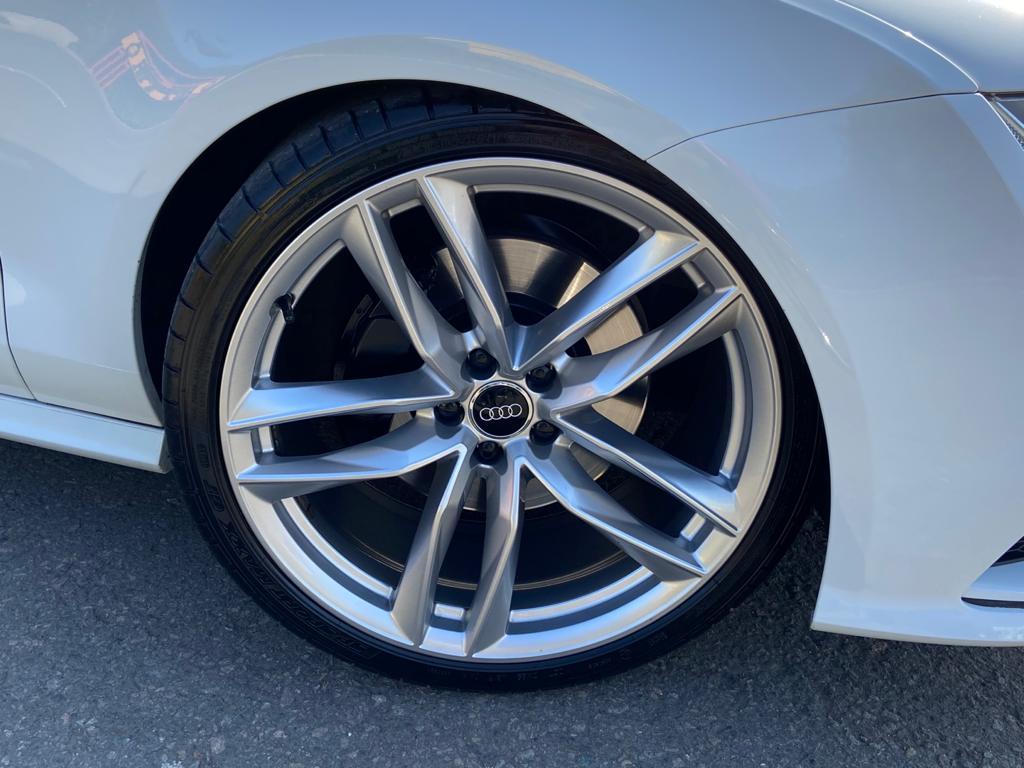
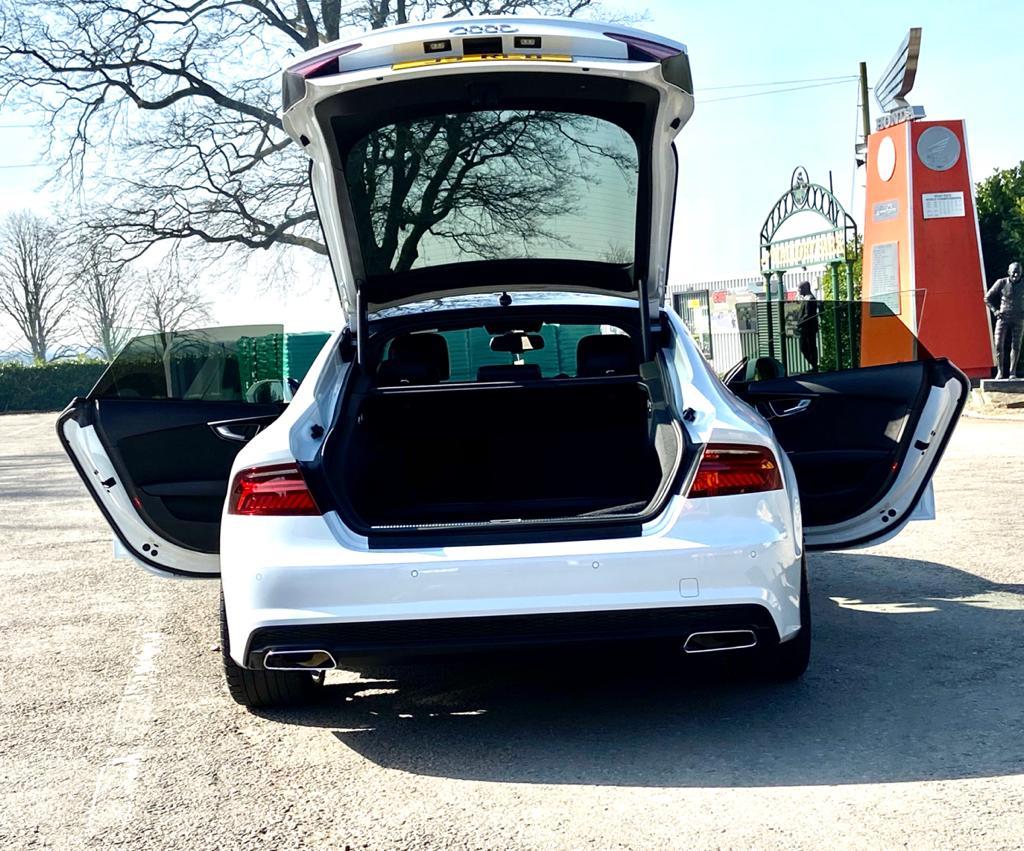
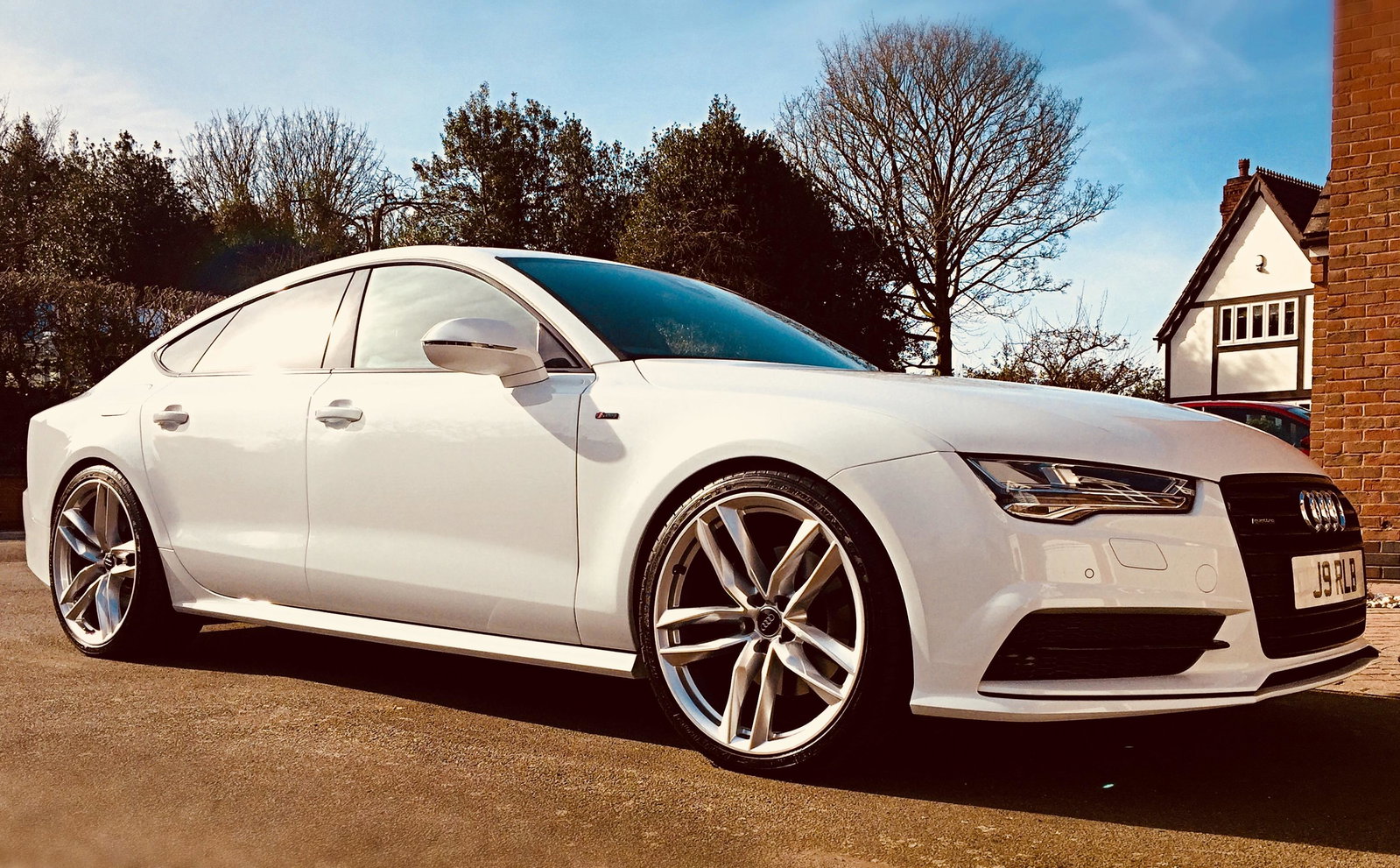
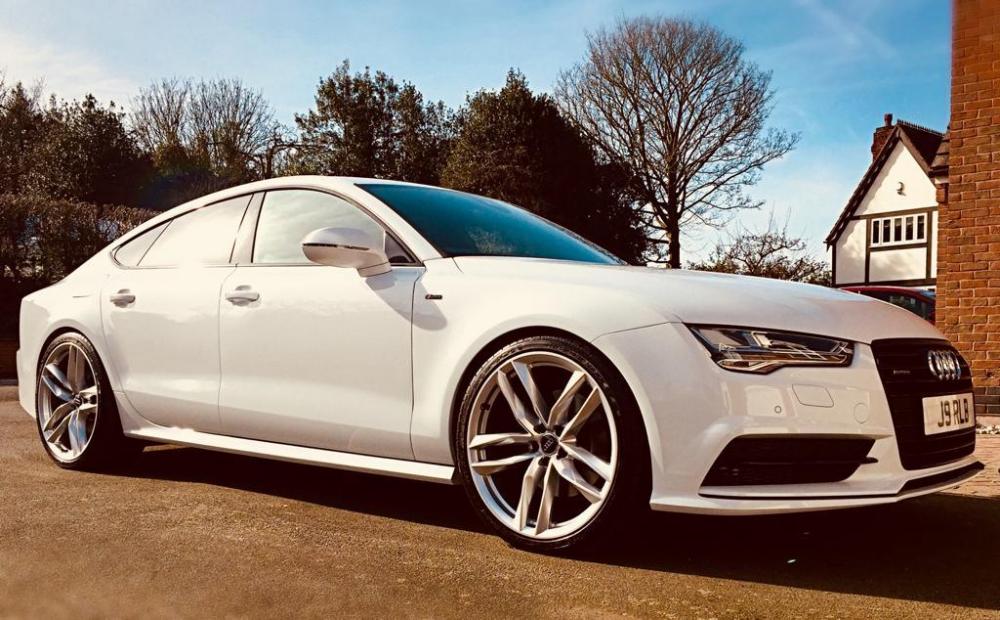
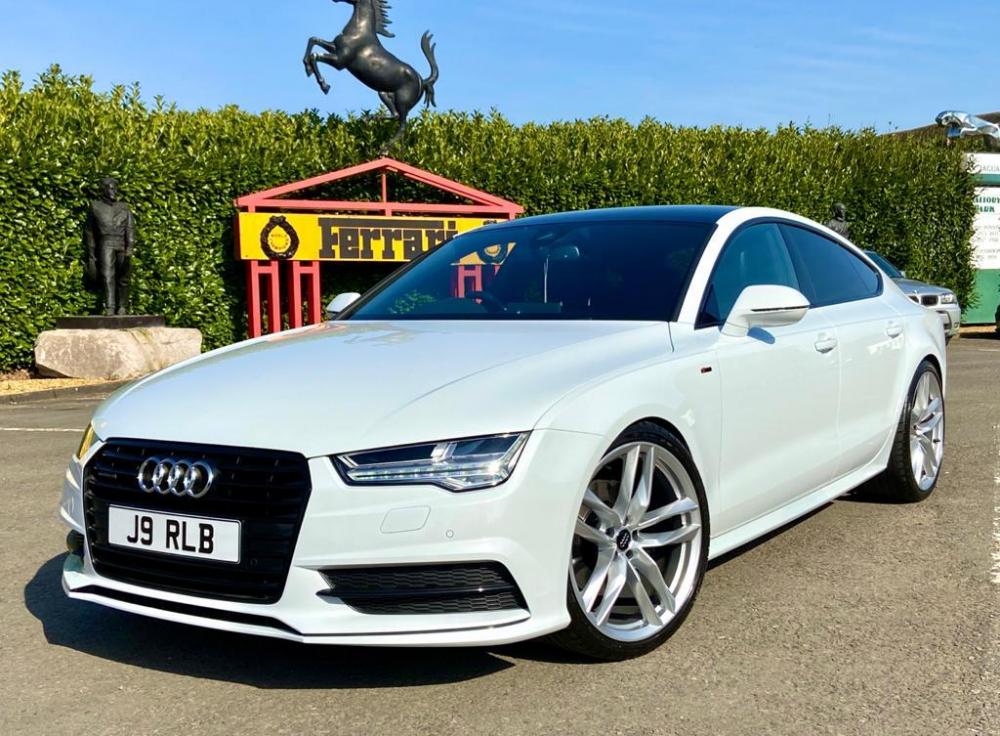
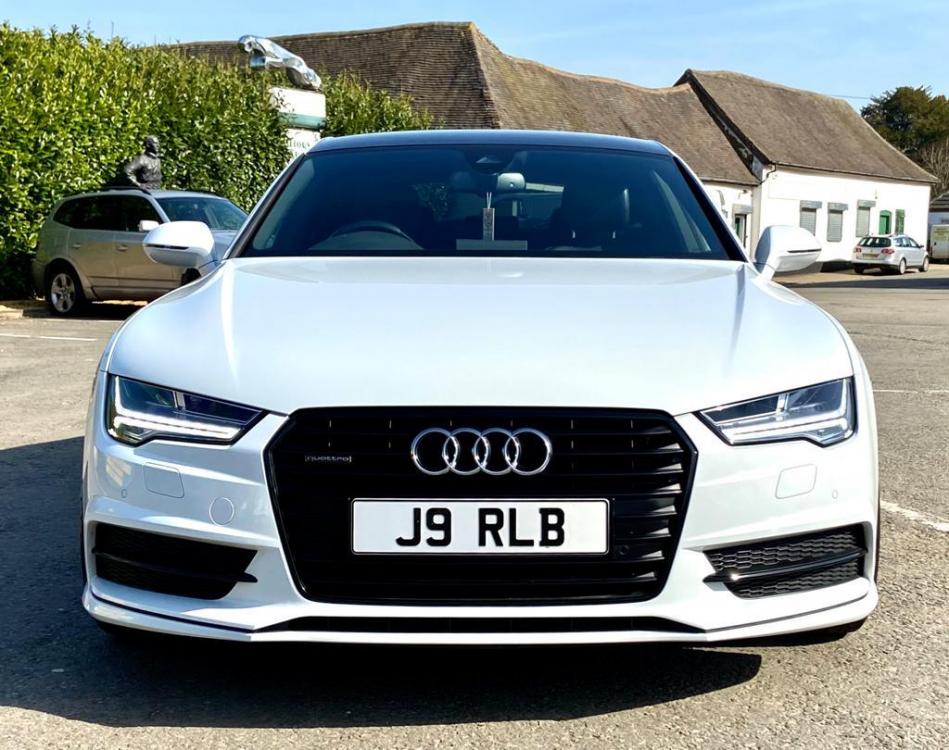
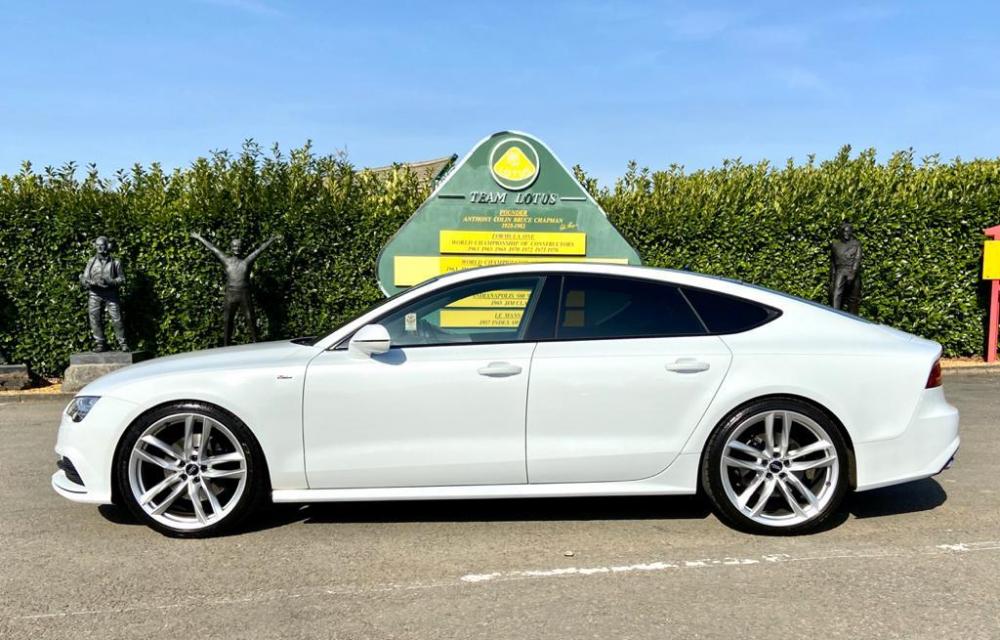
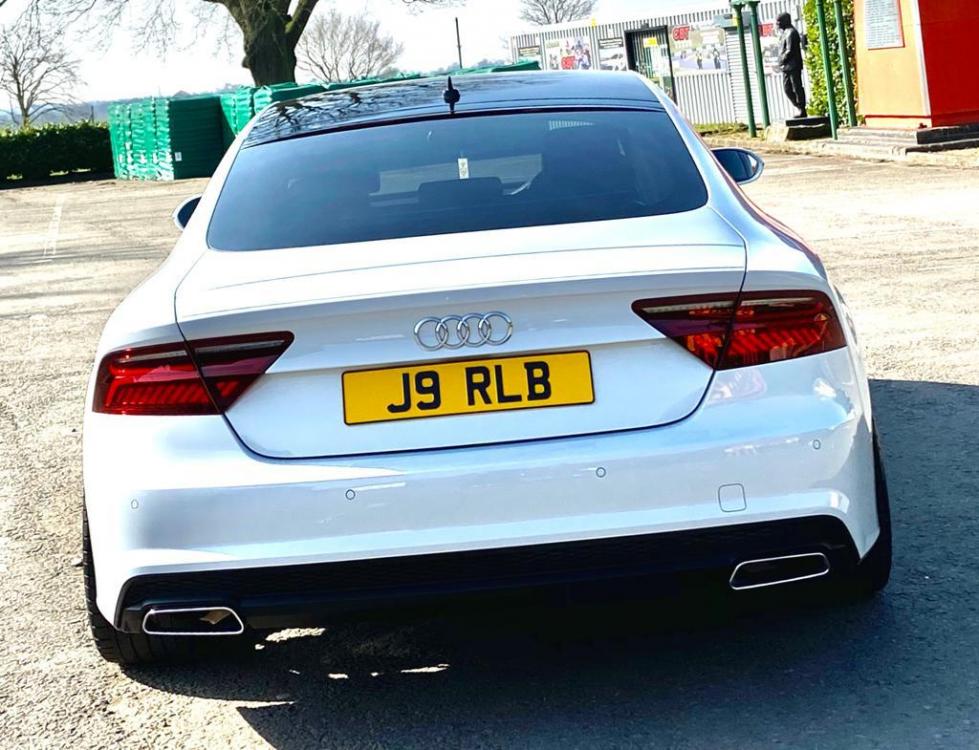
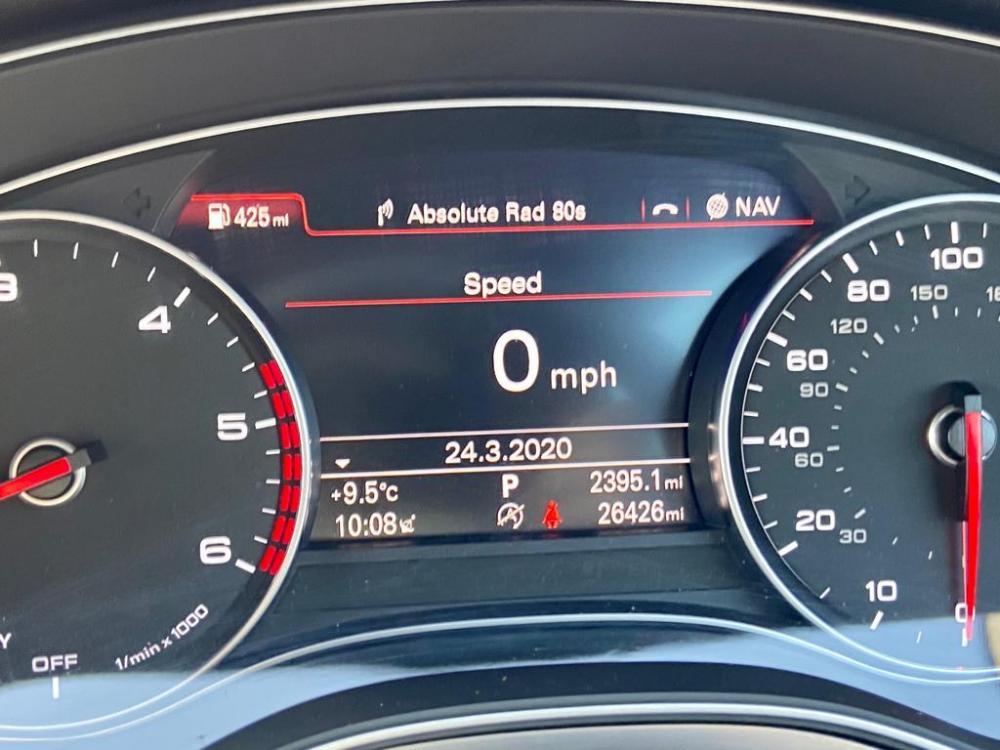
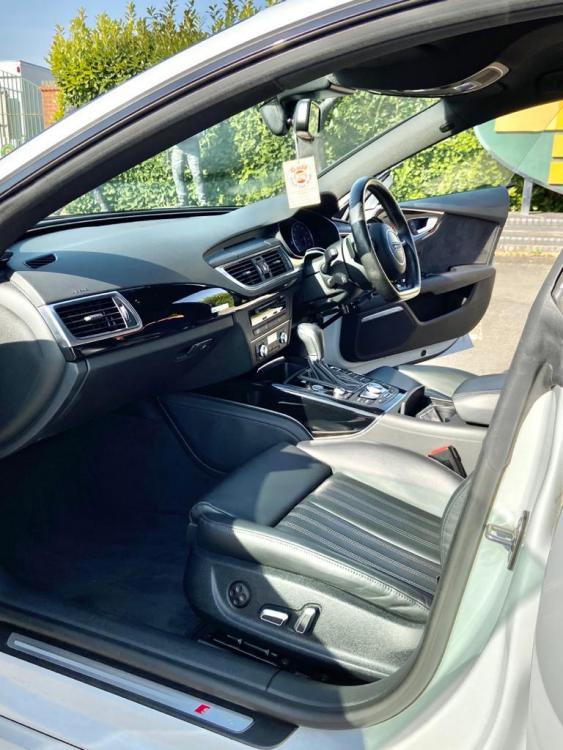
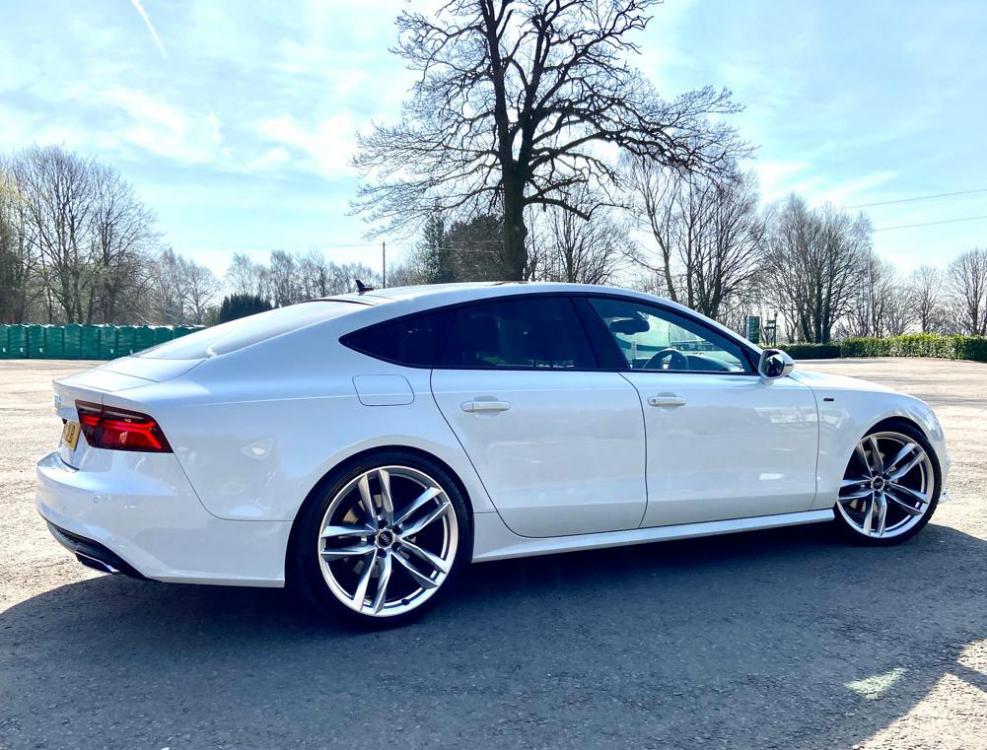
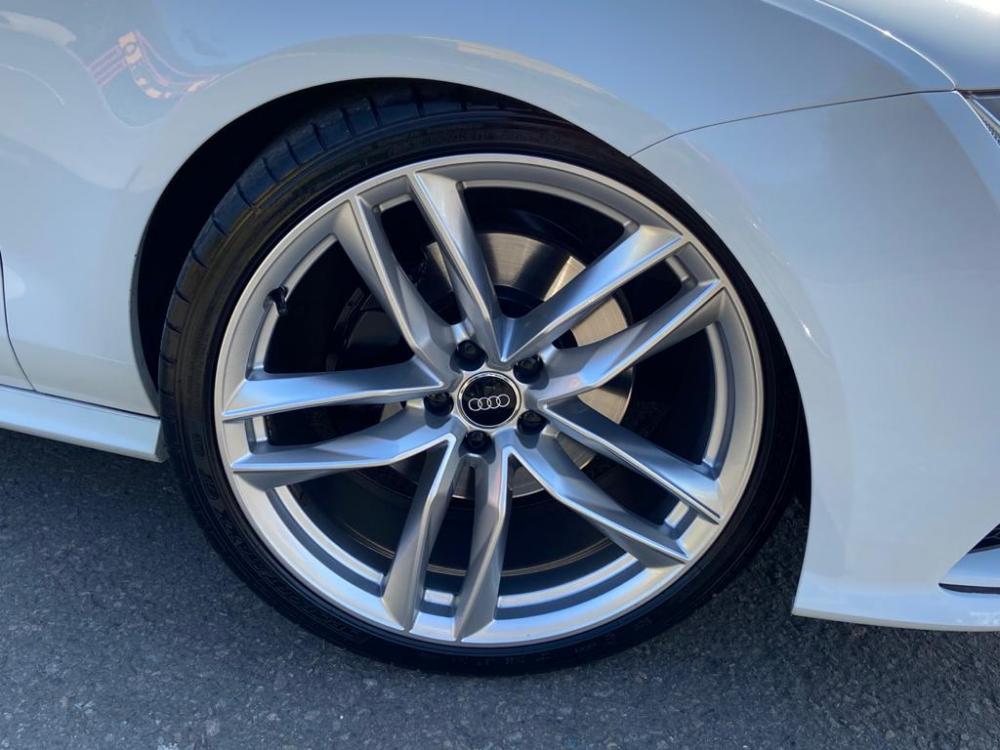
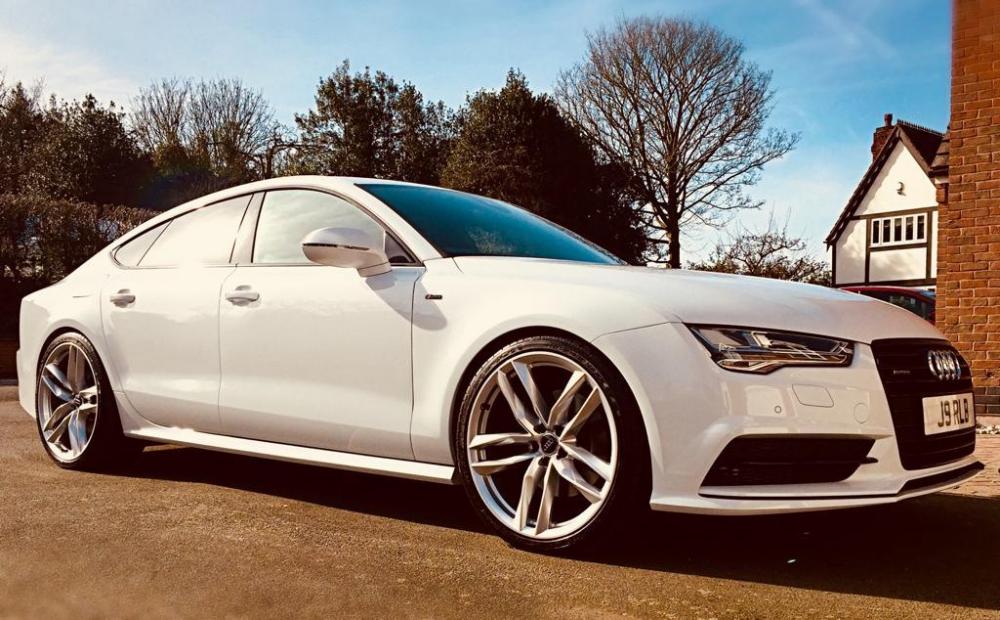
Reluctantly selling pristine Audi A7 I've had since new March 2017. Stunning looking car & keenly priced at ONLY £24,750 ono. All genuine enquiries welcome based Leicestershire UK. IMMACULATE 1 Owner Car FULL Service History 12 Months MOT LOW Mileage (26,500) UNMARKED Metallic Paintwork LEATHER Interior 21" RS Alloys CHEAPEST Price With Spec In UK (AutoTrader)
-
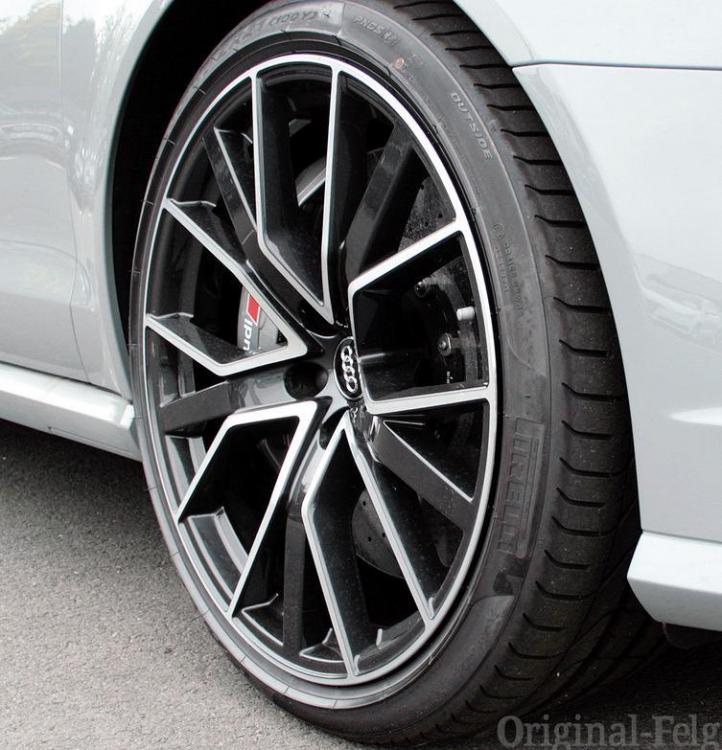
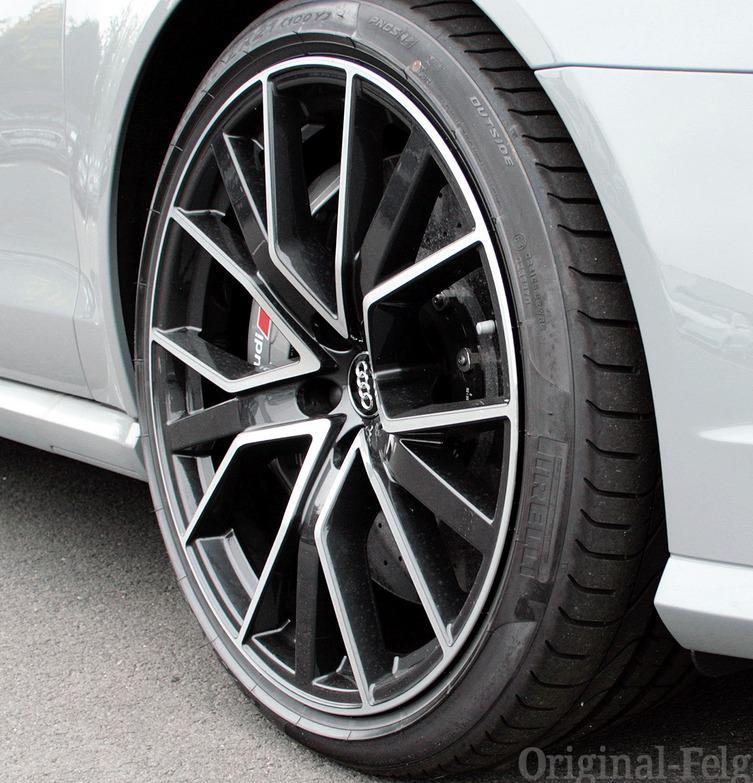
I'm running 21 x 9.5 ET25 on my 2017 Black Edition with H&R lowering springs & even have 3mm H&R spacers all round. I've just ordered a 2020 Black Edition & intend swapping the 20" wheels for these (below), which again have the 21 x 9.5 ET25 specification. Based on my current set up I don't envisage a problem, but I'd also appreciate any feedback from anyone who's done similar? TIA