




Skip to content
View in the app

A better way to browse. Learn more.

Audi Owners Club (UK)

A full-screen app on your home screen with push notifications, badges and more.

To install this app on iOS and iPadOS
  1. Tap the Share icon in Safari
  2. Scroll the menu and tap Add to Home Screen.
  3. Tap Add in the top-right corner.
To install this app on Android
  1. Tap the 3-dot menu (⋮) in the top-right corner of the browser.
  2. Tap Add to Home screen or Install app.
  3. Confirm by tapping Install.


Hotspur

Members
  • Joined

  • Last visited

Everything posted by Hotspur

  1. I cant help Im afraid, but would be interested to find out what people advise! Ive just got a 2007 A3 Sportback 2.0tdi and Im thinking the same thing.
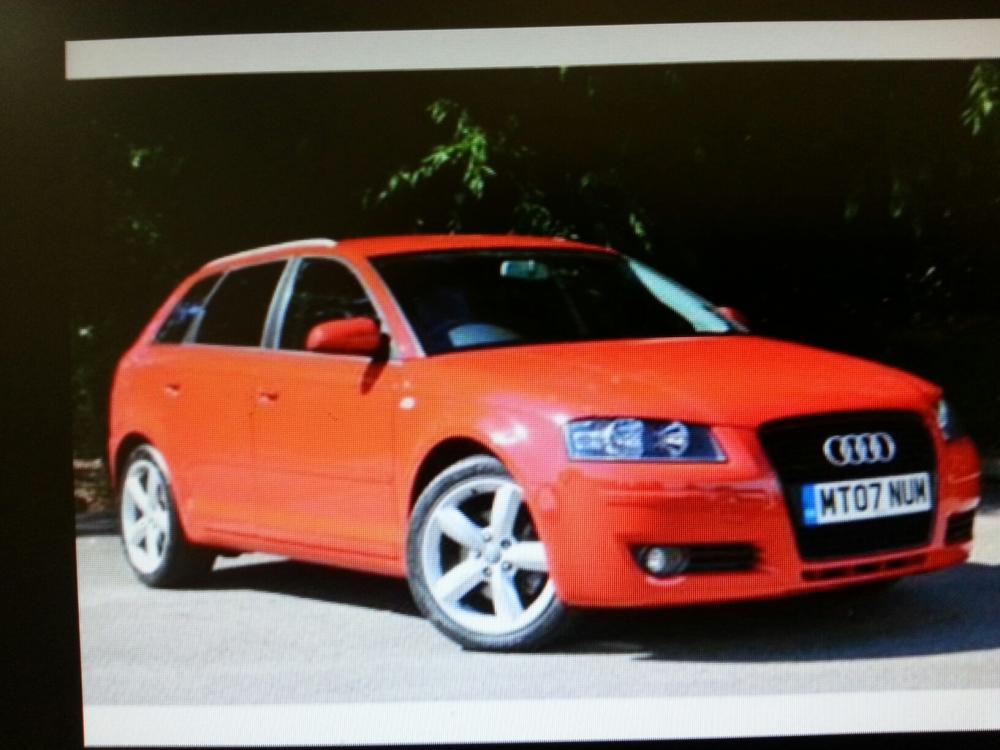
  2. Hi, Apparently its good to introduce yourself when you join forums so that's what Im doing. Ive just bought myself a 2007 A3 Sportback, pick it up on Saturday and cant wait. This is my first Audi, my first German car and Im excited. I think I got something practical but fun. Think Im going to keep it pretty standard, although could well get it chipped. Any ideas/suggestions/advice? Its also currently got a lead from either the head unit or the 6 disc changer in the glove box to connect an iPod/iPhone. Does anyone know if its easy to change this lead so I can just have a standard jack lead to connect my Samsung phone? Anyway it would be good to hear from you all on the above and have some interesting conversations on all things cars/and other stuff...



Background Picker
Customize Layout

Account

Navigation

Search

Search

Configure browser push notifications

Chrome (Android)
  1. Tap the lock icon next to the address bar.
  2. Tap Permissions → Notifications.
  3. Adjust your preference.
Chrome (Desktop)
  1. Click the padlock icon in the address bar.
  2. Select Site settings.
  3. Find Notifications and adjust your preference.