Skip to content
View in the app

A better way to browse. Learn more.

Audi Owners Club (UK)

A full-screen app on your home screen with push notifications, badges and more.

To install this app on iOS and iPadOS
  1. Tap the Share icon in Safari
  2. Scroll the menu and tap Add to Home Screen.
  3. Tap Add in the top-right corner.
To install this app on Android
  1. Tap the 3-dot menu (โ‹ฎ) in the top-right corner of the browser.
  2. Tap Add to Home screen or Install app.
  3. Confirm by tapping Install.

S-Line

Established Member
  • Joined

  • Last visited

Everything posted by S-Line

  1. Very nice Sam. ๐Ÿ‘๐Ÿป
  2. Thanks Steve. ๐Ÿ‘
  3. Is it my aftershave? ๐Ÿ˜‰
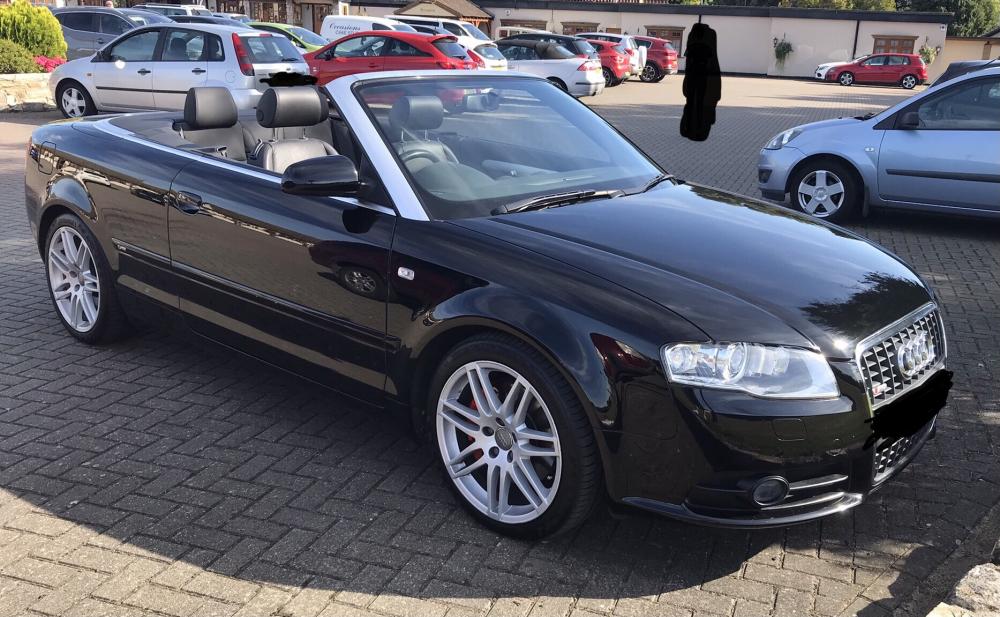
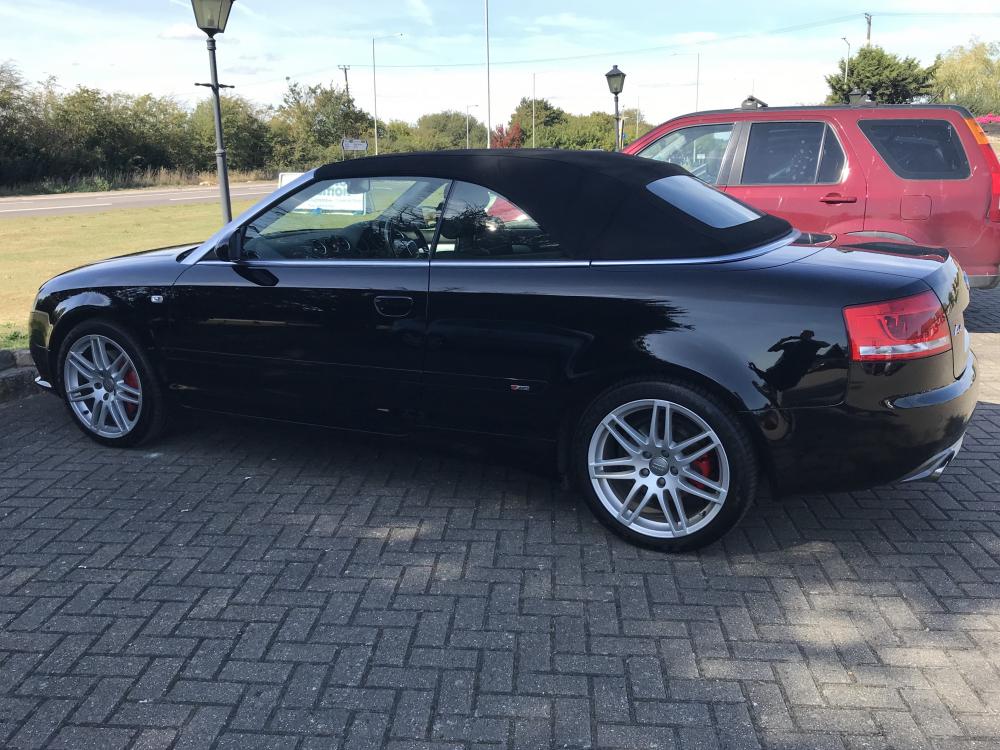
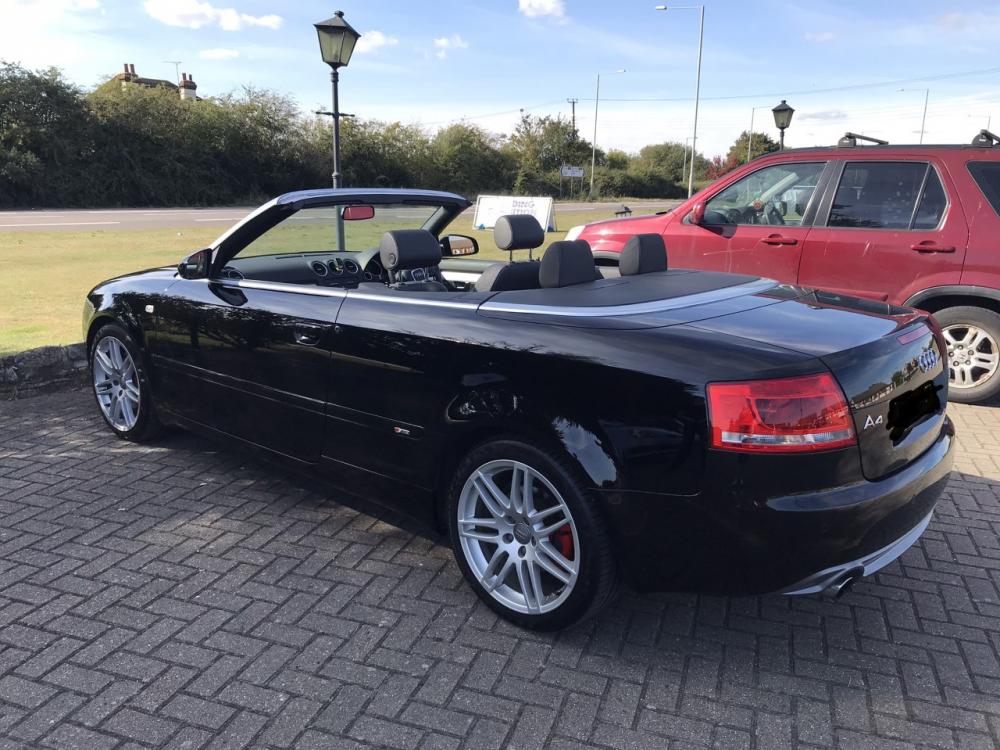
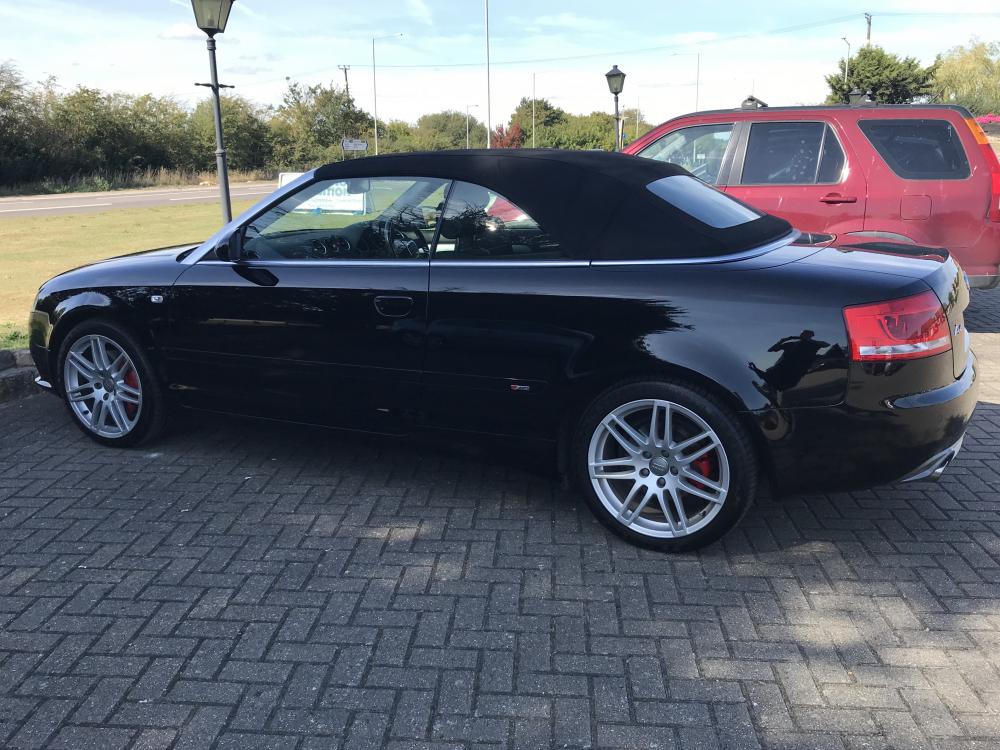
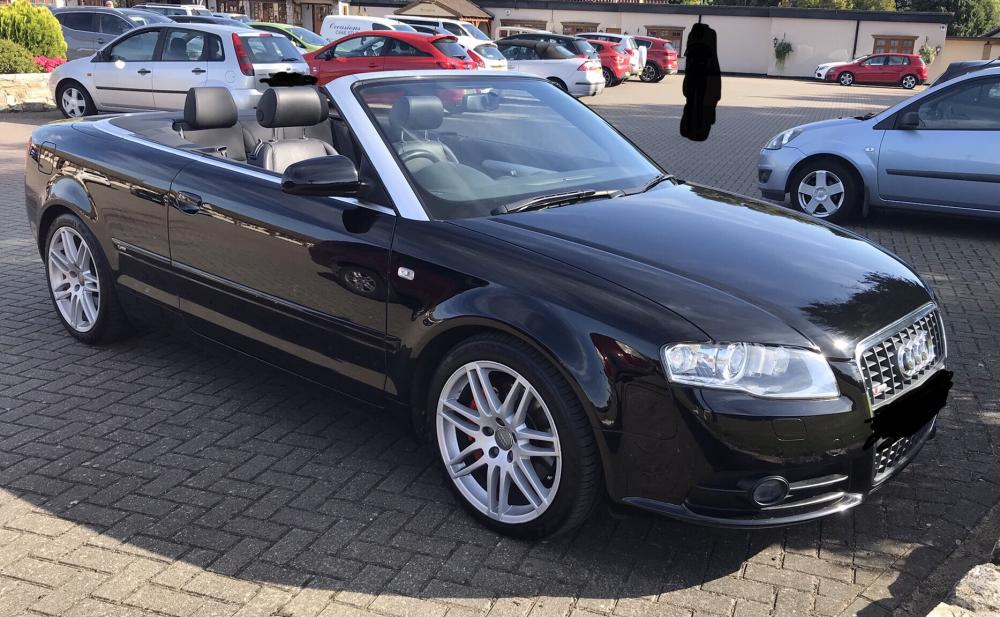
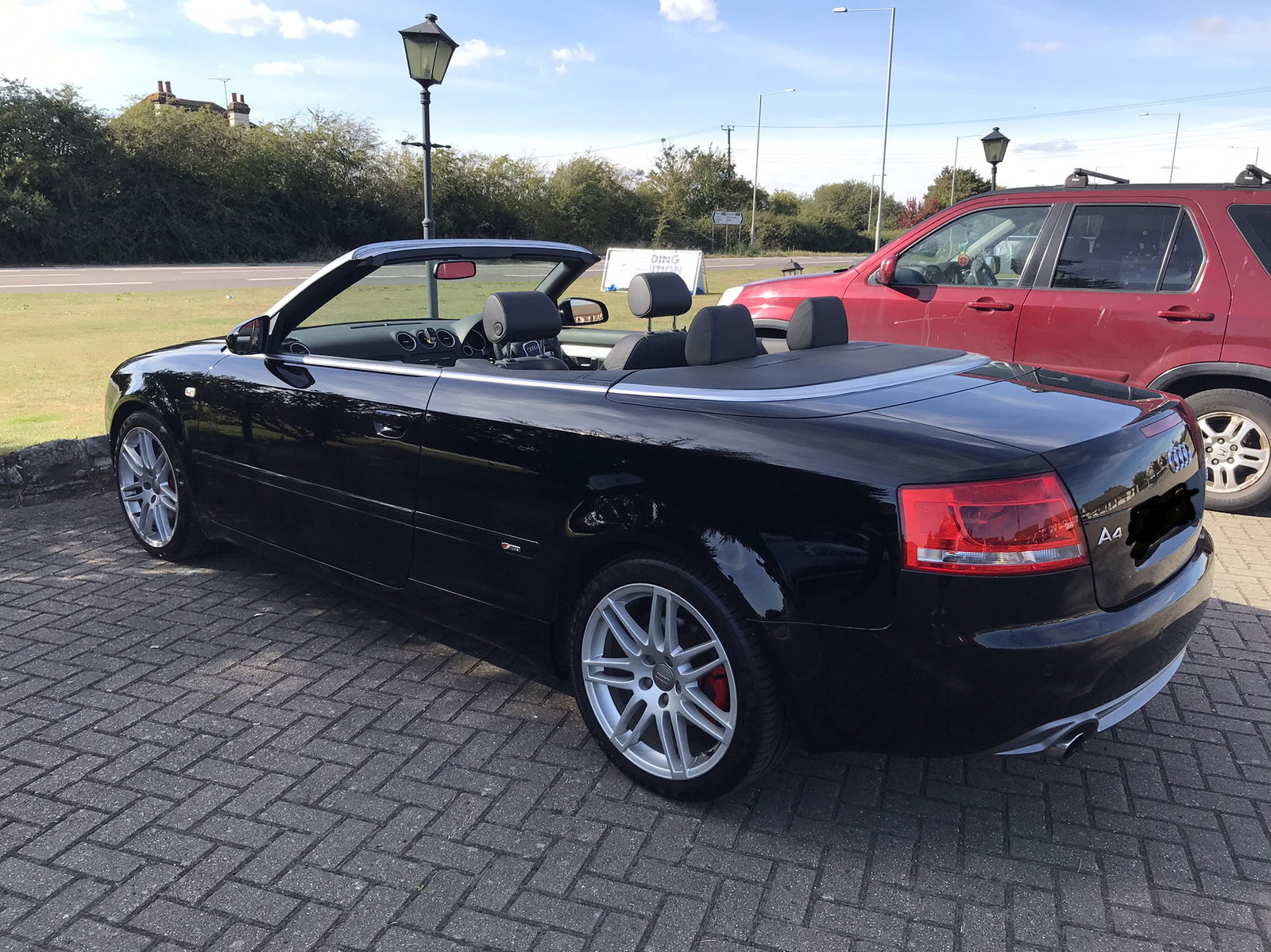
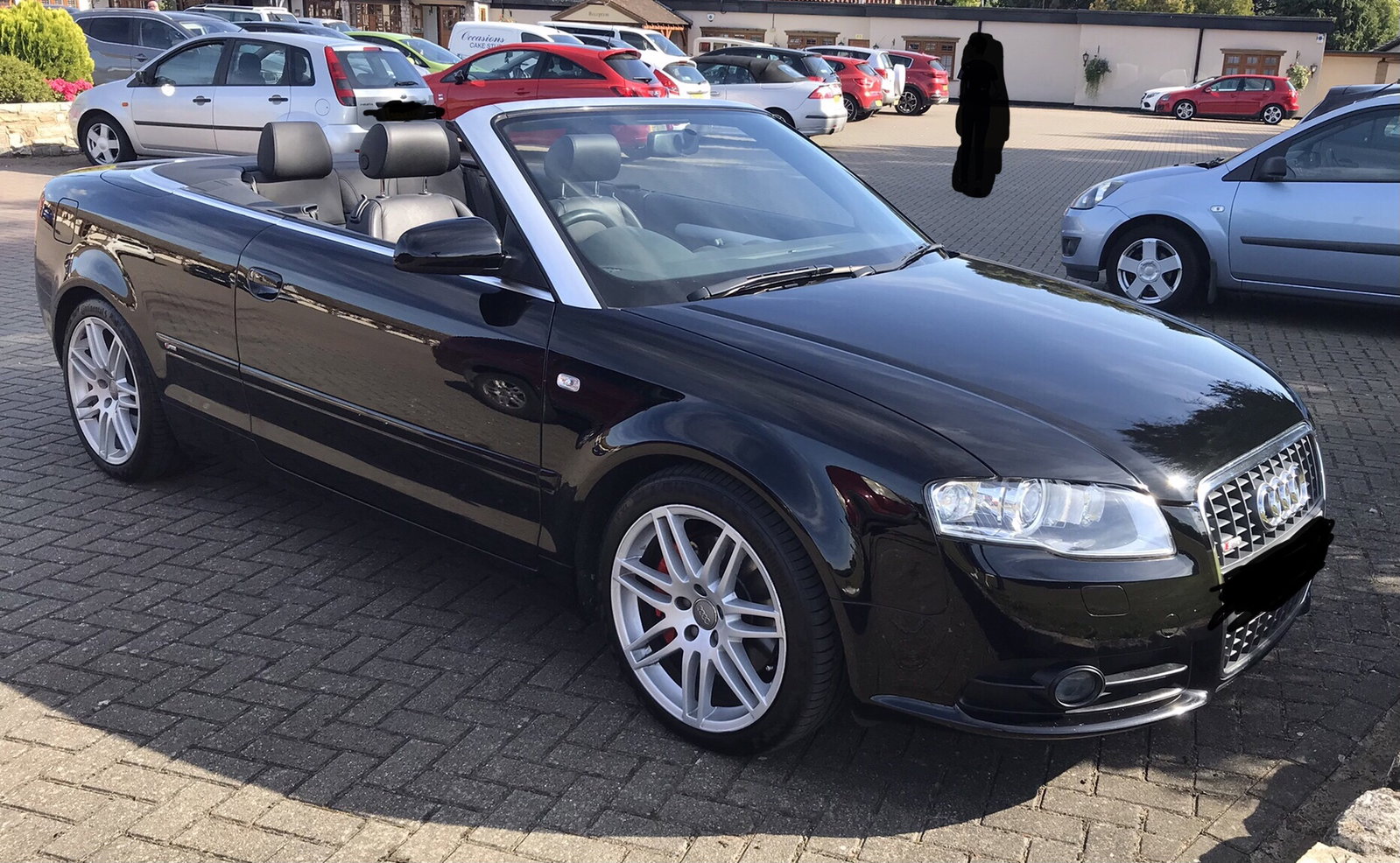
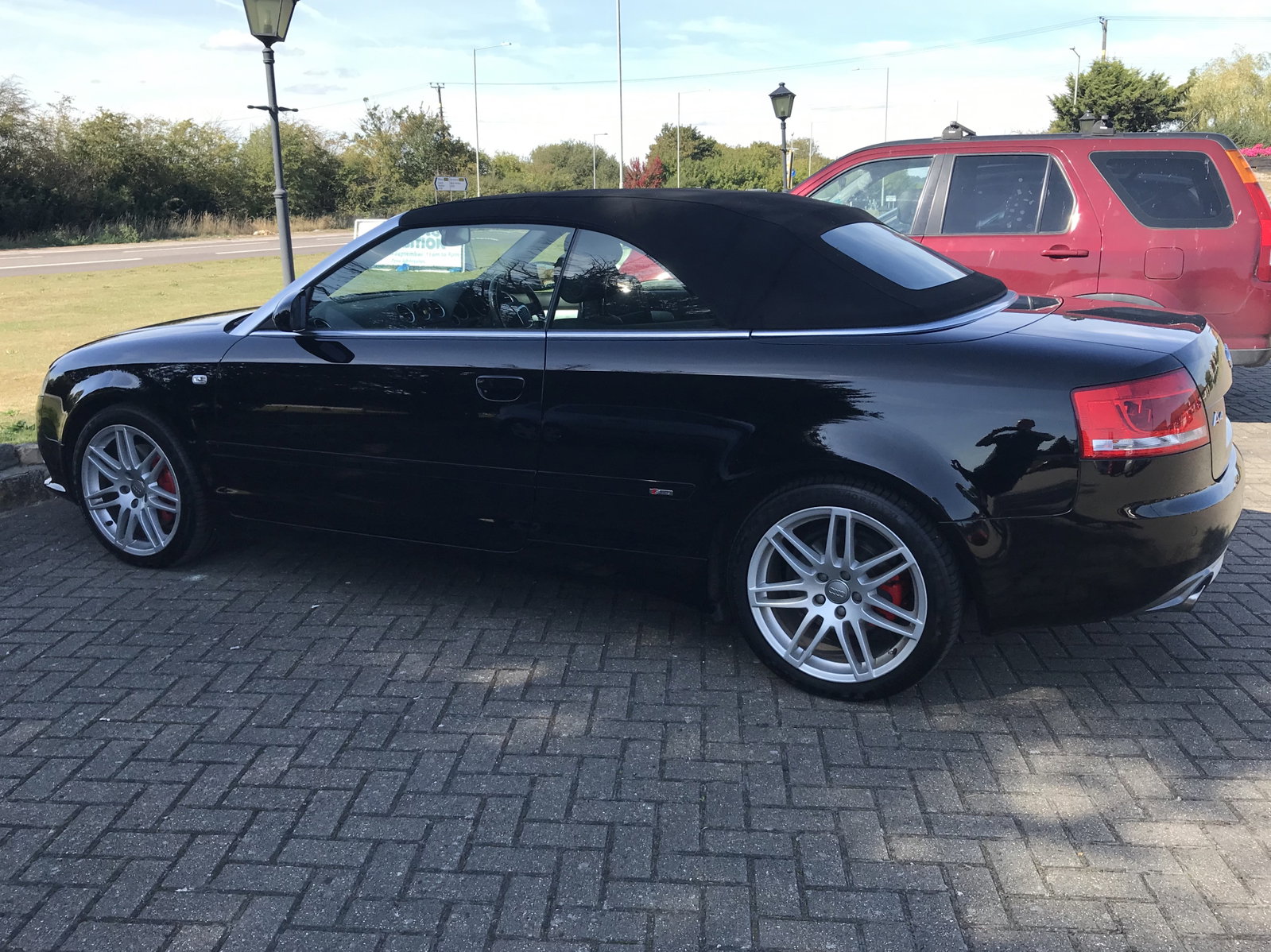
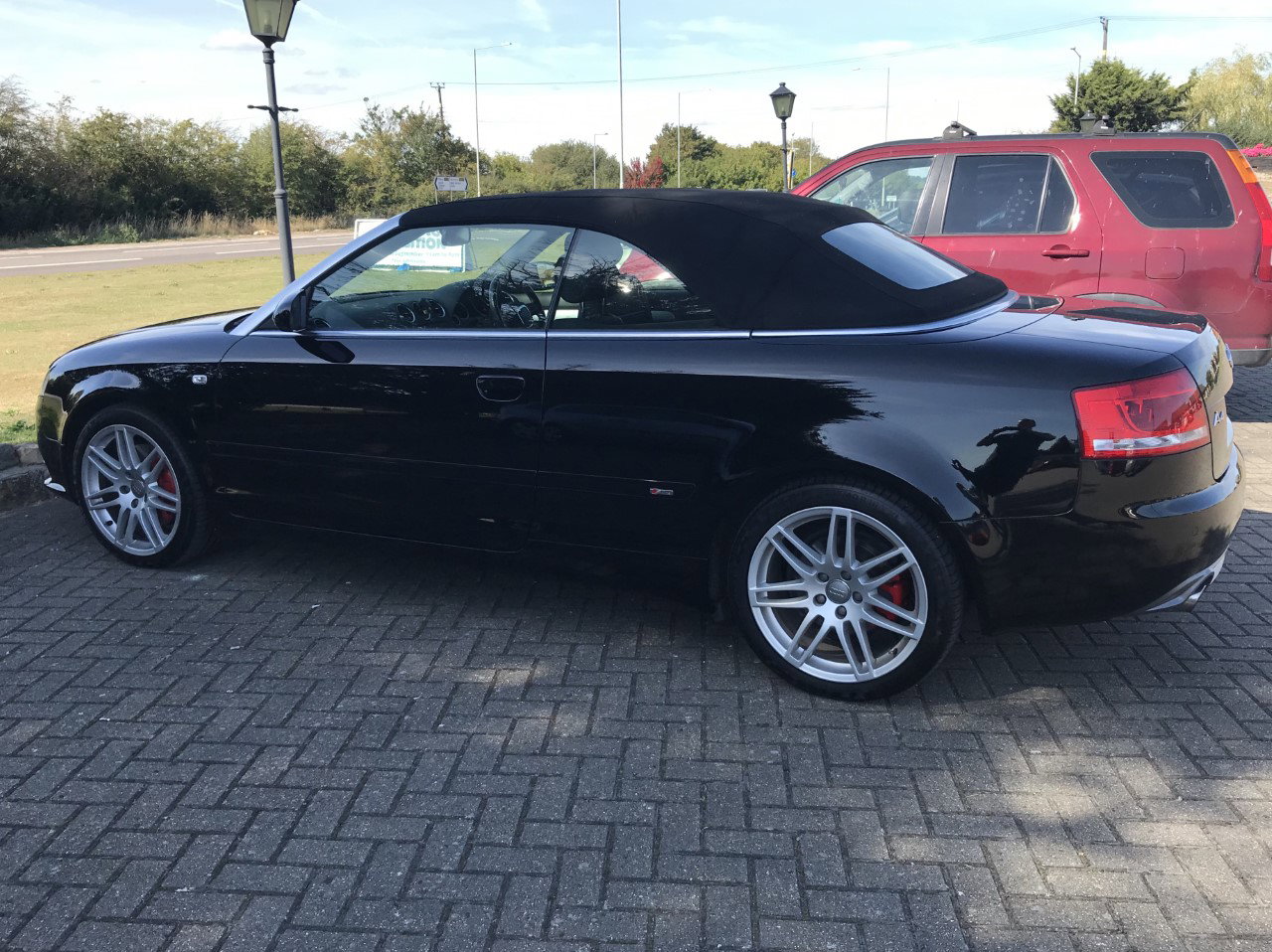
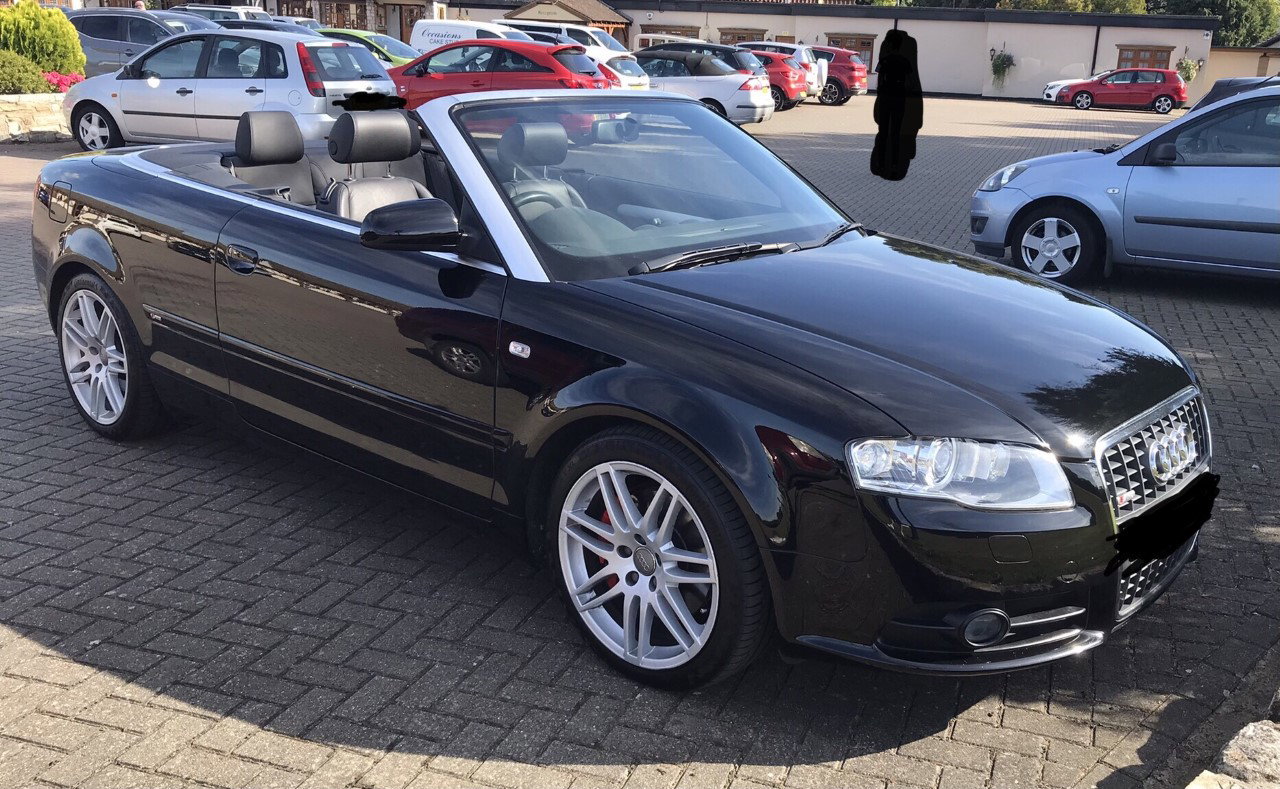
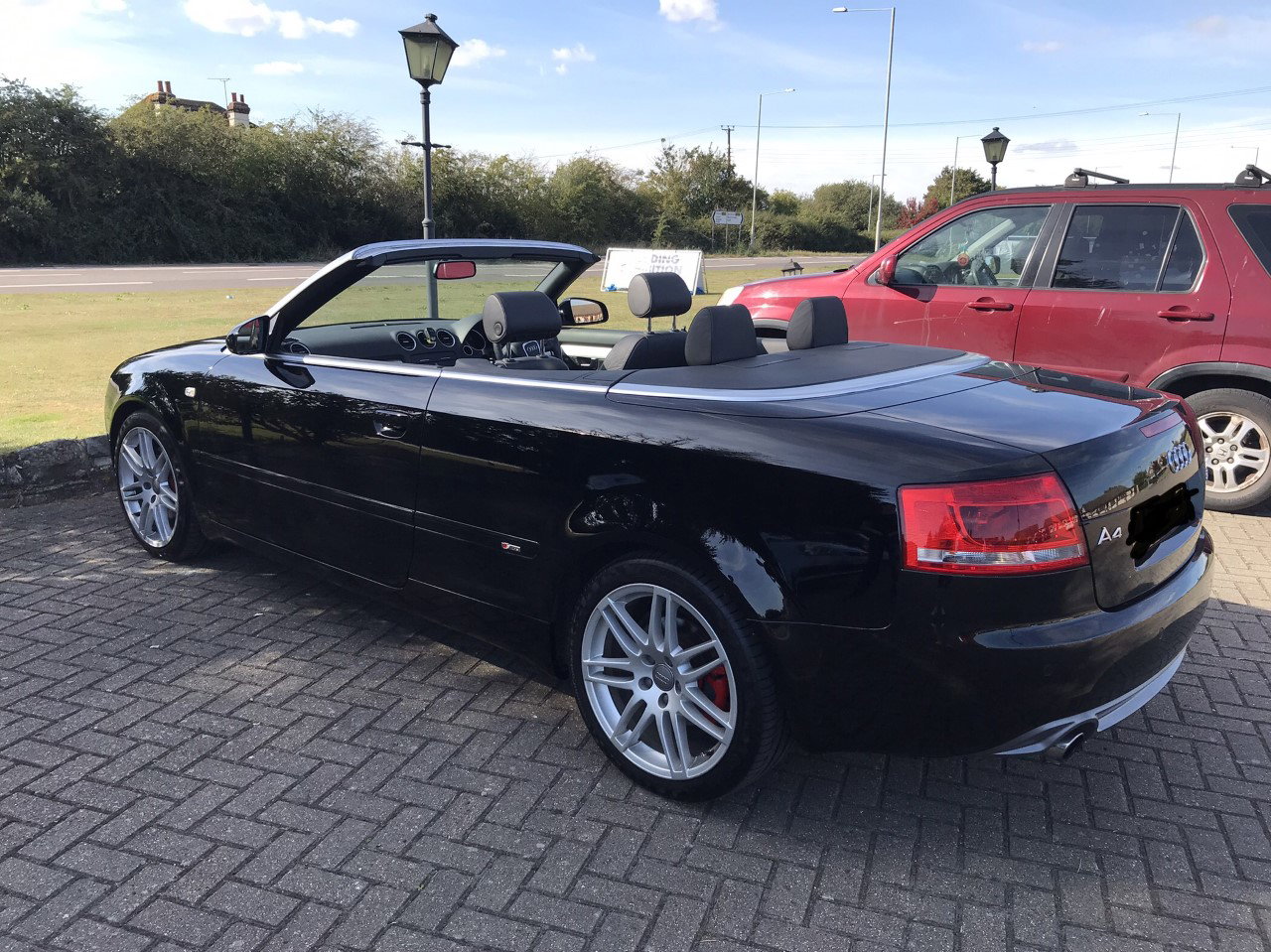
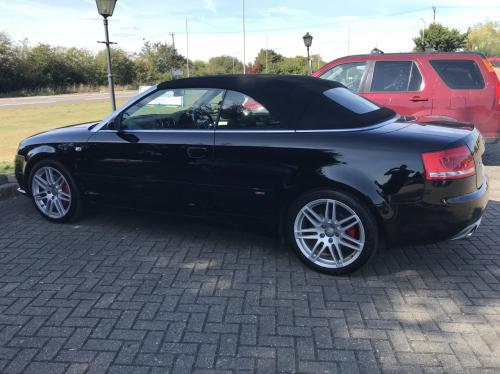
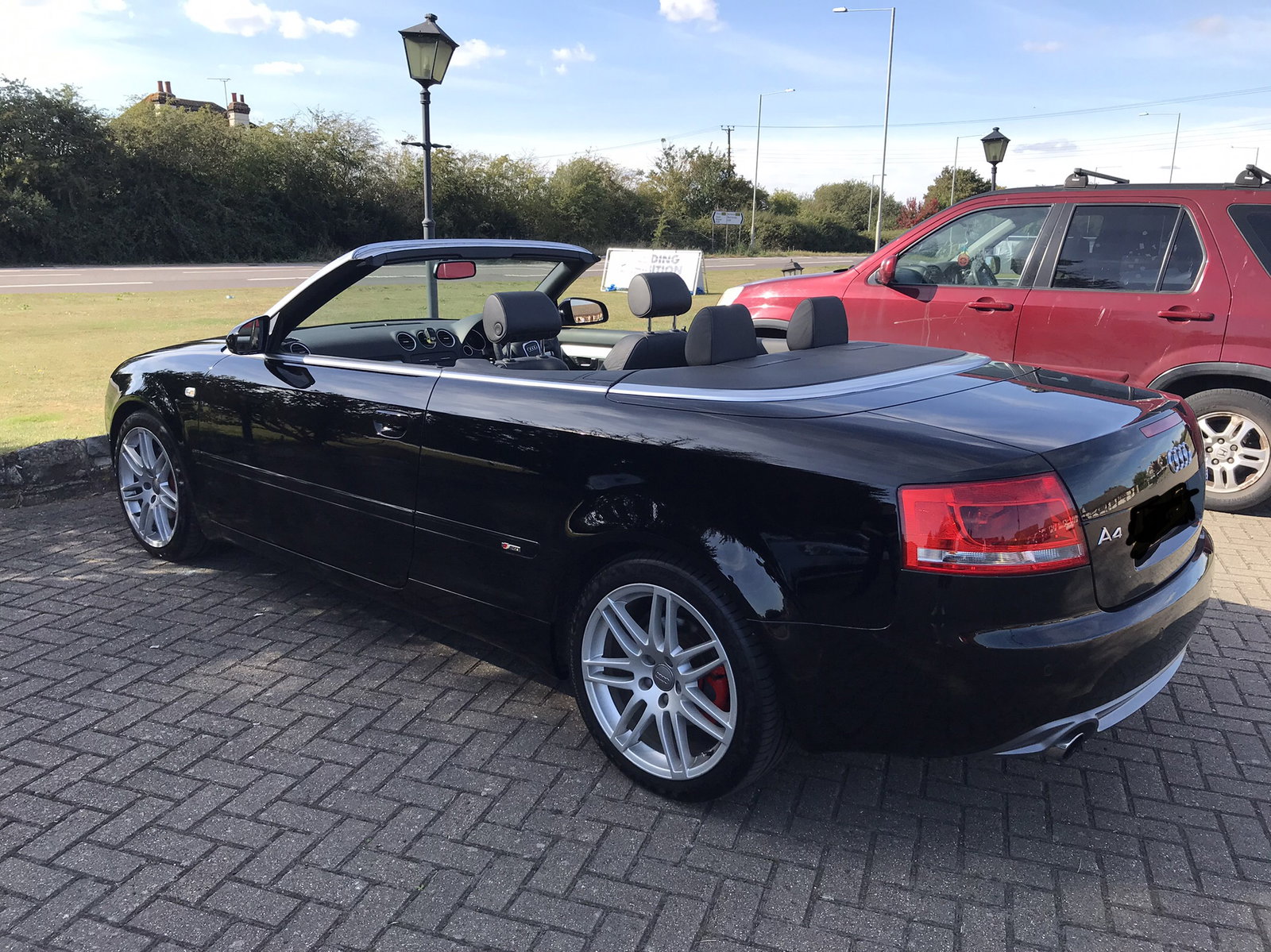
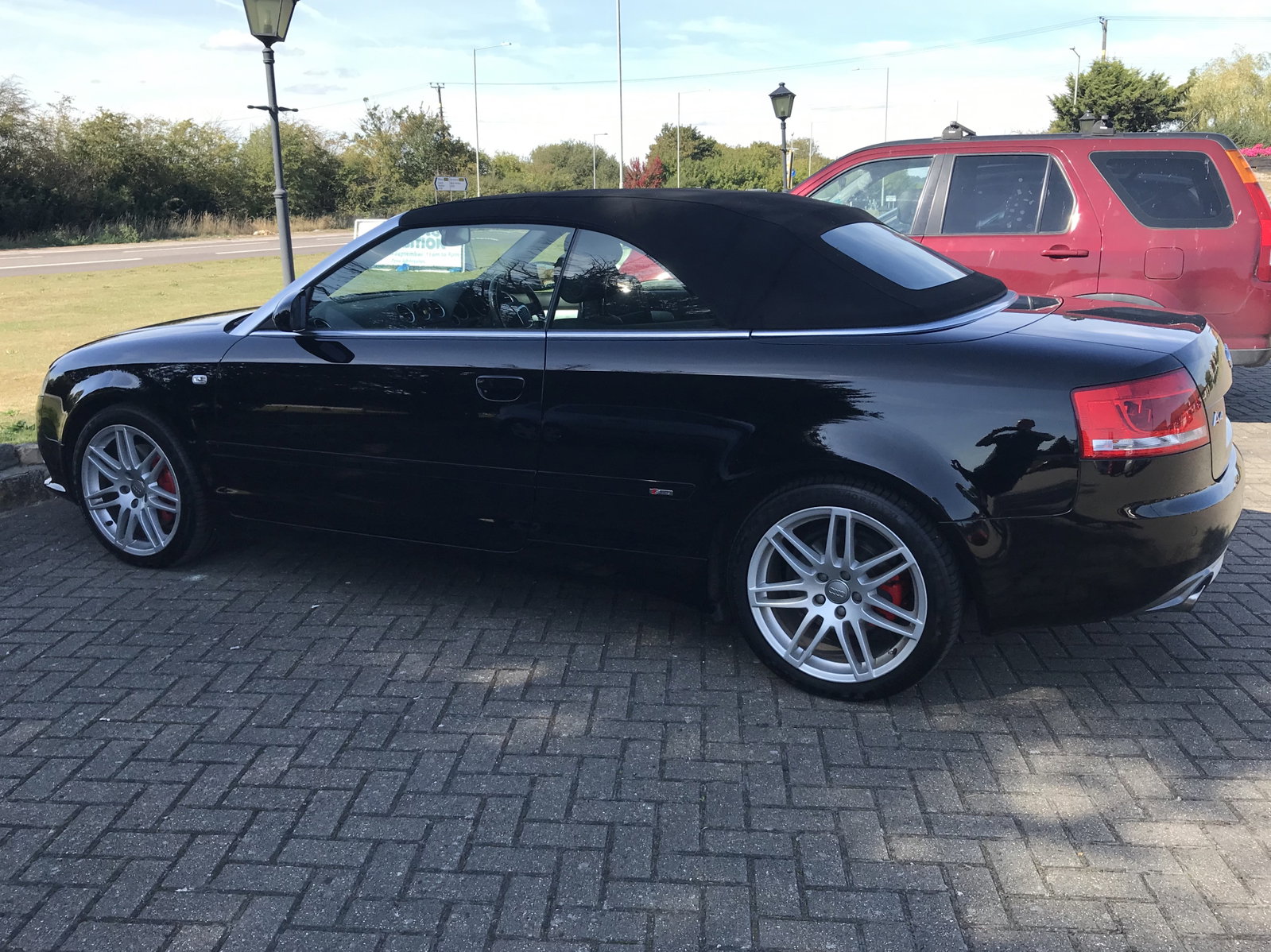
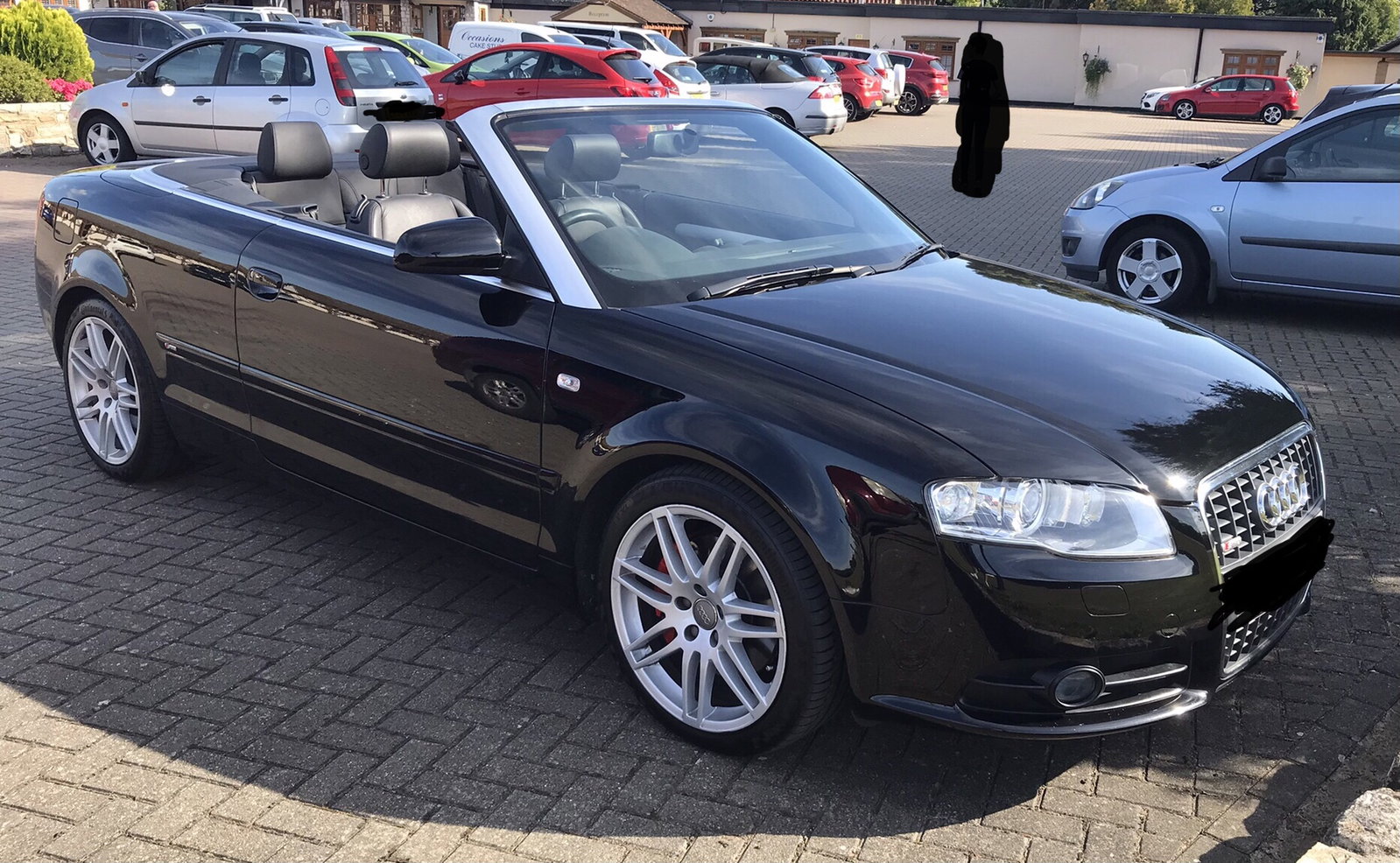
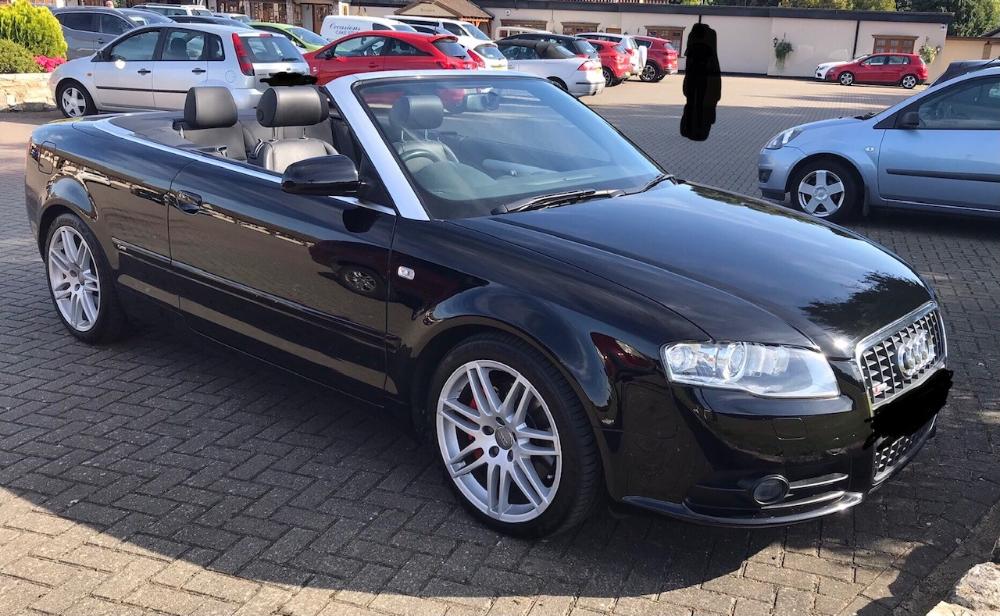
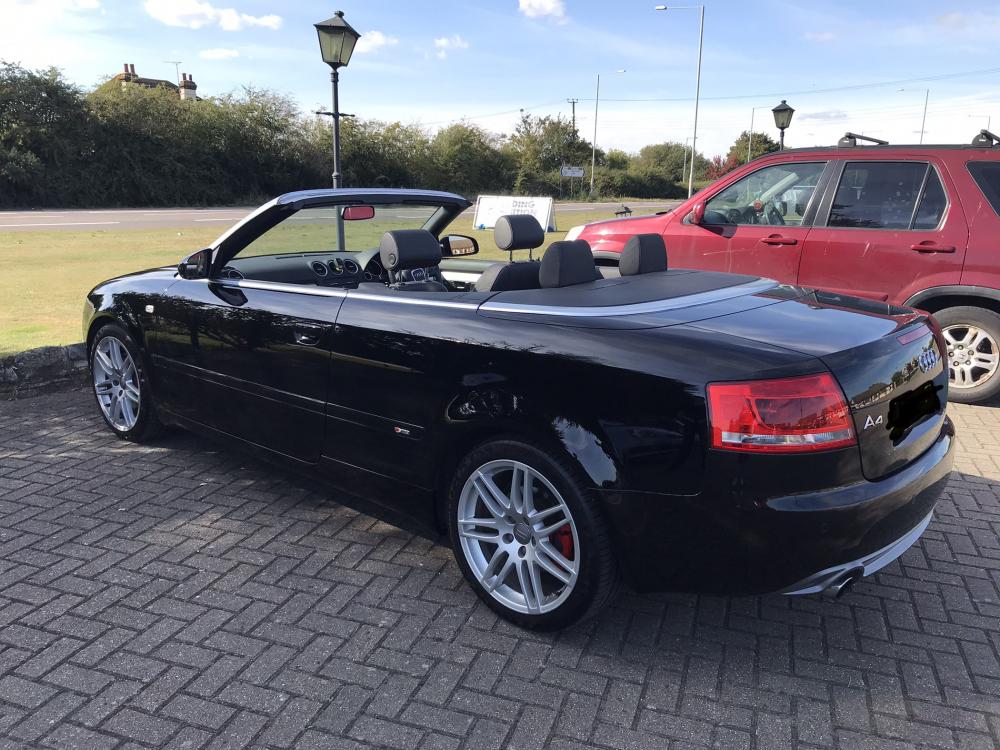
  4. Had my A4 Cabriolet S-Line 2.0 Special Edition for 8 years now.
  5. Cheers Simon. Appreciate it. ๐Ÿ‘
  6. Wow, busy forum? ๐Ÿ˜†
  7. Hi all. Would like someone to confirm that my A4 Cabriolet 2.0 TFSI S-Line Special Edition is a B7 not a B8? Was registered new September 2008. Thanks in advance.๐Ÿ‘
  8. Hi all. New member, just signed up. Not mechanical minded or technical at all. Just an enthusiast, and love my cabriolet. Had it since 2013, low mileage, (60k at time of posting).
  9. Welcome from a fellow newby. ๐Ÿ‘


Background Picker
Customize Layout

Account

Navigation

Search

Search

Configure browser push notifications

Chrome (Android)
  1. Tap the lock icon next to the address bar.
  2. Tap Permissions โ†’ Notifications.
  3. Adjust your preference.
Chrome (Desktop)
  1. Click the padlock icon in the address bar.
  2. Select Site settings.
  3. Find Notifications and adjust your preference.