Paul cairney
Members
-
Joined
-
Last visited
-
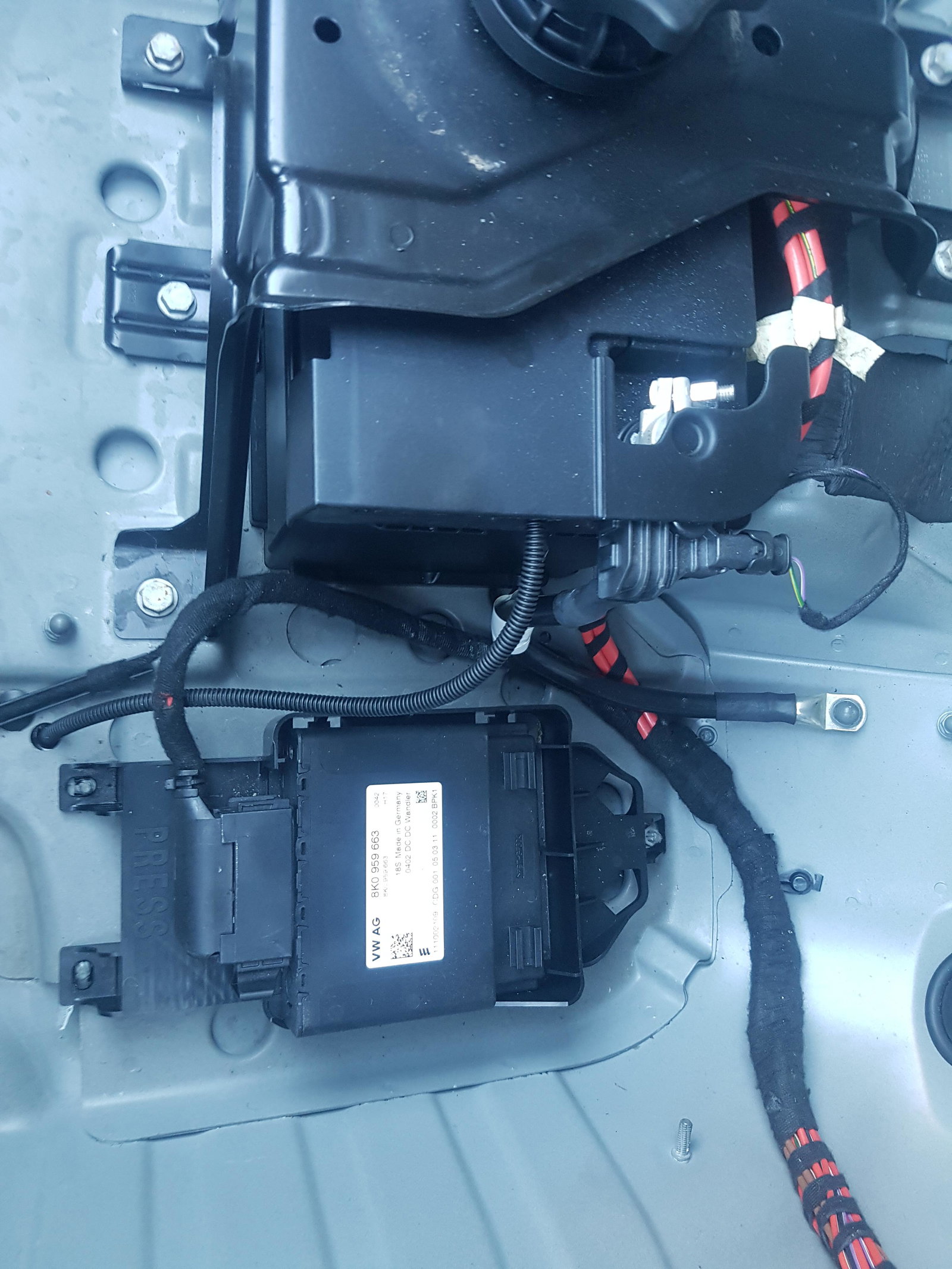
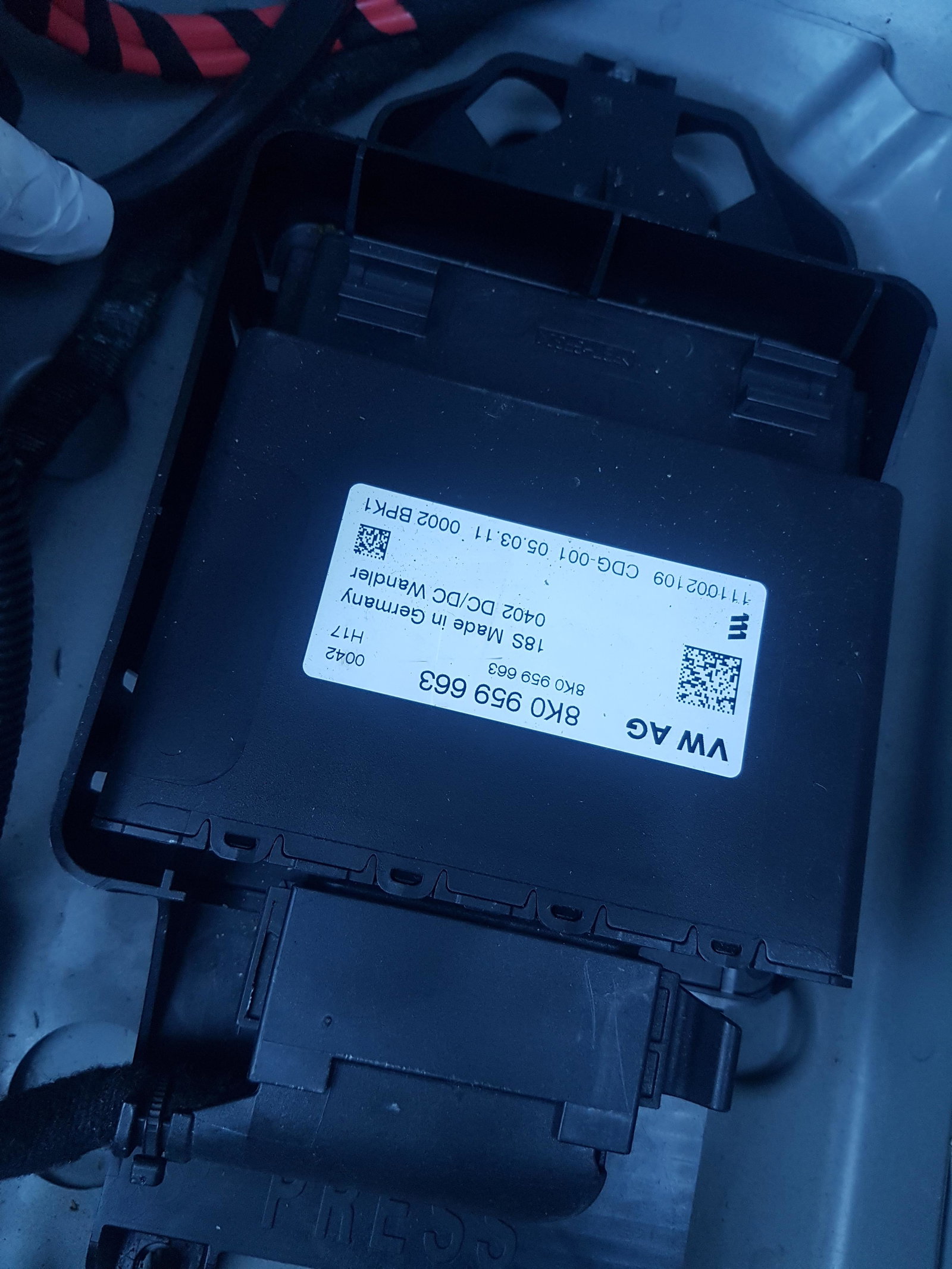
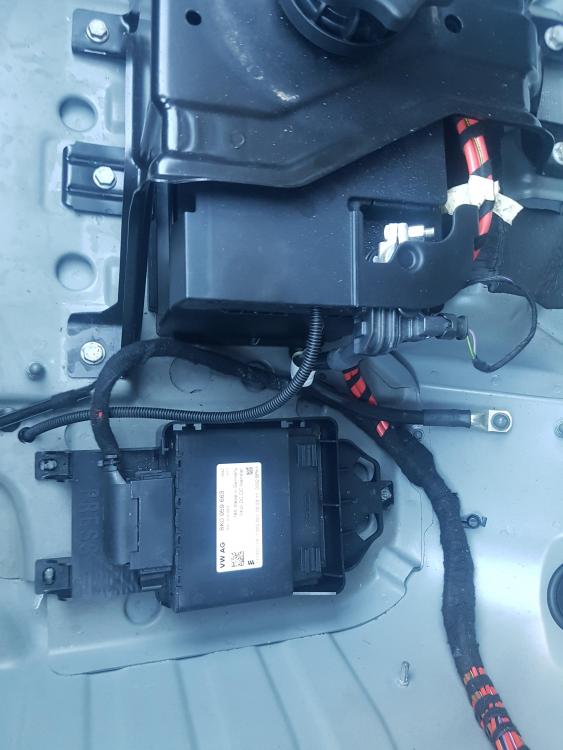
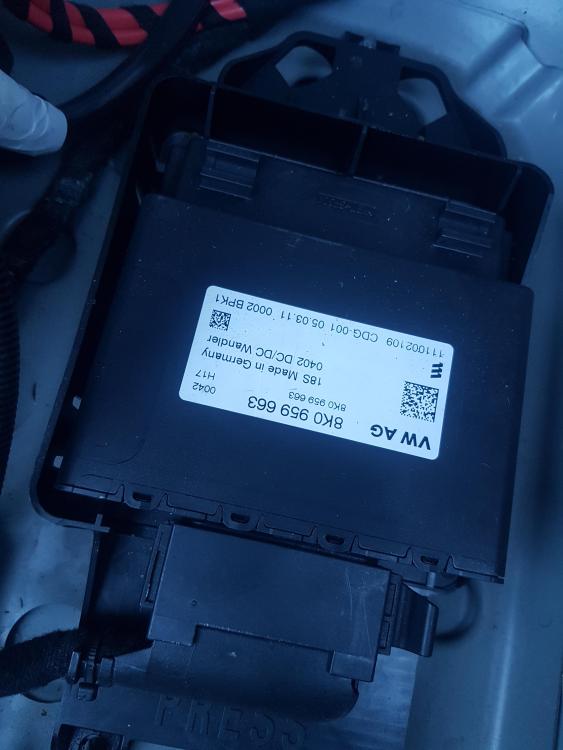
Can anyone tell me what this box is its in the boot next to battery boot had some water in it rook to halfords for battery health check and its at 93% and is charging ok so not battery that is problem thanks in advance
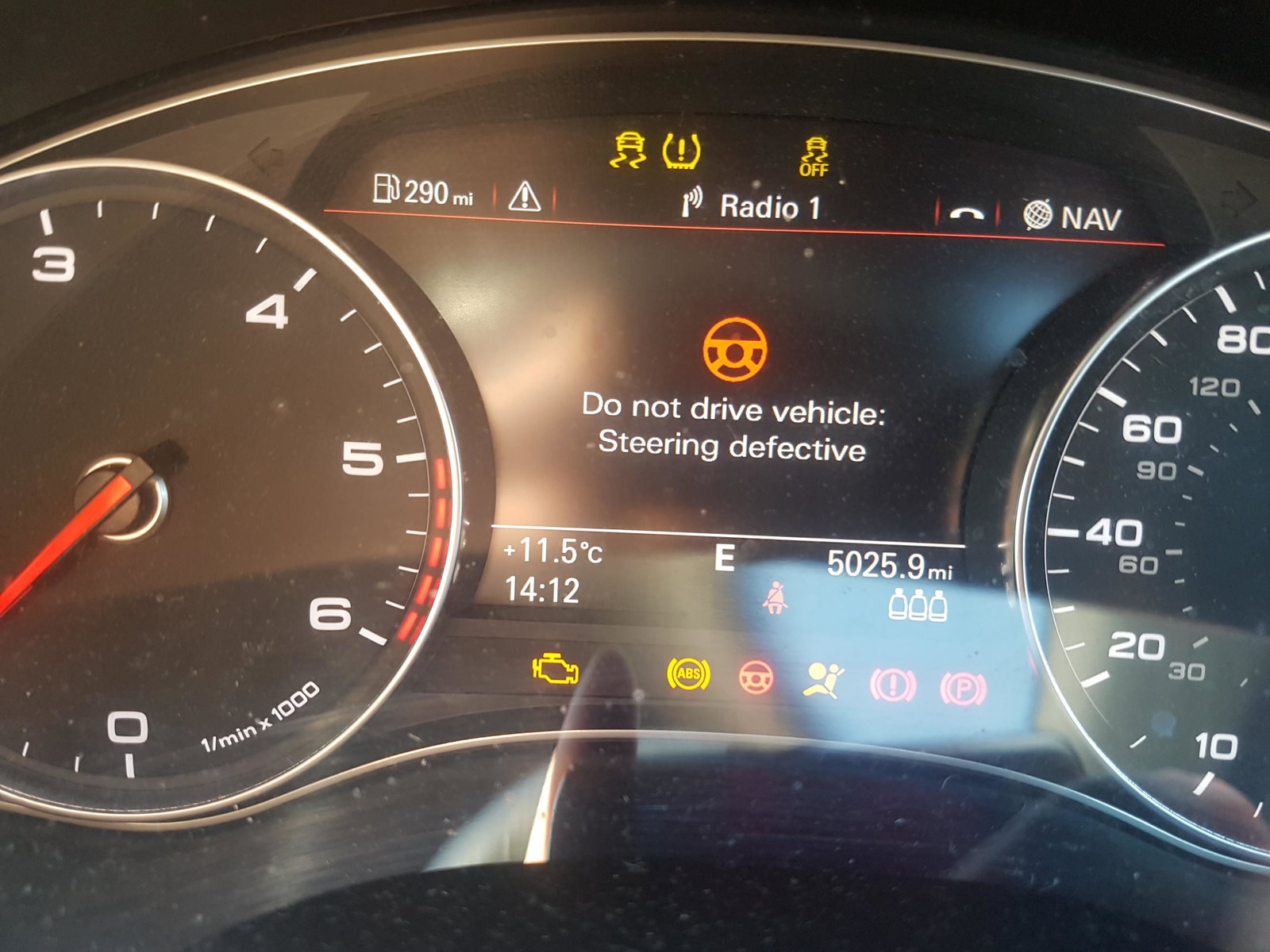
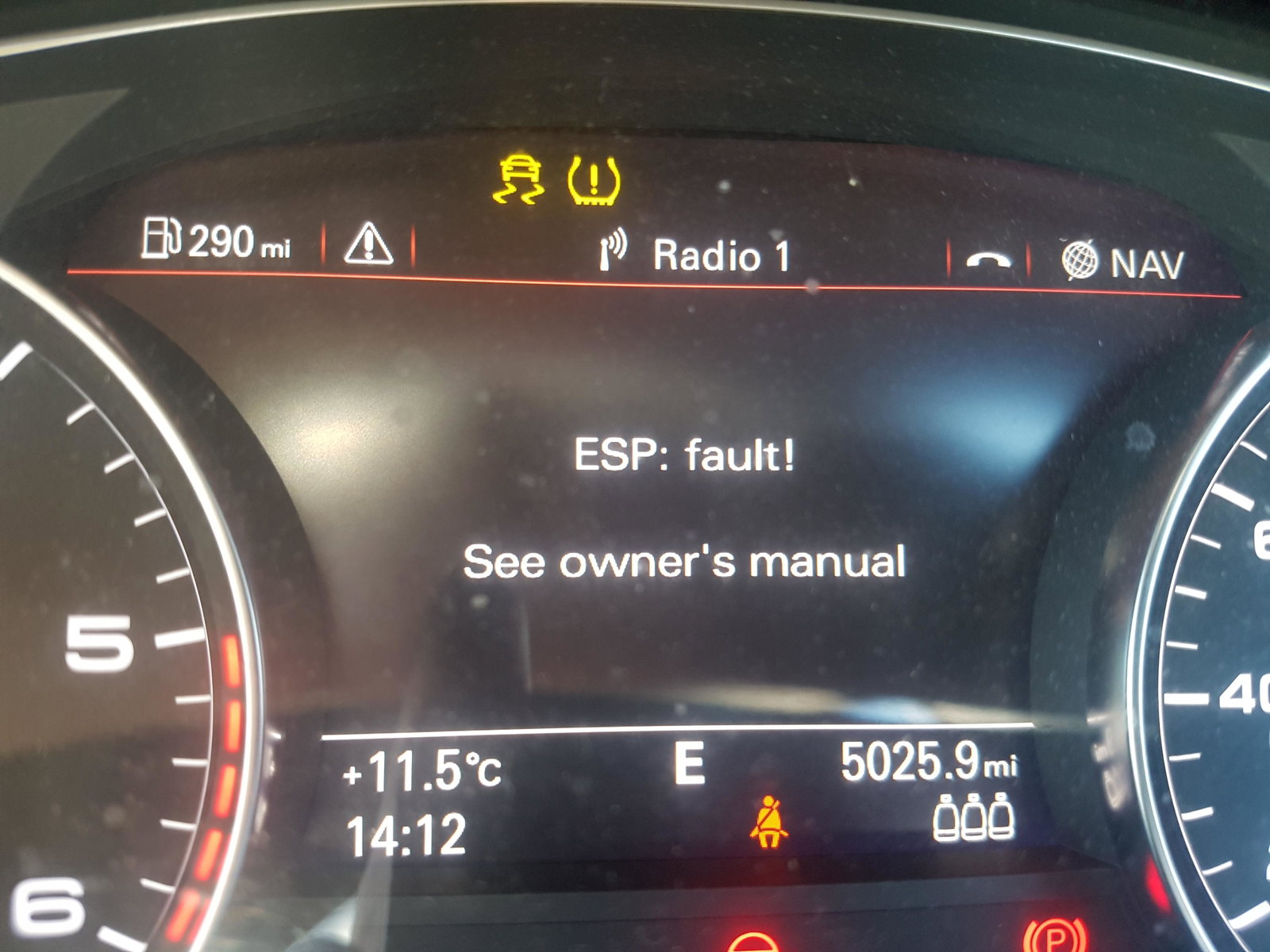
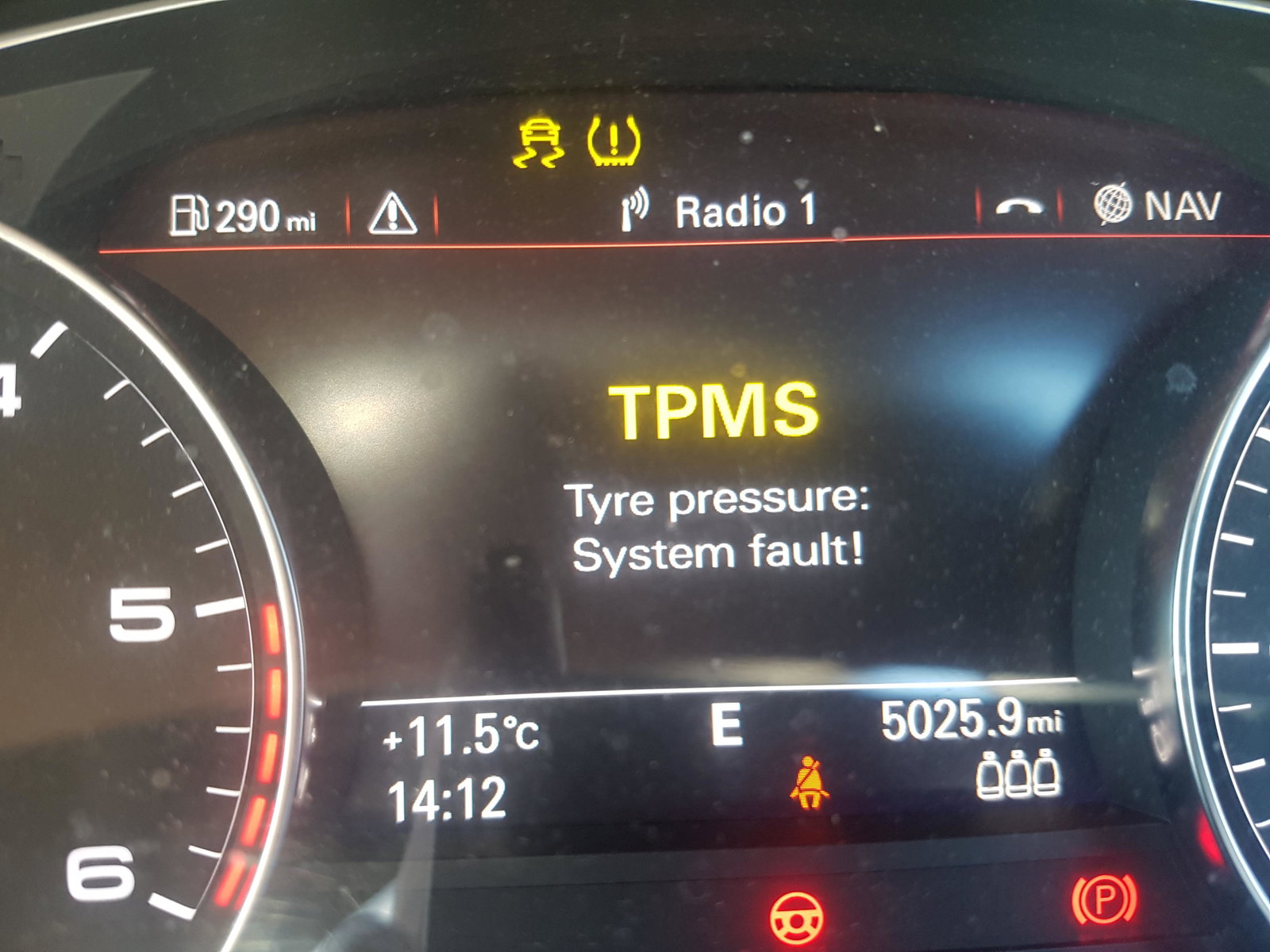
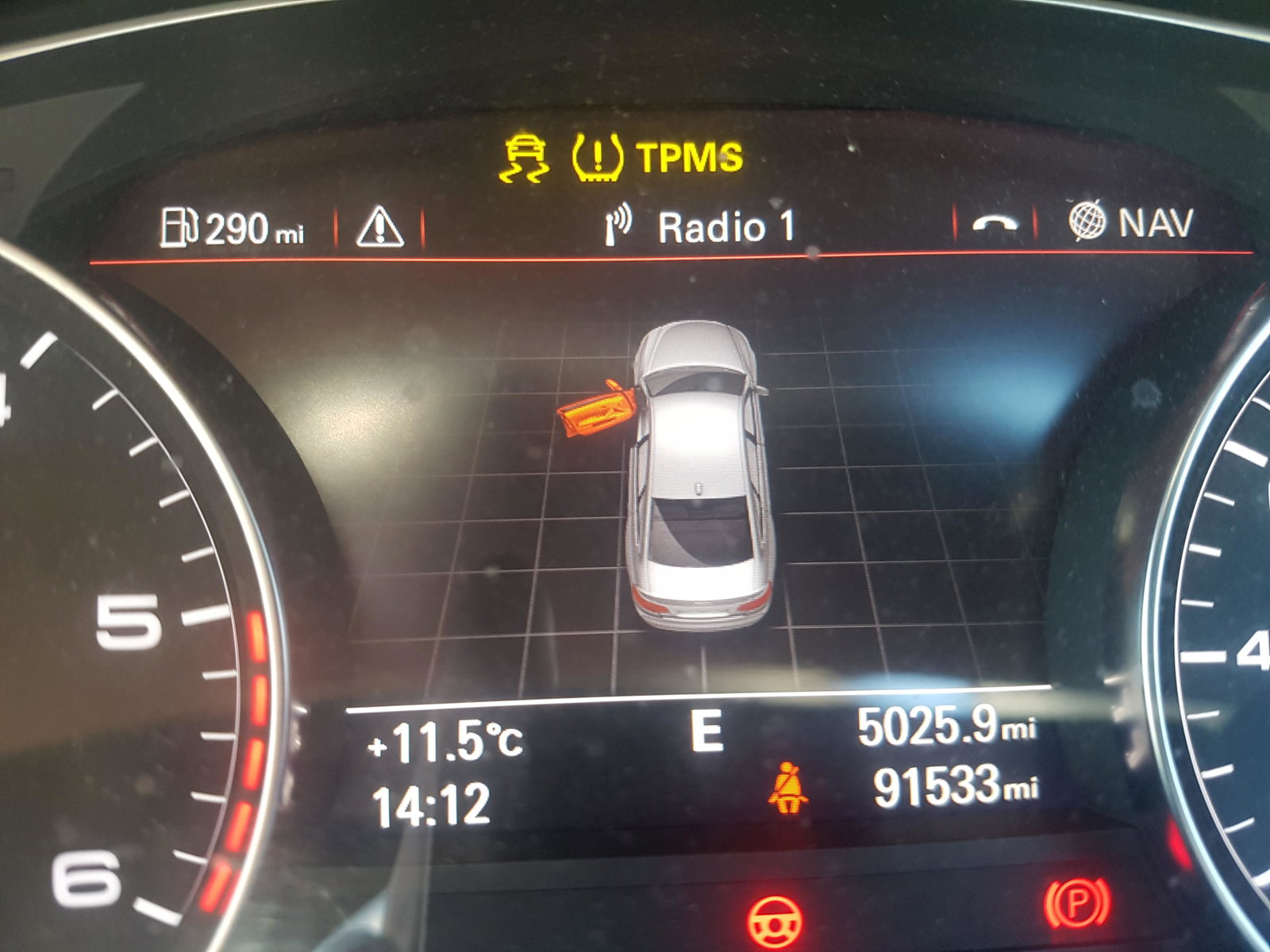
 I had to get this one as my light was goosed works great and only took a few days to comeBattery is fine so not sure what to do with her used to love this car now im starting to hate itThanks will check the morn saturday but would that stop power steering from workingA6 c7 comes up with do not drive steering defective tpmfault ems ems fault does it need new steering rack car starts and runs ok but no power steering then its ok for a while then same faults thanks